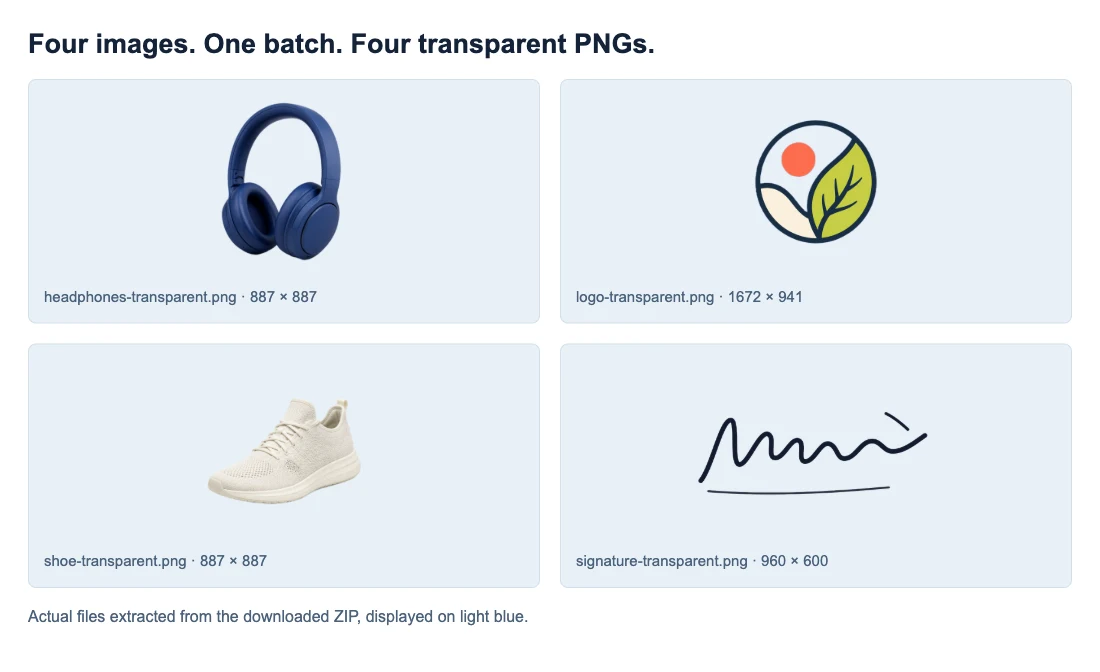
100% freeNo sign-up

Remove Backgrounds from Multiple Images in One Batch

Upload up to 20 images at once—product shots, portraits, catalog assets, or campaign visuals. Review every cutout and download transparent PNGs in one ZIP, free with no sign-up or watermark.

Free batch workspace

Upload your image batch

0 / 20 images

Drop images to remove backgrounds

or click anywhere here to upload

Upload images

JPG, PNG, and WebP. Up to 15 MB each · up to 20 images per batch.

No watermarkJPG, PNG, and WebPUp to 20 imagesDownload a ZIP

Built for batch work

Batch background removal without the usual trade-offs.

Upload up to 20 JPG, PNG, or WebP images, review each cutout, and download transparent PNGs together—free, with no sign-up or watermark.

Free, with clear limits

Know what your batch includes.

Remove backgrounds from up to 20 images per batch. Each JPG, PNG, or WebP image can be up to 15 MB—no account, credits, or watermark.

Review each cutout

Check results before you export.

See every transparent PNG as it finishes and retry only the image that needs another pass. Completed results stay ready while the batch continues.

Ready for export

Download one ready-to-use ZIP.

Save all finished transparent PNGs together for product listings, catalog updates, designs, and campaign assets.

Three steps, one batch

How to batch remove backgrounds from multiple images

Upload up to 20 images from your device, and Free BGRemover creates a transparent PNG for each one. Follow the batch as it runs, review every result, retry only the cutouts that need attention, and download all completed files together in one ZIP.
  1. 1

    Add up to 20 images at once

    Drag a group of JPG, PNG, or WebP files into the workspace, or click to choose them from your device. Each image can be up to 15 MB, and thumbnails confirm exactly what is included before you start.

  2. 2

    Remove backgrounds automatically

    The tool detects the main subject and removes its background from every image, creating a transparent PNG as each result finishes. Follow live batch progress and keep completed cutouts ready while a difficult image gets another pass.

  3. 3

    Review, retry, and download one ZIP

    Check the transparent result for every image before export. Retry only the cutout that needs attention, then download all completed PNGs together in one ZIP for product listings, catalogs, designs, and campaign assets.

One upload, more usable images

Batch remove backgrounds for the visuals your work depends on.

Process product photos, portraits, and brand graphics together, then download transparent PNGs ready for listings, social profiles, and campaigns—without editing each file by hand.
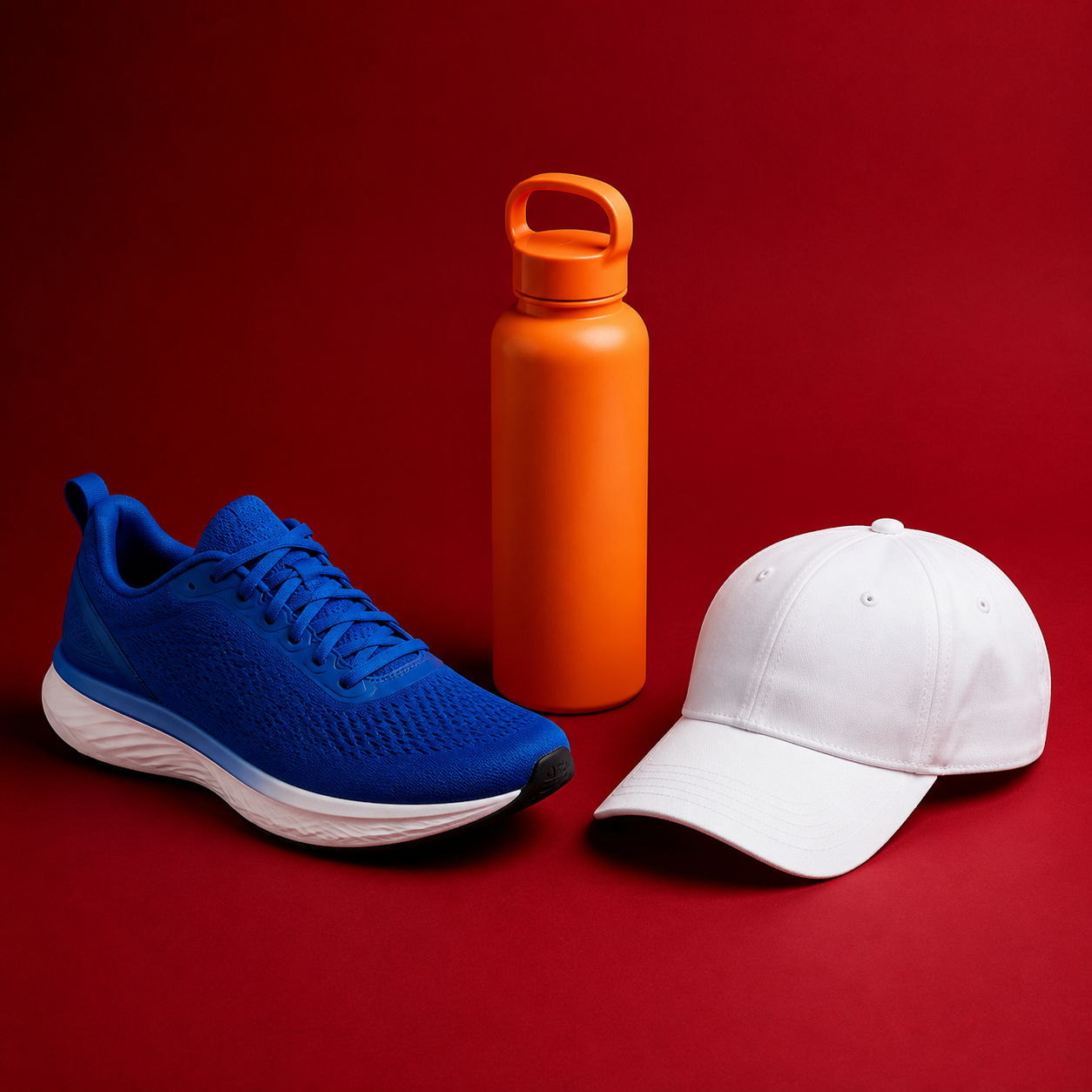
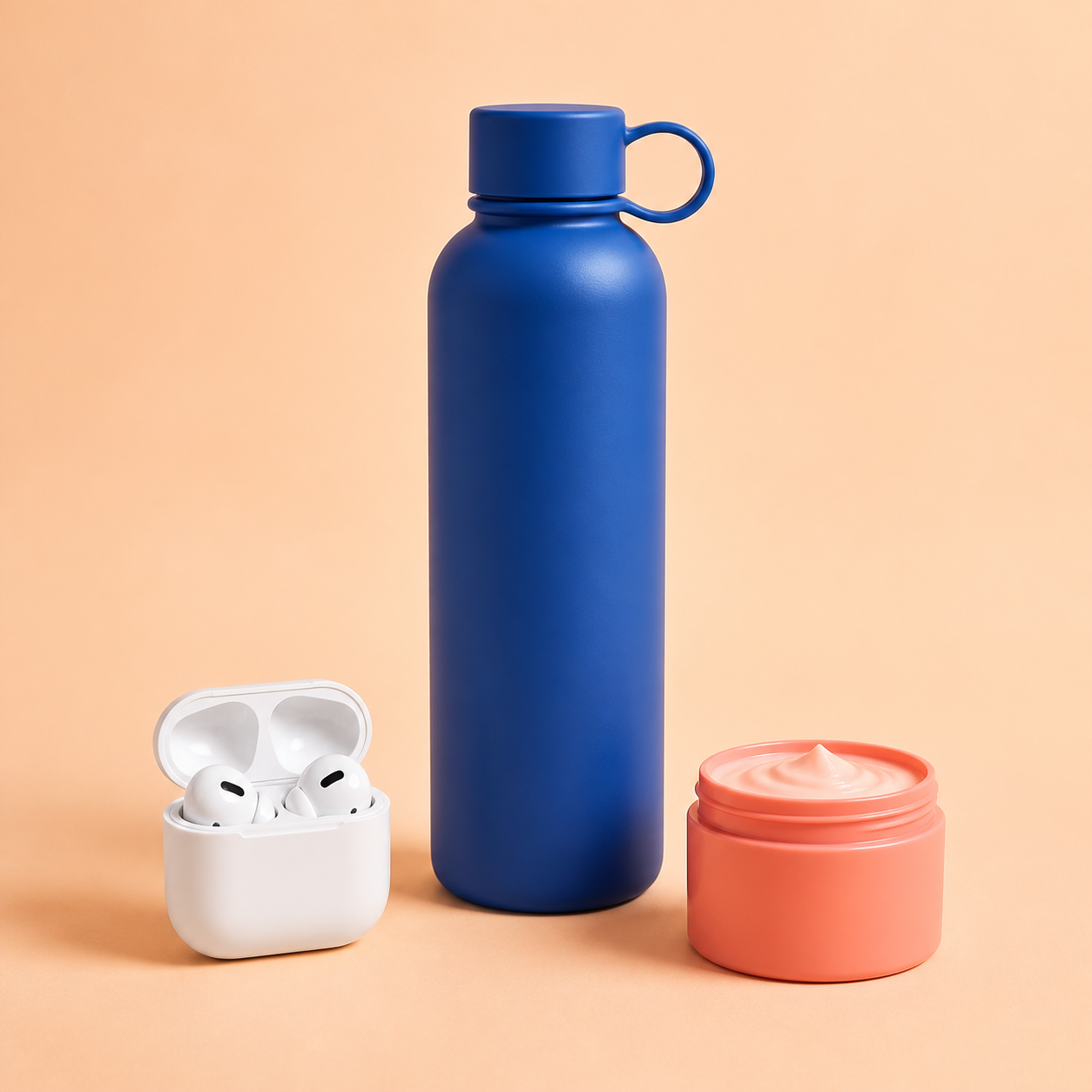
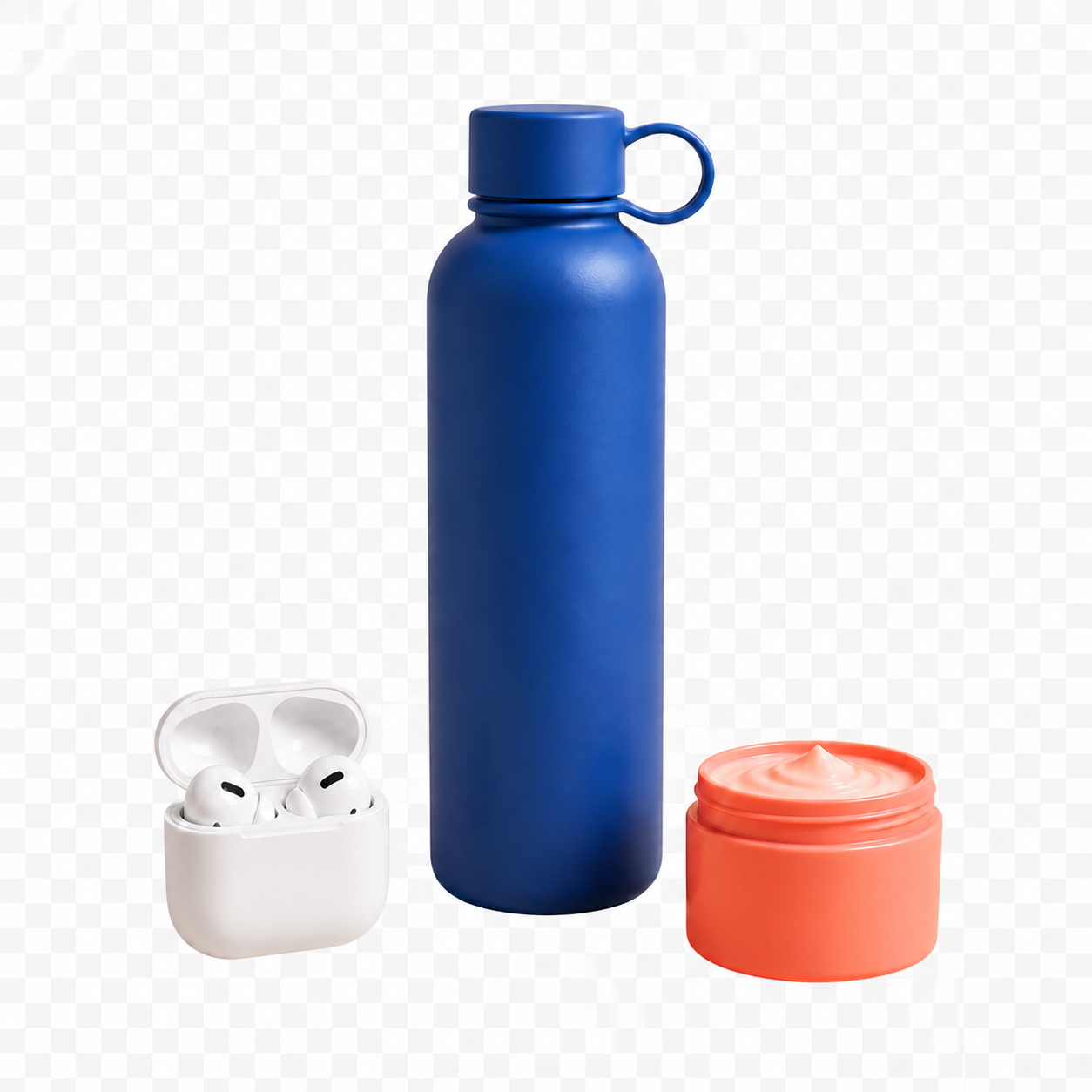
Square e-commerce product set with a wireless earbud case, water bottle, and skincare jar
Source image
Transparent PNG
E-commerce

Listing-ready product images

Batch remove backgrounds from product photos, apparel, and accessories, then review every cutout before download. Get consistent transparent PNGs ready for marketplace listings, catalog updates, and product pages—without editing each image by hand.


People & social

Portraits ready for every channel

Batch remove backgrounds from portraits and headshots, then review each cutout before download. Use the transparent PNGs for profile photos, creator posts, team pages, or new designs—without editing every portrait by hand.

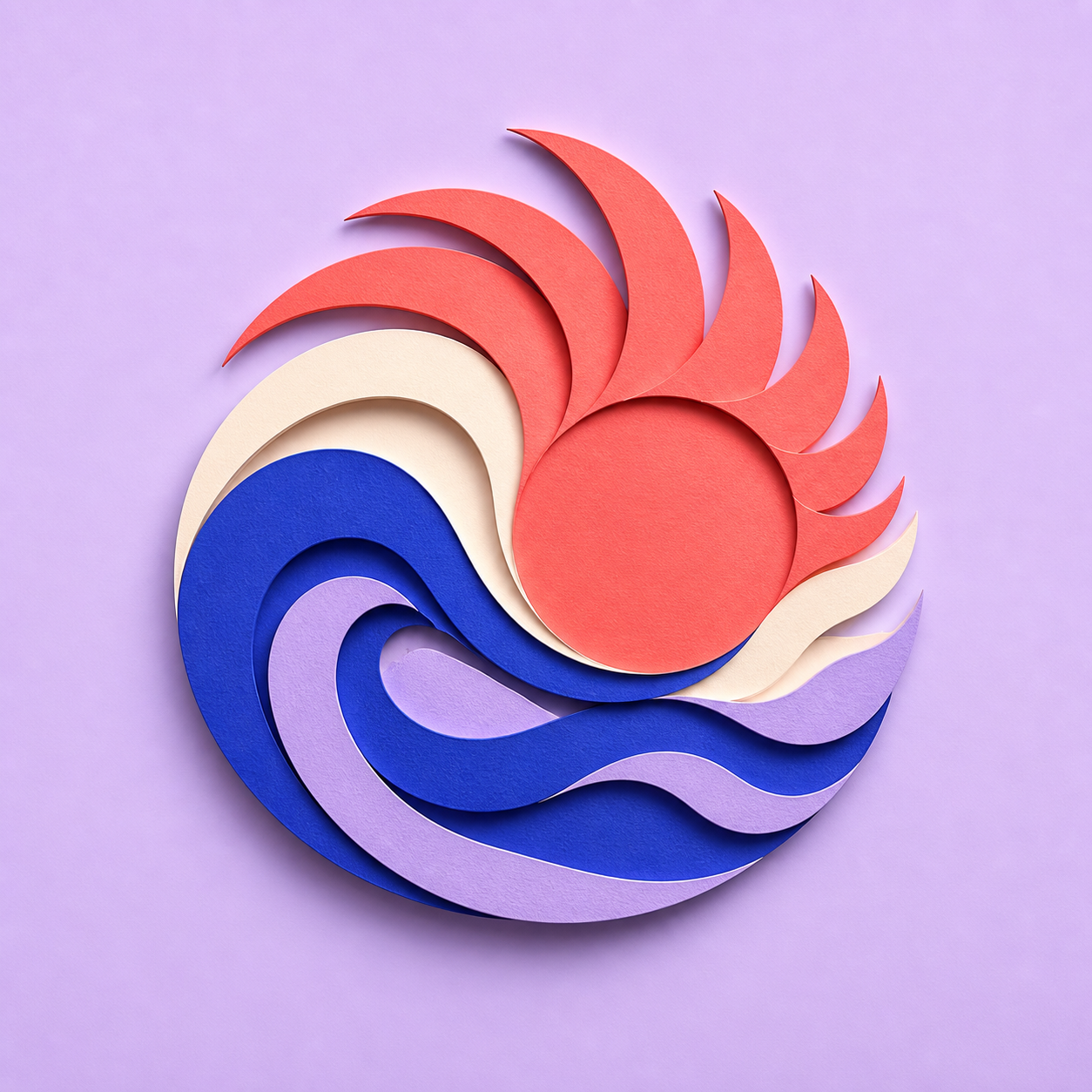
Square layered abstract campaign graphic on a lavender artboard
Source image
Transparent PNG
Brand & business

Brand assets ready to reuse

Batch remove backgrounds from logos, graphics, and campaign assets, then review each cutout before download. Get transparent PNGs ready for landing pages, presentations, and social posts, then save the finished batch together in one ZIP.

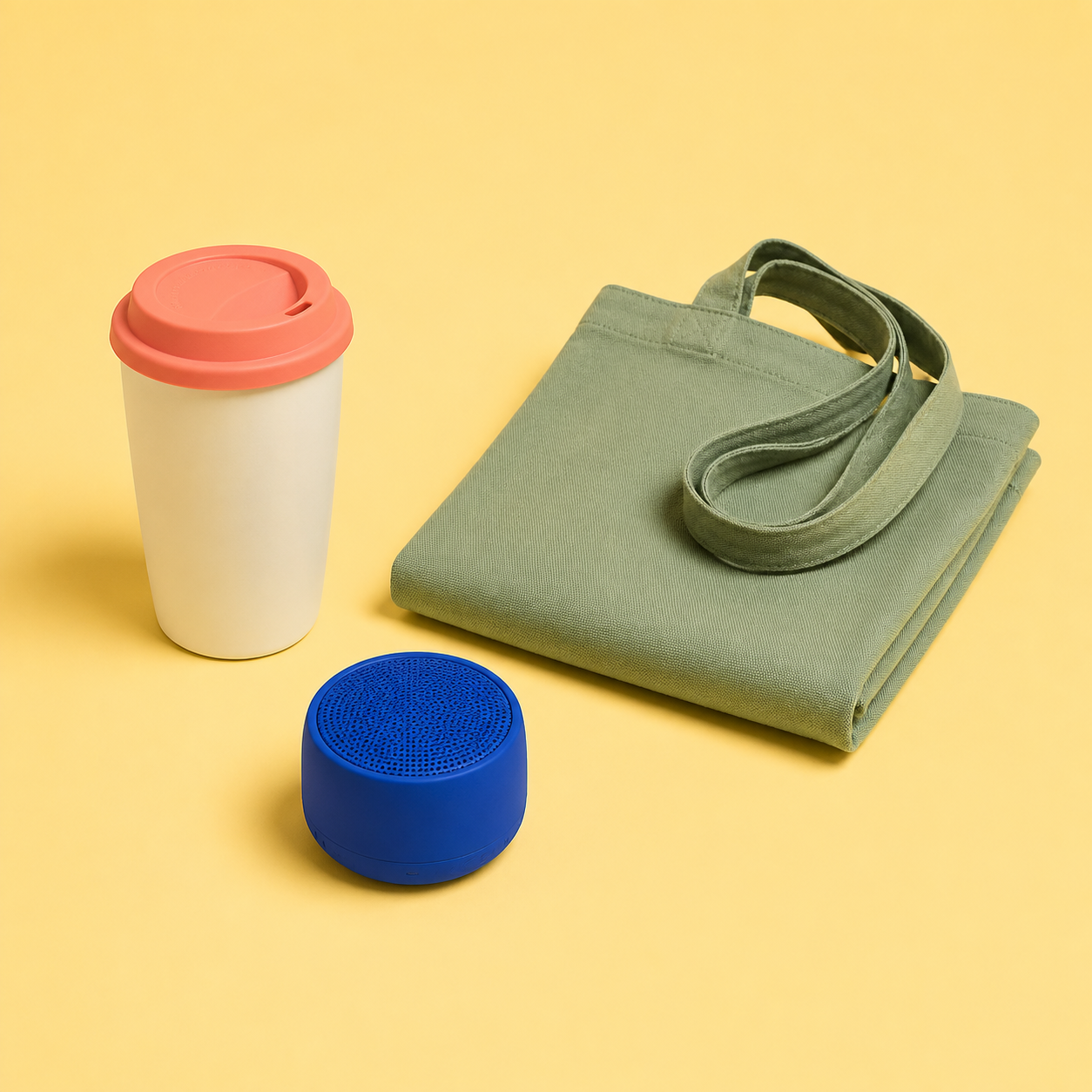
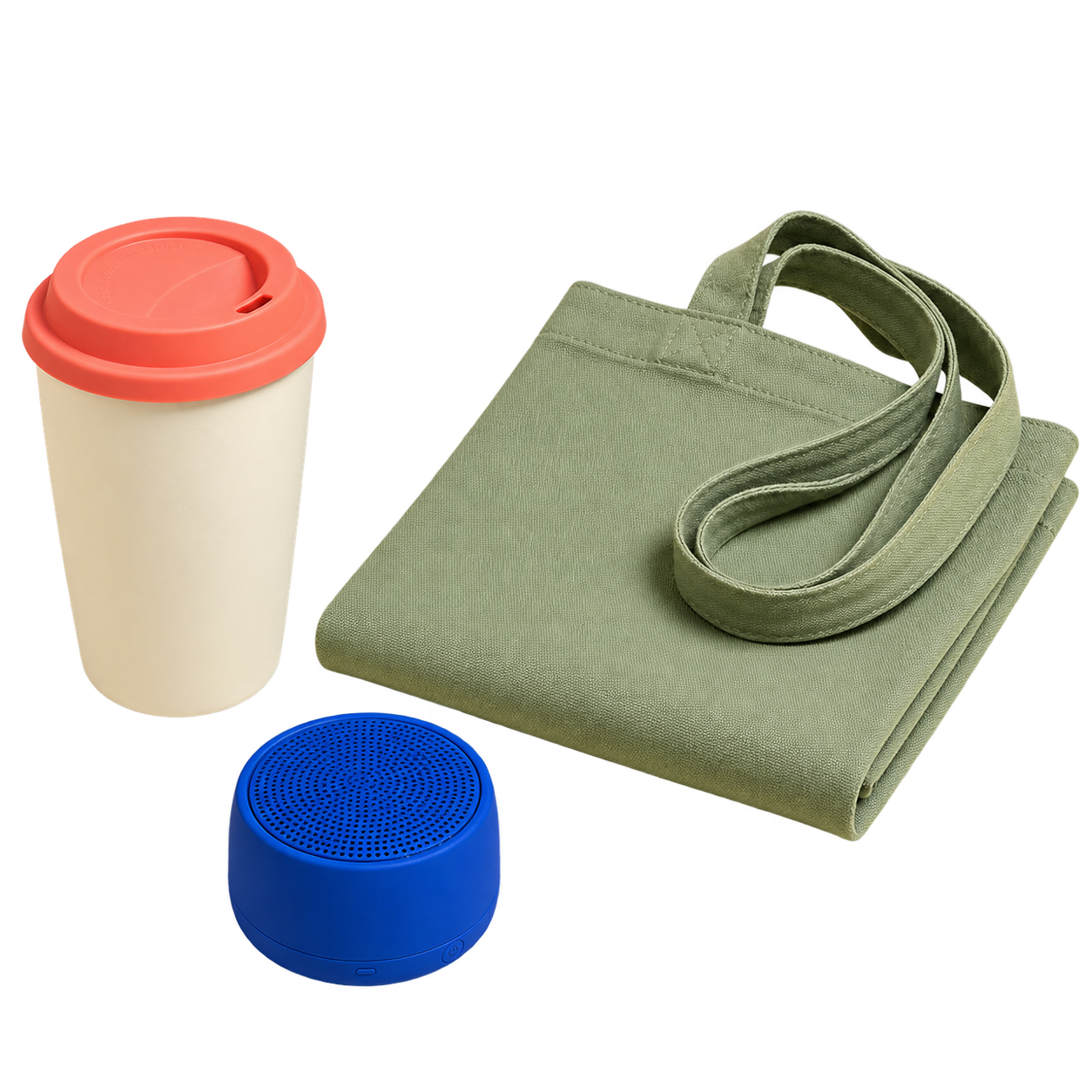
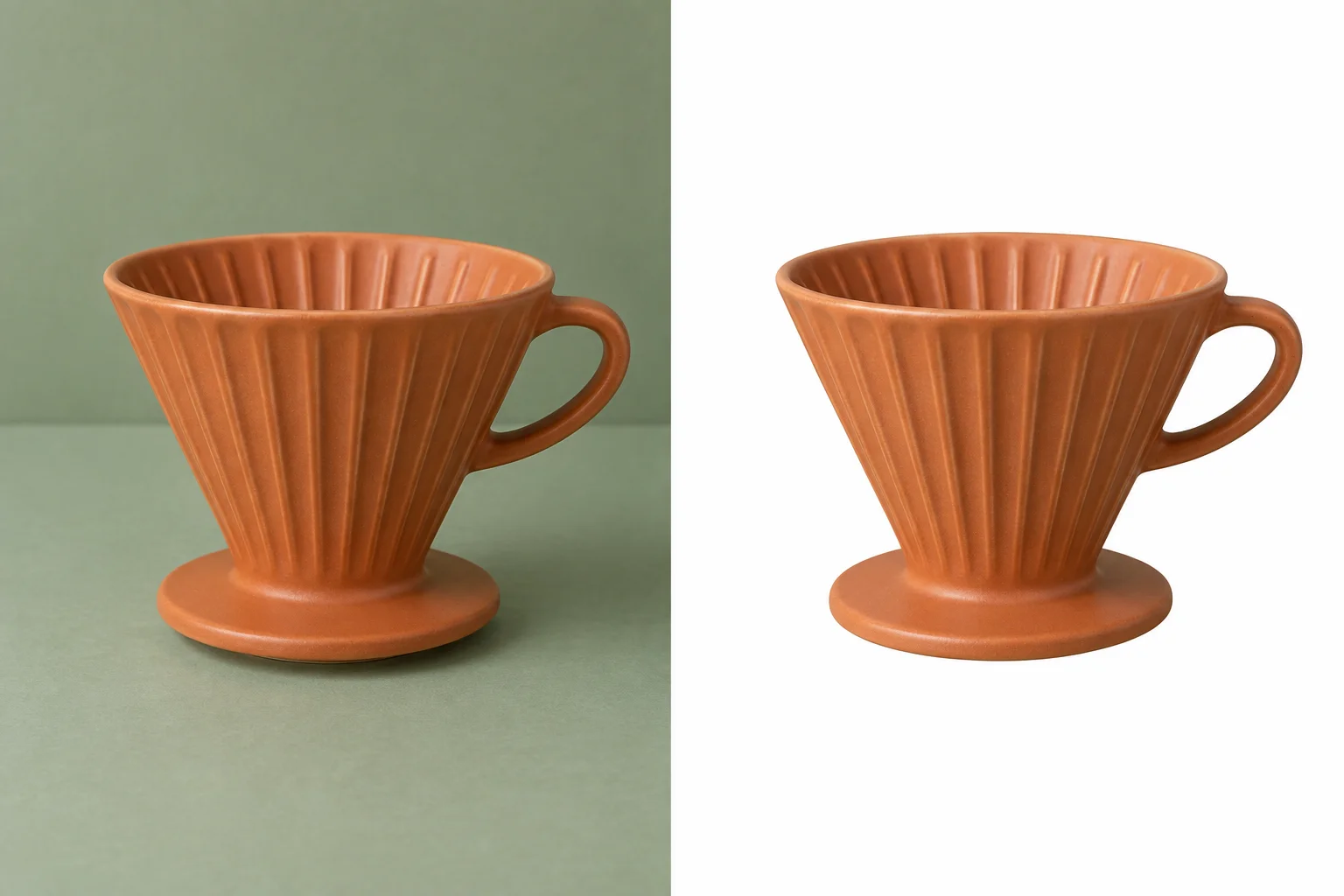
Travel mug, canvas tote, and speaker before their backgrounds are removed in a batch
Source images
Transparent PNGs

From mixed files to finished cutouts

Remove backgrounds from a full batch, not one image at a time.

Removing backgrounds from a stack of images by hand takes time. Upload up to 20 JPG, PNG, or WebP files at once, and Free BGRemover handles every image in a single batch. The tool detects each main subject and creates a transparent PNG, so you can review the cutouts and use them in product listings, social posts, presentations, or your next design.Remove backgrounds for free

Ready to export

Download high-quality images from your finished batch in one ZIP.

Once your backgrounds are removed, you should not have to save transparent images one by one. Review the finished cutouts, then download every completed PNG together in one ZIP. It keeps product assets, portraits, and campaign files organized for the next step in your workflow.Start a free batch
Illustration of multiple product image collections gathered for one download

Private by design

Remove backgrounds in your browser—no account required.

Your batch is processed in your browser session, so you can remove backgrounds without creating an account. Review each result before export, and only use images you own or have permission to use.

Read privacy details

Questions before you upload

Batch Background Remover FAQ

Is this batch background remover really free?+

Yes. Free BGRemover lets you remove backgrounds from batches without an account, credits, or a watermark. The current workspace accepts up to 20 supported images per batch.

How many images can I remove backgrounds from at once?+

You can upload up to 20 images in one batch.

Which file types can I use for batch background removal?+

Upload JPG, PNG, or WebP images up to 15 MB each. The workspace accepts up to 20 supported files in one batch.

Are downloaded PNGs full size?+

Each completed image is exported as a transparent PNG at the original image’s dimensions. Review every cutout before download, especially where hair, fur, or low contrast needs a closer check.

Will my batch download as one file?+

Yes. Once images are ready, choose Download ZIP to save the transparent PNG results together.

What if one image has a rough edge?+

Review each result in the workspace and use Retry image for that file. Finished images remain available while you retry a difficult image.

How are my images handled?+

Your batch is processed in your browser session. Read our Privacy Policy for the current details, and only use images you own or have permission to use.

Ready when you are

Remove backgrounds from up to 20 images—free, with no sign-up.

Upload a batch for free