Upload a clear stamp image
Use a JPG, PNG, or WebP scan or a straight-on photo. Avoid cropped edges, folds, glare, and heavy shadows.
✦ 100% FREENo sign-up
Upload a stamp image, remove the paper background, review the cutout, and download a transparent PNG for documents, certificates, and designs.
Stamp background remover
JPG, PNG, or WebP. Up to 15 MB.
Privacy detailsUpload a clear stamp image, let the tool create a cutout, then review the fine details before downloading a transparent PNG.
Use a JPG, PNG, or WebP scan or a straight-on photo. Avoid cropped edges, folds, glare, and heavy shadows.
Inspect fine lines, light ink, and white areas inside the stamp before you download the result.
Place the PNG over a document, certificate, PDF, or design without a white paper box.
Fine ink, pale marks, and white space inside a seal can look like background. Review the actual cutout before you save it.
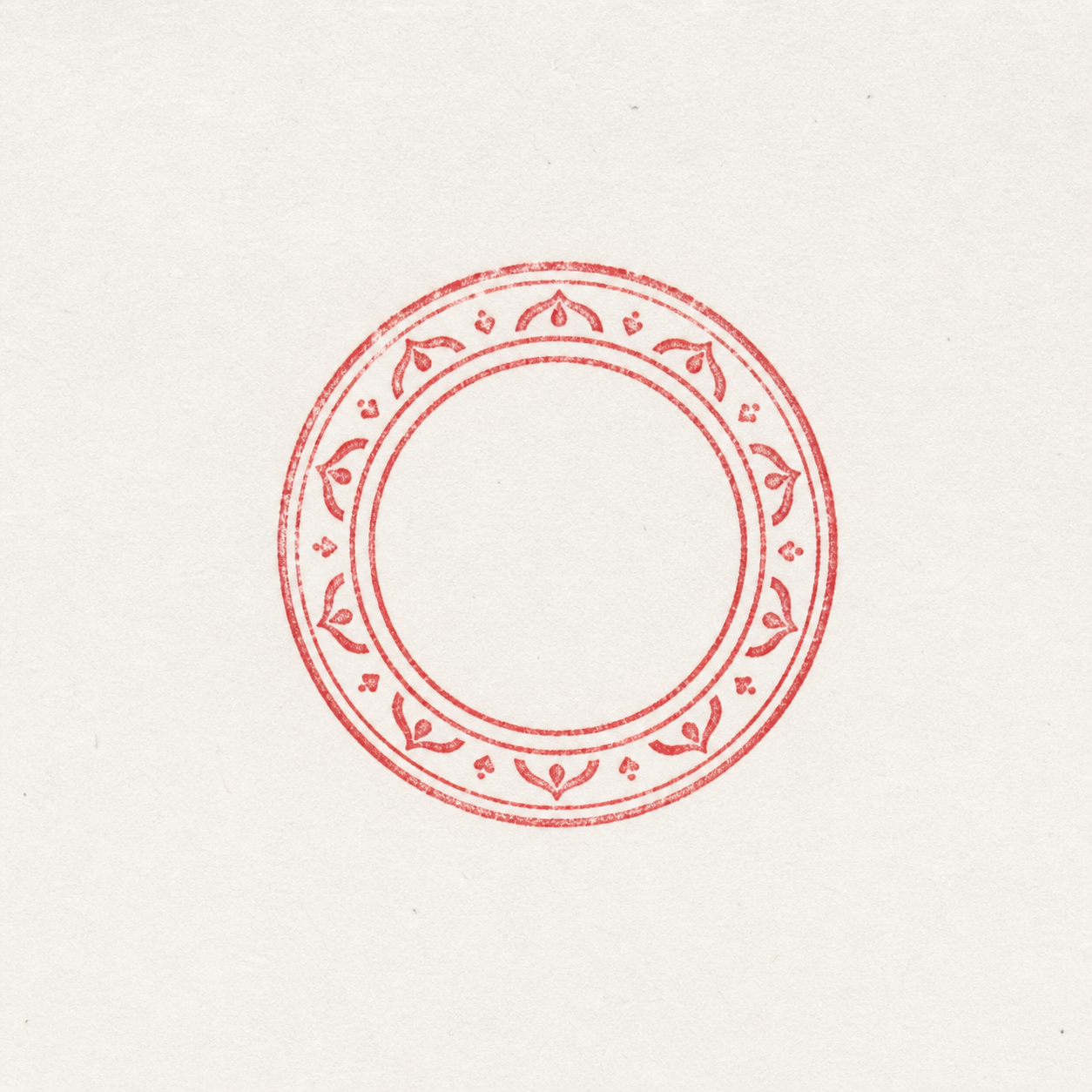

Check that white lettering, small gaps, and the center of a round stamp remain intact.
Use the checkerboard and a dark preview to spot paper pixels, grey shadows, or a pale halo.
If thin lines disappear, use a sharper scan with more contrast rather than forcing a weak result.
Different stamp types fail in different ways. Use these checks before you export a transparent stamp PNG.
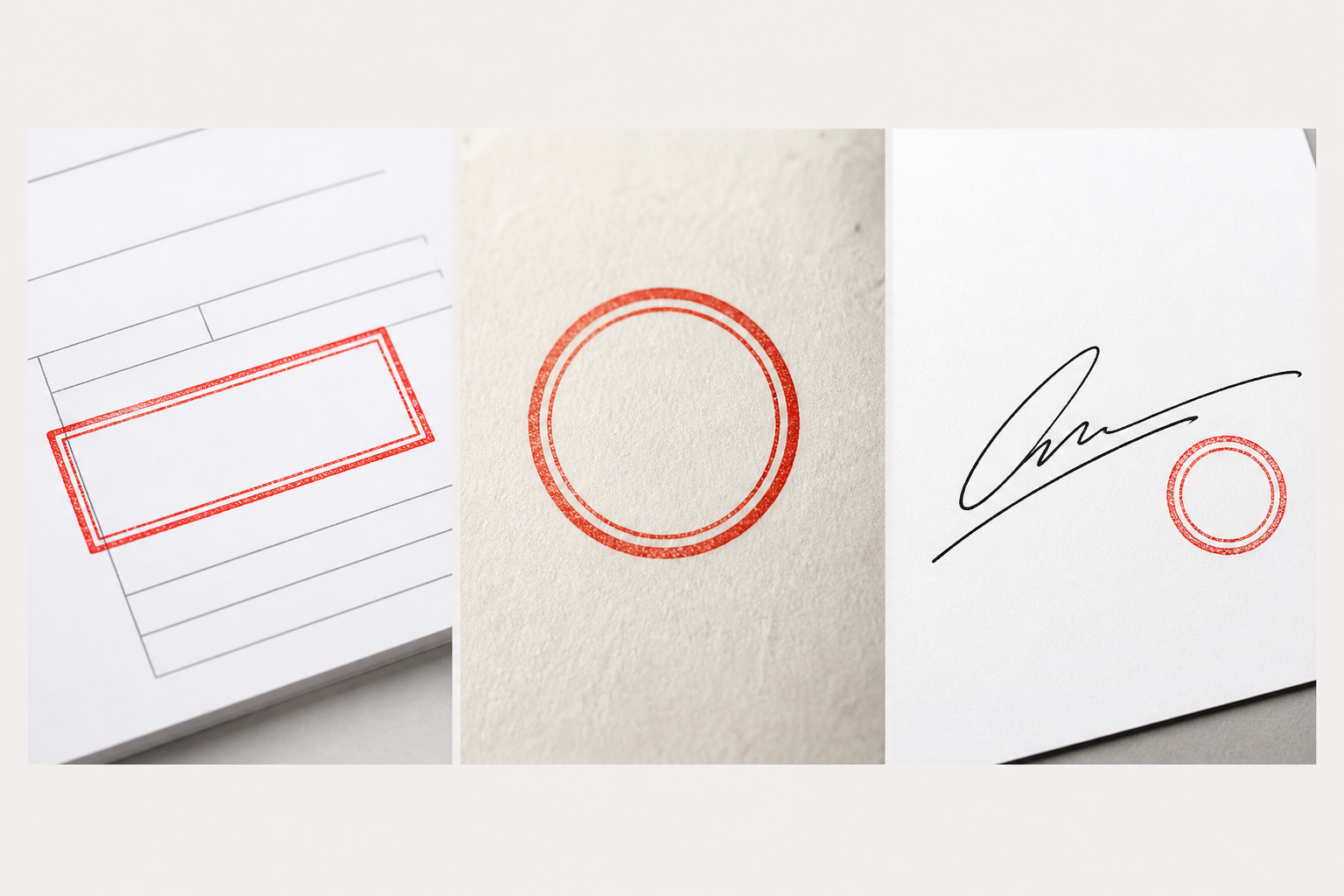
Check faint ink texture and any paper residue around the lettering.
Confirm the center, lettering gaps, and inner ring are part of the stamp—not the background.
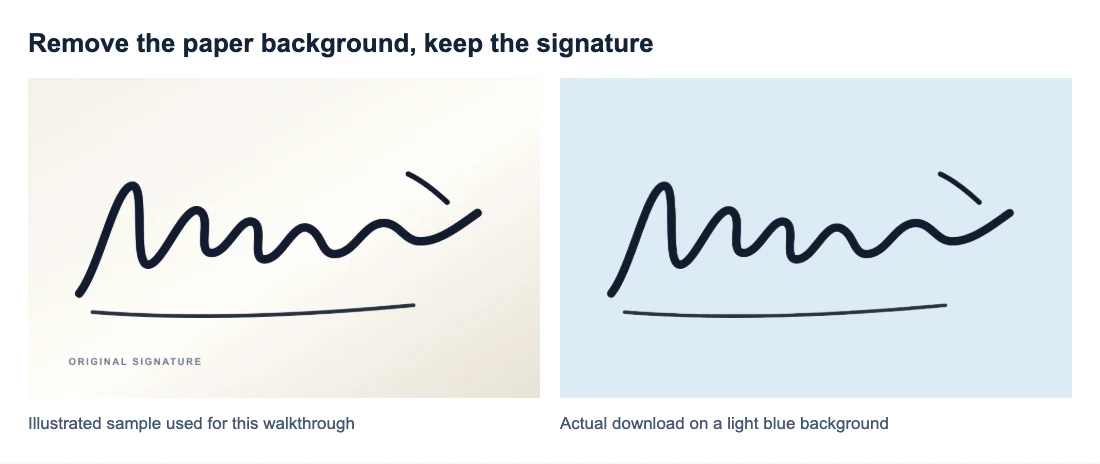
Review both the stamp edge and delicate signature strokes before saving the PNG.
The transparent PNG keeps the stamp while removing the original paper background, ready for the document or design you already use.
A transparent image can look white in some previews. Use the checkerboard or a colored background to confirm the paper is gone.
PNG preserves transparent areas. JPEG files always flatten the image onto a solid background.
A better-lit, sharper source image is the most useful fix for a missing edge, grey shadow, or faint stamp detail.
After download, place the transparent stamp over the document, certificate, PDF, or design where a white paper rectangle would get in the way.
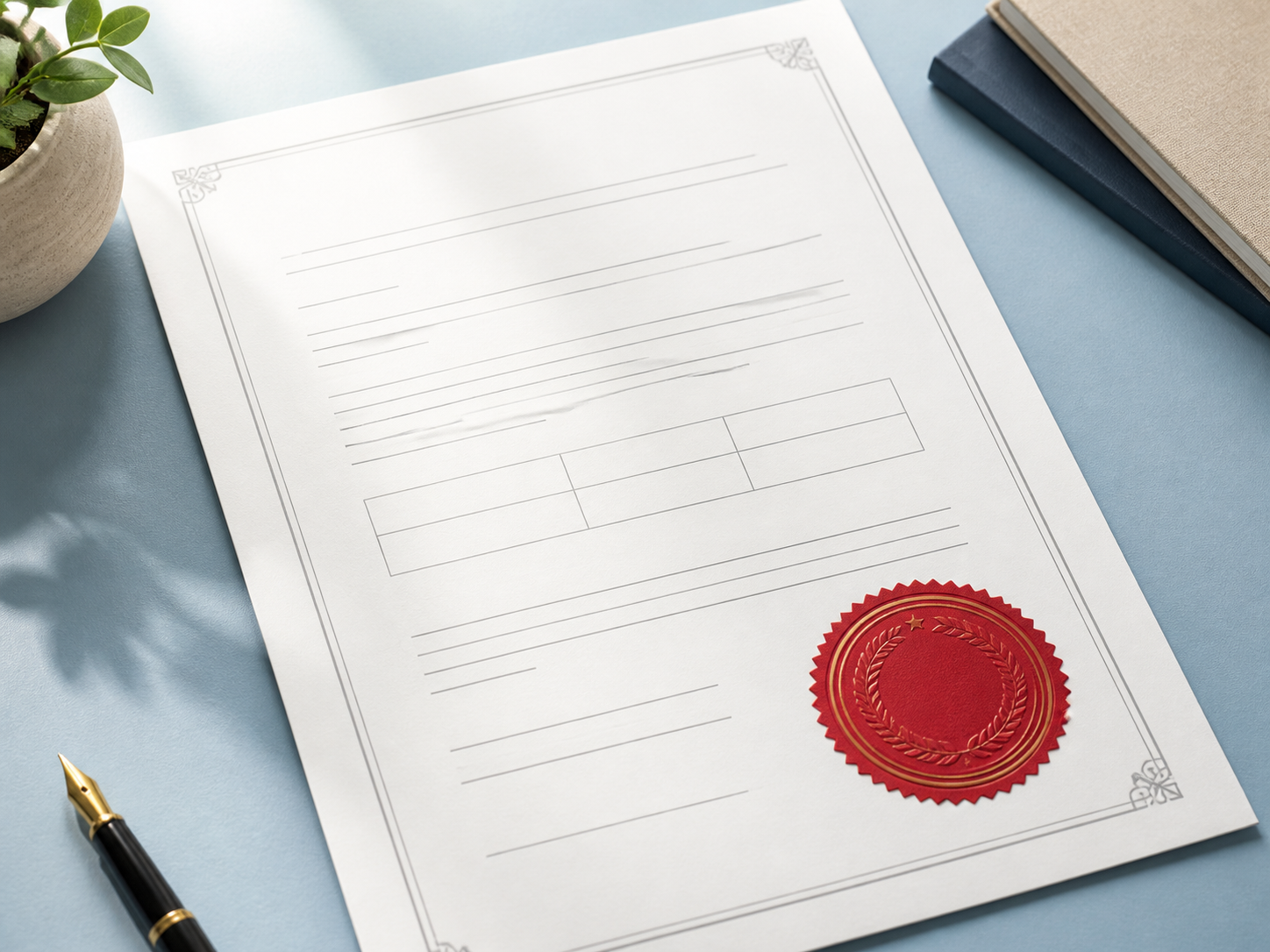
Place a stamp over a form, letter, or approval page without covering the underlying text with a paper background.
Keep a seal readable while letting the certificate, record, or layout show through.
Save a clean digital stamp for a website, presentation, or design workflow. Use only images you are allowed to edit.
This tool is free and requires no account. The final preview is the right place to decide whether your source image has kept the stamp details you need.
Upload and use the stamp background remover without registration.
Only upload company seals, signatures, and files you are allowed to process.
Heavy shadows, blur, or paper that matches the ink color can make automatic removal less reliable.
Practical notes for making a stamp transparent without losing the details that make it useful.
Upload a clear stamp image, remove the paper background, inspect the result on the checkerboard, then download a PNG. PNG keeps the transparent areas that a JPEG cannot.
Light details and white space inside a stamp can be difficult to separate from a light paper background. Review the cutout before downloading, and retry with a clearer, higher-contrast scan if important details are missing.
Yes. Free BGRemover is free to use and does not require registration. Upload your stamp, review the preview, and download the transparent PNG when it looks right.
Paper shadows, blur, glare, and uneven light can leave a soft edge. Scan or photograph the page flat in even light, leave a little space around the stamp, and try the cleanest original you have.
You can upload JPG, PNG, or WebP files up to 15 MB. A clear scan or straight-on photo with space around the stamp gives you the best chance of a clean transparent result.
Yes. Place the downloaded PNG over your document or design so it can sit on the page without a white rectangle. Confirm any document-signing requirements with the receiving party.
Tutorials & Guides
Tutorials & Guides
Tutorials & Guides
Upload the clearest stamp image you have, review the cutout, then download the PNG when it looks right.
Upload a stamp