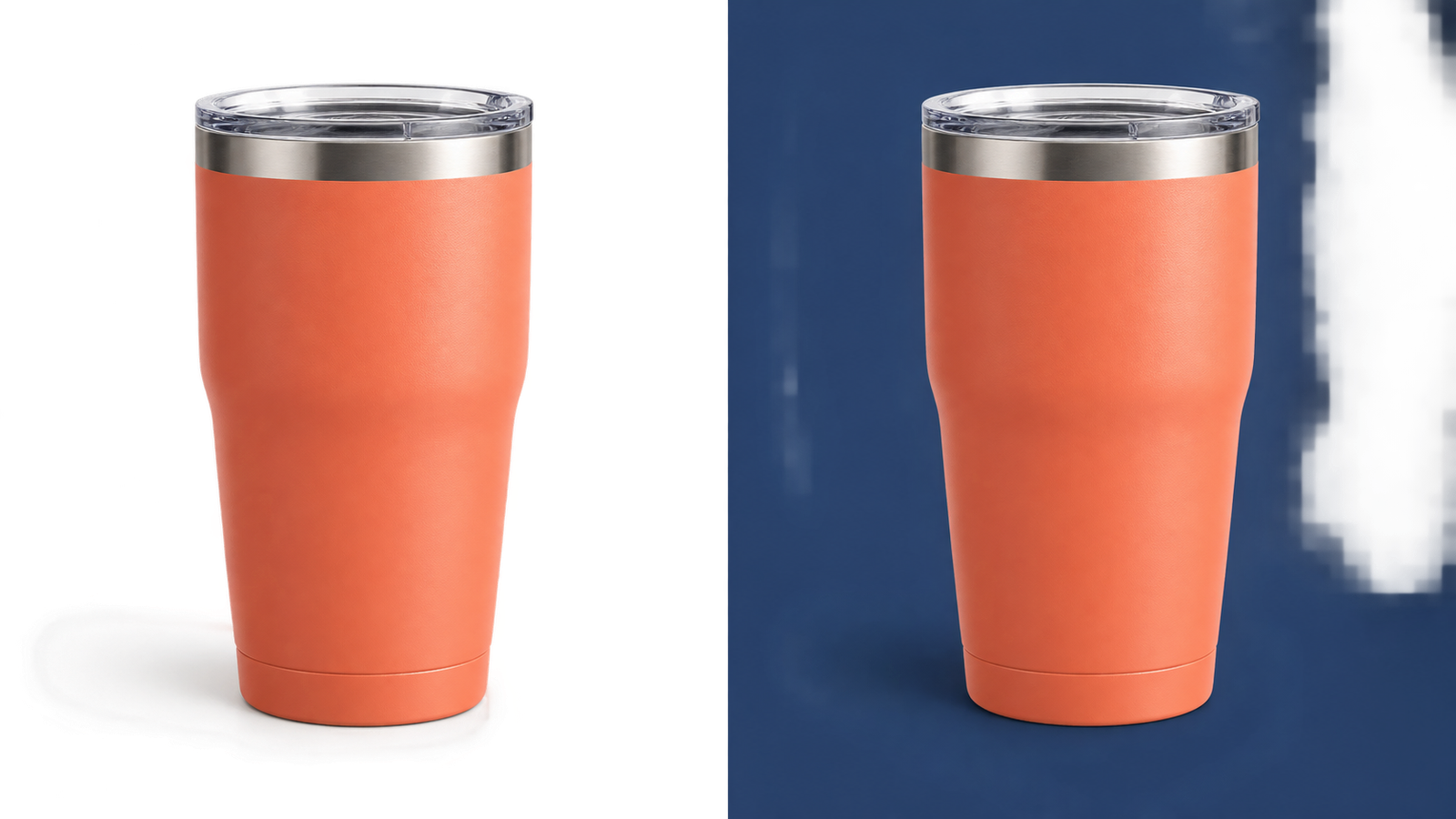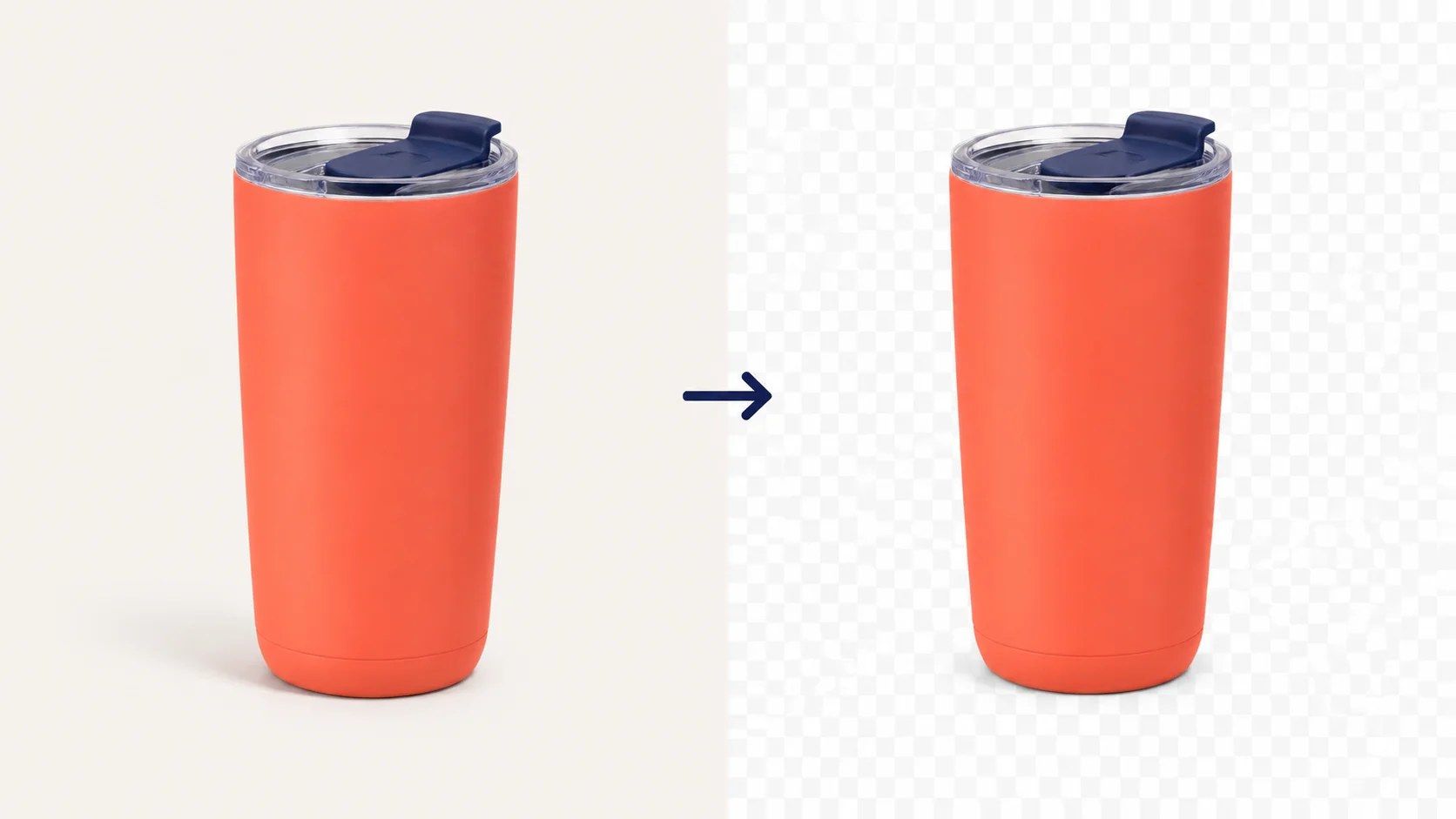

Logo cutout workspace

Remove Background From a Logo for Free

Remove the background from a logo online in seconds. Upload a JPG, PNG, or WebP, preview your transparent PNG, and download it free—no sign-in, watermark, or software required.

  • Free to use
  • No sign-in required
  • No watermark
  • Transparent PNG download

Start with a logo

Upload your logo. Get a clean cutout.

JPG, PNG, or WebP. Up to 15 MB.

Privacy details

How to Remove Background From a Logo

Upload the logo, let the AI model remove the background, then inspect the transparent result before you download.

  1. 01

    Upload your logo

    Choose a JPG, PNG, or WebP logo up to 15 MB. A sharp logo with clear edges gives you a better result to inspect.

  2. 02

    Remove logo background automatically

    Free BGRemover identifies the logo and creates a transparent-background preview.

  3. 03

    Review and download

    Check the checkerboard around thin lines, small gaps, and white areas, then download the transparent PNG.

02 / LOGO CUTOUT

Remove Background From a Logo in Seconds

Free BGRemover uses AI to turn a logo upload into a clean cutout in seconds. Add a JPG, PNG, or WebP, then prepare a transparent version for marketing materials, product photos, presentations, and social graphics without learning a complex editor. Upload, inspect the result, and download a transparent PNG with no sign-in or watermark. Spend less time on manual cleanup and more time putting your brand to work.


03 / LOGO CUTOUT

Get High-Quality Results With Free BGRemover’s Logo Background Remover

Free BGRemover’s AI removes the backdrop while helping you inspect the logo details that matter. Fine lines, intricate shapes, color areas, and small gaps remain easy to review on the transparent checkerboard before you place the cutout on a new background. Start with a sharp source file, check the edges at the size you plan to use, and download a transparent PNG for websites, product images, presentations, or print. There is no account to create and no watermark added to your result—just a cleaner logo ready for the next design.

Use a Transparent Logo Across Every Surface

After you remove the background from a logo, download a transparent PNG ready for websites, product images, social posts, and print. Your logo background is gone, so you can place the clean cutout on any color or layout without a white box, watermark, or extra editing.

Websites and social graphics

Place the logo over a hero image, profile visual, post, banner, or colored background without carrying a white box into the design.

Product images and merchandise

Use the clean logo on product photos, packaging, labels, apparel, or promotional items while keeping the original mark consistent.

Presentations, documents, and print

Add the transparent PNG to slides, proposals, one-pagers, posters, and other layouts after checking contrast at the size you will use.

05 / LOGO CUTOUT

Remove Logo Background Online in One Click

Remove logo backgrounds online for free with Free BGRemover—no software to install and no editor to learn. From a desktop at work or a phone on the go, upload a JPG, PNG, or WebP, let the AI remove the backdrop, and download a clean transparent PNG with no watermark.

It is a focused tool for a focused task—making a logo background transparent before you continue in the editor or layout you already use.

Why Use Free BGRemover’s Logo Background Remover?

Use this free logo background remover to remove background from a logo online, preview the transparent result, and download a watermark-free PNG. Upload a JPG, PNG, or WebP logo—no sign-in or software required.

JPG, PNG, and WebP uploads

Start with the logo file you already have. Upload common image formats up to 15 MB.

Automatic background removal

Free BGRemover identifies the logo and creates a transparent-background preview in your browser.

Transparent PNG download

Review the checkerboard around your logo, then download a PNG with the background removed.

Free to use

Use the logo background remover without paying for a one-off transparent logo download.

No sign-in required

Open the tool, upload a logo, and get started without creating an account first.

No watermark

Your downloaded transparent PNG is ready to place in a website, slide, product listing, or design.

Logo Background Remover FAQ

Find clear answers to common logo background remover questions—from how to remove a logo background or white background to supported file types, transparent PNG downloads, and using the tool for free without Canva or extra software.

How do I remove the background from a logo?

Upload a JPG, PNG, or WebP logo, let Free BGRemover create the cutout, inspect the checkerboard around the edges, then download the transparent PNG.

How do I remove a white background from a logo?

Upload the logo, then inspect the checkerboard for leftover white areas, thin lines, and small gaps before you download the transparent PNG.

Is this a free logo background remover?

The current logo background-removal flow is free to use without an account. Upload your image, review the result, and download the transparent PNG.

Is this a Canva logo background remover?

Free BGRemover removes the background automatically in your browser. You can then place the transparent PNG in Canva or another editor for a wider design workflow.

Will background removal preserve every logo detail?

Results depend on the original image. Use a sharp logo with clear edges, then inspect small text, thin lines, light areas, and gaps before you use the download.

What file types can I upload?

Free BGRemover accepts JPG, PNG, and WebP images up to 15 MB.

What can I download?

After review, you can download a PNG with a transparent background. You can also apply a white or custom-color background when that fits your next layout.

Transparent, not trapped.

Ready to Remove Your Logo Background?

See how it works