Upload a Clear Signature
Choose a JPG, PNG, or WebP where the ink is easy to see against the paper.
Signature cutout workspace
100% FREENo Watermark
Upload your signature, remove the paper background for free, then download a transparent PNG for certificates, documents, and digital designs—no installation required.
Free to start · No sign-in required
Signature background remover
JPG, PNG, or WebP. Review the privacy details before you add an image.
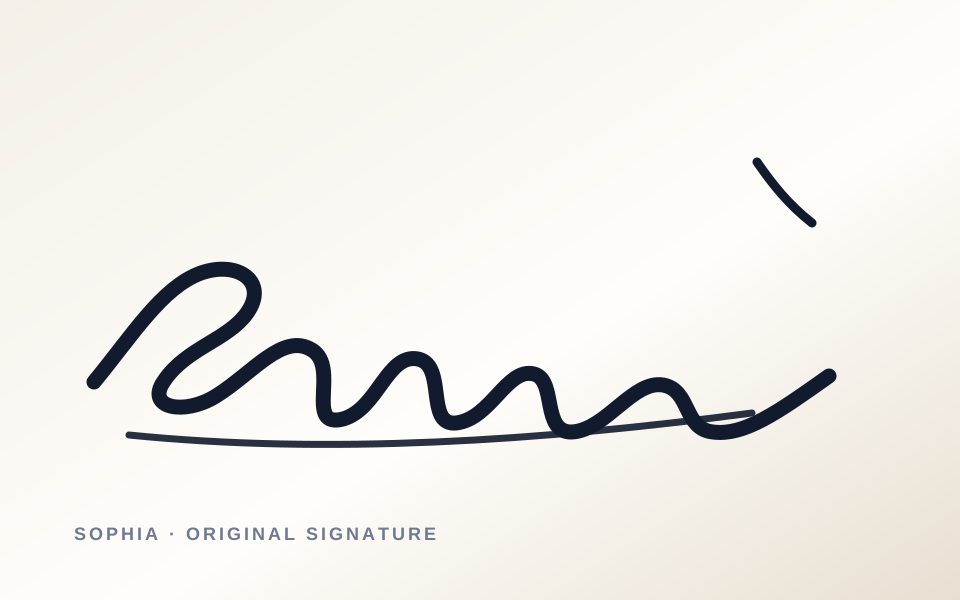
Learn how to remove background from signature images: upload a clear file, make your signature transparent, then inspect fine strokes before you download your PNG for free.
Choose a JPG, PNG, or WebP where the ink is easy to see against the paper.
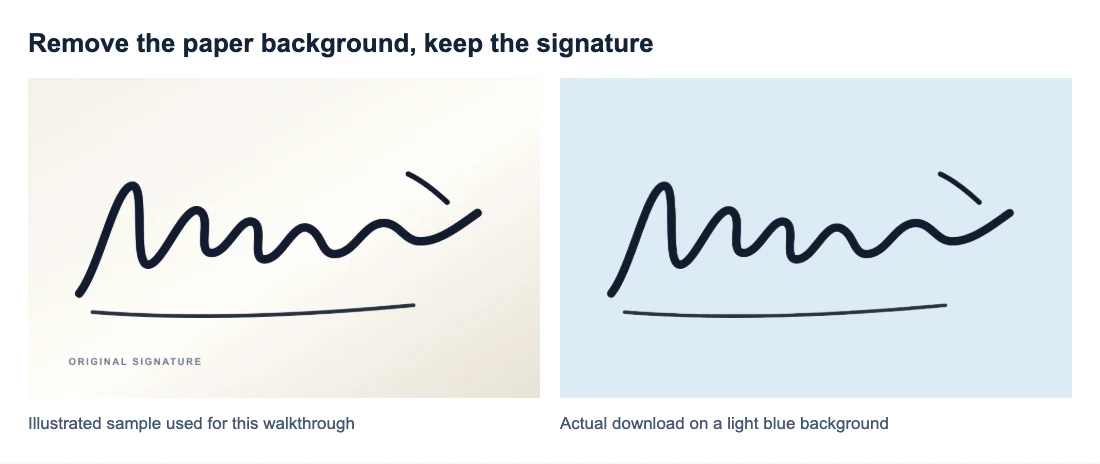
Remove the paper background to create a transparent PNG preview of the handwritten ink.
Check the checkerboard, fine lines, and small gaps before you download the final file.
Transparent signature preview
Remove background from signature images in seconds with Free BGRemover’s AI-powered workflow. Upload a clear scan or photo to create a transparent cutout, then inspect thin strokes and small gaps before download. It helps photographers, designers, students, and business owners prepare handwritten signatures for forms, contracts, documents, and layouts without manually erasing the paper background. Start free and download a transparent PNG when the result looks right.
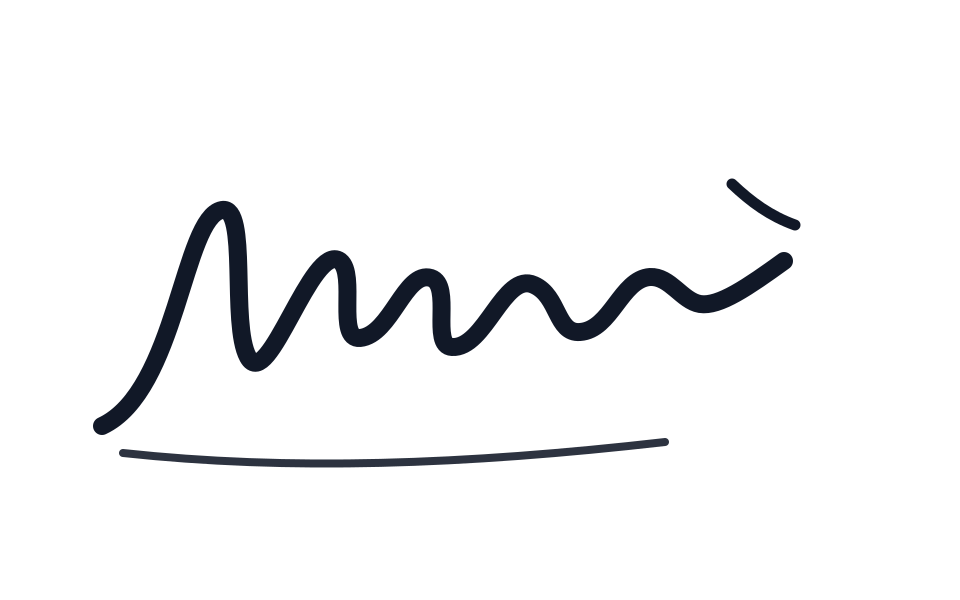
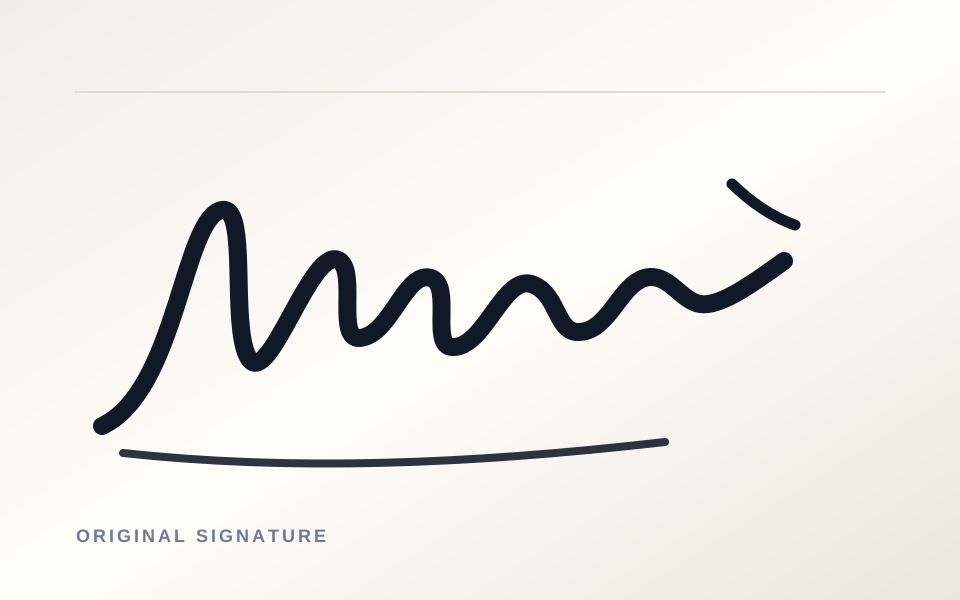
Use it after background removal
Remove signature background from a scanned signature and download a transparent PNG that stays readable in contracts, PDFs, email signatures, certificates, and branded designs. Check fine strokes and small gaps before you export, so the signature sits cleanly on the final background.
Add your signature to client agreements, quotes, and proposal PDFs without a scanned paper background.
Use a clean signature image in an email footer while keeping it readable at a smaller size.
Place your signature on certificates, letters, and acknowledgements without a white rectangle around it.
Layer the signature over a chosen background for portfolios, personal branding, social graphics, or layouts.
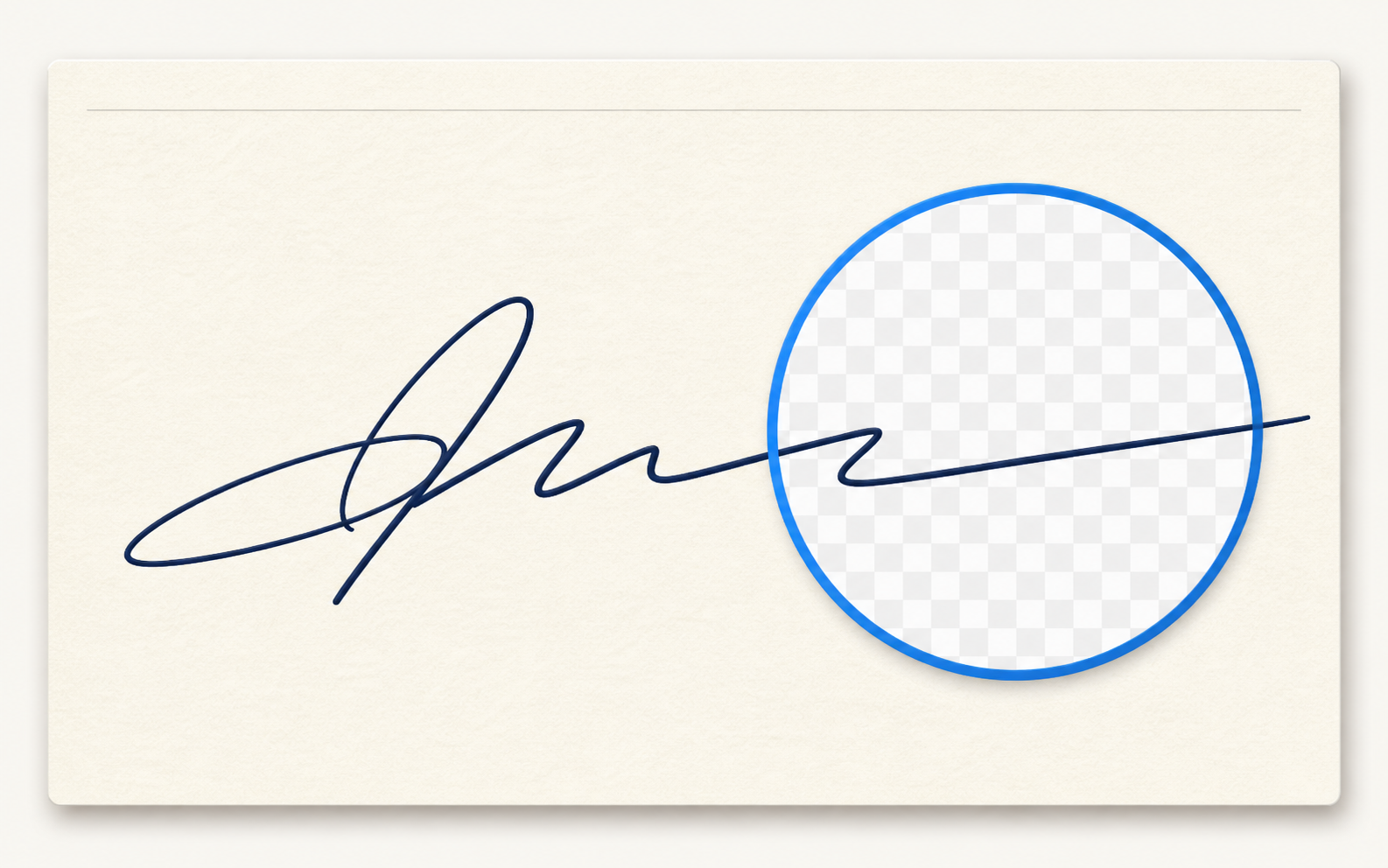
Inspect the details
Free BGRemover helps separate handwritten ink from the paper behind it, creating a transparent preview you can inspect before download. Review curved strokes, fine lines, and small gaps against the checkerboard, then use the transparent PNG in forms, contracts, designs, or documents. When the source is blurry or low contrast, try a clearer scan first for a more useful edge check.
Use it anywhere
Use a transparent signature when a paper background would get in the way. Free BGRemover creates a PNG preview you can check before placing it in a business contract, email footer, proposal, school project, or design layout. A transparent background lets the signature sit naturally over the background you choose. Always confirm any document-signing requirement with the receiving party before relying on an image signature.
Customer review drafts
See how a transparent signature keeps paperwork looking polished: remove the paper background, check fine strokes, and place the result confidently in the documents you send.
I often add signed proposals to client PDFs. Once the paper background is removed, I can place the signature where it belongs without spending extra time cleaning up the scan.

Awaiting customer approval
For approval forms, the most useful part is being able to check the thin strokes before I download. It helps me catch small gaps before the signature goes into the final document.

Awaiting customer approval
I needed a transparent signature for a certificate layout. Seeing the checkerboard before export made it easy to tell that the paper background was gone and the signature would sit cleanly on the design.

Awaiting customer approval
Turn a scanned signature into a transparent PNG for forms, contracts, email signatures, certificates, and designs.
Upload a clear image of your signature, let the tool remove the paper background, then review the transparent preview before downloading the PNG.
Remove the paper background and save the result as a PNG. Check the checkerboard around the ink to confirm that the background is transparent.
Use a clear JPG, PNG, or WebP scan or photo. Dark ink on an evenly lit, plain background gives the background remover the best starting point.
Very faint ink, shadows, blur, and low contrast can make delicate strokes harder to separate from the paper. Try a brighter, sharper scan and inspect small gaps before download.
Write with dark ink on plain paper, photograph or scan it in even light, and avoid folds, glare, or heavy shadows. Leave a little space around the signature when you crop the image.
Yes. A transparent PNG can sit cleanly over a document, proposal, email footer, certificate, or design without carrying a white paper rectangle around the handwriting.
You can place the PNG in a document layout, but whether an image signature is accepted depends on the form, local rules, and the receiving party's requirements.
No installation is needed to use the online workspace. Upload the signature, review the result in your browser, and download the transparent PNG when it looks right.
Yes. Use the free signature background remover to create a transparent PNG from your signature without installing software.
Tutorials & Guides
Tutorials & Guides
Tutorials & Guides
Upload your handwritten signature, remove the paper background, and download a transparent PNG for your contract, email signature, certificate, or design.
Upload a signature