Skip Manual Tracing with AI
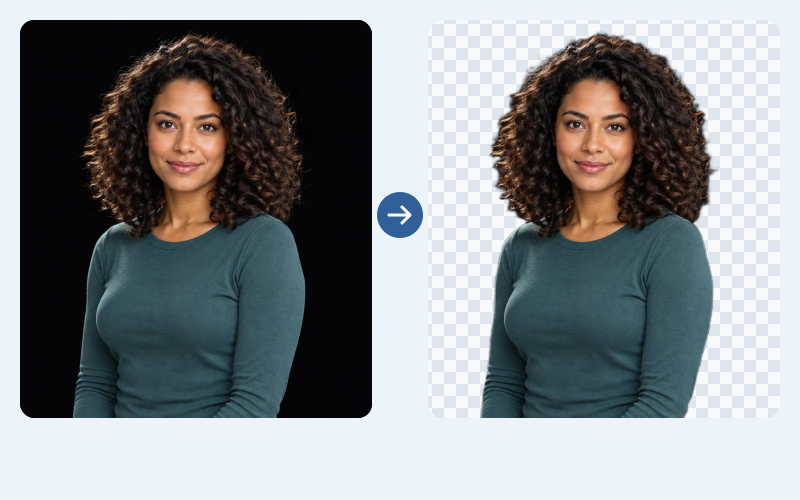
Upload a photo with a black background and let AI separate the subject automatically. Create a transparent PNG for a profile picture, product graphic, or design project without outlining the subject with a pen tool.
Free to UseNo Sign-UpNo Watermark
Upload your image and click Remove background to get a clean transparent PNG in seconds. Use your cutout in product graphics, portraits, or design layouts—free, with no sign-up or watermark.
Your image, without the black box
JPG, PNG, or WebP · Up to 15 MB
Privacy detailsCreate a reusable cutout in three steps. Start with a clear image where the subject is visible against the backdrop, then review the result before you save it.
Follow these steps to upload the image, remove a dark backdrop, and save a reusable transparent PNG.
Choose a JPG, PNG, or WebP file up to 15 MB. Use the clearest original you have, especially if dark clothing, hair, or product edges blend into the background.
Click Remove background to start AI processing. Once the result appears, compare it with the original and look for missing details or dark areas that should have disappeared.
Select Transparent for a cutout with no solid backdrop. Inspect the subject edges, then click Download transparent PNG. Keep the original if you need to try a different source later.
Skip manual tracing and let AI remove black background from your image in seconds. Upload your file and click Remove background—Free BGRemover separates the subject from its dark backdrop for you. Download a clean transparent PNG and reuse your cutout on different background colors, patterns, or photos. Create product graphics, social posts, and new designs for free, with no sign-up or watermark.
Remove My Black Background for Free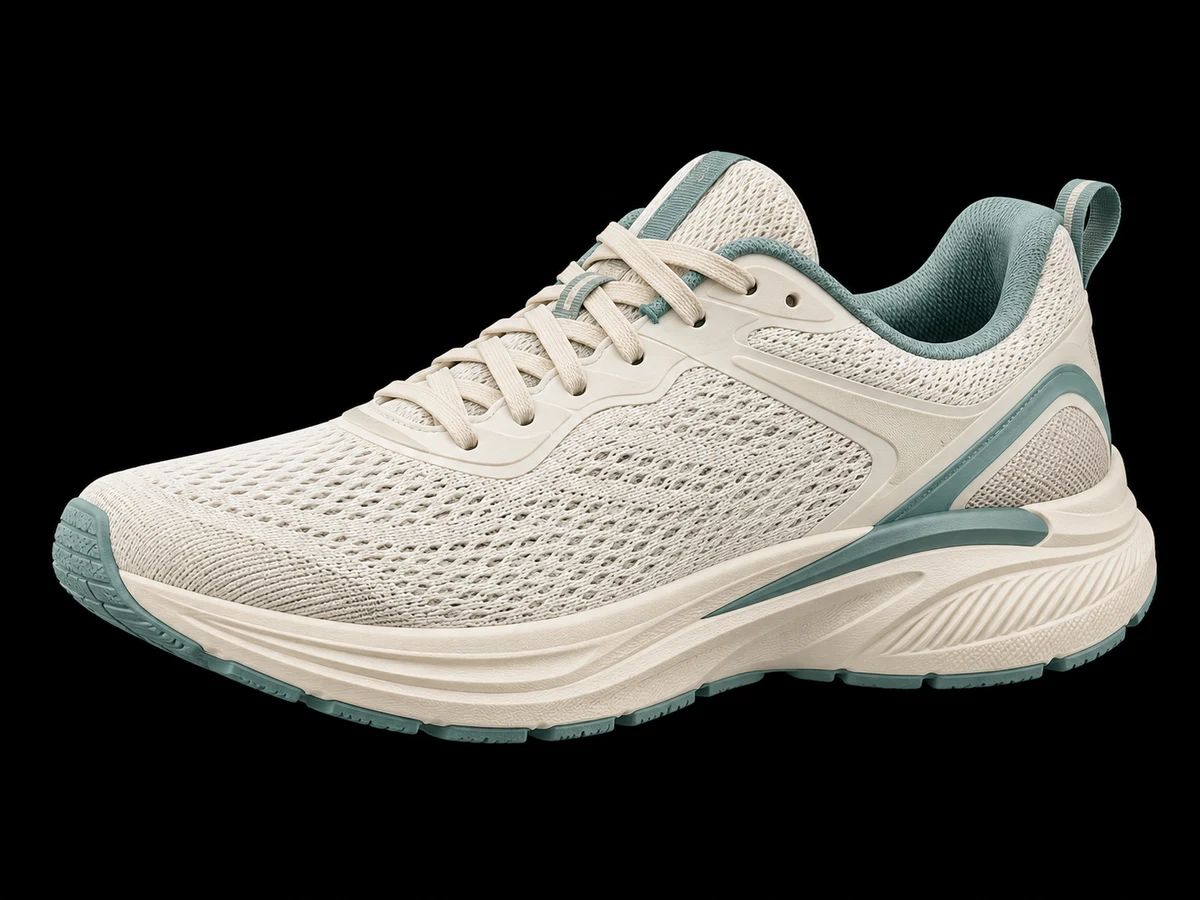
A black backdrop shouldn't limit your brand's look. Remove black background from your image for free, then choose a white or custom background color that matches your style. Turn product photos and portraits into visuals for presentations, social media posts, and website content. Need a patterned or photo background? Download a transparent PNG and place your cutout in your favorite design app—no complex editing needed to remove the original backdrop.
Create My Brand Visual for Free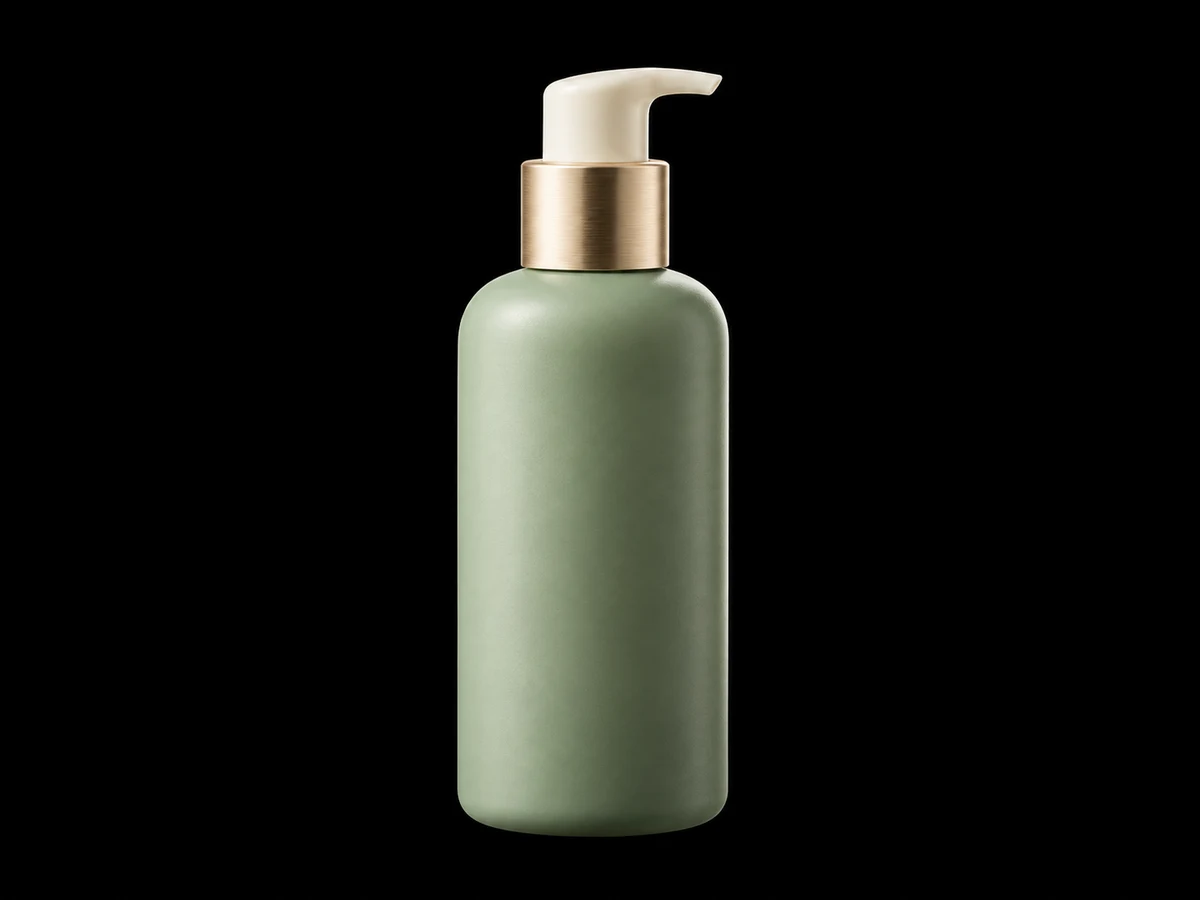
Give your favorite photos and graphics a fresh start without the dark backdrop. Remove black background from an image and download a transparent PNG for profile pictures, digital stickers, or creative photo edits. Add your cutout to Instagram Stories, TikTok meme graphics, or YouTube thumbnails in your usual design app. Free BGRemover makes it easy to prepare your image for personal creations—free, with no sign-up or watermark.
Remove My Black Background for Free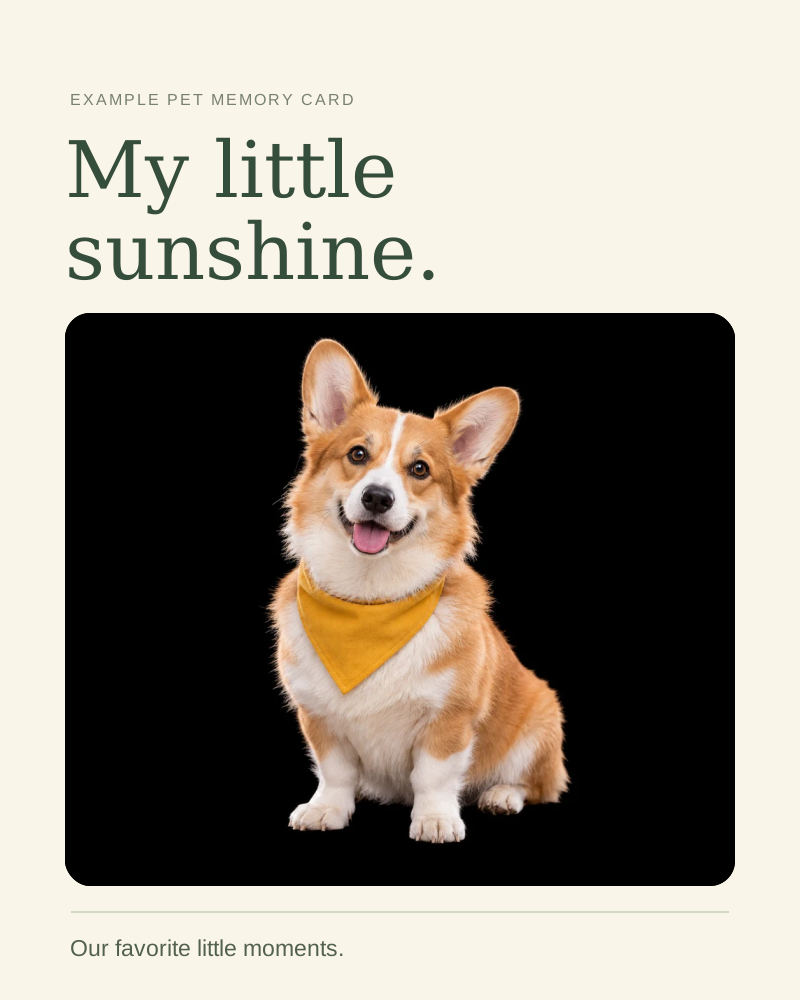
Free BGRemover uses AI to turn images with a dark backdrop into clean cutouts in seconds, without drawing a selection by hand. Prepare product graphics, portraits, or presentation assets, review the result, and download a transparent PNG. Free access and no account requirement help you move from an existing image to a reusable asset without extra setup.
Upload a photo with a black background and let AI separate the subject automatically. Create a transparent PNG for a profile picture, product graphic, or design project without outlining the subject with a pen tool.
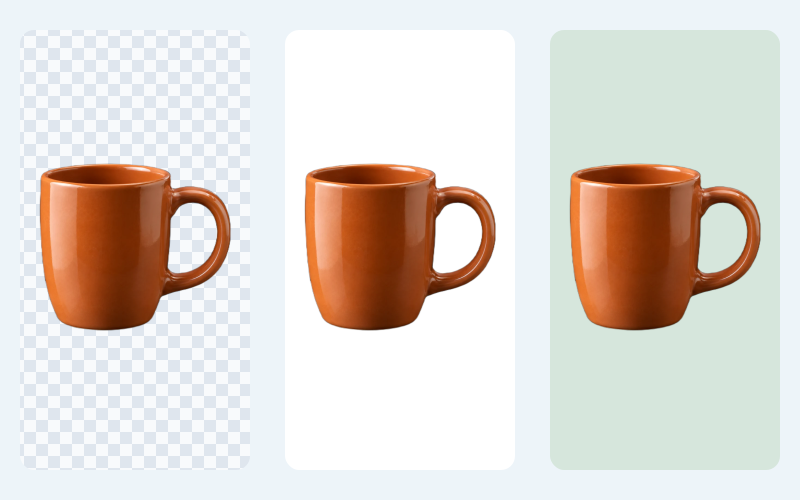
Keep a transparent PNG for layered designs, choose white for a simple product image, or match a solid color to your brand. Pick the background your next layout needs before you download.
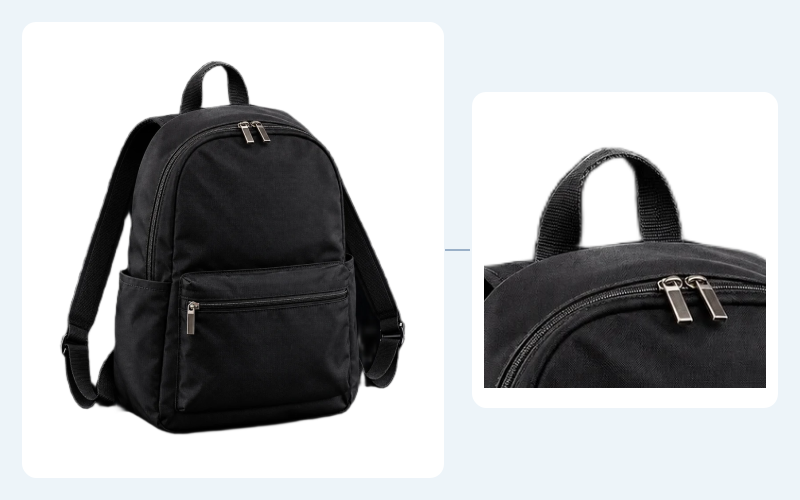
Black straps, dark fabric, and thin edges can blend into a black backdrop. Compare the result with your original, then preview it on white to spot missing parts or leftover dark borders before saving.
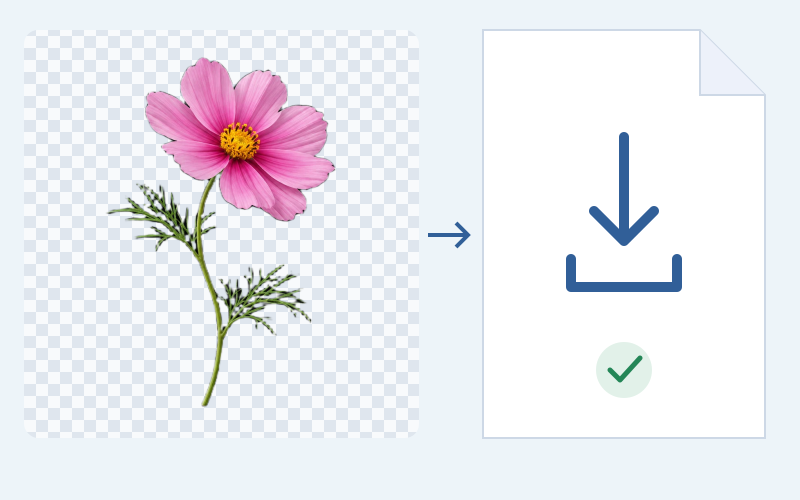
Upload, remove the black background, and download your PNG without signing up or paying. Your image stays free of watermarks, so you can reuse it in personal projects, presentations, or promotional designs.
For work and personal projects
Free BGRemover removes black backgrounds so you can reuse your images in product listings, social posts, presentations, and personal artwork. Whether you’re a professional or creating for fun, download a transparent PNG or choose a new background color to fit your next design. Free to use, with no sign-up or watermark.
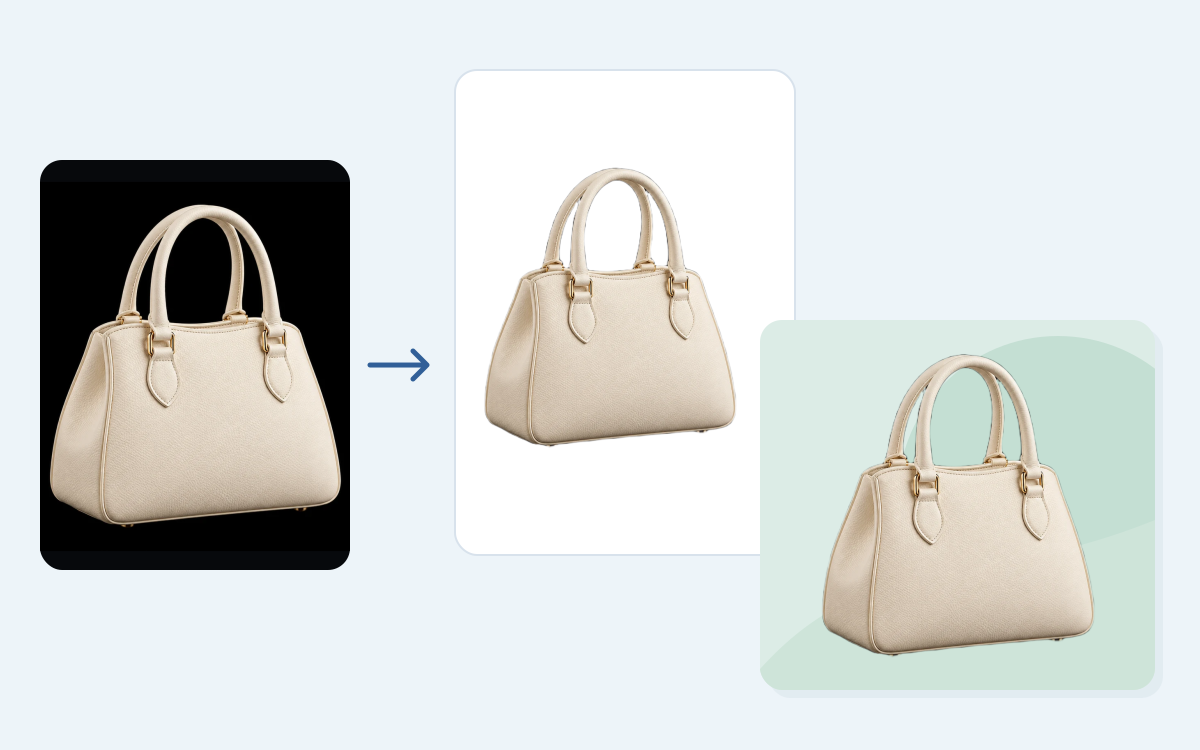
A black studio backdrop can clash with your storefront or promotional designs. Isolate your product, then choose a white or custom background color or download a transparent PNG. Reuse the same product image in listings, shop banners, and seasonal promotions without taking a new photo for each layout.
Upload a JPG, PNG, or WebP image, then click Remove background to start processing. Compare the cutout with the original and select Transparent for an image with no solid backdrop. Download the PNG after checking the subject edges.
Free BGRemover is free to use and does not require sign-up. You can upload your image, process it, review the result, and download a PNG without a watermark. There is no account or payment step in this workflow.
AI tries to separate the subject from the surrounding scene; it does not simply erase every black pixel. A dark subject against a dark backdrop can still be difficult to separate. Compare the result with the original, and try a clearer source if important details are missing.
Low contrast, blur, and dark shadows can make an edge difficult to identify. Use the white background option to inspect the outline. Try a sharper original with clearer subject separation if the border remains. This workspace does not include a manual edge-retouching brush.
First, confirm that you selected Transparent before downloading. Some image viewers display transparent areas against a dark canvas. Place the PNG over a colored background in a design app to check it. If an opaque black rectangle remains, review the processed result and try again.
Upload a JPG, PNG, or WebP file up to 15 MB. The result downloads as PNG, which can preserve transparency. Unsupported formats need to be converted first. Use a clear original rather than a blurry screenshot when you have a choice of source files.
Yes. After removal, choose White or a custom solid color in the workspace and download that version. Choose Transparent when you want the cutout to sit over another design. Adding a photo background or arranging text takes place in your usual design app.
Most images are processed in seconds, so you can review and download a clean cutout without a long editing session. Timing can vary with your image and device. For the best result, use a clear original with a distinct subject and check fine details before saving.
Answers about dark subjects, transparent downloads, supported files, and what to try when the cutout needs a closer look.
Upload your image, check the cutout, and save a transparent PNG for your next layout. Keep the original for reference, inspect any dark details, and choose the background option that fits how you plan to use the result.
Remove Black Background NowFree to UseNo Sign-UpNo Watermark