
Remove a white background
Turn a flat white scan, product graphic, or logo into a transparent PNG. Check white details inside the subject.
✦ 100 percent freeNo Watermark
Remove a background color or make any color transparent. Choose green, white, blue, or any shade, then download a clean PNG — free, with no sign-up or watermark.
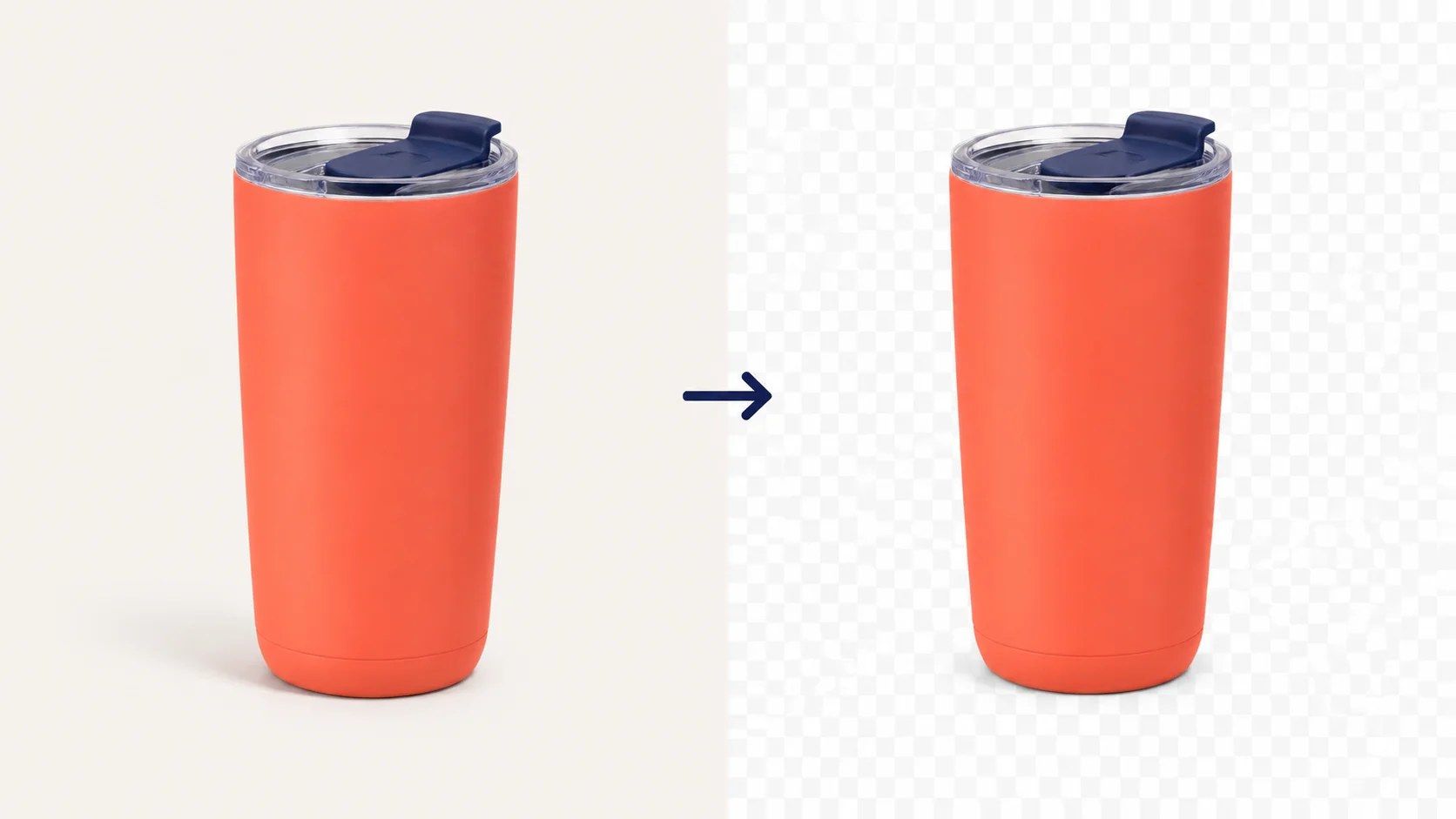
 OriginalTransparent PNG
Choose a JPG, PNG, or WebP file up to 15 MB, then select the color that should disappear.
Click the source image or enter a HEX value. Raise tolerance gradually for nearby shades.
Inspect the checkerboard result, compare the original if needed, then download a transparent PNG.
Selected-color use cases
Use this color remover to make one selected background color transparent in a JPG, PNG, or WebP image. It works best with white, green, blue, and other simple solid-color backgrounds.
Turn a flat white scan, product graphic, or logo into a transparent PNG. Check white details inside the subject.
Pick green, raise tolerance carefully, then inspect hair, fabric, and transparent objects before you download.
Clean up a blue screen or solid-color studio backdrop while retaining the foreground edges.
Remove color from a PNG icon, illustration, or flat shape without redrawing the asset.
Best for solid or near-solid backgrounds. If the subject contains the same color, start with a low tolerance and inspect the edges. For a complex, multi-color photo background, use our AI background remover.
Remove a white, green, blue, or other solid-color background from a JPG, PNG, or WebP image. Select the color, adjust tolerance to protect the subject, then download a transparent PNG.


After you remove a background color, download a transparent PNG for product photos, logos, presentation slides, and design files. Keep the subject cleanly separated and ready for a new background or layout.



After you remove a specific background color, use the transparent PNG in product images, presentations, and design layouts without carrying over the original colored backdrop.


Questions, answered
Quick help for removing a background color, making one color transparent, fixing close shades, and downloading a PNG.
Upload your image, click the background color you want to remove or enter its six-digit HEX value, then adjust tolerance for nearby shades. Preview the result and download a transparent PNG when the edges look right.
Yes. This tool makes the selected color or close shades transparent while keeping other colors. Start with low tolerance for the most precise match, especially when the subject contains a similar color.
Yes. White backgrounds, green screens, blue screens, and other simple solid-color backgrounds are good use cases. Before downloading, check hair, fabric, logos, and other subject details that share the background color.
The tolerance setting controls how closely pixels must match the selected color. Lower it if part of the subject disappears; raise it gradually if background shade variation or a color fringe remains. Use the checkerboard preview to inspect the result.
Choose Transparency, then download the result as a PNG. PNG preserves transparent pixels; JPG does not, so it needs a solid background instead.
This color remover works best when one background color is solid or nearly solid. For a person, product, or object against a varied photo background, use the AI Background Remover instead.
You can upload JPG, PNG, or WebP images up to 15 MB. Download the finished transparent result as a PNG.
Yes. FreeBG's online color remover is free to use, with no sign-up and no watermark.
Use this tool when you need quick, exact color removal online. Use an object eraser to brush away an item, and use Photoshop or Photopea when you need layers or detailed manual retouching.

Tutorials & Guides

Tutorials & Guides
Tutorials & Guides
Free color removal