Remove a PNG background—not the image opacity
Your subject stays visible while the background is removed. This does not make the whole image semi-transparent.
TRANSPARENT PNG MAKER
Upload a JPG, PNG, or WebP image, remove the background with AI, and download a high-resolution transparent PNG—free, with no sign-up or watermark.
Start with an image
JPG, PNG, or WebP. Up to 15 MB.
Privacy detailsKNOW THE RESULT
Your subject stays visible while the background is removed. This does not make the whole image semi-transparent.
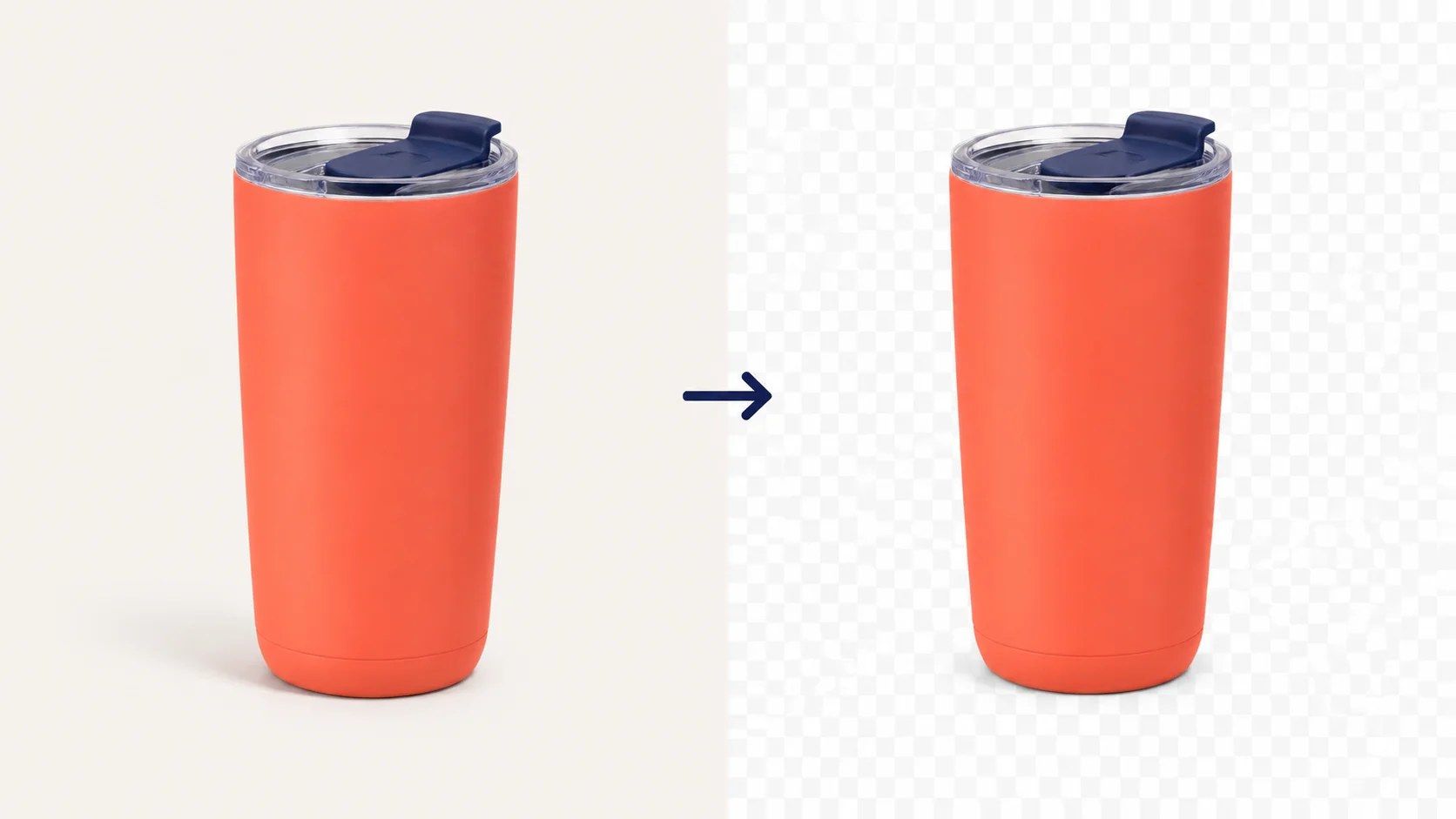
The checkerboard preview signals transparency. If you see a solid white area instead, the background is still part of the image.
To make a transparent PNG from a JPG, remove the background first, then download the result as PNG. JPG cannot keep transparent pixels.
FOUR CLEAR STEPS
Upload a JPG, PNG, or WebP, remove the background, check the transparent preview, then download your PNG—no desktop software needed.
Choose a JPG, PNG, or WebP file from your device, or drag it into the upload area. Keep the file at 15 MB or less.
Free BGRemover separates the main subject from its background and prepares a transparent result.
Confirm the checkerboard preview, then check hair, reflections, thin lines, product edges, and areas close to the original background color.
Download as PNG to keep transparent pixels. JPG cannot preserve a transparent background.
READY FOR THE NEXT STEP
A clean cutout is ready to place on a new background, layout, listing, or post.

PRODUCT PHOTOS

LOGOS & GRAPHICS

PEOPLE & PETS
 CHECK THE EDGE
REVIEW BEFORE DOWNLOAD
AI background removal can need a second look on difficult edges. A quick review helps you keep the subject and remove the background you do not want.
Current tool boundary: Free BGRemover does not offer a manual edge brush or color-threshold controls on this workflow.
CLEAR BEFORE YOU UPLOAD
Use Free BGRemover without registering. Your finished image downloads as a high-resolution transparent PNG with no watermark.
JPG, PNG, and WebP files up to 15 MB.
A downloadable transparent PNG after AI background removal.
Choose a clean white background instead of transparency in the result controls.
USEFUL ANSWERS
Quick answers for making a PNG background transparent, checking a white background, and saving the result as a PNG.
Upload the image, let Free BGRemover remove the background, check the checkerboard preview, and download the result as a PNG.
A PNG can still contain a visible white or colored background. Remove that background first, then download the finished result as a PNG so transparent pixels stay transparent.
The white area may be image pixels rather than transparency. Upload it, remove the background, and check the checkerboard before downloading the result.
PNG supports transparency, but not every PNG already has transparent pixels. A white background can be part of the image itself.
Yes. Upload the JPG, remove its background, and download the processed image as PNG. JPG cannot keep a transparent background by itself.
No. Background removal keeps the subject visible while removing its background. Opacity makes the whole image partly see-through.
Free BGRemover is free to use, needs no registration, and downloads the result without a watermark. Supported files are JPG, PNG, and WebP up to 15 MB.
Tutorials & Guides
Tutorials & Guides
Tutorials & Guides
YOUR IMAGE, READY FOR ITS NEXT BACKGROUND
Upload one image to remove its background and download a transparent PNG. No account is required.
Upload image