Upload your image
Choose a JPG, PNG, or WebP up to 15 MB. For the best result, keep the full subject in frame.
✦ 100% FREENo Watermark
Upload a JPG, PNG, or WebP, review the cutout, and download a high-resolution transparent PNG for free—no sign-up or watermark.
Start with an image
JPG, PNG, or WebP. Up to 15 MB.
Privacy detailsUpload your image, check the cutout against a transparent checkerboard, then download a PNG that keeps its transparent areas.
Choose a JPG, PNG, or WebP up to 15 MB. For the best result, keep the full subject in frame.
FreeBG detects the subject and removes the surrounding background. Review fine edges on the checkerboard preview.
Download a high-resolution PNG with no watermark. PNG keeps the transparent areas for your next layout or background.
Want a transparent background without installing editing software or spending time cutting around the subject by hand? Upload your image to Free BGRemover and the background is removed automatically. Then review the result and download a transparent PNG for your next design.

Need to place a logo, graphic, or product image on a website, slide, or branded item? A transparent PNG lets the subject fit cleanly into a new layout without a distracting box or clashing background. It keeps designs, presentations, and print-ready assets consistent.
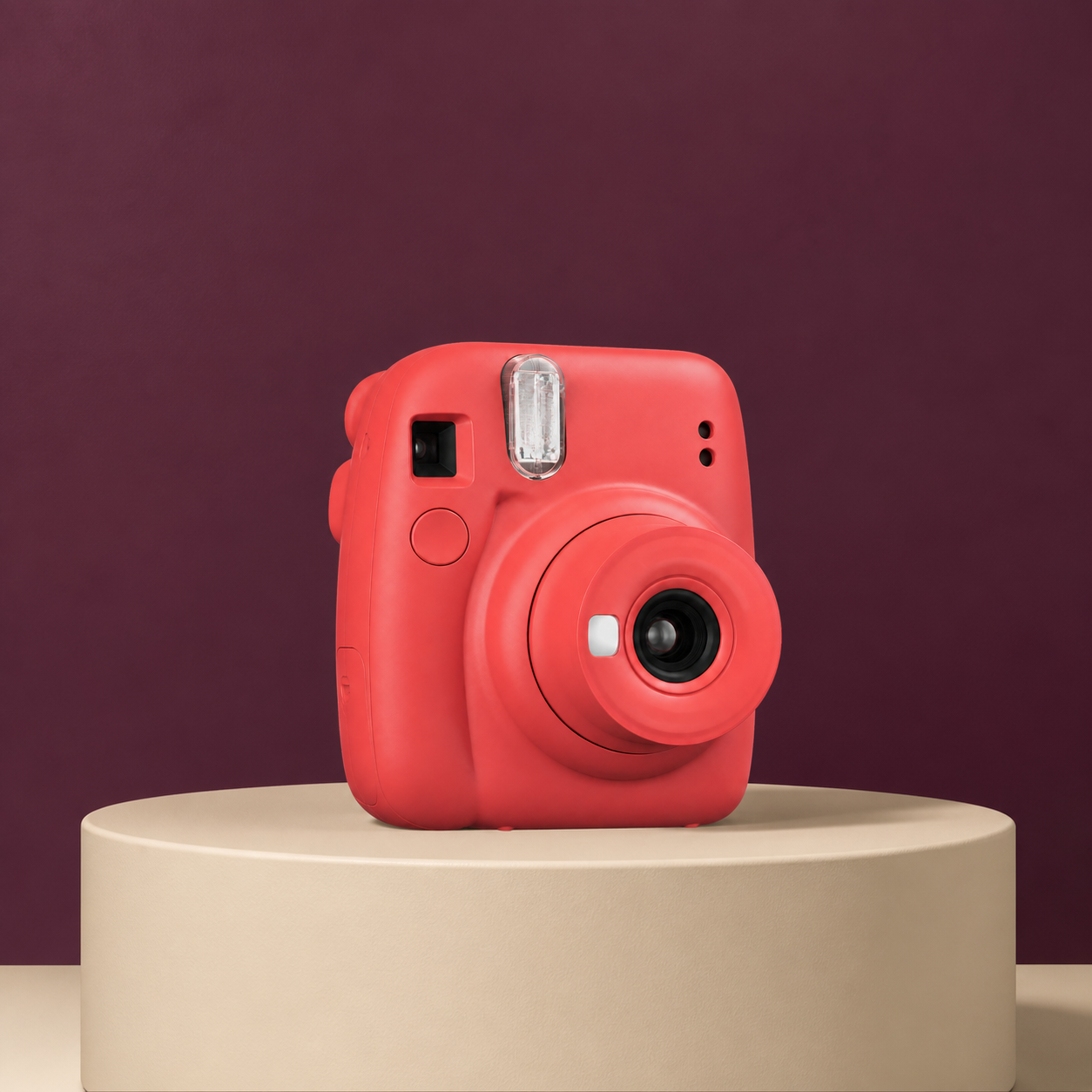
Fine details matter in a transparent background. Free BGRemover uses AI to detect the subject and separate challenging edges such as hair, fur, straps, and semi-transparent materials. Check the result on the transparent preview before downloading, so your PNG is ready for the next layout.
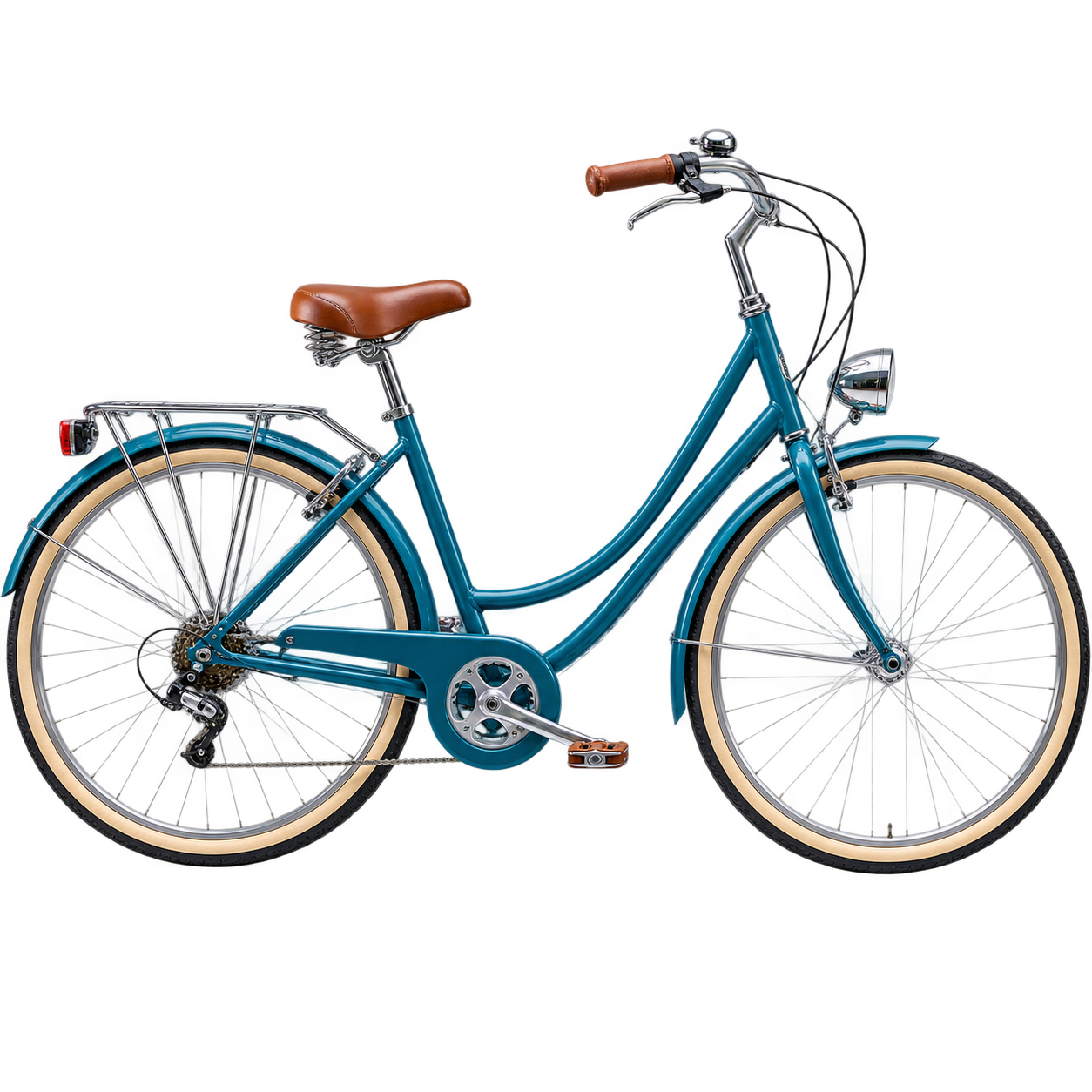
Working with lots of images? Use our Batch Background Remover to remove backgrounds from multiple files at once. Upload up to 20 images, review every cutout, and download your transparent PNGs together in a ZIP.

NORTHSTAR STUDIO
“Free BGRemover gave our team a faster way to prepare clean artwork without turning a simple edit into a long production task.”
CEDAR COMMERCE
“The automatic cutouts are consistently clean, which makes it much easier to keep product imagery moving through our workflow.”
FRAMEWISE MEDIA
“It handles the small details that can make a cutout look unfinished, especially around hair and delicate edges.”
Clear answers about making an image background transparent, supported files, output quality, privacy, and batch processing.
Upload your JPG, PNG, or WebP, let Free BGRemover remove the background automatically, then check the cutout on the checkerboard preview and download your transparent PNG.
Yes. Free BGRemover is free to use, requires no sign-up, and downloads do not include a watermark.
No. Free BGRemover works in your browser, so you can upload an image, review the transparent result, and download the PNG without installing editing software or creating an account.
Free BGRemover supports JPG, PNG, and WebP files up to 15 MB.
Your download is a transparent PNG, not a white-background image. The checkerboard in the preview marks the areas that will stay transparent; JPG files cannot preserve that transparency.
Use a sharp source image, keep the full subject in frame, and choose an image where the subject contrasts with its background. Review hair, fur, straps, and small gaps on the checkerboard before downloading. Free BGRemover does not currently provide manual brush editing.
Yes. Choose a supported image from your device, upload it in your mobile browser, review the result, and download the PNG.
Yes. Upload up to 20 supported images, review or retry each cutout, and download your completed transparent PNGs together in a ZIP.
Use Batch Background RemoverThe current Free BGRemover tool processes your image in your browser and holds it in your browser session so the preview and download can work. You do not need to provide an account, name, email address, or payment information to use the tool.
Read our Privacy Policy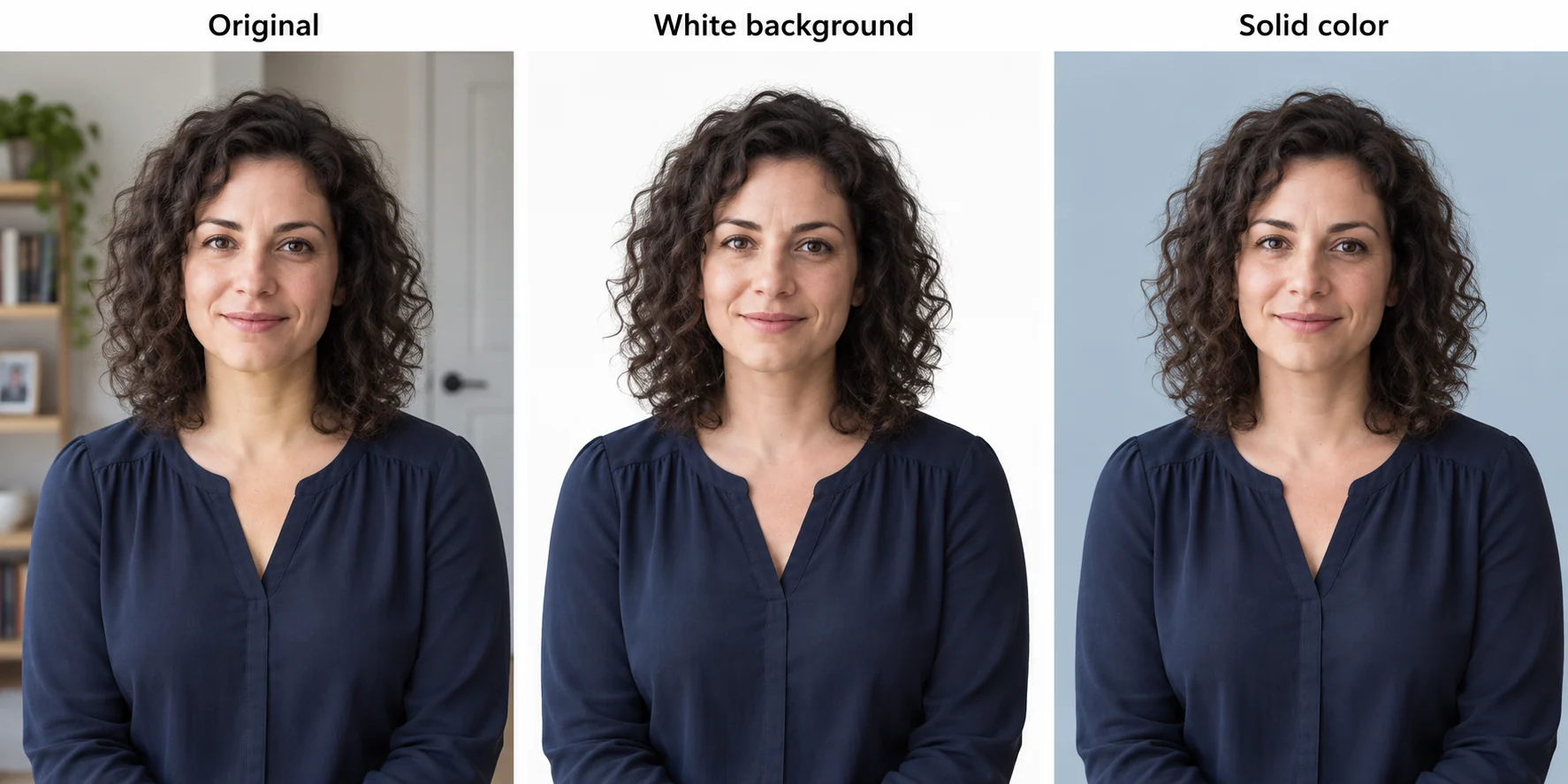
Tutorials & Guides
Upload a JPG, PNG, or WebP up to 15 MB, review the cutout, and download a high-resolution transparent PNG for free—no sign-up or watermark.
Upload Image & Remove BackgroundJPG, PNG & WebPUp to 15 MB
