

Free to useNo signupNo watermark

Add a Purple Background to Your Photo

Upload your portrait or product photo and let AI remove the original backdrop—no manual tracing needed. Then try purple shades in seconds, preview the result, and download your PNG for free without a watermark.

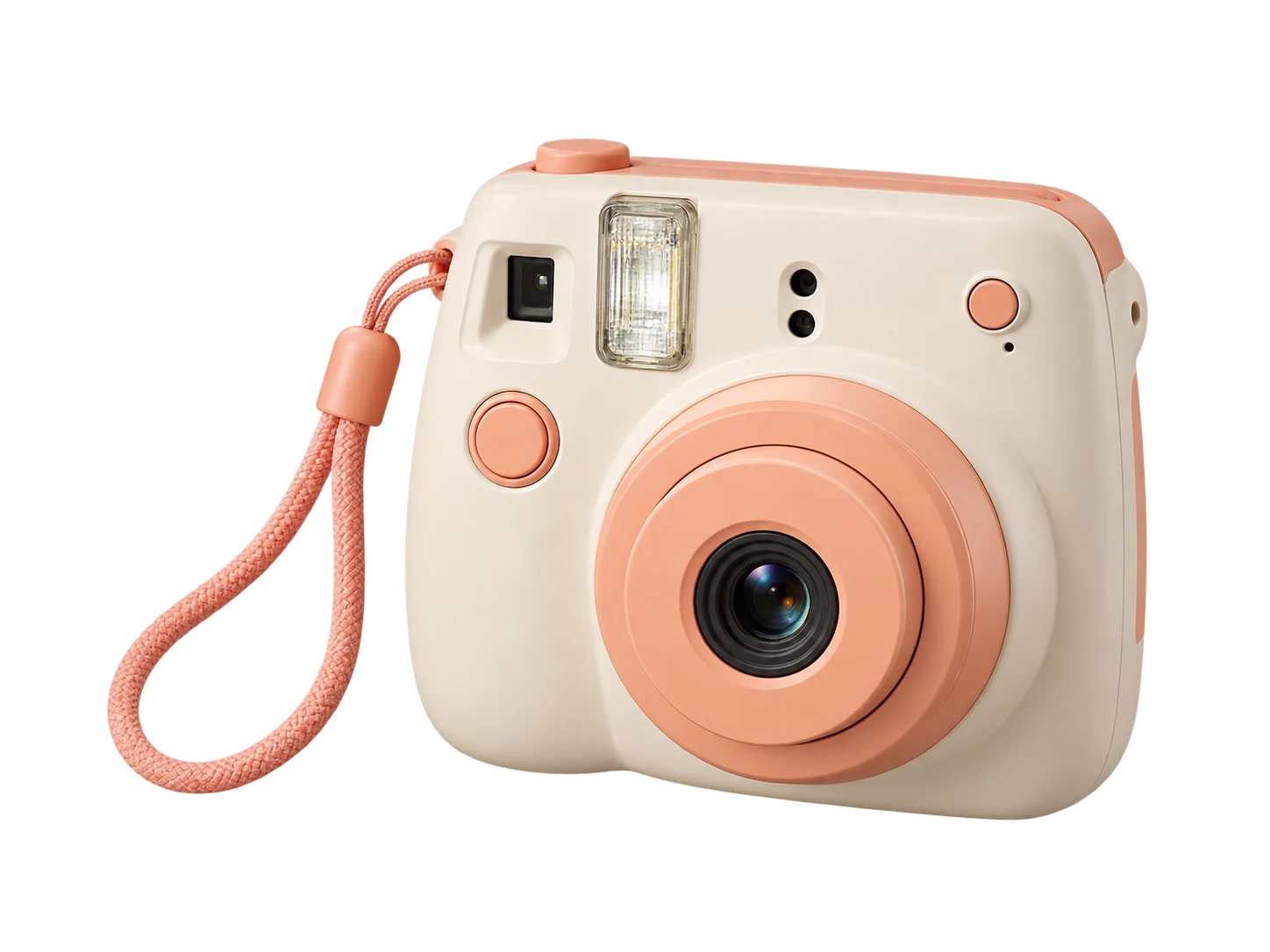
Ivory and peach instant camera on a classic purple backdrop
One photo. Three purple shades.

Classic purple · ⁦RGB 128, 0, 128⁩

Sample preview only. Choose the color for your upload in the editor after processing.

Your photo, a new setting

Upload your photo. Choose your purple.

JPG, PNG, or WebP · Up to 15 MB

Privacy details

Choose a Plain Purple Background, From Lavender to Plum

Replace a distracting scene with a uniform color that suits your subject. Try lavender at RGB 230, 230, 250 for a light setting, classic purple at 128, 0, 128, or plum at 103, 49, 71 for a deeper tone. Use the color picker to explore other shades, and compare each one against clothing, hair, or packaging before saving. The fill changes the backdrop while the subject remains based on your uploaded photo.

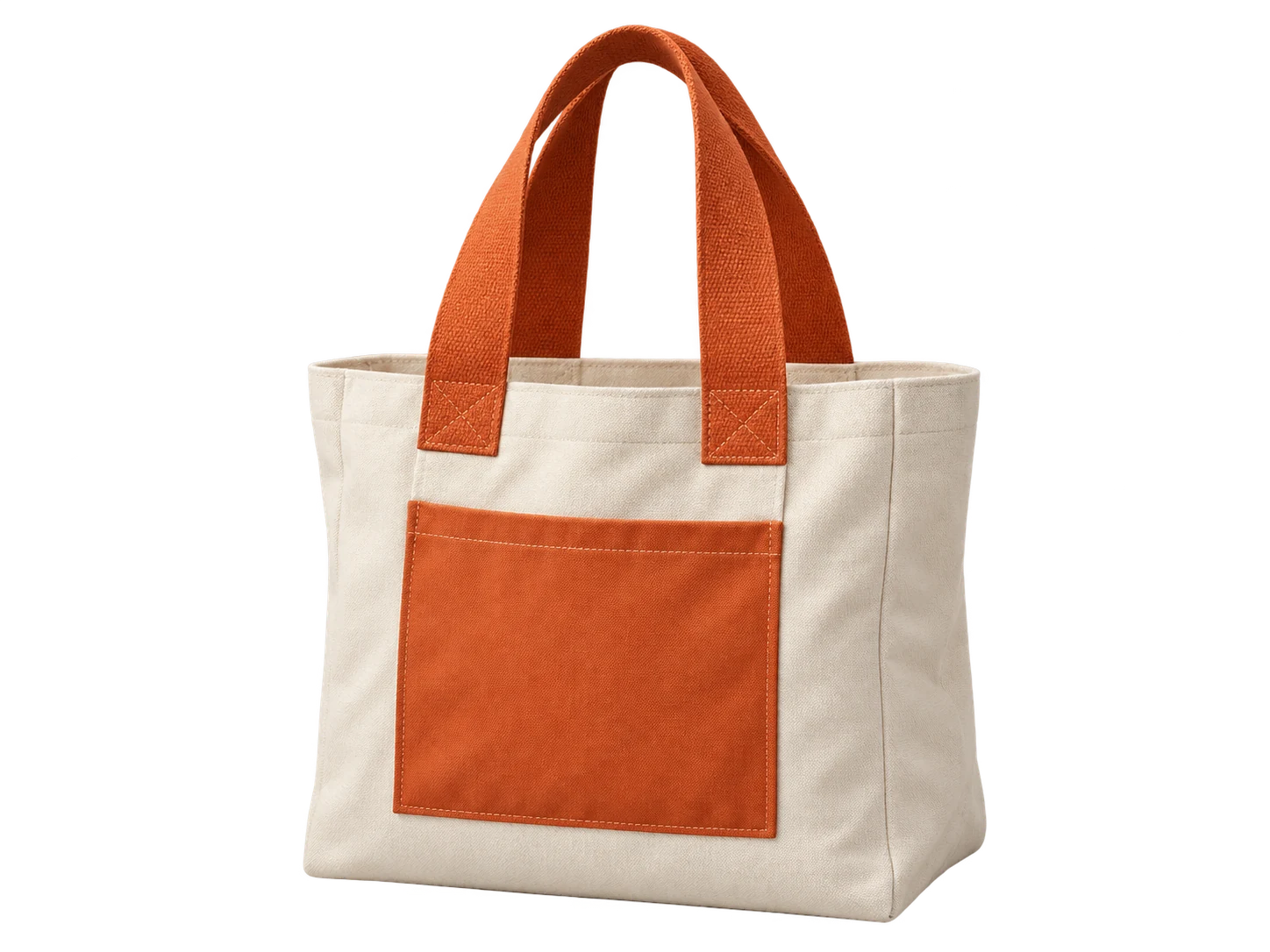
Cream canvas tote with orange handles on a classic purple backdrop
Classic purple#800080 · RGB 128, 0, 128
Cream canvas tote with orange handles on a lavender backdrop
Lavender#E6E6FA · RGB 230, 230, 250
Cream canvas tote with orange handles on a plum backdrop
Plum#673147 · RGB 103, 49, 71

Keep Product Photos Consistent With One Purple Shade

Give a collection of product photos a shared setting for store banners, launch graphics, or social posts. Record your chosen RGB values and apply them to each photo separately, whether you are presenting skincare bottles, accessories, or handmade items. Compare the shade against pale packaging and label text so the product stays readable. Download each finished image for your layout, and check the destination's background requirements before using it as a listing photo.

Try the Purple Background Changer for Free
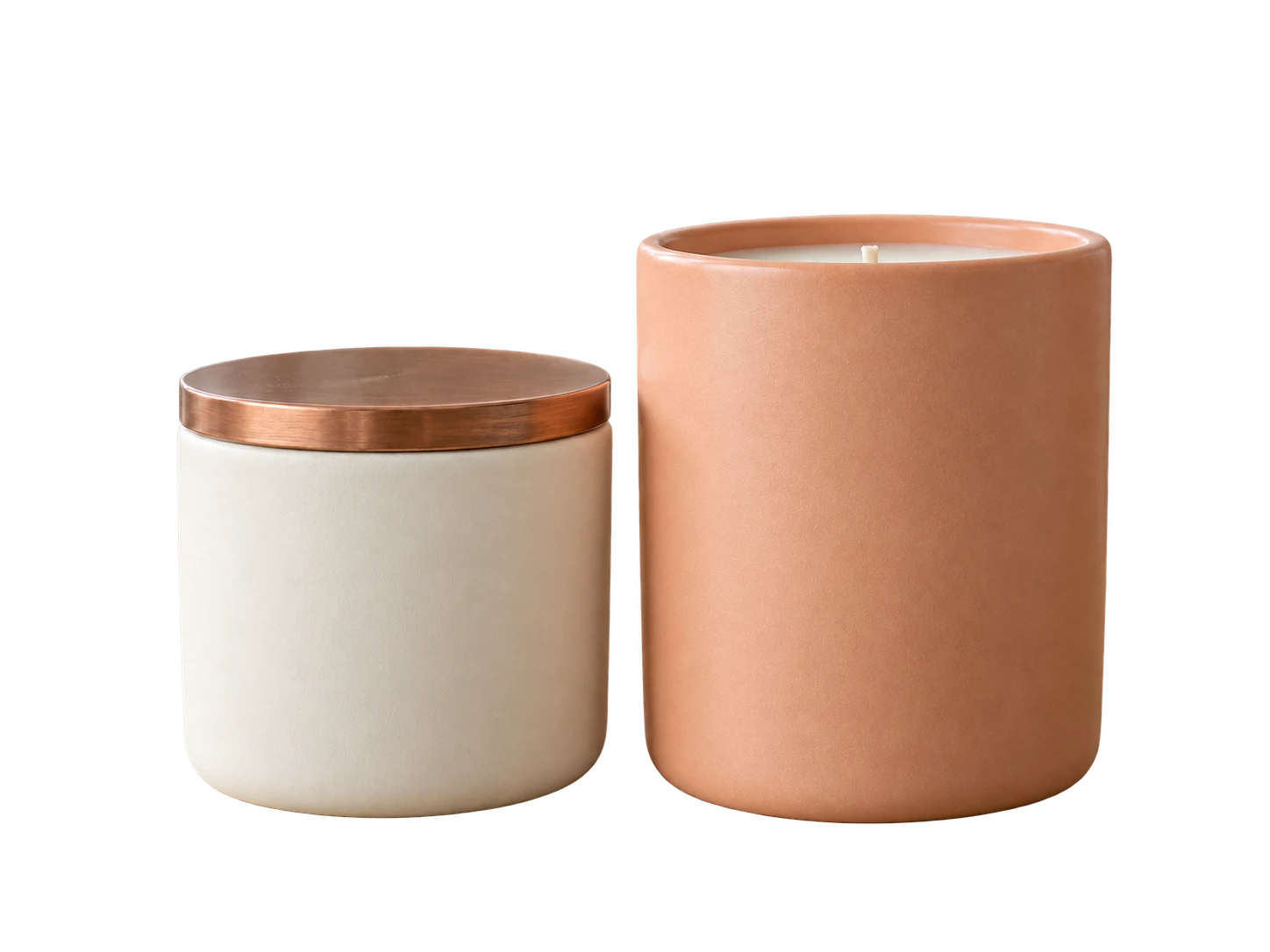
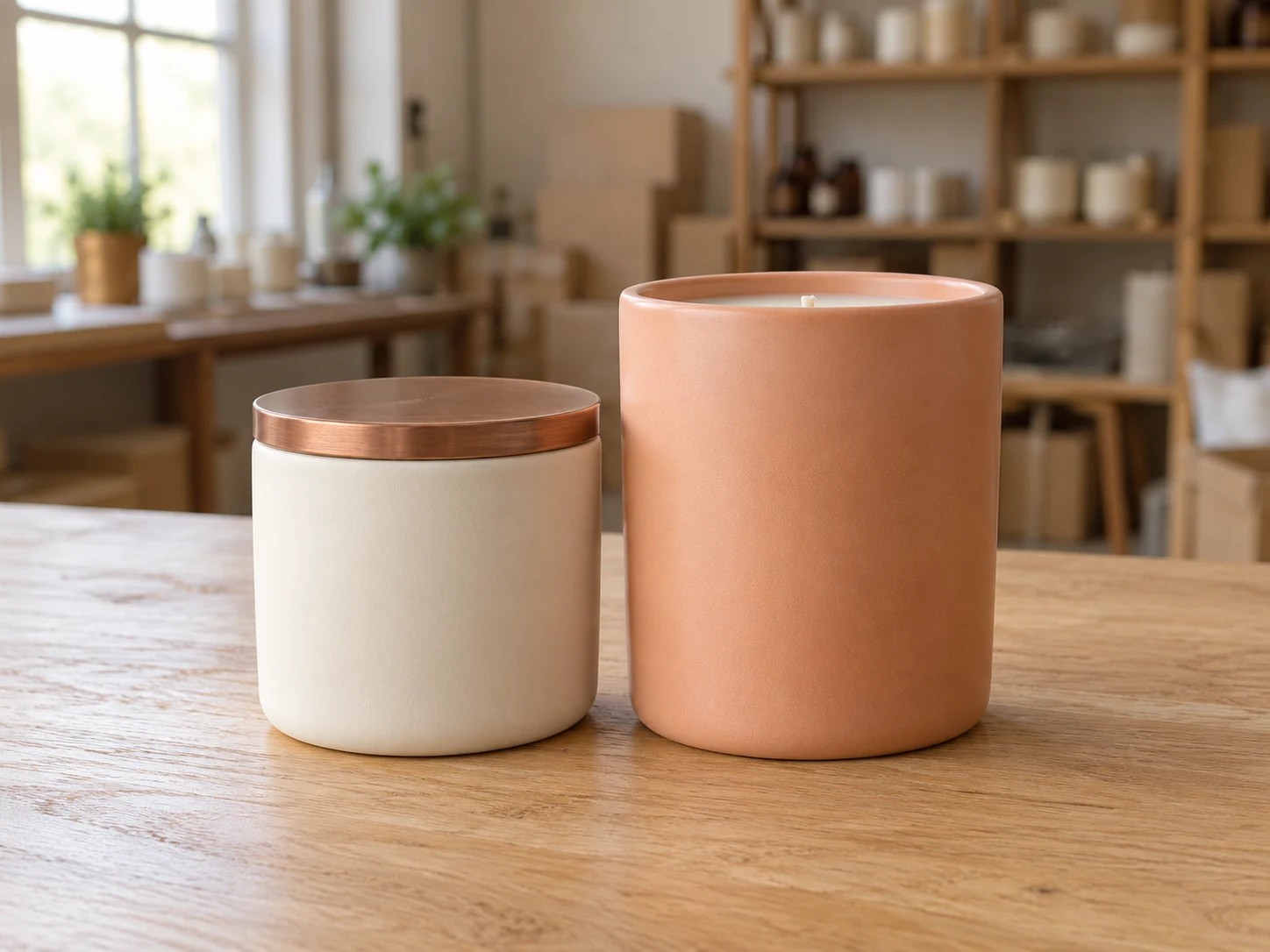
Ivory and peach candle jars on a packing table in an artisan workshop

Give Portraits a Backdrop That Fits Your Profile

Refresh a headshot or profile picture with a shade that works with your clothing and the colors of your page. Compare a pale tone with a deeper one to see how each frames your face. Start with a portrait where the person stands apart from the surroundings, and review hair, glasses, and shoulders in the preview. Save the result for your personal site, speaker bio, or social profile; finish any platform-specific cropping in your usual editor.

Make Photo Background Purple Now
Woman in a cobalt blue blouse photographed in a home office

How to Add a Purple Background to a Photo

Give your photo a purple backdrop in three steps: upload your image and let AI remove the original background, choose your shade, then preview and download your PNG.

  1. 01

    Upload your photo and remove the original backdrop

    Choose a JPG, PNG, or WebP file up to 15 MB, then click Remove background. Keep the tab open while the model loads and processes your image. Processing requires a browser and device with working WebGPU support, and the first attempt may take longer while the model downloads.

  2. 02

    Choose a shade with the color controls

    After processing finishes, select Custom color and open the color picker. Adjust the shade visually or enter RGB values; use 128, 0, 128 for classic purple. The displayed HEX value for that color is #800080. Compare the fill against the subject's outline before deciding which version to keep.

  3. 03

    Download your finished PNG

    Click Download PNG to save the photo with the selected color included. Open the file and check the subject's edges at the size you plan to use. The colored export contains the backdrop; choose the transparent option and save a separate file if you also need the cutout alone.

Why Use Free BGRemover to Add a Purple Background to Photos?

Free BGRemover combines AI background removal with custom color controls to give your photos a purple backdrop without tracing subjects by hand. For profile portraits, product promotions, and social graphics, reusable RGB values help keep the backdrop color consistent across separate edits, with watermark-free PNG downloads at no cost.

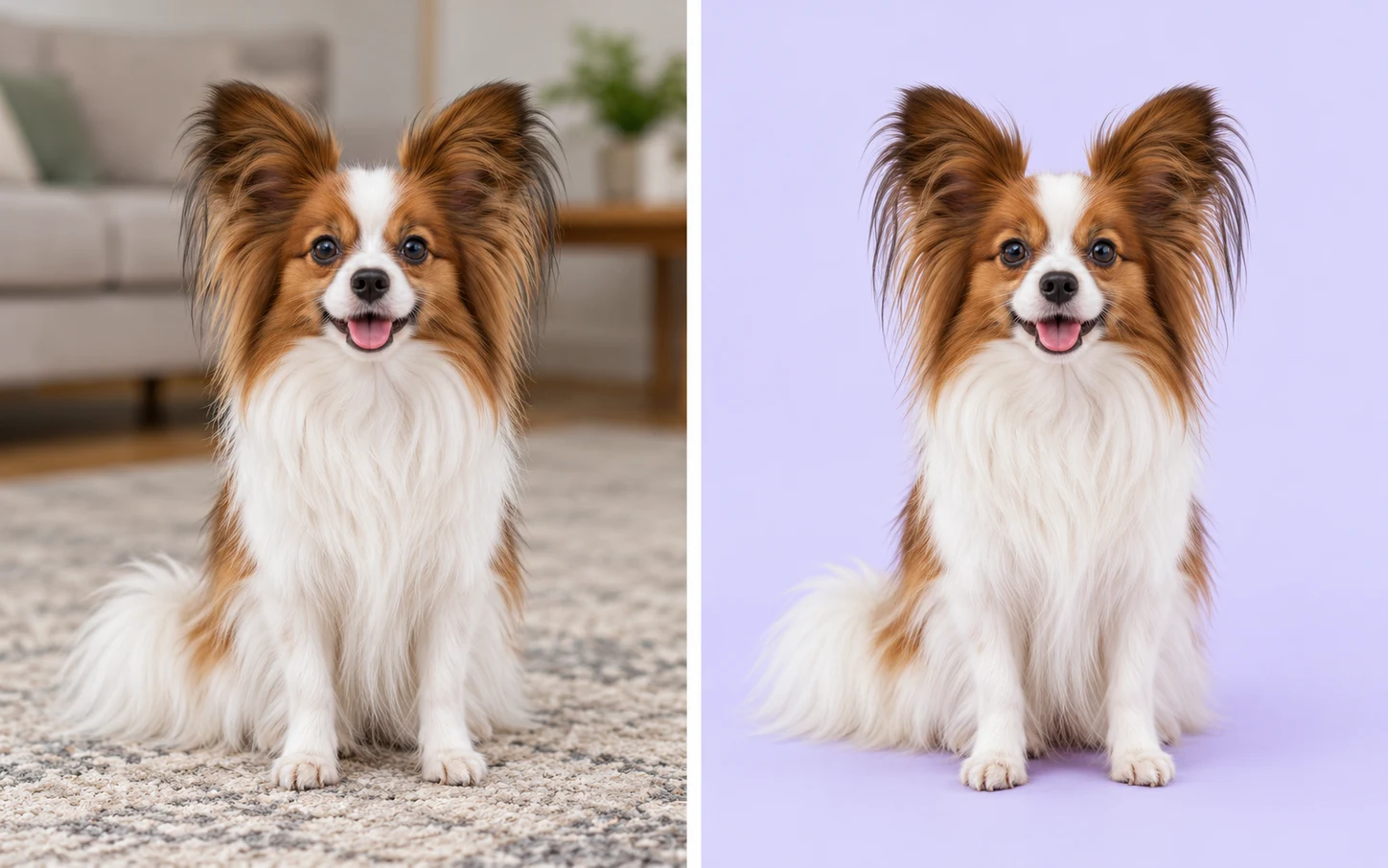
Illustrative comparison of the same papillon dog in a living room and against lavender

Skip Manual Tracing Around Your Subject

AI background removal separates the main subject before a purple fill is applied. You can replace the scene in an existing portrait or product photo without drawing around the subject yourself.

Illustrative background change.
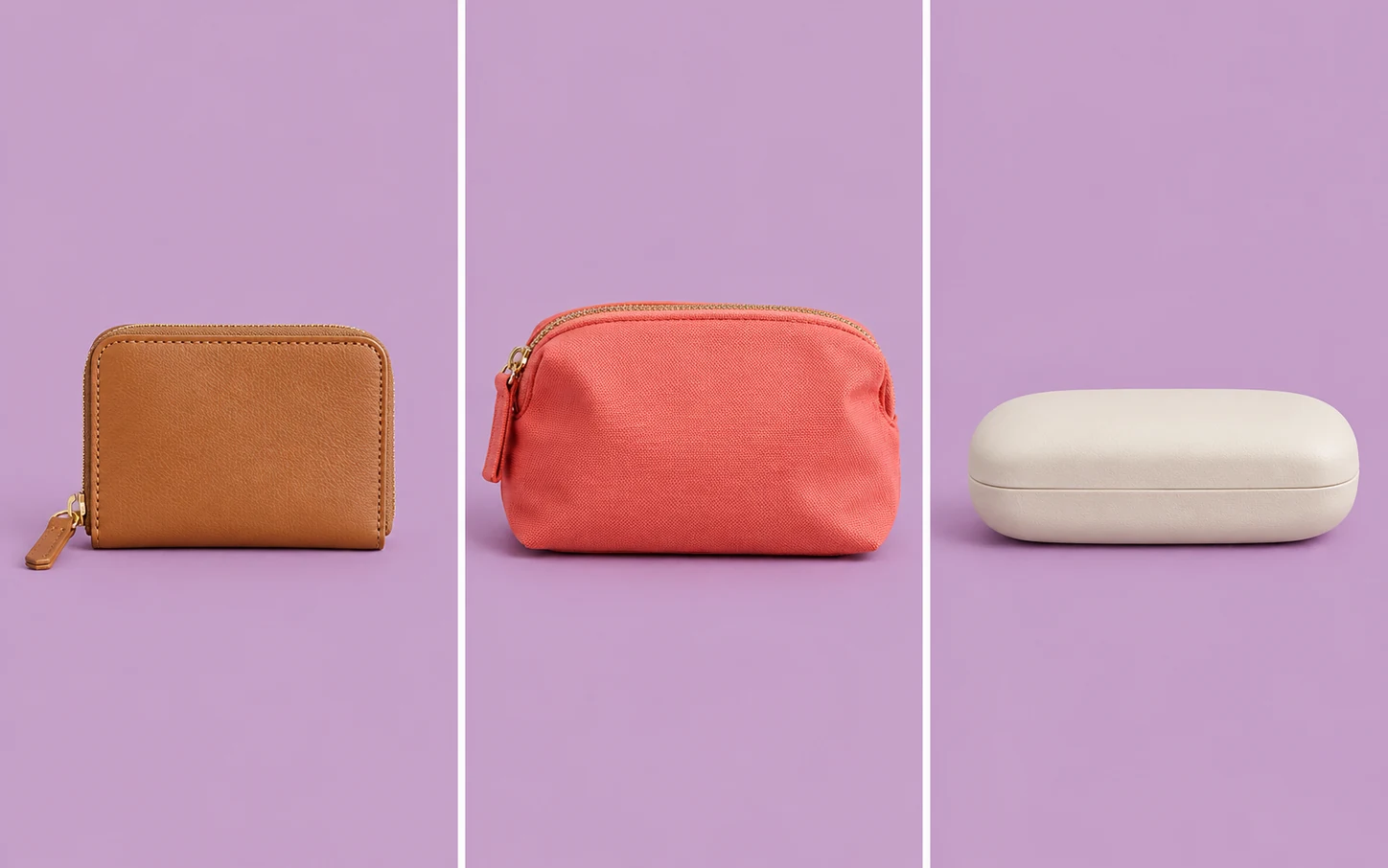
Wallet, coral pouch, and glasses case shown in three photos with a shared lilac backdrop

Use the Same Purple Across Photos

RGB controls let you reuse exact color values across individual edits. Give related portraits or product graphics the same backdrop shade, even when their original surroundings differ, without matching the color by eye.

One shade, applied to separate photos.

Man with glasses and an oatmeal shirt shown against different purple shades — Classic purpleClassic purple
Man with glasses and an oatmeal shirt shown against different purple shades — LavenderLavender
Man with glasses and an oatmeal shirt shown against different purple shades — PlumPlum

Compare Shades Before You Commit

Preview lighter and darker purples against hair, clothing, or packaging to judge contrast. Color changes reuse the processed cutout, so you can compare alternatives without running AI background removal again.

PNG file illustration showing an orange lantern and its lavender background together

Download Your Photo With the Color Included

The PNG download includes your subject and chosen solid backdrop, with no added watermark. Use the finished file in a website, presentation, or design app that accepts PNG, without recreating the backdrop elsewhere.

Who Can Use a Purple Backdrop for Their Photos?

Choose the use case closest to your next project. A shared backdrop color can connect related images, while the right shade depends on your subject, the surrounding design, and where the finished photo will appear.

Woman reviewing her lavender-background profile portrait on a laptop at home

Refresh Your Profile Without Retaking the Photo

Use an existing portrait for a personal website, speaker page, or social profile. Choose a shade that frames your face and works with your outfit. Check the downloaded image in the destination's crop before publishing, especially if your profile uses a circular frame.

  • Compare color against your portrait
  • Choose a shade for your page
  • Save a PNG for your profile
Edit My Profile Backdrop
How do I change a photo background to purple?

Upload your image and click Remove background. Once processing finishes, select Custom color and choose a shade with the picker or RGB controls. For classic purple, enter 128, 0, 128. Check the preview, then click Download PNG to save the photo with the selected fill.

Is the editor free to use without signing up?

Yes. The current single-image workflow lets you remove the original backdrop, choose a custom color, and download a PNG without paying or creating an account. No watermark is added. Review your result before downloading, since automatic background removal may need closer inspection around fine details.

Can I add a purple background to a transparent PNG?

PNG uploads are supported, but the current workflow still requires the Remove background step before the color controls become available. It does not offer a separate fill-only path for existing transparent files. Keep the original cutout and compare it with the processed version, since processing may change its edges.

Can I upload a JPG and download the result as a JPG?

You can upload JPG, PNG, or WebP files up to 15 MB. The finished image downloads as PNG, even when the source is a JPG. A PNG containing a solid color backdrop is not transparent. Use the transparent option for a separate cutout, or convert the finished file elsewhere if your destination requires JPG.

Can I create a purple gradient background?

The current color controls apply one uniform shade. They do not create gradients or generate decorative scenes from a text prompt. For a gradient composition, download the transparent cutout and place it over a gradient in a design app that supports that effect.

Can I download blank backgrounds or wallpaper here?

This tool edits the backdrop of a photo you supply. It does not provide a stock-image library, blank canvas downloads, or ready-made wallpapers. Use it when you want to change an existing photo; a standalone background image requires a separate tool or source.

Will my download be high resolution or 4K?

The export uses the source image's pixel dimensions. It does not turn a small photo into a 4K image or restore missing detail. Start with a clear original, then inspect the downloaded PNG at the size you plan to display it. Matching dimensions does not guarantee identical edge detail.

Can I apply the same color to multiple photos at once?

This single-image editor handles one photo at a time. Record your chosen RGB values and enter them for each separate edit to reuse the color. It does not apply a shared color to a group in one operation, and differences in subject lighting will remain.

Why is the first photo taking longer to process?

The browser needs to download and load the AI model before processing can finish. Timing depends on your connection and device, and the tool requires working WebGPU support. Keep the tab open while it runs. If processing cannot start, try another browser or device with that support enabled.

Purple Background Photo Editor: FAQs

Find answers about color choices, supported files, free downloads, and preparing your edited photo for its next use.

Give Your Next Photo a New Setting

Start with a photo you already have. Choose a shade that fits your subject, check the preview, and save the finished PNG for a profile, promotion, or creative layout. Keep your original file so you can compare the result before using it in your project.

Add Purple Background to Photo for Free