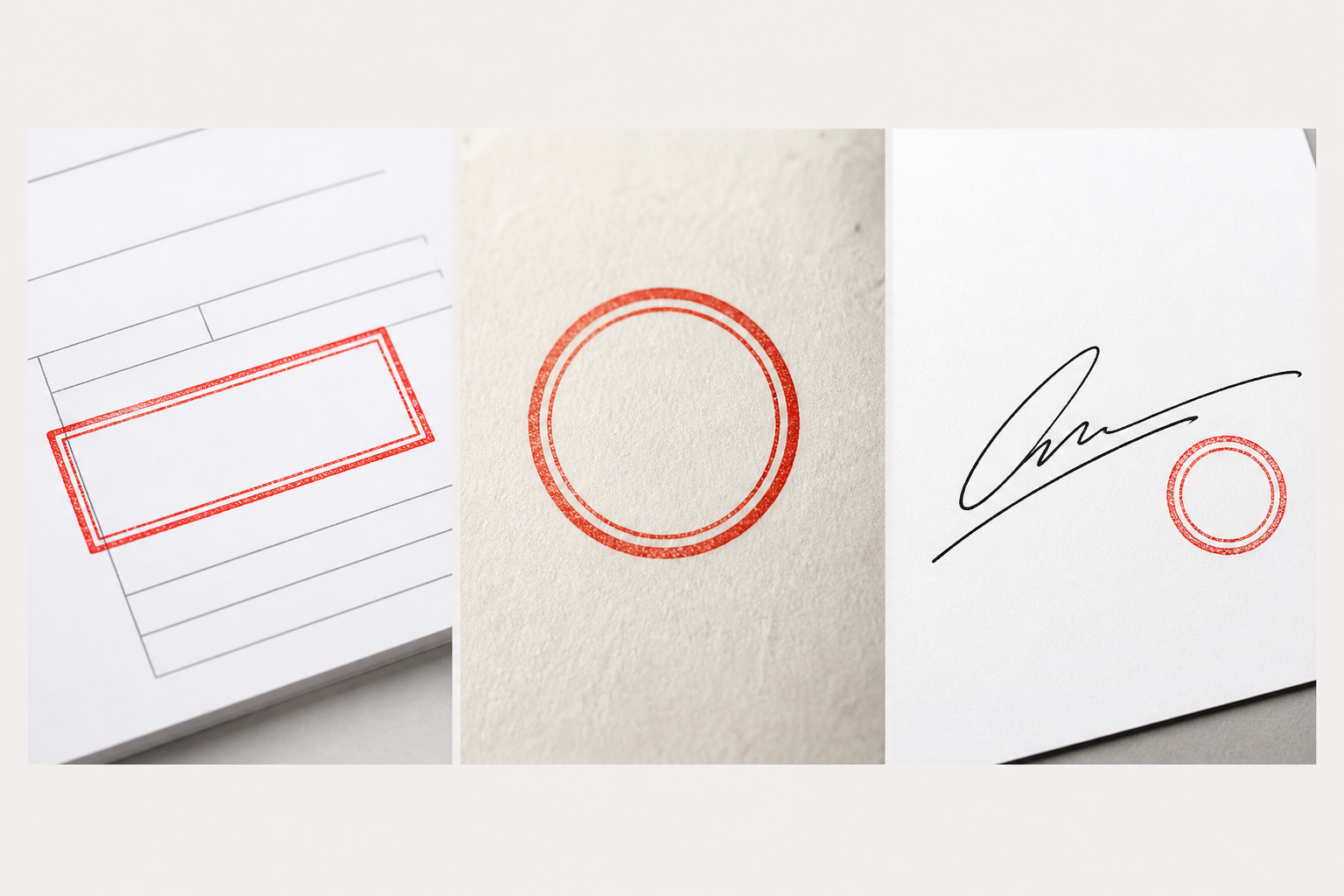
Why Does My Stamp Still Have a White Background?
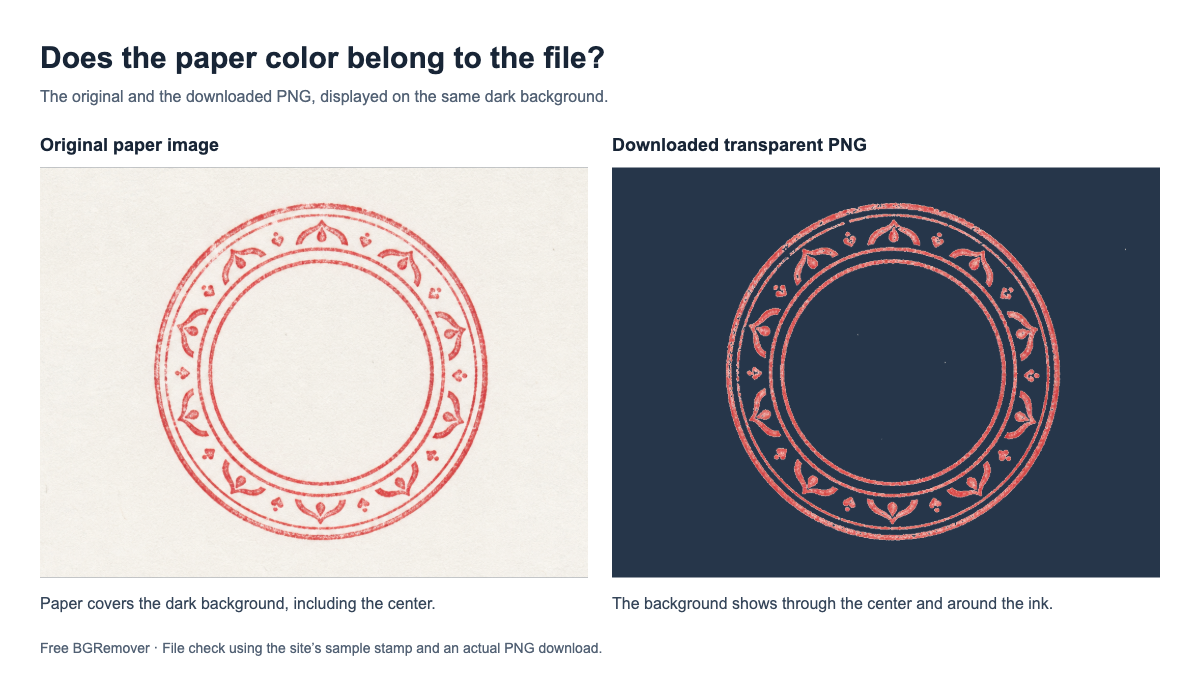
Still seeing a white box around your stamp? Check the saved file, clear white areas inside the seal, and keep the background transparent when you download.
Free BGRemover / Blog
Practical tutorials for cleaner cutouts, transparent files, and faster image workflows — plus honest context when you are choosing a tool.
Fresh from the library
Still seeing a white box around your stamp? Check the saved file, clear white areas inside the seal, and keep the background transparent when you download.
Learn how to remove a black background from an image, protect dark details, check the edges, and export a transparent PNG.
Remove a specific color, adjust tolerance without erasing your subject, and download a transparent PNG. Includes an example and fixes for leftover edges.
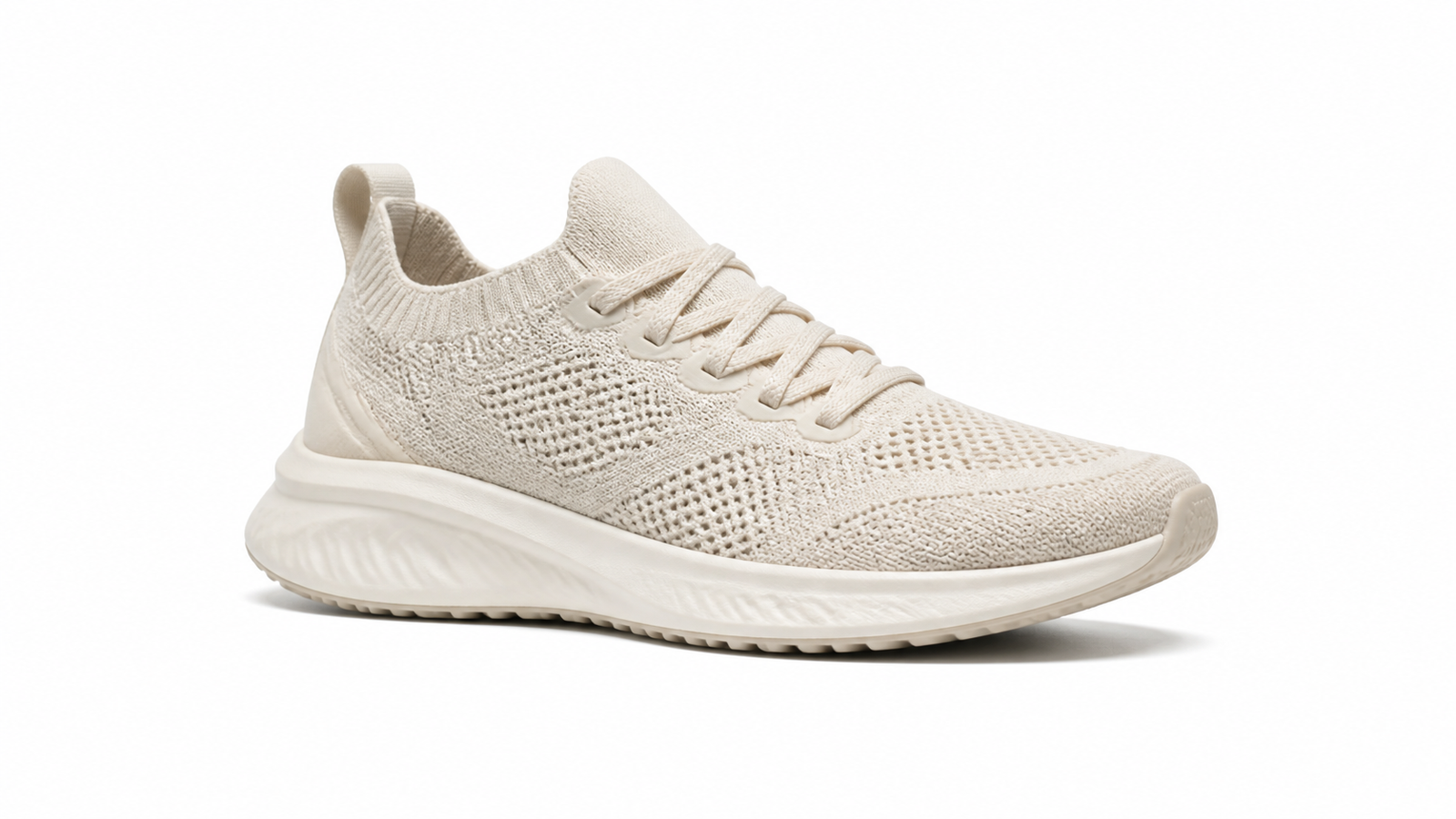
Make a product photo background white without washing out the item. Follow five steps, fix gray edges, and check the saved image before listing it.
Gray and white squares stuck to your image? Check whether they are real pixels, remove the background, and download a PNG with the details intact.
PNG showing a white background? Check whether the file is transparent, find where the background appeared, and fix it while keeping white details intact.
Change a picture’s background to white or a solid color with Free BGRemover. Follow each step to download.
Remove a picture’s background, inspect hair and glass, download a transparent PNG, and check what to try when part of the subject is missing.
Add a white background with Free BGRemover, follow the actual upload-to-download steps, and check edges, image size, and the saved PNG.
Remove paper, shadows, and white backgrounds from a stamp image without losing fine ink, then save a transparent PNG for Word, PDFs, and certificates.
Compare five free background remover tools by image quality, download limits, signup requirements, and editing controls to choose the right fit.
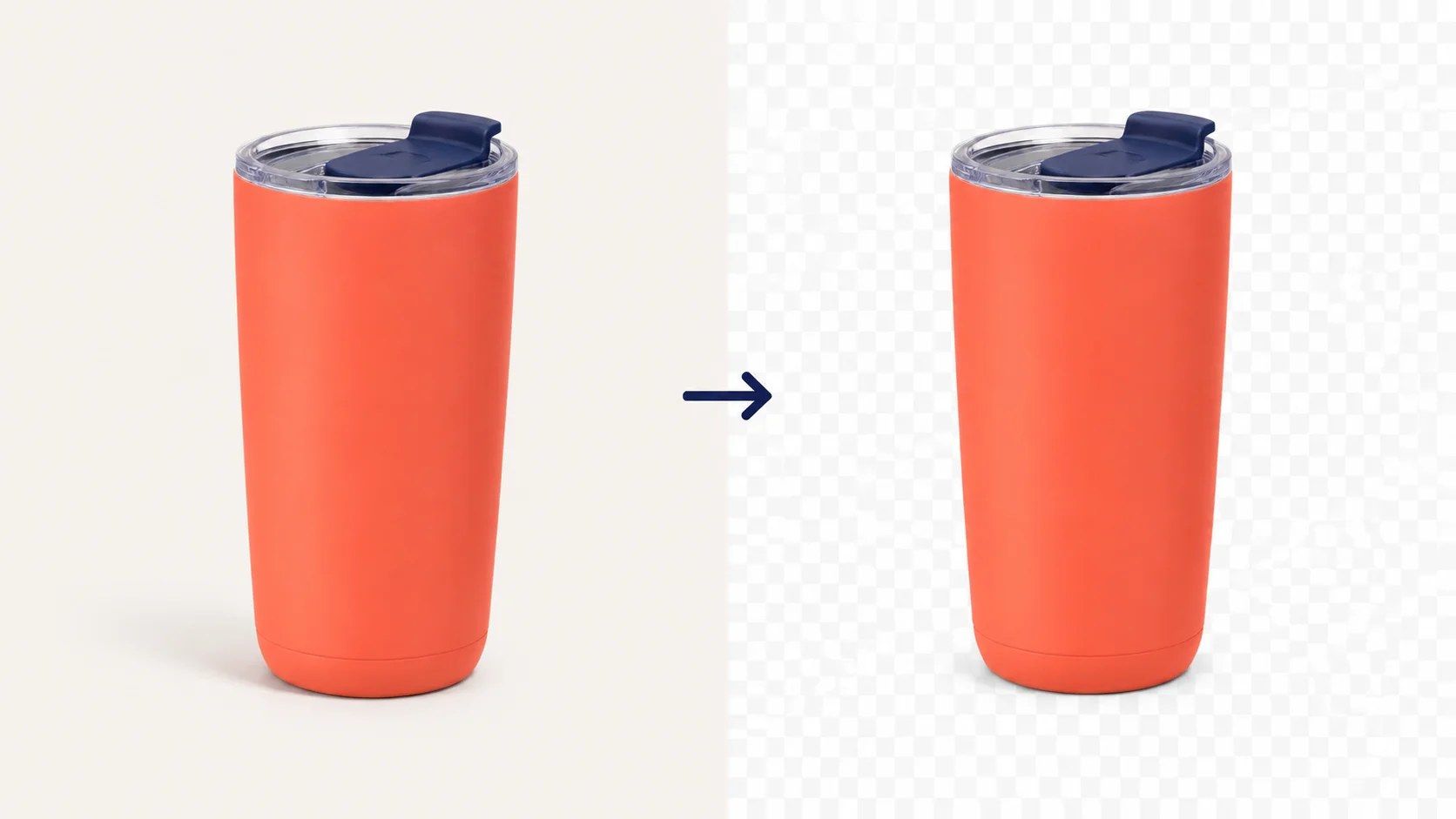
Make a PNG transparent with a step-by-step example, verify the downloaded file, and troubleshoot white boxes, checkerboards, or missing details.
Follow an online background removal walkthrough with screenshots, check tricky edges, save a transparent PNG, and fix common upload and export problems.
Remove a white background from an image, preserve pale details such as white products or lettering, and save a transparent PNG without leftover edges.
Remove a logo background, preserve lettering and open areas, and download a transparent PNG for websites, slides, and dark designs.
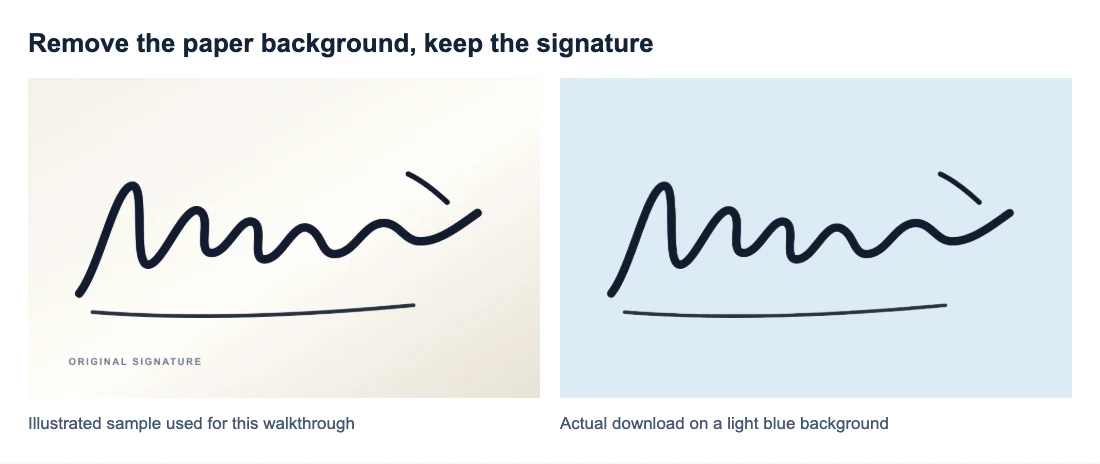
Make a signature background transparent, check fine pen strokes, and save a PNG that fits into documents without a white box.
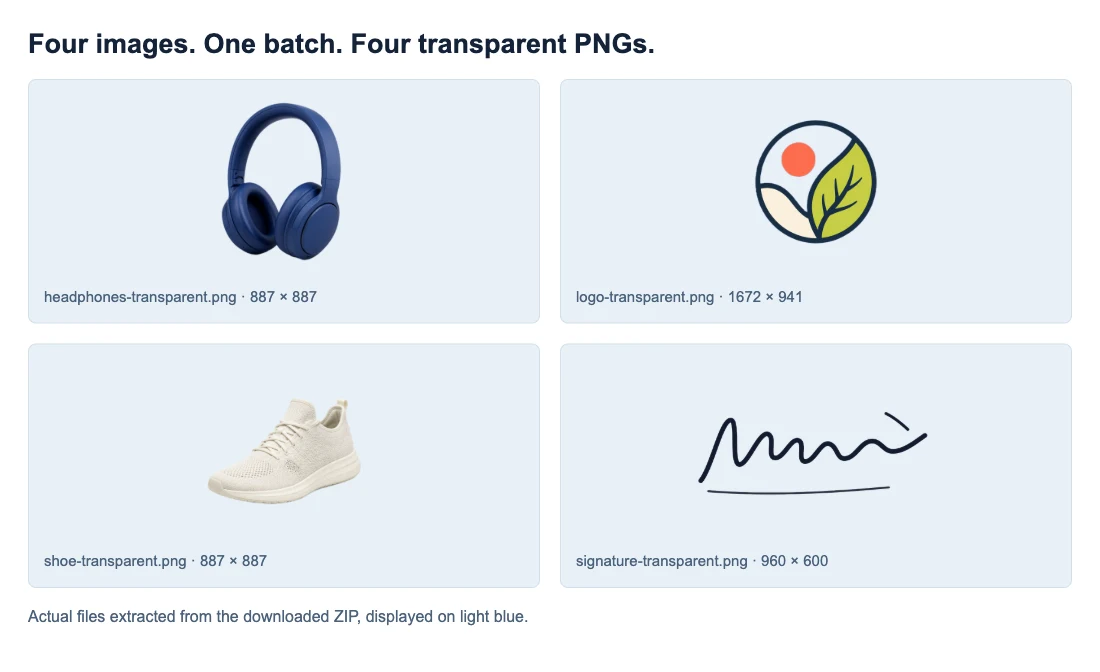
Remove backgrounds from up to 20 images in one batch, check the results, and download transparent PNGs together in a ZIP without losing track of your files.
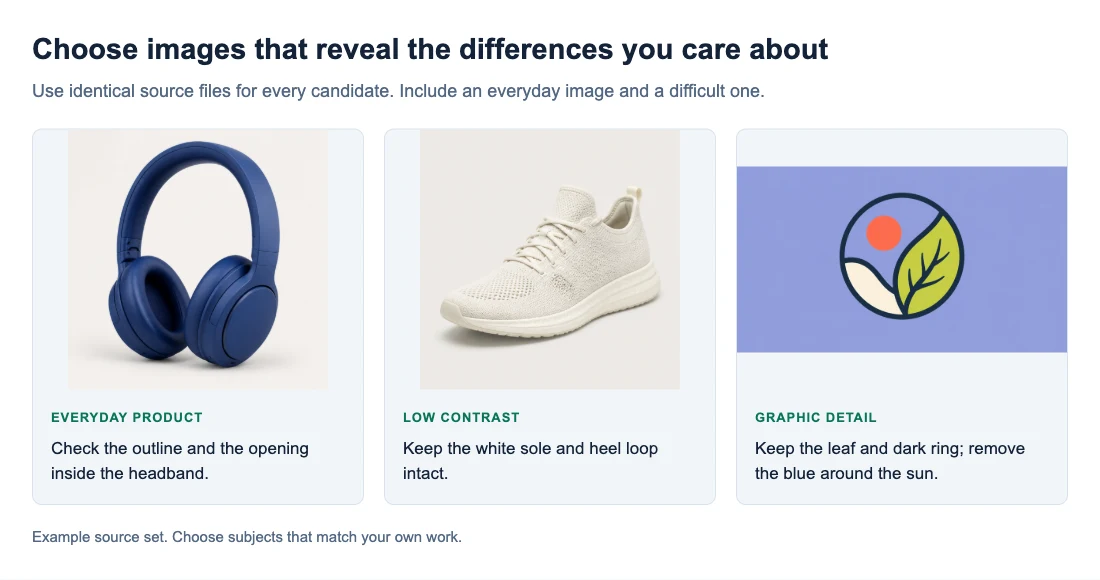
Compare background remover tools with the same images. Check edge quality, downloaded file size, transparency, cleanup time, cost, and batch workflow.