

✦ 100% FREENo Watermark
White Background Remover for Images
Remove the white background from your image in a few clicks. Upload a JPG, PNG, or WebP, check the cutout, and download a transparent PNG—free, with no watermark.
- Free to use
- No sign-in required
- No watermark
- High-resolution transparent PNG
Remove a white background
Remove white background. Get a transparent PNG.
JPG, PNG, or WebP. Up to 15 MB.
Privacy detailsDrag and drop an image or choose a file. By uploading, you agree to our Terms and Privacy Policy.
Check the edge before you upload
See white background removal on tricky edges.
Drag the slider to compare real images with their transparent results. Check hair, soft shadows, fine logo lines, and light-colored objects—details that can blend into white.

Product photos
Prepare a cutout for a catalog, listing, or ad. Check handles, shadows, and fine details before you download.
Try your imageYou might also be interested in
Your result
Remove white background. Download a transparent PNG.
Your image keeps the subject and removes the white background. Download a transparent PNG to place it on any color, image, product listing, or design.
Transparent PNG tip:A transparent image can look white in some previews. Place it over a color or checkerboard background to confirm the white background is gone.
Remove white background from my imageThree simple moves
How to remove white background from an image
Turn a photo, product image, or logo with a white background into a clean transparent PNG. Review the result before download to keep hair, light-colored edges, and fine details intact.
Upload your image
Use the clearest original you have. Keep the subject separated from the white background whenever possible.
Check the cutout before downloading
Look closely at hair, light-colored edges, soft shadows, and thin logo lines—the details most likely to blend into white.
Download your transparent PNG
Save your image with no background for listings, logos, presentations, and designs. If it looks white in a preview, place it on a color to verify the transparency.
Review before you download
Check white background removal before you download.
Drag the slider to compare the original image with the transparent result. Inspect hair, light-colored edges, shadows, and thin lines before you save the PNG.


White background originalTransparent PNG
Use this quick edge checklist
- 01Hair, fur, and soft edgesKeep wisps and texture natural—without jagged cutouts or missing strands.
- 02White or light-colored subjectsCheck that pale product edges stay intact instead of being mistaken for the background.
- 03Logos and fine graphicsZoom in on thin strokes, small gaps, and internal spaces before you download.
- 04Shadows and halosLook for white fringe or gray residue around the subject.
If you spot a missing edge or haloRe-upload a sharper original with clearer separation. Use a manual editor only when the result needs detailed correction.
Use your transparent image wherever you need it.
After you remove the white background, use the transparent PNG in product listings, profile graphics, branded designs, presentations, and new layouts.
 PRODUCT LISTINGS
Product listings and ads
Place a clean product cutout on marketplace imagery, catalog pages, ad creative, or a new branded backdrop.
 PEOPLE
Profiles, presentations, and social
Use a transparent portrait in profile graphics, speaker slides, social posts, or team-page layouts.
 BRAND ASSETS
Logos and brand assets
Keep your logo separate from its old background for websites, mockups, packaging, and campaign designs.
Before you upload
Know what happens before you upload.
Check supported formats, free access, and privacy details before you remove a white background. If you work with many images, see what to expect from batch removal.
Read privacy detailsReady to upload
Upload a JPG, PNG, or WebP image up to 15 MB for white background removal.
Free, no sign-in
Use the current image-removal flow without an account or watermark.
Your image and privacy
Images are processed in your browser session. Read the Privacy Policy for the current handling details.
Batch background removal
Use the batch background remover to process up to 20 images at once and download finished PNGs in one ZIP.
Useful answers, before you start
White background remover FAQ
The short answers to common questions about removal, quality, file formats, logos, and free use.
How do I remove the white background from an image?
Open the image remover, upload the image, review the cutout, and download a transparent PNG.
How do I remove the white background from a picture without losing detail?
Start with the clearest original you have, then inspect hair, pale edges, shadows, and small logo details on the checkerboard before downloading. If a cutout needs detailed hand correction, continue in a dedicated editor.
Is it free to remove white background from an image?
Free BGRemover offers the current image background-removal flow without an account or watermark. Upload an image, review the result, and download the transparent PNG.
Why can my transparent PNG look white in a preview?
Some apps preview transparent PNG files on white. Place the file over a color or checkerboard background to confirm that the white background was removed.
How do I remove white background from a logo?
Upload the highest-quality logo you have, inspect thin lines, white logo elements, and small gaps, then download the transparent PNG after the cutout is intact.
Can I remove white background from GIF files?
The current Free BGRemover workflow supports static JPG, PNG, and WebP images. Export a still frame for this workflow, or use an editor that supports animated files.
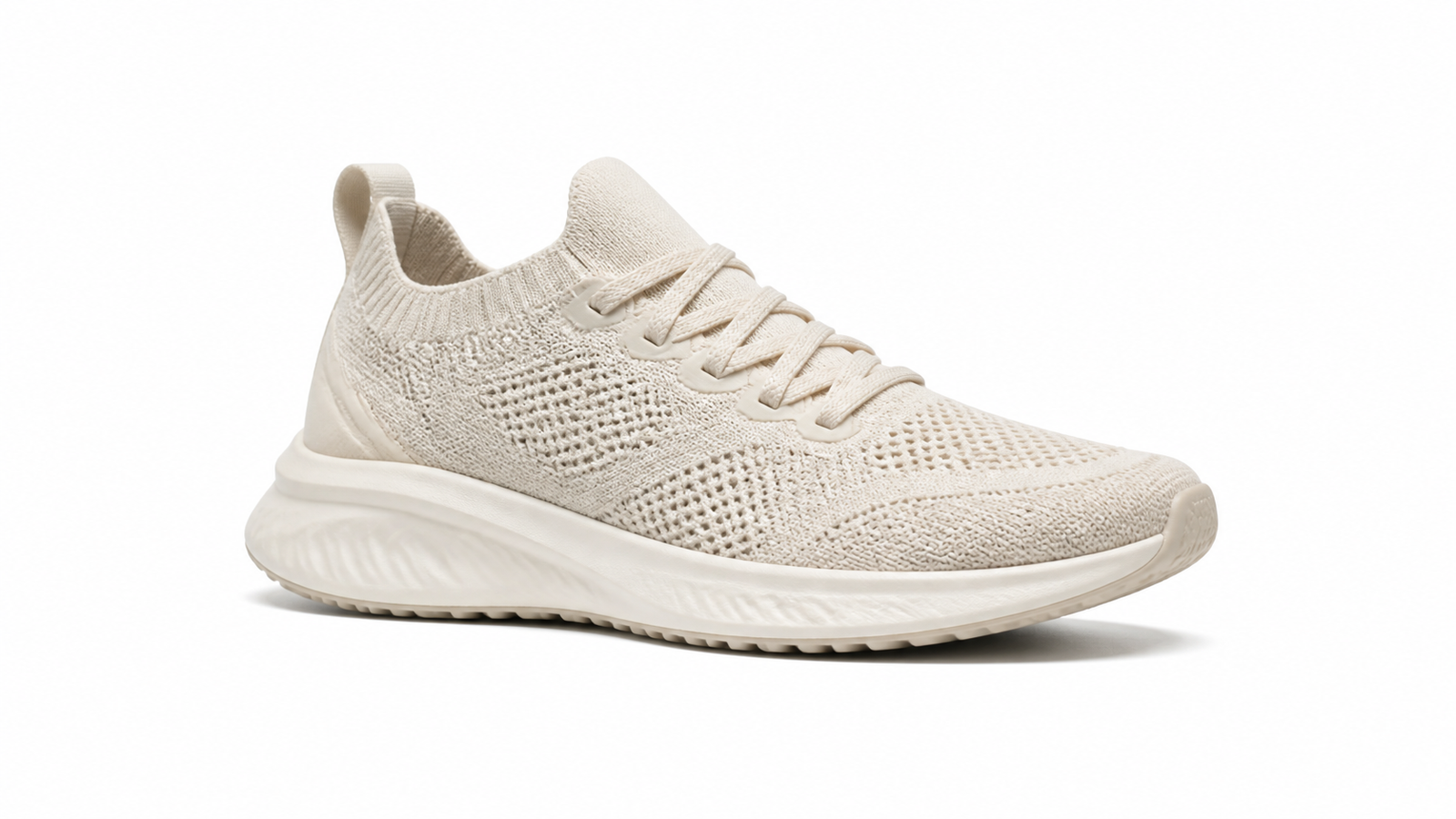
Tutorials & Guides
How to Remove a White Background From an Image Online
Remove a white background from an image, preserve pale details such as white products or lettering, and save a transparent PNG without leftover edges.
Tutorials & Guides
Why Is My PNG Not Transparent? How to Check and Fix It
PNG showing a white background? Check whether the file is transparent, find where the background appeared, and fix it while keeping white details intact.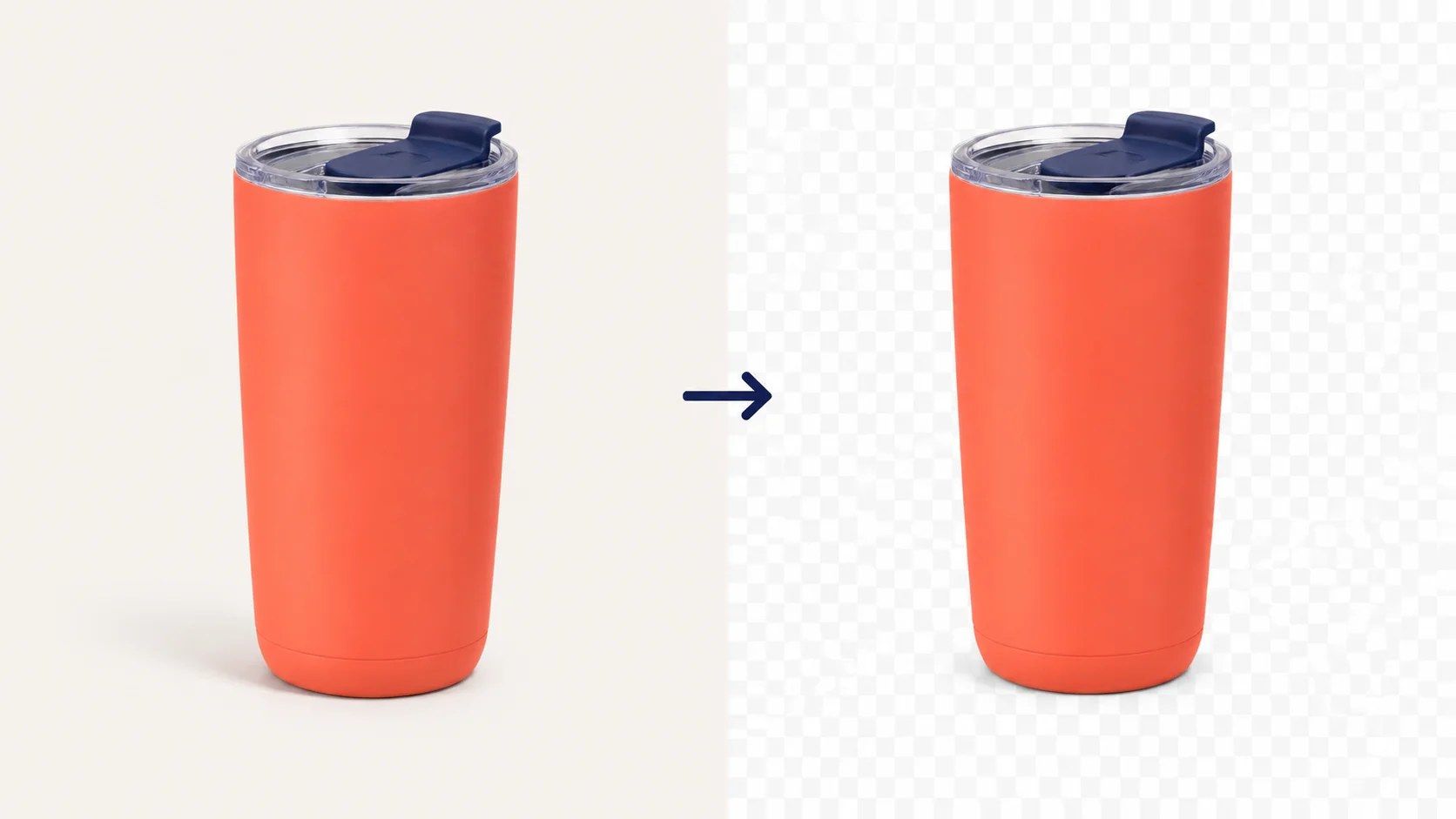
Tutorials & Guides
How to Make a PNG Transparent
Make a PNG transparent with a step-by-step example, verify the downloaded file, and troubleshoot white boxes, checkerboards, or missing details.Transparent, or white—your choice
Ready to remove a white background from your image?
Upload your image, check the cutout, and export the format that fits your next step.
JPG, PNG, or WebP · Free to use ·Privacy Policy