Can I add a red background to a photo for free?
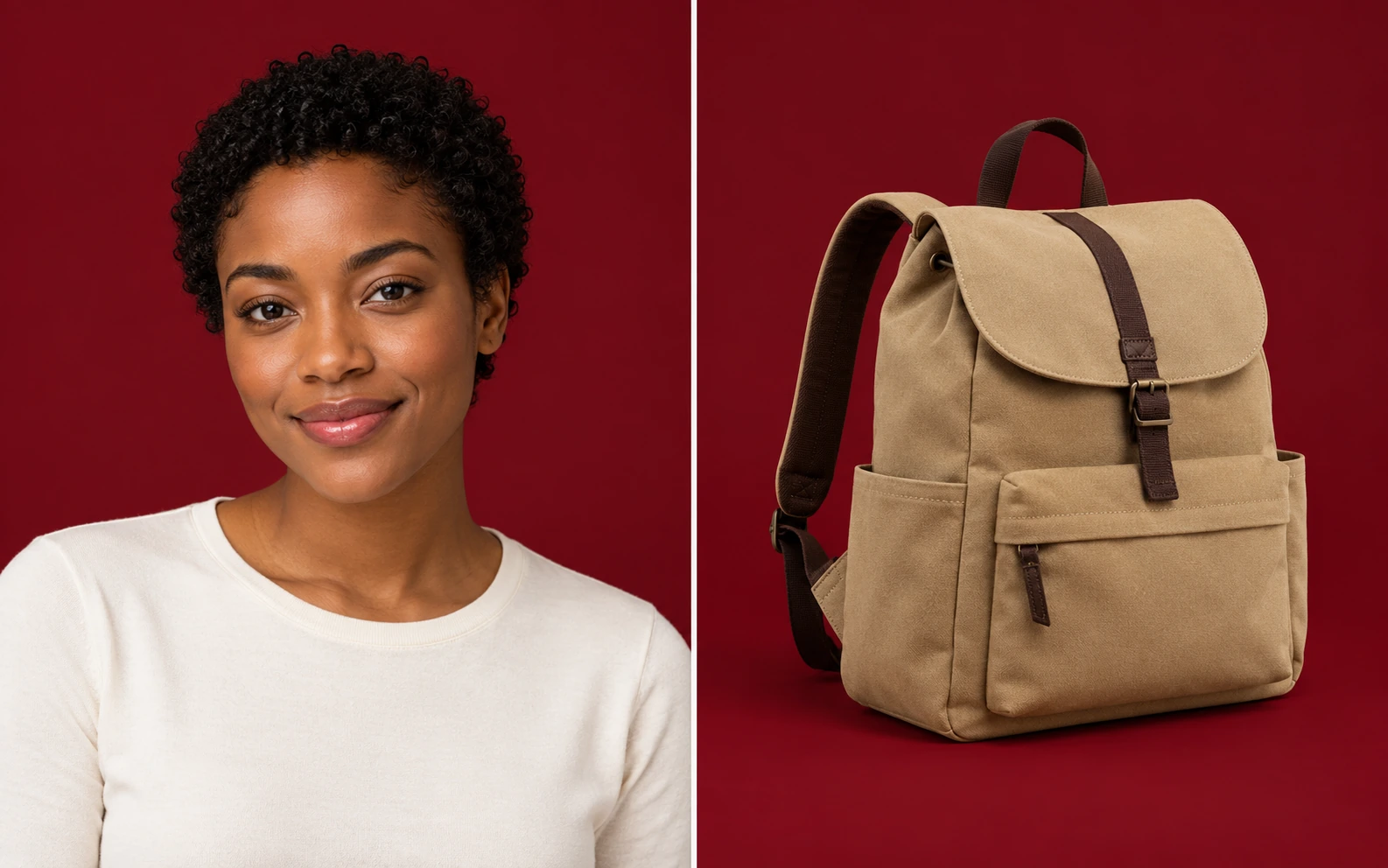
Yes. Free BGRemover lets you upload a supported image, run AI background removal, select a solid color, and download a PNG for free. You do not need to create an account, and the tool adds no watermark. Check the preview before saving, particularly around fine details and low-contrast edges.
How do I change a white or blue photo backdrop to red?
Upload your photo, start background removal, and choose your shade with the custom color controls after processing. The tool separates the subject rather than replacing every white or blue pixel. Review areas such as pale clothing, reflective packaging, and hair to make sure the cutout works for your intended use.
Can I choose bright red, dark red, burgundy, or crimson?
Yes. Use the color picker or enter RGB values. Suggested starting points are 255, 0, 0 for bright red; 139, 0, 0 for dark red; 128, 0, 32 for burgundy; and 220, 20, 60 for crimson. These are values you enter manually. If you have a specified color, use that value instead.
Can I add a solid color behind a transparent PNG?
PNG files are accepted, including files with transparency. The current workflow still runs AI subject separation before adding a solid color; it does not simply fill the existing transparent pixels. Review the processed result carefully, since fine details or semitransparent areas may differ from your original cutout. Download the PNG only after checking it.
Can I use the result for an ID photo?
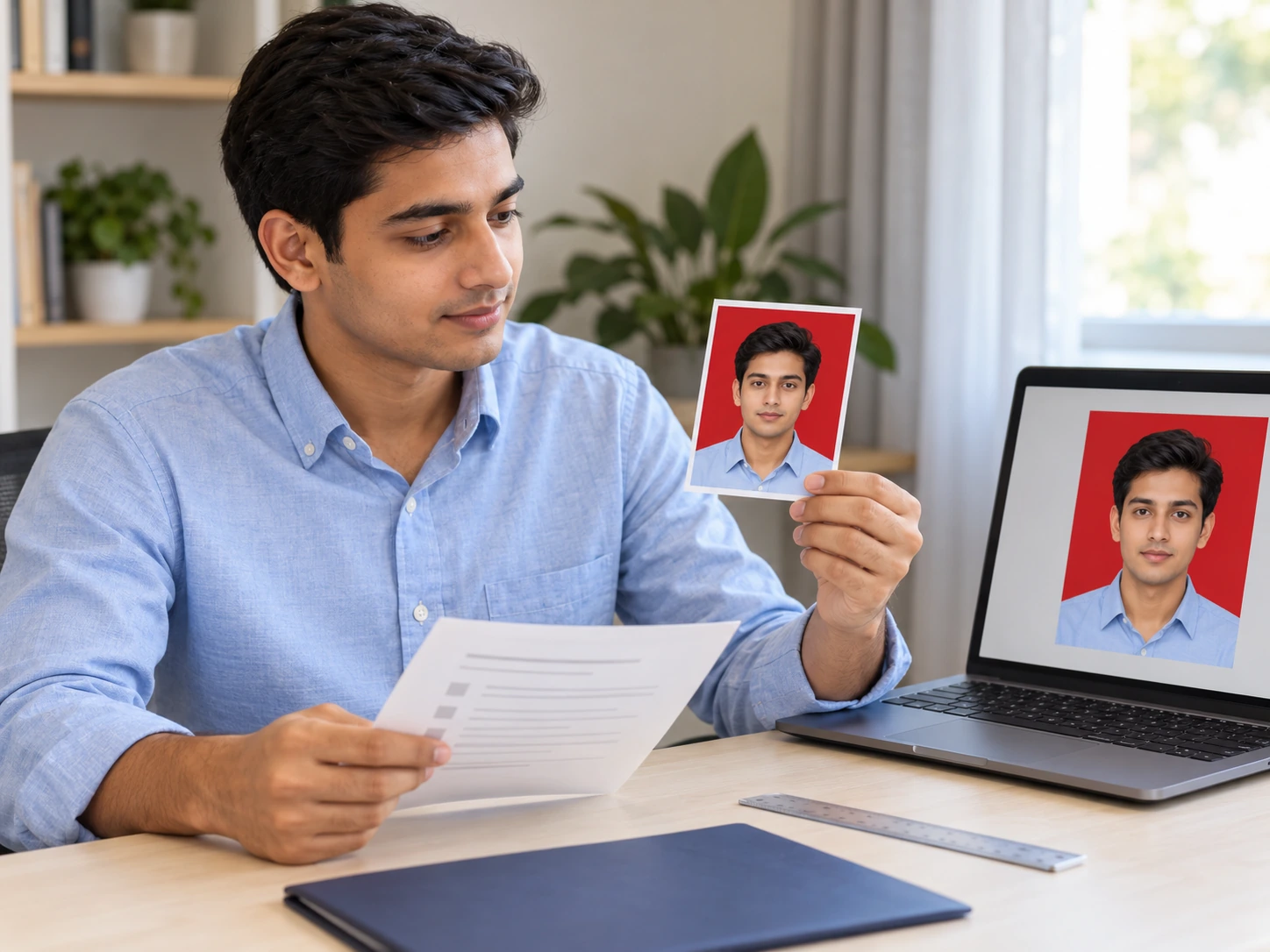
Use it when the receiving organization specifically requires a red backdrop. Confirm its instructions before editing, including the exact shade if supplied. Changing the background does not check face position, expression, cropping, dimensions, or permitted retouching. Review those requirements separately; the tool cannot guarantee acceptance or prepare a certified application photo.
What file types can I upload and download?
Upload JPG, PNG, or WebP files up to 15 MB. The finished image downloads as a PNG. A solid-color selection produces a filled backdrop rather than a transparent one. If you need a cutout for another layout, select the transparent option before downloading instead.
How long does processing take, and which browsers work?
Processing time varies with the image, your device, and the initial model download. Background removal requires WebGPU support, so a working upload button alone does not confirm compatibility. If processing fails, check your connection and try a browser and device that support WebGPU. There is no verified fixed completion time for every photo.
How can I make several photos use the same shade?
Write down the RGB values you choose and enter them when editing each photo. This helps keep the solid backdrop consistent across a campaign or portrait collection. Process and review the images individually, because subject colors and cutout quality can vary. Matching the color does not also match lighting, shadows, or framing.
Questions About Choosing Colors and Saving Your Photo
Get answers about free downloads, shade selection, white and blue backdrops, PNG files, and photos with specific submission requirements.