
What you can do
- Make an image background white
- Review the finished result
- Download without a payment step
✦ 100 percent freeNo Watermark
Upload a photo and add a clean white background in seconds. Free online editor—no sign-up, no watermark, and high-quality PNG download.
Start with an image
JPG, PNG, or WebP. Up to 15 MB.
Privacy detailsThree clear steps
Follow three simple steps to turn your photo into a clean white-background PNG. Choose a clear image, check the edges, and download it when it looks right.
Choose the photo or picture you want to edit. A subject that is easy to see against its old background gives you the best starting point.
Free BGRemover separates the subject from its old backdrop and applies a plain white background.
Check the edges and framing, then download the white background image when it looks right.
Clean white background
Experience effortless white-background editing with our free photo editor. Skip lengthy manual adjustments or professional help—upload your photo, then make its background white in one click for a clean, consistent result.
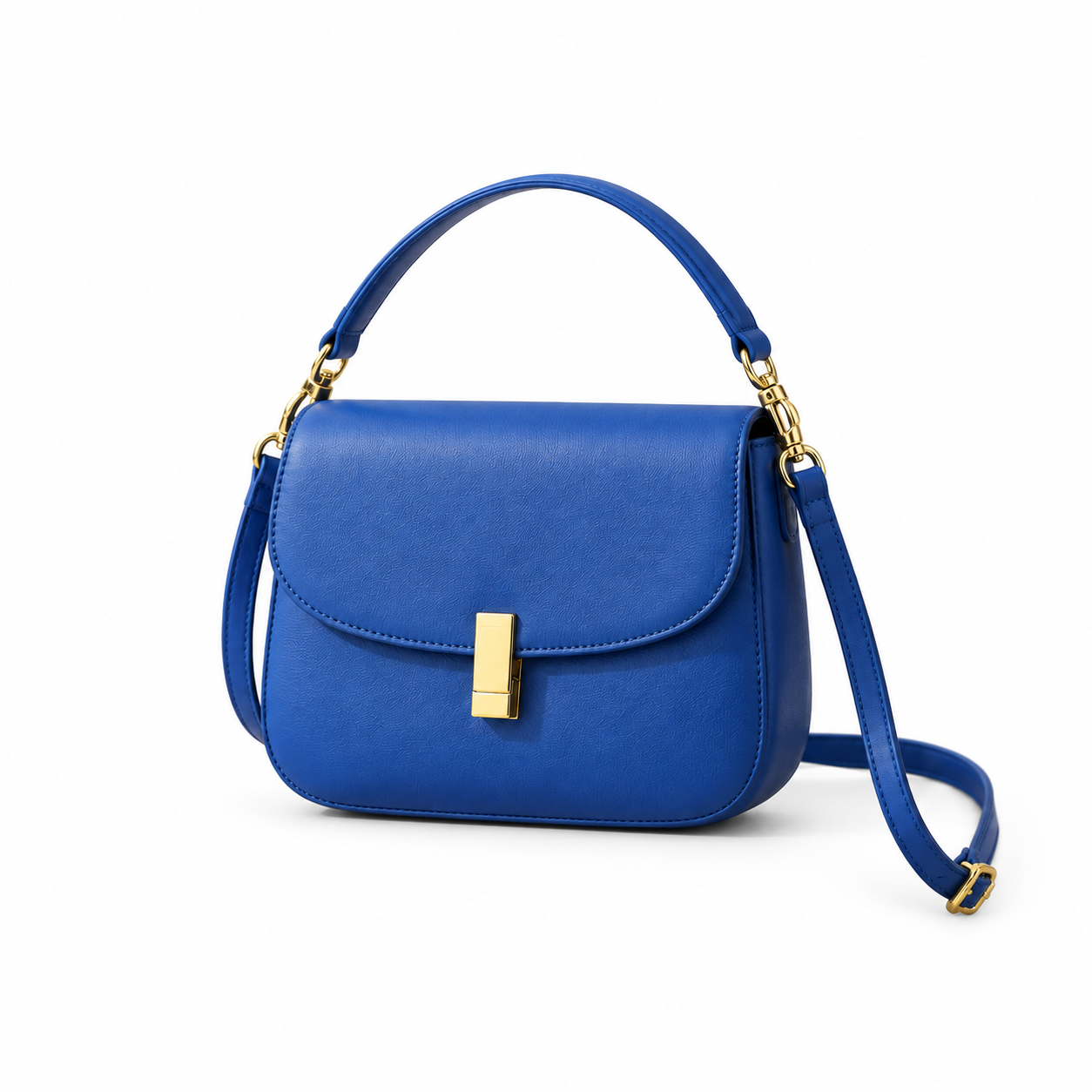
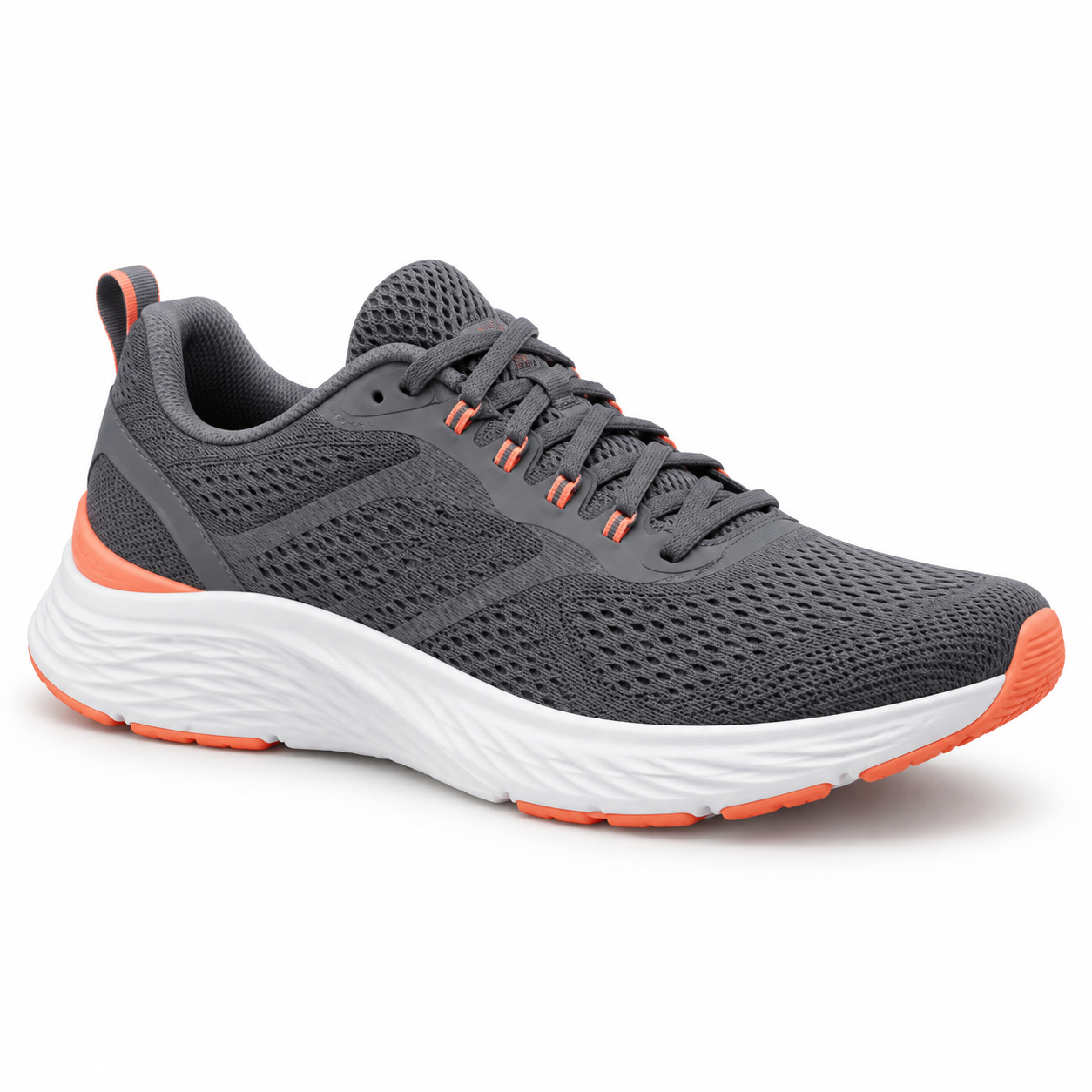
Made for product listings
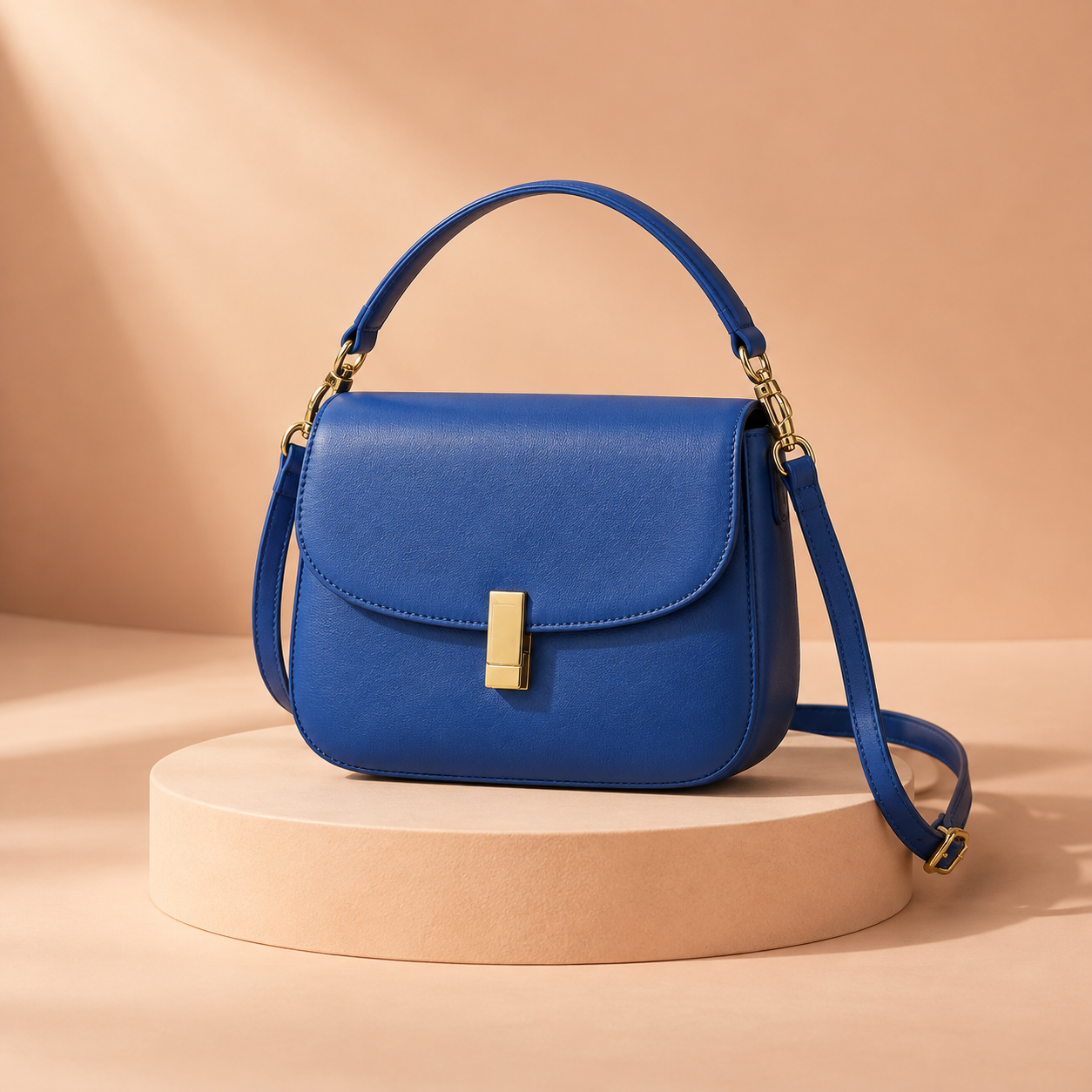
Give every listing a cleaner first impression. Upload a product photo, let Free BGRemover make the background white, then download a crisp image that keeps its color, shape, and key details easy to inspect—even when shoppers zoom in.
Make a product background white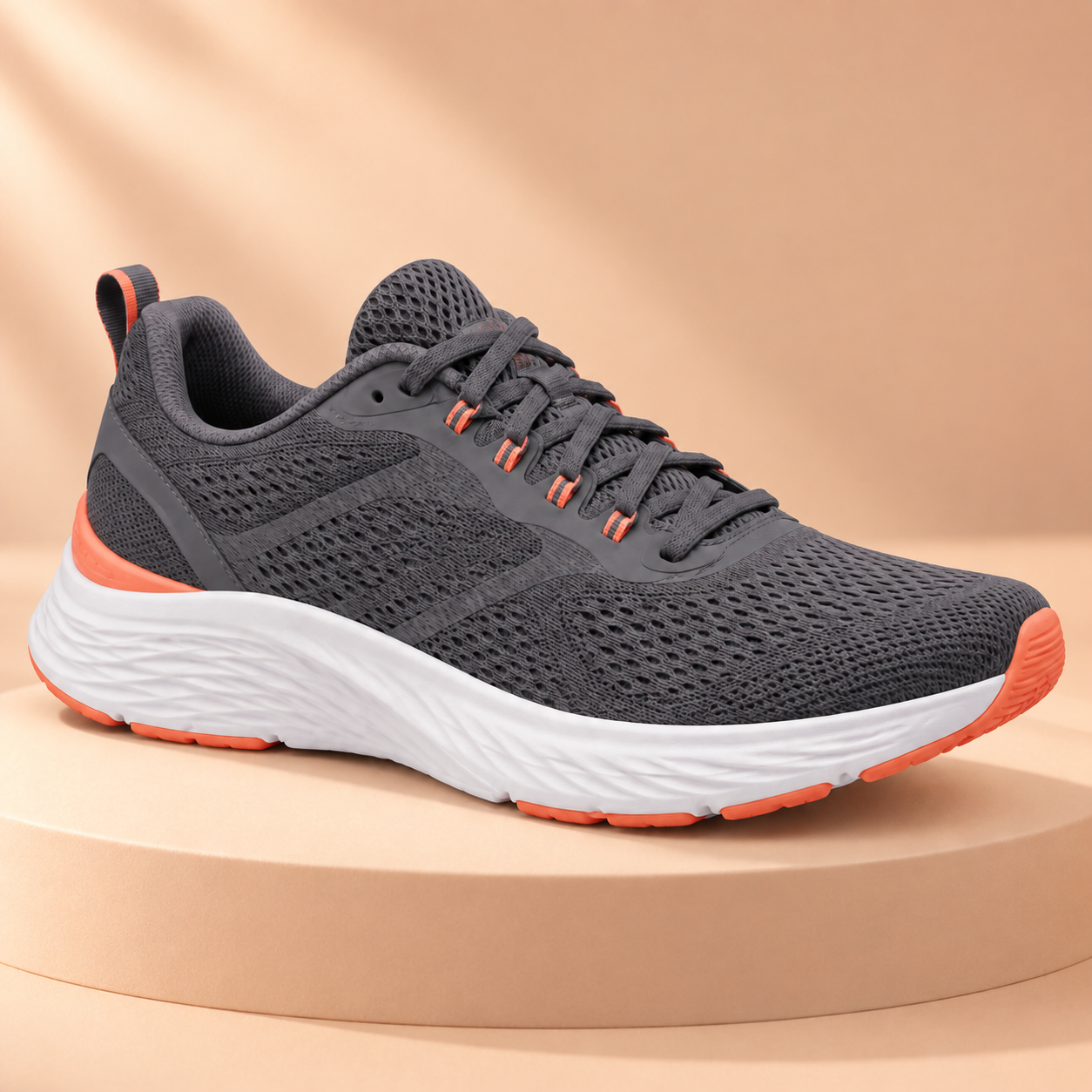

For people and portfolios
A plain white background gives profile photos, portfolios, and headshots a clean starting point. Upload your image, use Free BGRemover to remove visual distractions, and check the edges before you download. For a passport, ID, or formal application, always confirm the destination’s current photo rules.
Make a portrait background whiteUse cases
From storefront photos to campaign assets and personal portraits, Free BGRemover replaces visual noise with a simple white background—ready for the next step.


Turn a favorite photo into a clean, simple image for profiles, applications, keepsakes, and sharing.
No account detour
Upload the image, let Free BGRemover apply a plain white background, check the result, and download it when the edges and framing look right.
Yes. Every Free BGRemover tool is completely free and requires no sign-up. Upload your image and use this editor to make the background white.
No. A white background is visible and solid. A transparent background has no visible backdrop. Use the transparent background tool when that is the result you need.
A white background can help prepare the image, but final requirements may also cover dimensions, cropping, shadows, file type, and more. Check the current rules of the organization or marketplace.
White clothing, pale products, highlights, hair, and fine logo lines can sit close to the new background color. Compare the original and result before downloading.
Use the White Background Remover to create a transparent result, then download the appropriate file for your next use.
Useful answers
Clear answers before you upload, download, or use the finished image elsewhere.
Upload a photo, check the plain white background, and download it without signing up.
Upload image