Skip Drawing the Outline by Hand
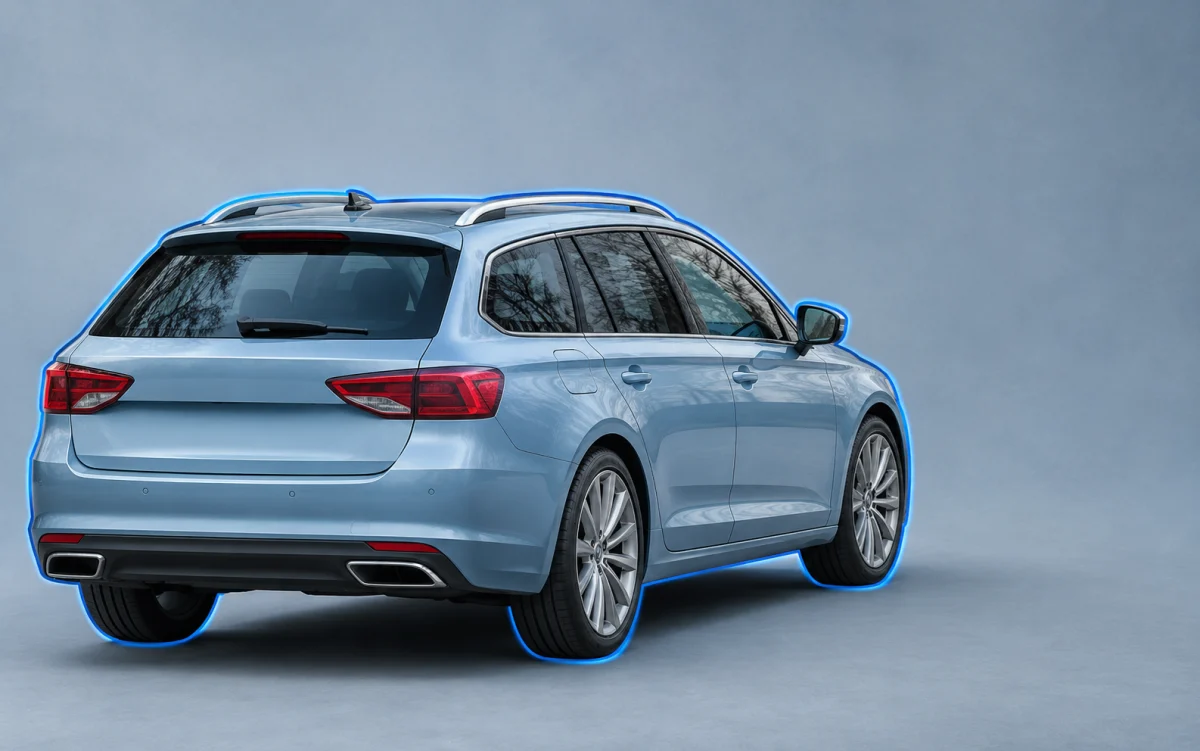
Background removal starts after the photo loads. The tool creates the initial outline automatically, so you can go straight to reviewing the cutout without drawing around the vehicle yourself.
Upload one car photo and the tool automatically separates the vehicle from its surroundings. Download a transparent PNG for an ad, or choose a plain background for a listing.
JPG, PNG, or WebP. Up to 15 MB.
Privacy detailsA row of parked cars or a fence can compete with the vehicle you want to show. Start with a photo where the whole car is in frame. After the background is removed, inspect the outline around the mirrors and between the wheels before you save.
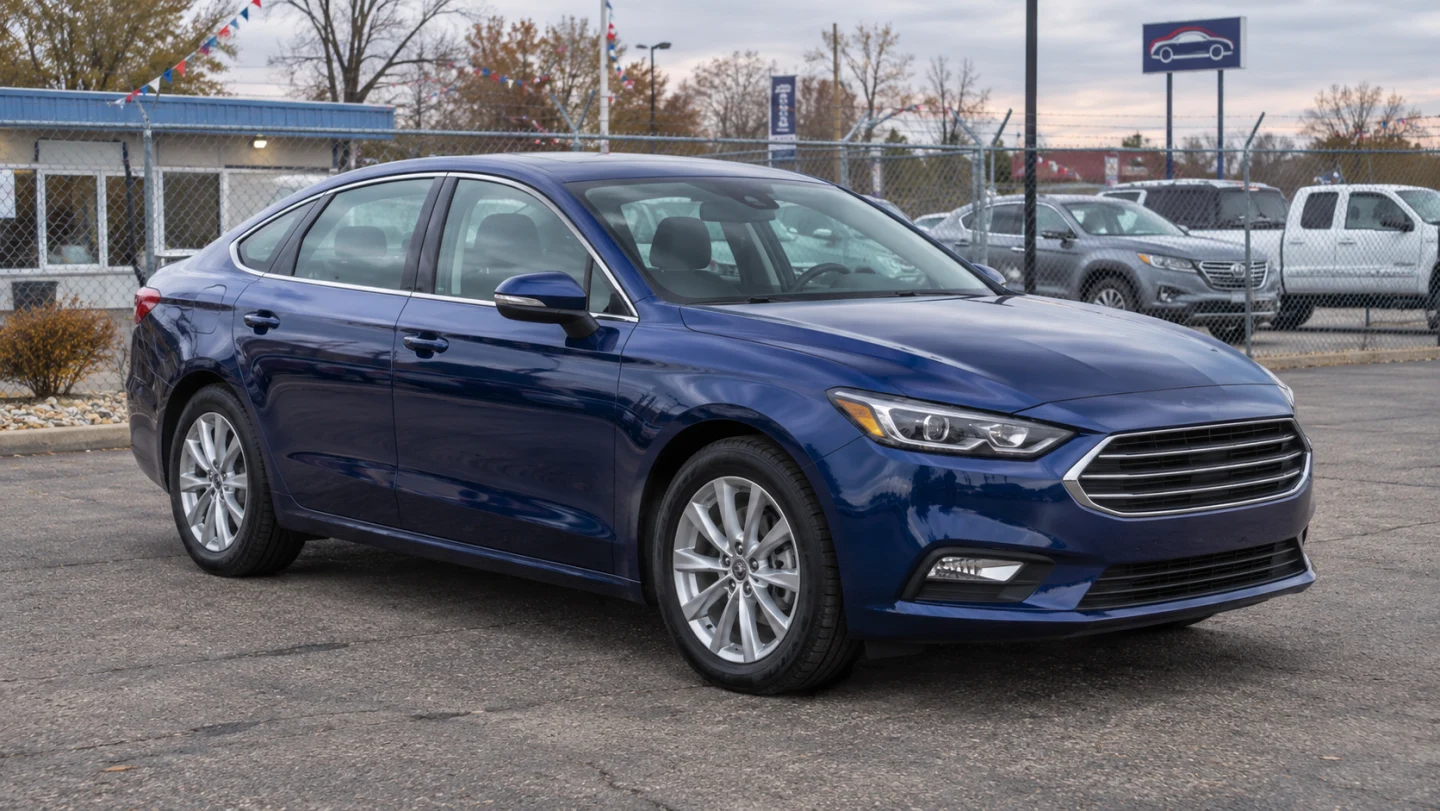
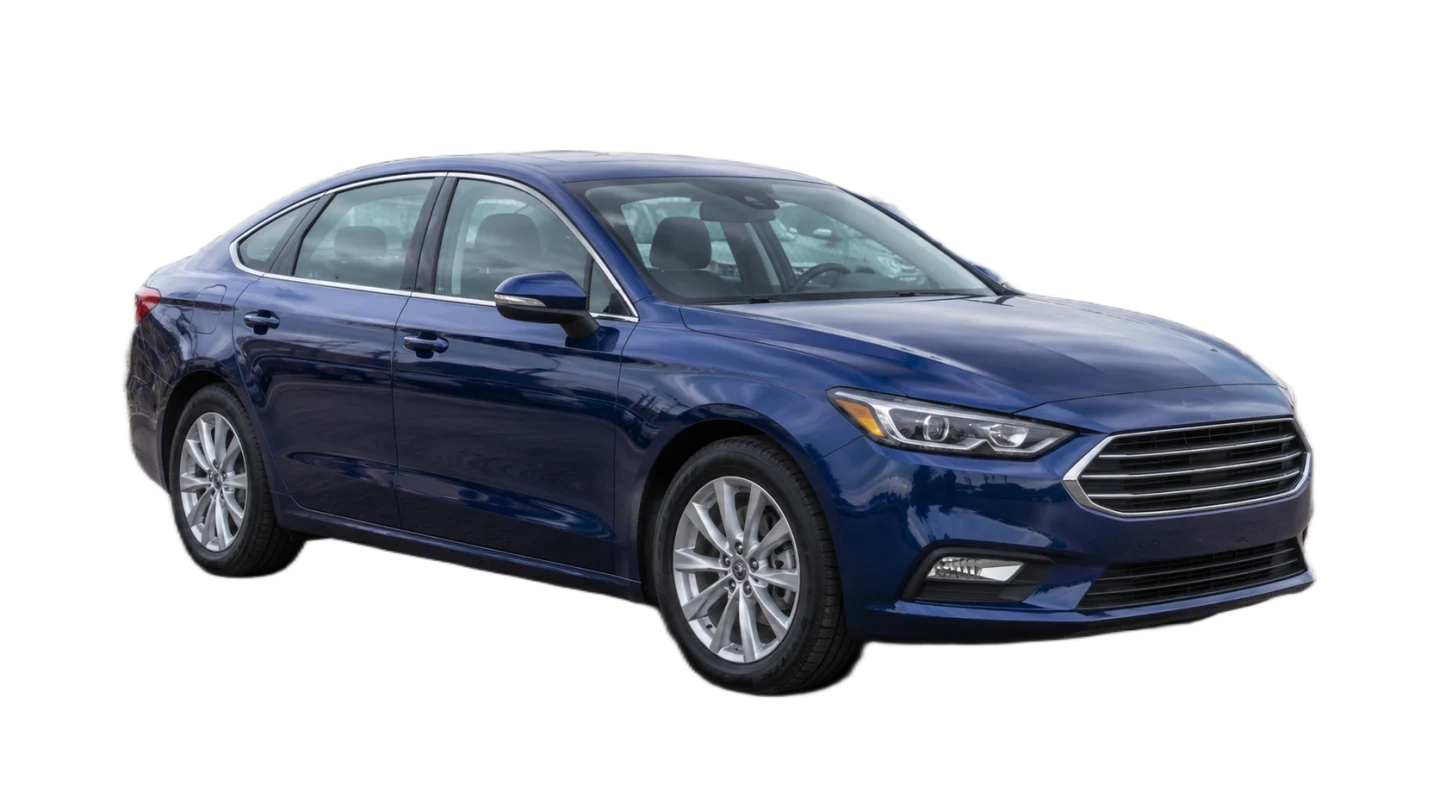
Illustrative example. Results depend on the photo.
Use white when you want a plain listing image that keeps attention on the vehicle. You can also choose a solid color to match your inventory page. The downloaded PNG includes the color you see behind the car in the preview.
Put My Car Photo on White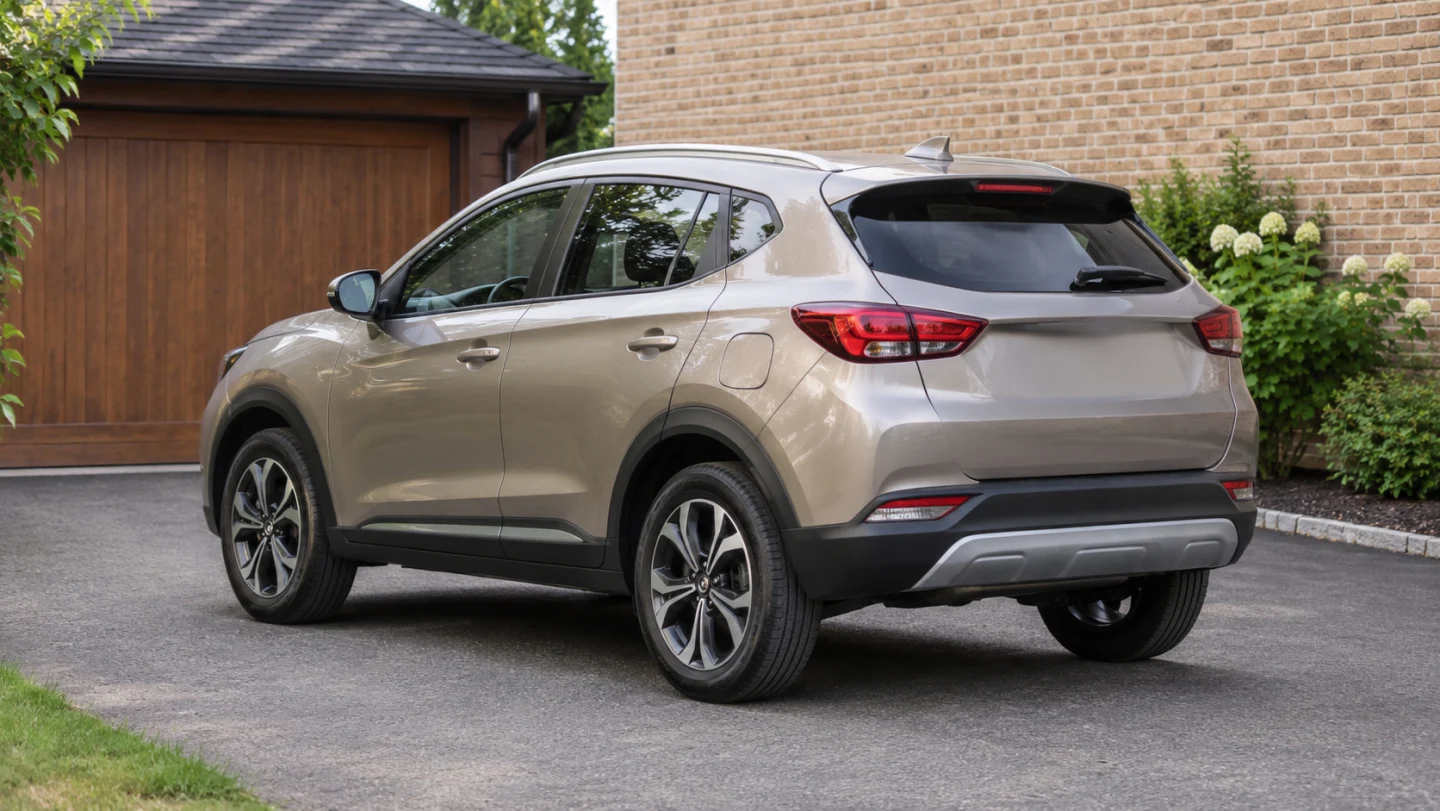
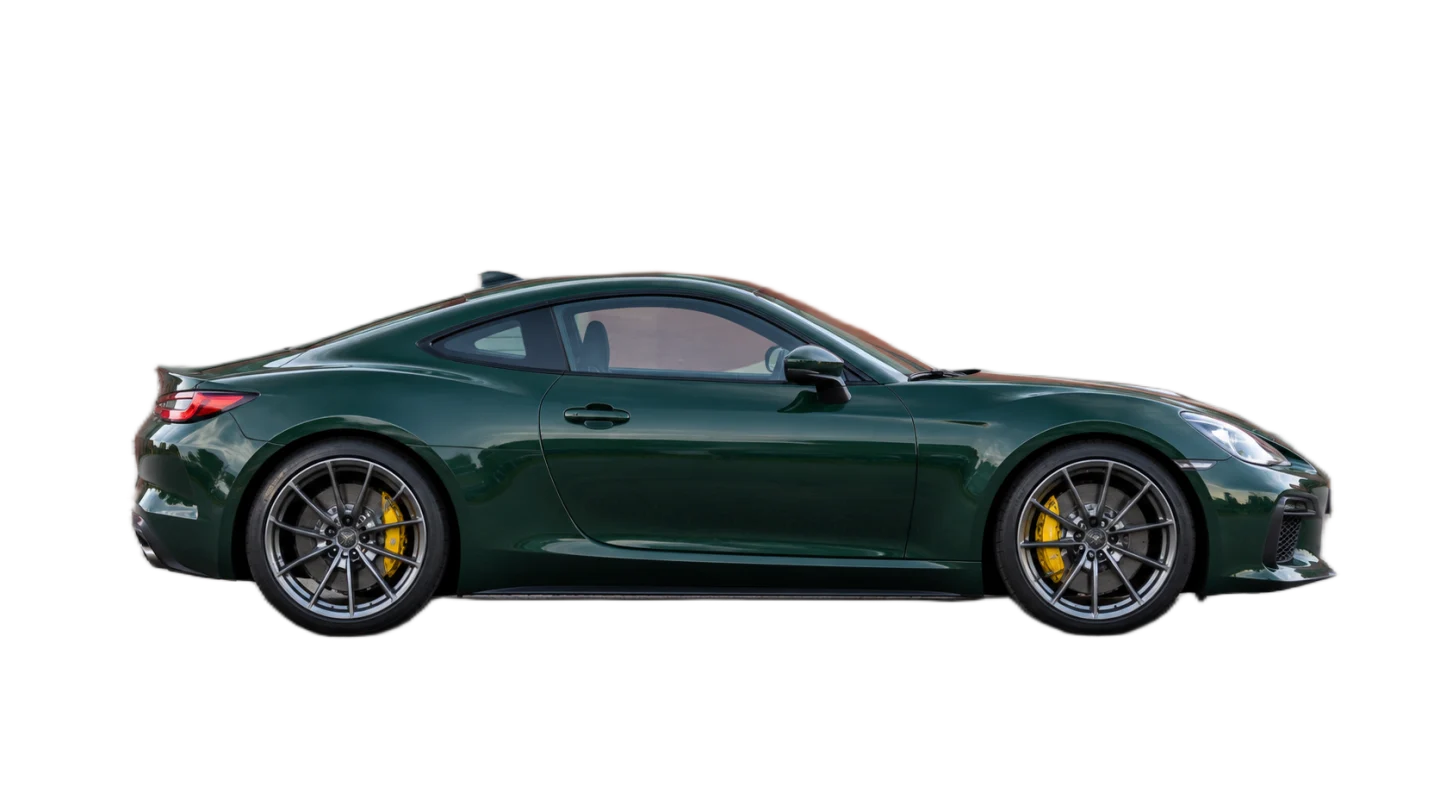
Illustrative example. Results depend on the photo.
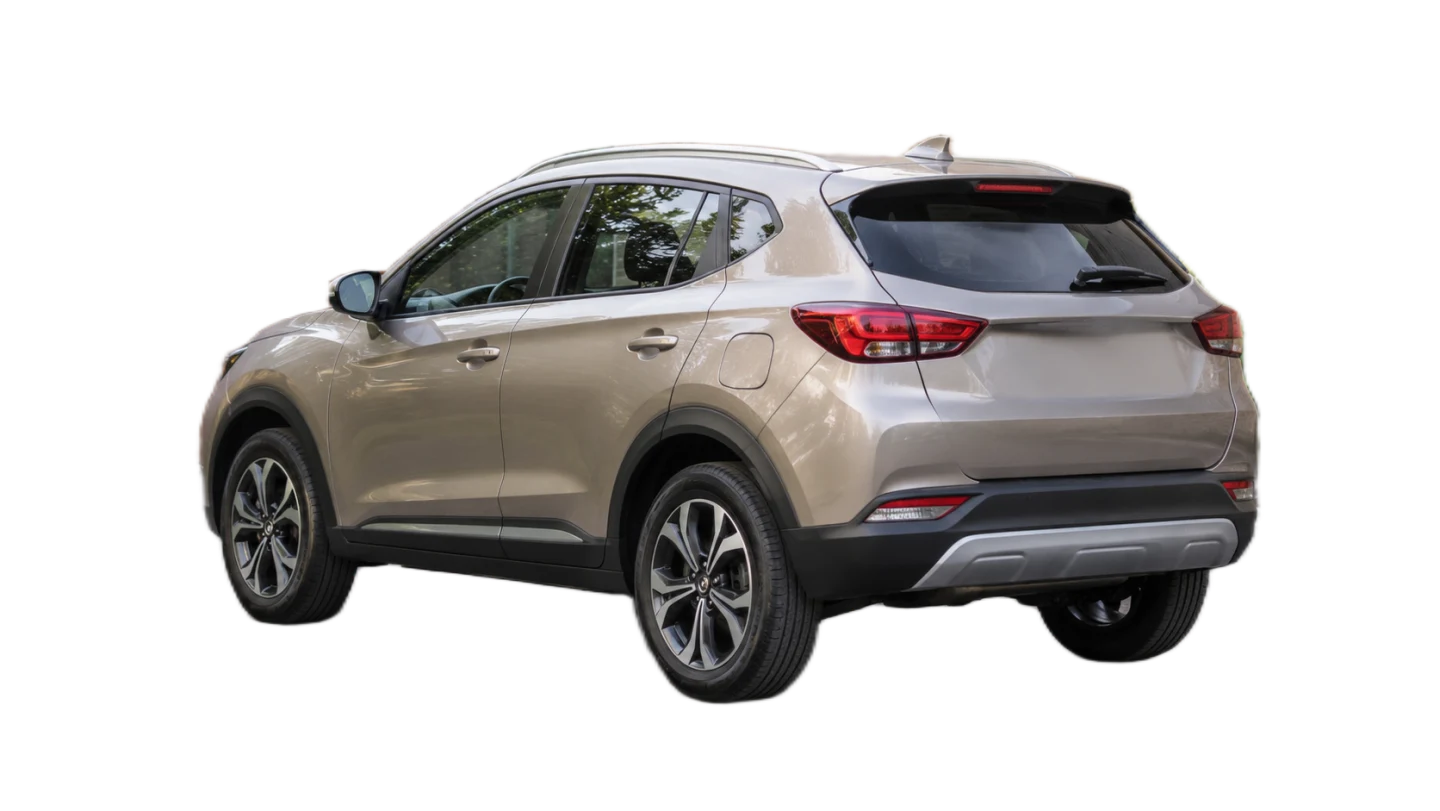
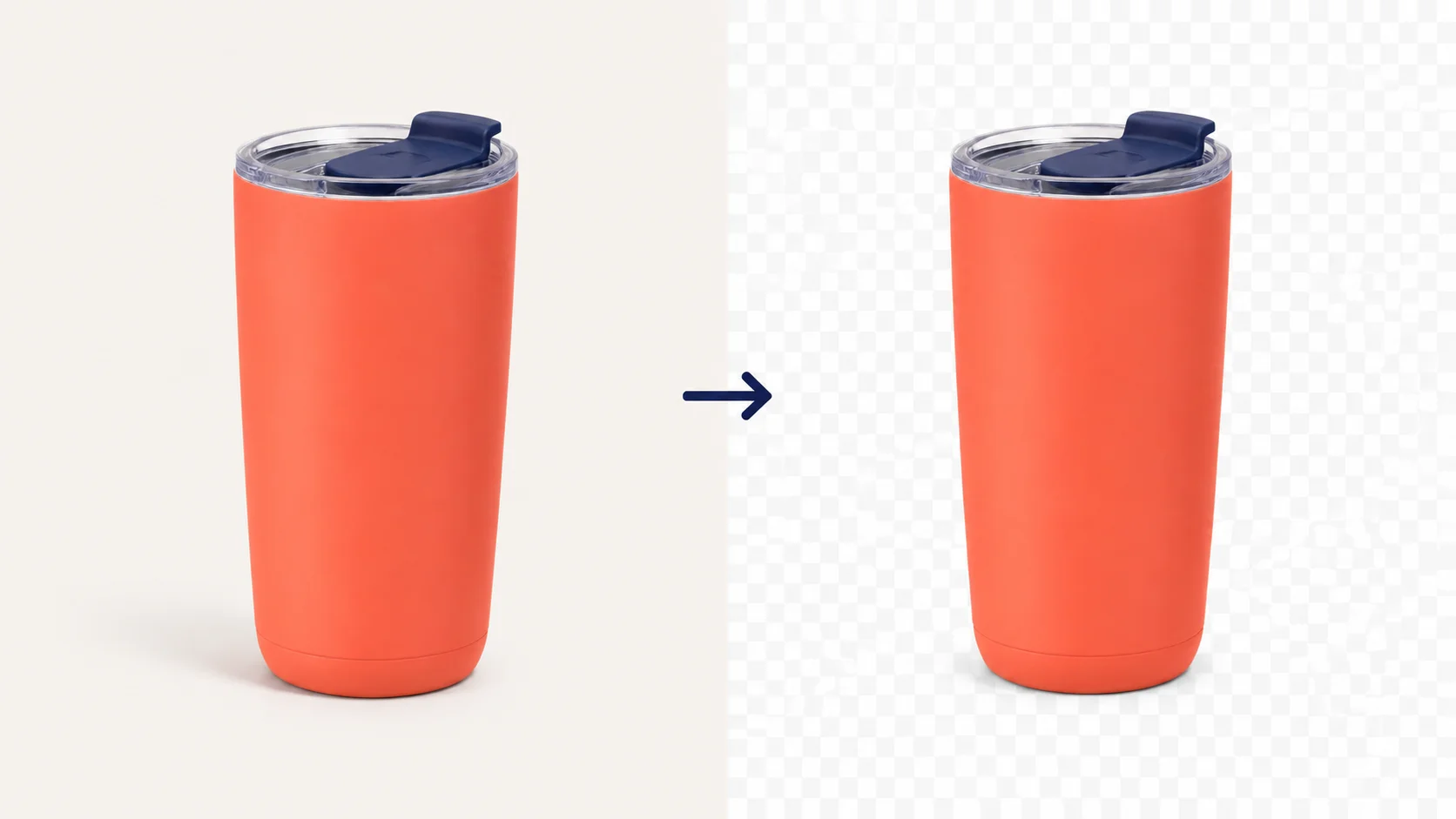
Use the transparent option when the car needs to sit over a headline graphic, a flyer, or a custom background in your design editor. The area around the vehicle stays clear, so you can move the cutout between layouts without carrying the original surroundings with it.
Make My Transparent Car PNG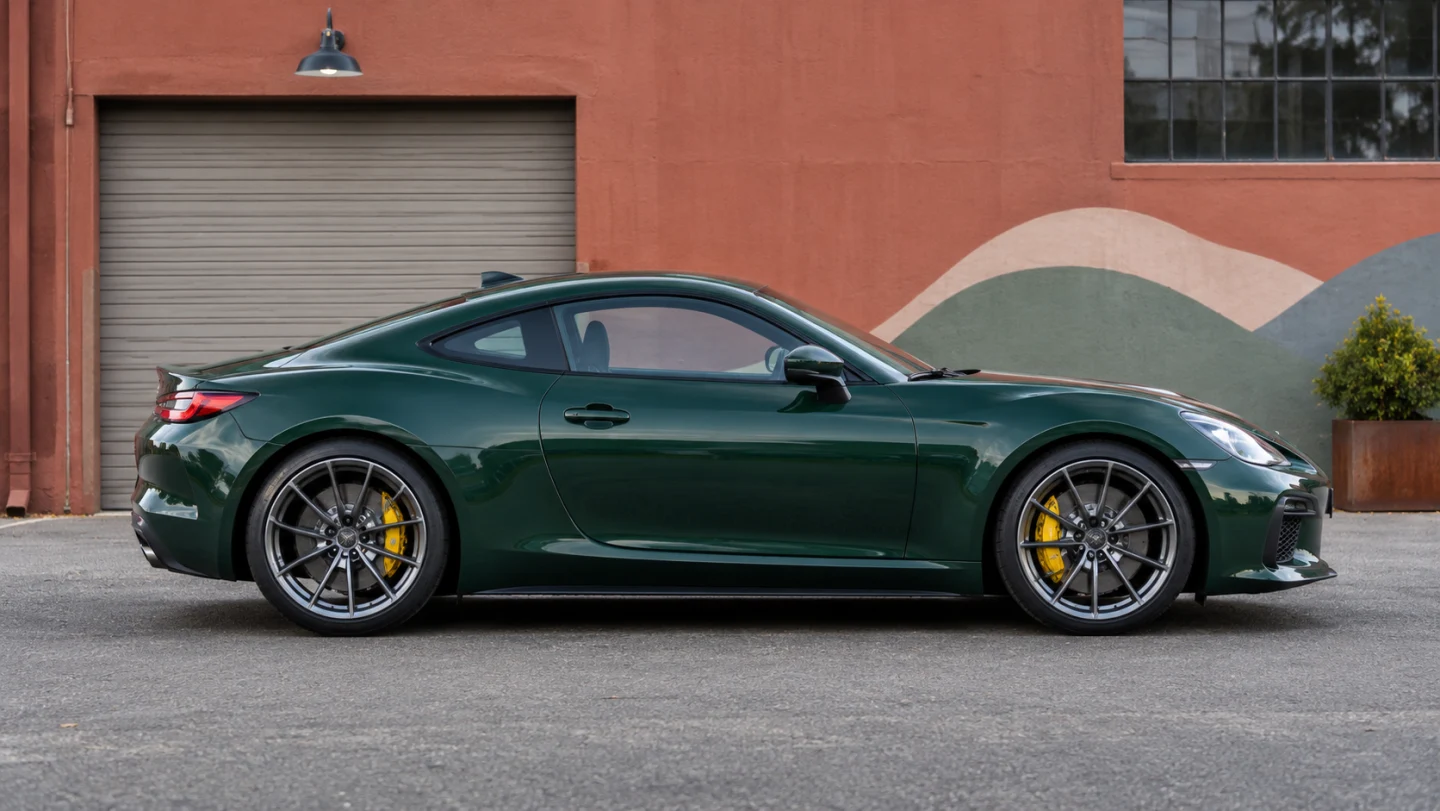
Illustrative example. Results depend on the photo.
Upload a car photo and let the tool remove the background automatically. Review the cutout, choose a transparent or solid background, and download the result as a PNG.
Select or drop a JPG, PNG, or WebP file up to 15 MiB. Background removal starts automatically after the image loads.
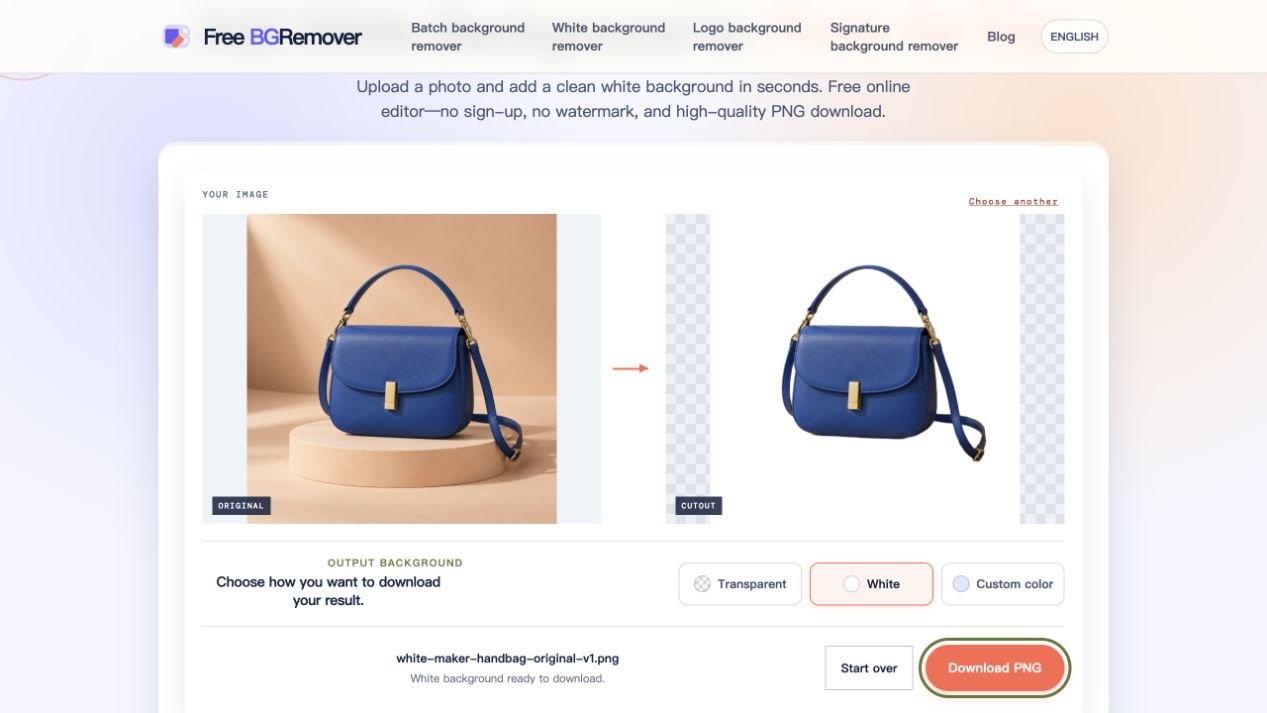
Look at the preview around the roofline, mirrors, and wheels. Keep the background transparent, switch to white, or pick a custom solid color.
Save the version shown in the preview. Check the pixel dimensions next to the download option if the image needs to fit a specific layout.
Free BGRemover uses AI to separate the main subject from its surroundings, so you can start with a photo you already took. Whether you’re putting up a used car listing or preparing artwork for an ad, you can reuse the shot in a layout that suits your next step.
Background removal starts after the photo loads. The tool creates the initial outline automatically, so you can go straight to reviewing the cutout without drawing around the vehicle yourself.
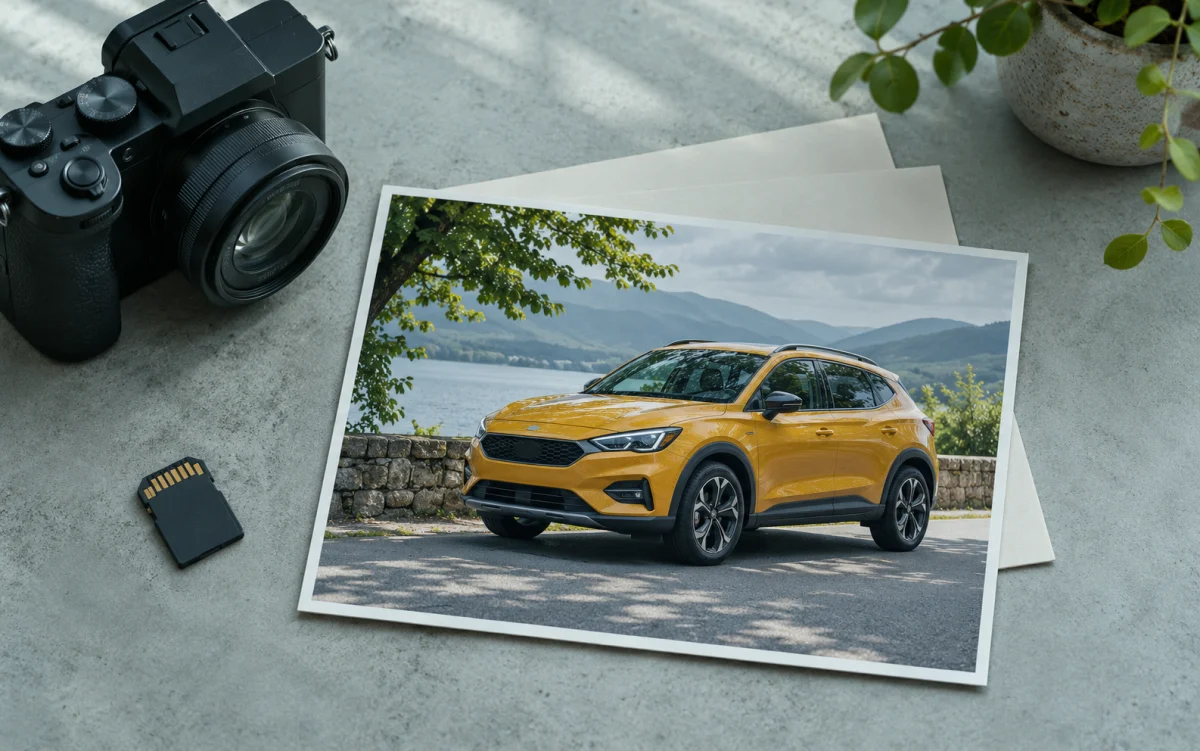
The uploader accepts JPG, PNG, and WebP. If your camera saved a JPG or a teammate sent you a WebP, you can start with that file as long as it fits the upload limit.
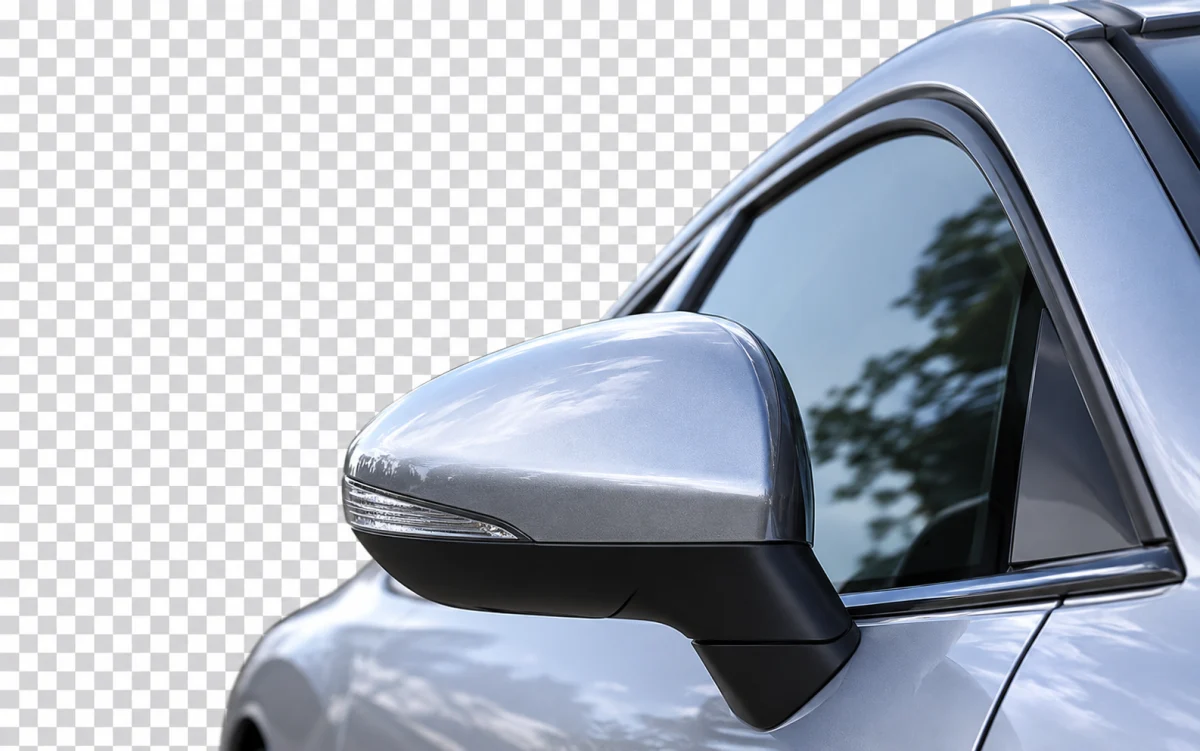
The checkerboard lets you see where the result is transparent. Look for leftover background around the mirrors or missing pixels along the roofline before adding the image to a listing or design.
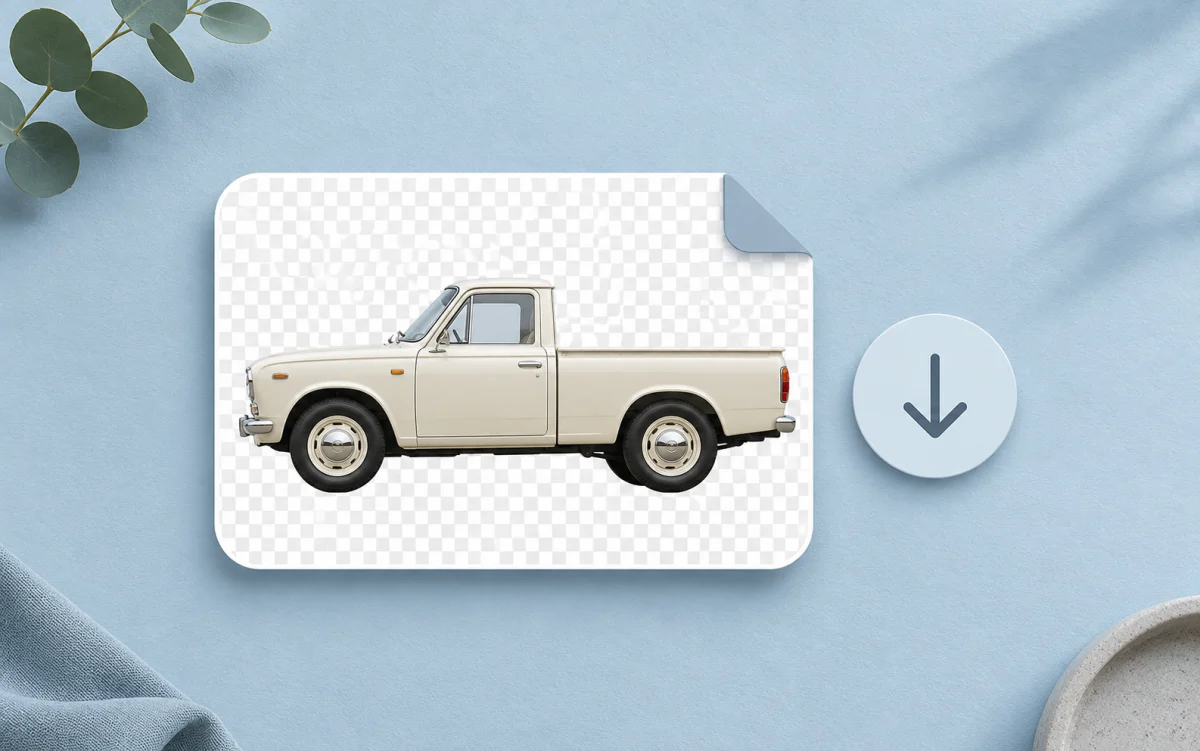
The small PNG is free to download without an account and comes without a watermark. Use it in a draft layout to check whether the download dimensions suit your design.
Start with the photo you have and choose a finish for where it will appear. A private listing, a dealer inventory grid, and an ad each call for a different kind of image.
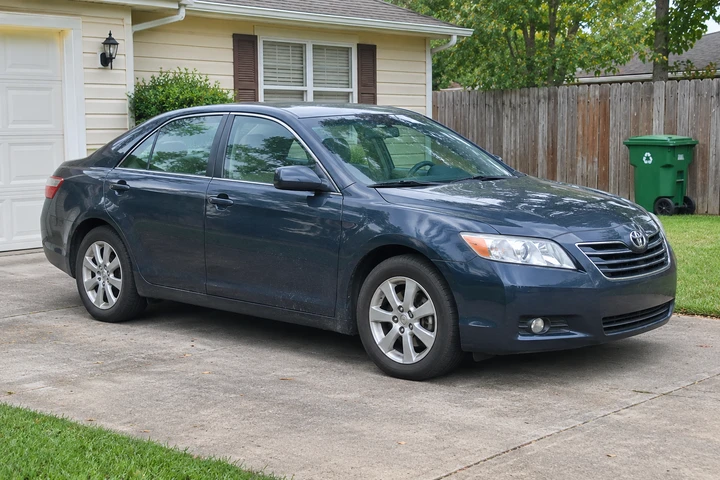
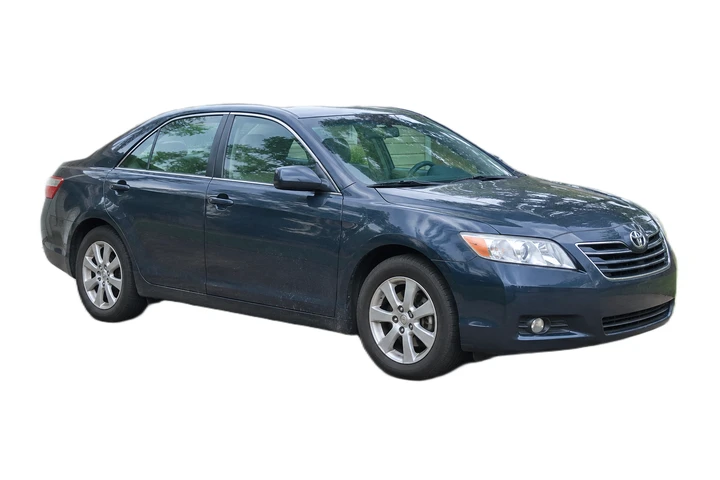
If your driveway photo shows bins or a neighbor’s fence, make a version with a white background for your listing. Keep the original condition photos alongside it so buyers can see the details.
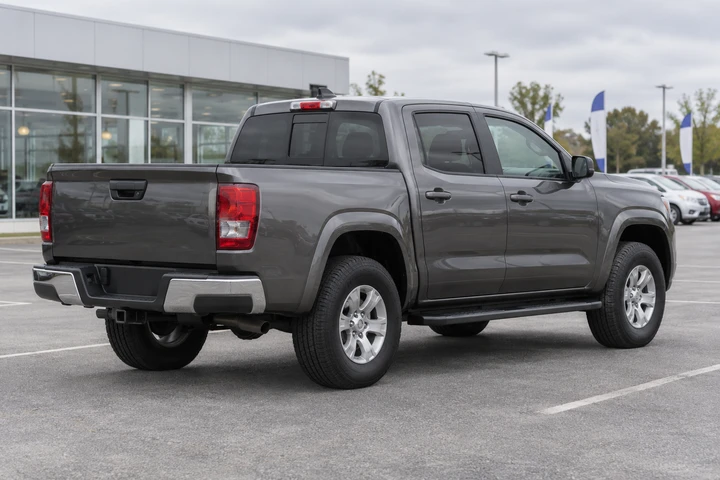
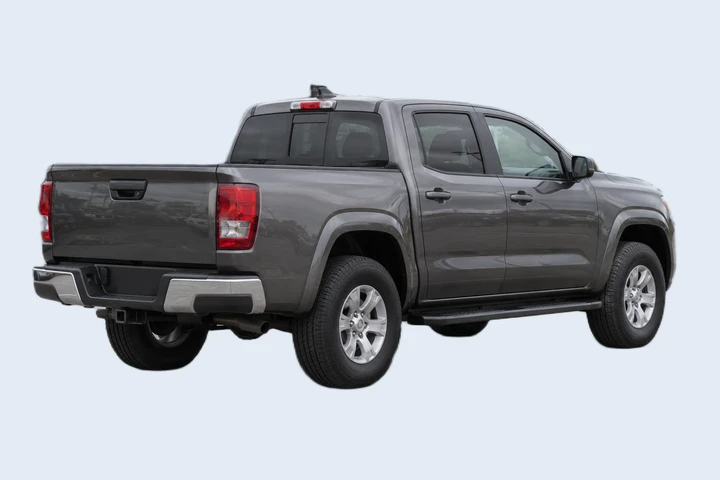
When photos come from different areas of the lot, give each vehicle the same solid backdrop. Enter the same RGB values as you edit photos individually and compare them in your inventory grid.
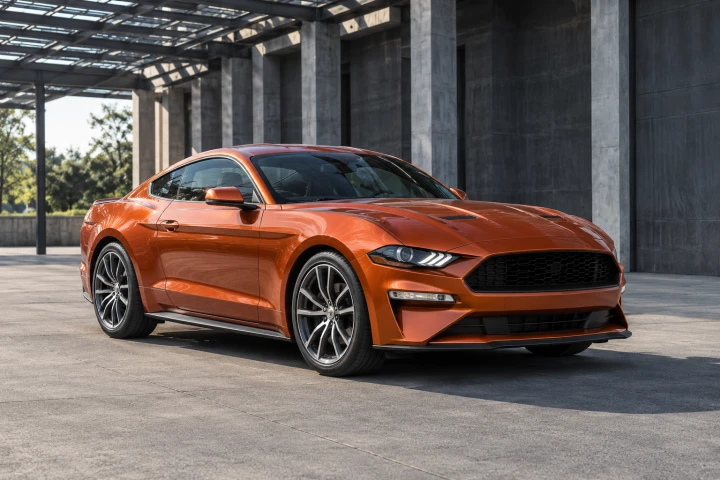
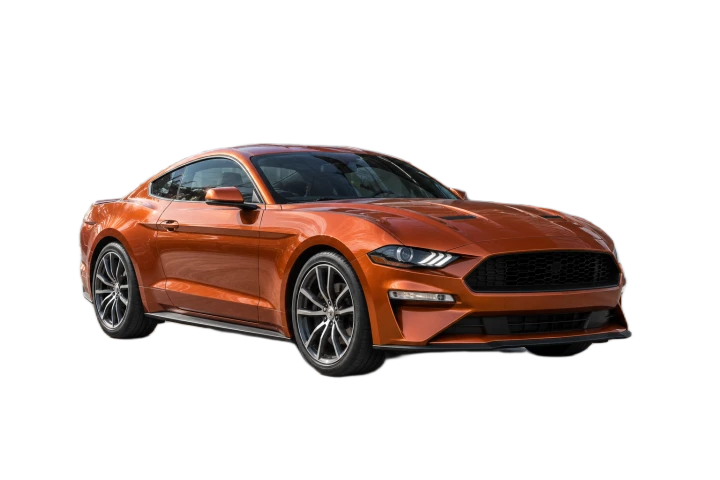
Download one transparent vehicle image and place it in a wide ad or a square social graphic in your design editor. You can position it around headlines and offers without bringing the original lot into the design.
Yes. Upload the JPG, leave the transparent option selected, and download the result as a PNG. You can also start with a PNG or WebP file. Each file can be up to 15 MiB.
With transparency, your design shows through the area around the car. With white selected, the PNG contains an opaque white fill behind the vehicle. Choose white for a complete listing image or transparency for editing in another app.
Yes. The free PNG has no watermark and requires no account. When credits apply, the free download is up to 0.25 megapixels. If the original is within that limit, the free download keeps its original dimensions.
If your photo is over 0.25 megapixels, sign in and select the original-size option when it’s available. The first unlock costs 1 credit and exports the existing cutout at your photo’s original pixel dimensions.
Try a photo with the entire vehicle in frame and a clear outline. An overlapping car, a post, or strong reflections can make the edge harder to separate. Check the mirrors, wheels, and windows before you save.
Background removal requires WebGPU support on your browser and device. If the tool reports that WebGPU is unavailable, switch to a supported browser or device and upload the photo again.
Check which photos you can use, how the background options affect the PNG, and what you can download for free.
Tutorials & Guides
Tutorials & Guides
Tutorials & Guides
Tutorials & Guides
Use a photo you already have and choose a transparent or solid background after you see the cutout.
Cut Out My Car Photo