Change Product Photo Backgrounds for Clean Store Listings

Upload a JPG, PNG, or WebP item image and let browser-based AI replace cluttered surroundings with pure white, a custom solid color, or transparency in moments. Built for online sellers, store managers, and marketers who want clean catalog visuals with no signup, no watermark, and no manual tracing.

Start with your product photo

Upload a product. Switch to white or any solid color.

JPG, PNG, or WebP · Up to 15 MB

Privacy details

Replace Distracting Backdrops and Keep Shoppers Focused on the Product

A cluttered desk, uneven wall, or patterned table can pull attention away from what you are selling. Upload a sharp shot of your item to clear away visual noise and preview the updated product photo background right beside the original. Check labels, edges, and handle openings before saving so buyers see your item clearly.

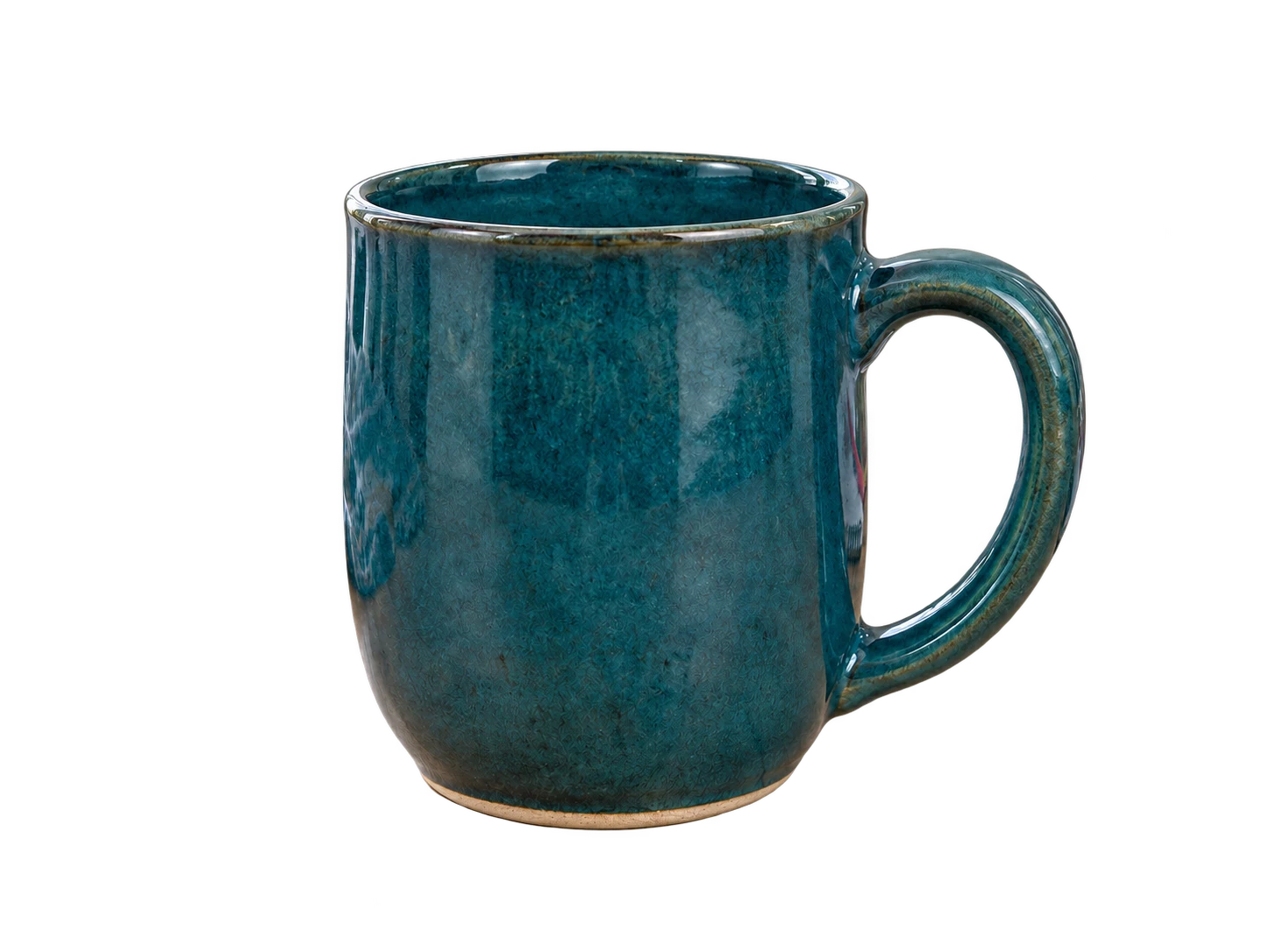
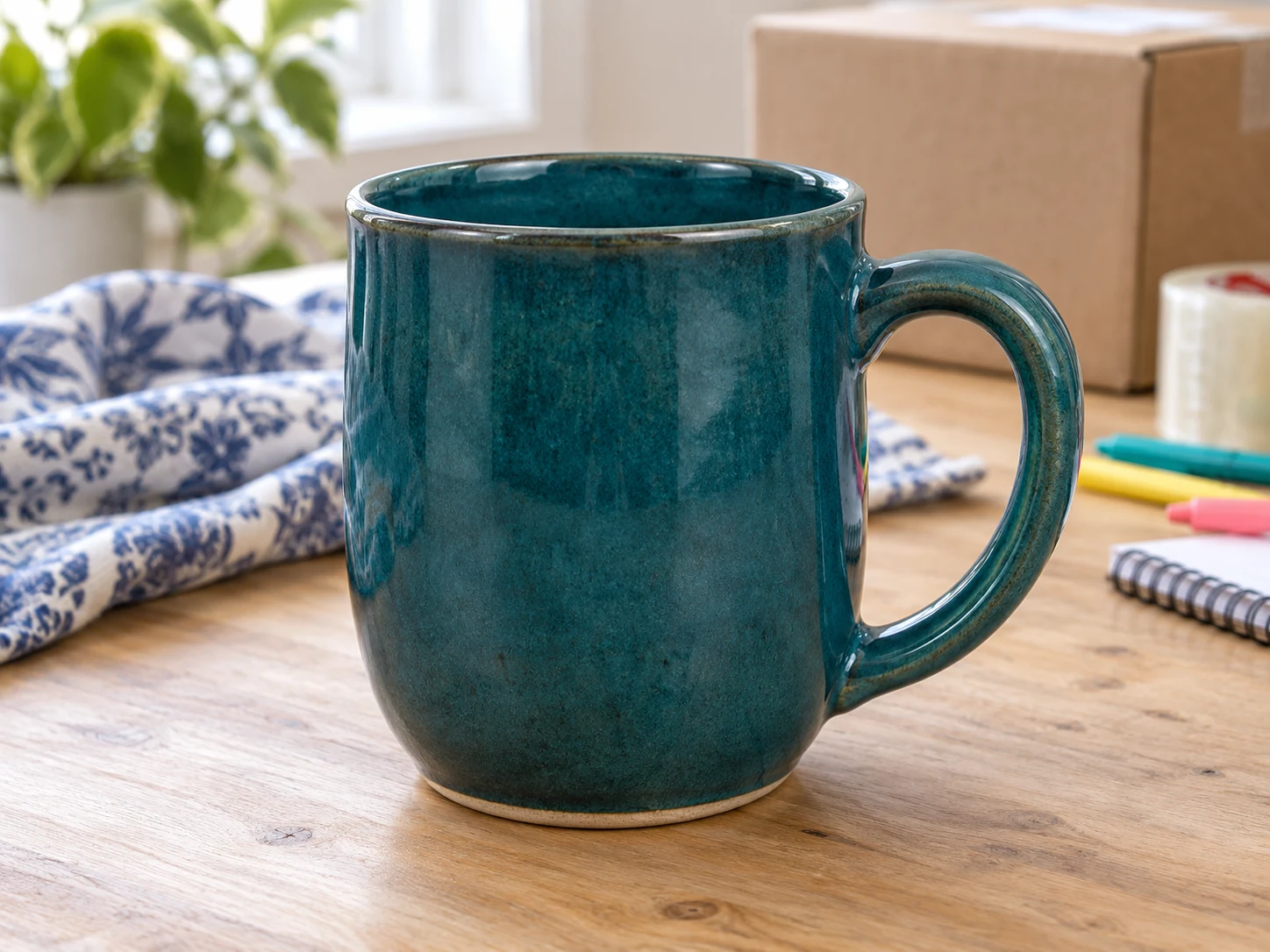
Teal ceramic mug on a cluttered desk with patterned cloth, shipping box, and stationery

Example comparison showing a cluttered tabletop replaced with a pure white background. Actual results vary by photo.

Create a Clean White Background for Product Photos or Match Your Brand Color

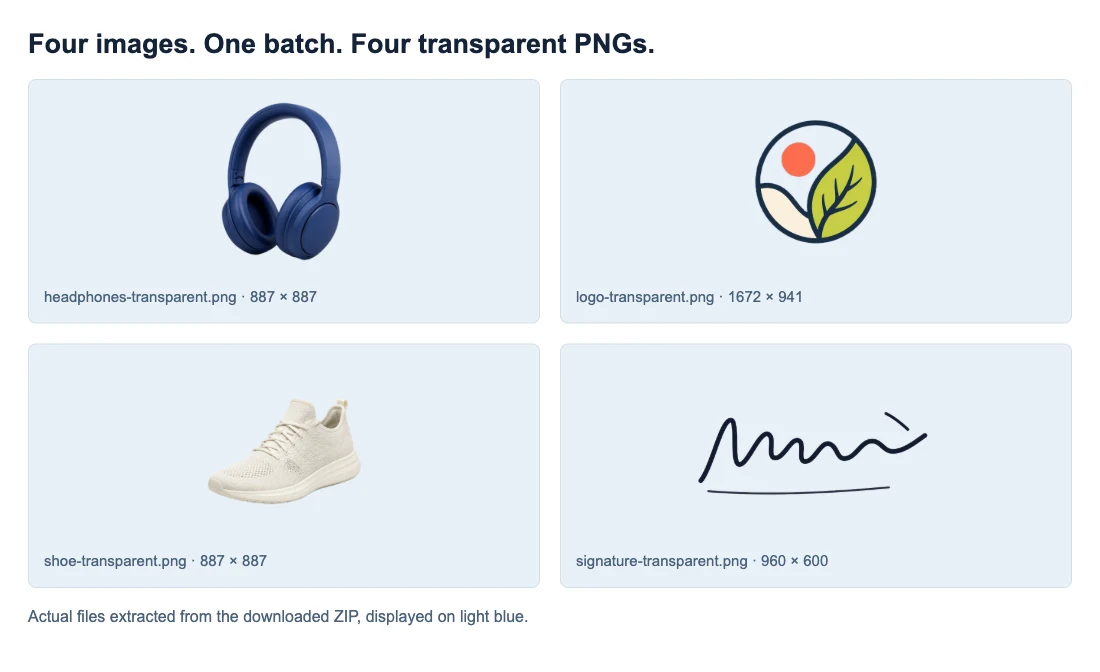
Different sales channels call for different visual styles. Switch to pure white (#FFFFFF) when preparing main marketplace images, or dial in an exact RGB shade to change your backdrop color across an online storefront. You can also keep a transparent cutout whenever you plan to layer the item onto banners later.

Use Free Product Background Changer Now
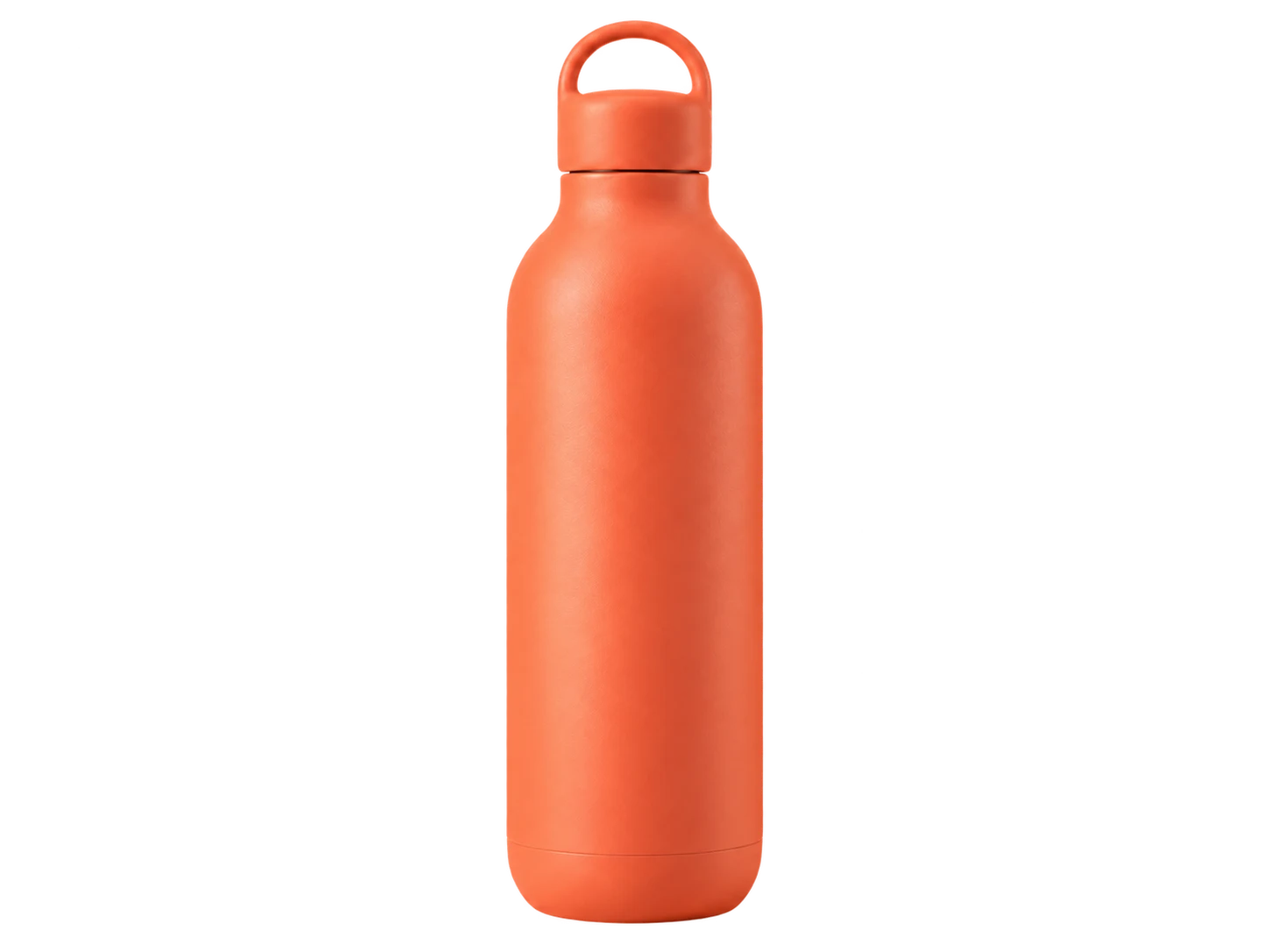
Coral-orange reusable water bottle on a pure white #FFFFFF background
Pure White#FFFFFF · Listings
Coral-orange reusable water bottle on a soft mist #EDF3F6 background
Soft Mist#EDF3F6 · Catalogs
Coral-orange reusable water bottle on a warm sand #F3EAE0 background
Warm Sand#F3EAE0 · Brand Grid

Preview pure white or custom RGB solid colors before downloading your PNG. Actual results vary by photo.

Related Tools

Reuse One Product Shot Across Listings, Catalogs, and Social Graphics

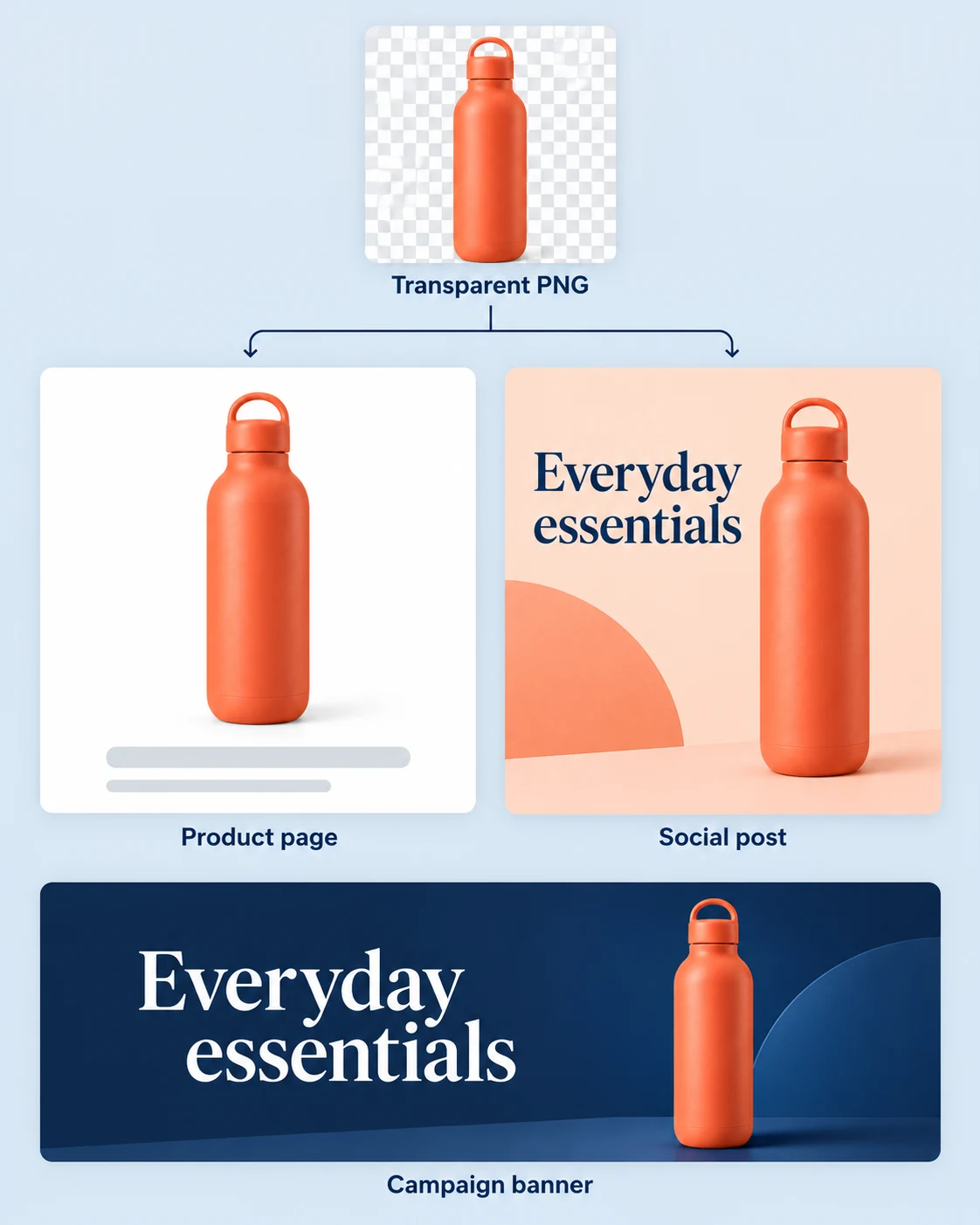
You do not need a fresh photoshoot every time a campaign or store layout changes. Start with one well-lit image and swap your ecommerce backdrop style in minutes—pure white for clean catalog grids, subtle brand tones for lookbooks, or a transparent PNG ready for your graphic editor. Keep your catalog looking cohesive while adjusting framing and dimensions in your store tool.

Make a White Background for Product Photos
One coral-orange water bottle reused across a white product listing, a peach social card, and a navy campaign banner

Example layouts using one edited product image. Adjust final dimensions and framing in your store or design editor.

How to Use Our Product Background Changer

Upload a clear product shot, pick pure white or a solid color, and download a clean PNG in seconds.

  1. 01

    Upload Your Product Photo

    Upload a JPG, PNG, or WebP item photo up to 15 MB. Choose a well-lit shot where the entire object is visible and clearly separated from its surroundings.

  2. 02

    Review the AI Cutout Preview

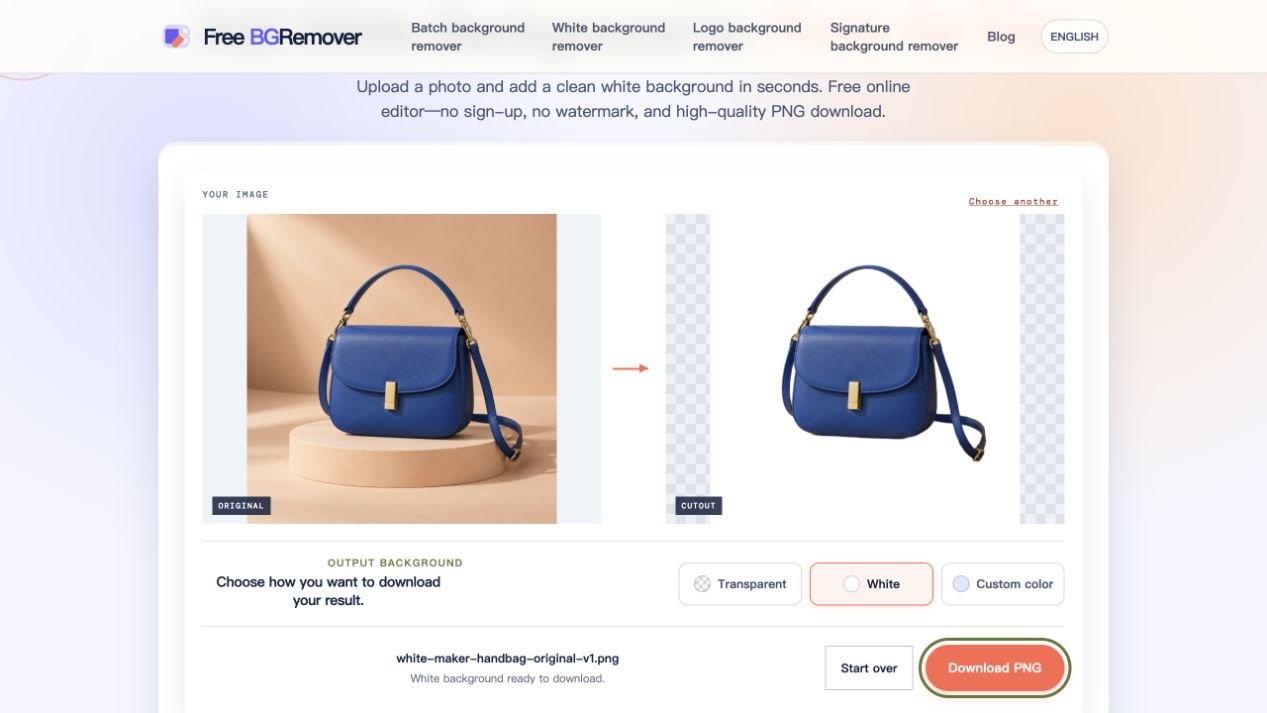
    Wait a moment while browser-based AI isolates your item from the original backdrop. Compare the live preview side by side to inspect fine edges, text labels, and inner cutouts.

  3. 03

    Pick Your Background and Download

    Select pure white (#FFFFFF), pick a custom hue with the color picker or exact RGB values, or keep transparency, then download your unwatermarked PNG.

Why Choose Free BGRemover to Change Product Backgrounds?

Free BGRemover separates your item from messy surroundings using browser-based AI, cutting out the tedious work of tracing edges by hand or setting up desktop masking tools. Whether you are prepping white marketplace listings, aligning colors for a store catalog, or creating clean assets for social posts, you can preview every edit and download a ready-to-use PNG faster.

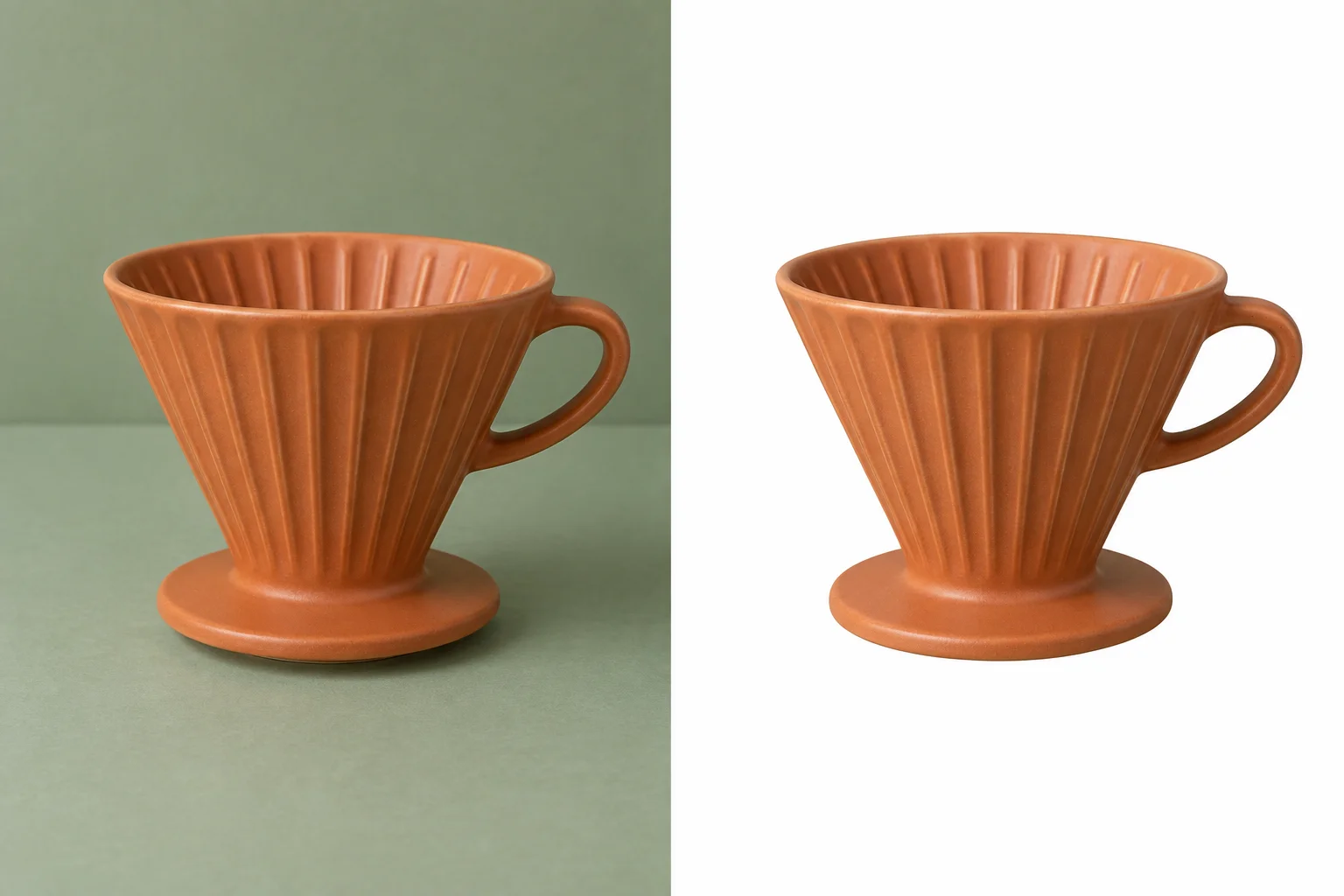
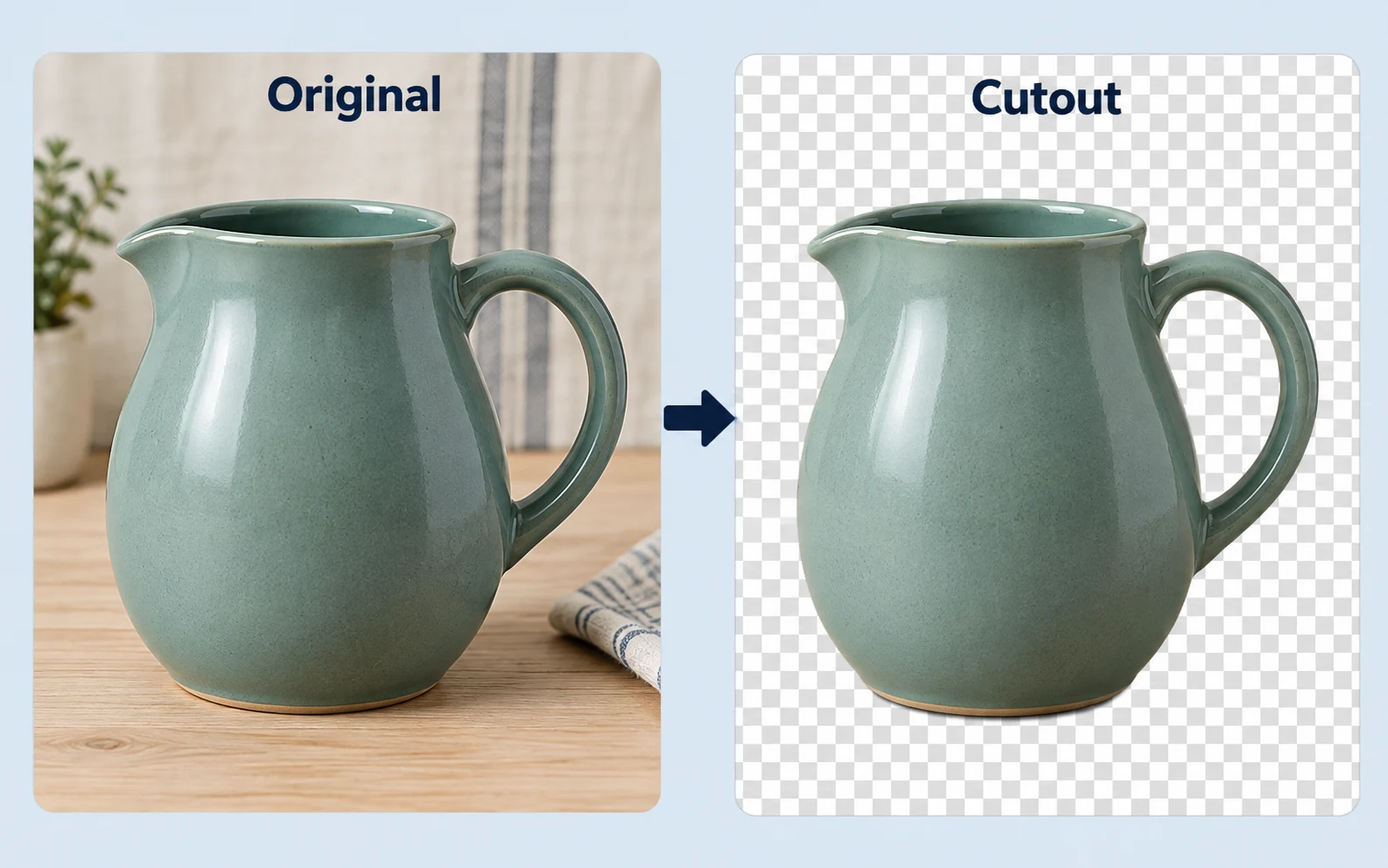
Sage-green ceramic pitcher separated cleanly from a tabletop background, including its handle opening

Isolate Items Without Hand-Tracing Every Edge

Browser-based AI handles the initial subject separation automatically, turning a raw tabletop snapshot into a clean preview in moments. You skip manual lasso paths and jump straight to inspecting corners, rims, and straps.

Example illustration. Actual results vary by photo.
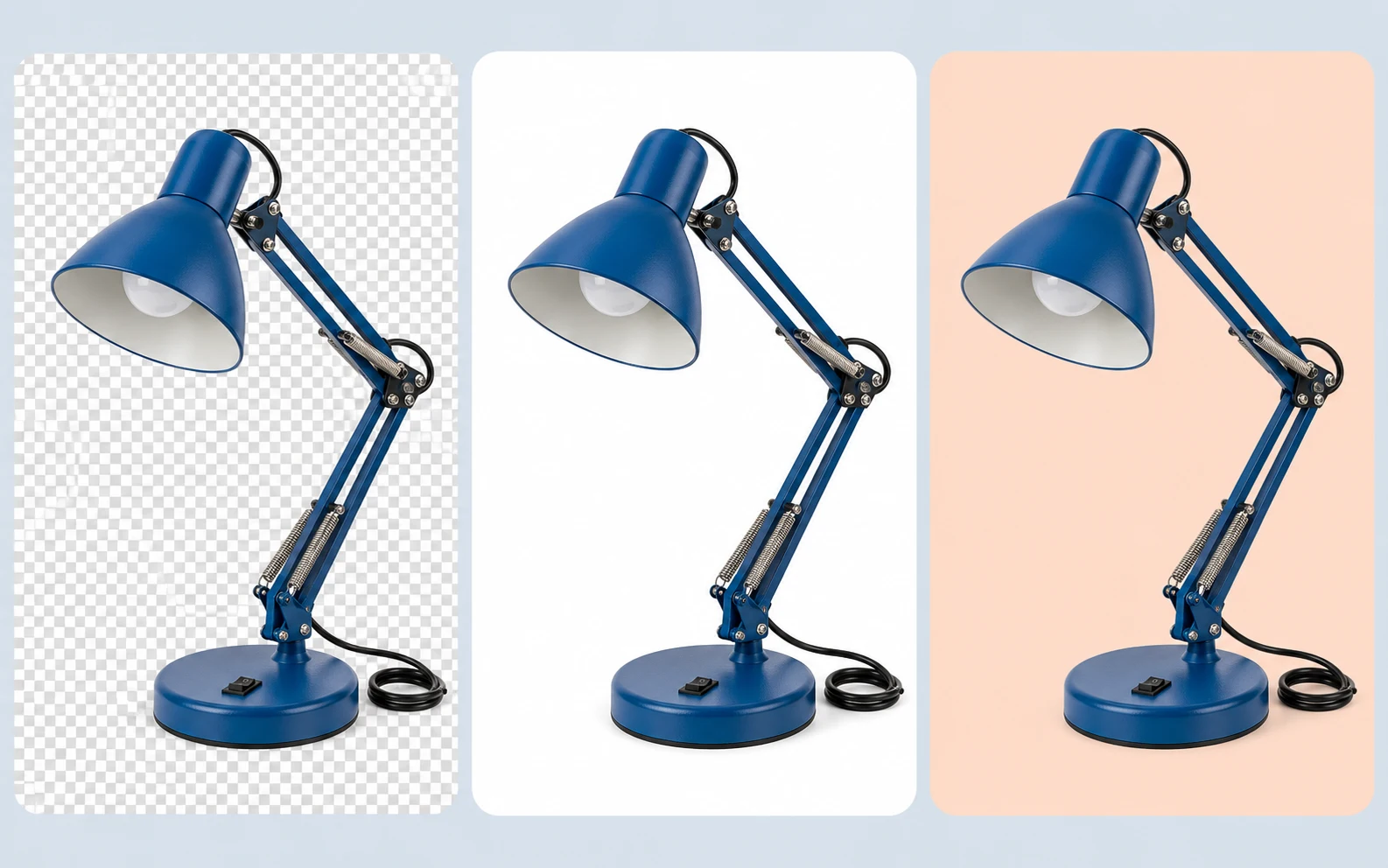
Blue adjustable metal desk lamp previewed consistently across transparent, pure white, and peach solid backgrounds

Switch Between Pure White and Exact RGB Colors

Apply pure white (#FFFFFF) for compliant listing views, dial in exact RGB values to match your brand palette, or keep a transparent layer. One workspace handles multiple catalog color needs without extra software.

Example illustration. Actual results vary by photo.
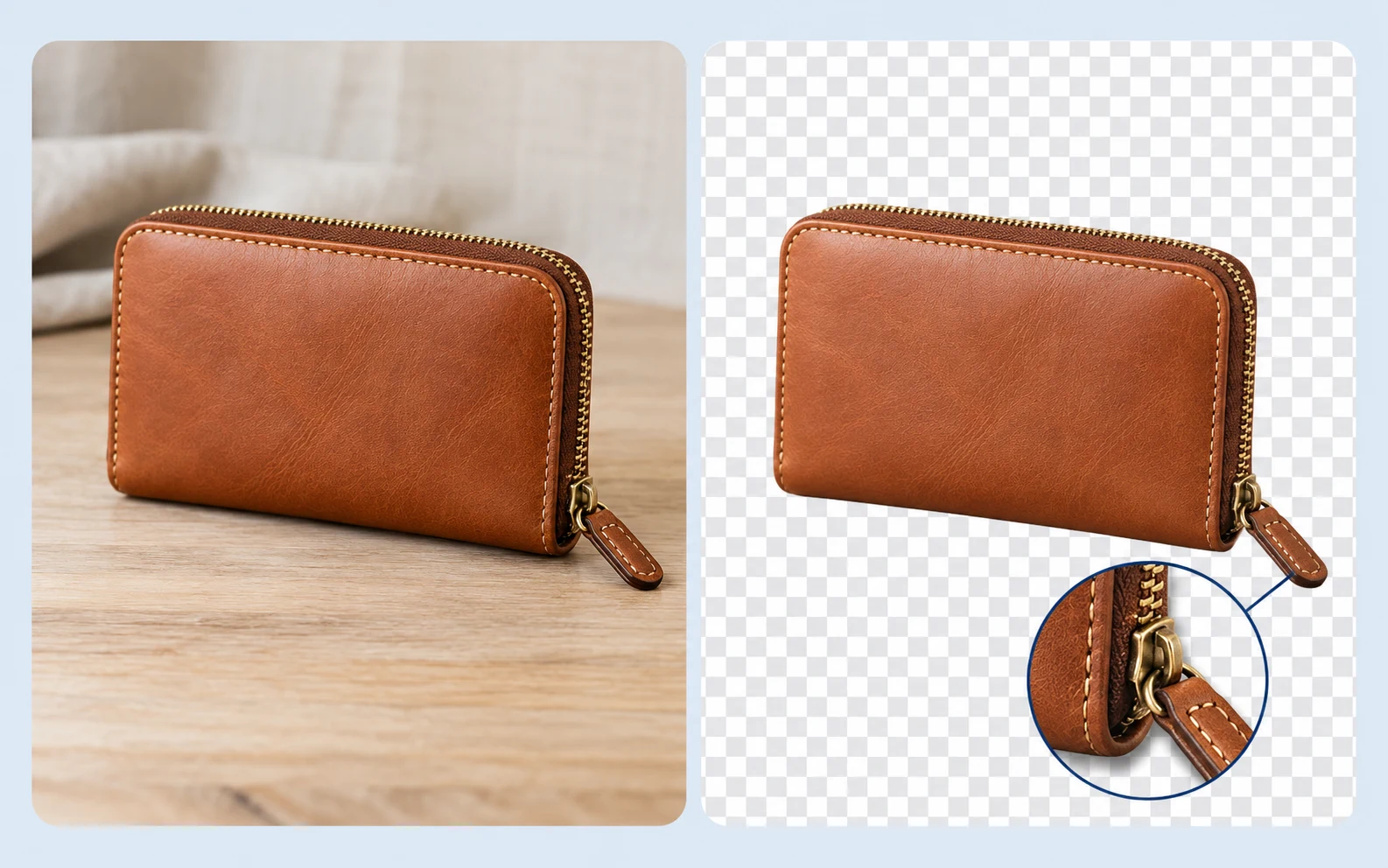
Cognac leather wallet compared against its original photo with clear zipper pull and edge stitching details

Review Small Product Details Before You Save

Side-by-side preview lets you compare the edited result against your original photo right in the workspace. Verify logos, stitching, and thin handles before downloading so your listing reflects the item accurately.

Example illustration. Actual results vary by photo.
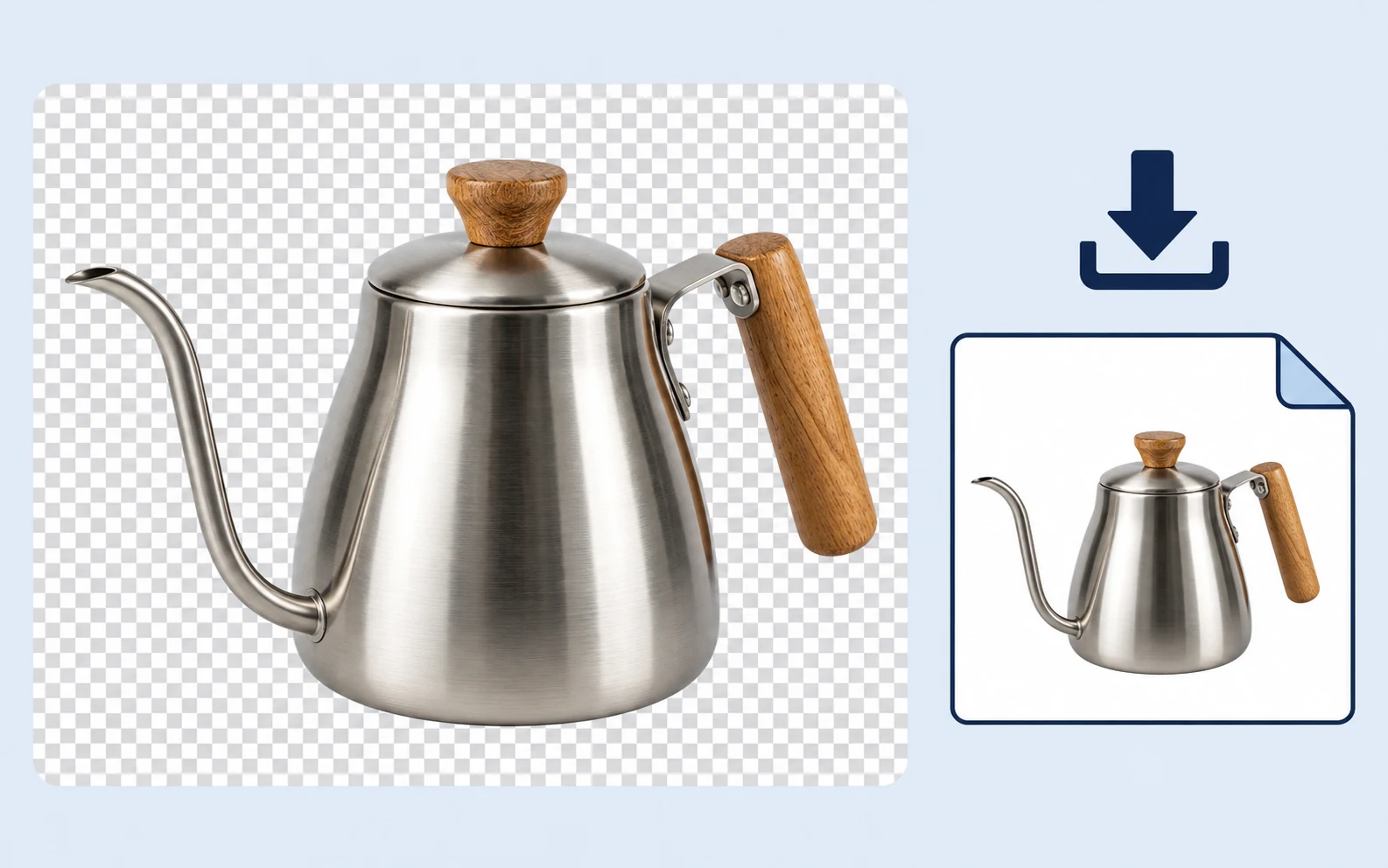
Stainless-steel gooseneck kettle with clean edges ready for unwatermarked PNG download

Download Clean PNGs With No Signup or Watermarks

Process a supported JPG, PNG, or WebP file up to 15 MB and save your edited image without creating an account or paying upfront. Every export arrives free of watermarks for immediate store use.

Example illustration. Actual results vary by photo.

Who Uses This Tool to Update Product Backdrops?

From solo handmade sellers to growing ecommerce teams, start with the images you already have and adapt each backdrop to fit your next channel.

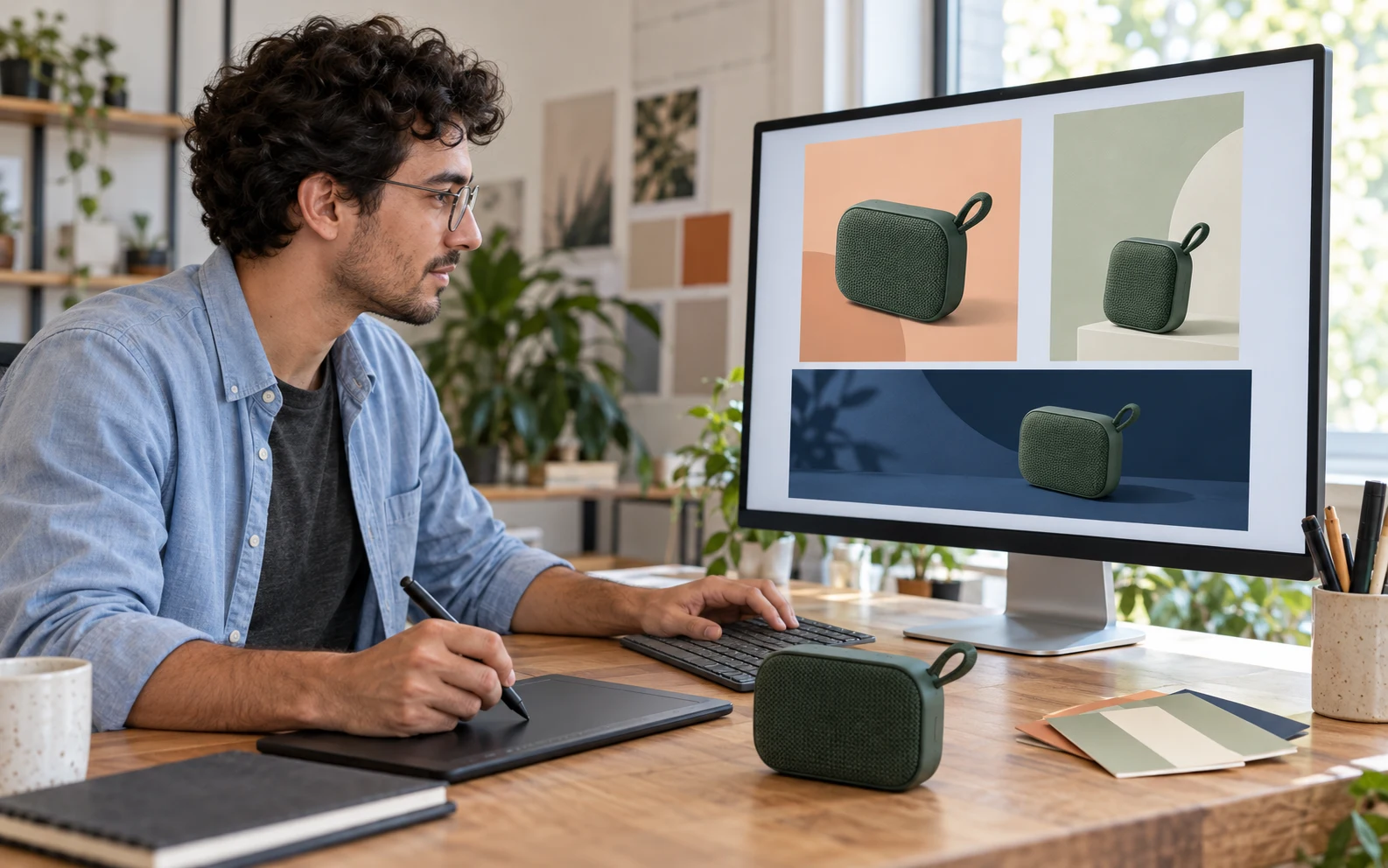
Independent seller photographing a candle jar at a home desk while checking a clean white-background preview on a laptop

Turn Home Snapshots Into Listing-Ready White Images

Photograph an item on a kitchen table or workbench, then switch the messy backdrop to pure white in a few clicks. Inspect the preview to make sure the item's shape and condition stay accurate for Amazon, eBay, or Etsy buyers.

  • Replace cluttered room backdrops fast
  • Apply pure white (#FFFFFF) pixels
  • Verify edges before listing
Prepare a Listing Photo Now
Is this online tool free with no watermark or signup?

Yes. In Free BGRemover's current workflow, you can upload a supported image, replace the backdrop, and download an unwatermarked PNG without creating an account or paying upfront. Always inspect the preview before publishing, as cutout accuracy depends on the source photo.

How do I get a pure white backdrop for ecommerce listings?

Upload your photo and wait for AI to separate the item. Once the preview appears, select the White option to fill the canvas with pure white (#FFFFFF) pixels, check the edges against the original, and click Download to save your PNG.

Which image formats can I upload, and what format do I download?

You can upload JPG, PNG, or WebP files up to 15 MB. All edited files currently export as PNG—including solid white and custom-color versions. If a marketplace specifically requires a JPG upload, convert the downloaded PNG in your preferred image viewer.

Can I use the edited images for Amazon, Shopify, or Etsy?

Yes, provided you hold the rights to the source photo and verify each platform's latest image guidelines. Switching to pure white helps meet common main-image backdrop rules, though this tool does not automatically crop, pad, or resize images to platform templates.

How is this different from an AI product background generator or a remover?

A product photo background remover only strips the original backdrop to leave transparency, while an AI product background generator invents brand-new scenes, props, and synthetic lighting from prompts. This page focuses on keeping your real photo intact and replacing the backdrop with pure white, a custom solid color, or transparency.

Does it handle glass, fine jewelry, batch uploads, or automatic shadows?

The current workspace processes one image at a time and does not add synthetic drop shadows or offer a manual restore brush. Translucent glass, reflective surfaces, and very fine chains can be harder for automated models to separate, so high-contrast lighting gives the cleanest result.

What about image resolution, browser requirements, and privacy?

The standard browser pipeline caps preview and processing dimensions at 2200 pixels on the longest side and relies on WebGPU in modern Chrome, Edge, or Safari. Although AI runs in your browser, the site may store originals and results privately for task records—review our Privacy Policy before uploading unreleased items.

Common Questions About Changing Product Backgrounds

Clear answers on free exports, file formats, white backdrops, ecommerce guidelines, and editing limits before you publish.

Give Your Product Shots a Cleaner Backdrop Today

Upload a photo, switch to pure white or a custom brand color, and download an unwatermarked PNG with no account required.

Open the Free Product Background Changer