Remove Backgrounds for Pure White Amazon Product Photos

Upload an Amazon product photo and let AI remove the background in seconds to create a pure white or transparent PNG. Built for Amazon sellers and FBA teams, with no signup, no watermark, and no manual tracing.

Start with your Amazon product photo

Upload a product. Choose pure white or transparent.

JPG, PNG, or WebP · Up to 15 MB

Privacy details

Clear Distracting Backgrounds From Your Amazon Listing Photos

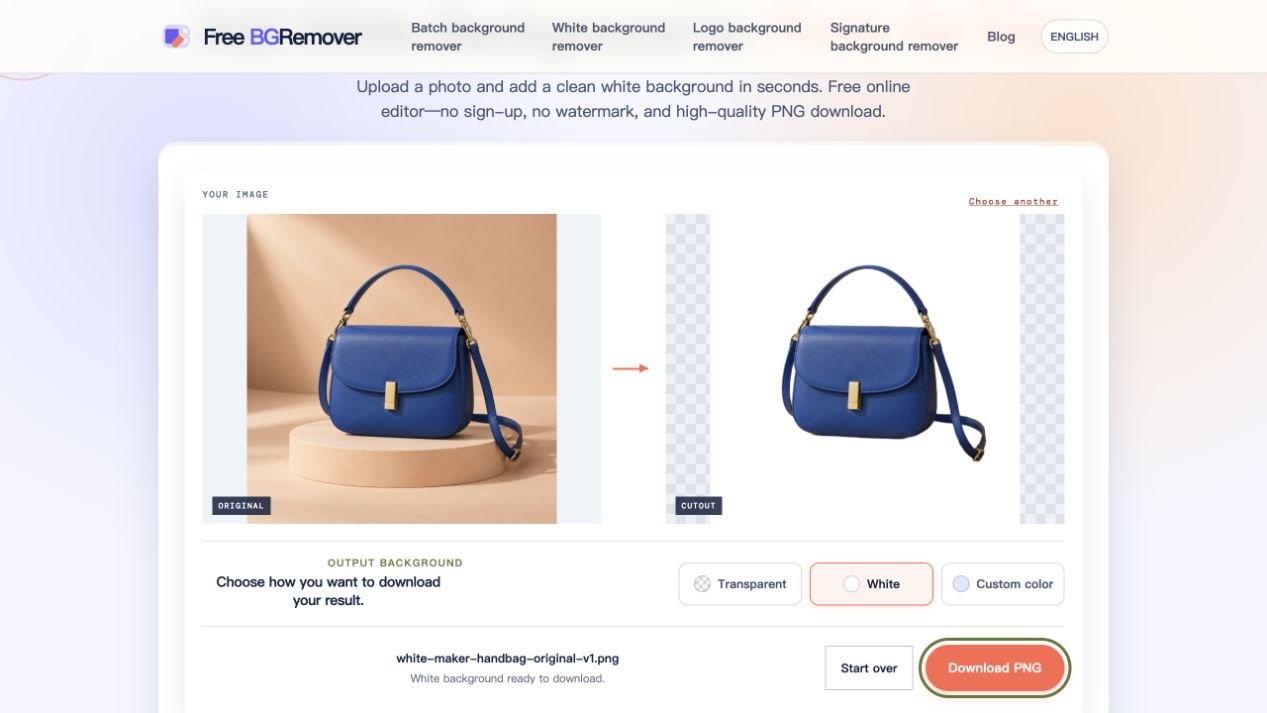
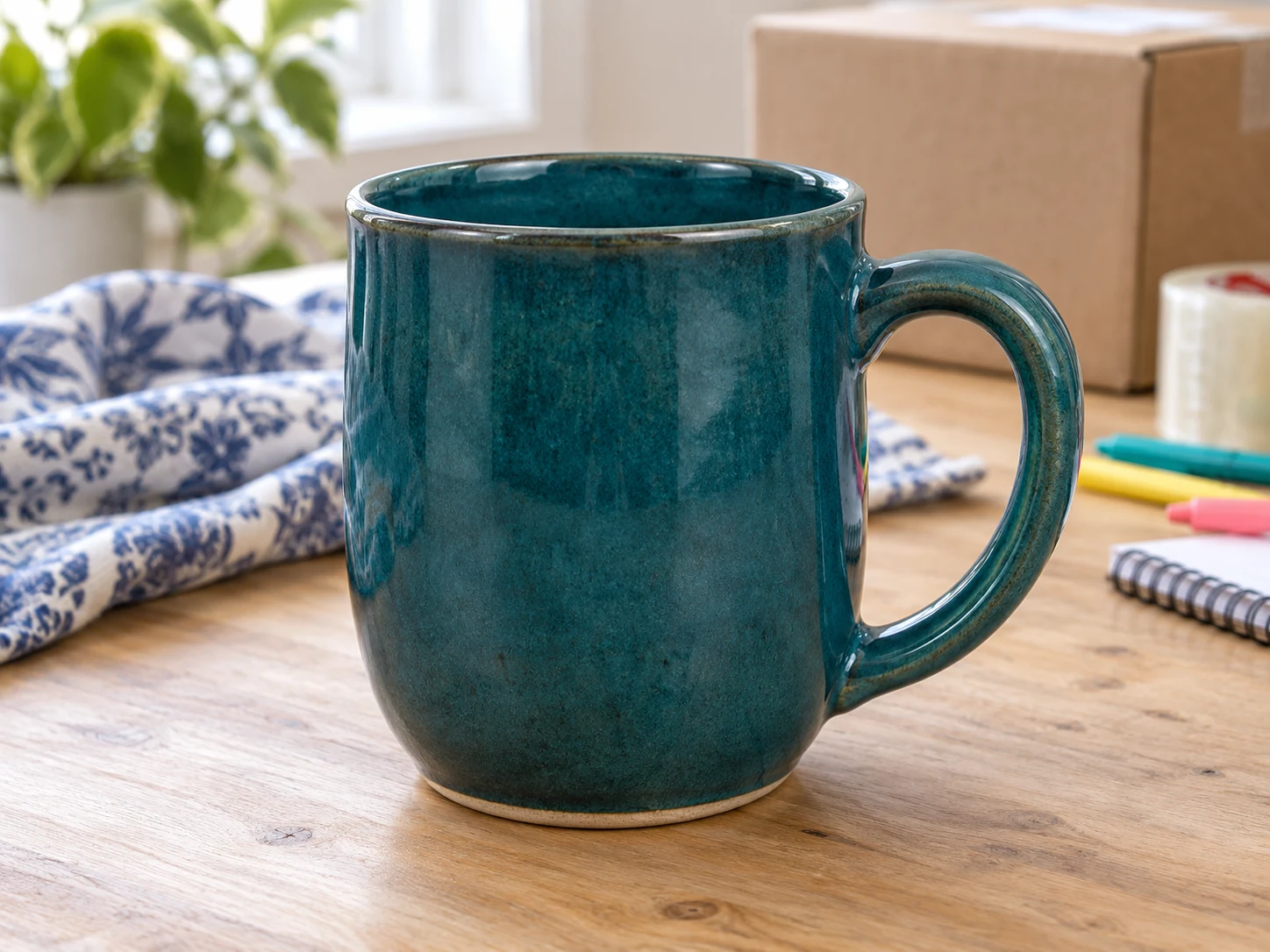
Shooting products on a desk, shelf, or uneven paper backdrop often leaves clutter and gray shadows that pull attention away from the item. Use this Amazon photo background remover to isolate the product cleanly without drawing masks by hand. Start with a well-lit image that shows the whole item, then compare the before-and-after preview to check labels, straps, and corners before you save.

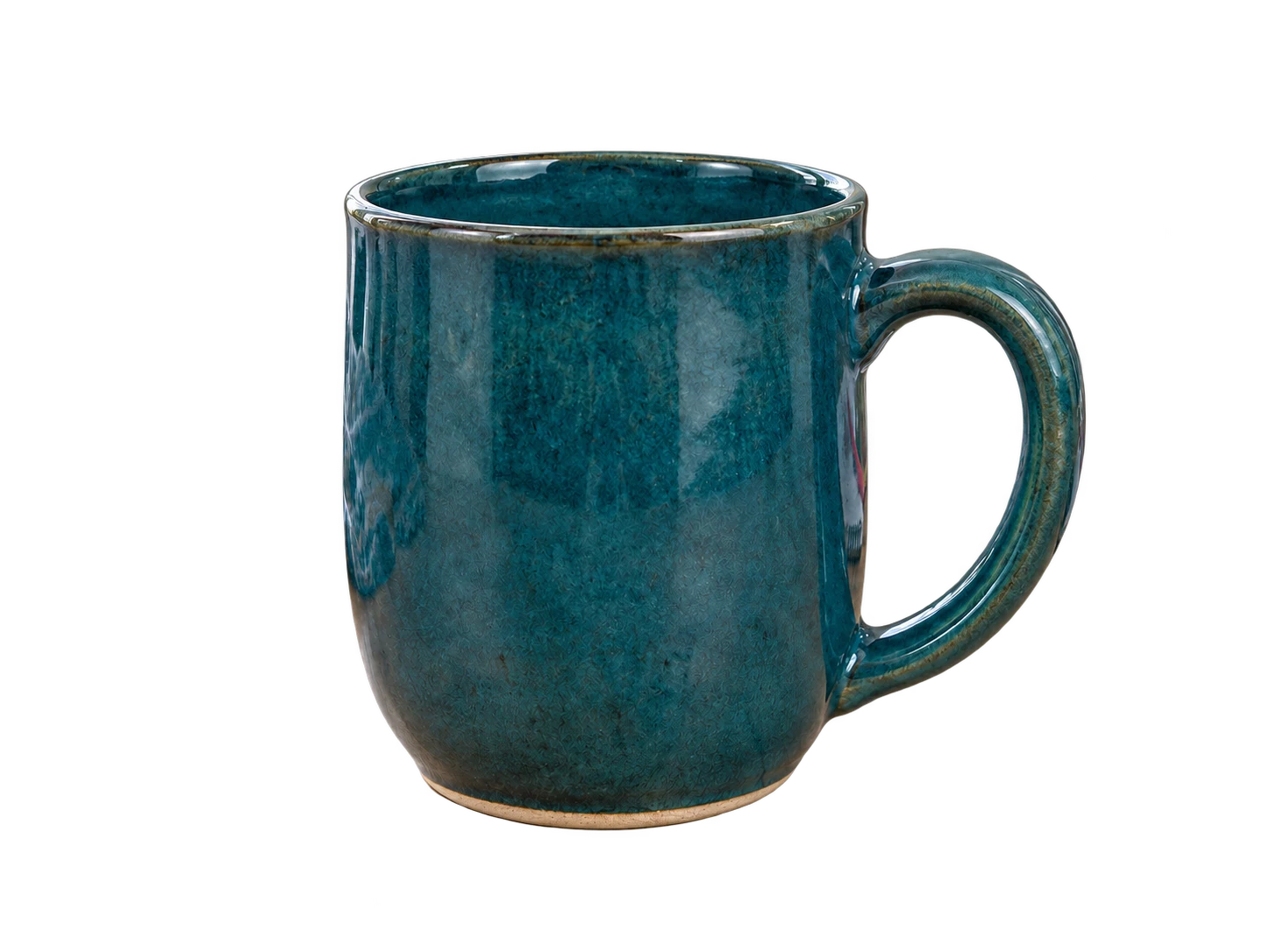
Teal ceramic mug with a complete rim, base, and rounded handle on a cluttered tabletop with patterned cloth, a shipping box, and stationery

AI-generated example of removing a distracting background for a product listing. Actual results vary by photo.

Switch Between Pure White Main Images and Transparent Cutouts

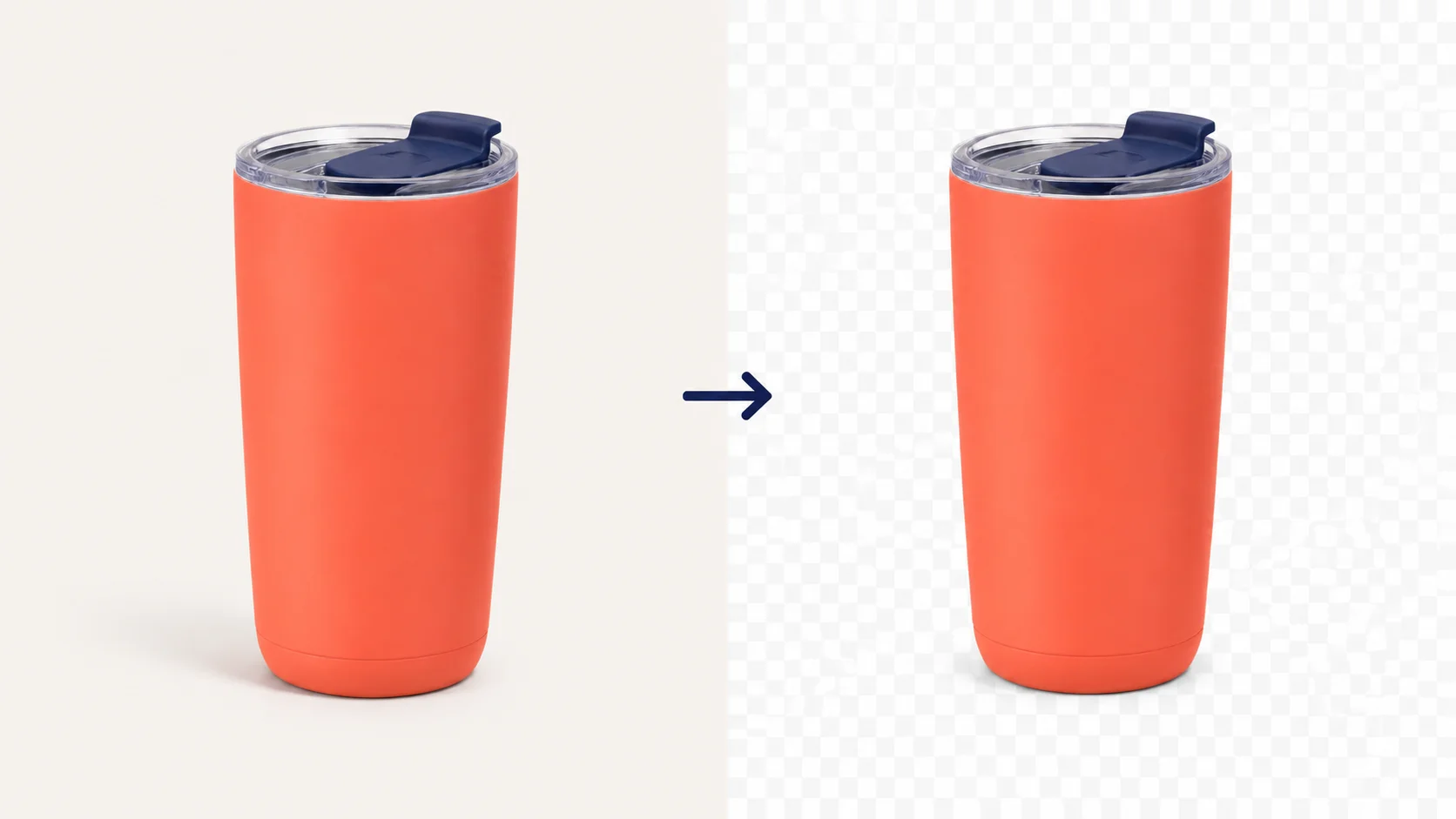
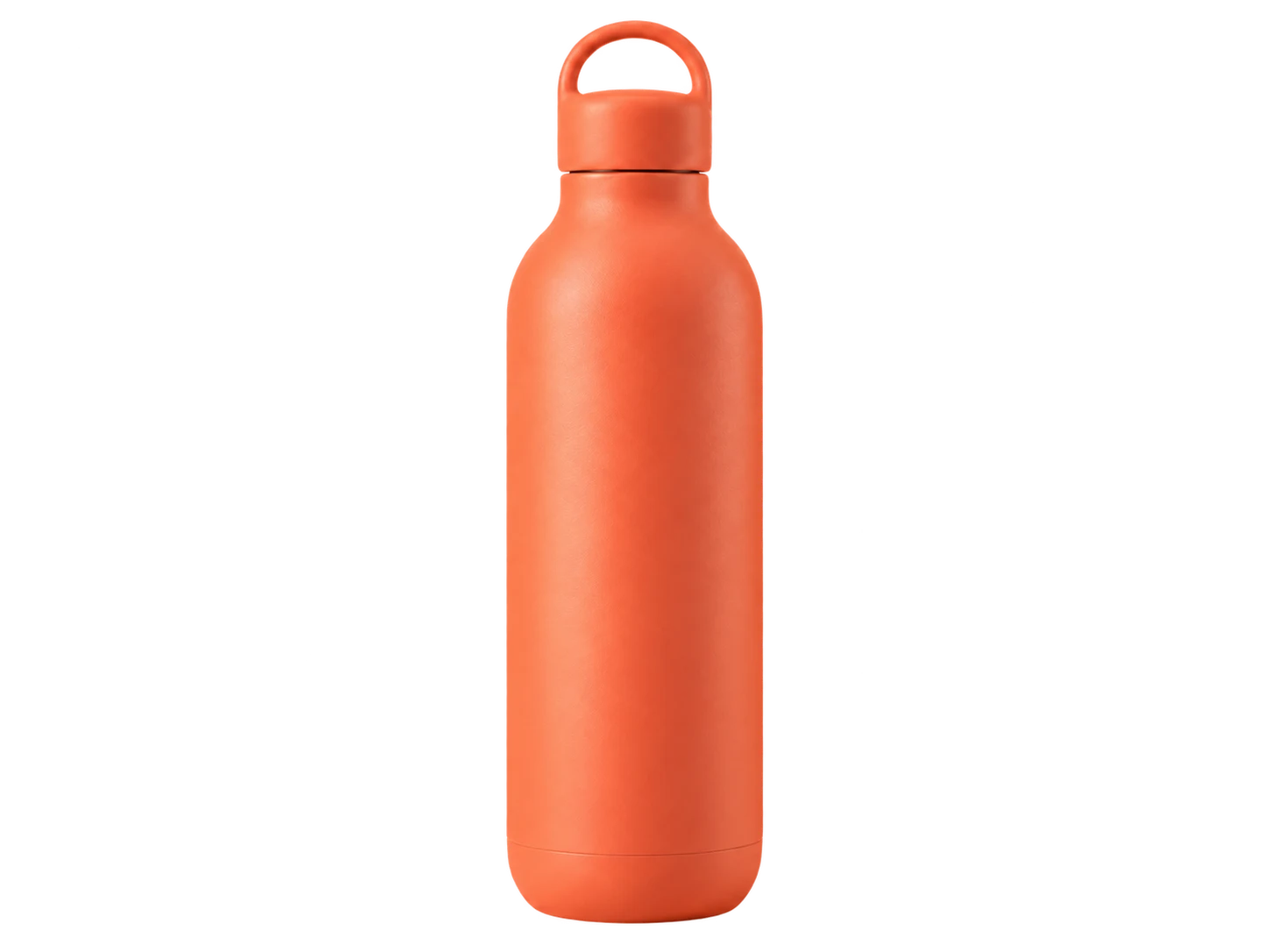
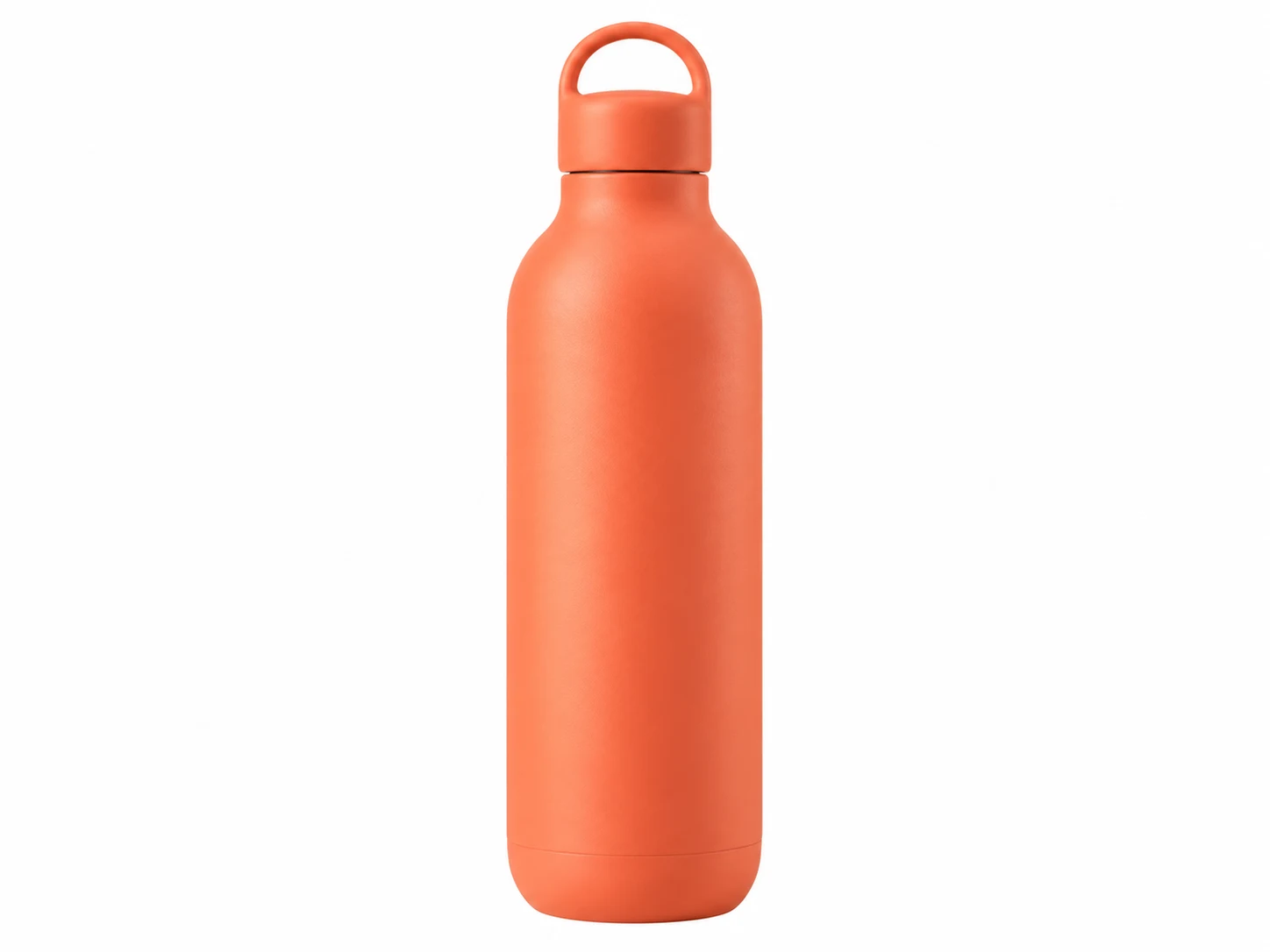
Amazon main images require a true pure white background (RGB 255, 255, 255), while A+ modules and comparison charts often need a flexible cutout. After removing the original backdrop, apply solid white in one click to avoid off-white rejection, or keep a transparent background for Amazon product graphics. You can also pick a custom solid color and inspect the preview before exporting your PNG.

Try Background Remover for Amazon Free
Coral-orange reusable water bottle with a loop cap on a pure white background

AI-generated output examples. Choose pure white (#FFFFFF) for a main image or transparency for A+ layouts. Actual results vary by photo.

Related Tools

Prepare One Cutout for Amazon Main Slots, A+ Content, and Storefronts

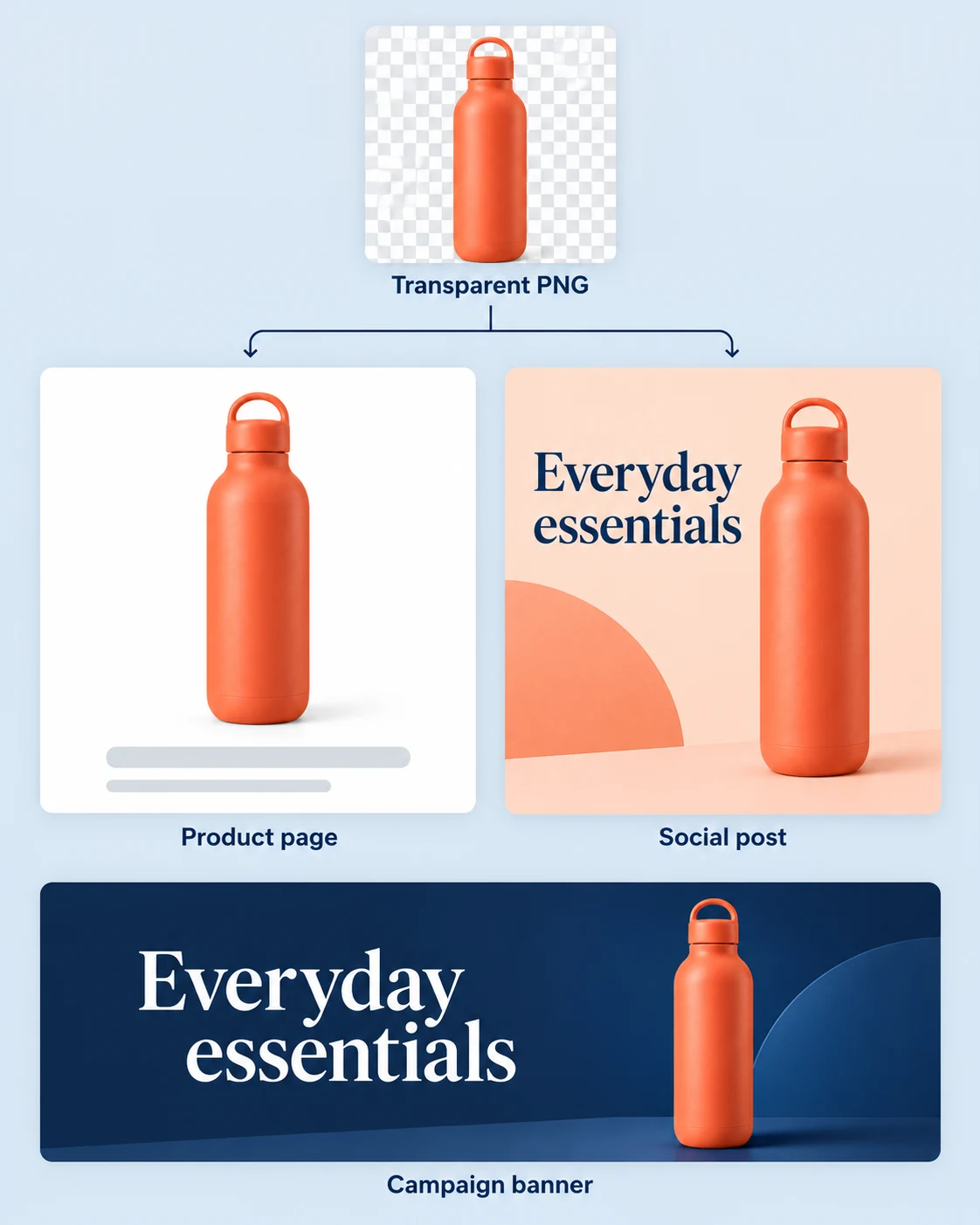
Once you cut out product for Amazon listings, you can reuse the same clean file across multiple placements instead of reshooting every angle. Save a white-background PNG for standard catalog views, or download a transparent cutout to place inside your design editor for infographics, brand banners, and promotional cards. Because Free BGRemover focuses on accurate single-image cutouts and solid colors, you stay in full control of final framing, JPG conversion, and layout sizing in your preferred editor.

Remove Amazon Product Photo Backgrounds Now
One transparent coral-orange water bottle cutout reused in a white product listing, a square social post, and a wide storefront campaign banner

AI-generated layout examples. Place your downloaded cutout in your preferred design editor to build A+ content and storefront graphics.

How to Use Our Amazon Background Remover

Upload your photo, clear the background with AI, and download a pure white or transparent PNG fast.

Upload your photo, clear the background with AI, and download a pure white or transparent PNG fast.

  1. 01

    Upload Your Amazon Product Photo

    Select a JPG, PNG, or WebP file up to 15 MB. Choose a sharp photo where the full item is visible and clearly separated from the surface behind it.

  2. 02

    Remove the Background and Inspect the Edges

    Click to let AI remove the original background automatically. Use the side-by-side preview to check fine details like text labels, handles, and reflective edges.

  3. 03

    Pick Pure White or Transparent and Download

    Select solid white (#FFFFFF) for a clean listing look, keep transparency for A+ layouts, or choose another solid color, then download your unwatermarked PNG.

Why Choose Free BGRemover as Your Amazon Background Remover?

Free BGRemover uses browser-based AI to separate products from cluttered surroundings, removing the need for manual pen-tool tracing or paid photo editors. Whether you are preparing a main listing photo, cleaning up FBA catalog shots, or exporting transparent cutouts for A+ graphics, you can preview every result and download a clean PNG ready for your next step.

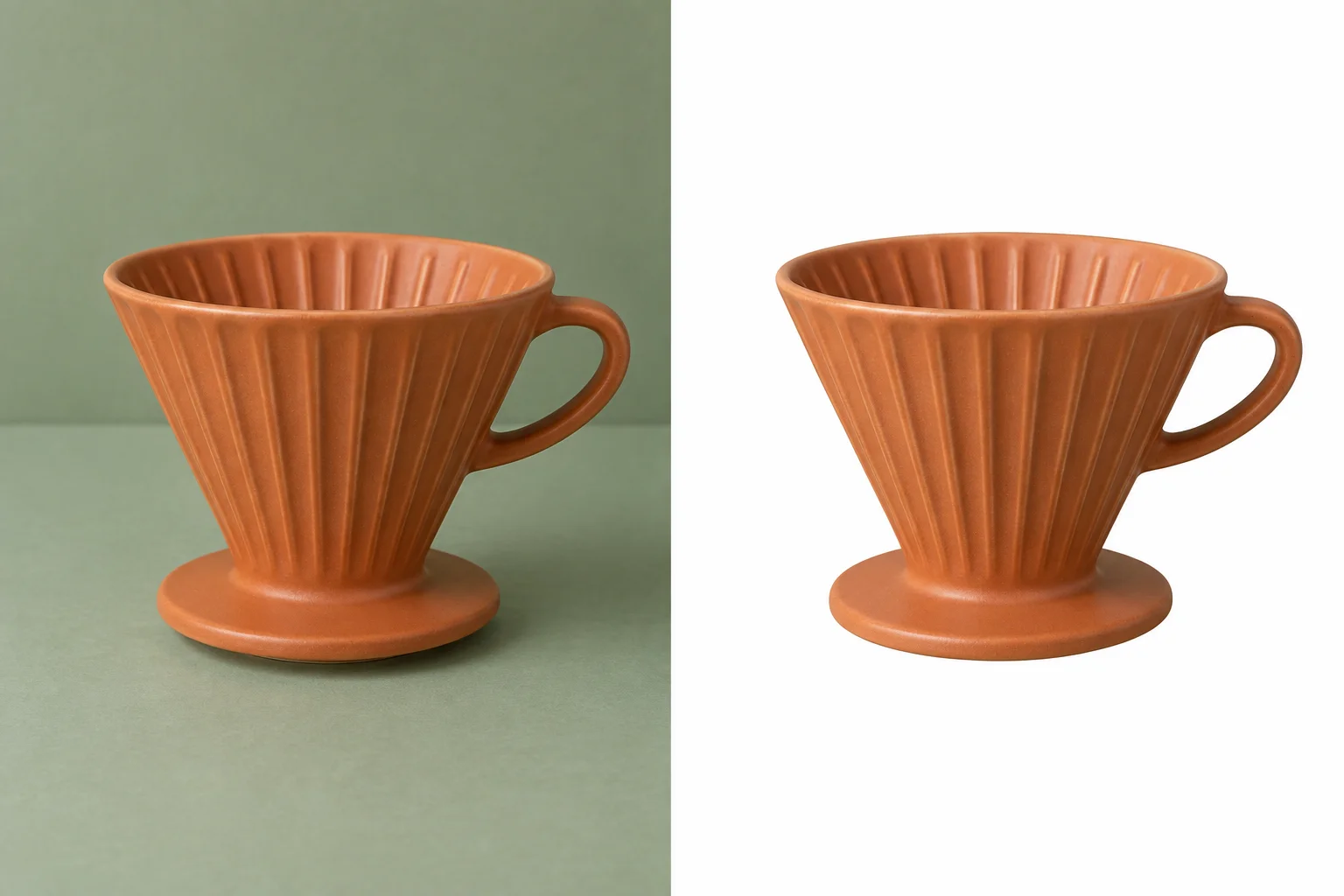
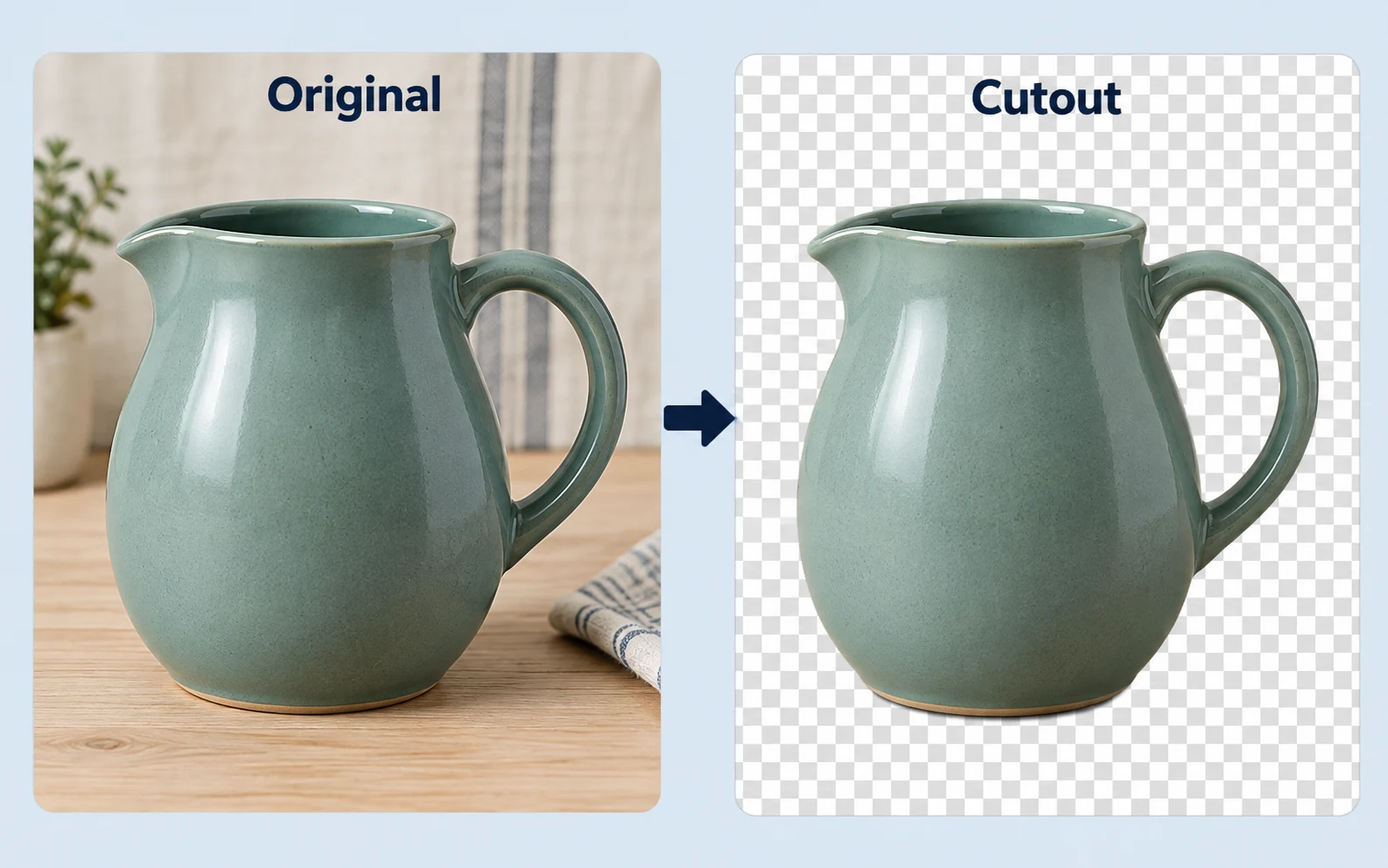
Before-and-after illustration of the same sage-green ceramic pitcher on a tabletop and as an isolated cutout, with its handle opening cleared of background

Skip Manual Pen-Tool Tracing on Products

Built-in AI isolates your item from tabletops, shelves, and uneven backdrops automatically. You get an immediate cutout preview instead of spending minutes drawing selection paths around every product.

AI-generated illustration. Actual results vary by photo.
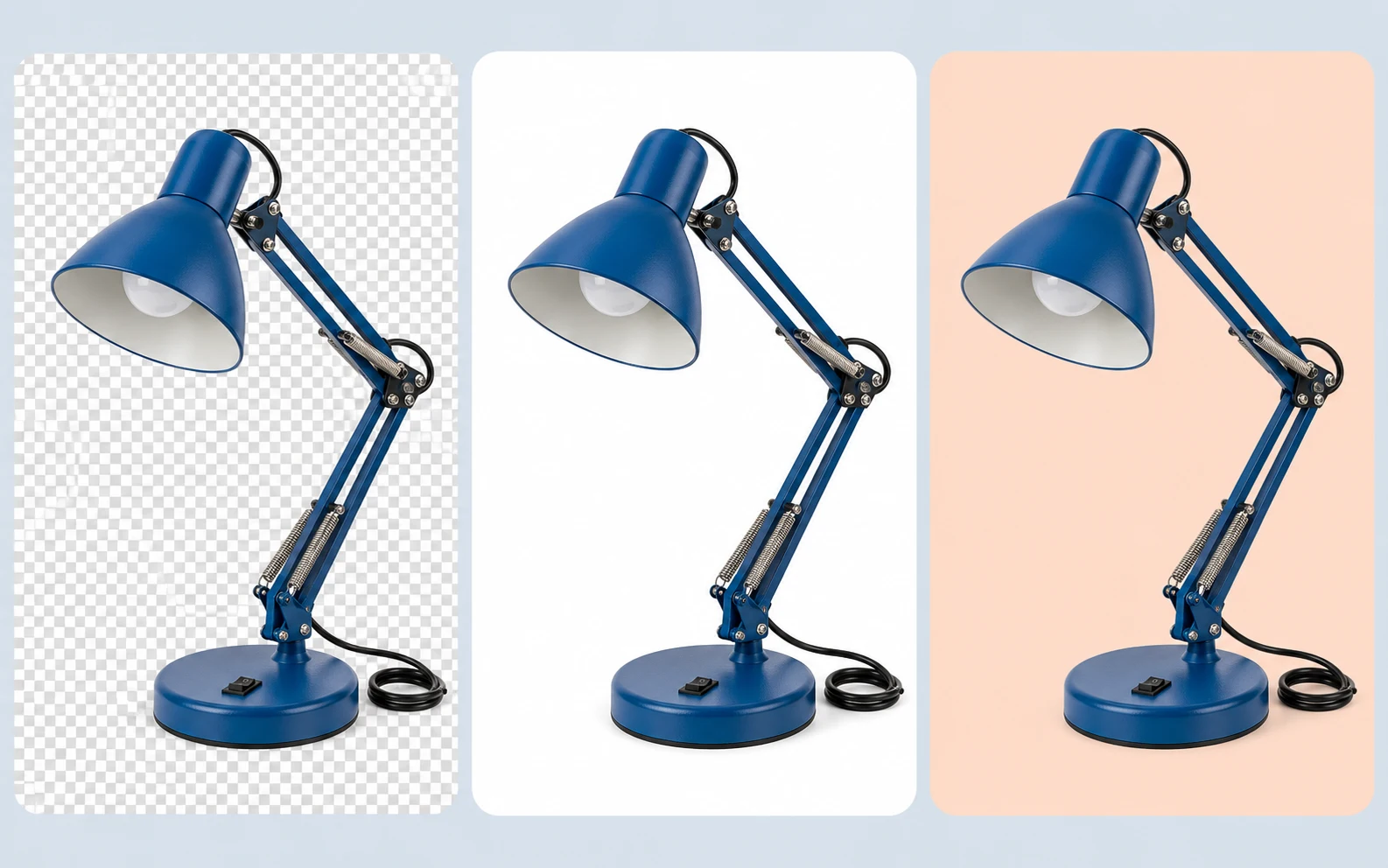
A realistic blue adjustable metal desk lamp shown consistently on transparent checkerboard, pure white, and solid peach backgrounds

Switch to Pure White Without Another Tool

Apply true white (#FFFFFF), keep a transparent background, or choose a custom solid color inside the same workspace. You can prepare both white listing visuals and transparent design assets from one upload.

AI-generated illustration. Actual results vary by photo.
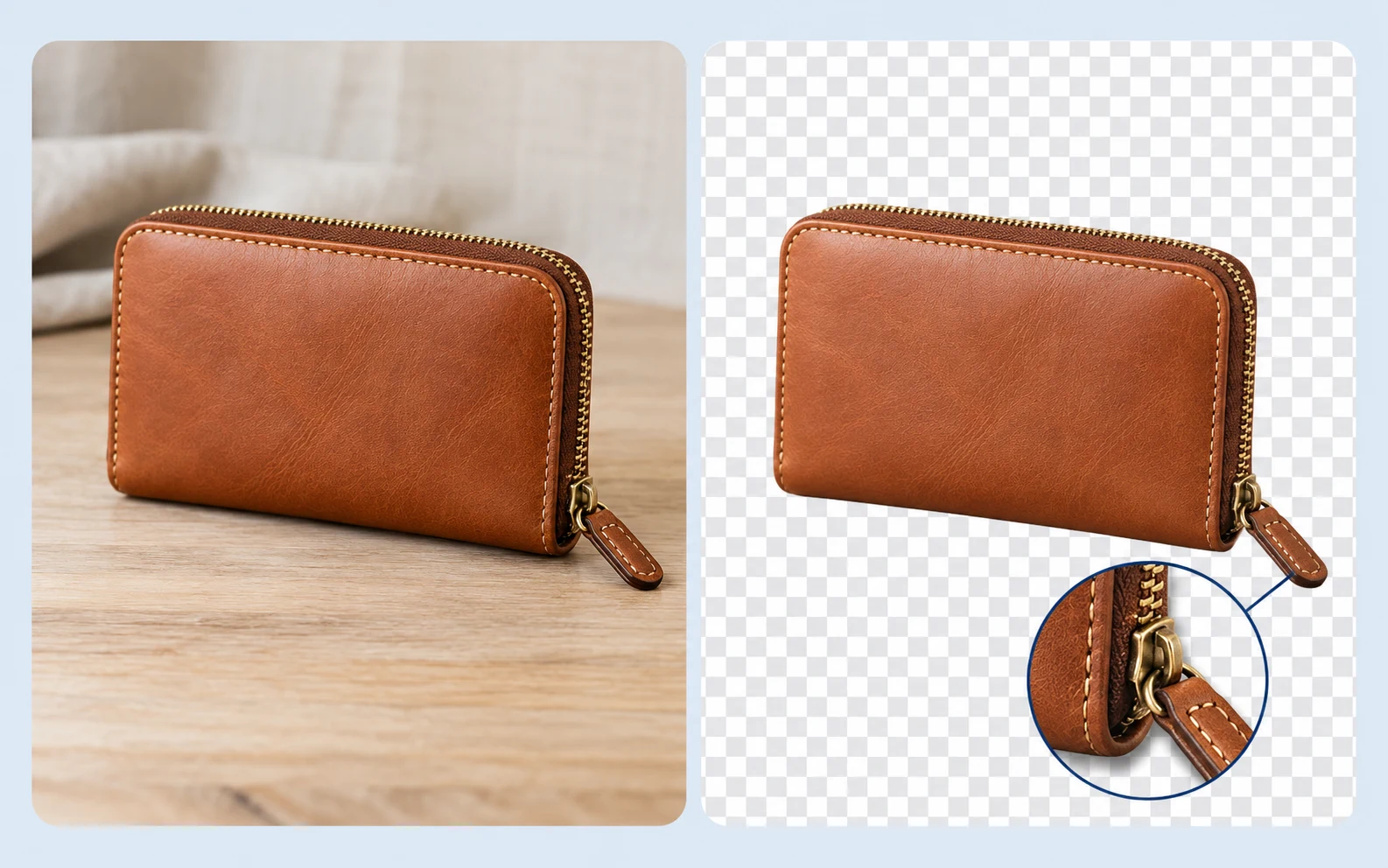
Photorealistic comparison of a cognac leather wallet on its original tabletop and as a cutout, with an enlarged view of its brass zipper pull and edge stitching

Verify Product Labels and Edges Before Saving

The workspace displays your original photo beside the edited result. Inspect small packaging text, handles, straps, and corners up close so you know the cutout represents your item accurately before downloading.

AI-generated illustration. Actual results vary by photo.
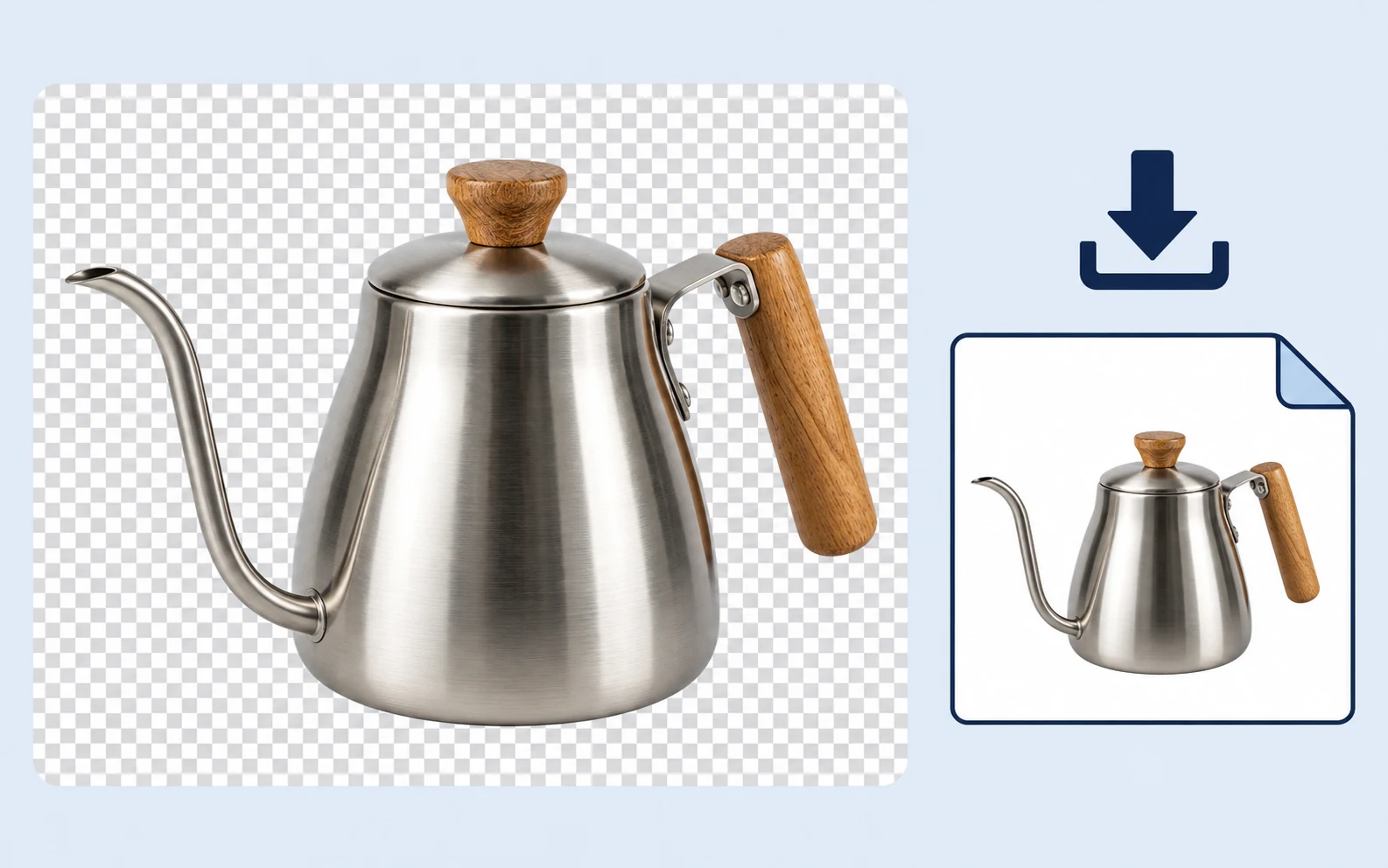
Photorealistic stainless-steel gooseneck kettle cutout with a wooden handle, a download symbol, and a clean unwatermarked output preview

Export Clean PNGs With No Signup or Watermark

Process supported JPG, PNG, or WebP images up to 15 MB directly in your browser without creating an account or paying upfront. Every downloaded PNG stays watermark-free for immediate store use.

AI-generated illustration. Actual results vary by photo.

Built for Every Amazon Seller and Ecommerce Workflow

From first-time FBA sellers shooting products at home to brand teams updating A+ pages, turn existing product photos into clean cutouts and white-background PNGs before publishing.

An Amazon FBA seller photographing an amber candle jar with a smartphone at a home worktable, with shipping boxes and a laptop showing a clean white-background product preview

Turn Home Product Shots Into Clean Listing Visuals

Clear cluttered desks or gray lightbox backgrounds from newly sourced items without hiring a studio. Switch to pure white (#FFFFFF) and check product details in the preview before preparing your final upload.

  • Remove distracting home or warehouse backdrops
  • Apply pure white (#FFFFFF) in one click
  • Download watermark-free PNGs with no signup
Clean My FBA Product Photo
Is this Amazon background remover free and watermark-free?

Yes. Free BGRemover lets you upload a supported product photo, remove its background, and download the resulting PNG for free without creating an account. No watermarks are added, which matters because Amazon main images prohibit logos or watermark overlays.

Can I get a pure white (RGB 255, 255, 255) background to avoid Amazon listing rejection?

Yes. Photos shot on white paper often look light gray and can trigger Amazon listing suppression. After the AI removes your original background, select pure white (#FFFFFF / RGB 255, 255, 255) instead of leaving it transparent so true white pixels are saved into the downloaded image.

What file formats are supported, and can I use the PNG on Amazon?

You can upload JPG, PNG, or WebP files up to 15 MB, and the tool exports a PNG file. Amazon accepts JPEG and PNG formats, though many sellers prefer JPEG for main search images. If your workflow requires a JPG file, convert the downloaded white-background PNG to JPEG before uploading to Seller Central.

Does the tool automatically resize products to 2000x2000 pixels or the 85% frame rule?

No. The standard processing path keeps the longest side up to 2200 pixels and does not automatically crop, center, or stretch your product to fill 85% of a 2000x2000 square canvas. After downloading your white or transparent PNG, check framing and dimensions in your editor to meet Amazon's current main image guidelines.

Can I remove backgrounds in bulk for an entire Amazon catalog?

This page is built for editing one product photo at a time so you can inspect edges and choose white or transparent output carefully. If you need to process multiple SKU images together, use our dedicated Batch Background Remover tool.

How does this differ from Amazon Seller Central tools or the Amazon Ads image generator?

Amazon Ads provides a separate generative AI tool for creating lifestyle ad scenes in Sponsored Brands and Display campaigns, while Seller Central mainly handles catalog uploads. Free BGRemover is an independent online background remover focused on fast, clean product cutouts and pure white or solid-color backgrounds—not AI lifestyle scene generation or AWS cloud APIs.

Will it cleanly cut out glass, shiny metal, or thin product straps?

Cutout precision depends on lighting and contrast in the source photo. Reflective glass, white-on-white items, and very thin chains can be harder for AI to separate. Because the current workspace does not include a manual restore brush, shoot against a contrasting backdrop and always inspect the preview before saving.

Amazon Background Remover FAQs

Get practical answers on pure white RGB 255, 255, 255 backgrounds, file formats, resolution limits, and preparing compliant Amazon product photos.

Ready to Clean Up Your Next Amazon Product Photo?

Upload a JPG, PNG, or WebP photo, remove the distracting background in your browser, and download a pure white or transparent PNG with no signup or watermark.

Use Free Amazon Background Remover Now