Zero Bright Edge Halo
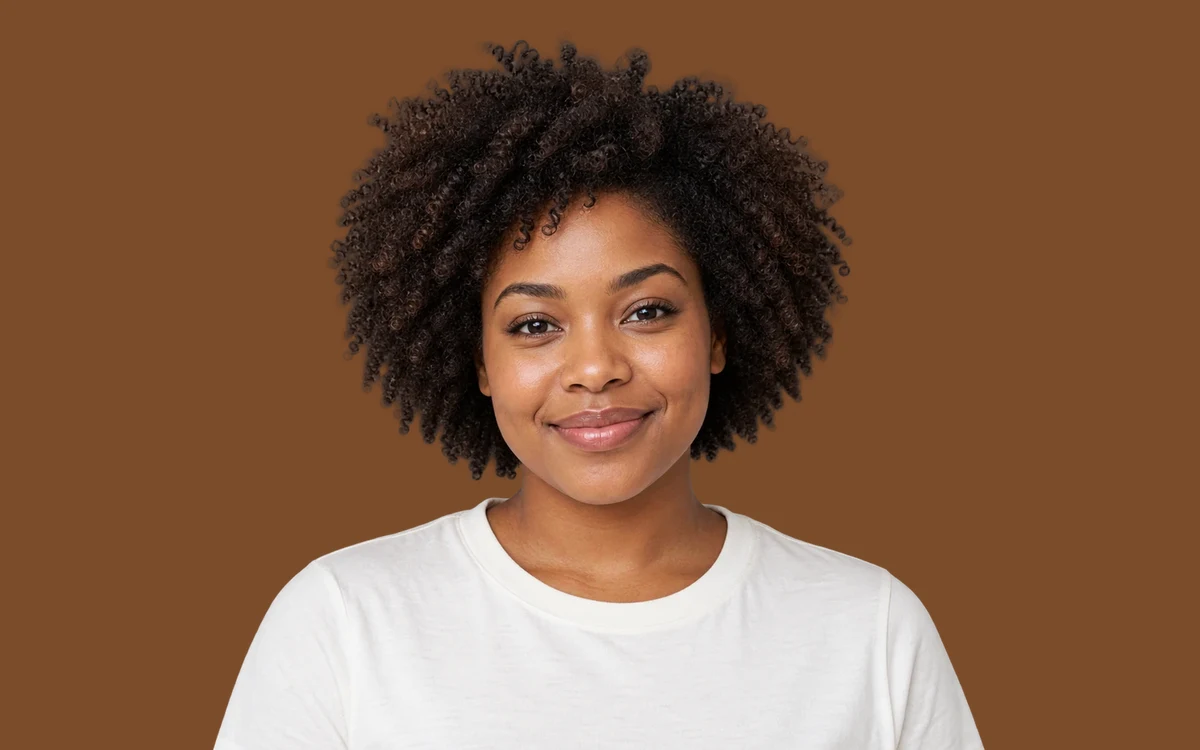
Precise subject detection cleans hair strands and product outlines, preventing pale fringes from showing up against darker earthy tones.
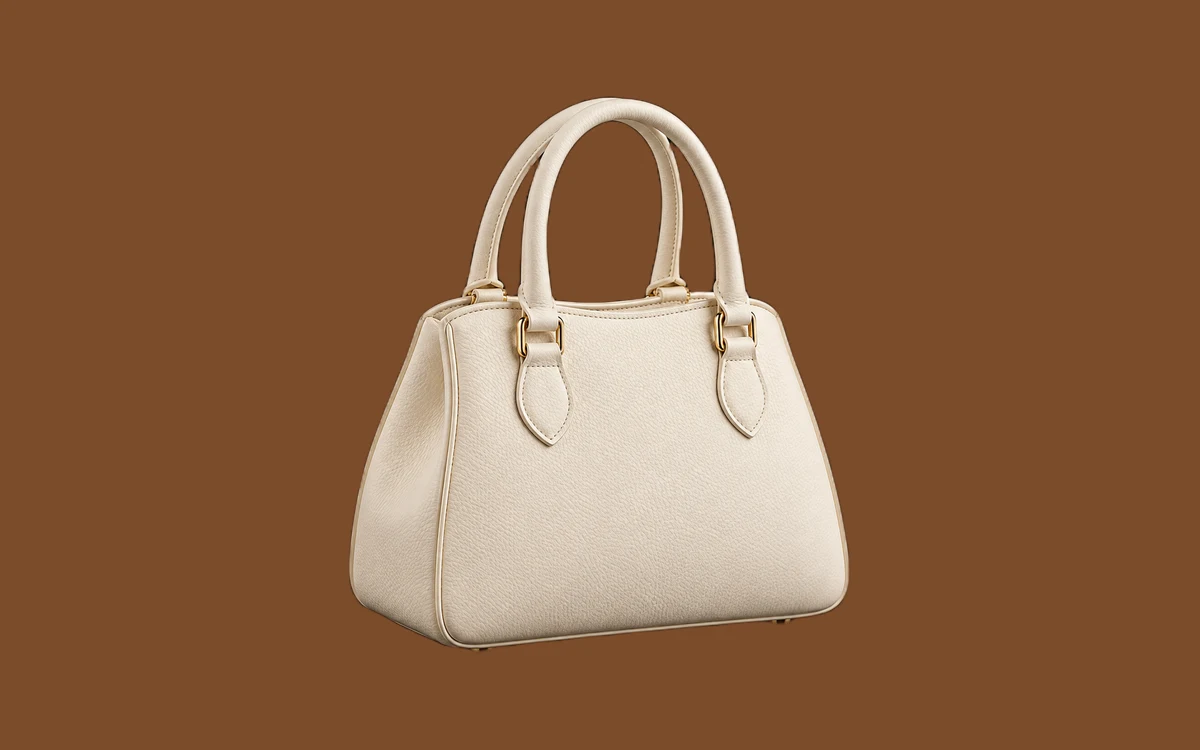
Clean contours against warm brown tones.
100% free PNG downloadNo signup requiredNo watermark
Swap messy scenes for a crisp solid brown background in seconds, keeping sharp edges and zero color halo. 100% free with no signup or watermark.
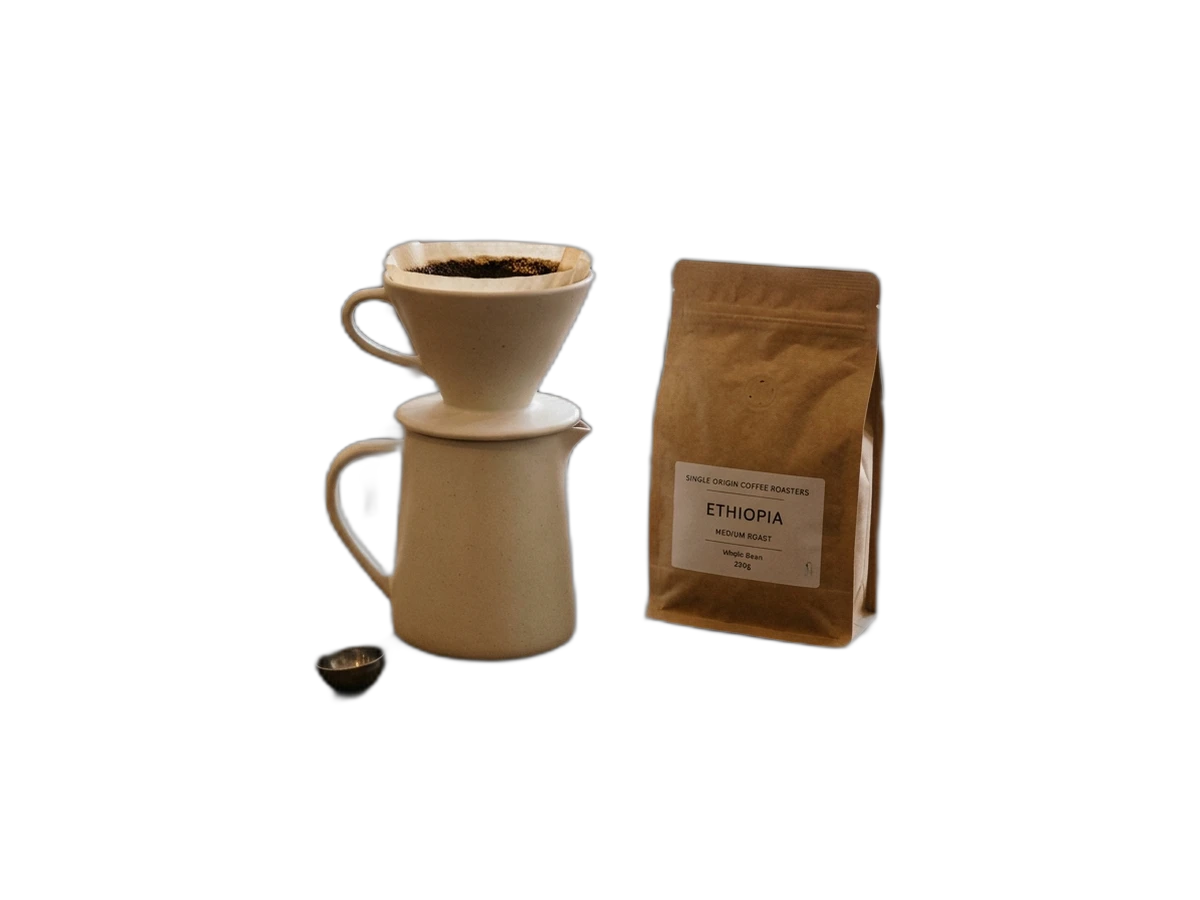
Classic brown · RGB 123, 75, 42
Sample preview only. Fine-tune any exact brown RGB shade for your own photo in the editor.
Solid brown photo background
JPG, PNG, or WebP · Up to 15 MB · Watermark-free PNG export
Privacy detailsFree browser editing · Exact RGB color control · No watermark
Harsh cutouts often slice into loose hair, product rims, or dark outlines, leaving a bright ring against warm earth tones. Free BGRemover automatically separates your subject from the original scene before applying a clean earthy backdrop. You get smooth contours and balanced contrast that make portraits and products look naturally photographed.

Whether you need a plain brown background for a catalog or an exact brand tone, the built-in color picker and RGB controls let you dial in the right hue. You can also toggle to crisp white or a transparent background on the same cutout to compare clarity before saving.
Change Photo Backdrop to Brown Free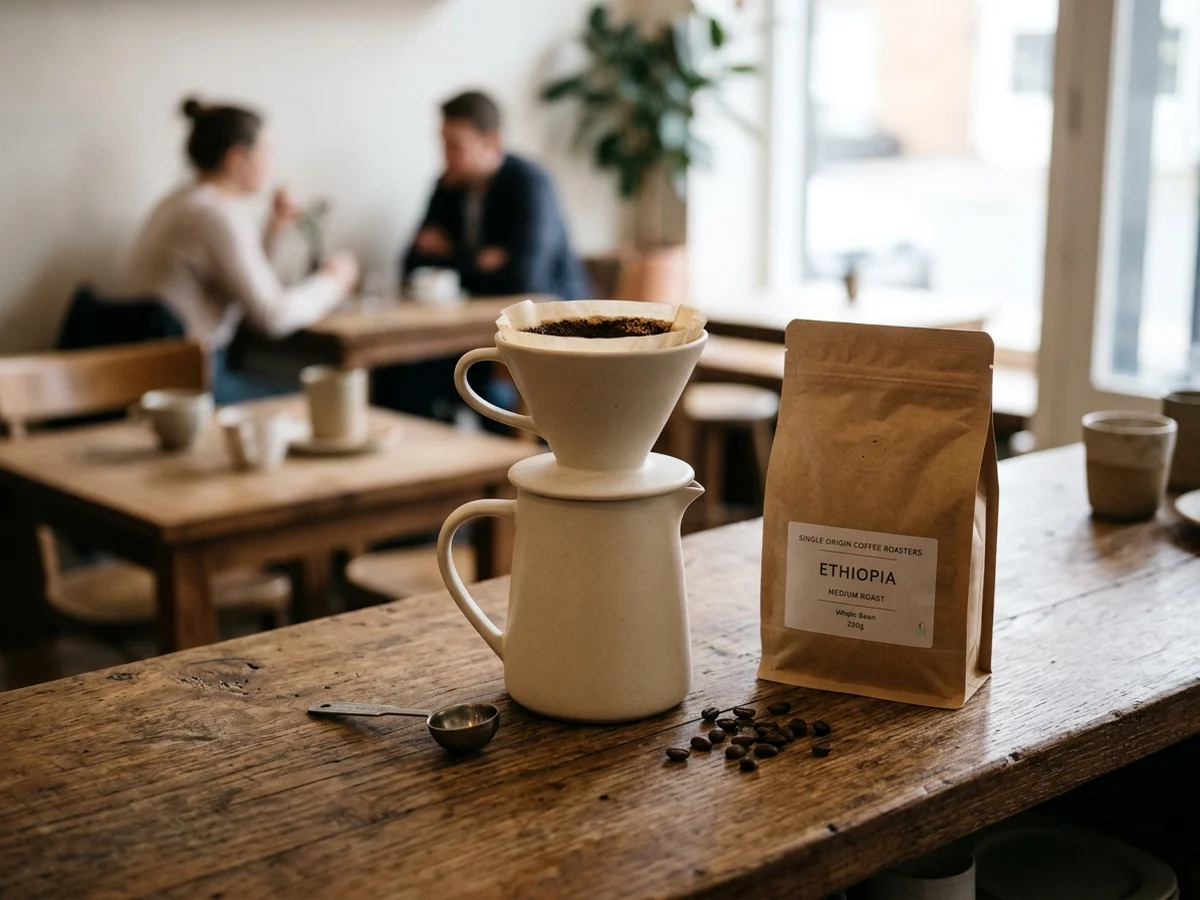
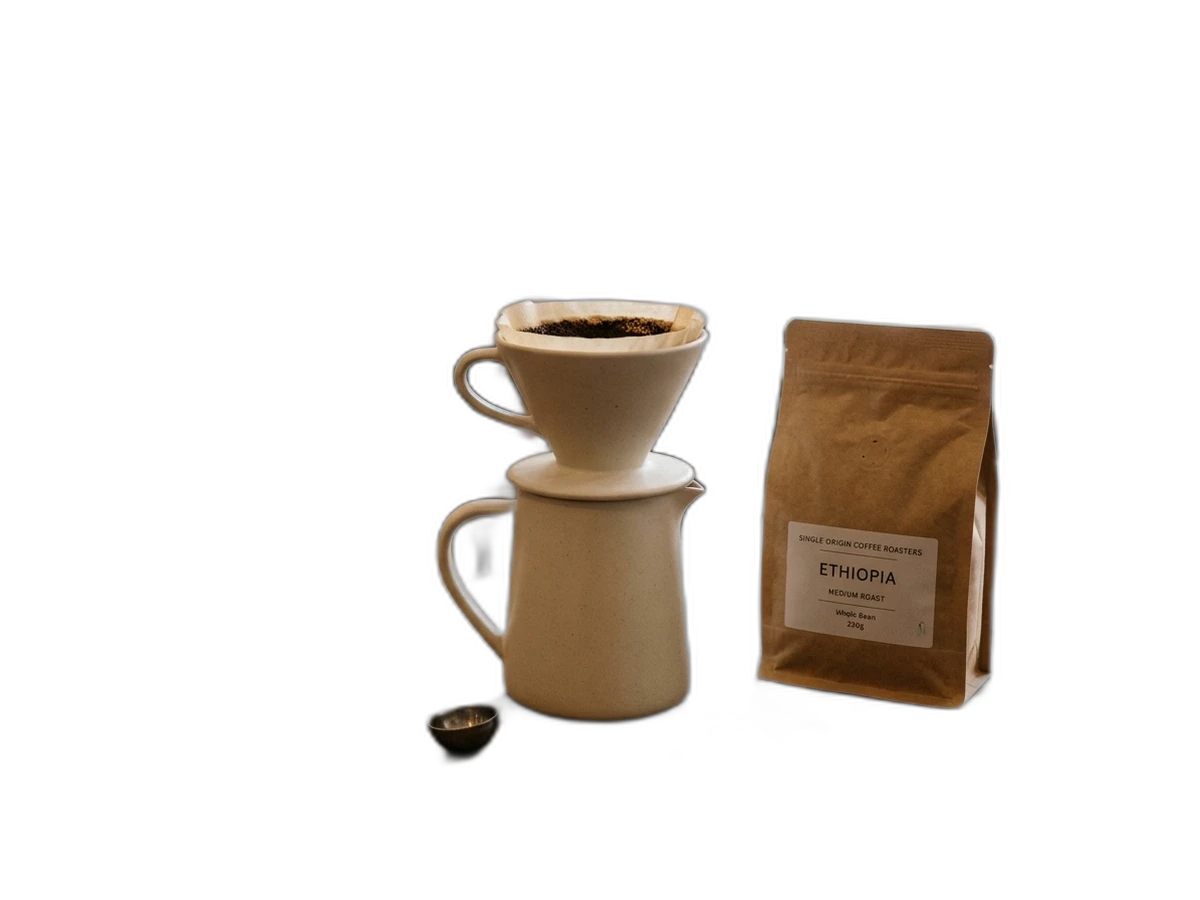
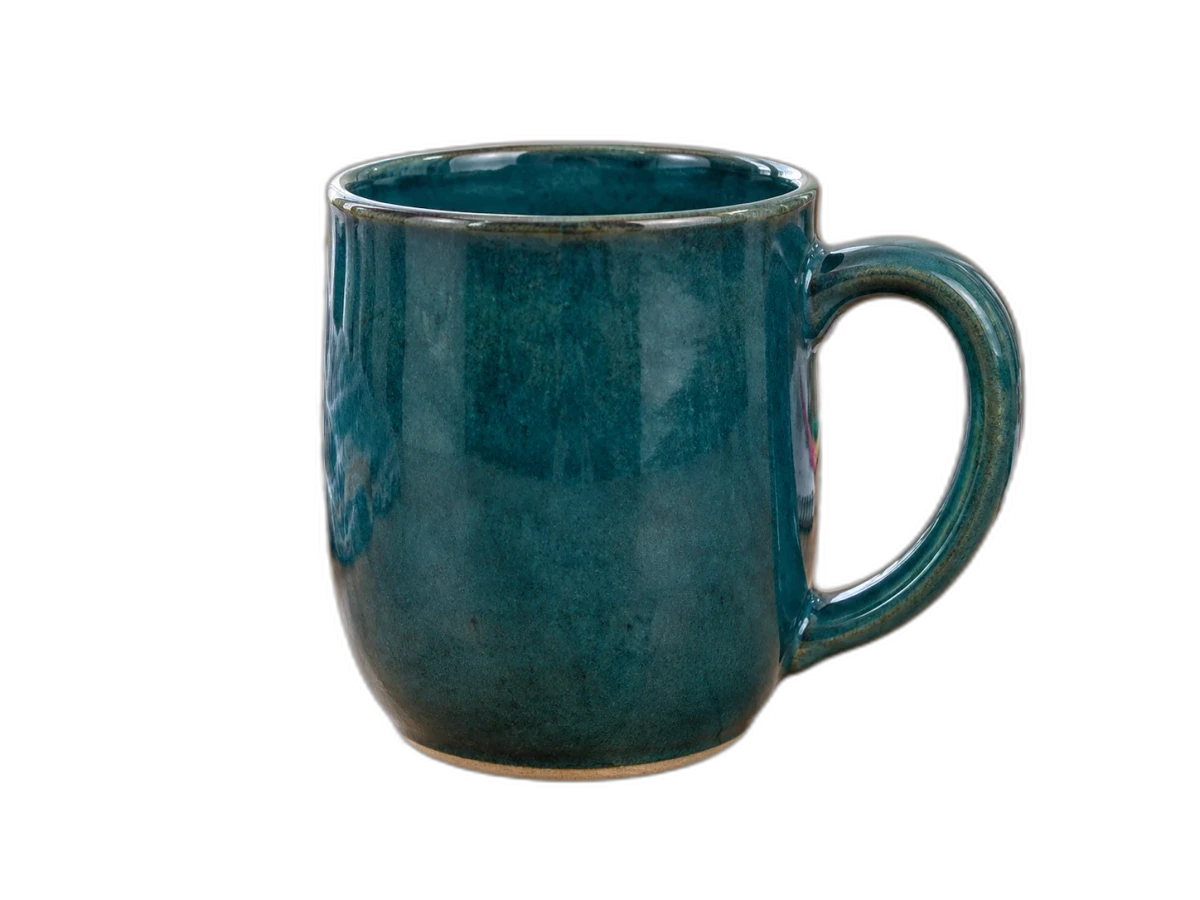
Warm earthy tones add depth to leather goods, coffee packaging, ceramics, and studio-style headshots without pulling focus from the subject. Once the cutout is ready, export a clean PNG formatted for online stores, social profiles, or portfolio banners. Skip extra cropping tools and publish visuals that look cohesive across every listing.
Make Your Photo Backdrop Brown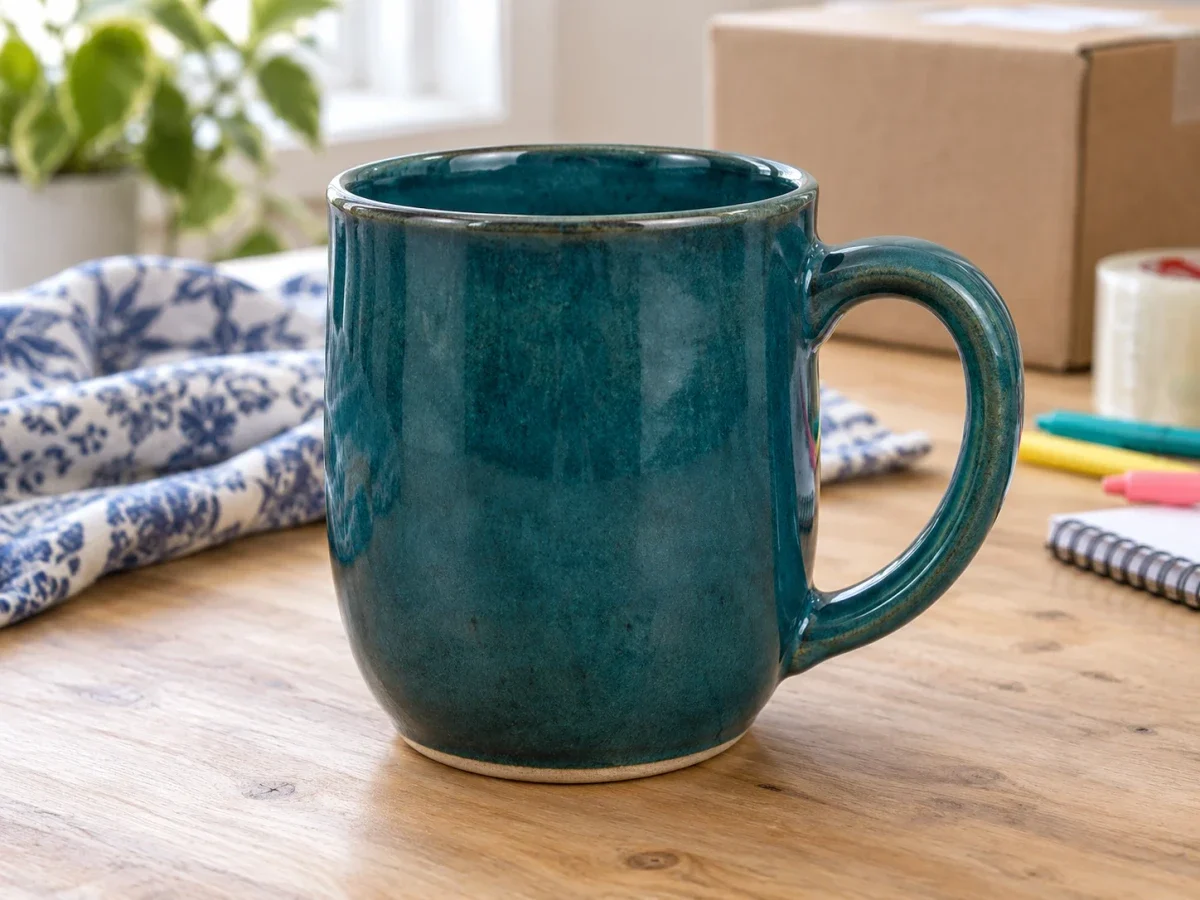
Opening heavy desktop software just to mask a single image slows down everyday creative work. Free BGRemover runs directly in your desktop or mobile browser, handling subject isolation and solid color fills in a few clicks. Need a different palette next? Jump straight into the background color tool anytime.
Try Solid Brown Editor Online
Turn any picture into a clean, warm-toned portrait or product image in 3 simple steps—no signup required.
Choose or drag a JPG, PNG, or WebP product shot, portrait, or headshot up to 15 MB directly into the browser workspace—no account needed.
AI automatically isolates the subject and fills a smooth earthy tone with zero harsh fringes. Open the color picker or adjust RGB values to match your exact hue.
Inspect fine edges around hair or product corners in the live preview, then download a crisp, watermark-free PNG ready for store listings, resumes, or social posts.
Accurate edge isolation and exact RGB controls beat generic photo editors for a clean brown photo background.
Precise subject detection cleans hair strands and product outlines, preventing pale fringes from showing up against darker earthy tones.
Clean contours against warm brown tones.
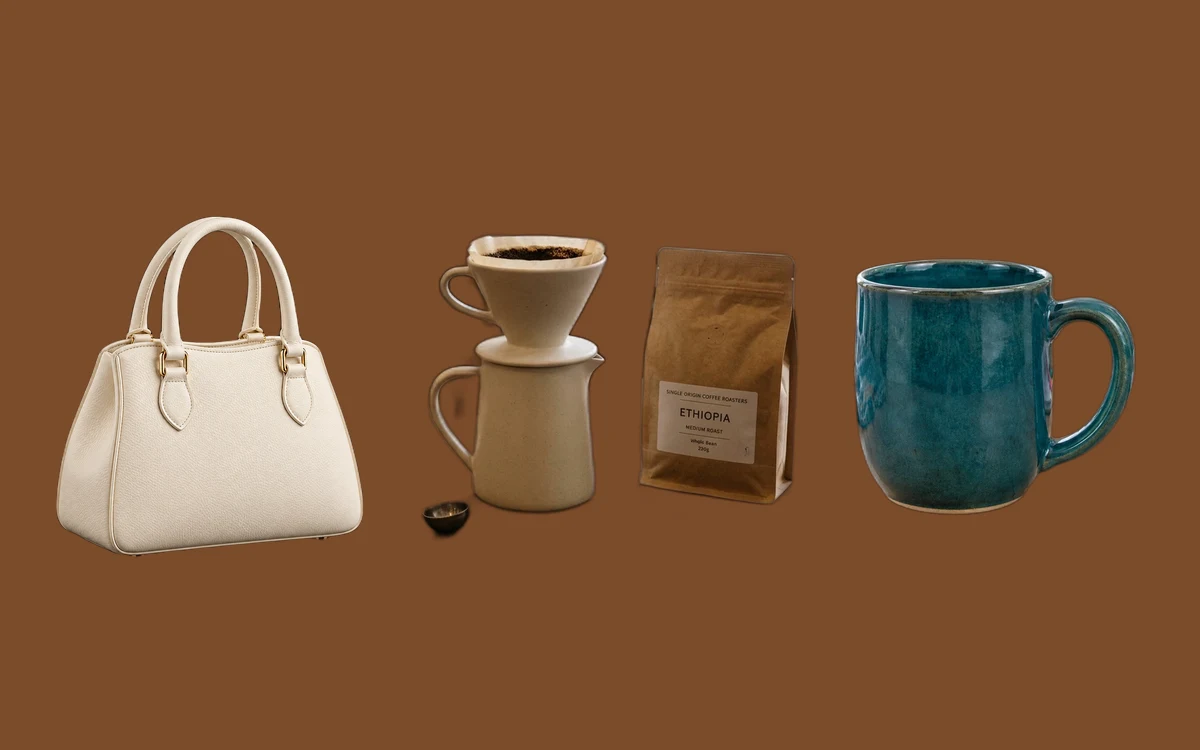
Enter exact RGB values or adjust the visual slider so every product listing and portrait shares one consistent brand shade.
Consistent brand shade across every upload.
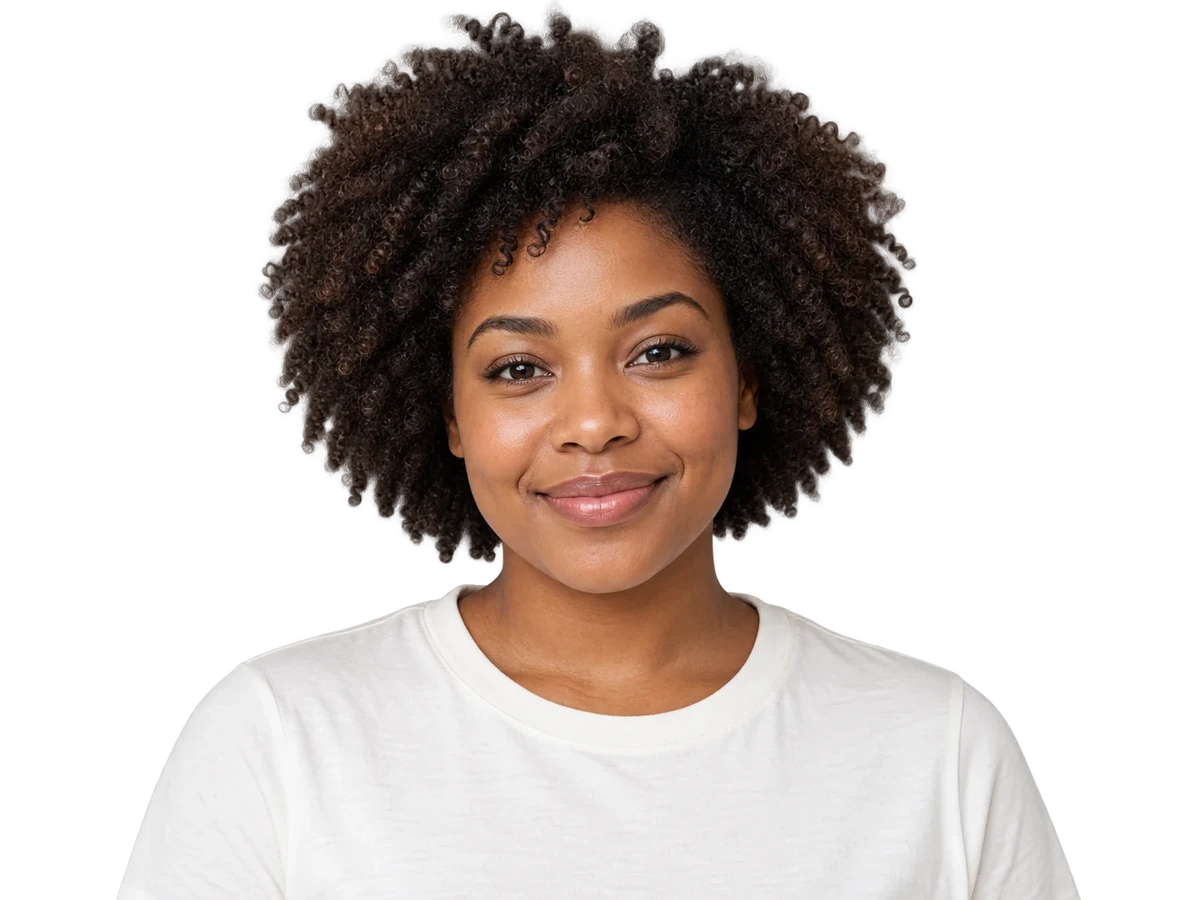 BrownWhiteTransparent
Switch instantly between your chosen shade, crisp white, and transparent previews on the same cutout before downloading the final PNG.
Edit photos right in your phone or desktop browser without creating an account, and export clean, watermark-free PNG files anytime.
Ready-to-publish PNG without watermarks.
Tailored for sellers, photographers, and designers who rely on warm, grounded visuals.
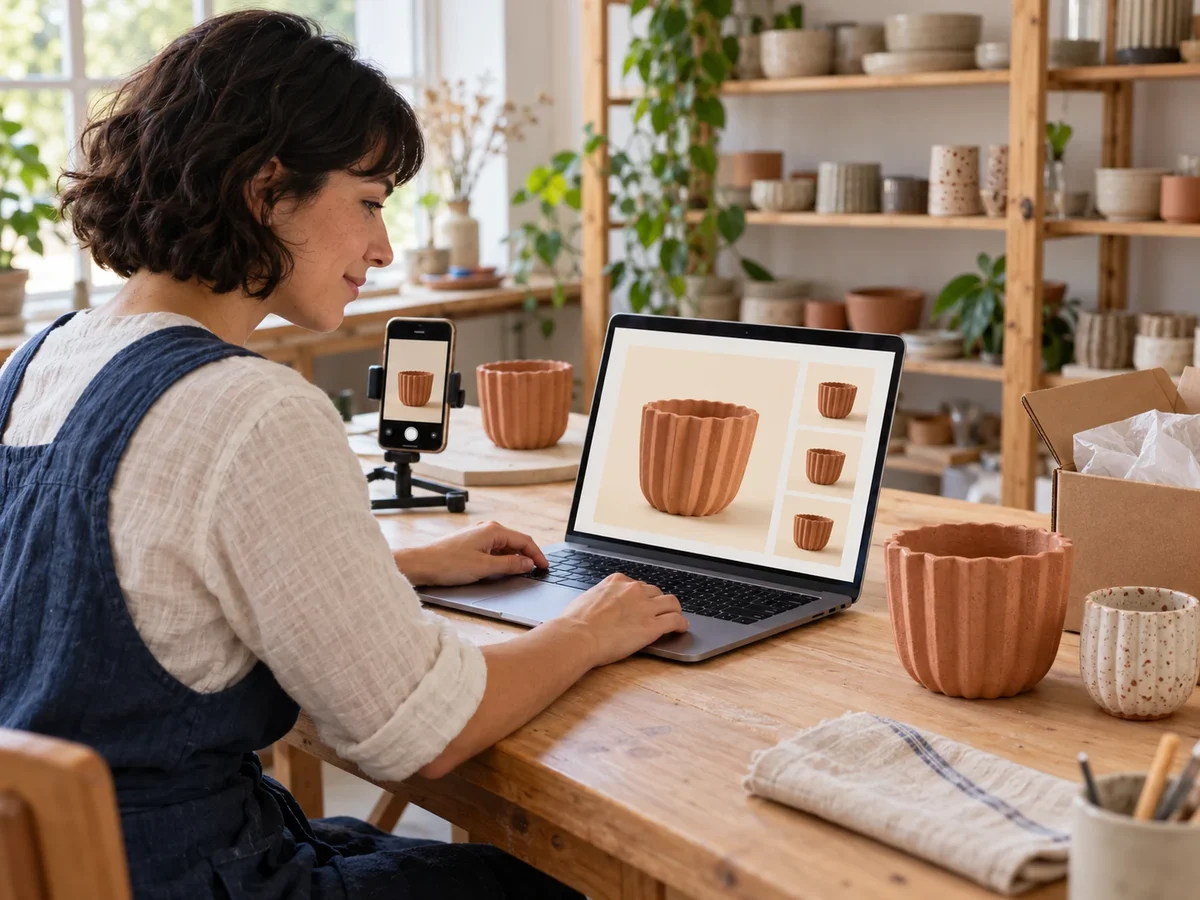
Sellers photographing coffee, leather goods, ceramics, or candles swap cluttered tables for a cohesive earthy tone, keeping handmade textures sharp for store catalogs.

Photographers editing indoor portraits skip hauling heavy canvas backdrops, turning everyday wall shots into timeless warm-toned headshots with natural edge detail.

Consultants, authors, and team members refresh casual photos into approachable corporate profiles, replacing busy rooms with a calm neutral shade for bios and resumes.
Designers building organic or luxury visual systems place isolated items onto exact RGB tones, testing label contrast and campaign mockups in minutes.
This tool is built specifically for editing your own uploaded photos, not browsing stock wallpapers. Upload a product shot, portrait, or graphic, and Free BGRemover separates the subject before filling the backdrop with a clean solid shade you can customize and download as a PNG.
Open the custom color control in the workspace after uploading your image to enter exact RGB values or drag the color slider. Reusing the same RGB numbers across separate uploads keeps every item in your catalog visually consistent without manual color matching.
No, Free BGRemover uses AI subject segmentation designed to preserve fine hair strands, handles, and product outlines. You can inspect the result directly in the live preview and switch between shades to verify clean borders before downloading your edited PNG file.
Yes, you can upload an existing transparent PNG up to 15 MB directly into the editor. The workspace preserves your clean foreground graphic or cutout and fills the empty canvas with your chosen solid hue, exporting a flattened PNG ready to publish.
No, most government passport and visa rules require a plain white or light off-white backdrop, so warm earthy tones are best reserved for portraits, company badges, or resumes. For official document rules, use our dedicated passport photo tool instead.
To clear an existing earthy backdrop instead of adding one, switch the workspace output to transparent after uploading, or use our remove color from image tool for targeted color removal. Both options export a clean transparent PNG without altering your foreground.
Yes, you can upload a photo, customize the backdrop color, and download a watermark-free PNG directly in your browser without creating an account. The download area displays exact pixel dimensions before you save, so you always know the output size upfront.
You can upload JPG, PNG, and WebP files up to 15 MB on both phones and desktop browsers, with results saved as PNG. This page focuses on single-photo color precision; to clear backgrounds from multiple images at once, visit our batch background remover.
Clear answers on matching shades, edge quality, file formats, and what this online tool supports.
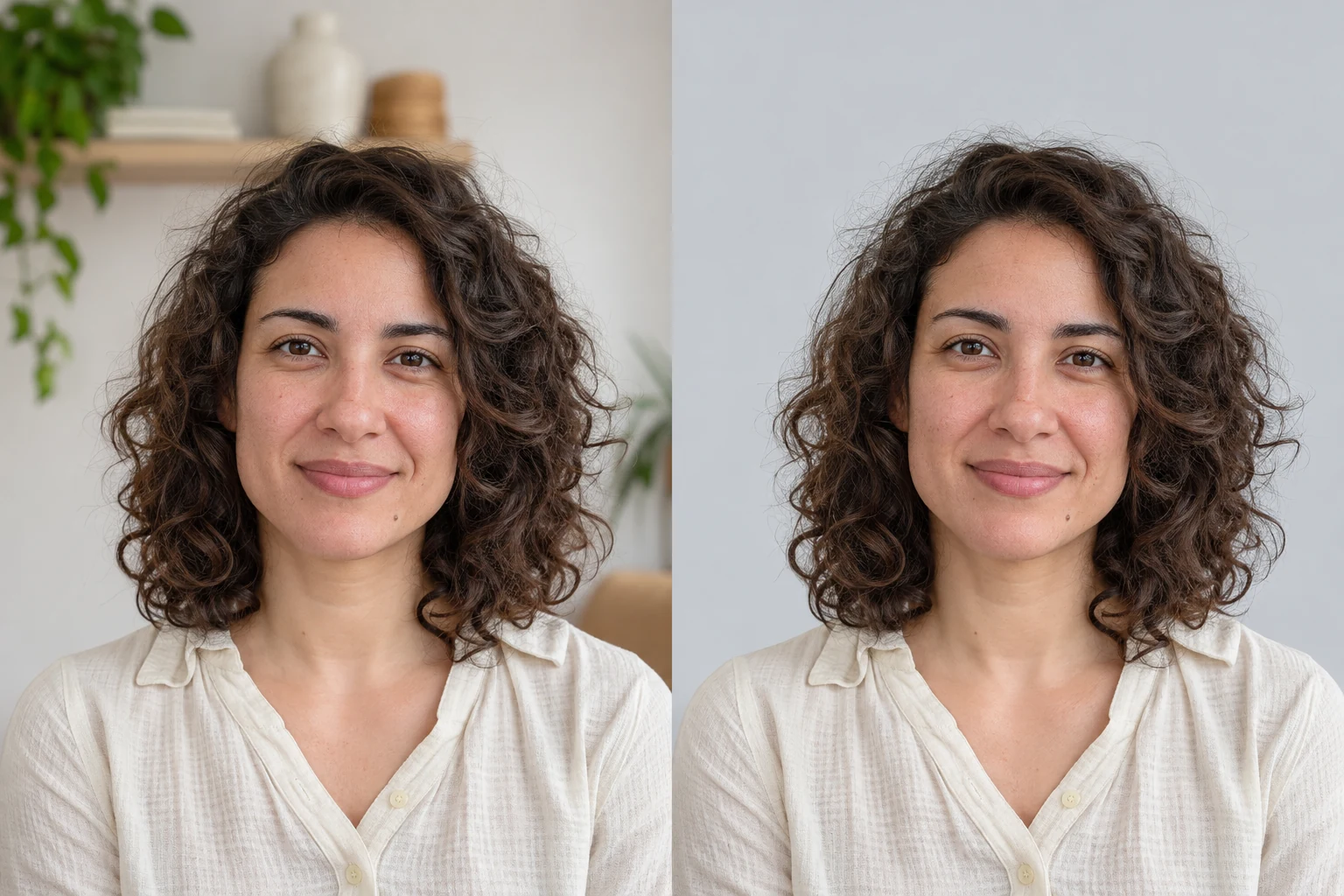
Tutorials & Guides
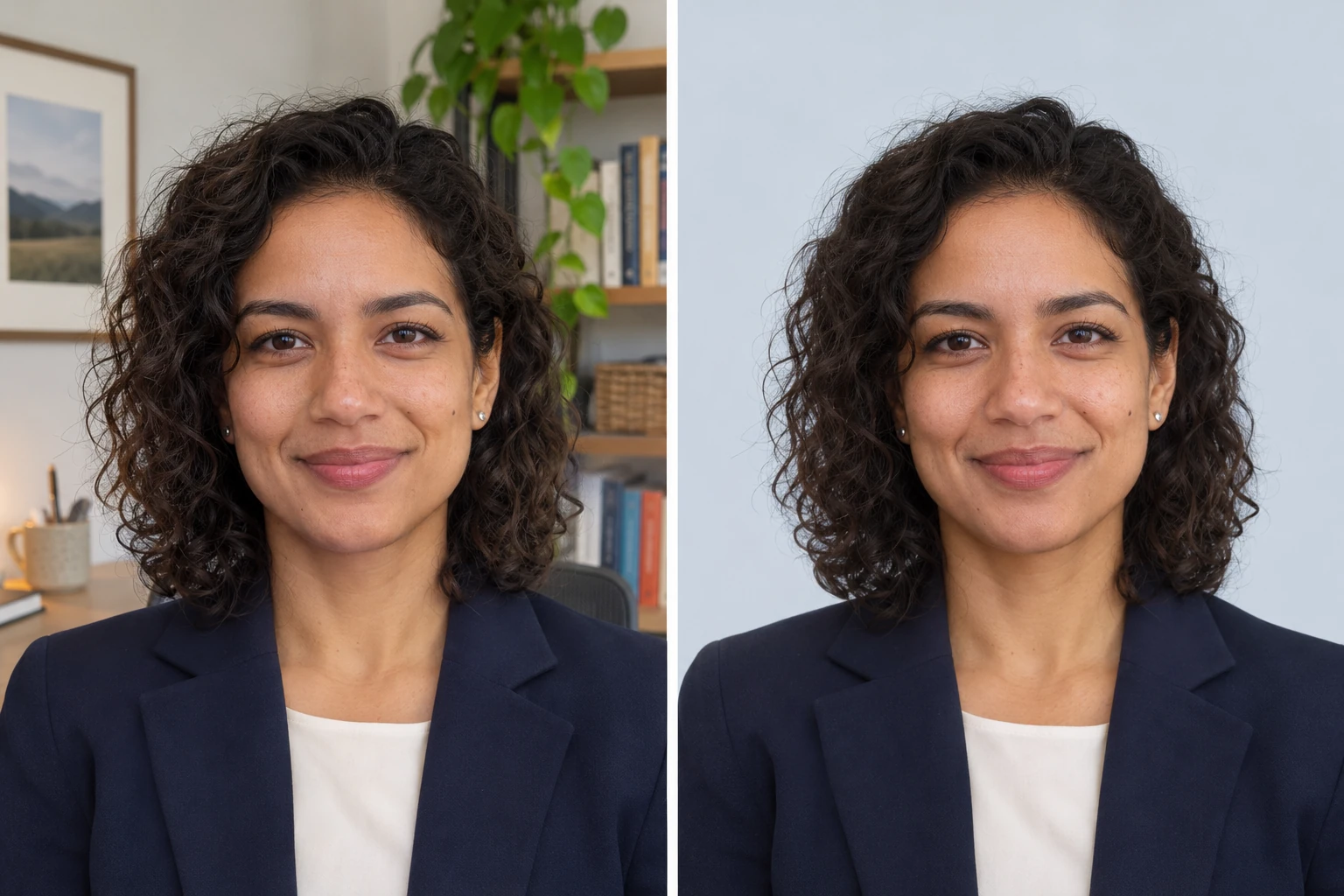
Tutorials & Guides
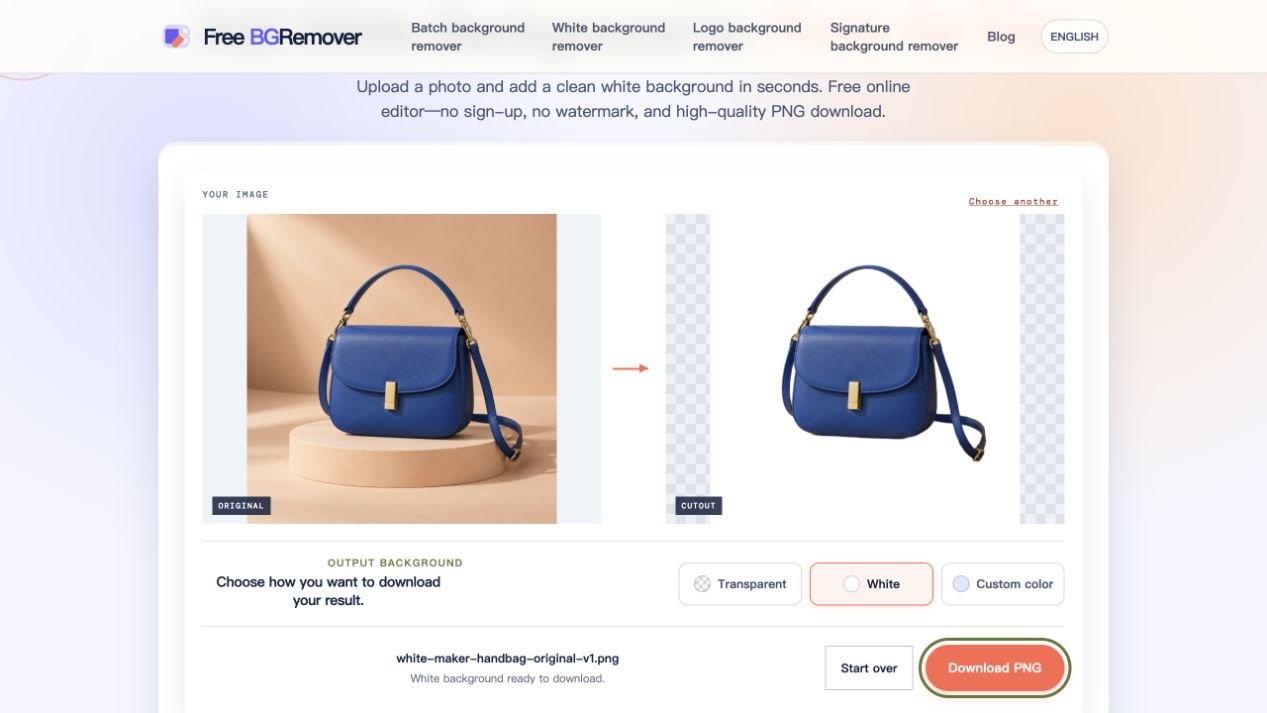
Tutorials & Guides
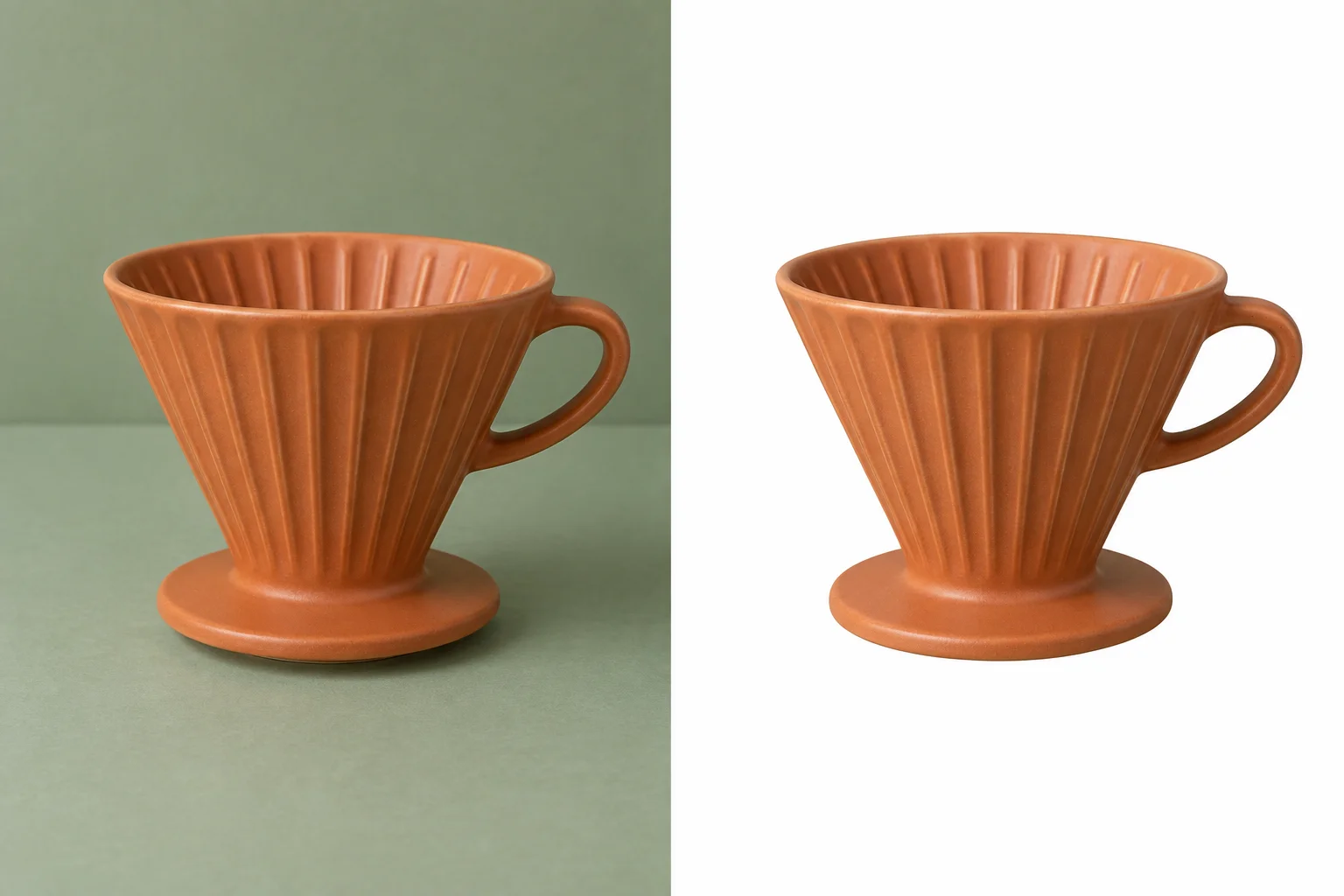
Tutorials & Guides
Upload your image in seconds, fine-tune your exact shade with RGB controls, and download a watermark-free PNG.
Start Creating a Brown Photo Backdrop Free