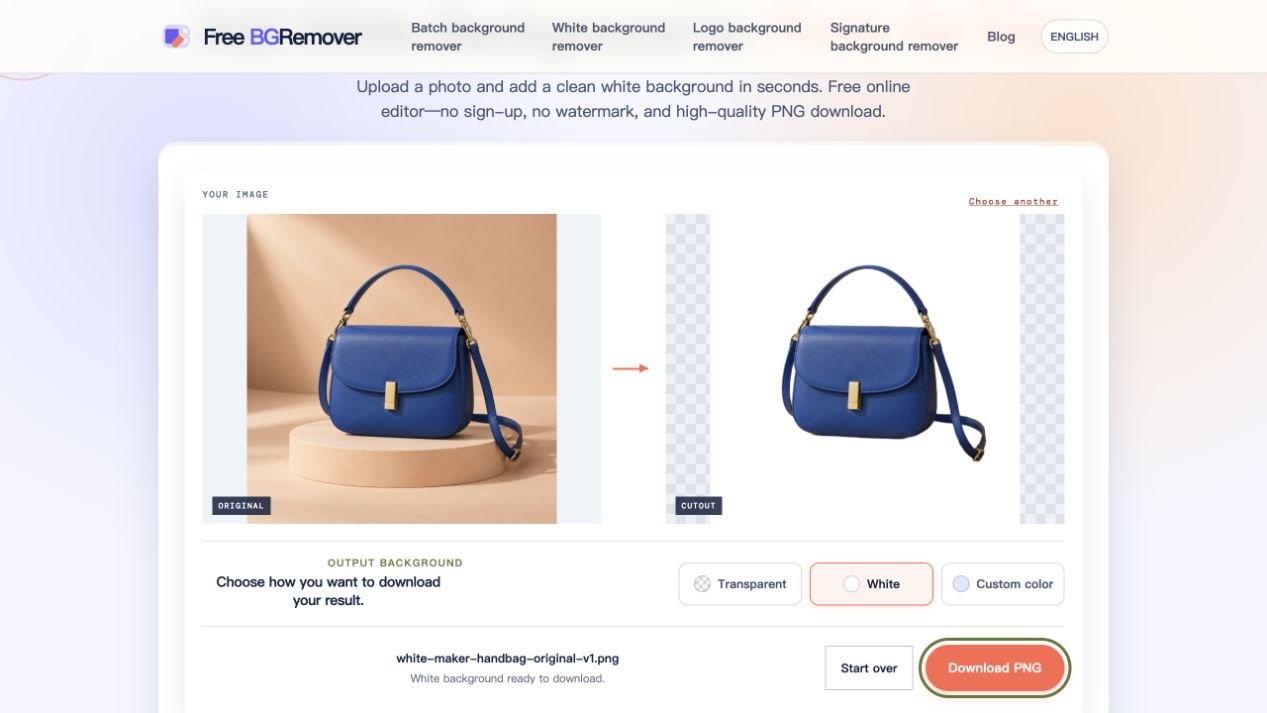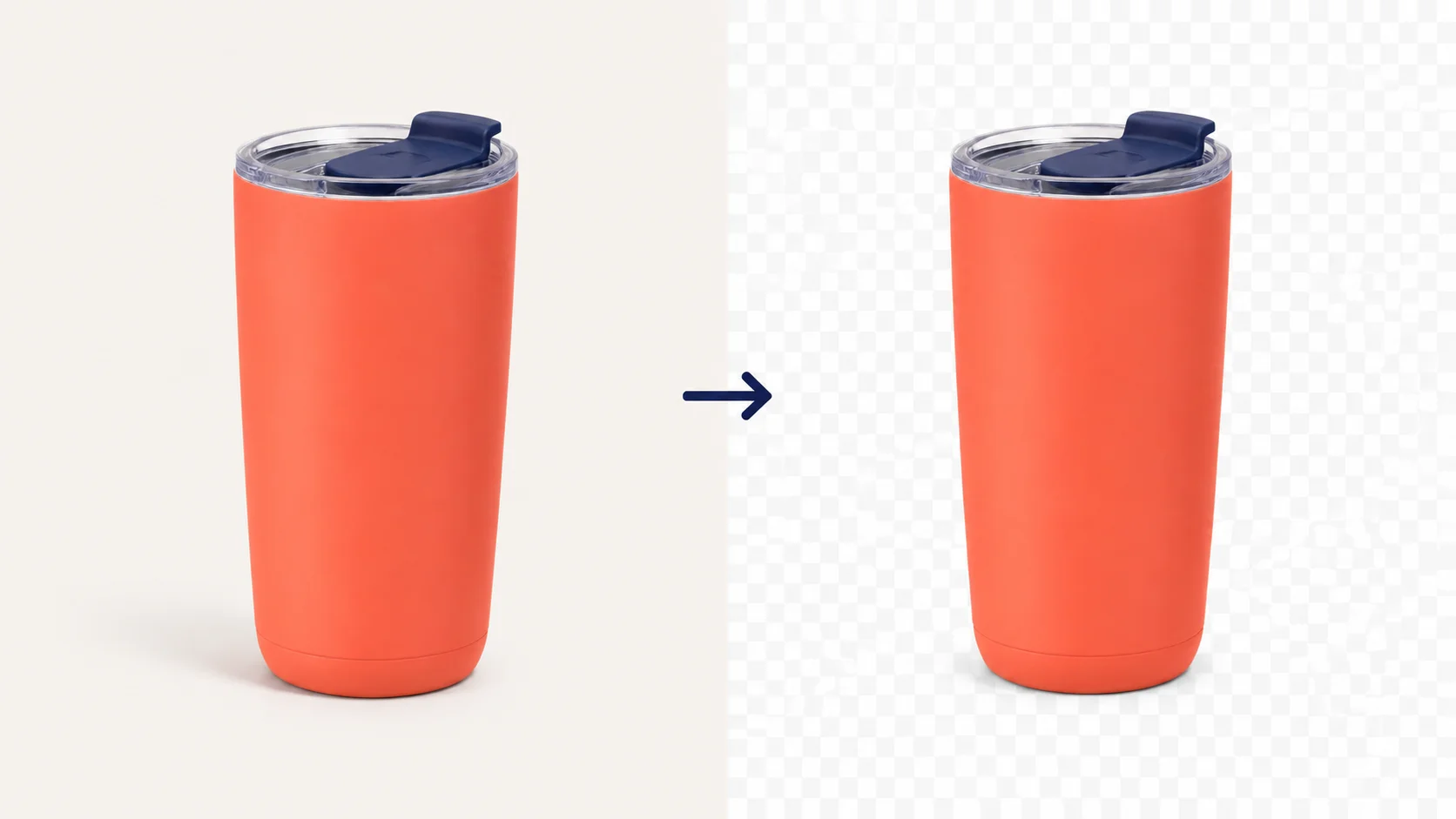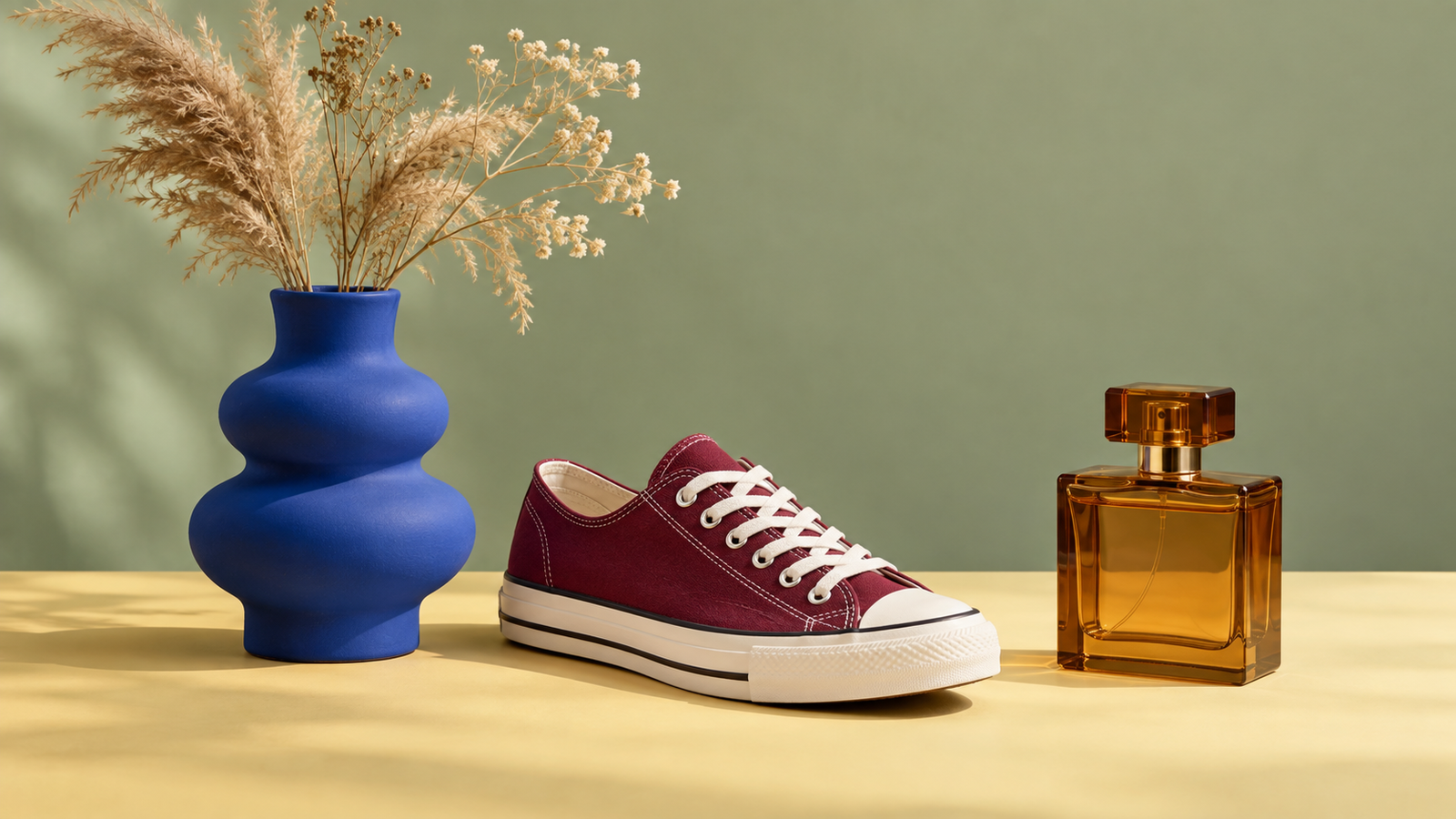

100% freeNo signupNo watermarks

Free Dark Blue Background Changer

Replace busy backdrops with a crisp, solid deep blue tone in seconds, keeping sharp edges and zero halo. 100% free, no signup, no watermarks.

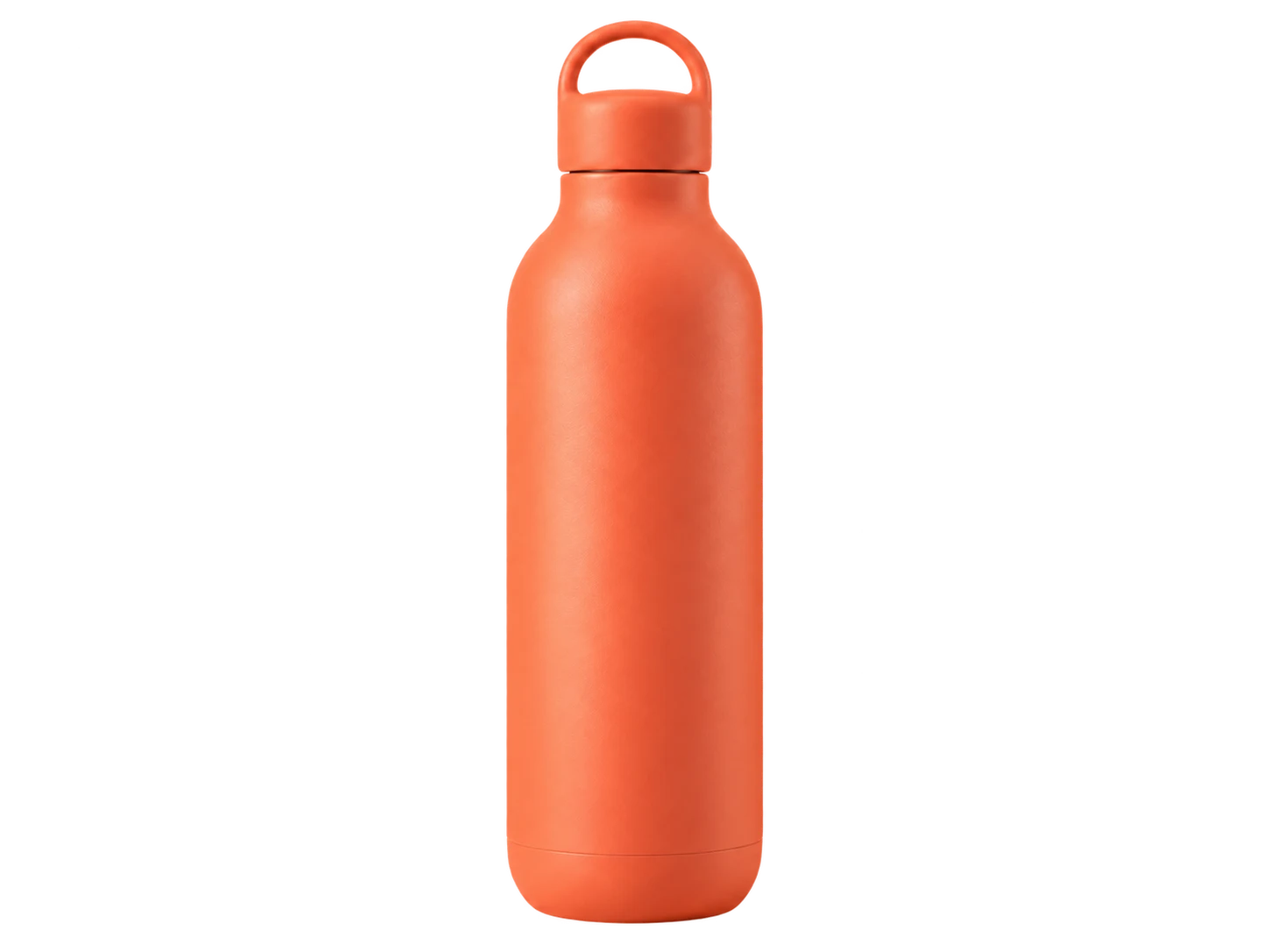
Coral bottle cleanly isolated against a solid dark blue backdrop
Preview solid deep blue shades on one cutout

Rich Dark Blue · ⁦#0A2463 · RGB 10, 36, 99⁩

Browser AI · Solid Dark Blue

Upload your photo. Apply solid dark blue.

JPG, PNG, or WebP · Up to 15 MB

Privacy details

Keep Sharp Edges Without Any Color Halo

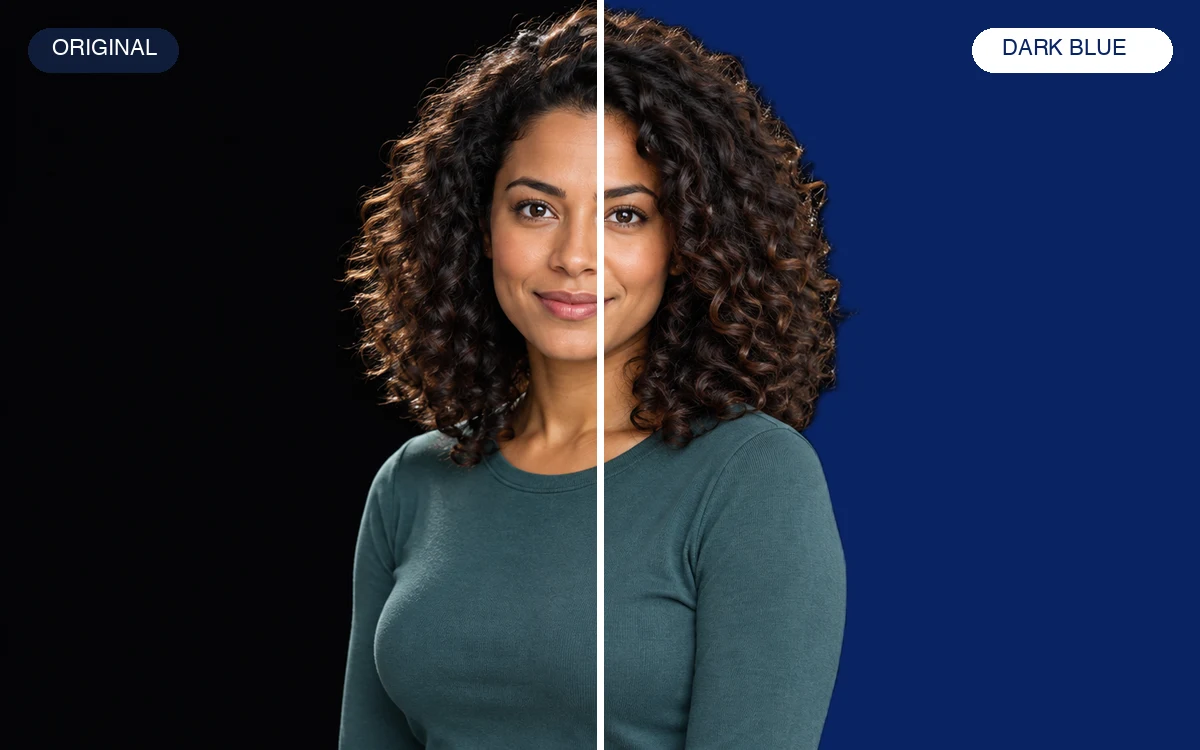
Sloppy cutout tools often chew through hair strands, collars, or product outlines and leave a jagged white halo against dark tones. Free BGRemover separates your subject cleanly before laying down a solid dark blue background, preserving crisp edges and fine details so every portrait or product looks naturally shot rather than pasted on.

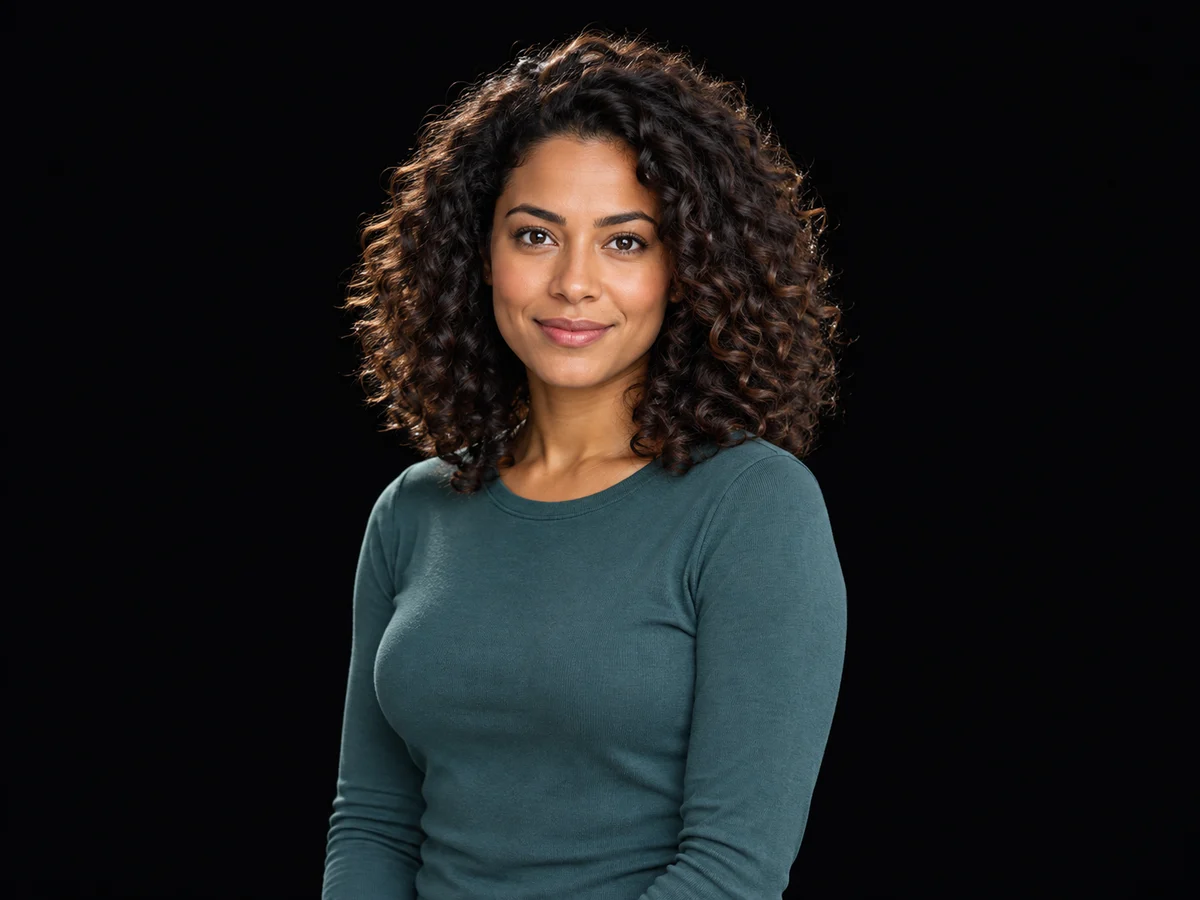
Woman with curly dark hair photographed against a dark studio backdrop before switching to solid dark blue

Cleanly preserves curly hair strands and shoulder edges against a solid dark blue backdrop. Actual results vary by photo.

Switch Between Plain Deep Blue and Transparent

Whether you need a plain dark blue background for a clean layout or want to fine-tune the exact tone, one preset rarely fits every project. Use the built-in color picker to dial in your preferred shade, compare broader hues on our blue background tool, or switch to a transparent PNG whenever you need flexible layering.

Coral bottle isolated against a classic dark blue backdrop
Classic Dark Blue#00008B
Coral bottle isolated against a rich dark blue backdrop
Rich Dark Blue#0A2463
Coral bottle isolated against a deep navy backdrop
Deep Navy#001F3F
Coral bottle isolated against a midnight dark backdrop
Midnight Dark#0B132B
Coral bottle isolated against a oxford dark blue backdrop
Oxford Dark Blue#102A5C

Preview multiple deep blue tones or switch to transparent PNG without uploading again.

Related Tools

Create Polished Headshots, Portraits, and Product Photos

Get crisp, studio-ready images without booking a backdrop or learning complex masking layers. A rich blue tone boosts contrast for lighter outfits, resumes, LinkedIn profiles, and metallic or light-colored merchandise. Export watermark-free PNG files straight from your browser, or explore our professional background options when you want additional corporate styles ready for immediate upload.

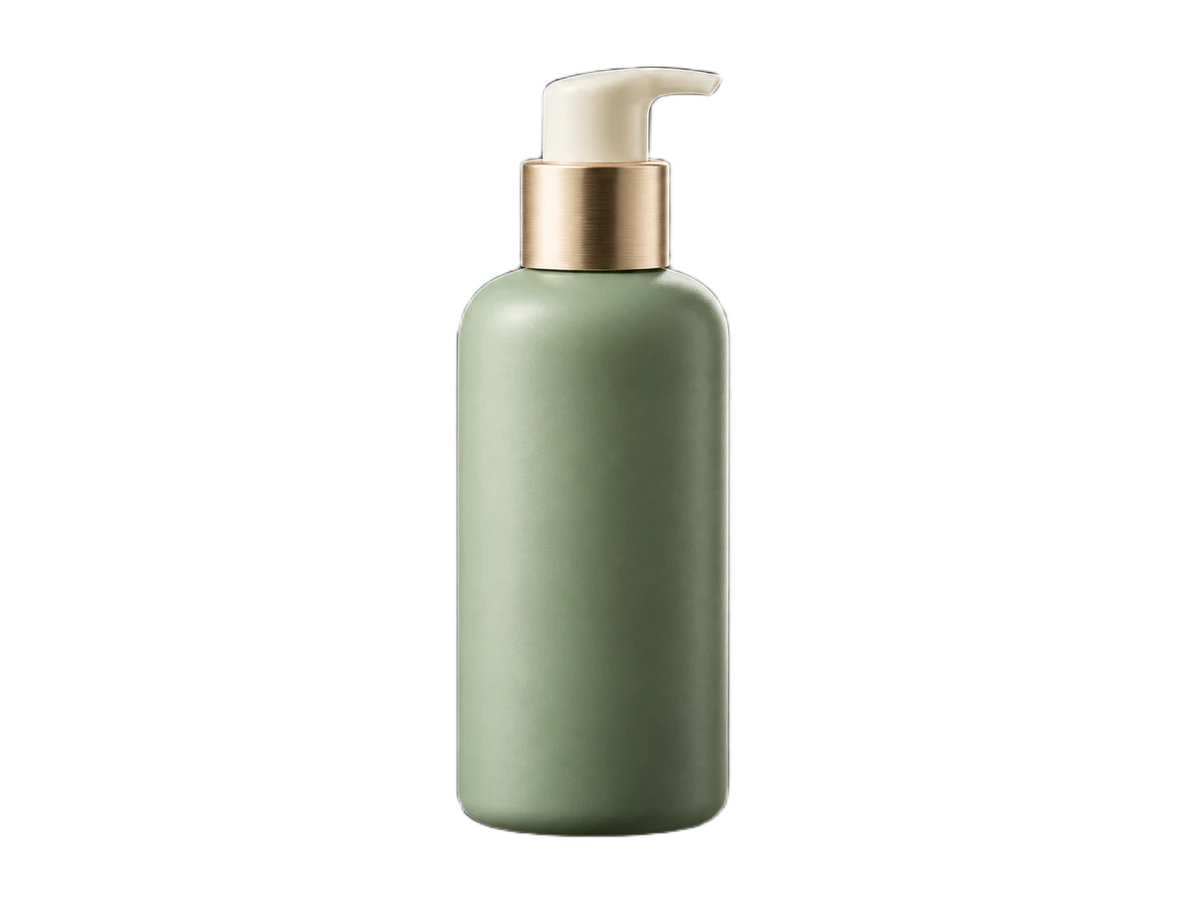
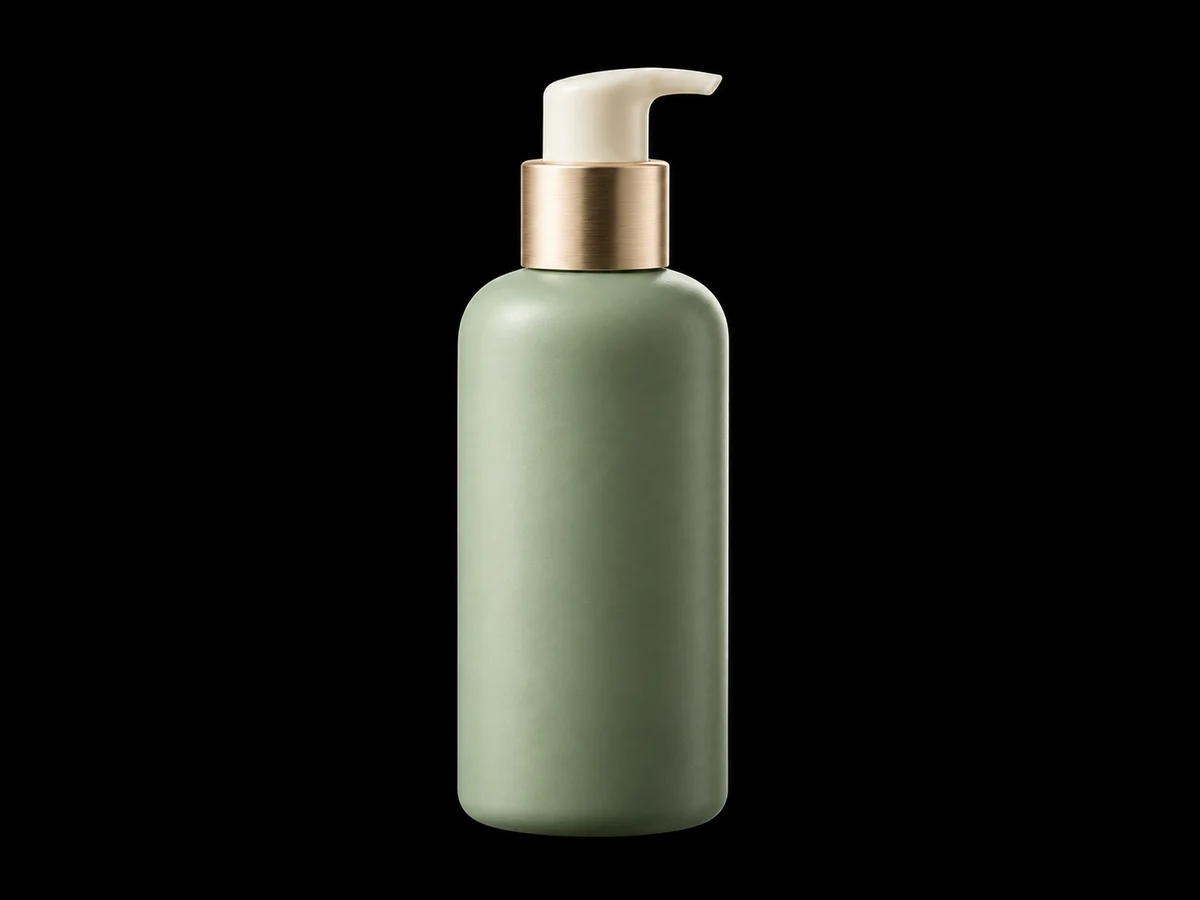
Light-colored skincare bottle photographed on a studio surface before applying a dark blue backdrop

Give pale packaging and reflective products high-contrast separation on deep blue. Actual results vary by photo.

Skip Desktop Software and Edit in Your Browser

Opening Photoshop just to change a dark blue photo background turns a quick update into a tedious masking chore. Free BGRemover runs directly inside your desktop or mobile browser with zero downloads and no account required. Drop in JPG, PNG, or WebP files up to 15 MB, or switch to our photo background changer anytime.

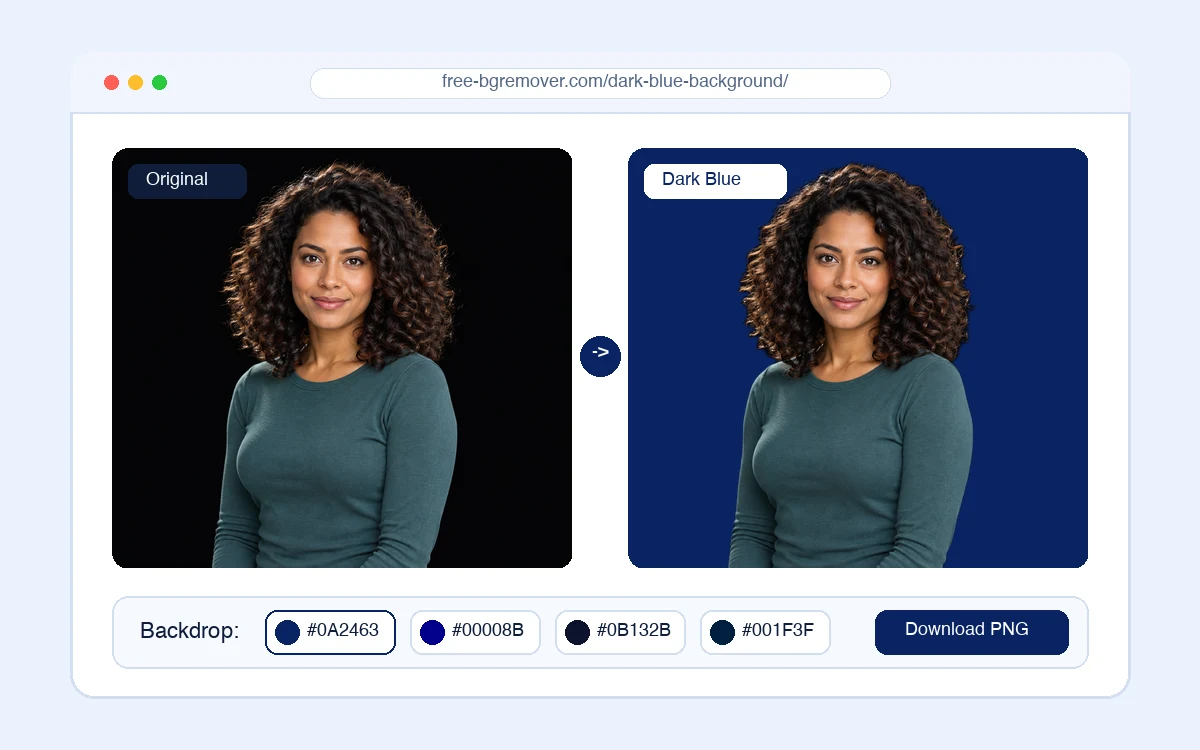
Desktop browser preview showing an original portrait beside a clean solid dark blue result, deep blue shade swatches, and a PNG download button

Replace busy backdrops with solid deep blue directly inside your browser—no downloads or registration.

How to Change Your Photo Background to Dark Blue

Swap out busy backdrops in three simple steps—right in your browser, with no signup required.

Upload a photo, let browser AI separate your subject onto a clean deep blue canvas, and save your PNG.

  1. 01

    Upload your photo

    Choose or drag and drop a portrait, headshot, or product image in JPG, PNG, or WebP format up to 15 MB, with no account or software installation needed.

  2. 02

    Apply the deep blue tone

    Free BGRemover automatically detects your subject, clears the original backdrop with clean edges, and fills a solid deep blue canvas that you can fine-tune using the color picker.

  3. 03

    Download your clean PNG

    Preview the before-and-after cutout, verify there is no stray edge halo, and save your watermark-free PNG ready for LinkedIn profiles, resumes, storefronts, or presentation slides.

Why Choose Free BGRemover for Deep Blue Photo Backdrops

Built for clean subject separation on deep tones where rough cutouts and color fringes immediately stand out.

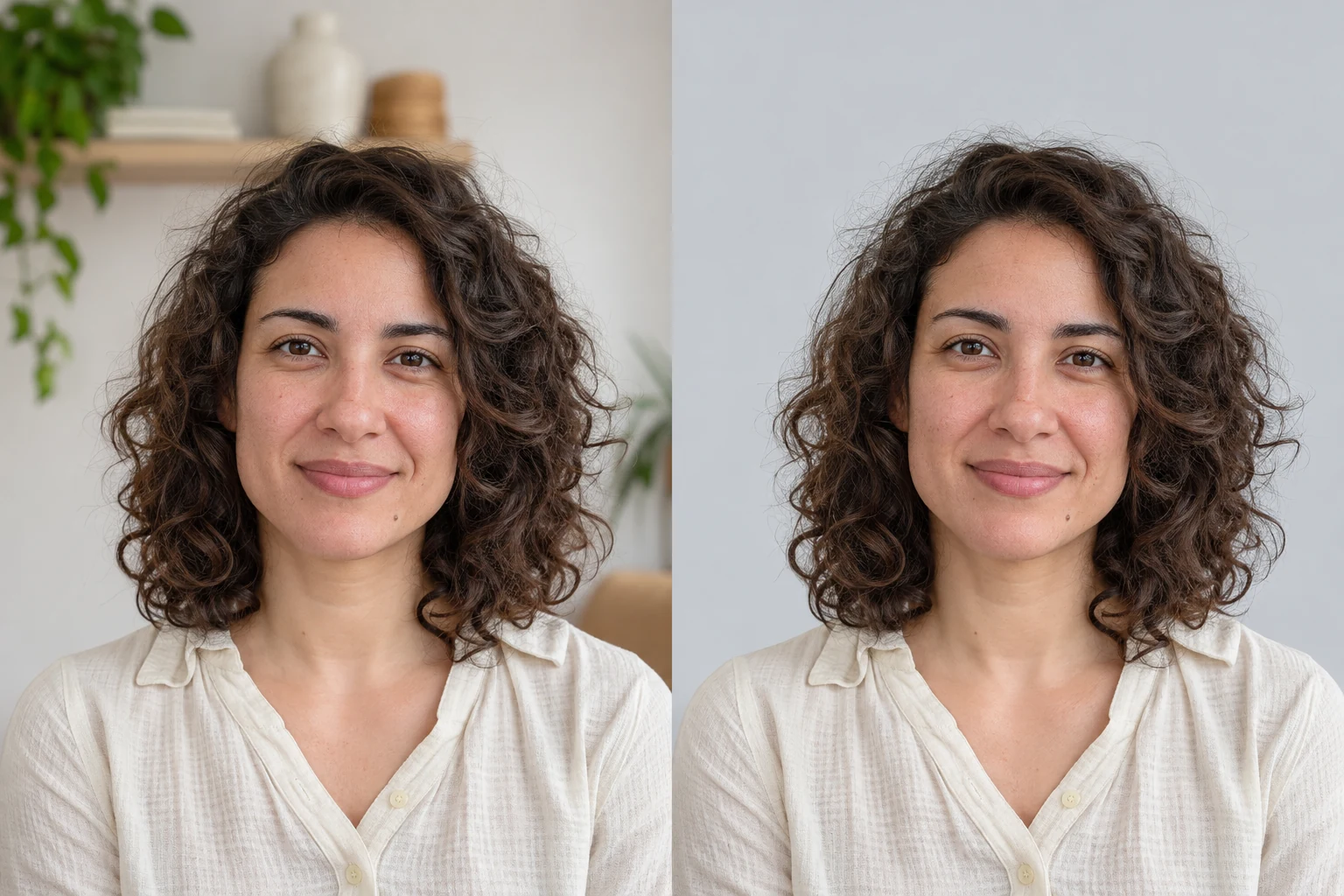
Split comparison of a curly-haired portrait on an indoor backdrop versus a crisp solid dark blue background with clean hair separation

Zero White Edge Halo

Deep backdrops instantly expose sloppy cutouts. Our browser AI refines hair strands, shoulders, and product corners cleanly so your subject sits naturally against dark blue.

Edge-aware separation around curly hair and clothing borders. Actual results vary by photo.
Coral bottle shown across three deep blue background depths — #00008B#00008B
Coral bottle shown across three deep blue background depths — #0A2463#0A2463
Coral bottle shown across three deep blue background depths — #0B132B#0B132B

Built-In Shade Fine-Tuning

Every brand and portrait calls for a slightly different depth. Adjust hue and lightness right inside the workspace to match your exact deep blue palette without external editors.

Dial in classic dark blue, rich studio navy, or midnight tones directly in the picker.

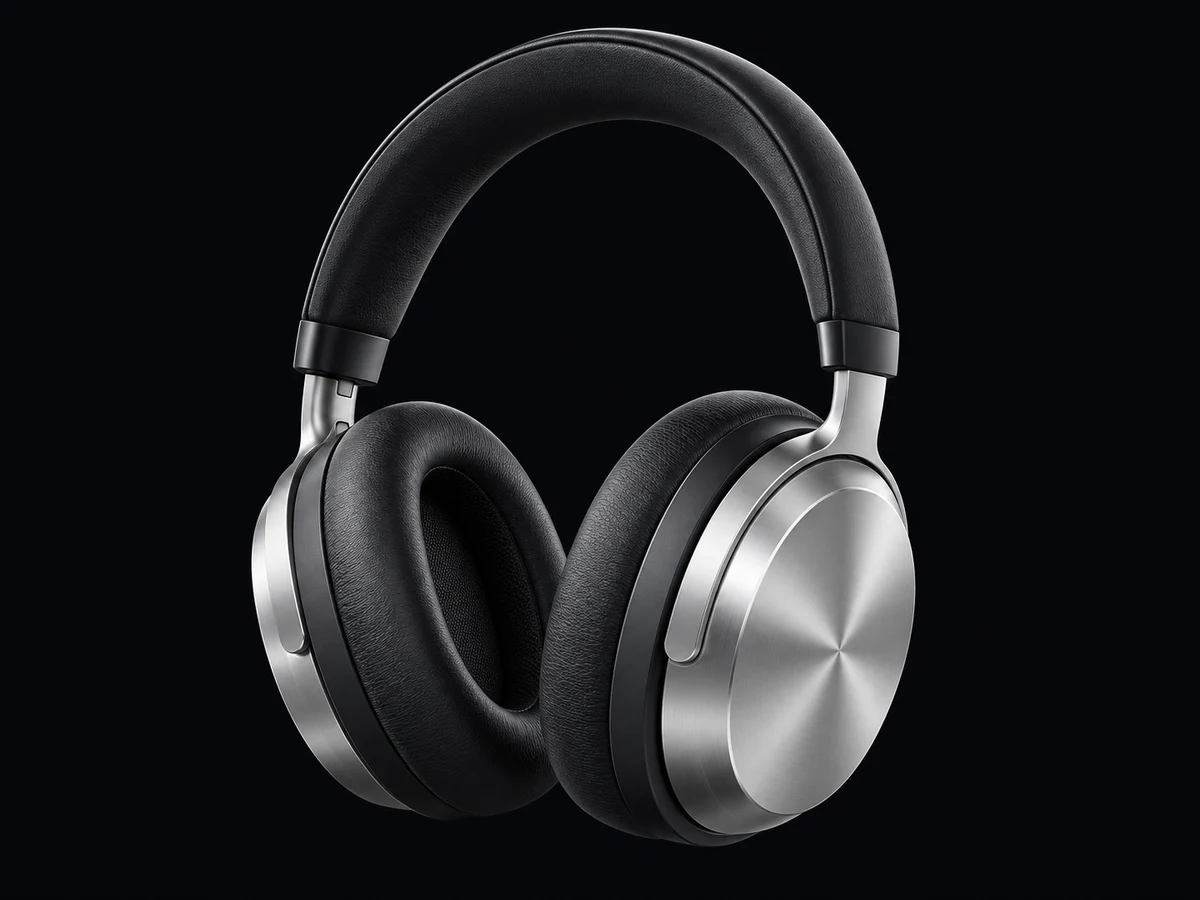
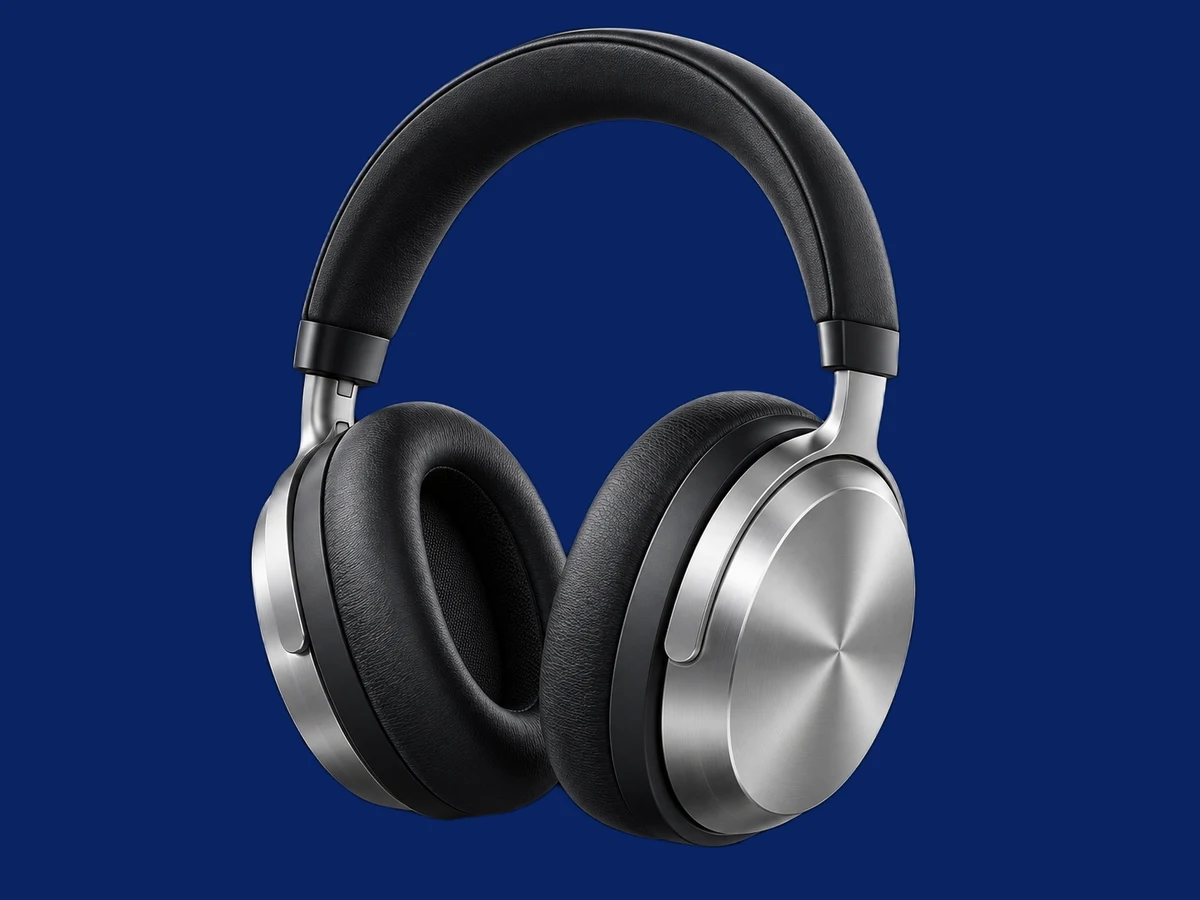
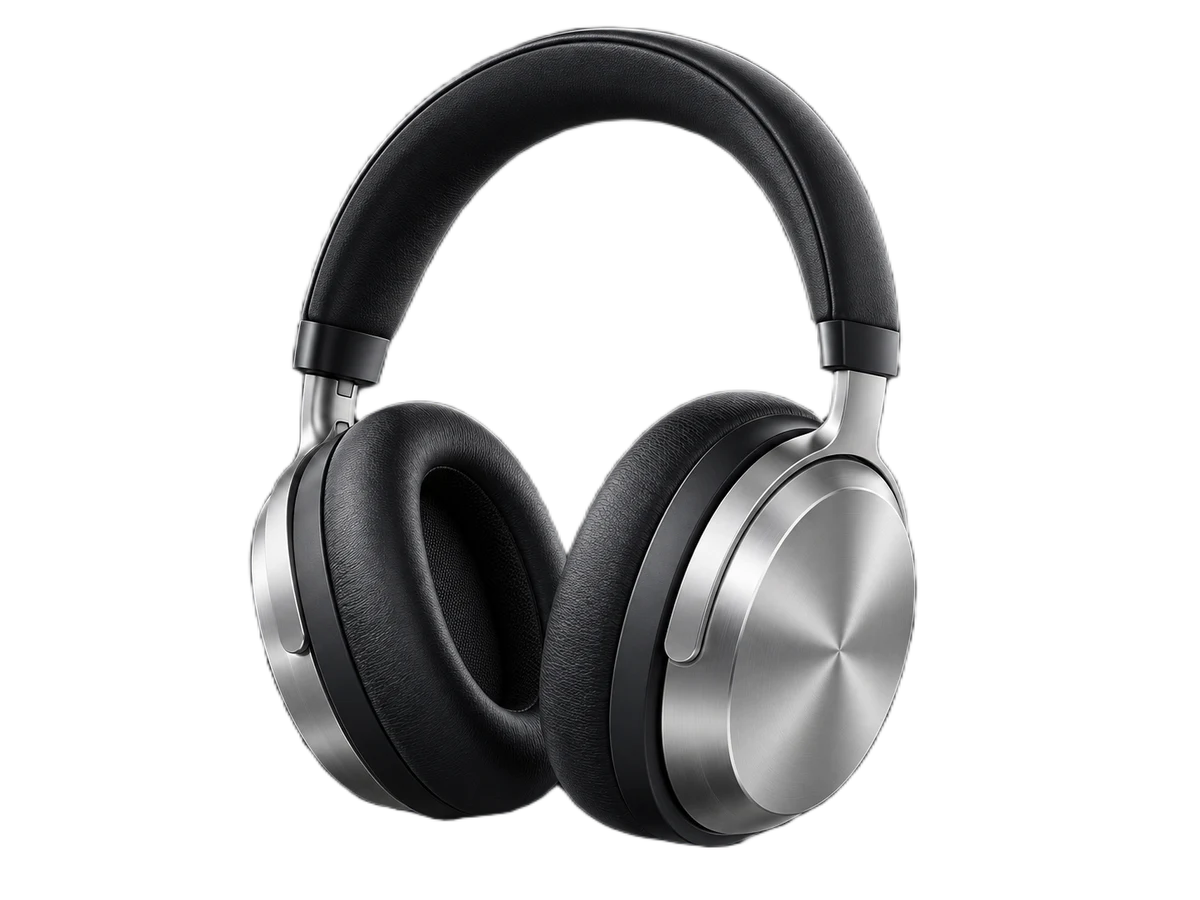
Headphones cutout previewed on dark blue, pure white, and transparent PNG backgrounds — Dark BlueDark Blue
Headphones cutout previewed on dark blue, pure white, and transparent PNG backgrounds — Pure WhitePure White
Headphones cutout previewed on dark blue, pure white, and transparent PNG backgrounds — TransparentTransparent

Instant Transparent PNG Fallback

Need the cutout without a fill later? Toggle between your solid blue backdrop, pure white, and a transparent PNG in one click without re-uploading your original photo.

Switch freely between dark blue, pure white, and transparent PNG from one cutout.

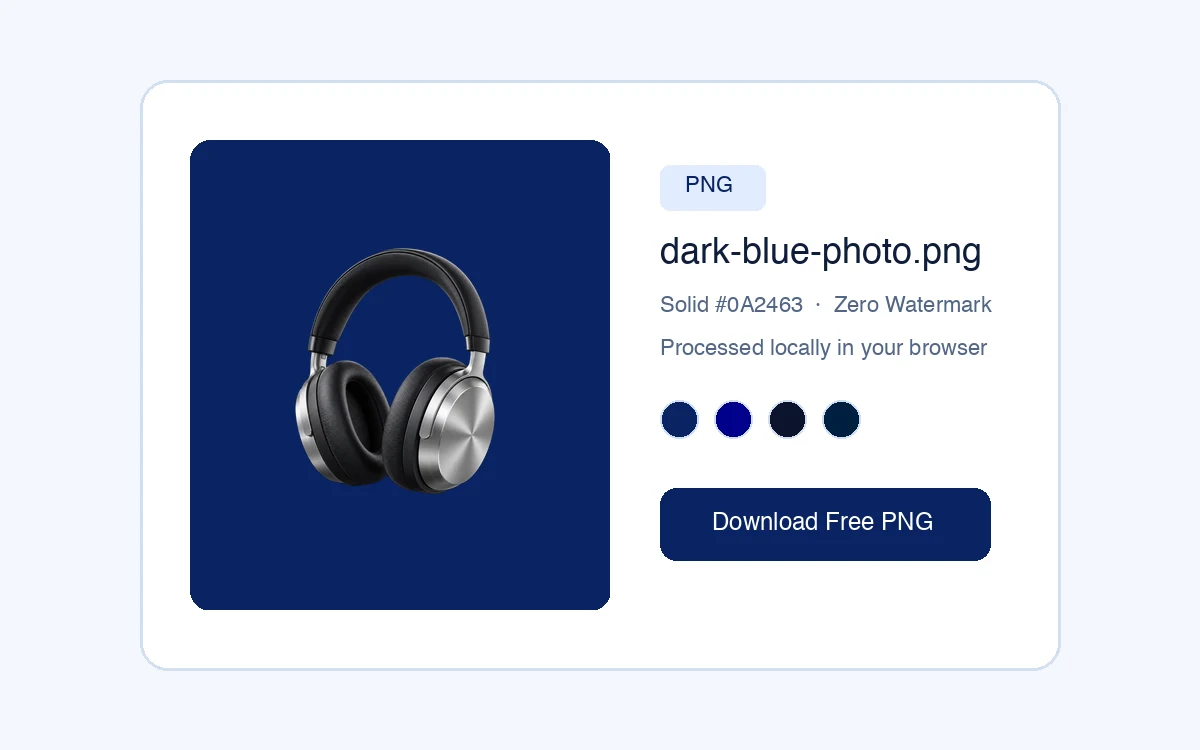
Clean dark blue PNG export preview card showing watermark-free browser processing

Private Browser Processing, Always Free

Your headshots and product photos process locally in WebGPU-ready browsers—100% free, no signup, and no watermarks—keeping personal portraits and unreleased catalog items private.

Free PNG · No signup · Processed locally in browser

Who Uses Free BGRemover for Dark Blue Photo Edits

Tailored for professionals, sellers, and creators who need dependable contrast without setting up a studio backdrop.

Confident corporate professional in a heather-gray blazer and white shirt framed against a solid dark blue background

Executive Headshots

Turn casual office or home snapshots into authoritative dark blue portrait photos without booking a studio photographer, giving resumes, company bios, and LinkedIn profiles a cohesive look.

  • Boost contrast for light blazers, shirts, and skin tones
  • Keep hair strands and collar edges free of white halos
  • Export clean PNG headshots ready for LinkedIn and resumes
Create Dark Blue Headshot Free
How do I add a solid deep blue backdrop without white fringes?

Upload your photo in JPG, PNG, or WebP format and let Free BGRemover isolate the subject automatically before filling the solid deep blue tone. Because the cutout runs at edge-aware precision rather than rough color thresholds, hair, collars, and smooth contours stay clean without bright halos around your subject.

Can I use this tool for passport or official ID photos?

Check your issuing authority first, because U.S., UK, and EU passports strictly require plain white or off-white backdrops rather than dark blue. This page handles clean background color swaps for badges or regional IDs, and for dedicated compliance guidance you can visit our blue background passport photo page.

Can I customize the exact shade or match a dark blue hex code?

Yes, you can adjust the exact deep blue hue, saturation, and lightness directly inside the workspace color picker. Start from the default solid deep blue tone and fine-tune it to match brand guidelines, company team directories, or personal portrait preferences without opening separate design software.

Does this page offer dark blue wallpapers or stock images for download?

No, Free BGRemover is an online photo editor built to replace the background of your own uploaded pictures rather than a stock wallpaper library. If you already have a portrait, headshot, or product shot, upload it here to generate a clean deep blue finished PNG in seconds.

What if I want to remove an existing dark blue backdrop instead?

Removing a blue backdrop is the opposite workflow from adding one, and Free BGRemover handles both cleanly. You can upload your image and switch the output toggle to transparent, or use our remove color from image tool when you need to target a flat colored backdrop directly.

Can I switch to a gradient background instead of a solid shade?

This page focuses on clean, flat solid tones so portraits and merchandise stay distraction-free. If you want smooth multi-tone transitions or moody lighting depth behind your cutout, try our dedicated gradient background tool right after isolating your subject.

Is changing a photo background to dark blue really free without watermarks?

Yes, Free BGRemover lets you replace photo backgrounds with solid deep blue for free, with no account registration and no watermarks stamped on your PNG download. You can upload images up to 15 MB and test multiple shades right in your browser before saving.

Which file formats and devices work, and are my photos kept private?

Free BGRemover accepts JPG, PNG, and WebP photos up to 15 MB and exports clean PNG files on modern WebGPU-capable browsers across desktop and mobile. Background separation runs directly inside your browser so personal portraits and unpublished product shots stay private without desktop installations.

Frequently Asked Questions About Dark Blue Photo Backgrounds

Quick answers on edge quality, shade adjustment, official ID rules, and supported files.

Ready to Give Your Photo a Clean Deep Blue Backdrop?

Upload your portrait, headshot, or product shot to swap out busy backdrops in seconds—free, private, and watermark-free.

Upload Your Photo Free Now