
Pure White Main-Image Ready
Swap cluttered backdrops for a seamless white background that helps primary silo photos look clean and avoid off-white rejection risks.
Switch from cluttered home or warehouse backdrops to pure white (#FFFFFF).
Clear messy backdrops in seconds for crisp, Walmart-ready white or transparent product listings. 100% free online with no signup or watermarks.
Start with your Walmart listing photo
JPG, PNG, or WebP · Up to 15 MB
Privacy detailsOff-white walls, tabletop clutter, and harsh floor shadows can get your primary Marketplace image rejected or overlooked. Free BGRemover automatically isolates your item and clears distracting backdrops so every silo shot stays studio-clean. Give every Walmart listing the crisp, pure white background shoppers and automated review checks expect.

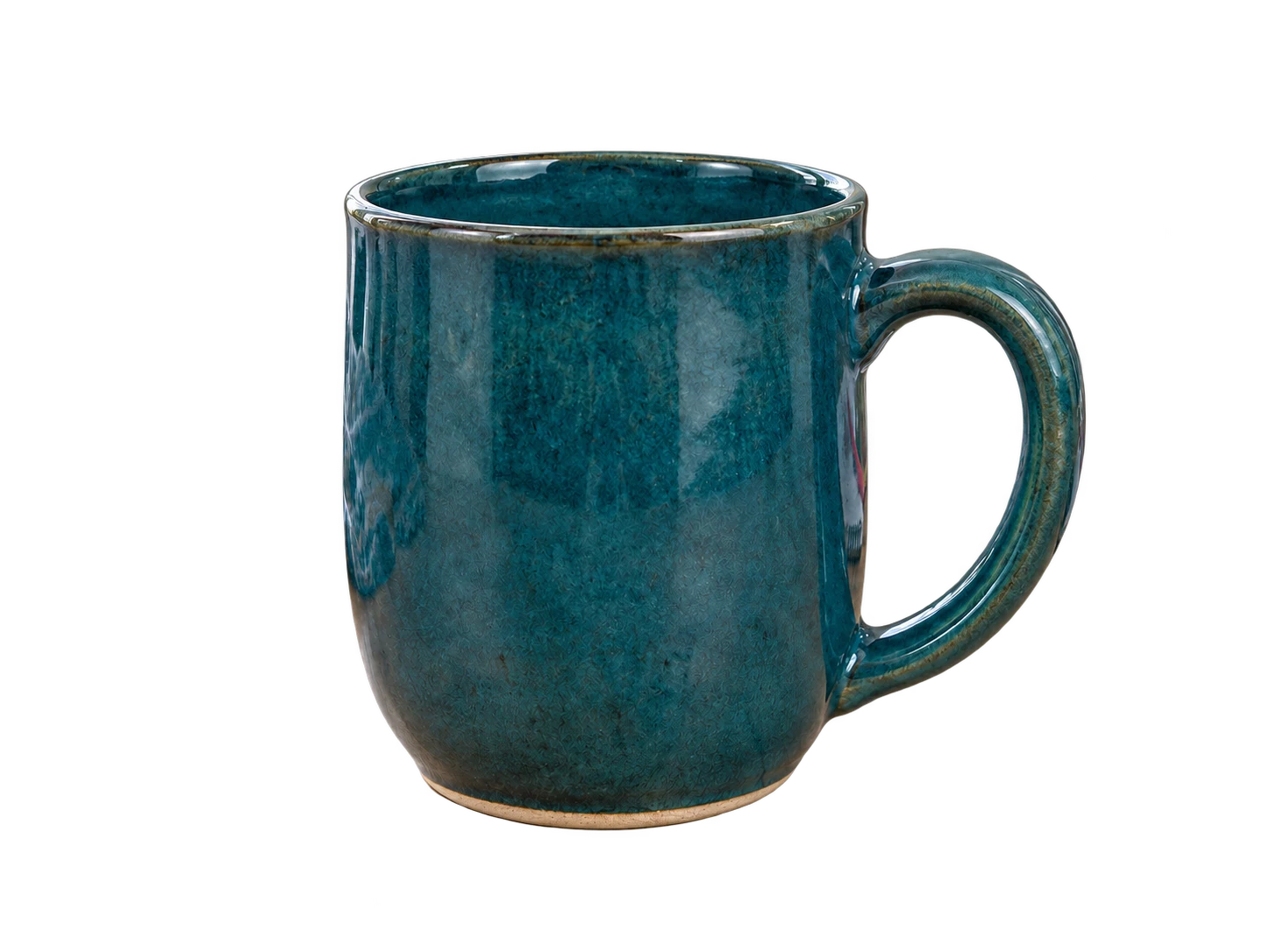
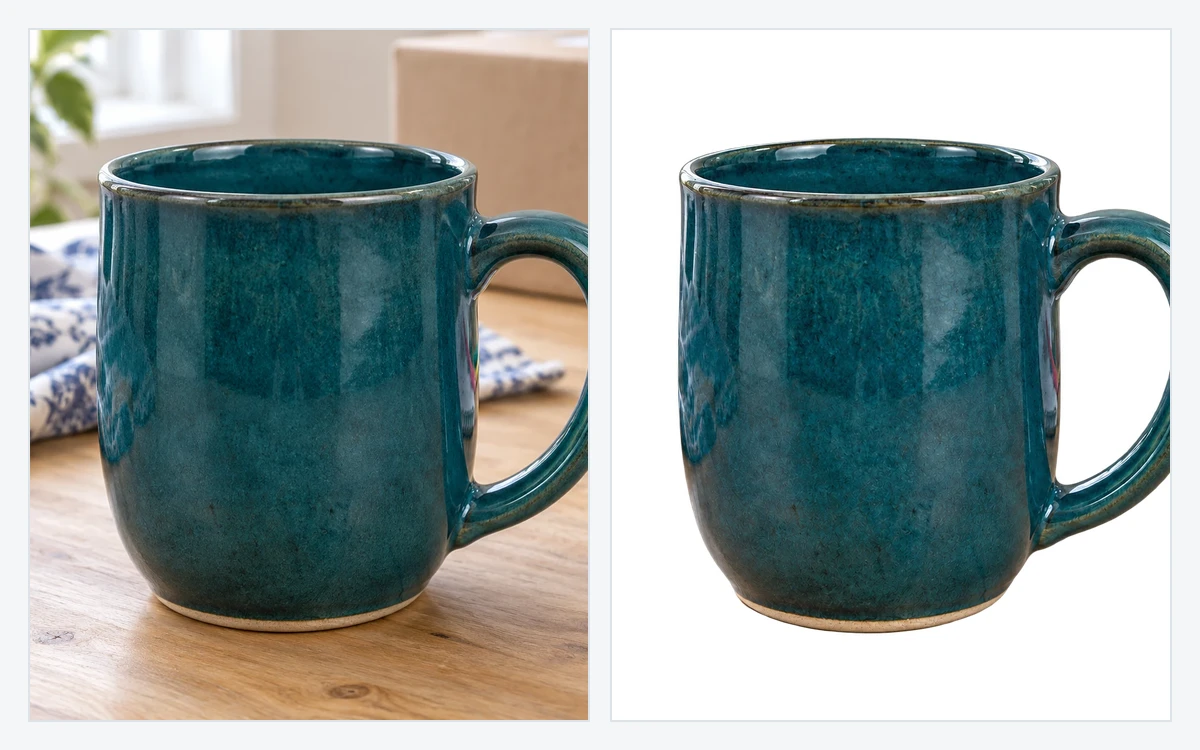
Example of removing a cluttered packing-desk backdrop behind a ceramic mug for Walmart Marketplace. Actual results vary by photo.
When shoppers scroll crowded Walmart search grids, sharp product edges earn the first click. Instead of wrestling with complex desktop software, upload shots from your phone or laptop and clean up distractions in seconds. Highlight true colors, packaging details, and textures so your listings attract more clicks and convert faster.

Compare the original desk snapshot of wireless headphones with its clean transparent cutout. Actual results vary by photo.
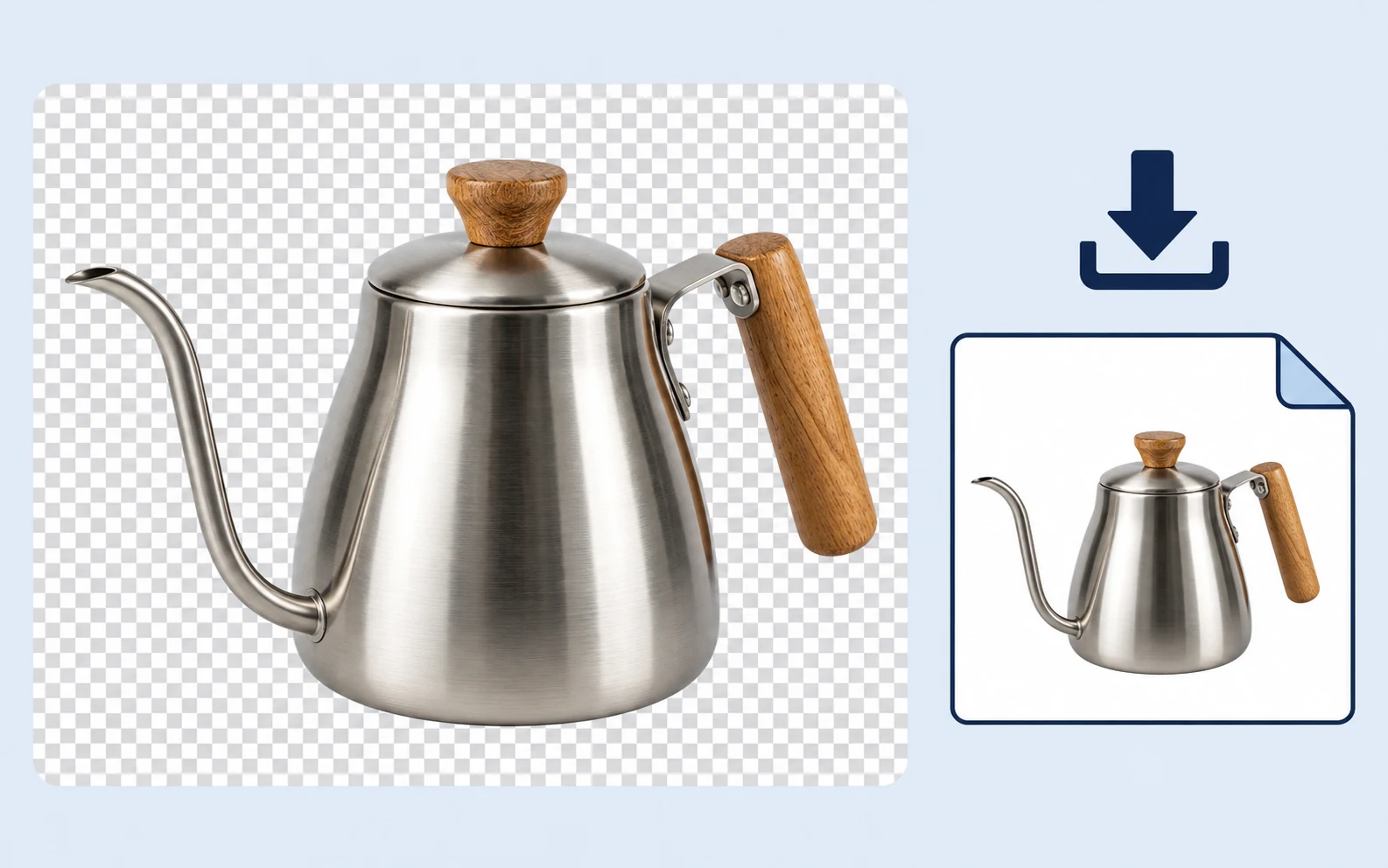
Different listing slots call for different image files. Download a sharp transparent PNG for secondary feature graphics, or place your isolated item on a clean white background for your main product slot. Export high-resolution, watermark-free cutouts ready for primary Walmart listings and flexible store graphics alike.
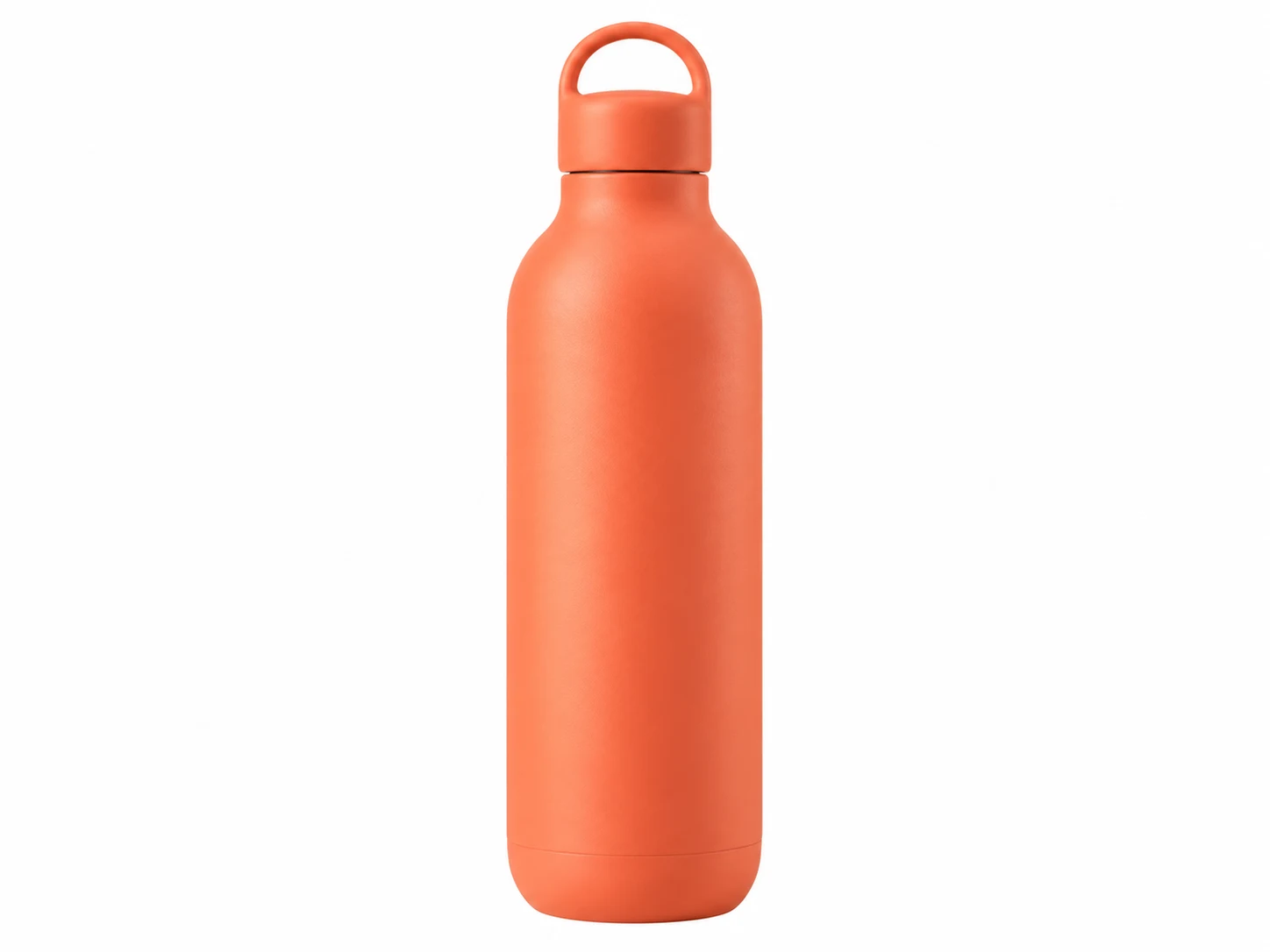
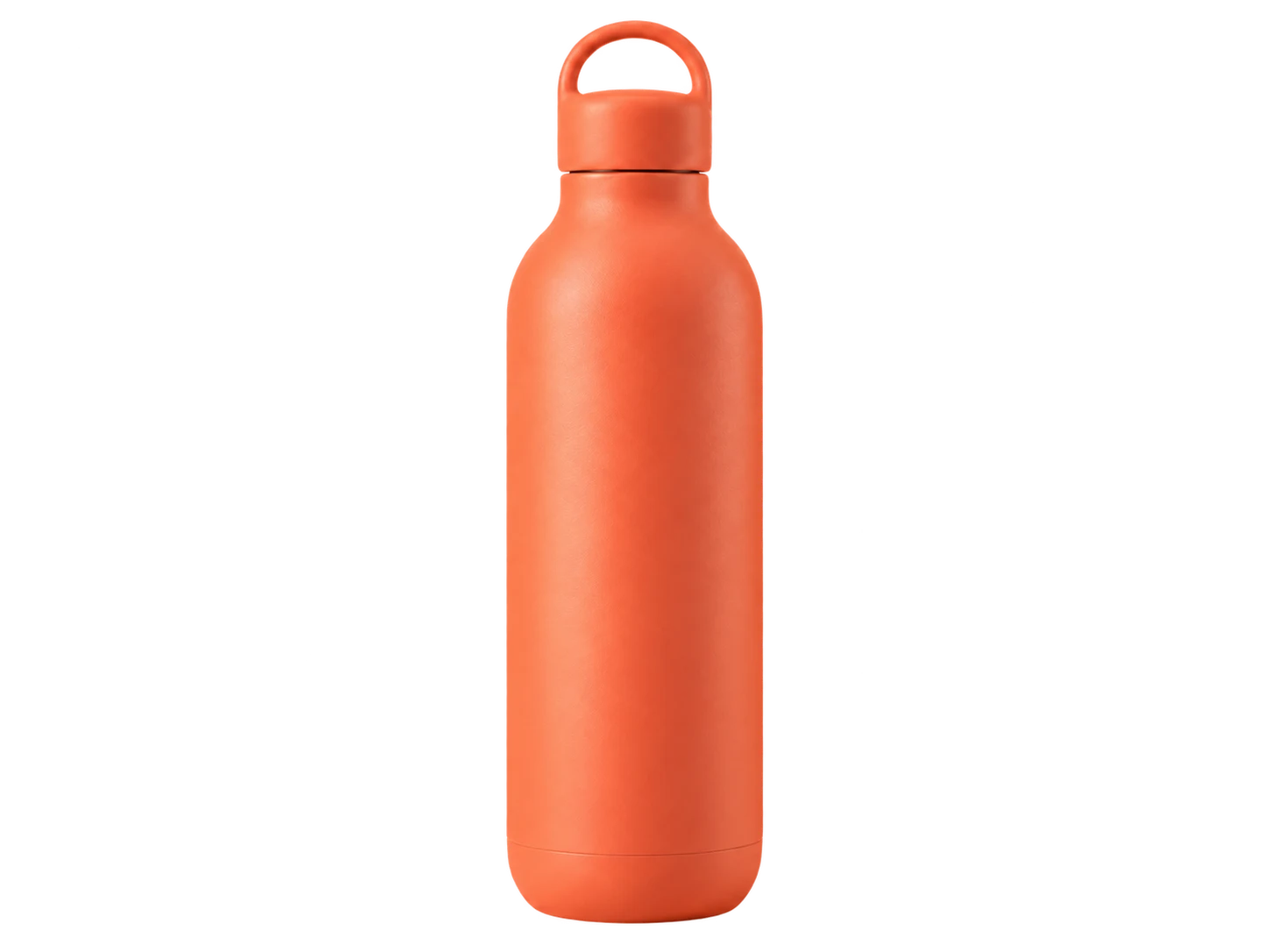
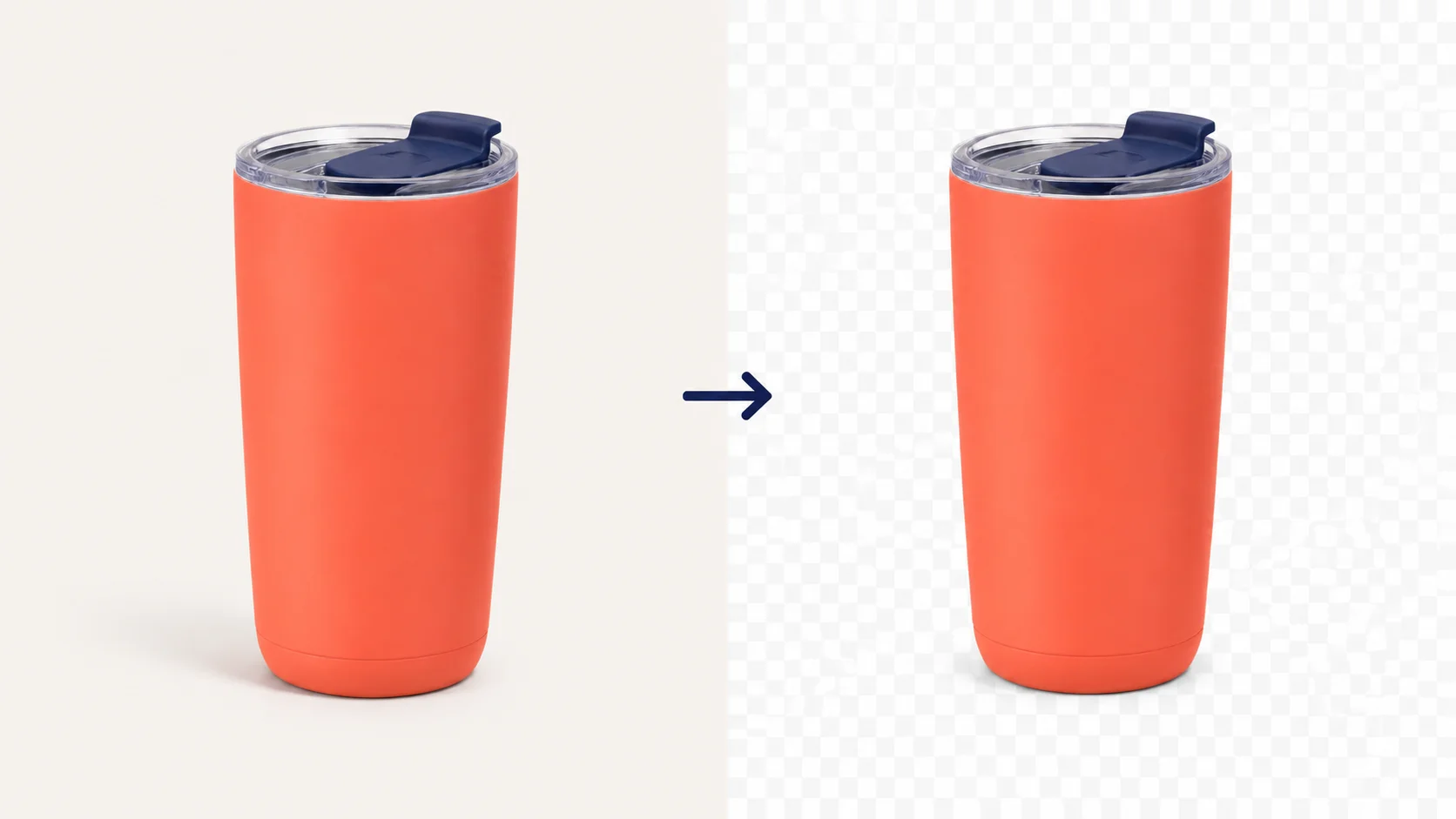
Compare a pure white (#FFFFFF) primary listing background against a transparent PNG cutout of the same insulated water bottle.
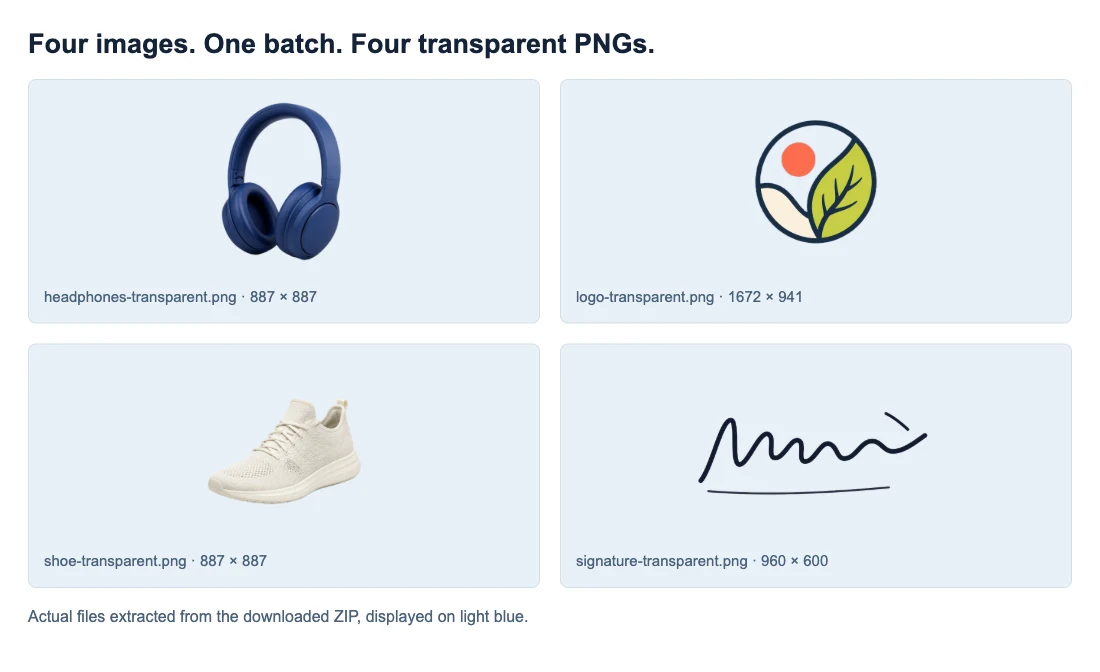
Whether you list five seasonal finds or manage hundreds of SKUs, slow photo prep stalls store growth. Free BGRemover works directly in your browser with no signup wall, and our batch background remover handles multi-SKU drops smoothly. Keep your entire Walmart catalog visually consistent across every product category.
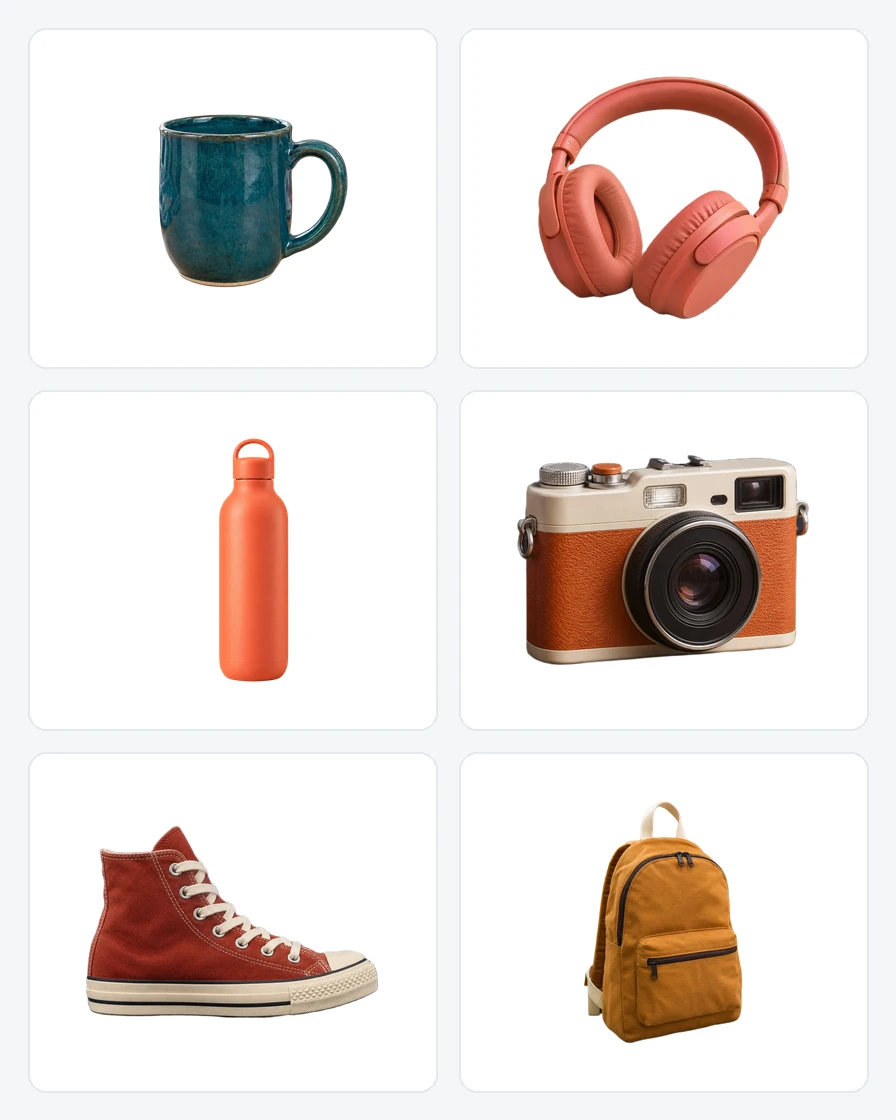
Turn mixed warehouse and desk snapshots into a cohesive, pure-white Walmart Marketplace catalog grid.
Clean up messy item shots for Walmart Marketplace in 3 simple steps—free online with no signup.
Drag and drop or select your listing photo in JPG, PNG, or WebP format up to 15 MB. No account registration or desktop software installation is required to begin.
Free BGRemover detects product boundaries automatically and clears cluttered tables, walls, or uneven backdrops, leaving sharp edges around packaging, apparel, home goods, and small accessories.
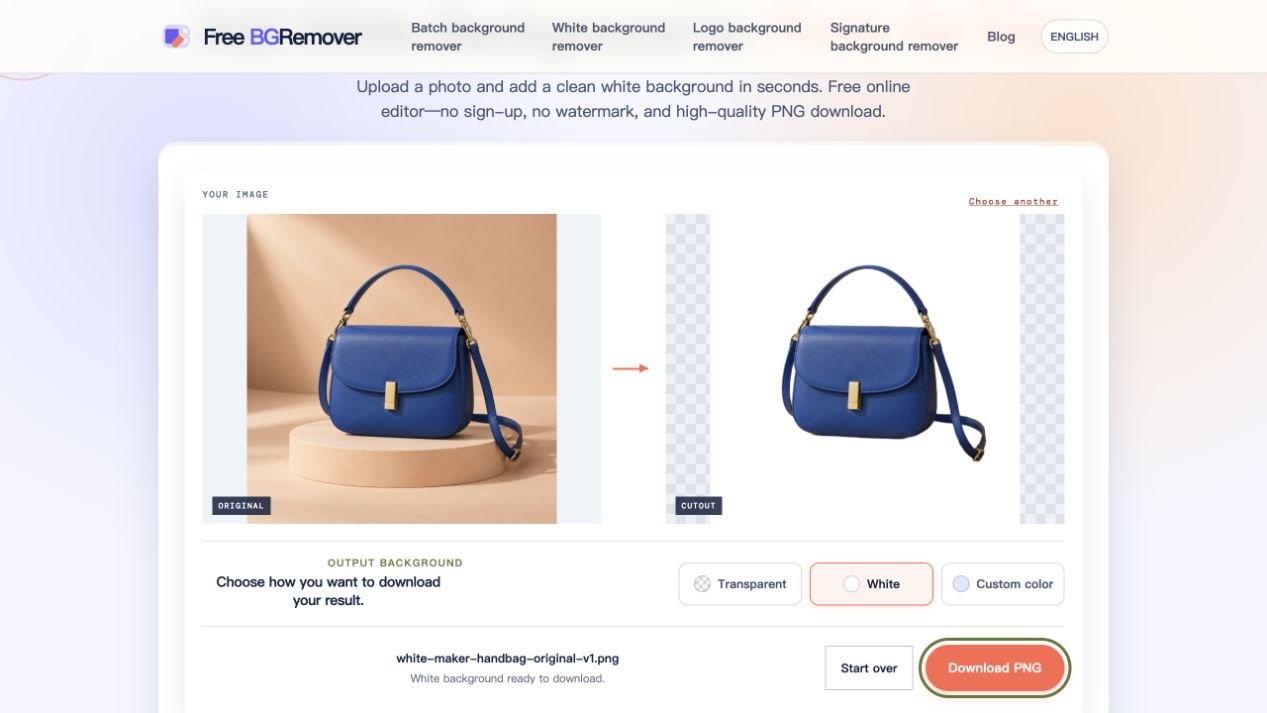
Keep a clean transparent PNG or switch to a pure white background, then download your high-resolution, watermark-free image ready to upload directly to Walmart Seller Center.
Built around Walmart Marketplace image standards so sellers ship compliant listing images faster.
Swap cluttered backdrops for a seamless white background that helps primary silo photos look clean and avoid off-white rejection risks.
Switch from cluttered home or warehouse backdrops to pure white (#FFFFFF).
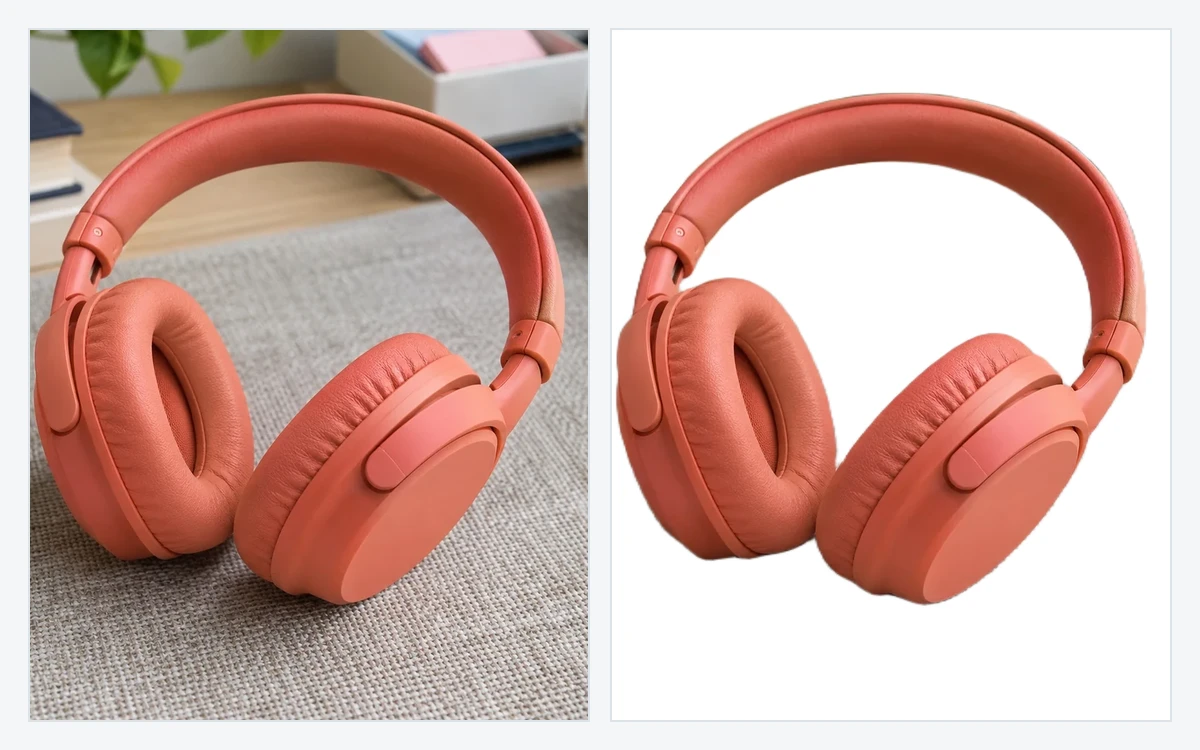
Preserve crisp outlines on boxes, glossy bottles, apparel, and electronics without jagged borders or leftover tabletop shadows around your item.
Clean product edge detection that preserves straps, handles, and curves.
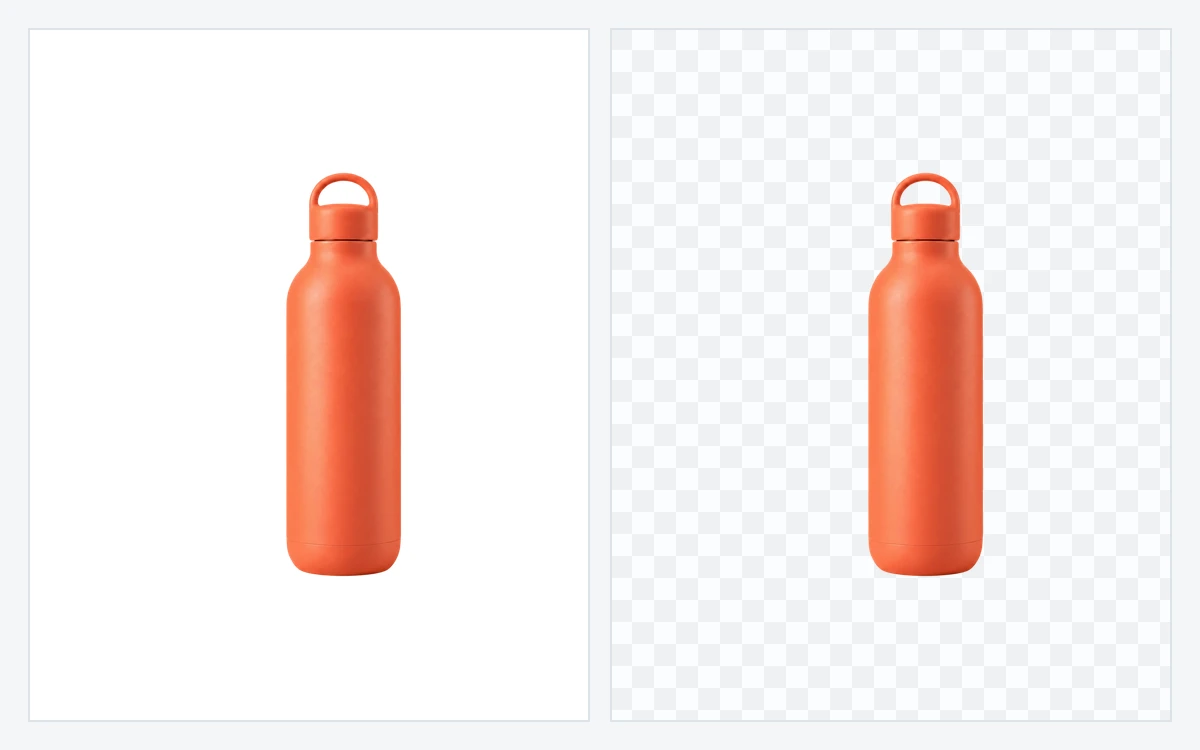
Export true transparent PNG cutouts alongside white-background options so you can build comparison charts, callout graphics, and lifestyle visuals easily.
Export pure white for main slots and transparent PNG for secondary slides.
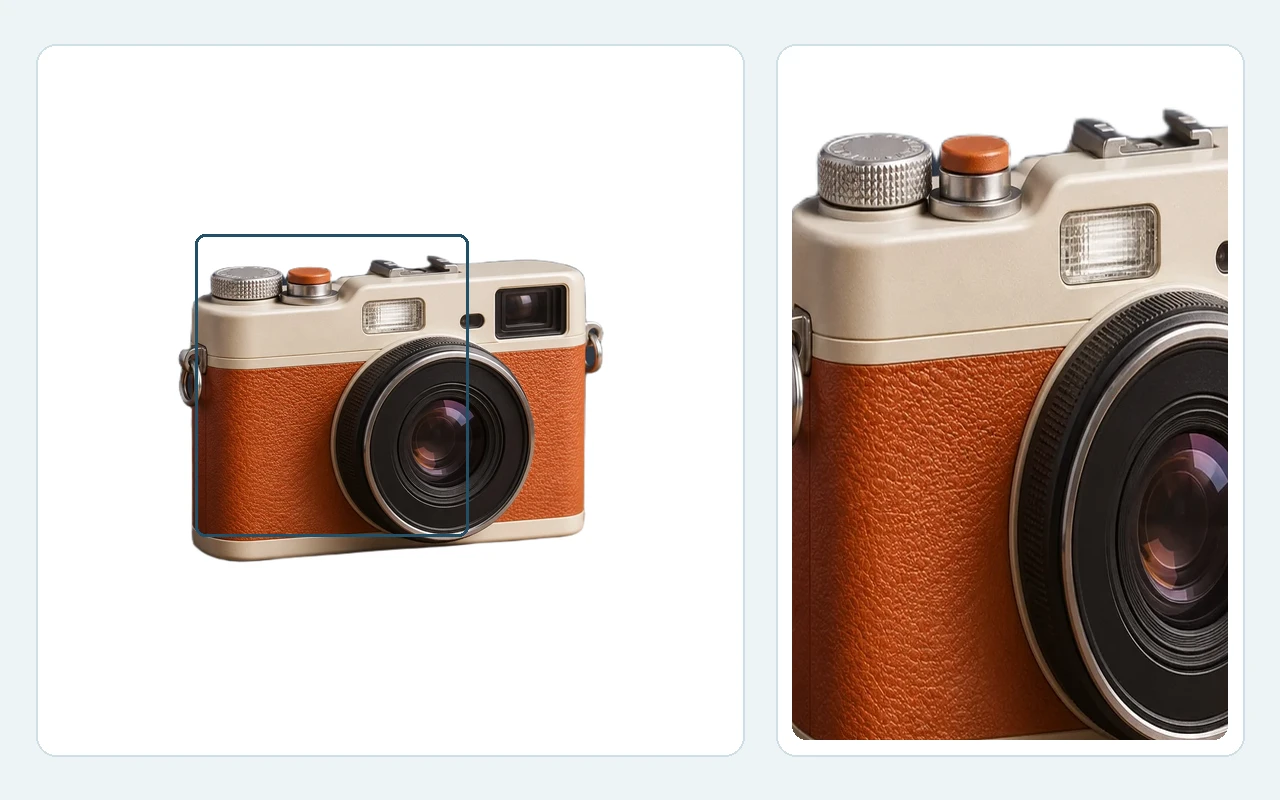
Keep your original sharp product details intact after background removal so shoppers can inspect fine text and textures clearly on Walmart.
Retain crisp details from high-pixel source shots for Walmart customer zoom.

Need to prep multiple SKUs at once? Switch to our browser batch tool to process up to 20 listing images together and download one ZIP.
Process single hero shots here or switch to batch cleanup for up to 20 SKUs.
Walmart bans watermarks on main listing photos. Export clean, watermark-free product cutouts completely free online with zero account friction.
Zero watermarks and zero account friction—ready for Seller Center.
From solo resellers to multi-SKU brands, Walmart sellers rely on clean cutouts to launch faster.

Turn warehouse or sample-room item shots into clean, pure-white main images without booking a studio, helping new Walmart launches pass review faster.

Clean up kitchen-table or desk snapshots straight from a phone or laptop browser so everyday resale inventory looks trustworthy on Walmart search pages.

Eliminate mismatched supplier backdrops across dozens of product variations and sizes, keeping your entire Walmart storefront cohesive and ready for high-volume updates.

Prep client product cutouts in seconds as transparent PNGs or pure white images, speeding up Walmart main-image compliance and secondary infographic production.
Walmart Marketplace requires a pure white background (RGB 255, 255, 255 or #FFFFFF) for primary item images, with no text overlays, logos, watermarks, or distracting floor shadows. Using Free BGRemover lets you strip out cluttered backdrops first and apply a clean white background before uploading to Seller Center.
Use a solid pure white background for your primary listing image, because transparent areas can display unpredictably or trigger review issues. Transparent PNG cutouts work best when you are designing secondary slides, feature infographics, or multi-channel store banners where you need flexible layering.
Yes, you can upload item photos captured on any smartphone directly in your browser. For the cleanest cutout edges, photograph your item in even lighting with clear separation from the surface behind it, then remove the background and switch to pure white in seconds.
No, Free BGRemover exports high-resolution results without shrinking your cutout into a blurry thumbnail. Because Walmart recommends 2200x2200 square images and requires at least 1500x1500 pixels for customer zoom, start with a sharp, high-pixel original photo for the best listing quality.
Yes, single product shots can be processed right on this page, and larger inventory drops are supported too. Visit our batch background remover to upload up to 20 listing images per browser batch, review every cutout, and download them together in one ZIP file.
No, avoid using automated background removers for official passport photos printed at Walmart Photo Center, as government rules typically reject digitally altered backgrounds. This page is built for Walmart seller product shots; for brand icons, try our logo background remover instead.
Yes, Free BGRemover is completely free to use online with no account signup required and zero watermarks added to your downloads. That matters especially for Walmart sellers, since the marketplace strictly prohibits watermarks, badges, or promotional text on primary listing images.
You can upload JPG, PNG, and WebP photos up to 15 MB each from any desktop or mobile browser without installing software. After background removal, download a high-resolution transparent PNG or clean white-background image ready for your Walmart Seller Center workflow.
Clear answers on Walmart photo background rules, white or transparent exports, and free browser processing.

Tutorials & Guides
Tutorials & Guides
Tutorials & Guides
Tutorials & Guides
Tutorials & Guides
Remove distracting backdrops in seconds and export crisp white or transparent listing images—100% free with no signup.
Remove Walmart Photo Background Free