Free Poshmark Background Remover

Erase messy room backdrops from Poshmark photos in seconds for crisp, listing-ready white or transparent cover shots. 100% free, no signup, no watermark.

Start with your Poshmark listing photo

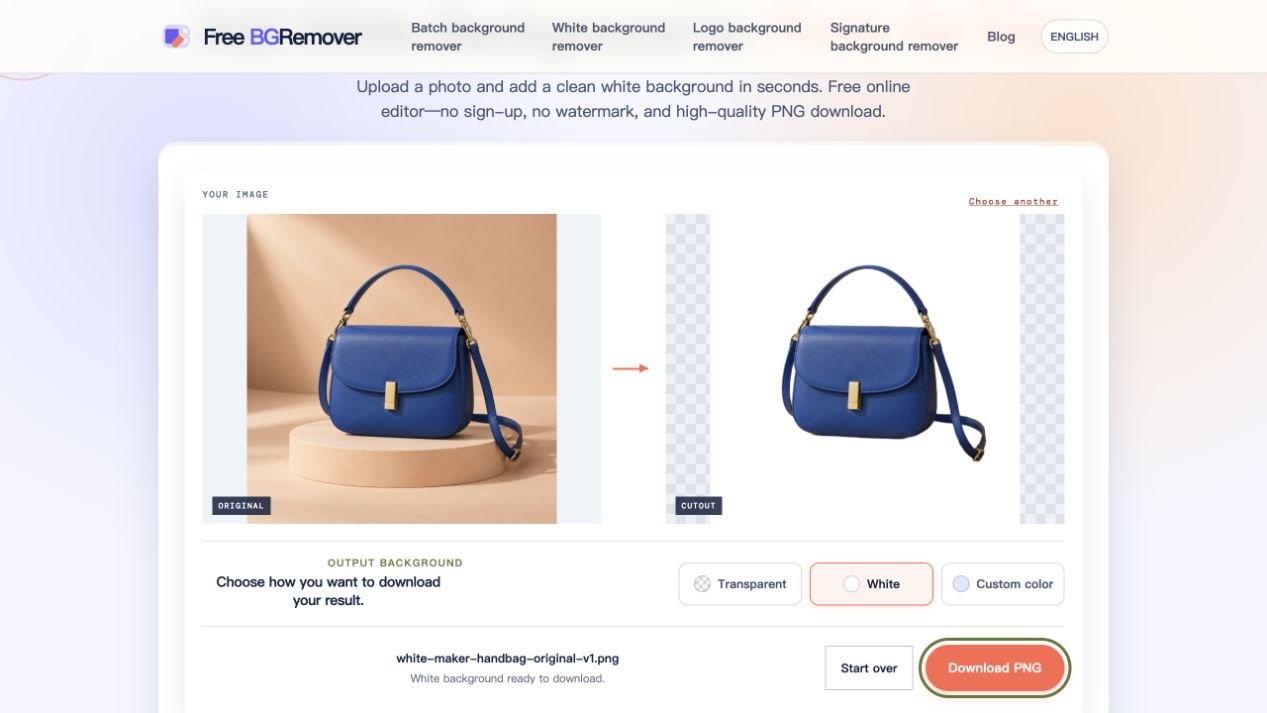
Upload a photo. Choose white, neutral, or transparent.

JPG, PNG, or WebP · Up to 15 MB

Privacy details

Why Clean Poshmark Cover Photos Build Buyer Trust

Cluttered bedrooms, dark floors, and messy sheets pull attention away from your clothing while Poshmark shoppers scroll fast. Free BGRemover separates garments, shoes, and handbags from busy home rooms while keeping natural fabric colors and seams accurate. Clean, distraction-free Poshmark cover photos build immediate buyer confidence on the first glance.

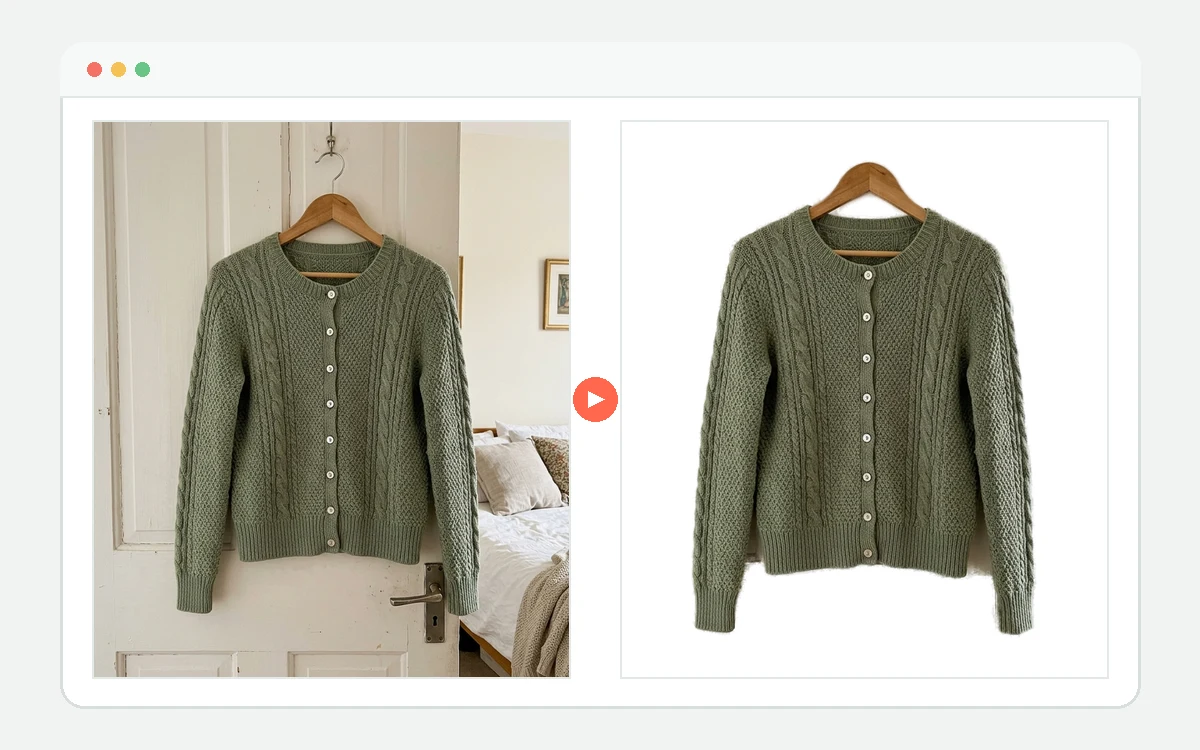
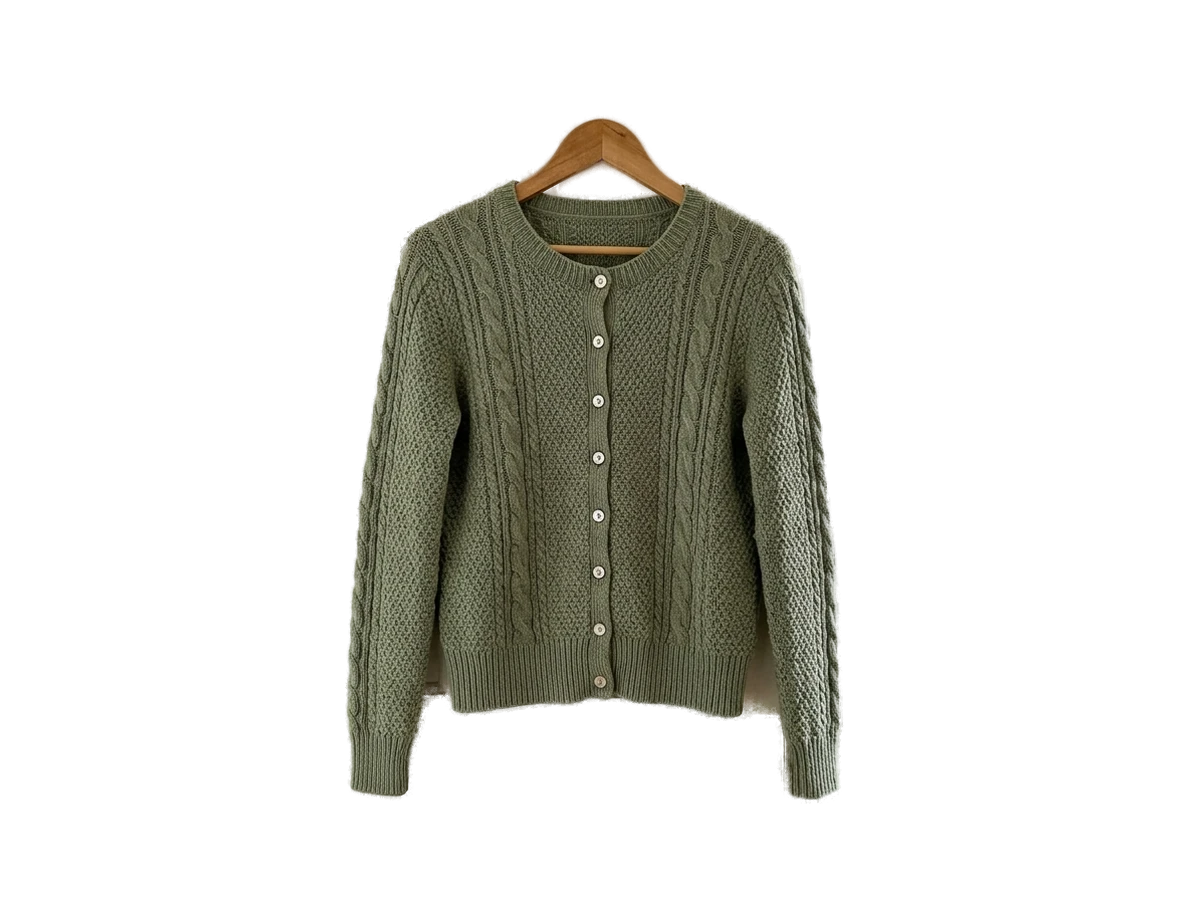
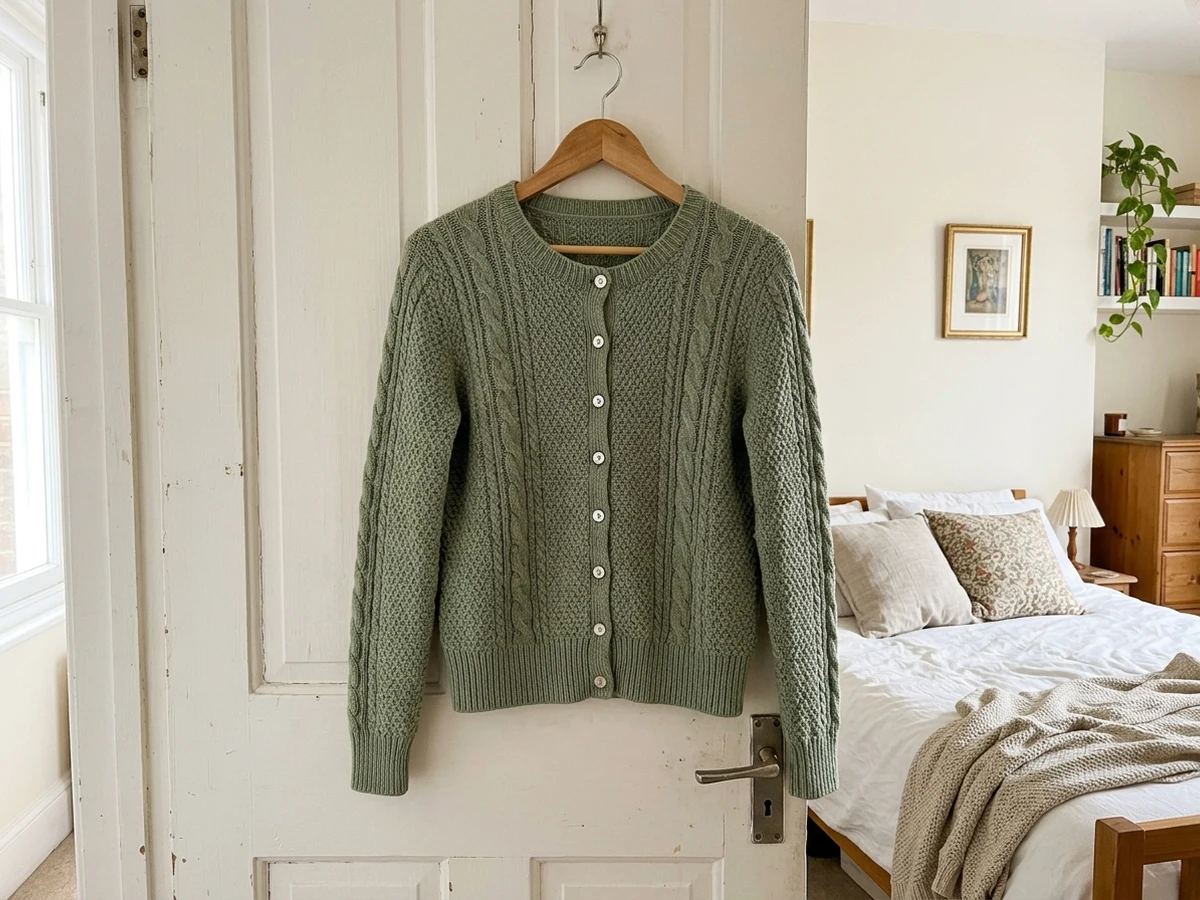
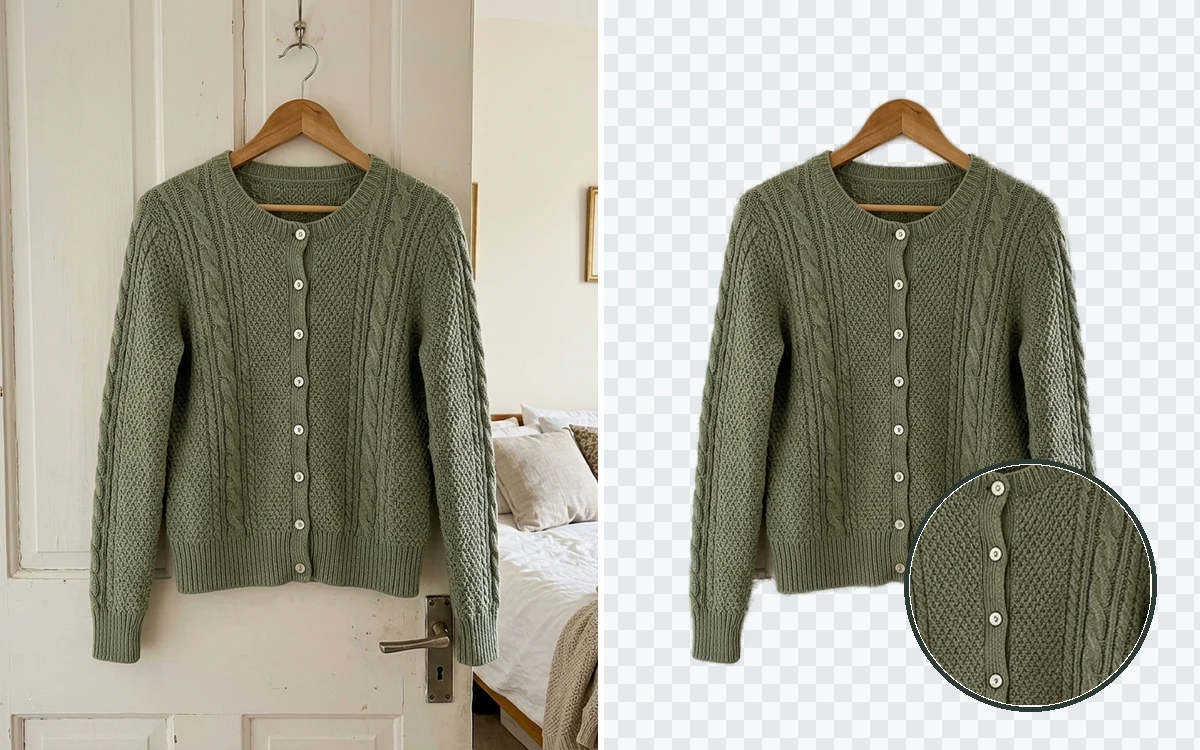
Sage-green knit cardigan sweater hanging on a wooden hanger against a cluttered bedroom door and bed corner before removing the background for a Poshmark listing

Example of removing a cluttered bedroom background behind a hanging knit cardigan for Poshmark. Actual results vary by photo.

Help Your Poshmark Listings Stand Out in Search

When dozens of similar dresses, sneakers, or jackets fill the same feed, dim snapshots rarely earn a tap. Upload flat lays or hanging shots from your phone or desktop browser to isolate straps, collars, and textures sharply in seconds. Crisp, focused Poshmark listings attract more clicks, likes, and faster offers in crowded feeds.

Clean My Poshmark Cover Photo
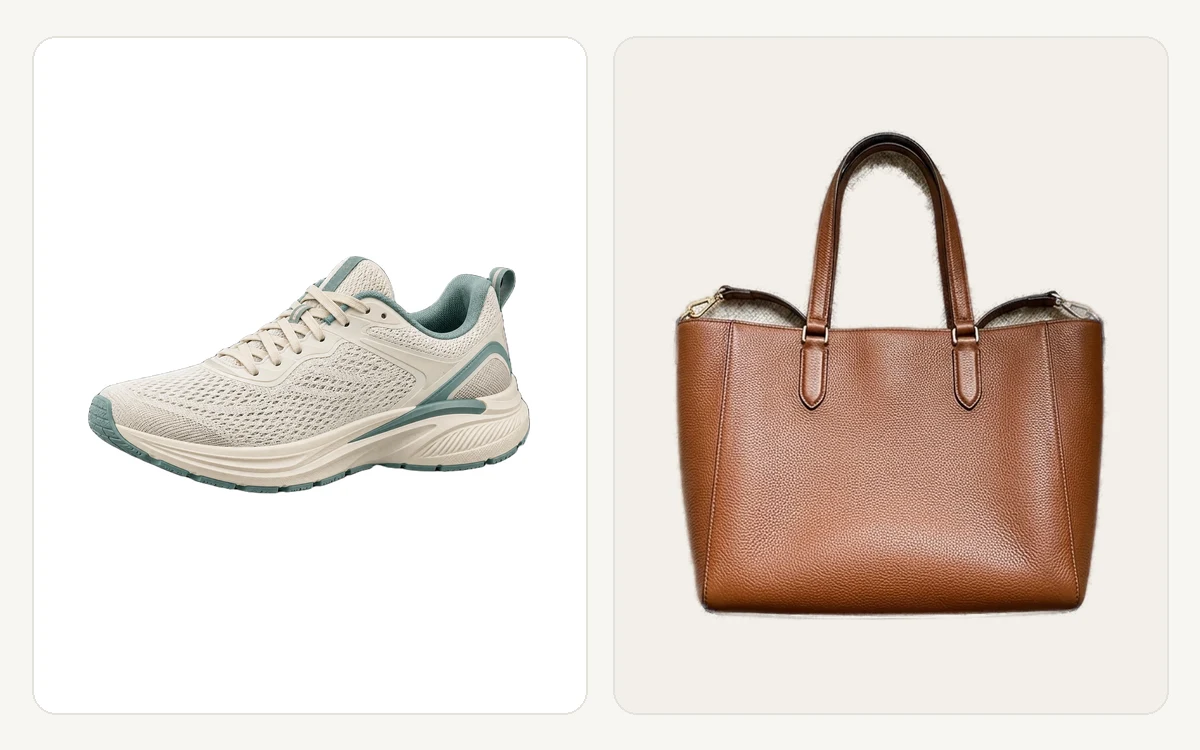
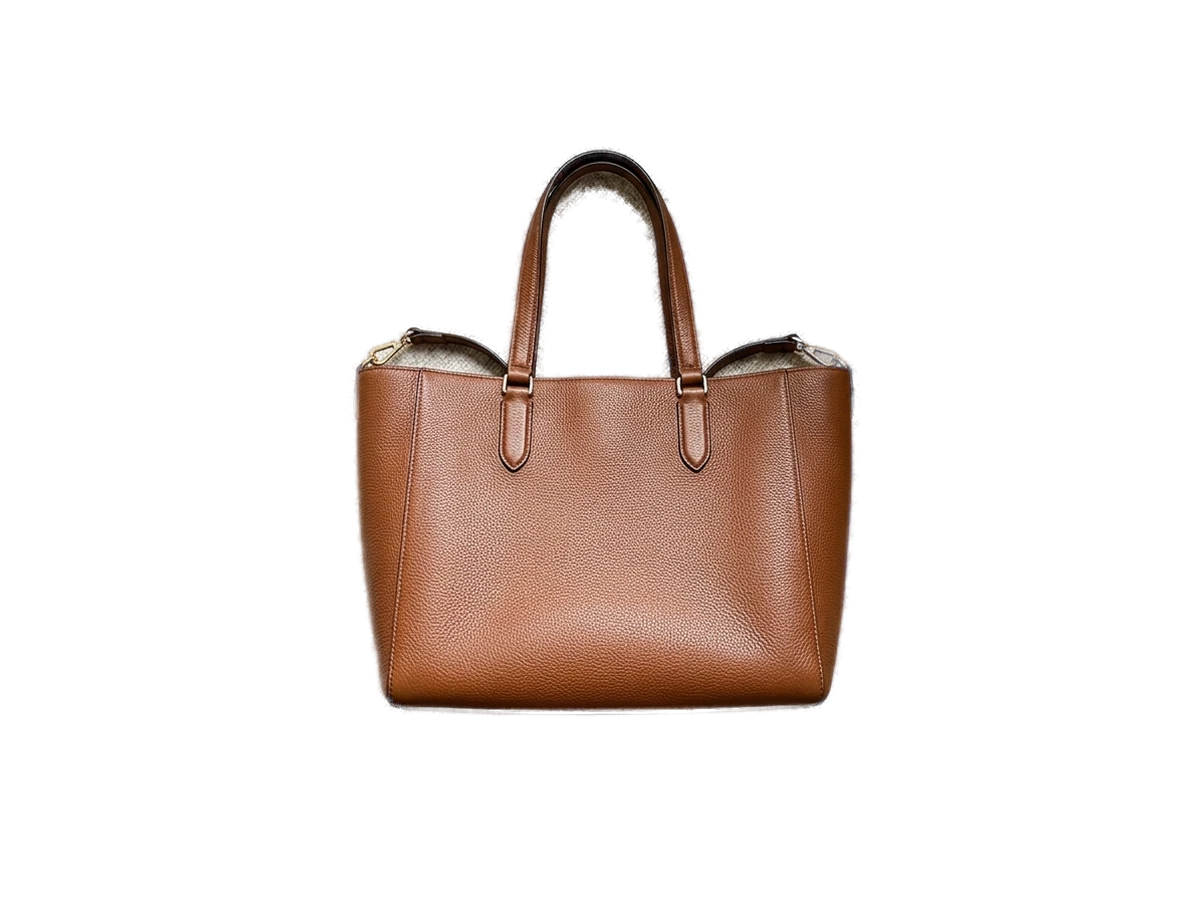
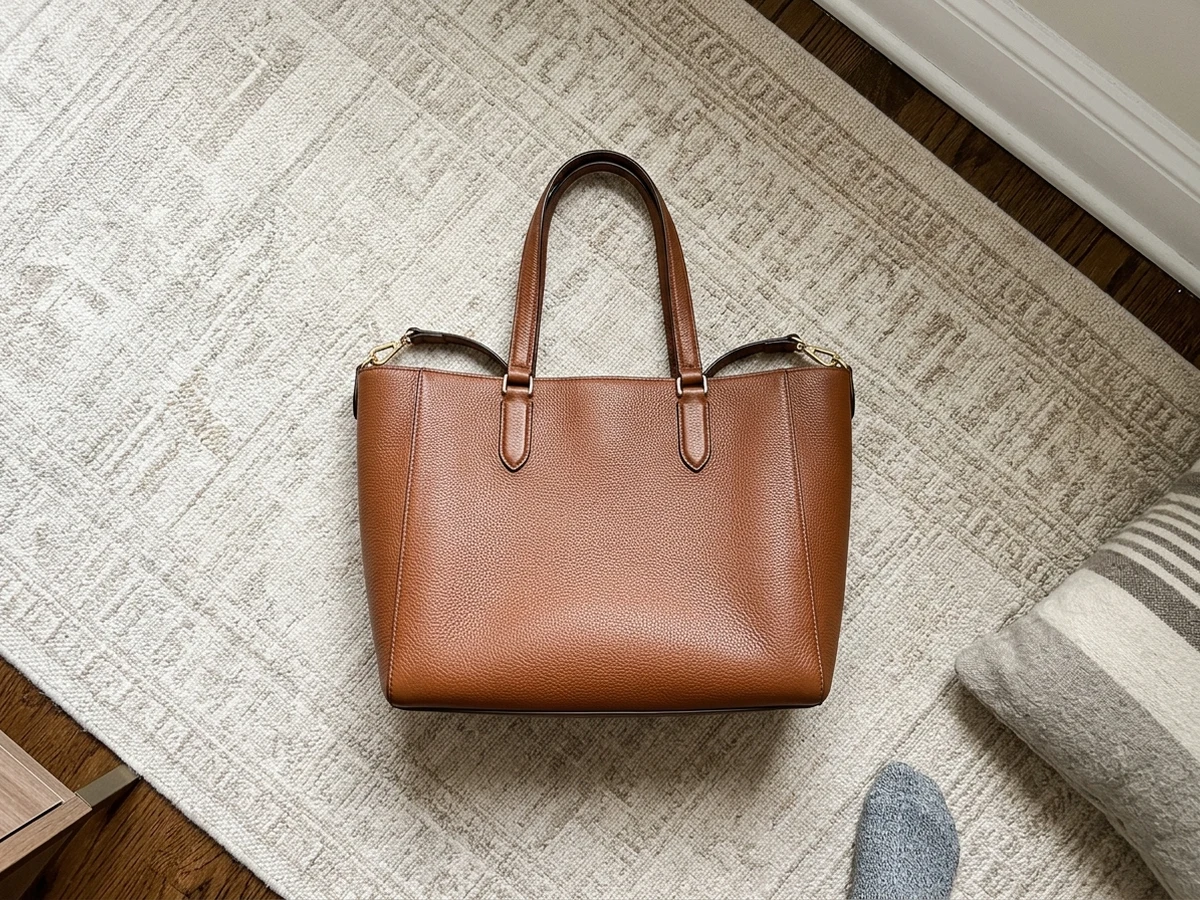
Cognac pebbled leather tote handbag with gold clasps photographed flat on a patterned bedroom rug before removing its background for a Poshmark listing

Compare the original handbag flat-lay snapshot with its clean transparent cutout. Actual results vary by photo.

Related Tools

Switch Between White, Neutral, and Transparent Poshmark Backdrops

Plain transparent cutouts can render awkwardly inside marketplace apps, while stark white is not every seller's closet style. Preview your garment on transparency, switch to crisp white with our white background maker, or pick soft off-white and light gray tones. Tailored solid backdrops give every Poshmark item a polished boutique finish.

Create White Poshmark Photos Free
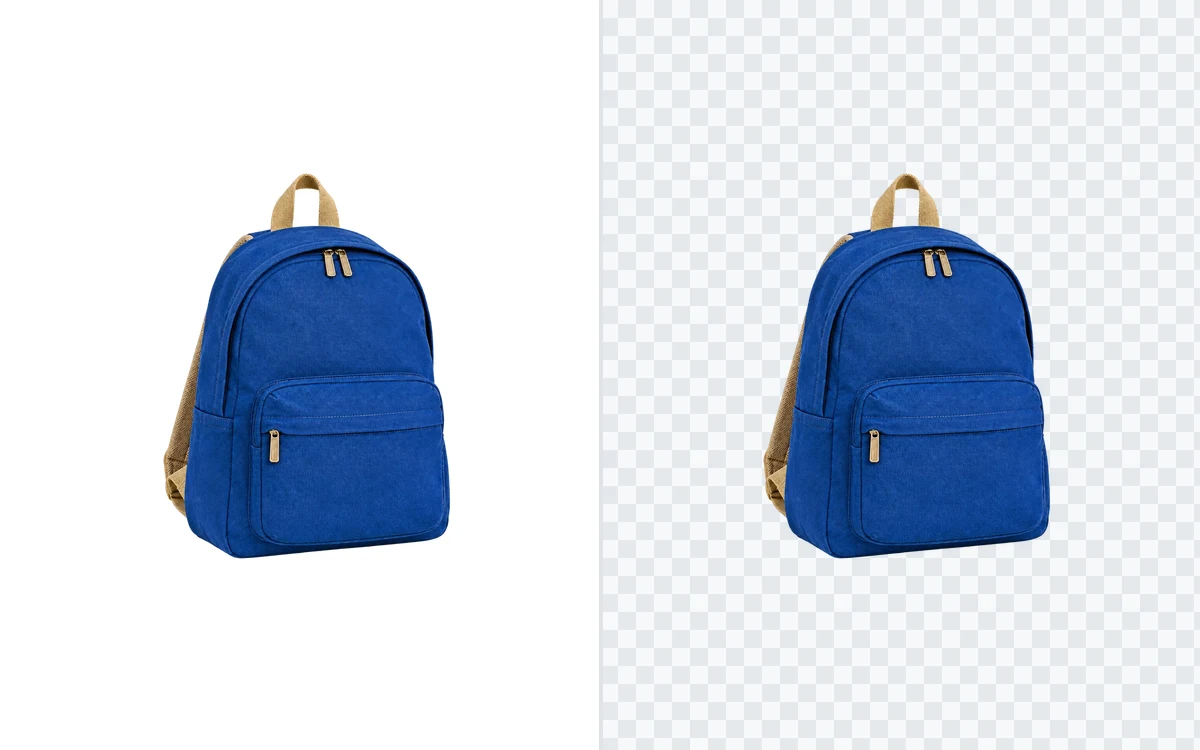
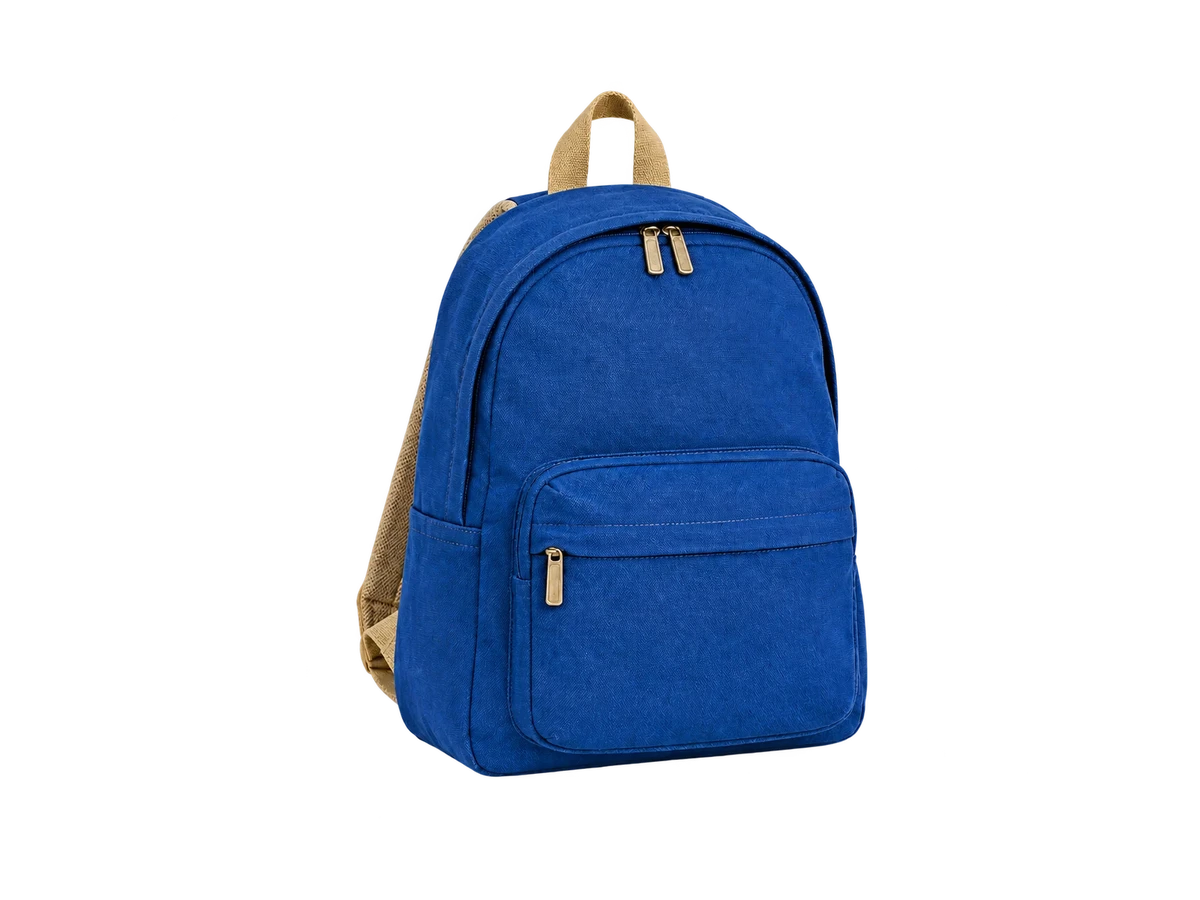
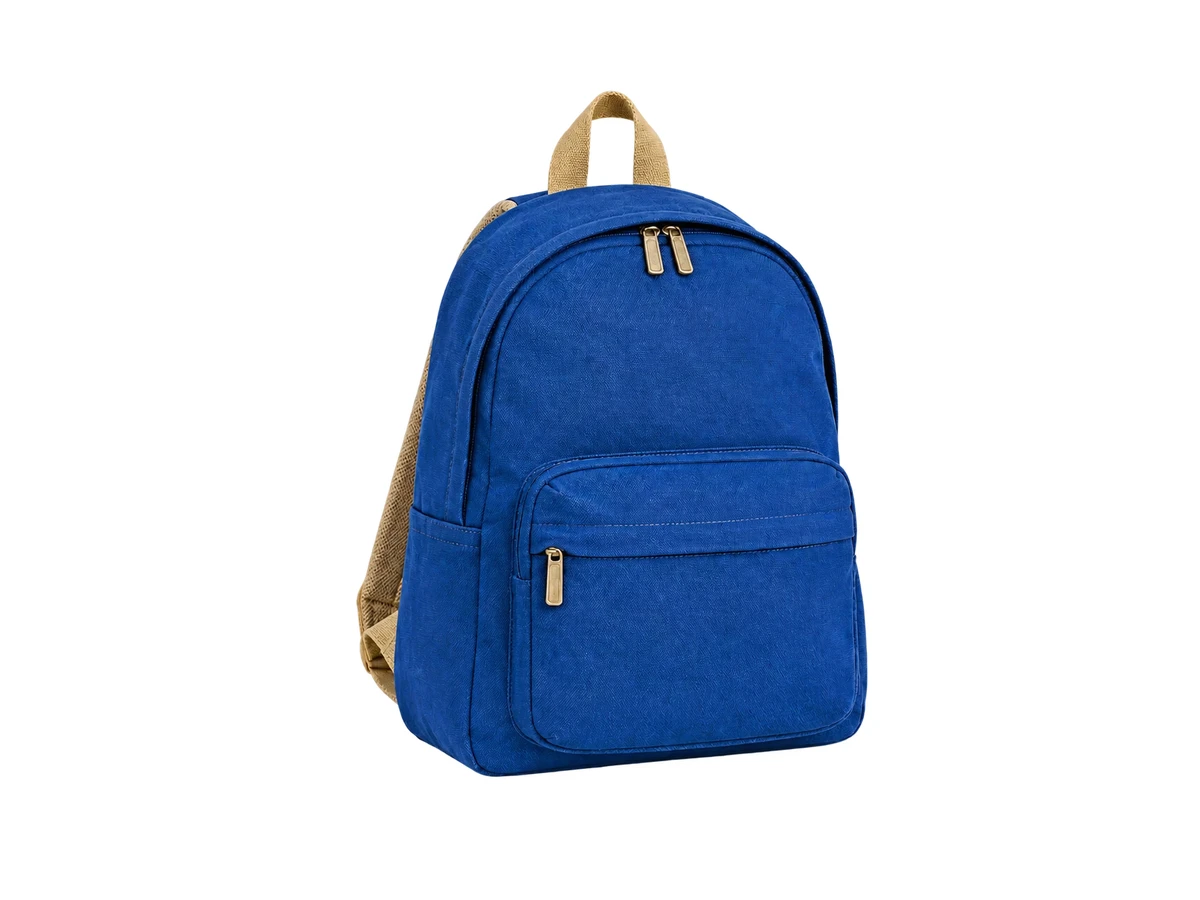
Cobalt-blue canvas backpack with tan straps shown on a crisp pure white Poshmark cover background

Compare a crisp pure white backdrop (#FFFFFF) suited to Poshmark cover shots against a transparent PNG cutout.

Speed Up Daily Poshmark Closet Uploads Without Apps

Whether you list weekend wardrobe cleanouts or cross-post daily across Poshmark, Vinted, and eBay, cropping watermarks out of phone screenshots wastes valuable time. Clean individual cover shots directly in your browser with zero installs, or process up to 20 listing photos together in our batch background remover. Effortless browser cleanup turns mixed home snapshots into a cohesive Poshmark storefront.

Remove Poshmark Backgrounds Online
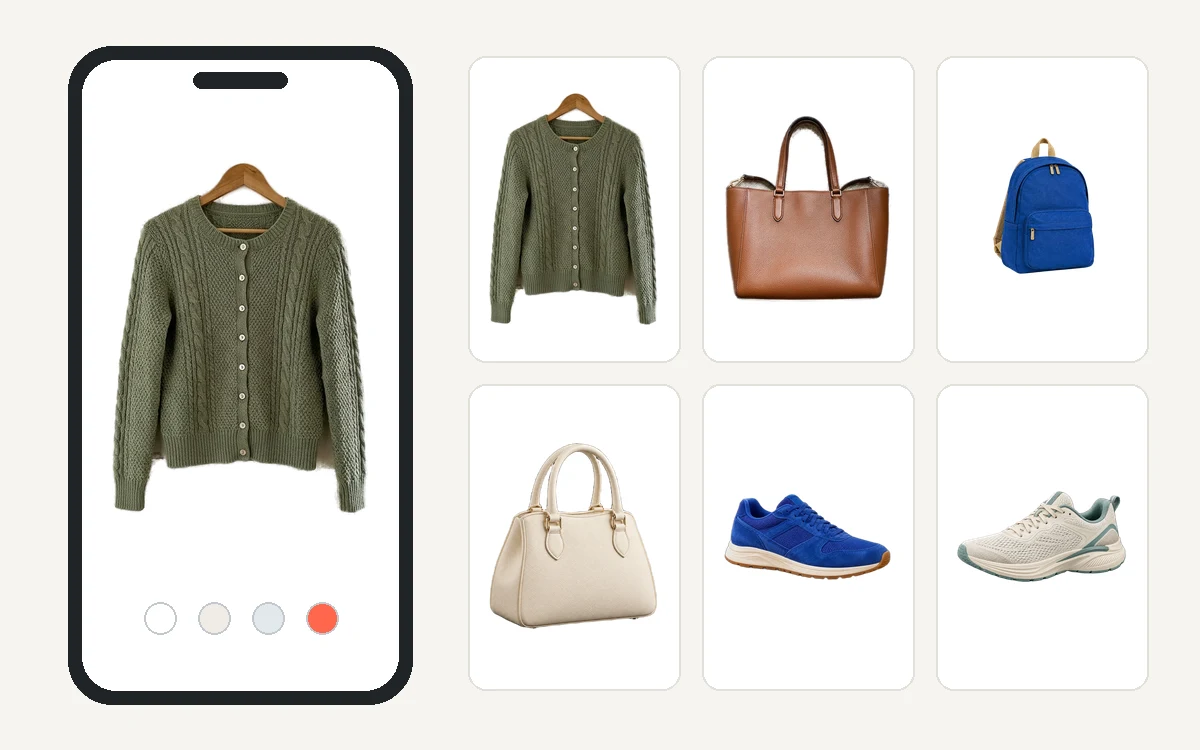
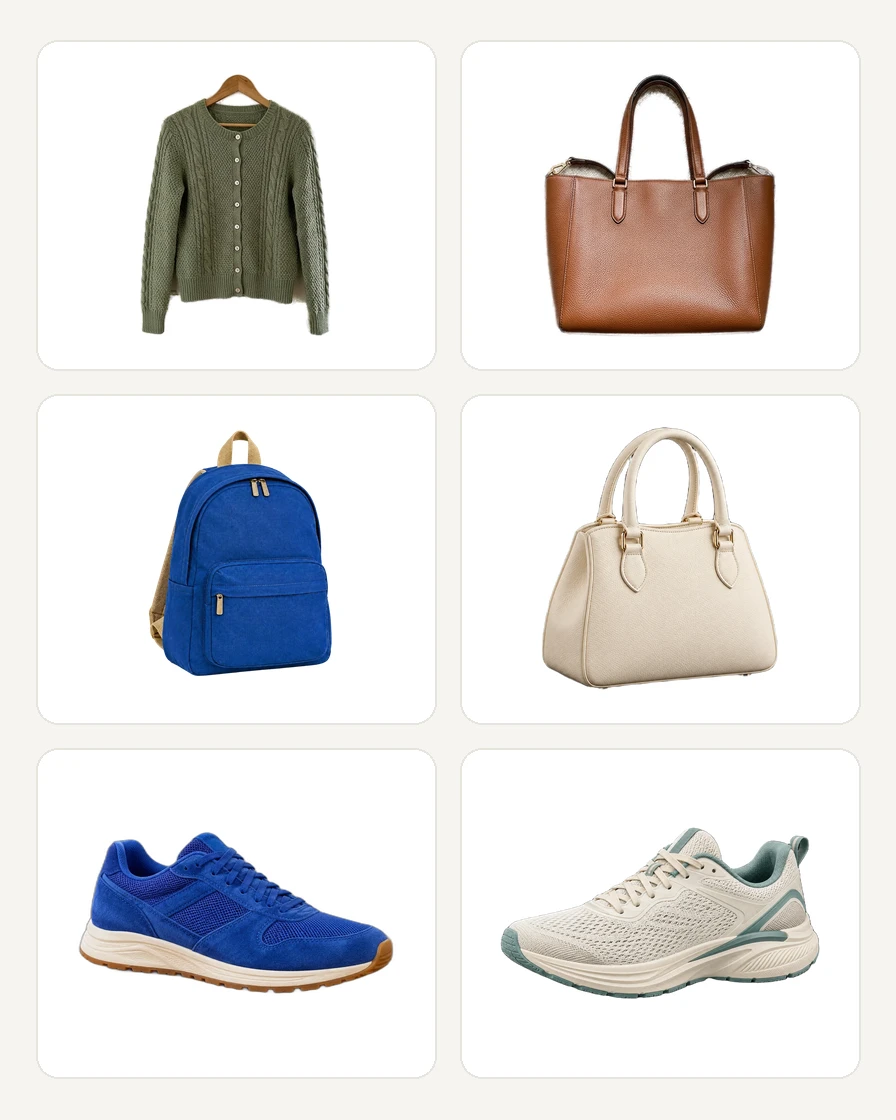
A cohesive 2x3 Poshmark closet grid featuring six curated women's clothing, boot, handbag, and accessory listings isolated on matching crisp white backgrounds

Turn mixed household snapshots into a cohesive, boutique-style Poshmark closet grid.

How to Remove Background From Poshmark Photos Online

Clean messy clothing snapshots in three quick steps—in seconds, with no signup or design skills.

  1. 01

    Upload your Poshmark photo

    Drag and drop or choose a flat-lay, hanger, or mannequin photo in JPG, PNG, or WebP format up to 15 MB directly in your browser with no account required.

  2. 02

    Let AI clear the clutter

    Free BGRemover automatically detects your garment, shoes, or handbag and strips away messy beds, floors, and room clutter while keeping lace trims, straps, and fabric colors intact.

  3. 03

    Pick backdrop and download

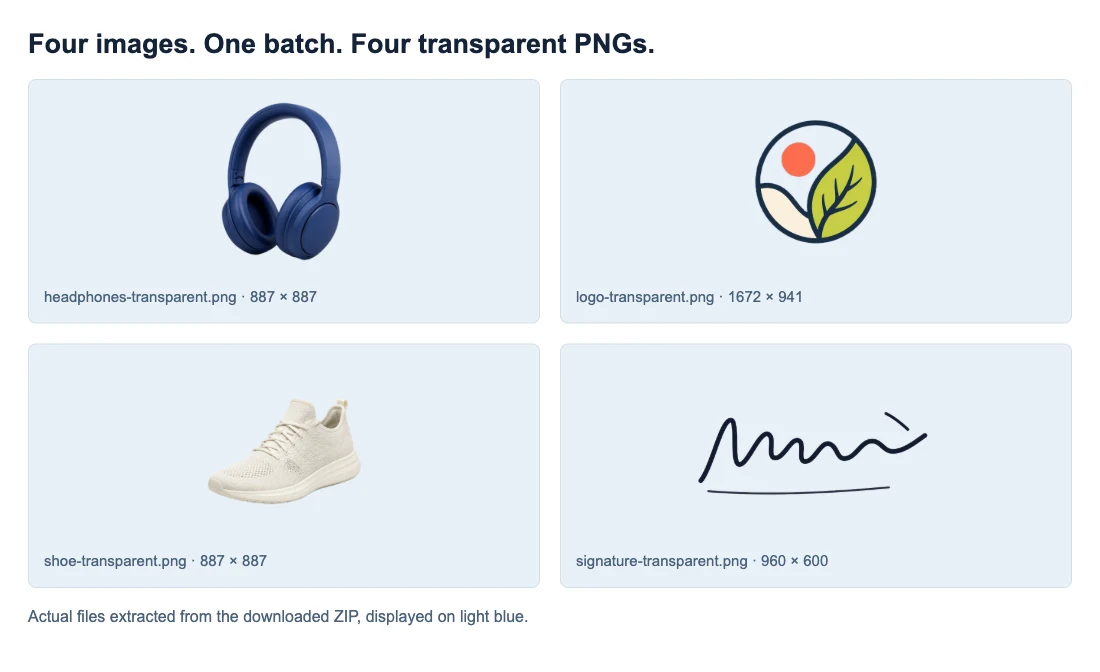
    Preview your transparent PNG cutout or apply a clean white or soft neutral backdrop, then download a sharp, watermark-free image ready to upload straight to your Poshmark listing.

Why Choose Free BGRemover for Poshmark Photos

Built for Poshmark sellers who want crisp garment cutouts without paid subscriptions, watermarks, or heavy apps.

Side-by-side preview showing a sage-green knit cardigan separated cleanly from a cluttered bedroom background with magnified knit button and ribbed edge details

Keeps Lace & Knit Edges

Isolates delicate lace hems, fuzzy knits, fringe, and thin straps cleanly while keeping true garment colors and real condition details untouched.

Sharp edge separation that preserves buttons, seams, and knit textures. Actual results vary by photo.
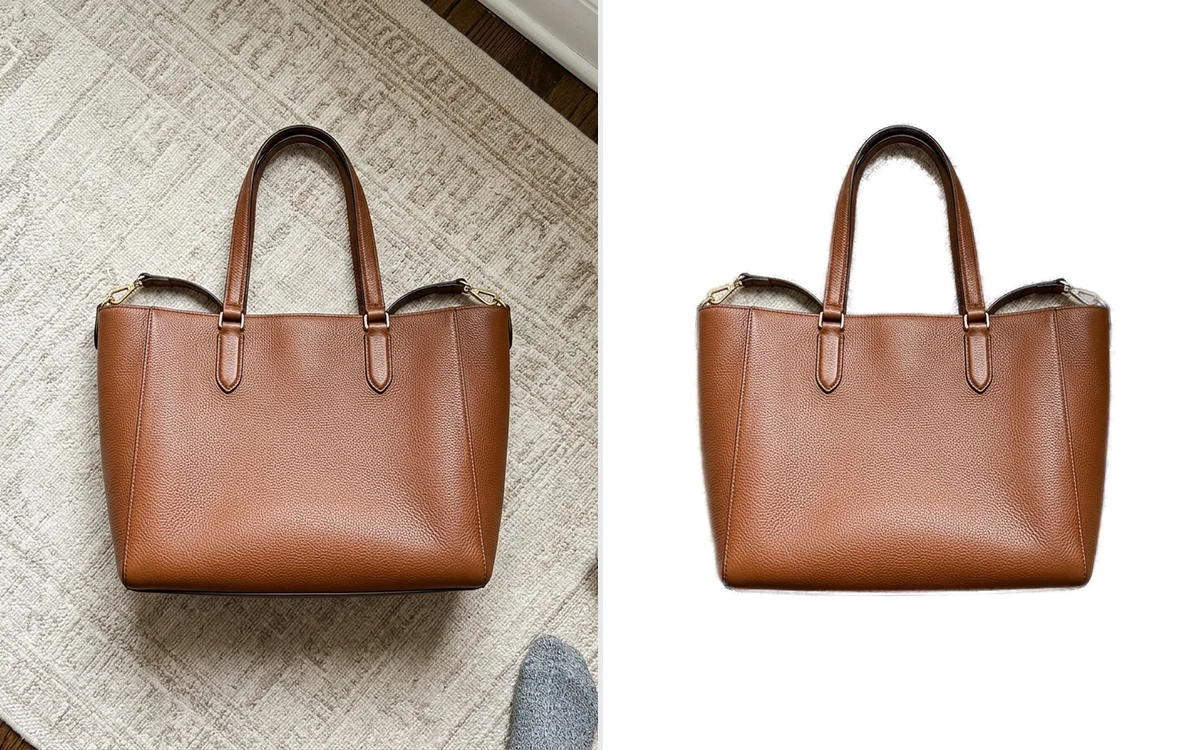
Cognac leather tote handbag photographed flat on a patterned bedroom rug paired next to its crisp white-background cutout

Cleans Flat-Lay & Hanger Shots

Separates floor flat lays, door-hung coats, and mannequin shots from patterned rugs, bedding, and cluttered bedroom backgrounds in one click.

Strip away busy home walls and rugs while keeping garment outlines crisp.

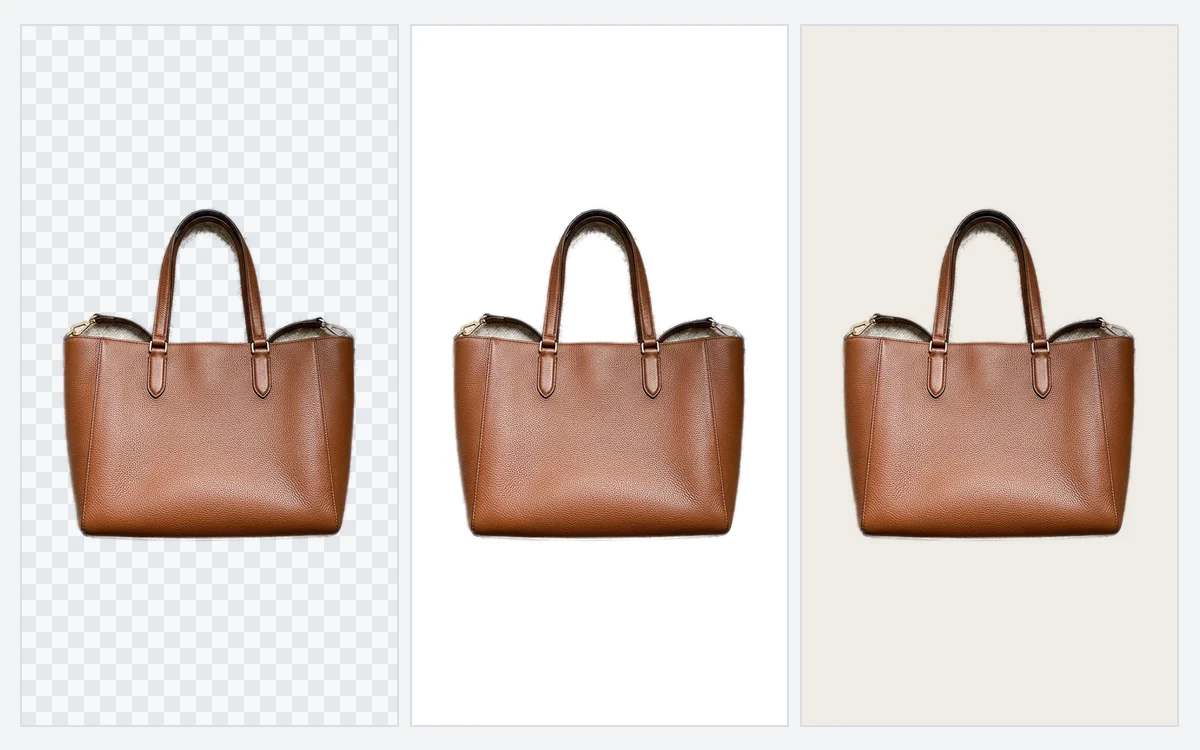
Three-panel backdrop comparison showing a cognac leather tote handbag on transparent checkerboard, pure white, and soft neutral light gray

White, Neutral, or Transparent

Switch smoothly between pure white, soft light gray, warm off-white, and transparent PNG outputs from one upload to keep your closet grid cohesive.

Preview transparent, pure white, and soft neutral finishes in one workspace.

Before-and-after browser preview showing a sage-green knit cardigan isolated cleanly from a bedroom door onto a crisp white canvas

No Built-In Tool Needed

Because Poshmark has no built-in background eraser, prepping clean cover photos in your browser first saves jumping between cluttered mobile apps.

Clean your Poshmark cover photo in the browser before opening the app.

Clean white-background cobalt canvas backpack preview beside a crisp transparent PNG export with zero watermarks

Free With Zero Watermarks

Skip screenshotting around app logos—download clean, watermark-free Poshmark listing images 100% free with zero signup walls or hidden fees.

Watermark-free PNG and white-background downloads with zero signup.

Cohesive multi-item Poshmark closet grid displayed next to a clean white-background single cutout for fast mobile and batch workflows

Mobile Browser & Batch Ready

Clean single camera-roll photos right in Safari or Chrome, or jump to our batch tool to clear up to 20 listing photos into one ZIP.

Edit single cover shots on mobile or switch to batch cleanup for up to 20 photos.

Who Uses Free BGRemover for Poshmark Closets

See how casual closet clearers and full-time fashion resellers clean listing photos faster for Poshmark.

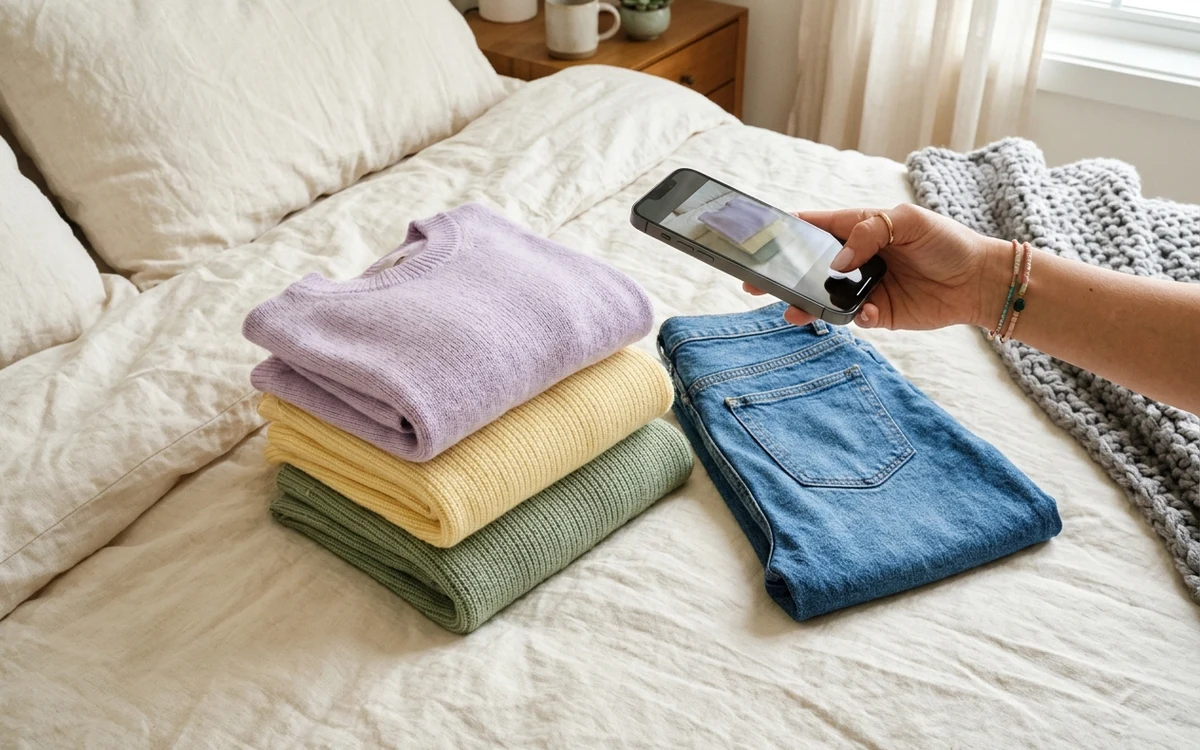
Folded pastel sweaters and denim jeans arranged on a cozy bedroom bed as a seller photographs them by phone in natural window light

Everyday Wardrobe Sales

Snapped sweaters and jeans on your bed or bedroom floor? Clear personal room clutter in seconds and upload tidy, presentable photos without setting up studio lights.

  • Clear messy beds, blankets, and bedroom floors in one click
  • Keep personal spaces out of public Poshmark listings
  • Clean weekend closet photos right from your phone browser
Clean Everyday Closet Photos
Does Poshmark have a built-in background remover tool?

No, Poshmark does not include a built-in background remover inside its app or website, offering only basic cropping and rotation during listing creation. Sellers typically clean up backgrounds externally in Free BGRemover before uploading, so every cover shot looks tidy without installing extra apps.

Does Poshmark require a pure white background for listings?

No, Poshmark does not strictly require a pure white background, though clean, uncluttered backdrops perform far better in fast-scrolling search feeds. Many top sellers use pure white or soft light-gray backgrounds for cover photos to create a cohesive boutique closet while keeping detail shots natural.

How do I make a Poshmark photo background white without an app?

Upload your JPG, PNG, or WebP garment photo to Free BGRemover in your mobile or desktop browser and let AI strip the room clutter in seconds. Then select pure white directly in the preview—or open our white background maker—and download your clean file.

Will removing backgrounds damage lace, knitwear, or fabric color?

No, Free BGRemover only isolates the background and never applies beauty filters or alters your garment's actual color. For the cleanest edges on sheer fabrics, lace, or fuzzy knits, shoot in bright natural daylight against a wall or surface that contrasts with the item.

Should I upload a transparent PNG or solid background to Poshmark?

Upload a solid white or soft neutral background for direct Poshmark listing photos so the app does not render transparent edges unexpectedly. Save a transparent PNG whenever you plan to drop the cutout into promotional graphics, collages, or external social posts, or fine-tune backdrop shades with our solid color background tool.

Does this tool crop Poshmark photos to 3:4 or add shadows?

No, Free BGRemover keeps your uploaded image dimensions intact and focuses strictly on background removal and clean solid backdrops—it does not auto-crop into 3:4 frames or synthesize drop shadows. Shoot with comfortable margin around tall dresses or pants so Poshmark's portrait feed frames them cleanly.

Is this Poshmark background remover really free with no watermark?

Yes, you can erase backgrounds from Poshmark photos 100% free with no signup required and zero watermarks stamped on your downloads. When you have a large haul of up to 20 listing photos, you can also switch to our batch background remover for one-click ZIP export.

What file formats and devices work for Poshmark background removal?

Free BGRemover works in modern desktop and mobile browsers—including Safari on iPhone and Chrome on Android—with JPG, PNG, and WebP files up to 15 MB. If your iPhone saves shots in HEIC format, convert or share them as JPG first for seamless uploads.

Frequently Asked Questions About Poshmark Background Removal

Direct answers on Poshmark photo backgrounds, white cover shots, image quality, and free browser exports.

Clean Your Poshmark Photos in Seconds

Upload a clothing, shoe, or handbag snapshot to erase messy room clutter and export crisp white or transparent cutouts—100% free in your browser.

Start Poshmark Background Removal Free