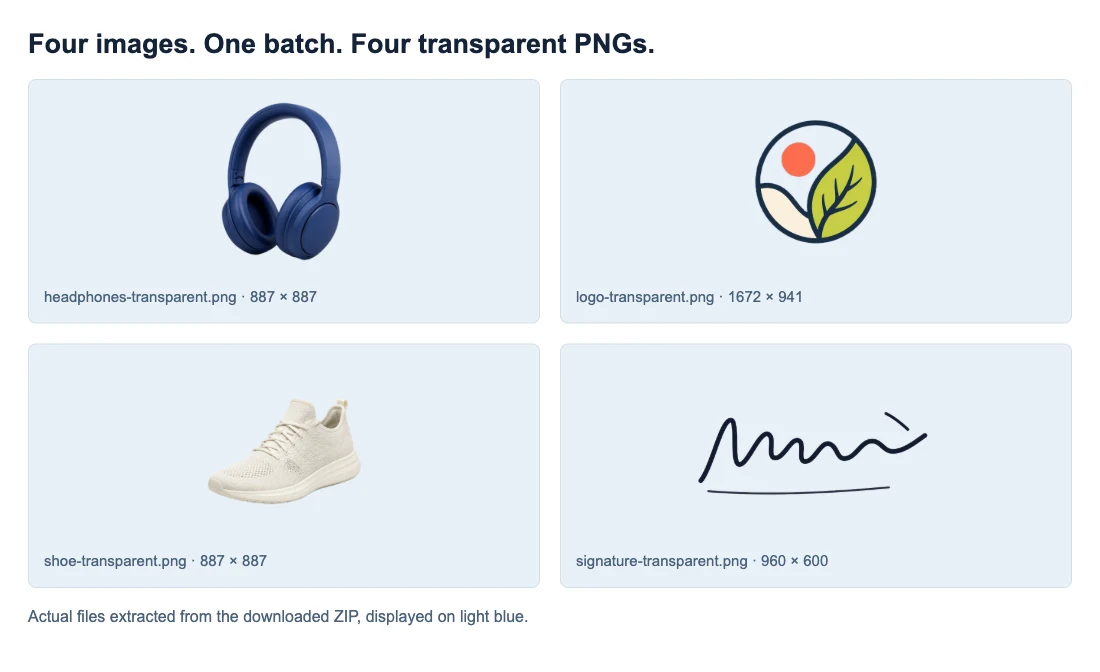
Free Depop Background Remover

Clean messy room backdrops from Depop photos in one click for crisp, scroll-stopping cutouts ready to list. 100% free, no signup, and no watermark.

Start with your Depop listing photo

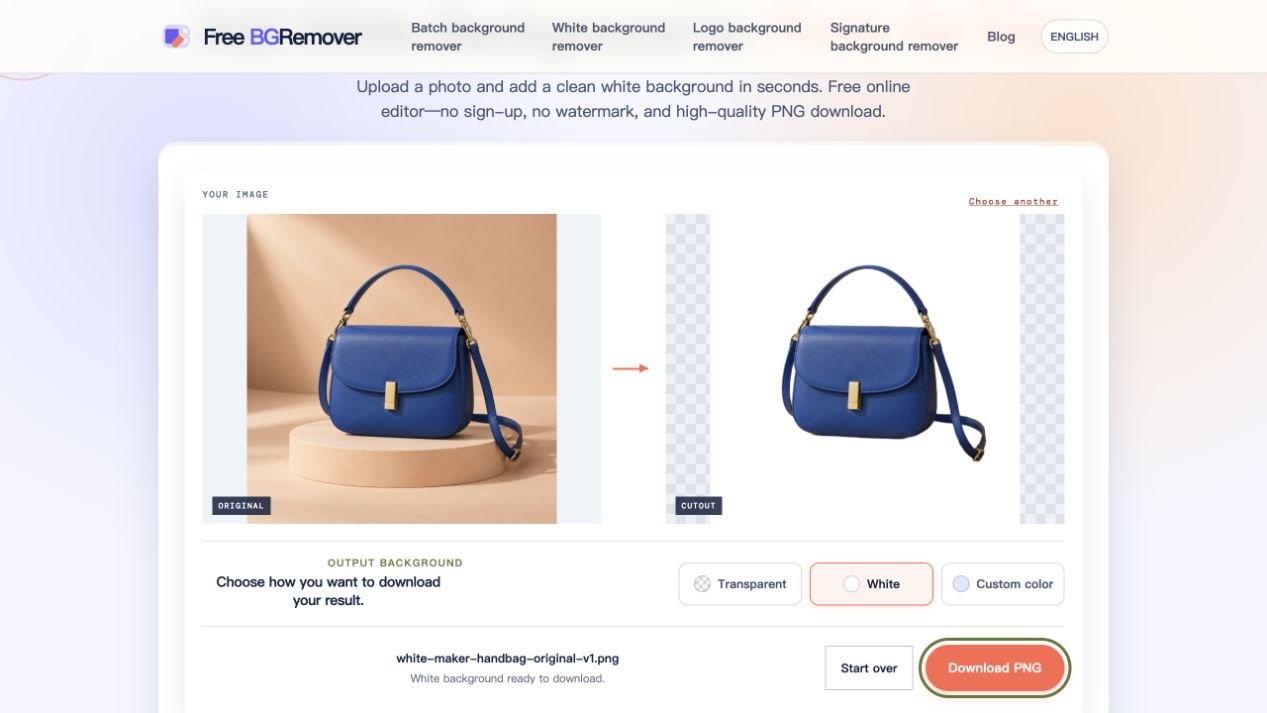
Upload a photo. Choose neutral, white, or transparent.

JPG, PNG, or WebP · Up to 15 MB

Privacy details

Why Clean Depop Photos Earn Buyer Trust

Messy bedrooms, dim floors, and cluttered hangers instantly distract Depop shoppers scrolling for vintage pieces. Free BGRemover isolates your real garments, sneakers, and accessories without altering true fabric colors or hiding authentic wear, keeping your listings honest and stock-photo free. Clean, accurate Depop photo backgrounds build instant buyer trust on the very first scroll.

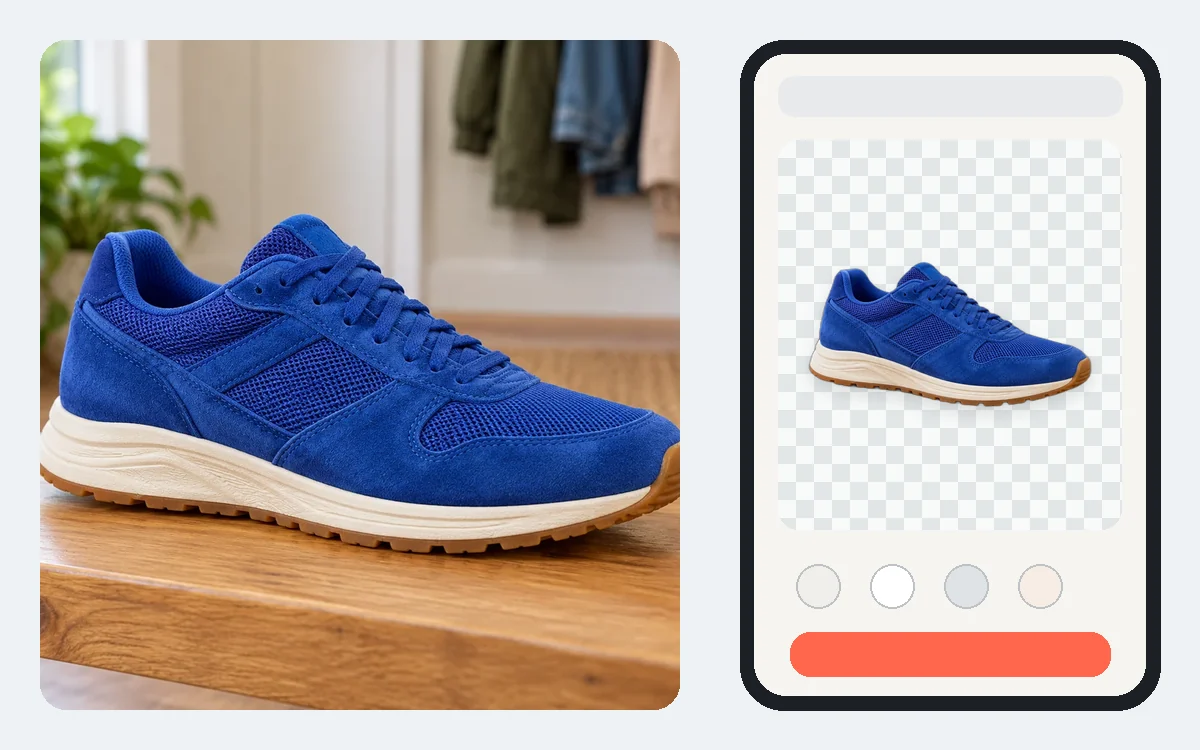
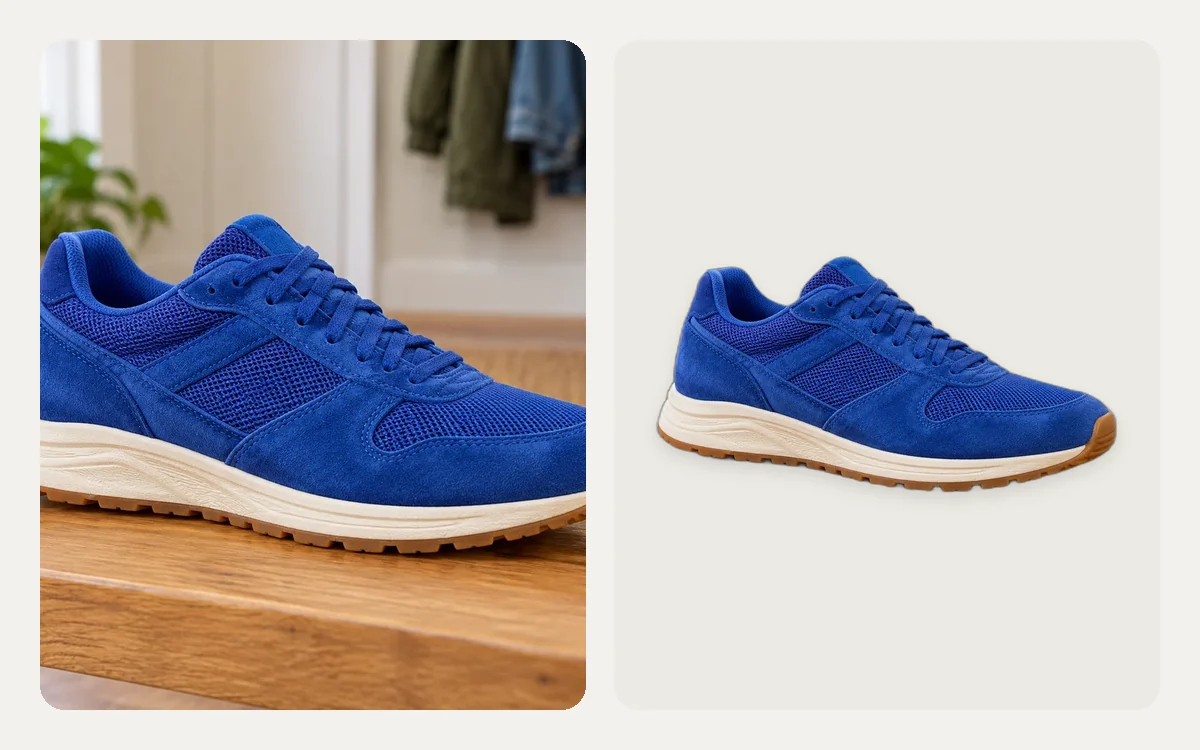
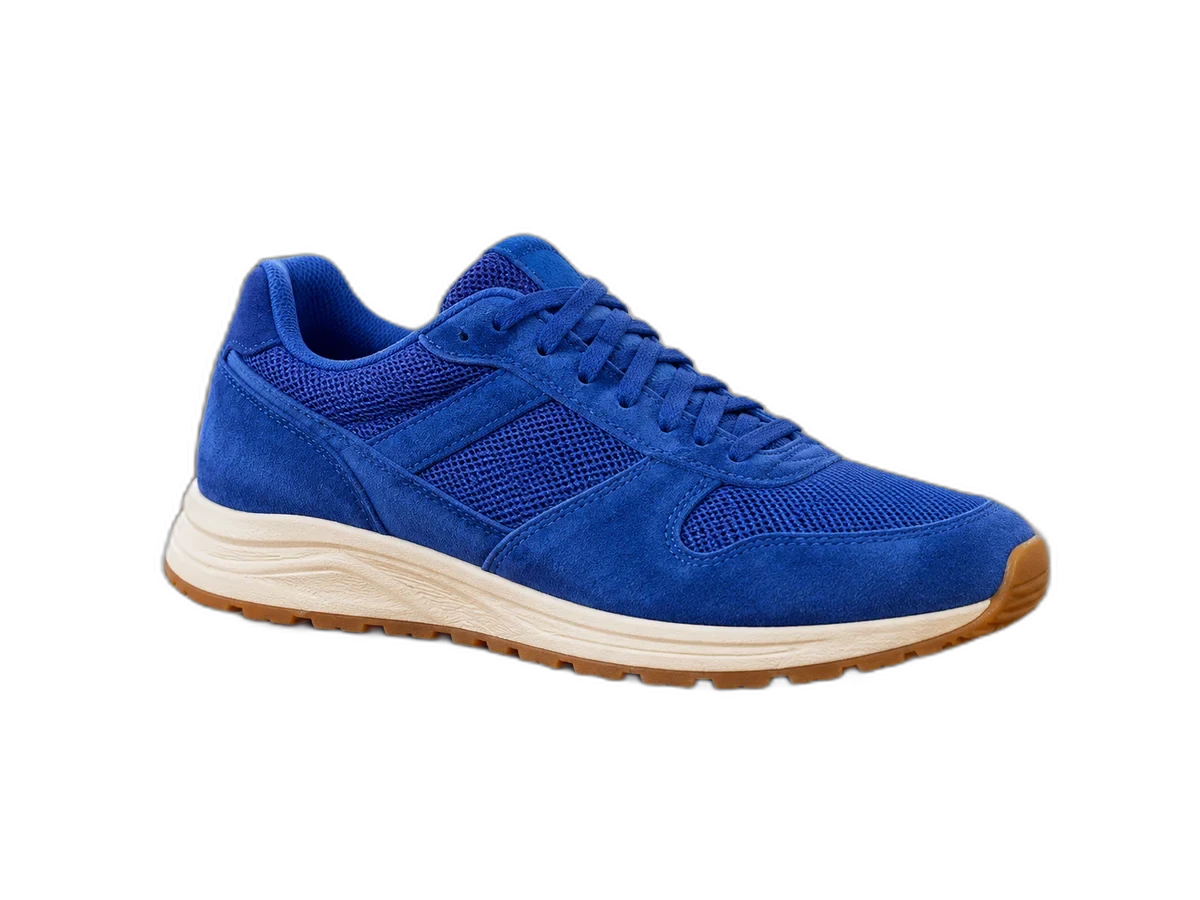
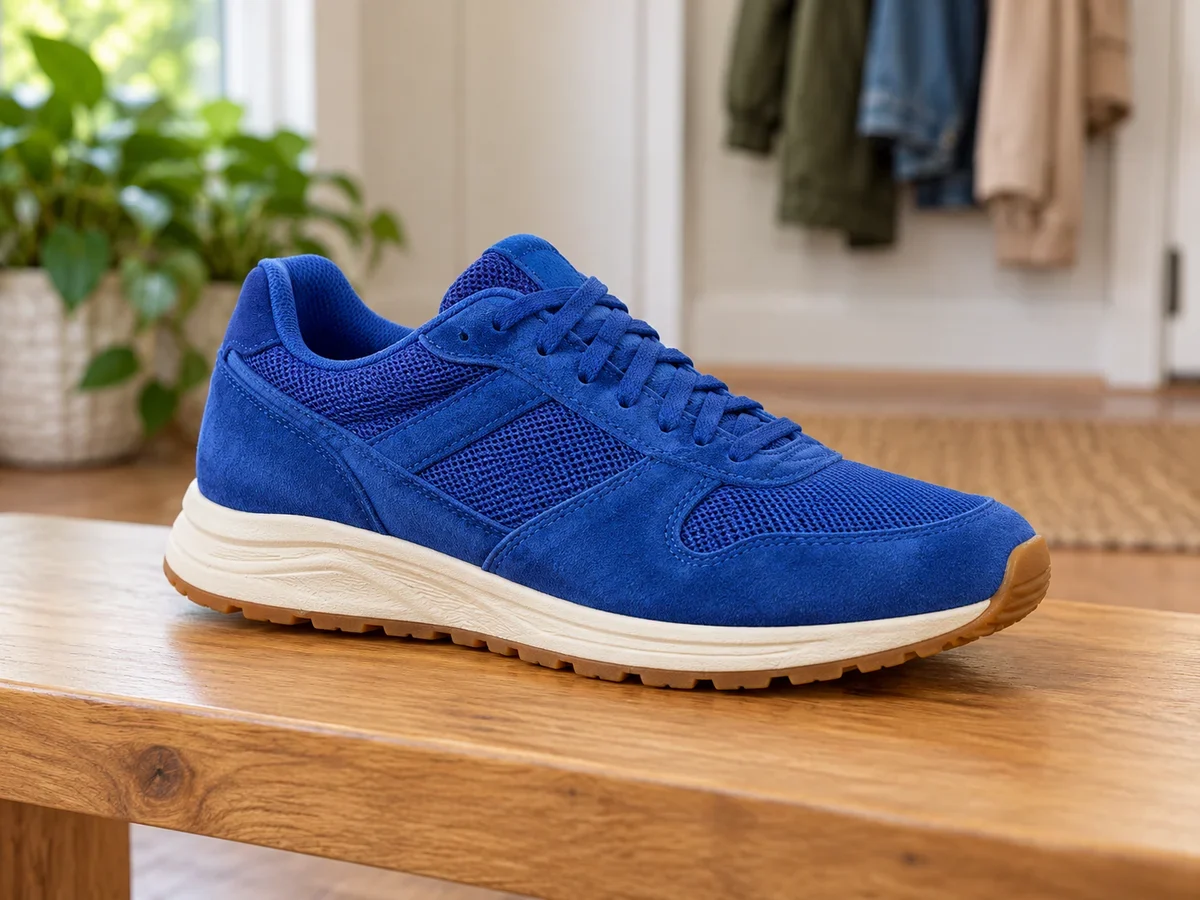
Suede sneaker resting on a cluttered hallway bench before removing the background for a Depop listing

Example of removing a cluttered hallway background behind a pre-owned sneaker for Depop. Actual results vary by photo.

Make Your Depop Listings Pop in Search

When dozens of Y2K jackets, thrifted denim, and streetwear tees compete side by side, dark smartphone snapshots disappear fast. Upload hanging shots or flat lays from your phone or laptop browser to remove backgrounds from Depop photos with sharp edges around collars, straps, and knits. Crisp, distraction-free thumbnails grab more clicks and likes so pieces sell faster.

Remove Depop Background Free Now
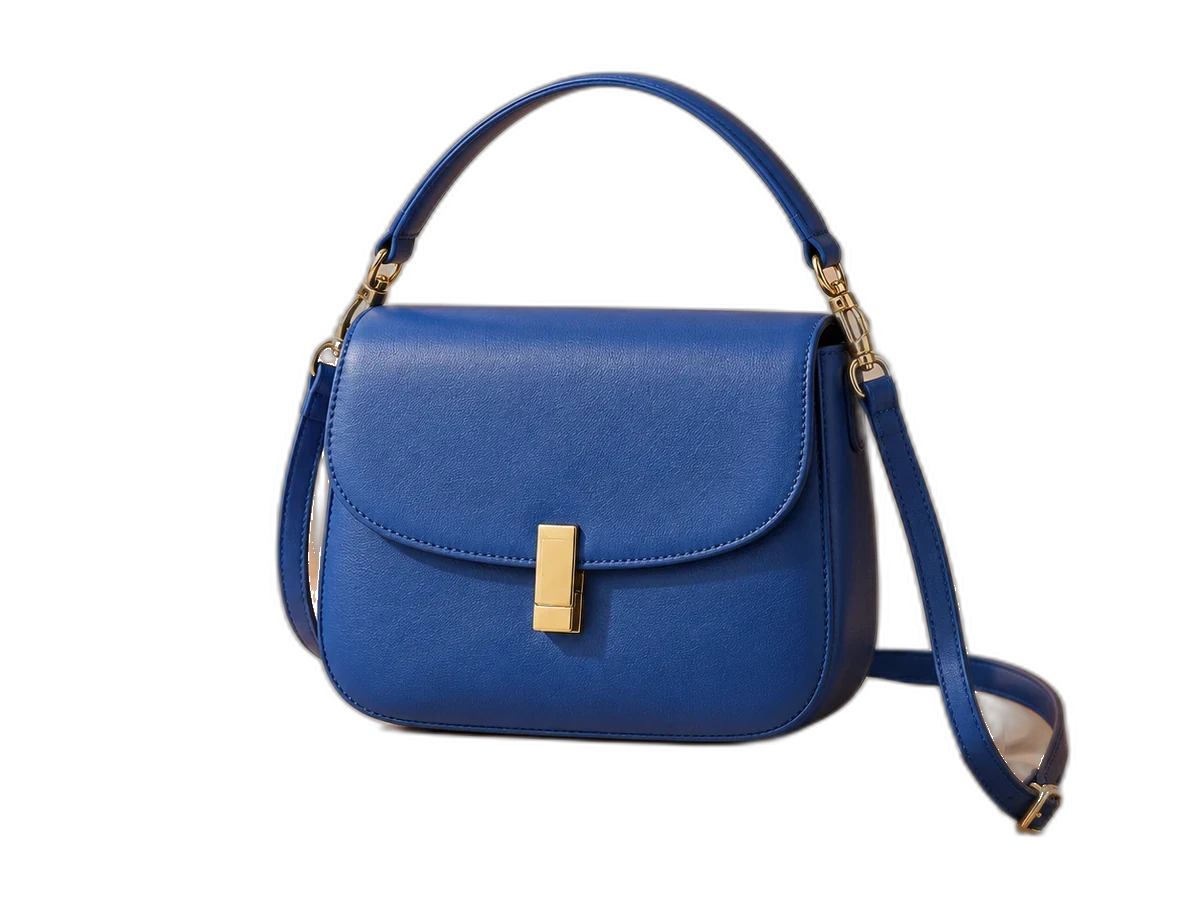
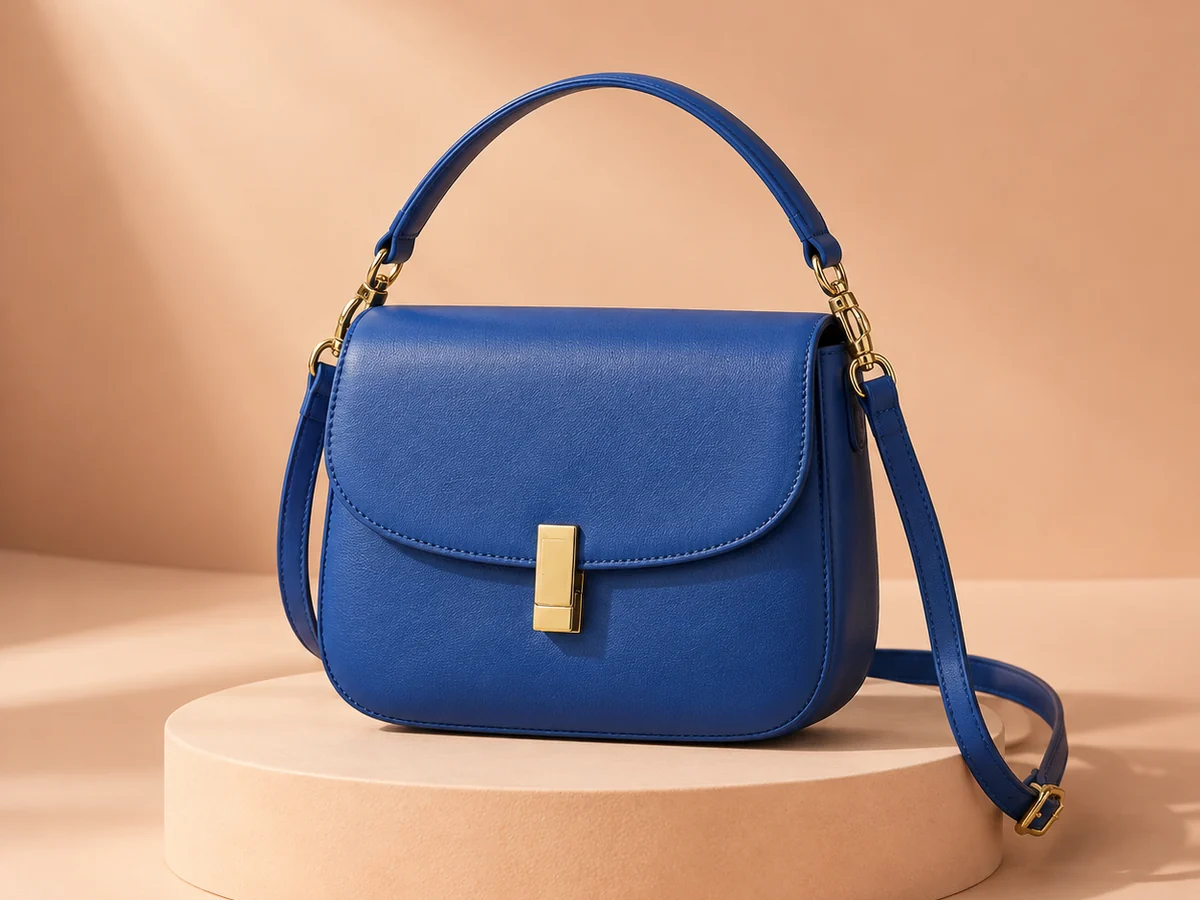
Structured leather crossbody bag photographed before removing its background for a Depop listing

Compare the original handbag snapshot with its clean transparent cutout for Depop search feeds. Actual results vary by photo.

Related Tools

Style Depop Photos With White or Neutral Backdrops

Raw transparent cutouts can look stark on a boutique-style feed, while busy rooms clash across your profile grid. Preview your item as a true transparent PNG, switch to crisp pure white with our white background tool, or pick a soft pastel or warm neutral via solid color backgrounds. Consistent backdrop colors give your Depop shop a curated, high-converting aesthetic.

Try Depop White & Neutral Backdrops
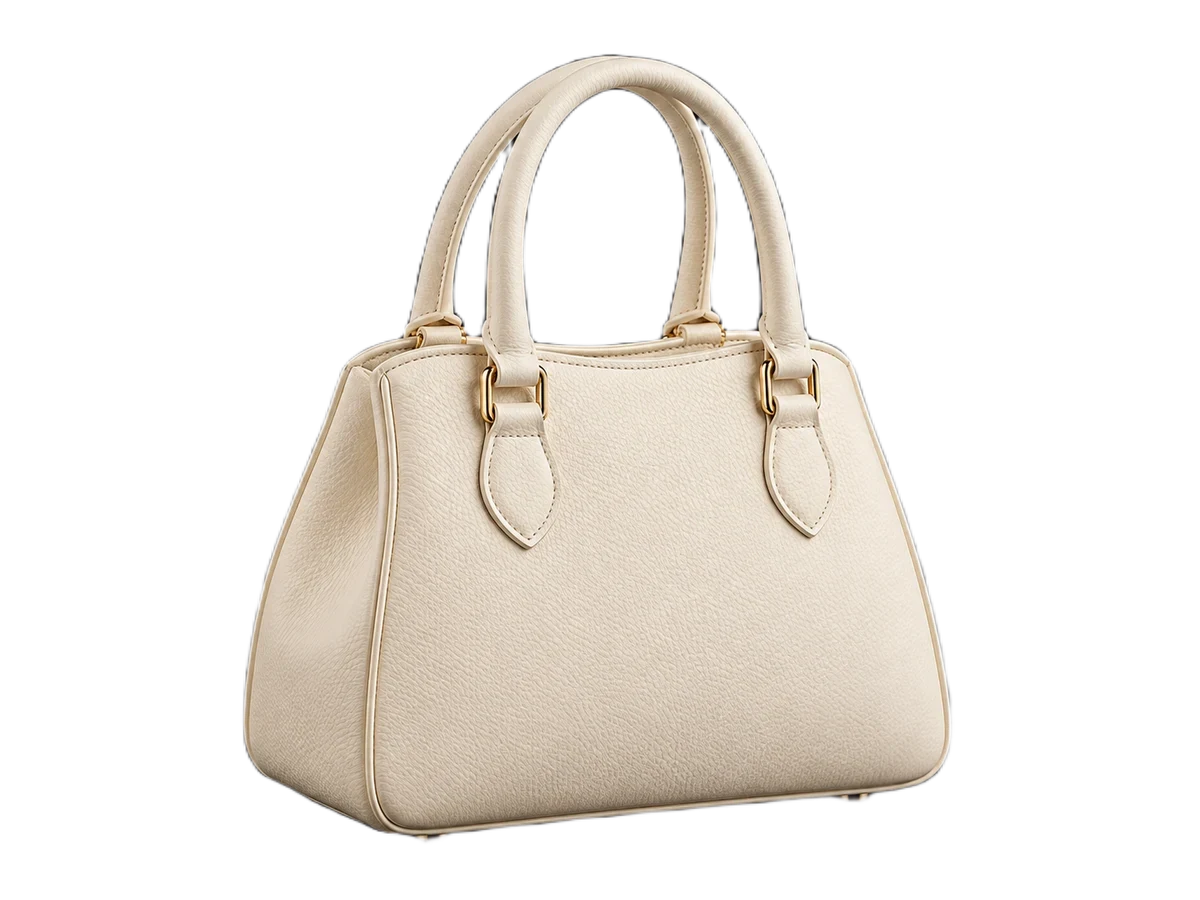
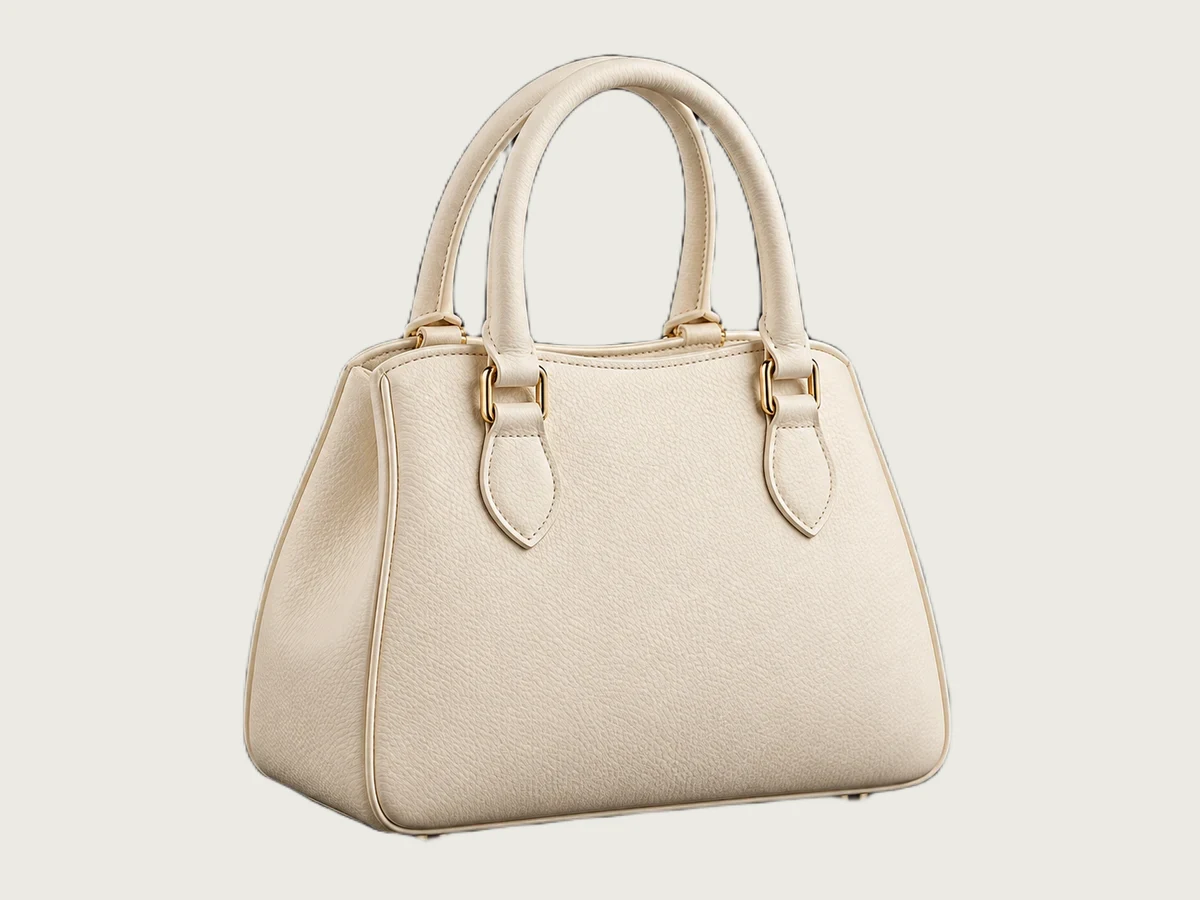
Ivory leather top-handle handbag displayed on a soft warm-neutral background tailored for a Depop shop grid

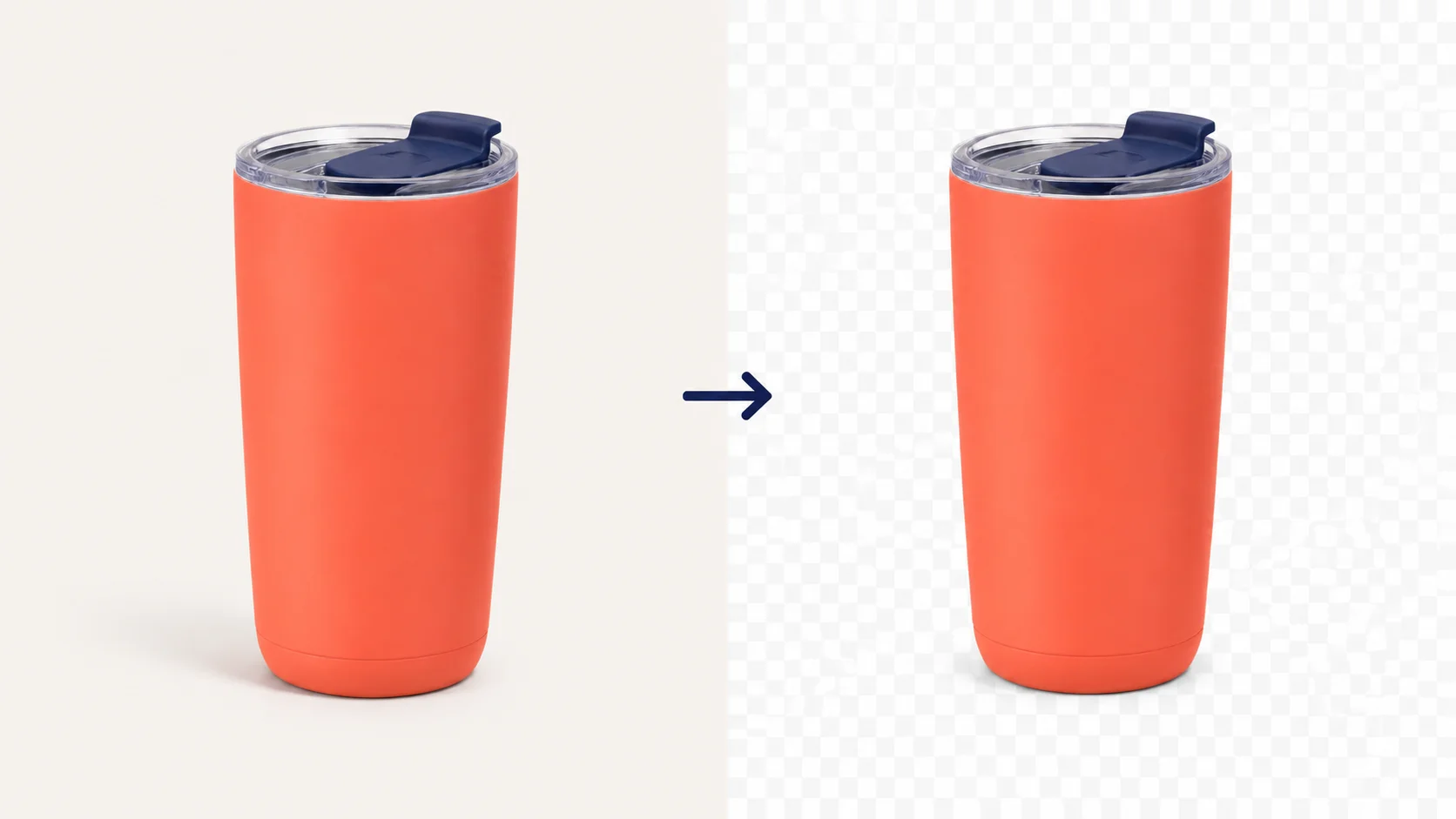
Compare a soft warm-neutral backdrop (#ECEAE4) suited to Depop shops against a transparent PNG cutout.

Speed Up Depop Drops Without Heavy Apps

Whether you're clearing a weekend closet or cross-listing daily across Depop and Vinted, slow mobile editors and desktop tools kill your momentum. Clean single cover shots right in your browser with zero installs, or process up to 20 listing photos together in our batch background remover. Effortless browser cleanup turns mixed snapshots into a cohesive Depop storefront.

Clean Depop Listing Photos Online
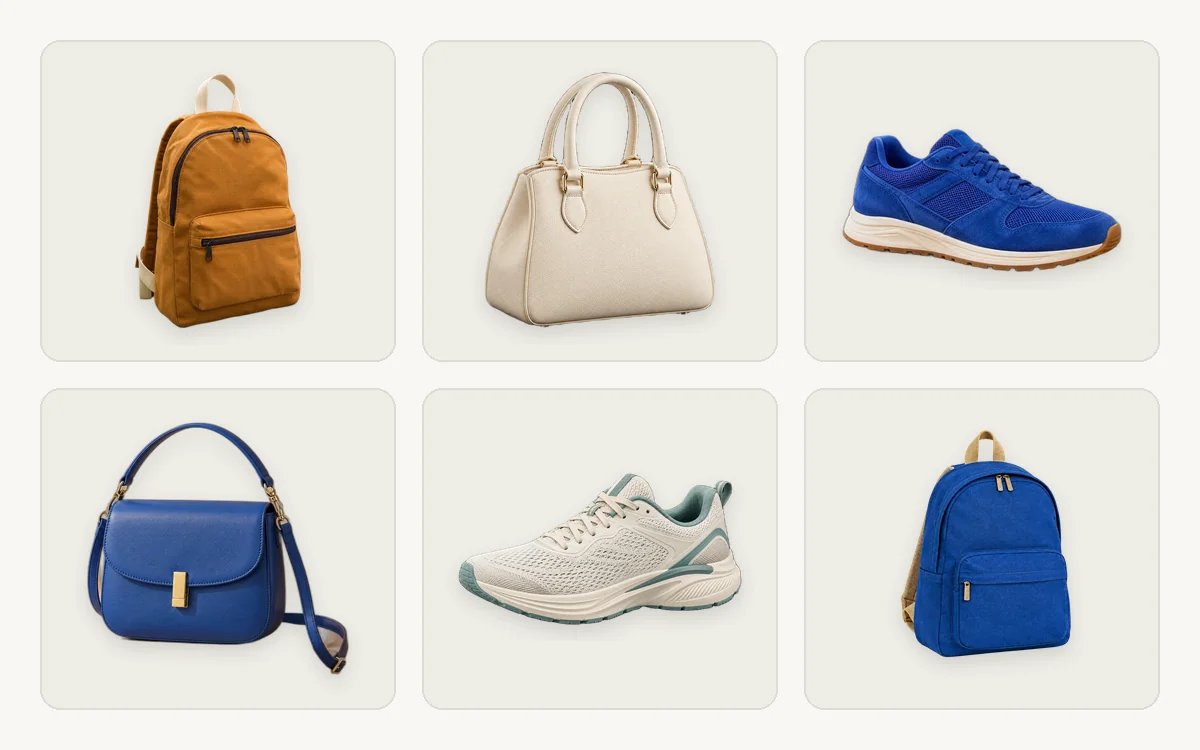
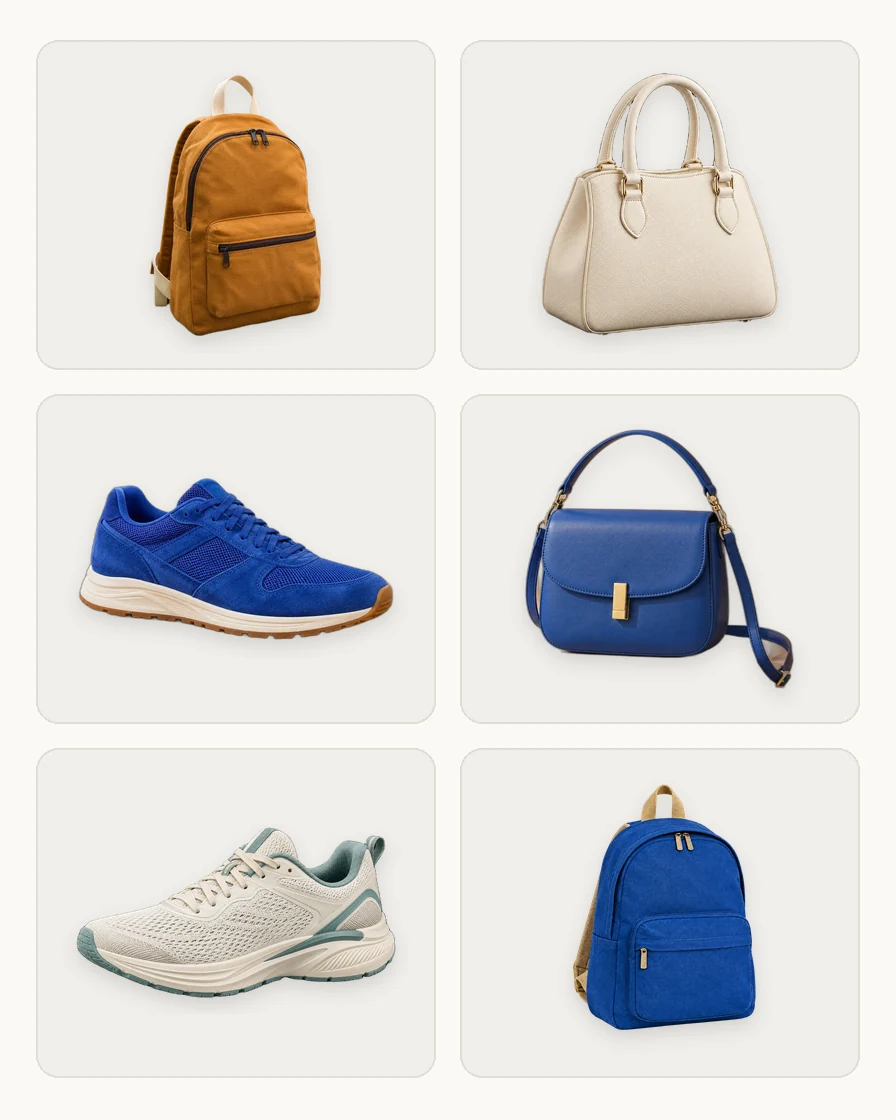
A cohesive 2x3 Depop shop grid featuring six secondhand backpacks, handbags, and sneakers isolated on matching soft warm-neutral backgrounds

Turn mixed secondhand snapshots into a cohesive, boutique-ready Depop storefront grid.

How to Remove Background on Depop Photos Online

Clean messy secondhand clothing snapshots in three simple steps—in seconds, with no signup or apps.

  1. 01

    Upload your Depop photo

    Drag and drop or select a flat-lay, hanging, or try-on Depop listing photo in JPG, PNG, or WebP format up to 15 MB right in your browser—no signup needed.

  2. 02

    Let AI isolate your item

    Free BGRemover automatically separates jackets, dresses, sneakers, or bags from bedroom floors and cluttered walls while keeping collars, laces, and true fabric colors sharp with zero manual tracing.

  3. 03

    Pick backdrop and download

    Inspect your clean cutout, keep a transparent PNG or switch to pure white or soft neutral tones, then download your watermark-free image ready to upload directly to Depop.

Why Choose Free BGRemover for Depop Photos

Built for fashion resellers who want cleaner Depop listings faster than manual photo editors.

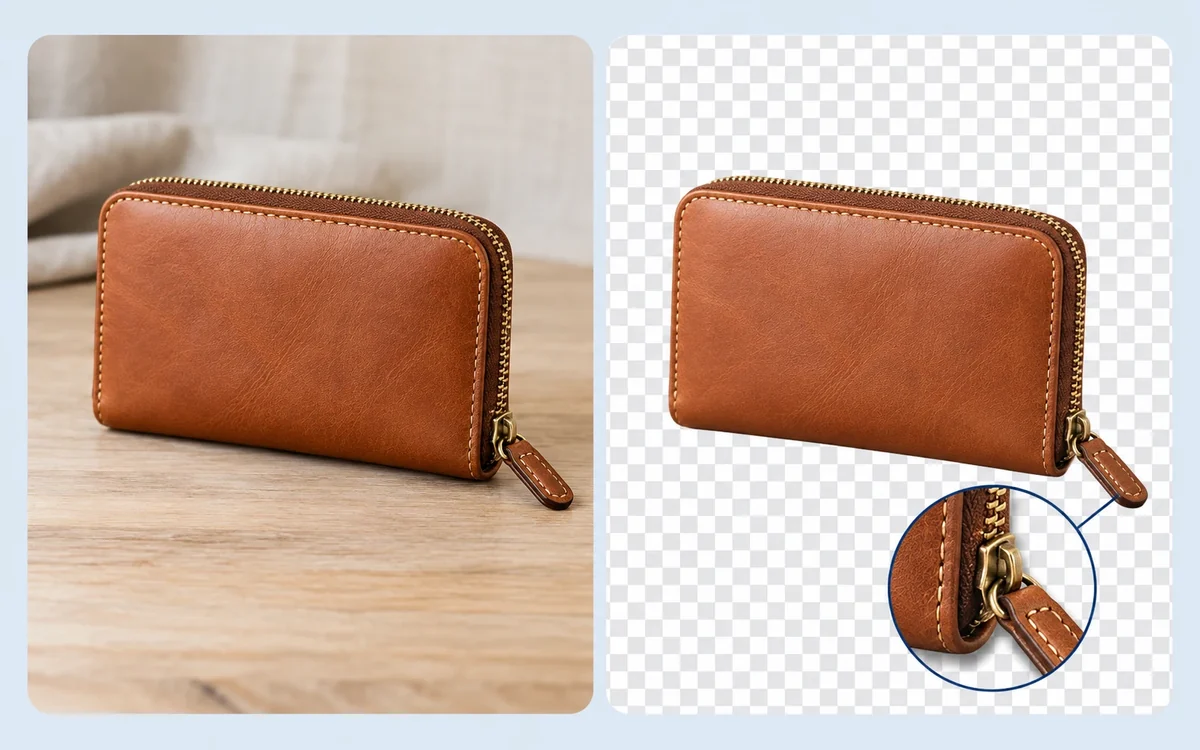
Side-by-side comparison of a leather accessory on wood versus a clean transparent cutout highlighting intact stitching and hardware

Preserves Vintage Fabric Details

Removes bedroom clutter without shifting true dye colors, smoothing denim texture, or clipping thin straps, lace hems, and knit edges on real garments.

Automatic edge detection that preserves stitching and material details. Actual results vary by photo.
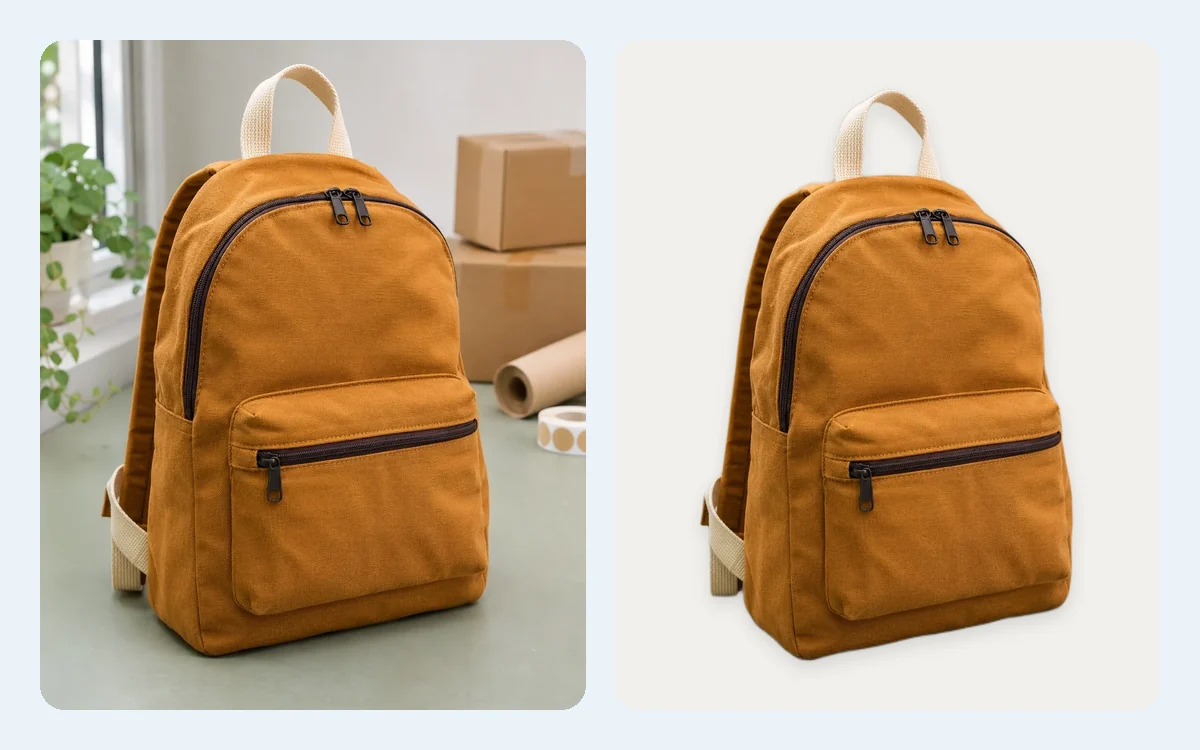
Canvas backpack photographed on a cluttered surface beside its clean soft-neutral background cutout for Depop

Built for Flat-Lay & Hangers

Cleanly separates folded tees, floor flat lays, and door-hung coats from dark wood grain, patterned rugs, or messy closets in one click.

Clear household clutter while keeping the full item outline sharp.

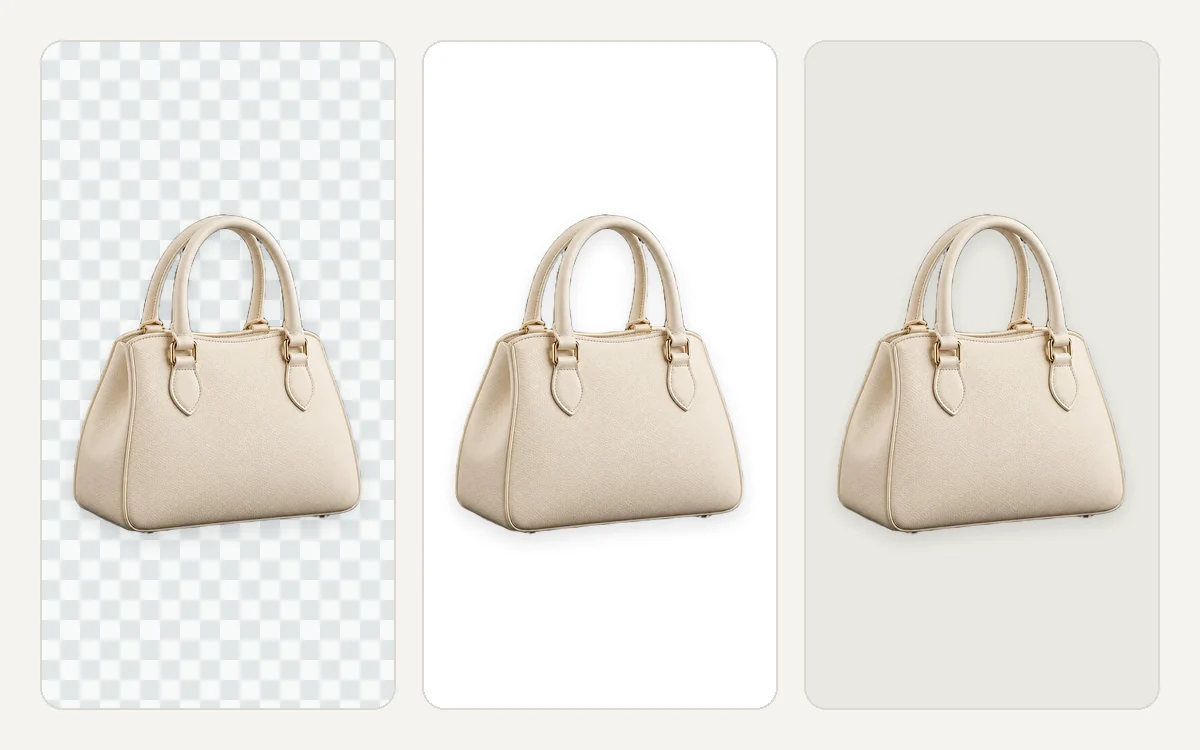
Three-panel backdrop comparison showing a handbag on transparent checkerboard, pure white, and soft neutral backgrounds

Transparent, White & Neutral Ready

Switch effortlessly between transparent PNG cutouts, crisp pure white, and soft neutral or pastel shades so every Depop cover photo matches your grid.

Preview transparent, pure white, and soft neutral finishes in one workspace.

Original hallway sneaker photo beside a mobile browser preview showing a clean transparent cutout and solid backdrop swatches

Reliable Browser Built-In Alternative

Skip app glitches or extra subscriptions by cleaning camera-roll shots straight in Safari or Chrome on iPhone, Android, or desktop before listing.

Clean camera-roll snapshots directly in Safari or Chrome without extra apps.

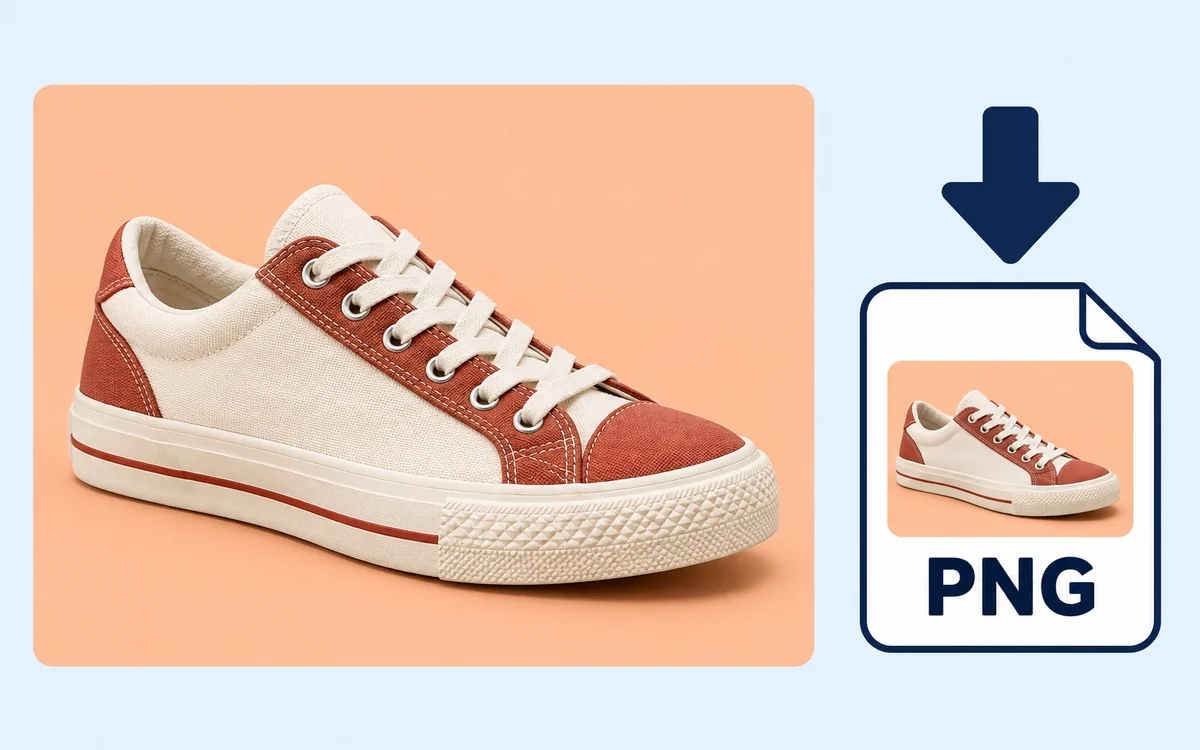
Canvas sneaker preview beside a clean watermark-free PNG download graphic

100% Free With Zero Watermarks

Export crisp, original-resolution Depop listing photos with no signup wall and zero watermarks stamped across your clothes, shoes, or accessories.

Watermark-free PNG output with zero signup required.

Six secondhand backpacks, handbags, and sneakers arranged on matching neutral tiles for a coordinated Depop inventory drop

Scales to 20-Photo Shop Drops

Edit single hero cover shots here in seconds, or open our batch tool to clear up to 20 Depop listing photos and save one ZIP.

Keep larger weekly Depop drops visually uniform across every item.

Who Uses Free BGRemover for Depop Shops

See how casual closet clearers and top Depop curators turn home snapshots into cohesive storefronts.

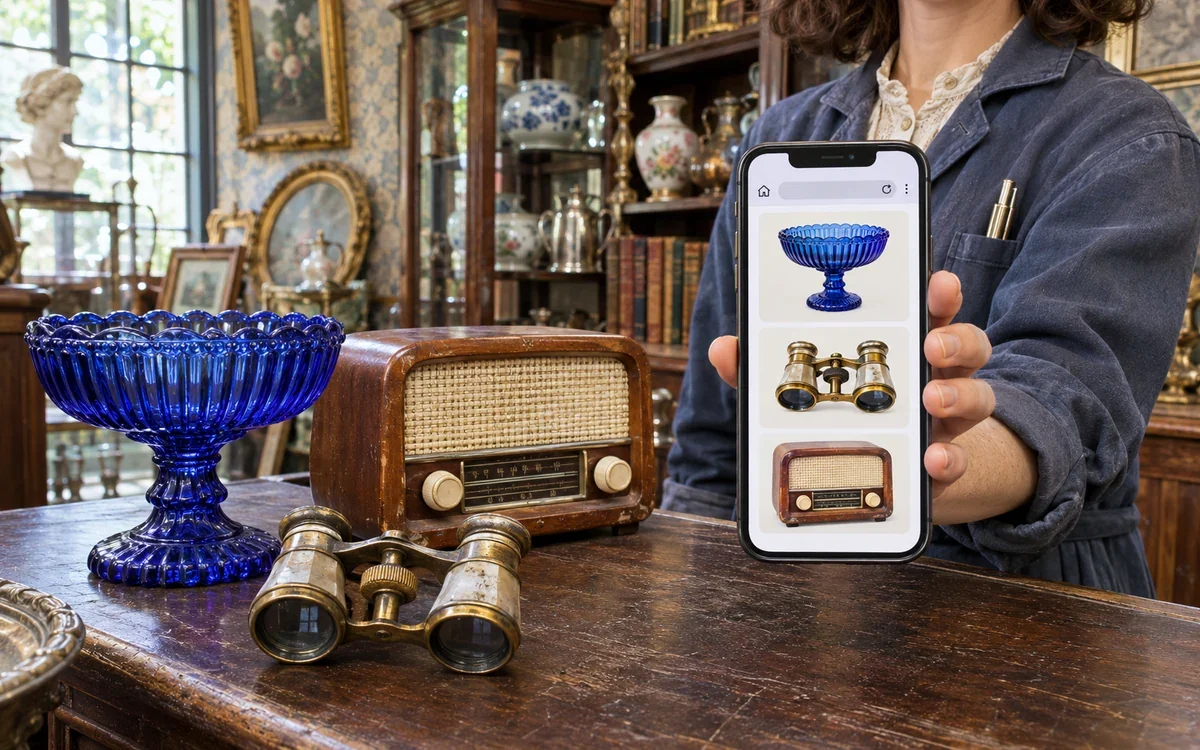
Vintage Depop curator holding a smartphone showing uniform neutral-background catalog photos of secondhand fashion pieces

Cohesive Shop Grids

Shooting thrifted 90s denim, graphic tees, and slip dresses across different rooms? Strip mismatched backgrounds cleanly so your Depop profile reads like a curated boutique with consistent color palettes.

  • Unify mixed lighting across thrifted vintage stock
  • Keep authentic denim washes and woven labels accurate
  • Build a cohesive, curated Depop profile grid
Style Vintage Depop Listings
How do I remove a background on Depop without extra apps?

Upload your Depop clothing photo to Free BGRemover right in your phone or desktop browser, wait a few seconds for automatic background removal, and download the clean cutout. While Depop offers a built-in editing tool powered by Photoroom inside its app, prepping photos in your browser gives you fast, watermark-free files before listing.

Should I remove backgrounds on all Depop listing photos or just the cover?

Most top Depop sellers clean the background on the first cover photo to grab attention in search feeds, then keep natural unedited backgrounds for photos two through eight. Showing real-world lighting and close-up tags in secondary slides builds buyer confidence and proves the garment is actually in hand.

What background works best for Depop photos to match a shop aesthetic?

Clean pure white, soft off-white, light gray, or muted pastel backdrops work best for Depop cover photos because they keep true garment colors accurate across your grid. If you prefer keeping your real room visible with softer focus instead of a full cutout, try our background blur tool.

How do I make a Depop photo background white or solid colored?

Upload your flat-lay or hanging clothing photo to Free BGRemover and let the tool strip away the cluttered backdrop in seconds. In the preview workspace, choose crisp pure white or pick a soft neutral solid color before saving, or switch directly to our white background maker.

Will removing the background hide flaws or break Depop photo guidelines?

No, Free BGRemover only isolates the background and never paints over stains, pilling, or authentic wear on your item. Depop forbids stock photos and misleading edits, so always shoot your own garments in bright daylight and include clear close-ups of any flaws on later slides.

Does Free BGRemover automatically crop Depop photos into a 1:1 square?

No, Free BGRemover preserves your original uploaded image dimensions instead of cropping or stretching your photo. Since Depop displays feed thumbnails in a 1:1 square ratio (1280×1280 pixels recommended), shooting your garment centered in square mode before removing the background ensures sleeves and hems stay fully framed.

Can I remove backgrounds from multiple Depop photos at once?

Yes, when you are preparing a larger vintage haul or weekly inventory drop, switch to our batch background remover. It processes up to 20 JPG, PNG, or WebP Depop photos in one browser session with individual previews and a single ZIP download, completely free.

Is this Depop background remover really free with no signup or watermark?

Yes, Free BGRemover is 100% free to use with no account required and zero watermarks on your exported files. You can upload JPG, PNG, or WebP photos up to 15 MB from Safari, Chrome, or any desktop browser and download clean transparent PNG or solid-backdrop images immediately.

Frequently Asked Questions About Depop Background Removal

Clear answers on Depop built-in tools, photo guidelines, backdrop choices, and free browser downloads.

Clean Your Depop Photos in Seconds

Strip messy room clutter from your Depop clothing and flat-lay photos for crisp, boutique-ready cutouts—100% free in your browser.

Start Removing Depop Backgrounds Free