Use the JPG You Have
Open a .jpg or .jpeg directly from your device. You can work with the photo your camera saved or a teammate sent, and keep that file alongside your new PNG.
Upload a JPG or JPEG and let AI separate the subject automatically. Preview the cutout and save a transparent PNG for a product card, speaker graphic, or social post.
Start with an image
JPG or JPEG · Up to 15 MiB
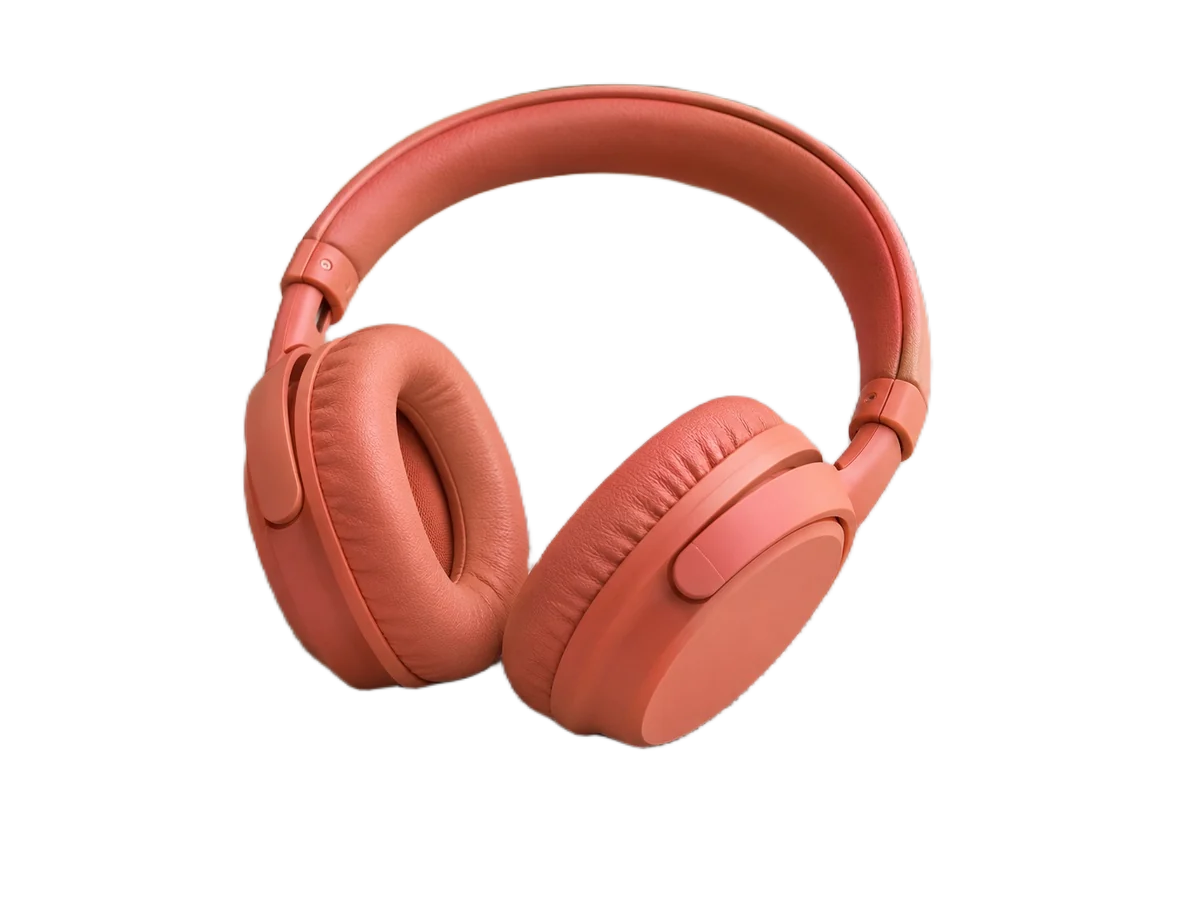
Privacy detailsA crowded shelf or room can distract from the subject of a photo. Upload the JPG you already have, then use the preview to check details like the gap under a headphone headband or the outline of someone’s hair before you save the cutout.

Keep Transparent selected and download the cutout as a PNG. The checkerboard marks the clear areas in the preview. When you place the PNG on a banner or slide, your layout shows through those areas.
Make a Transparent PNG
Use the dimensions on the download button to decide whether the PNG fits your project. A 577 × 433 copy may be enough for a thumbnail. If your layout needs more pixels, check whether the original-size option is available.
Prepare a JPG Cutout
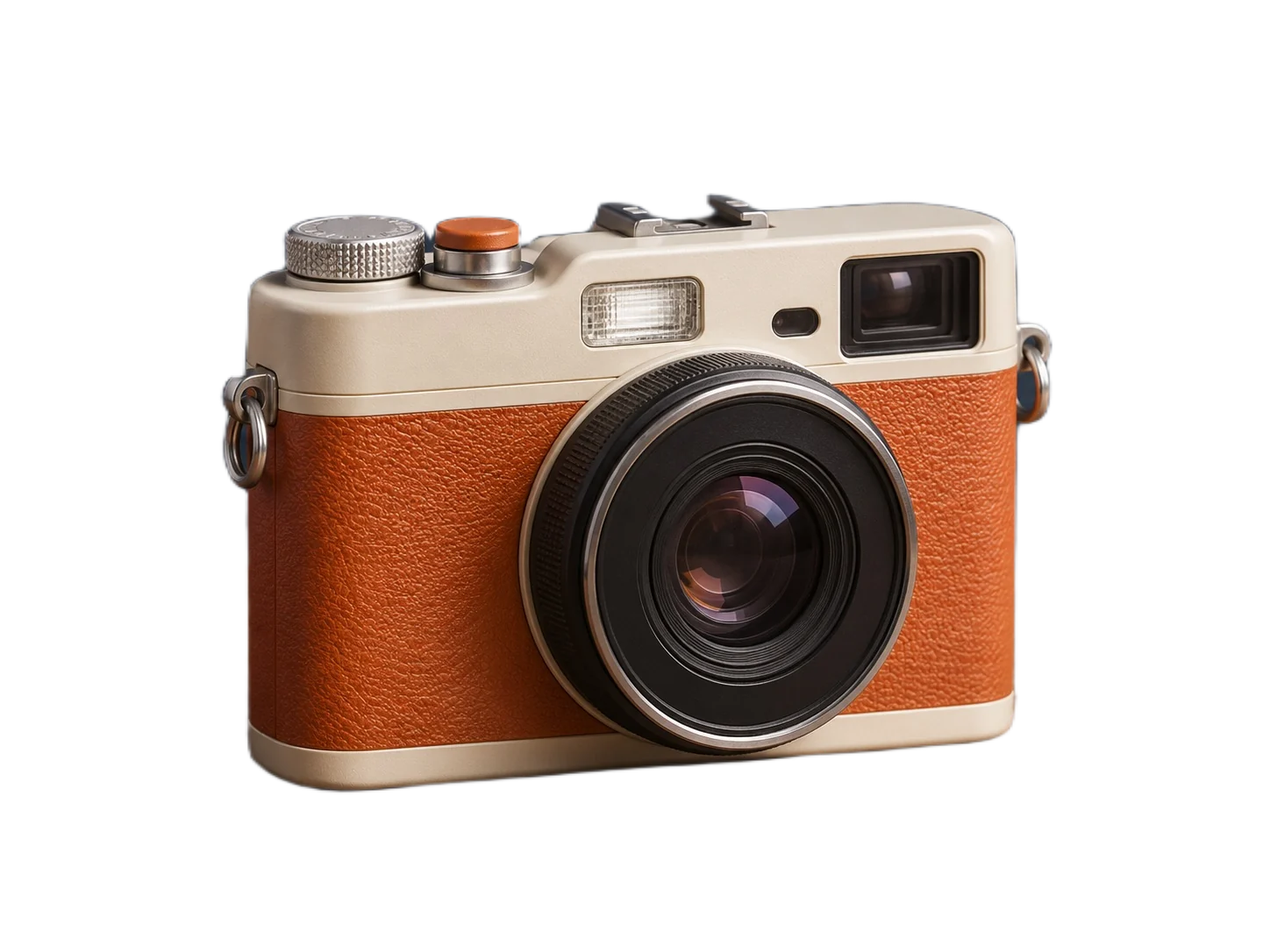
Add one JPG, let AI isolate the subject, check the preview, and save the image as a transparent PNG.
Choose one JPG or JPEG up to 15 MiB. Background removal starts automatically once the photo loads.
Check the subject’s outline in the preview and keep Transparent selected.
Check the dimensions on the download button, then save the file.
Free BGRemover uses AI to cut out the subject from a photo you already have, saving you from tracing the outline yourself. A transparent result lets you put the same subject into a catalog card, an event banner, or a social graphic without carrying over the original setting.
Open a .jpg or .jpeg directly from your device. You can work with the photo your camera saved or a teammate sent, and keep that file alongside your new PNG.
 Original photo
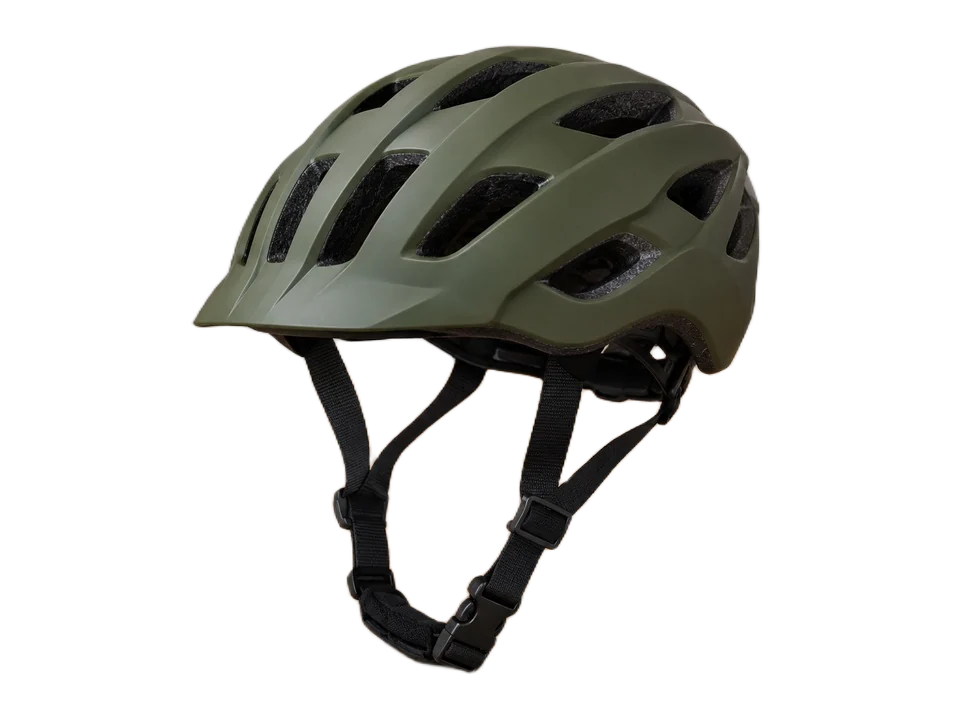 Automatic cutout
Background removal starts once your photo loads. The tool creates the cutout automatically, leaving you time to check the outline around a tricky shape before you export.
 TransparentWhiteCustom color
Put the same cutout on white or a custom color to see how its edges look. If you need a file you can layer over other designs, switch back to Transparent before downloading.

Download the standard PNG without creating an account. The pixel dimensions are visible before you save, so you can see whether the free file will fit your layout.
Make an image you already have work in a product listing, a speaker graphic, or a social post.
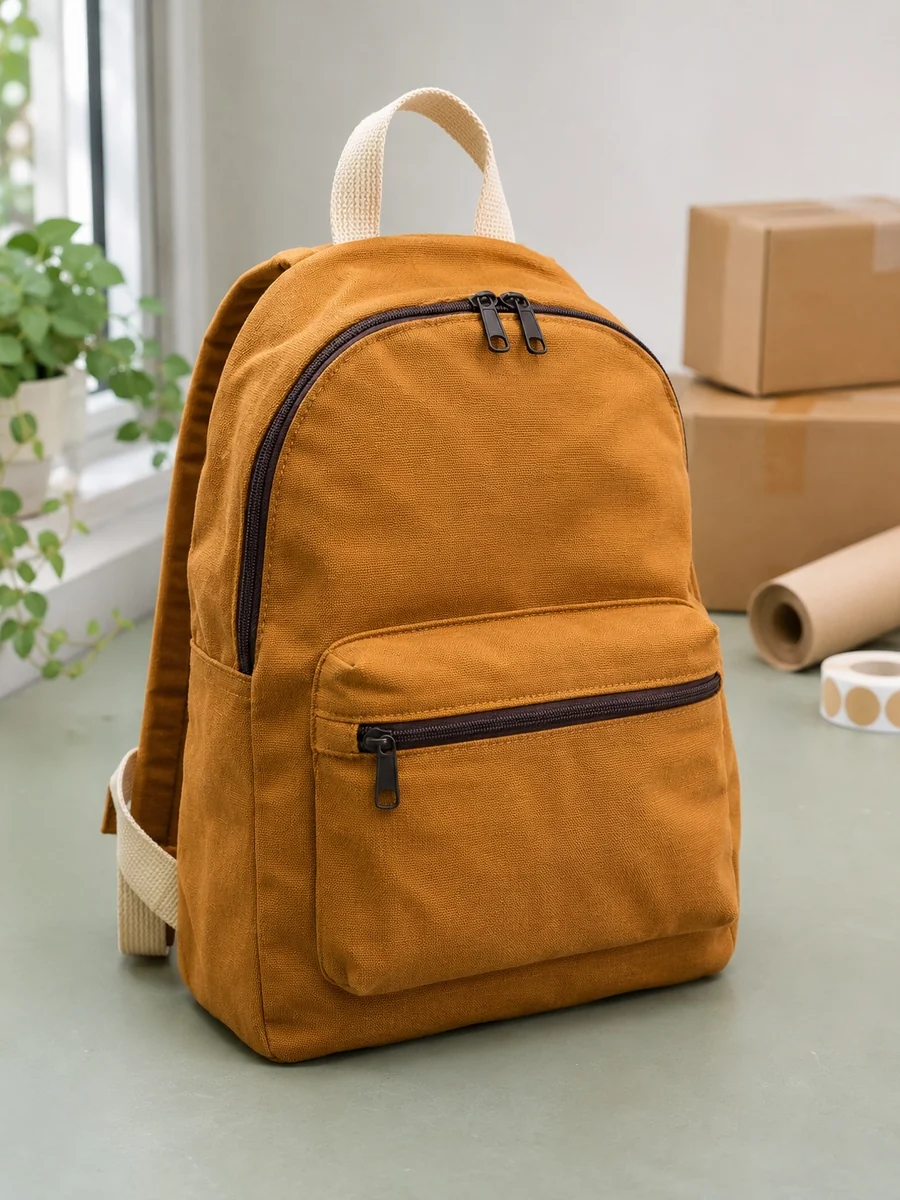

Remove a cluttered tabletop from a product photo. Place the cutout into a product card where the item needs to sit against the page design.


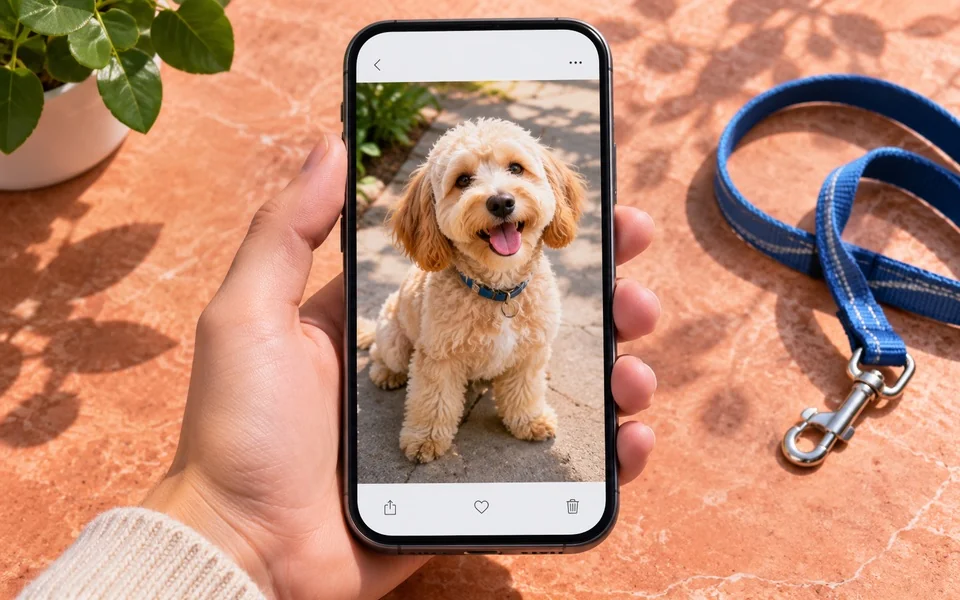
Cut a speaker out of an existing headshot. Place the PNG into your event graphic and position the portrait around the speaker’s name and session title.


Separate a person or object from a JPG, then place the PNG over a headline or brand color in your design editor.
Standard JPG and JPEG files store an opaque image. Download your cutout as a PNG with Transparent selected to keep the areas around the subject clear.
An ordinary conversion keeps the original image pixels, including the background. Remove the background before exporting the PNG to create transparent areas.
Yes. Upload the photo as usual. If the subject and its background are both light, inspect the outline in the preview before you download.
Yes. The standard PNG is free and has no watermark. When credits apply, the free copy is capped at 0.25 megapixels.
Check the listed download dimensions. With credits enabled, images up to 0.25 megapixels keep their original dimensions in the free download. For larger images, sign in to unlock the original-size option.
Check that your browser and device support WebGPU and that your file is 15 MiB or smaller. If the browser reports a compatibility error, open the tool on a supported browser or device and upload the file again.
Find out how JPG transparency works, what the free download includes, and how to check its size.
Pick a photo, check the cutout, and download a transparent PNG for your next layout.
Upload a JPG to Remove Its Background