Zero Pale Edge Halo
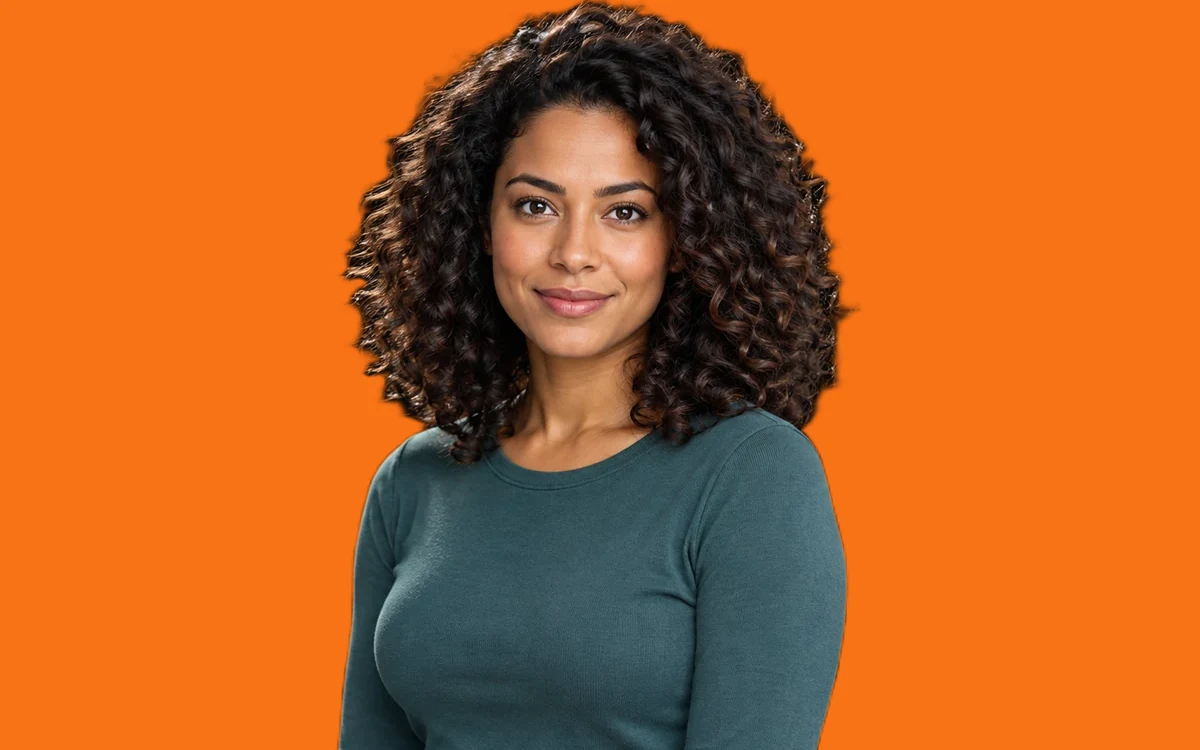
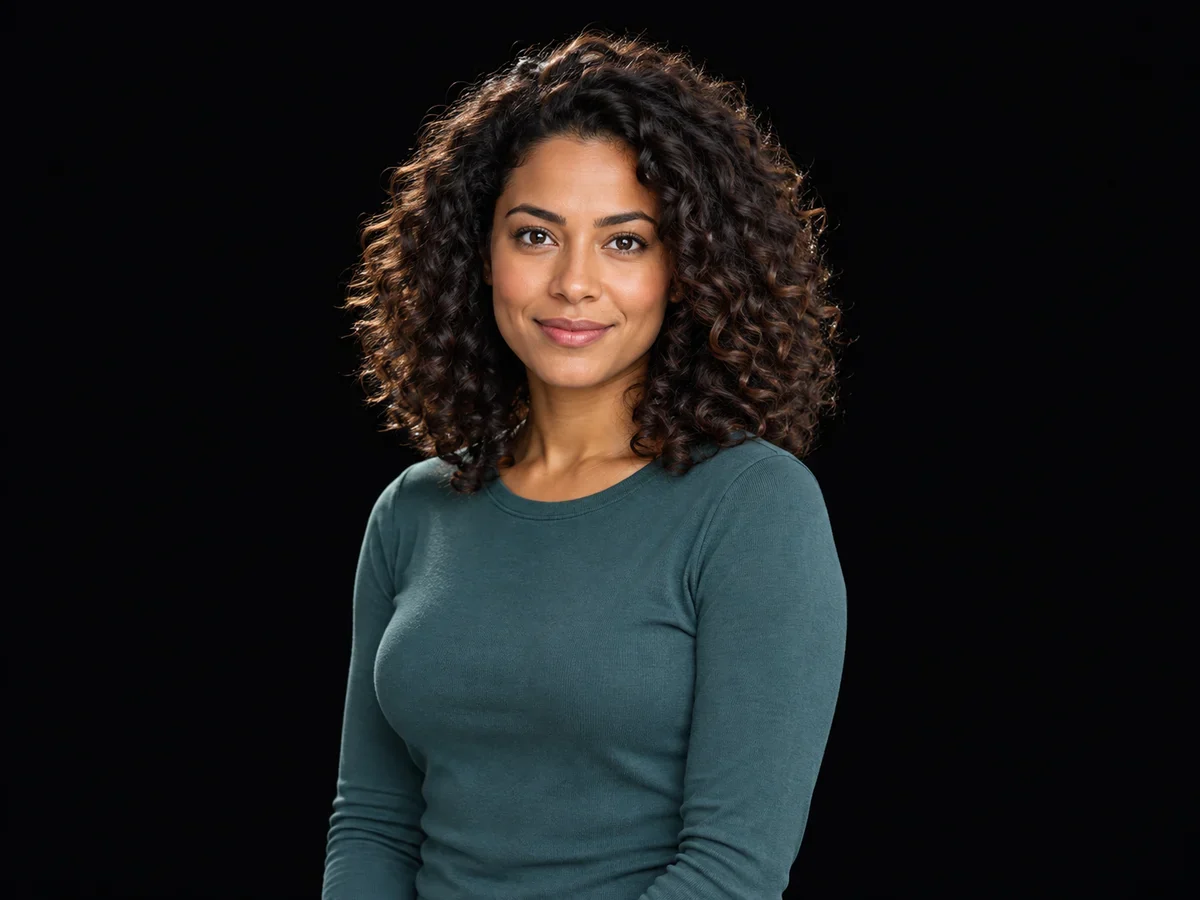
Bright fills quickly expose rough masks. Browser AI traces hair strands, clothing, and product rims cleanly so your subject sits smoothly on orange.
Clean contours around curly hair and dark knitwear on orange.
100% free PNG downloadNo signup requiredNo watermark
Turn busy photos into a crisp solid orange background in seconds. Keep sharp edges with zero color halo, or switch to transparent PNG in your browser.
Classic orange · #F97316 · RGB 249, 115, 22
Sample preview only. Fine-tune any exact orange tone for your own photo in the editor.
Solid orange photo background
JPG, PNG, or WebP · Up to 15 MB · Watermark-free PNG export
Privacy detailsFree browser editing · Live color picker control · No watermark
Rough cutout tools often bite into hair strands, collars, or product outlines, leaving pale fringes that stand out against bright color fills. Free BGRemover isolates your subject before laying down a vibrant orange backdrop, preserving clean contours and fine details so every portrait or product photo looks naturally shot rather than pasted on.
Whether you need a plain orange background for clean storefront tiles or a deeper warm tone for campaign graphics, one preset rarely fits every shot. Adjust hue and lightness with the built-in color picker, or toggle to pure white and our transparent background maker on the same cutout without uploading again.
Customize Plain Orange Backdrop Free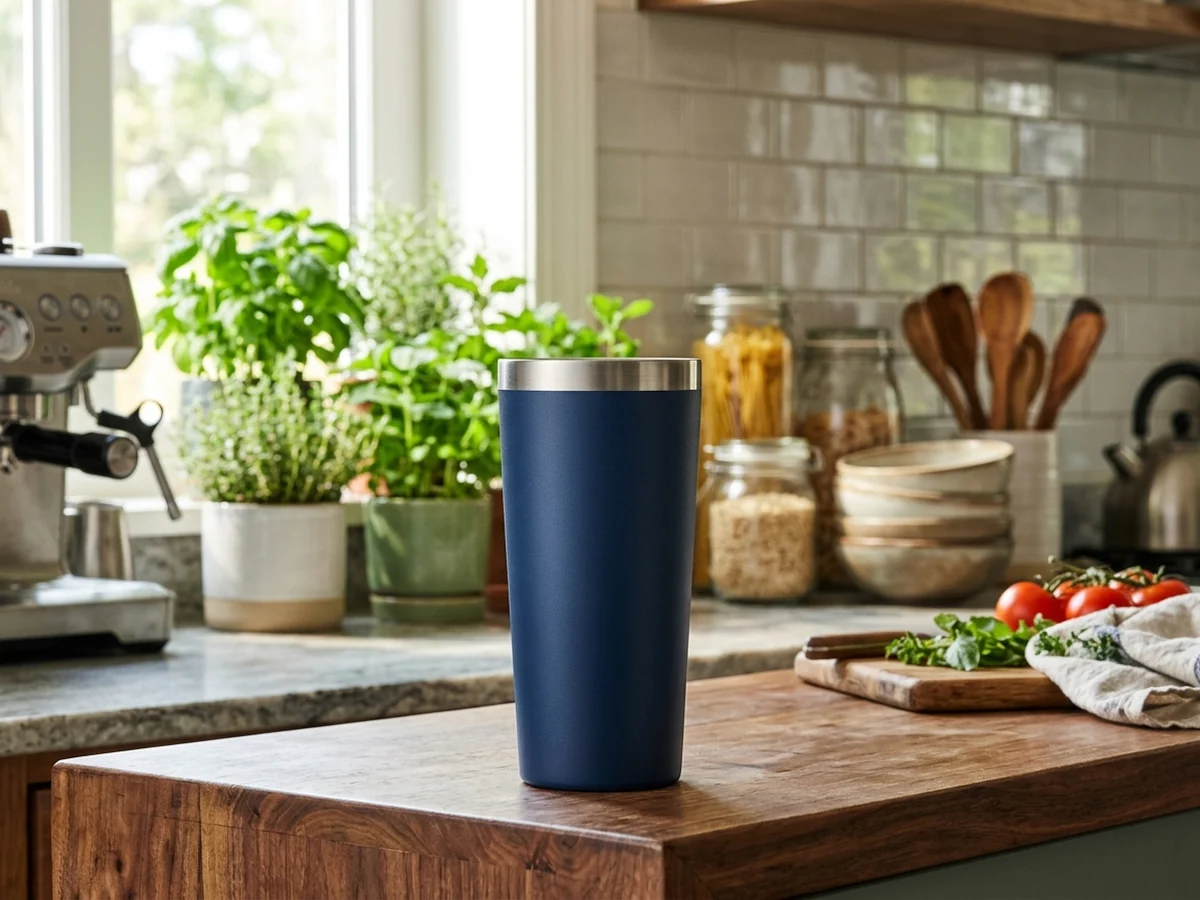
Step straight from a casual snapshot to a polished visual built for product catalogs, profile avatars, and social banners. Bright orange tones add immediate energy to dark packaging, beverage cans, and portraits without hiding fine texture. Save a crisp, watermark-free PNG directly from your browser and publish it across channels right away.
Create Orange Product Photo Now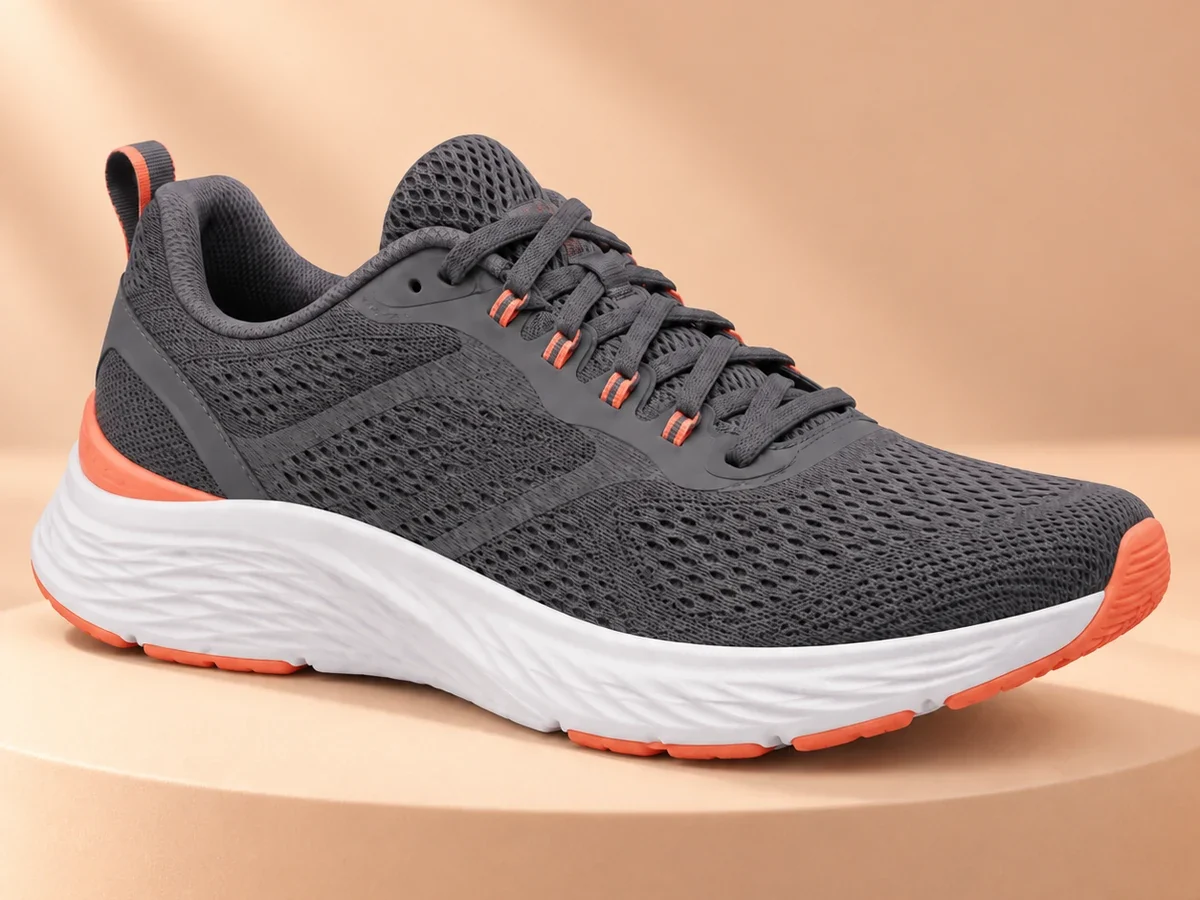
Launching desktop software just to mask one image turns a quick update into a slow masking chore. Free BGRemover runs inside your desktop or mobile browser with zero downloads and no account setup. Drop in JPG, PNG, or WebP files up to 15 MB, or switch palettes anytime in our background color tool.
Try Online Orange Editor Free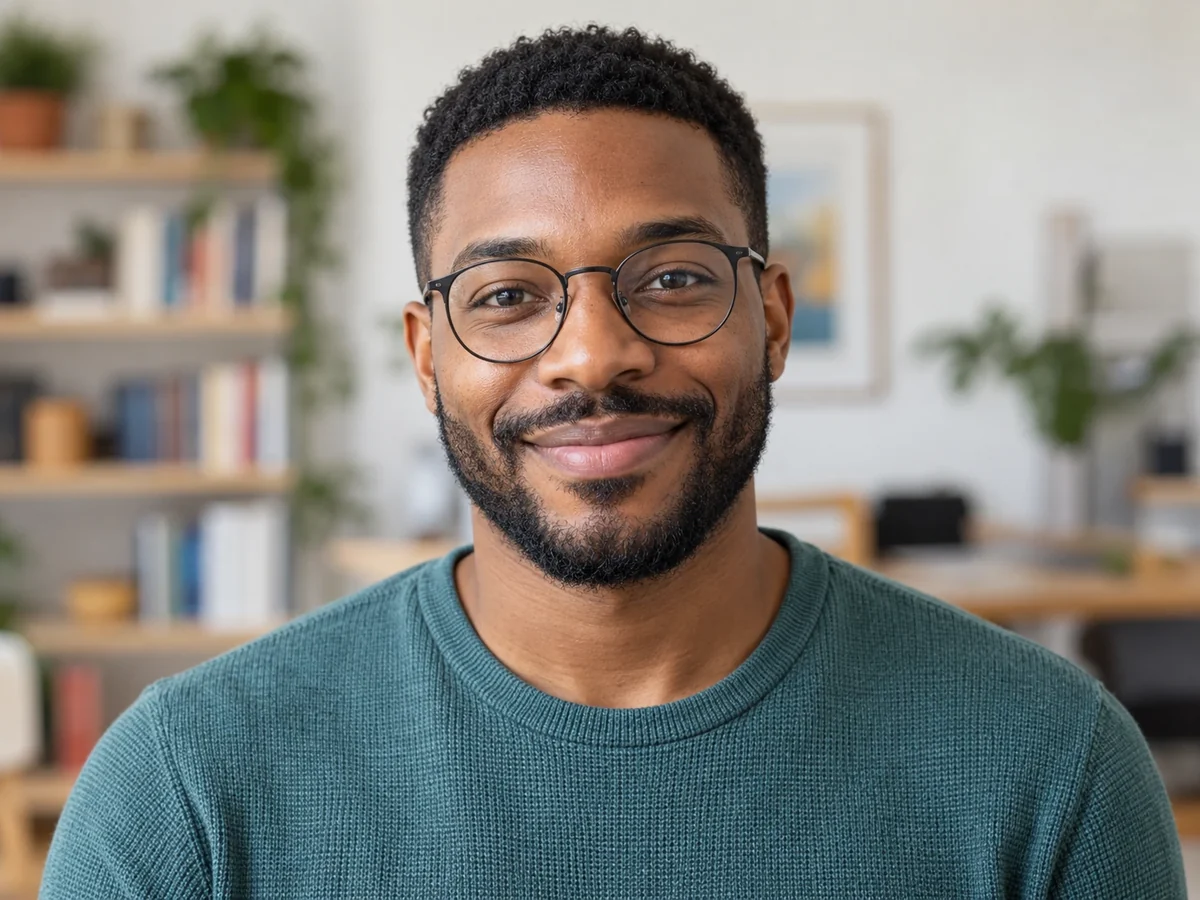
Swap busy scenes for a clean orange backdrop in 3 simple steps—free online, no signup needed.
Choose or drag a product shot, portrait, or profile photo in JPG, PNG, or WebP format up to 15 MB directly into the workspace—no account needed.
Browser AI automatically separates your subject with clean edges and fills a smooth solid orange backdrop. Use the color picker to fine-tune the exact hue you want.
Check hair strands and product corners in the live preview, then save a crisp, watermark-free PNG ready for online stores, social profiles, or promotional graphics.
Built for vibrant warm fills where jagged cutouts and leftover edge fringes show up immediately.
Bright fills quickly expose rough masks. Browser AI traces hair strands, clothing, and product rims cleanly so your subject sits smoothly on orange.
Clean contours around curly hair and dark knitwear on orange.
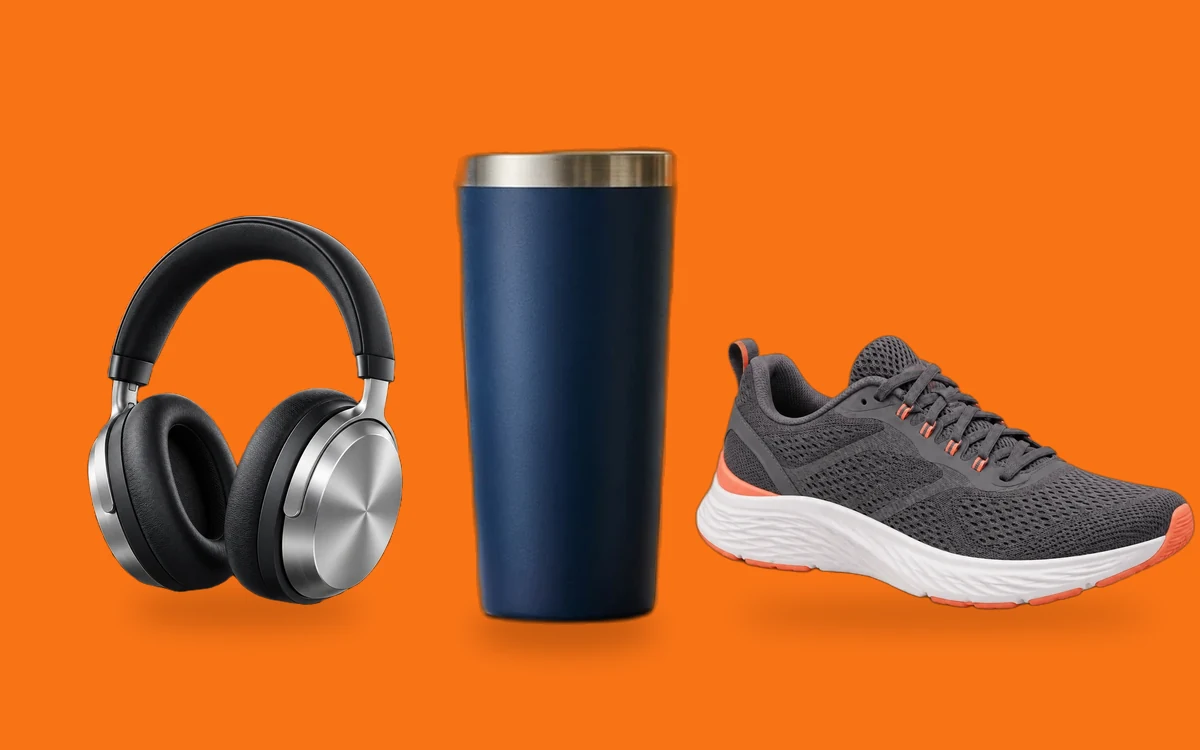
Every brand calls for a slightly different warmth. Adjust hue and brightness inside the workspace picker so multiple uploads match one cohesive orange palette.
Consistent warm orange tone across product photos.
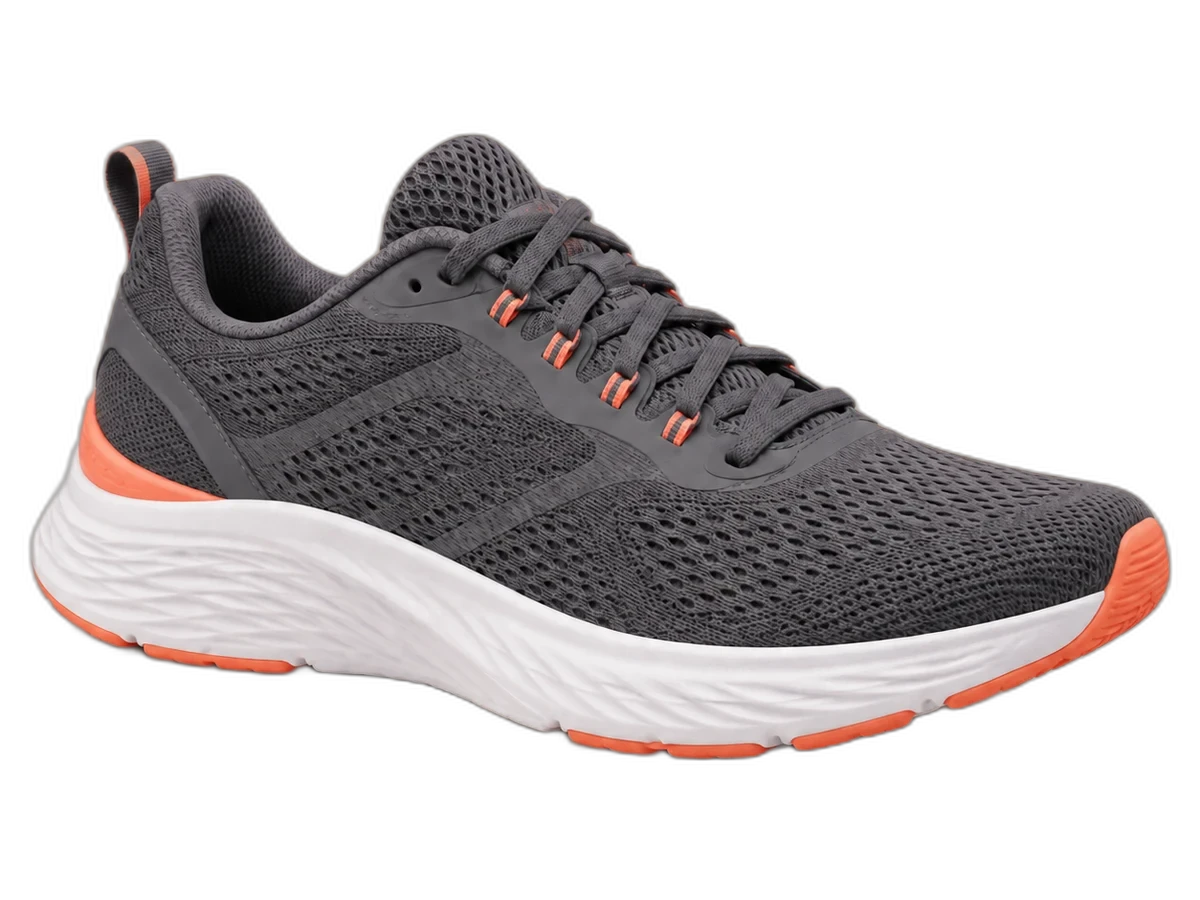 OrangeWhiteTransparent
Need flexibility after previewing your fill? Switch between your custom orange backdrop, pure white, and a transparent PNG in one click without re-uploading.
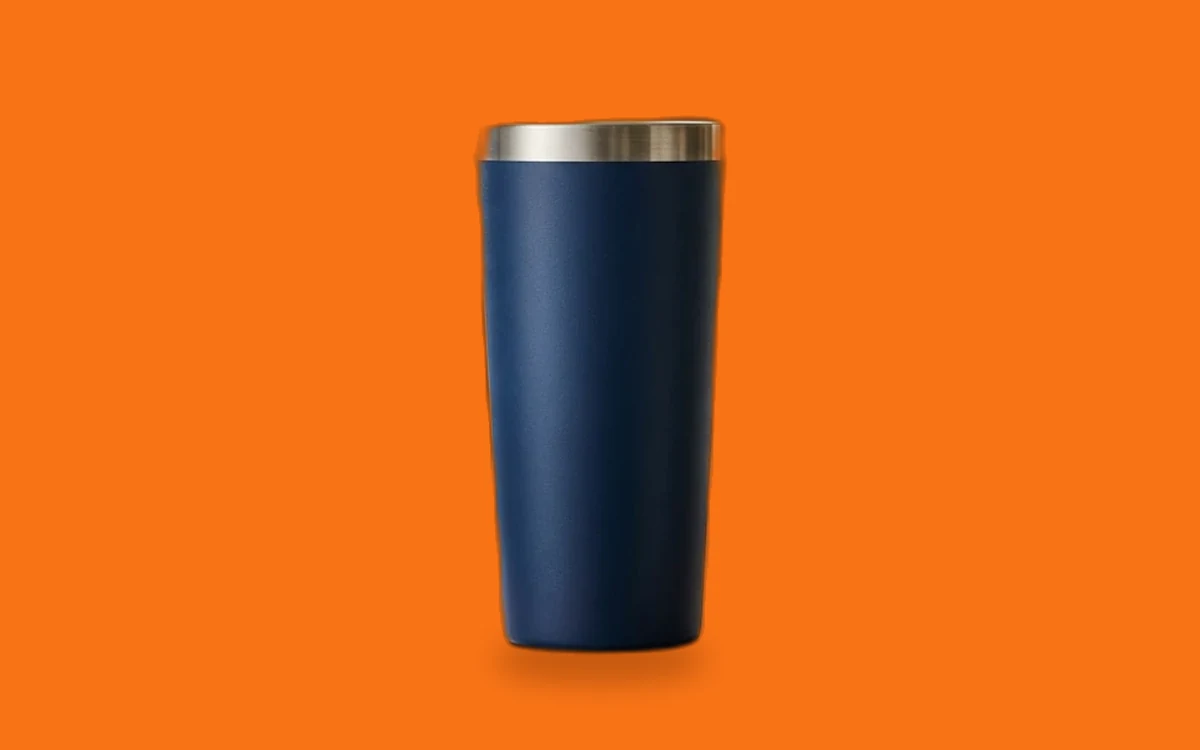
Edit portraits and product shots right in WebGPU-ready desktop or mobile browsers—free, no signup, and watermark-free PNG downloads every time.
Watermark-free PNG processed locally in browser.
Designed for sellers, creators, and teams turning everyday shots into bold, high-contrast visuals.
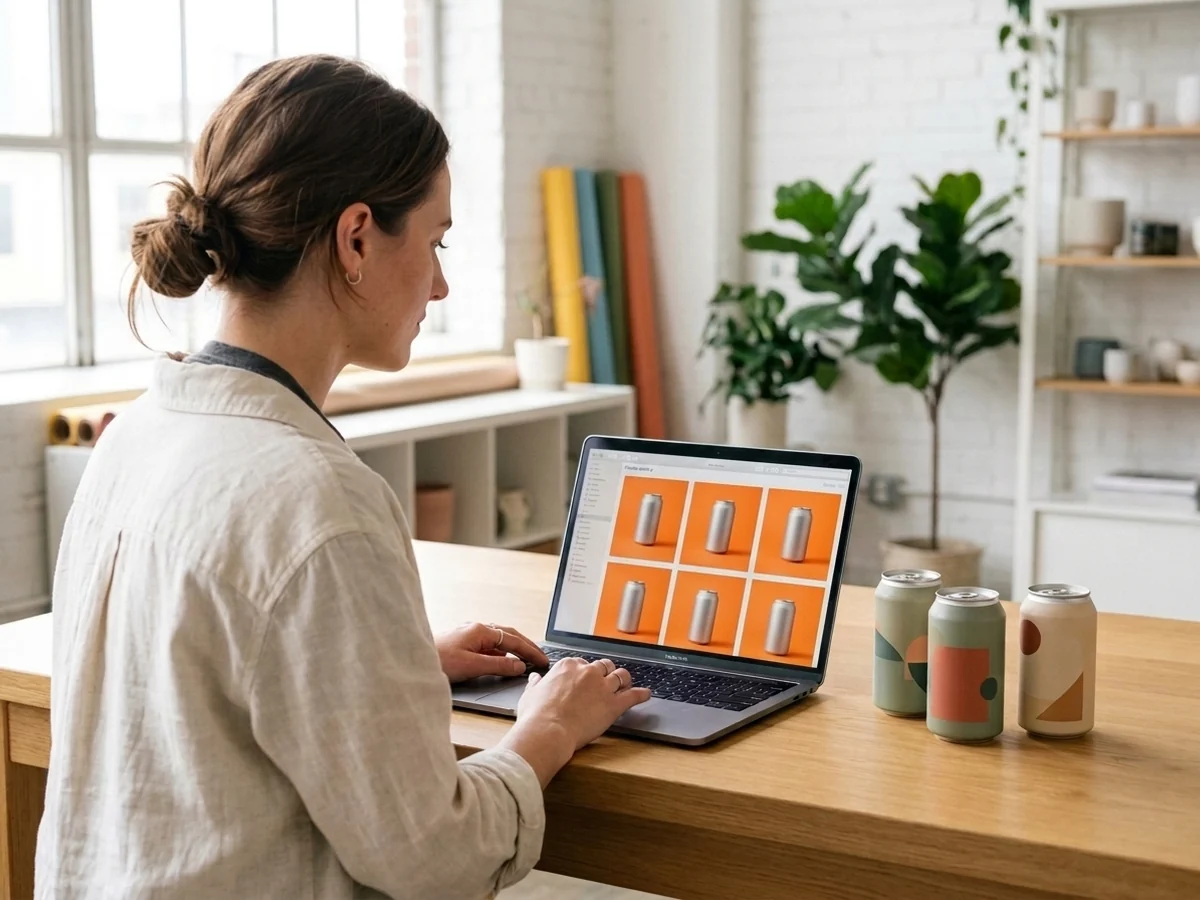
Snack brands and drink sellers replace cluttered kitchen counters with an energetic orange fill, making cans, jars, and packaging pop across store thumbnails.
Gear and apparel sellers turn flat indoor product shots into punchy orange-backed visuals that keep shoe contours and fabric textures crisp for promos.
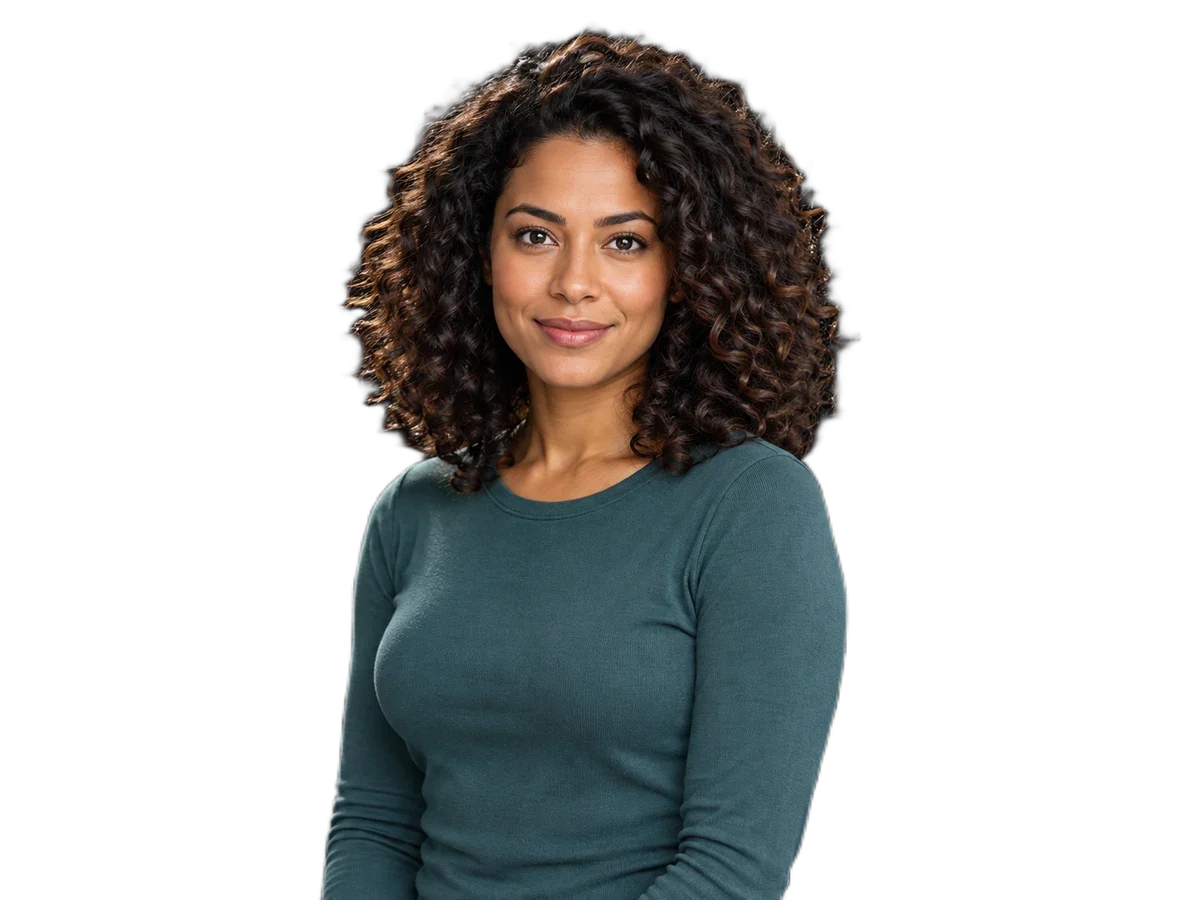
Podcast hosts, speakers, and video creators turn casual selfies into an orange background portrait that stays recognizable inside small social feeds and thumbnails.
Designers testing seasonal campaigns or warm brand guidelines place isolated items onto custom orange tones in seconds without opening heavy desktop masking tools.
Upload a JPG, PNG, or WebP image and let Free BGRemover isolate your subject automatically. Browser AI removes the original scene while preserving fine edges, then places your subject on a smooth orange fill that you can inspect and download as PNG.
This page is an online photo editor, not a stock wallpaper gallery. Instead of downloading generic pictures, you upload your own photo and replace its backdrop with a clean solid or plain orange fill ready for immediate use.
Yes, it works well for portraits, social avatars, and ecommerce product shots where bold contrast draws attention. However, official passport or visa photos usually require a plain white or light neutral background, so check local rules first.
Yes, you can adjust hue and lightness inside the built-in color picker, or toggle to pure white and transparent PNG on the same cutout. If you want multi-tone blends instead of a flat fill, try our gradient background tool.
If your image already has an orange backdrop and you want to erase it, use our color removal tool instead. That workflow strips out the target color cleanly so you can export a transparent subject for new designs.
No, this workspace processes one image at a time and exports a clean PNG without artificial 4K upscaling. If you need to clear backgrounds from multiple product photos in one go, switch to our batch background remover.
Yes, Free BGRemover lets you upload a photo, apply a custom orange backdrop, and download a watermark-free PNG without creating an account. You can preview the before-and-after result directly in your browser before saving your file.
You can upload JPG, PNG, or WebP images up to 15 MB in modern desktop or mobile browsers with WebGPU support. Your orange background image is processed in your browser session without requiring signup or training our models.
Clear answers on edge accuracy, shade customization, supported formats, and privacy before you upload.
Tutorials & Guides
Tutorials & Guides
Upload your image now to isolate the subject cleanly, fine-tune your shade, and save a crisp PNG in seconds.
Upload Photo for Orange Backdrop