Will switching to a light blue backdrop leave dark edge halos?
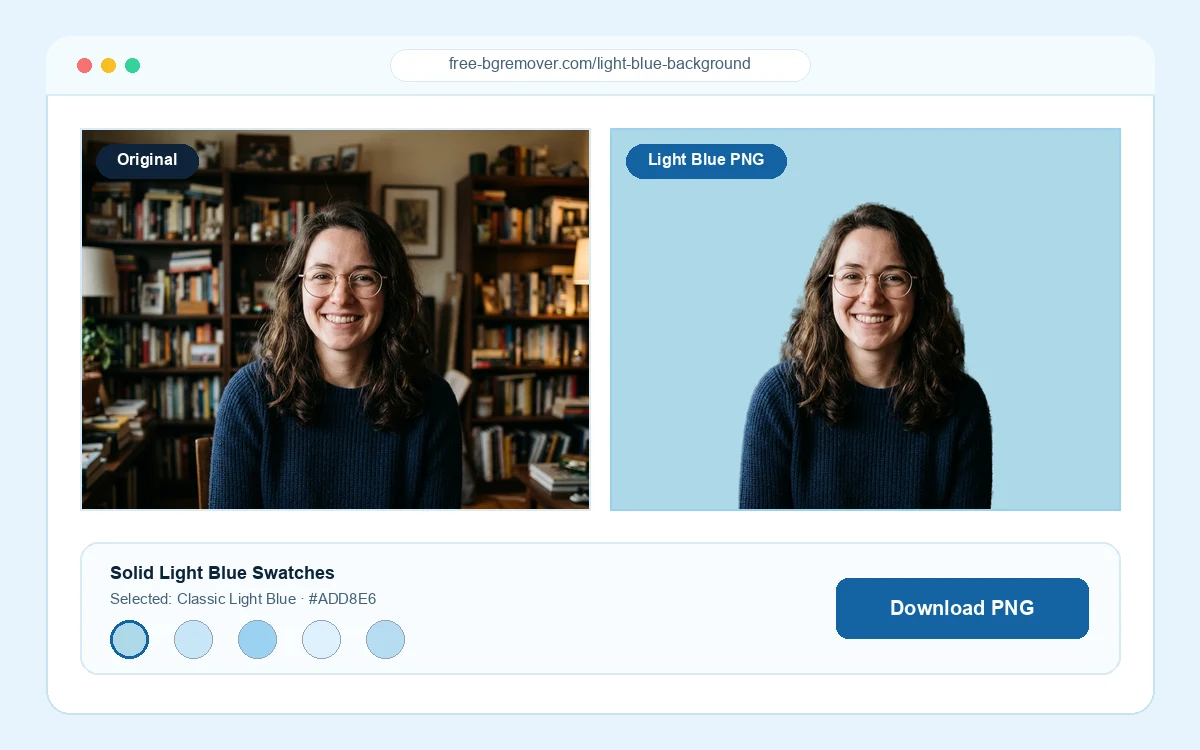
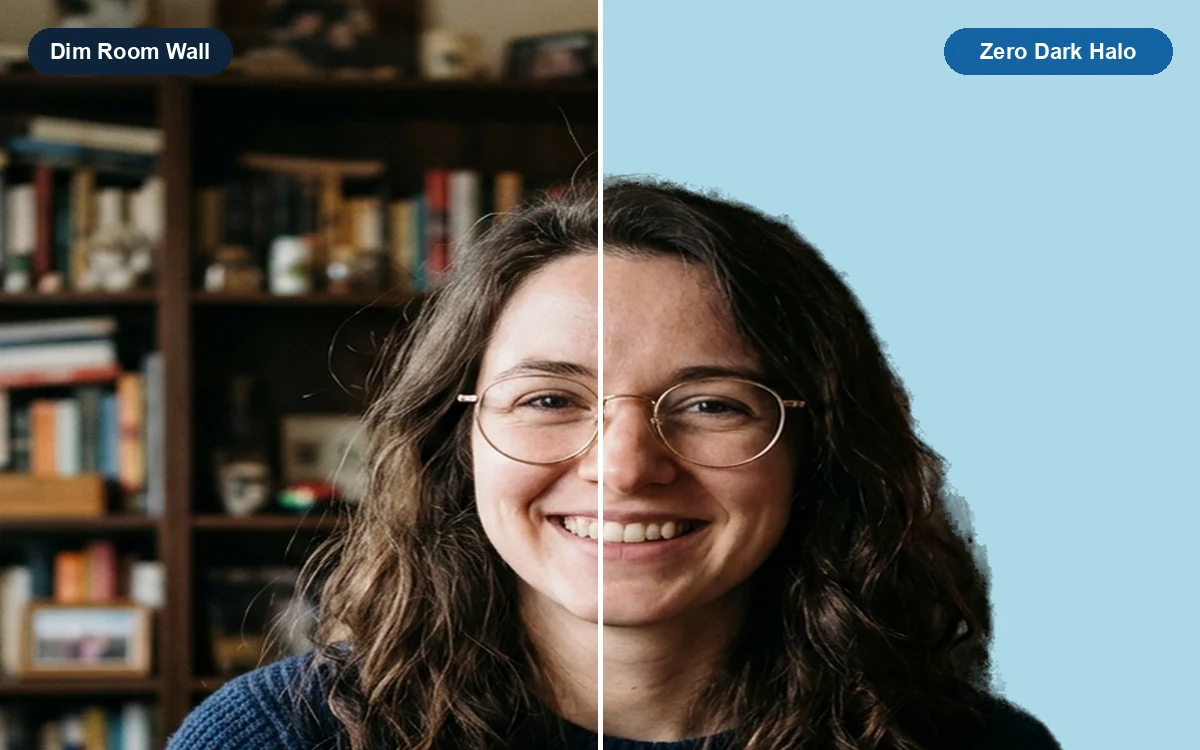
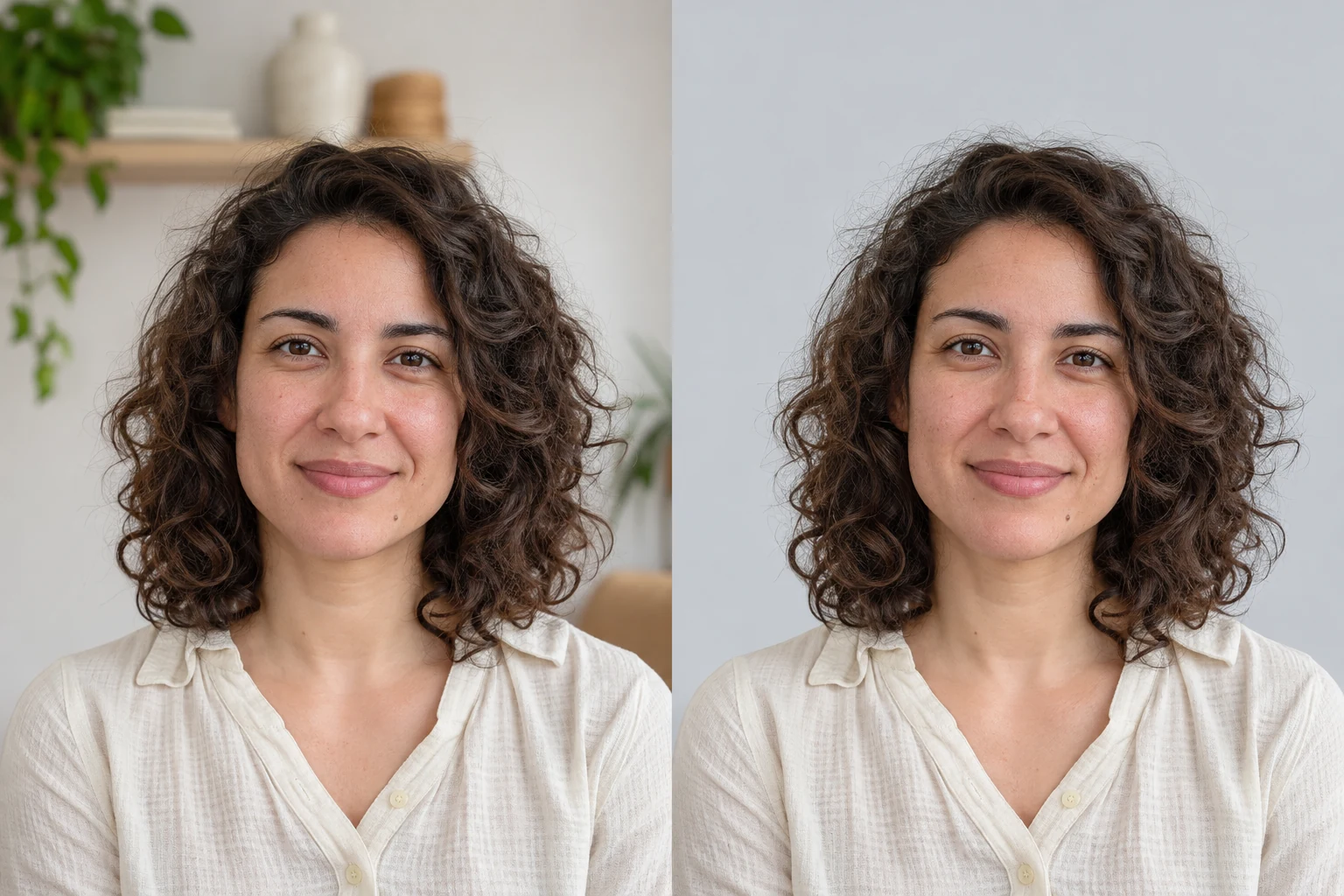
No, Free BGRemover uses edge-aware browser AI to separate subjects cleanly before filling the pale blue layer. It preserves delicate details like flyaway hair, glasses frames, and fabric seams while minimizing dark fringes from dim indoor rooms. For the cleanest cutout, start with an evenly lit photo where you stand slightly away from the wall.
Can I use a light blue background for passport or ID photos?
It depends on the issuing authority, so always check official guidelines first. Most US, UK, and Schengen passports require plain white or off-white backdrops, while certain regional visas, student cards, and work badges accept light blue. You can handle quick color swaps here or visit our blue background passport photo page for related document guidance.
Can I adjust the exact shade of light blue for my photo?
Yes, you can fine-tune the exact hue and brightness inside the workspace color picker right after the cutout finishes. Start from the default pale blue preset, then shift toward a softer or brighter tone to match brand palettes or reference codes like #ADD8E6. Need deeper navy tones instead? Switch over to our dark blue background tool.
Is this tool for editing my photo or downloading wallpaper images?
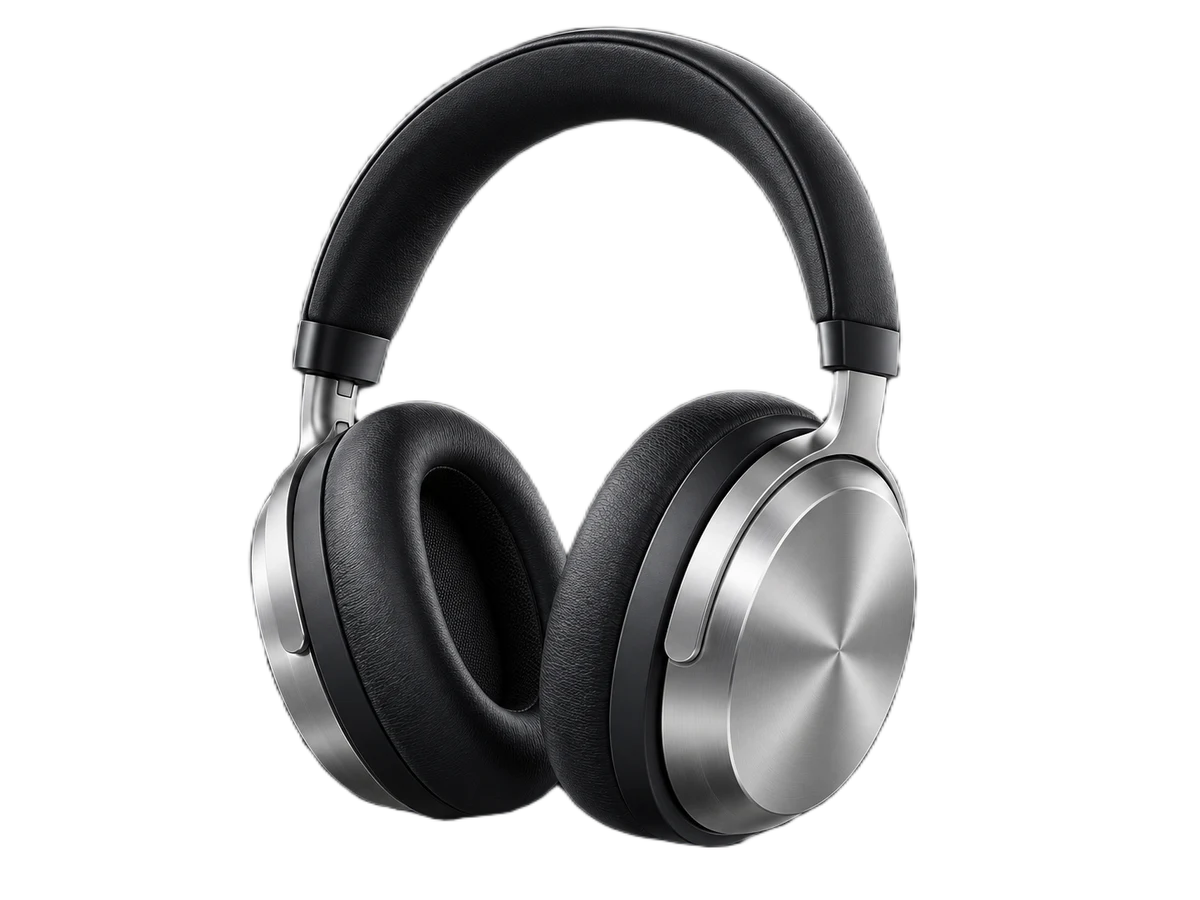
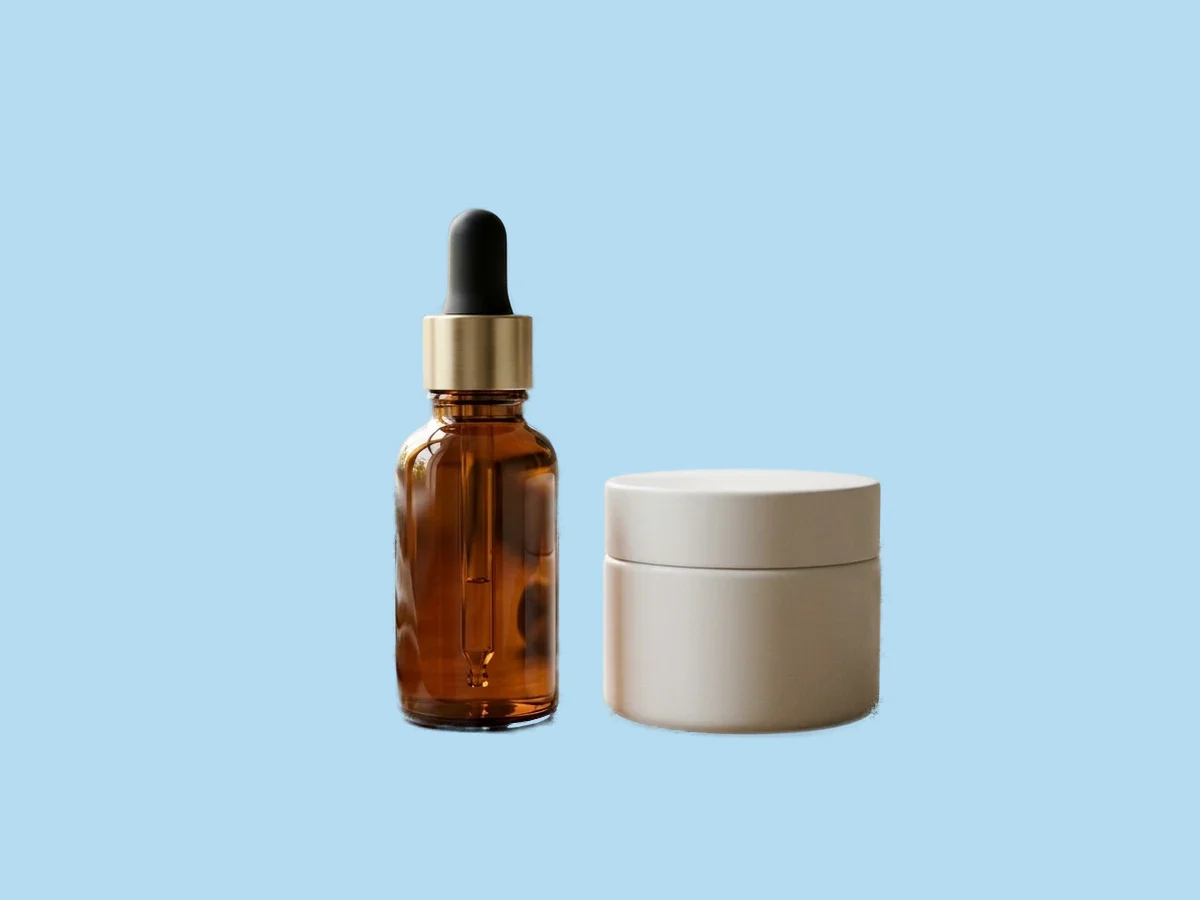
This page is an online photo editor built to replace the background of your own uploaded picture with solid light blue. It is not a stock library for blank wallpapers, abstract vectors, or presentation slide templates. If you already have a portrait, headshot, or product shot, simply upload it to get a clean edited PNG in seconds.
How do I remove a light blue background from an image instead?
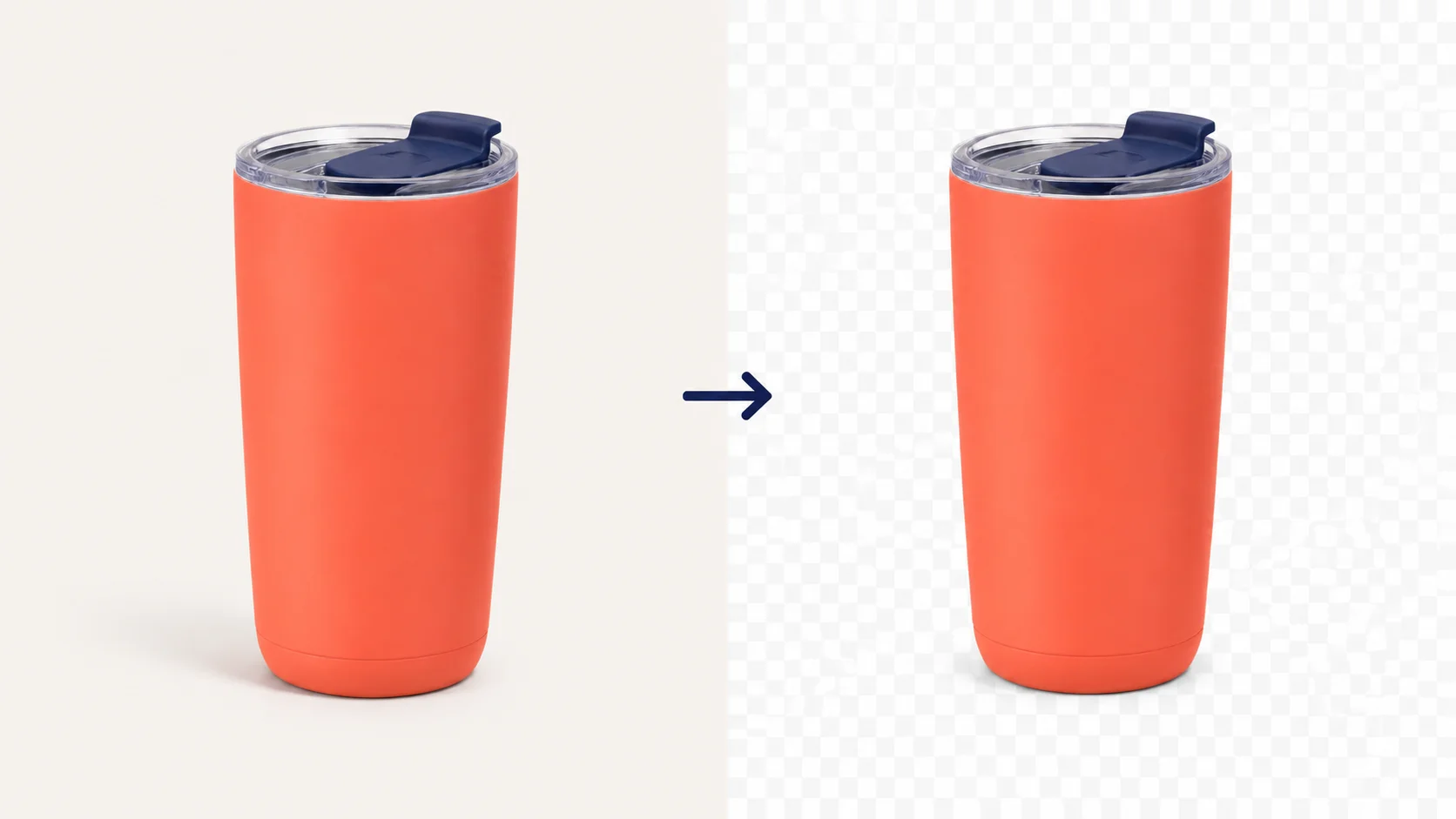
If your picture already has a pale blue backdrop that you want to erase, you need a removal workflow rather than a color-fill editor. Use our remove color from image tool to strip out existing blue tones and export a clean transparent PNG, keeping your foreground subject intact without stray blue fringes.
Can I apply a light blue gradient instead of a flat solid color?
This page focuses on clean, flat solid pale-blue backdrops ideal for headshots, IDs, and uncluttered product photography. If you prefer smooth color transitions or multi-tone backdrops for social graphics and banners, head to our gradient background editor after removing your original backdrop to style soft directional blends directly in your browser.
Is changing a photo background to light blue really free without watermarks?
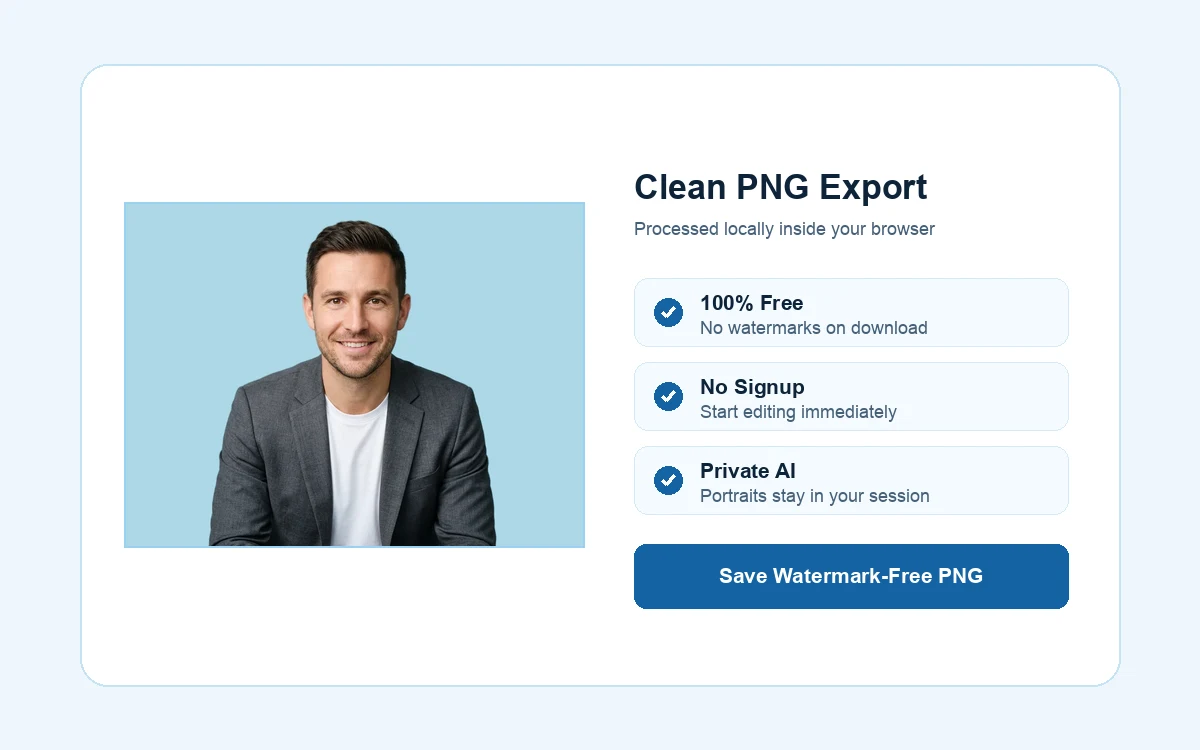
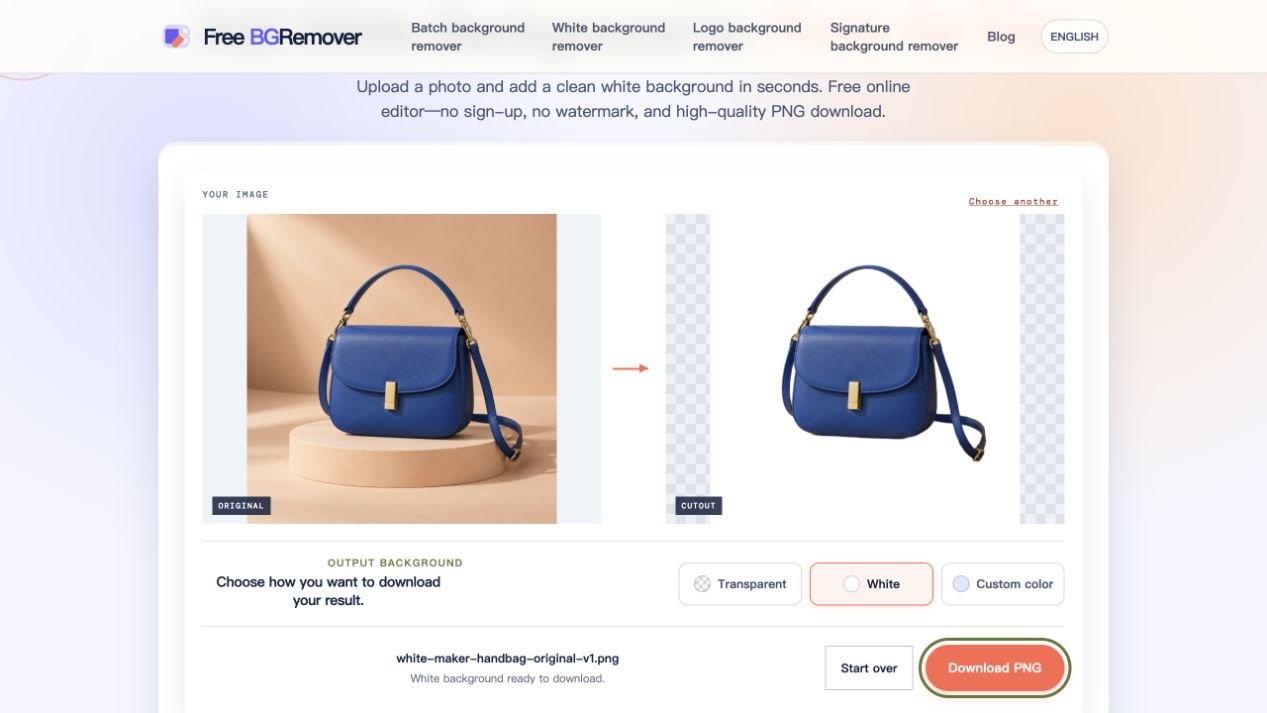
Yes, Free BGRemover lets you replace photo backdrops with solid light blue completely free, with zero watermarks stamped on your exported PNG. You do not need to create an account or enter a credit card to upload, fine-tune your shade, preview the before-and-after edges, and download your finished picture.
What image formats work, and are my uploaded portraits kept private?
You can upload JPG, PNG, or WebP photos up to 15 MB from any modern desktop or mobile browser—no app installation needed. Processing runs privately inside your browser session rather than storing your personal headshots or ID images on public galleries, making it safe for quick workplace, resume, and everyday edits.
Frequently Asked Questions About Light Blue Photo Backgrounds
Direct answers on edge cleanup, passport rules, shade control, and supported file formats.