Best Buy White-BG Ready
Switch removed backdrops straight to a clean white background so your primary product photos match Best Buy visual expectations without extra software.
Switch cluttered backdrops straight to a clean pure-white canvas.
Turn cluttered shots into crisp, pure-white Best Buy product photos in seconds. Export clean cutouts ready for US or Canada listings right from your browser.
Start with your Best Buy product photo
JPG, PNG, or WebP · Up to 15 MB
Privacy detailsMessy tabletops, harsh shadows, and dim studio shots quickly trigger listing rejections and make retail shoppers hesitate. Free BGRemover strips away distracting backdrops in seconds and lets you switch straight to a clean white canvas. Every primary Best Buy listing photo earns buyer trust on first glance.
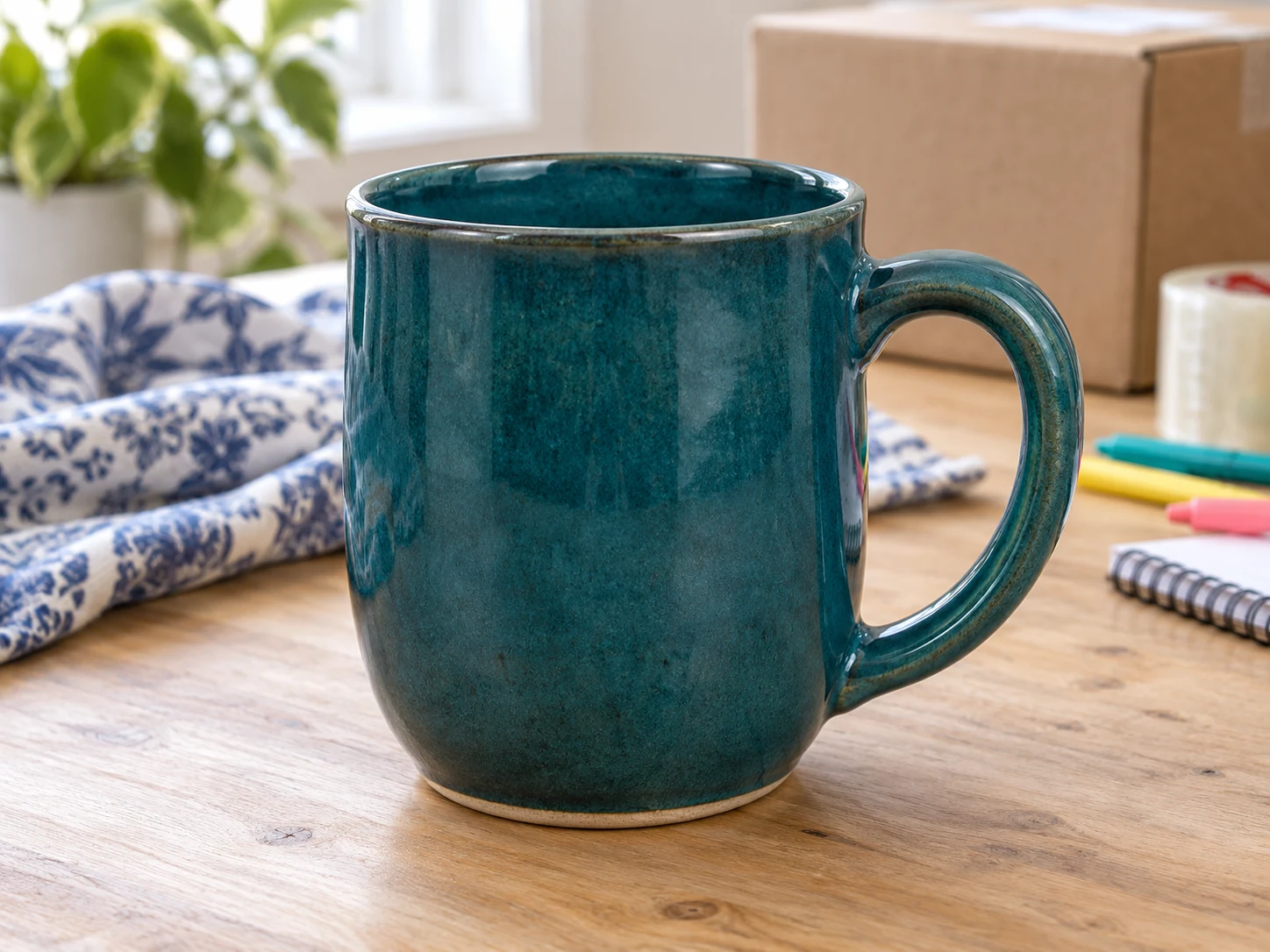
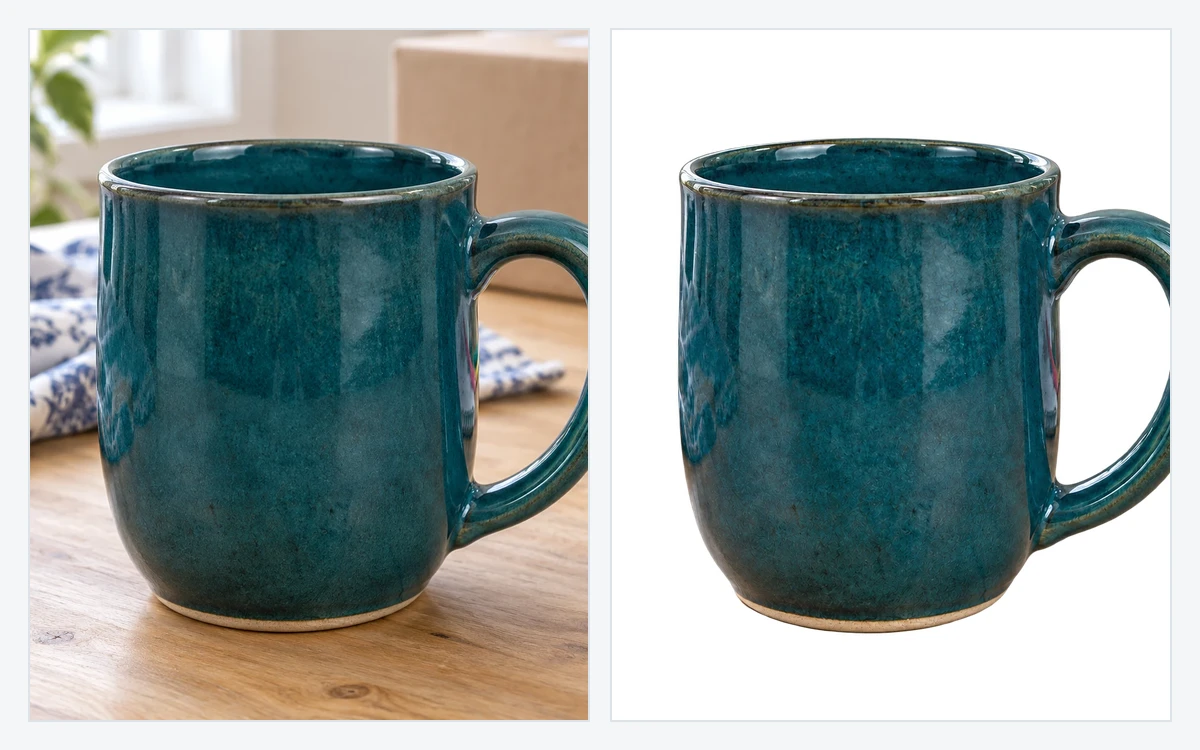
Example of stripping a cluttered tabletop background behind a retail item for a Best Buy listing. Actual results vary by photo.
Crowded search results are packed with lookalike headphones, laptops, and everyday tech accessories competing for attention. Our AI separates reflective casings, power cords, and fine product contours cleanly from desktop or mobile browsers. Sharp, distraction-free cutouts lift click-through rates across every Best Buy product category.
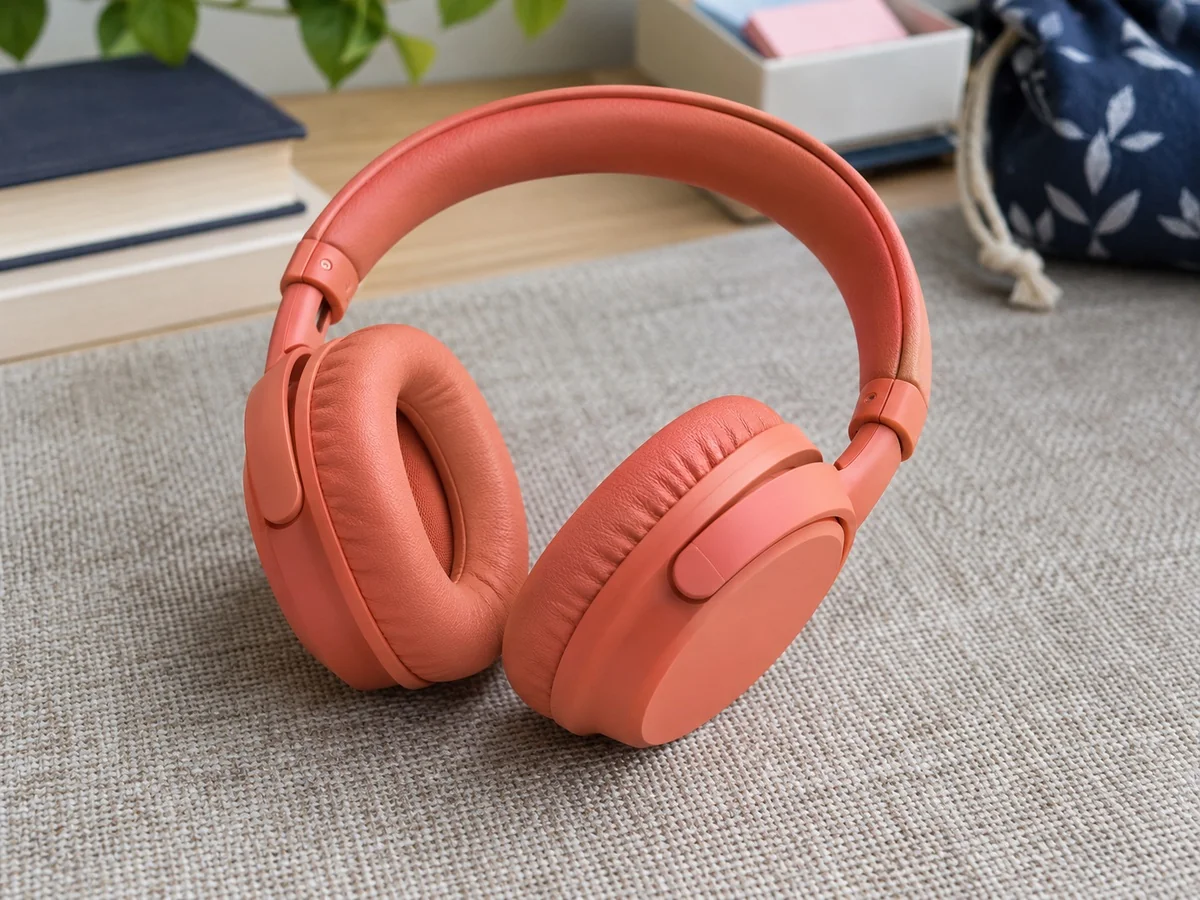
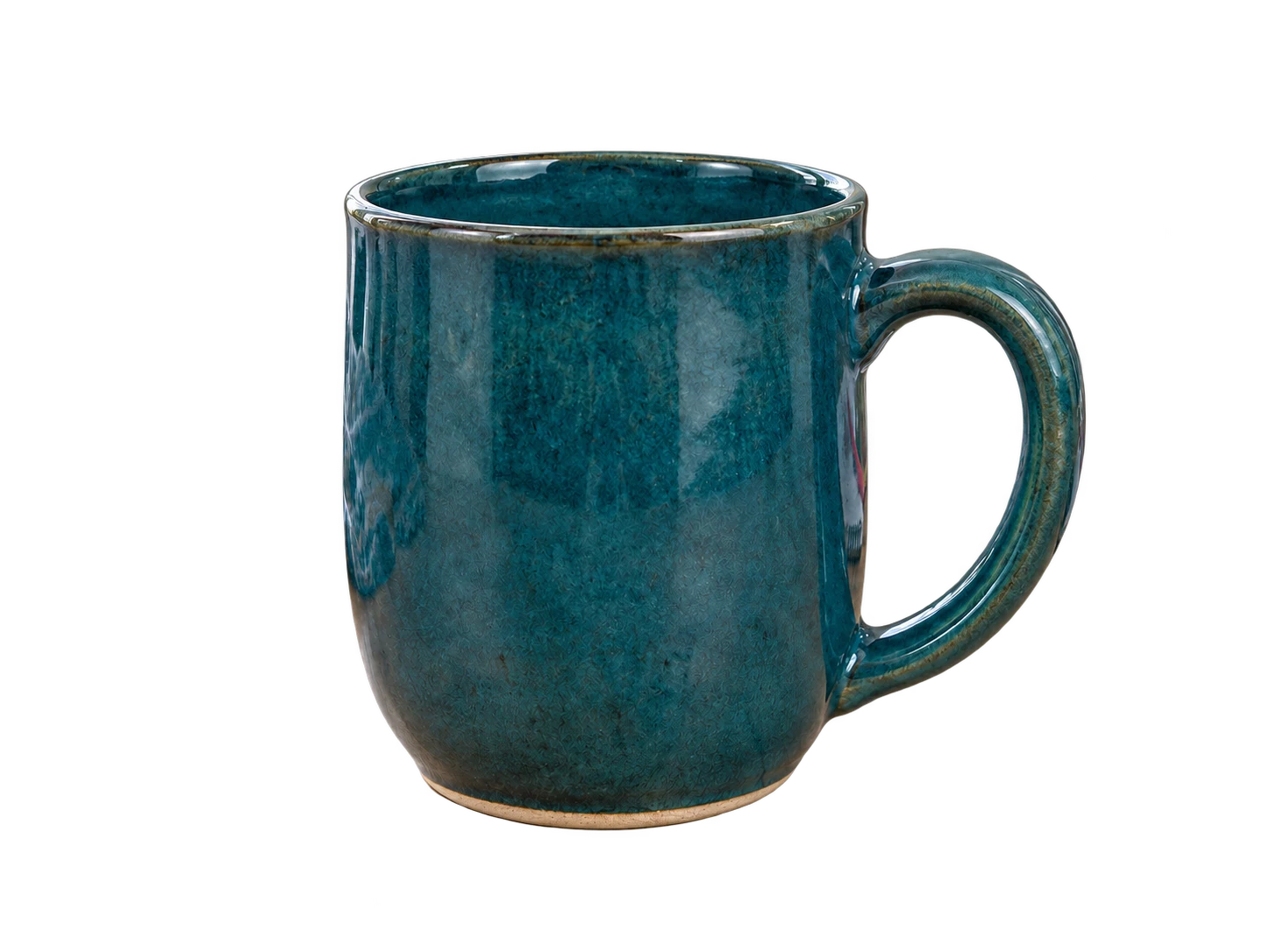
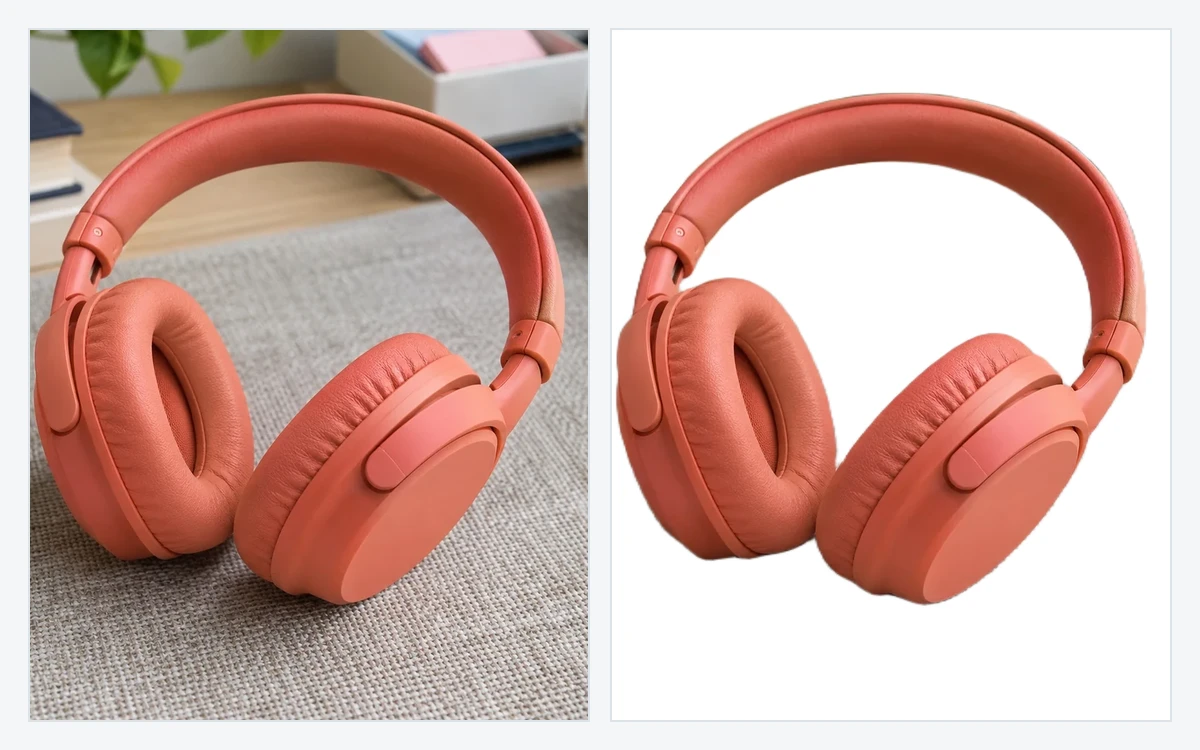
Compare the original desk snapshot of wireless headphones with its clean cutout for Best Buy search results. Actual results vary by photo.
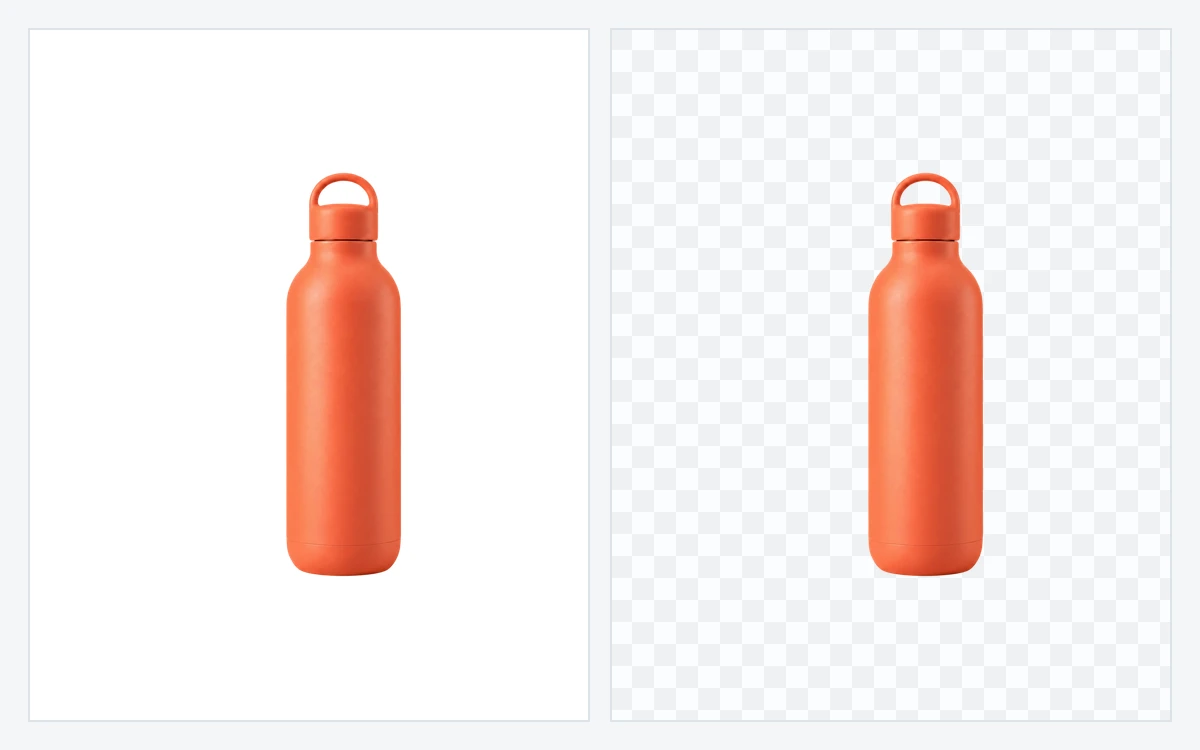
Getting a transparent PNG is only half the workflow when you also publish across marketplaces and banners. Keep a clean cutout for graphics or apply a crisp white canvas in one click using our make background white workflow. Deliver consistent, compliant visuals for Best Buy storefronts without opening heavy editors.
Compare a pure white (#FFFFFF) Best Buy primary listing backdrop against a transparent PNG cutout of the same product.
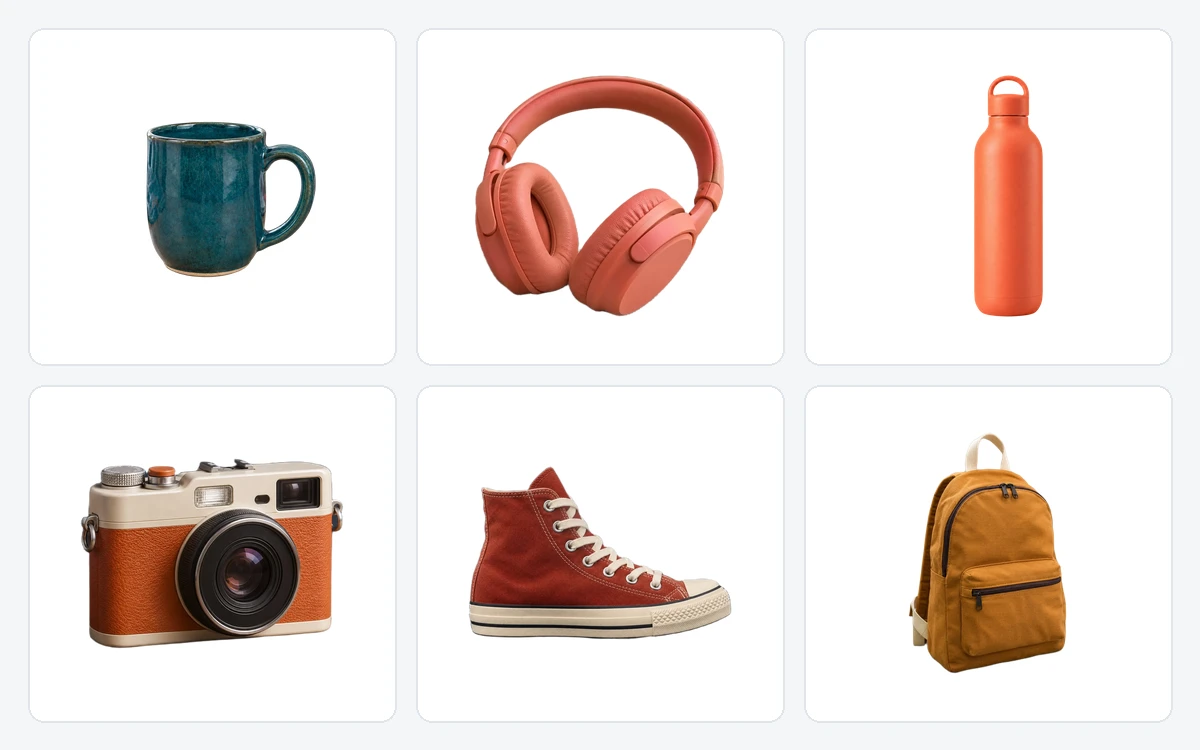
Whether you list a single open-box gadget or refresh dozens of seasonal SKUs, manual masking slows every launch. Drop in JPG, PNG, or WebP files up to 15 MB right in your browser, or use our batch background remover for up to 20 images. Keep your Best Buy catalog looking uniform and ready to sell.
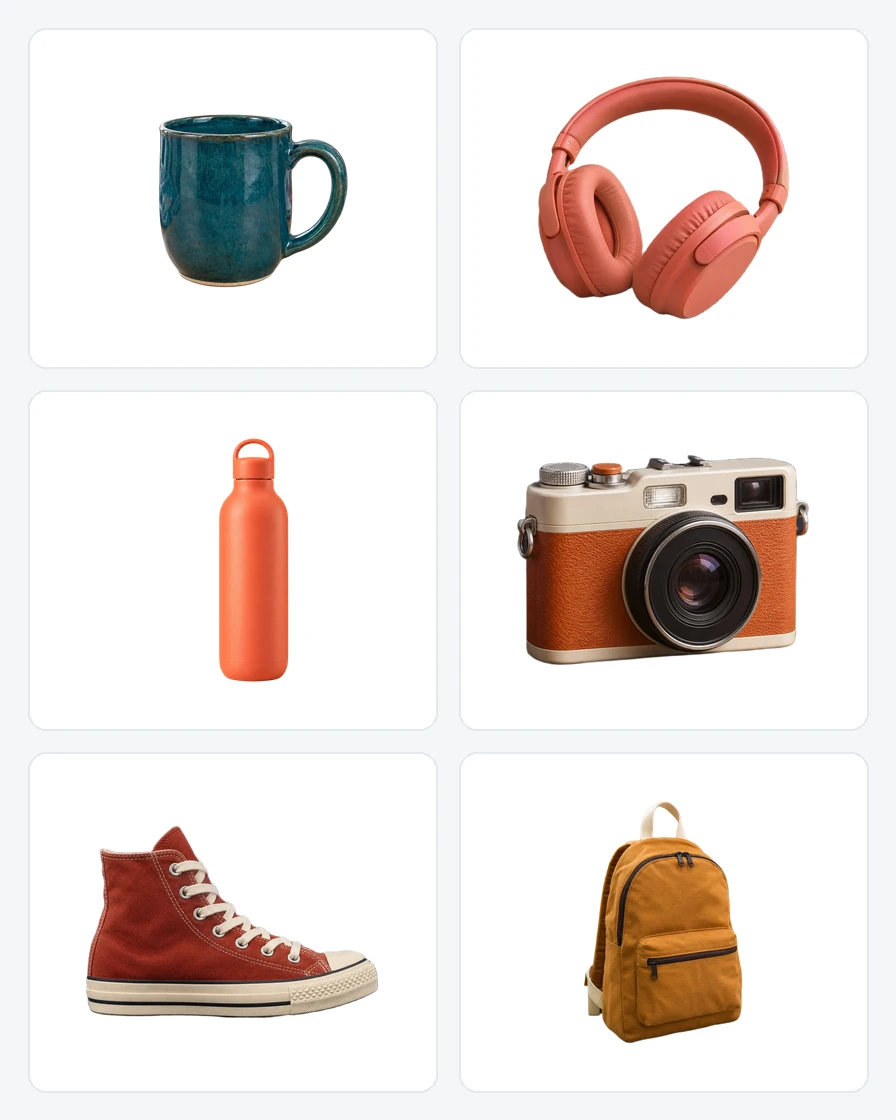
Turn mixed tabletop and warehouse snapshots into a cohesive, pure-white Best Buy catalog grid.
Clean up Best Buy listing images in 3 simple steps—fast, browser-based, and no signup required.
Drag and drop any Best Buy product image in JPG, PNG, or WebP format up to 15 MB. Start right in your browser with no account or software install.
Free BGRemover uses AI to detect your product and strip away cluttered backgrounds cleanly. Keep a transparent cutout or switch directly to a crisp white background.
Review the edges and save your high-resolution, watermark-free image for free. Upload the finished cutout straight to your Best Buy US or Canada seller portal.
Purpose-built precision and speed that beat slow manual masking for retail product catalogs.
Switch removed backdrops straight to a clean white background so your primary product photos match Best Buy visual expectations without extra software.
Switch cluttered backdrops straight to a clean pure-white canvas.
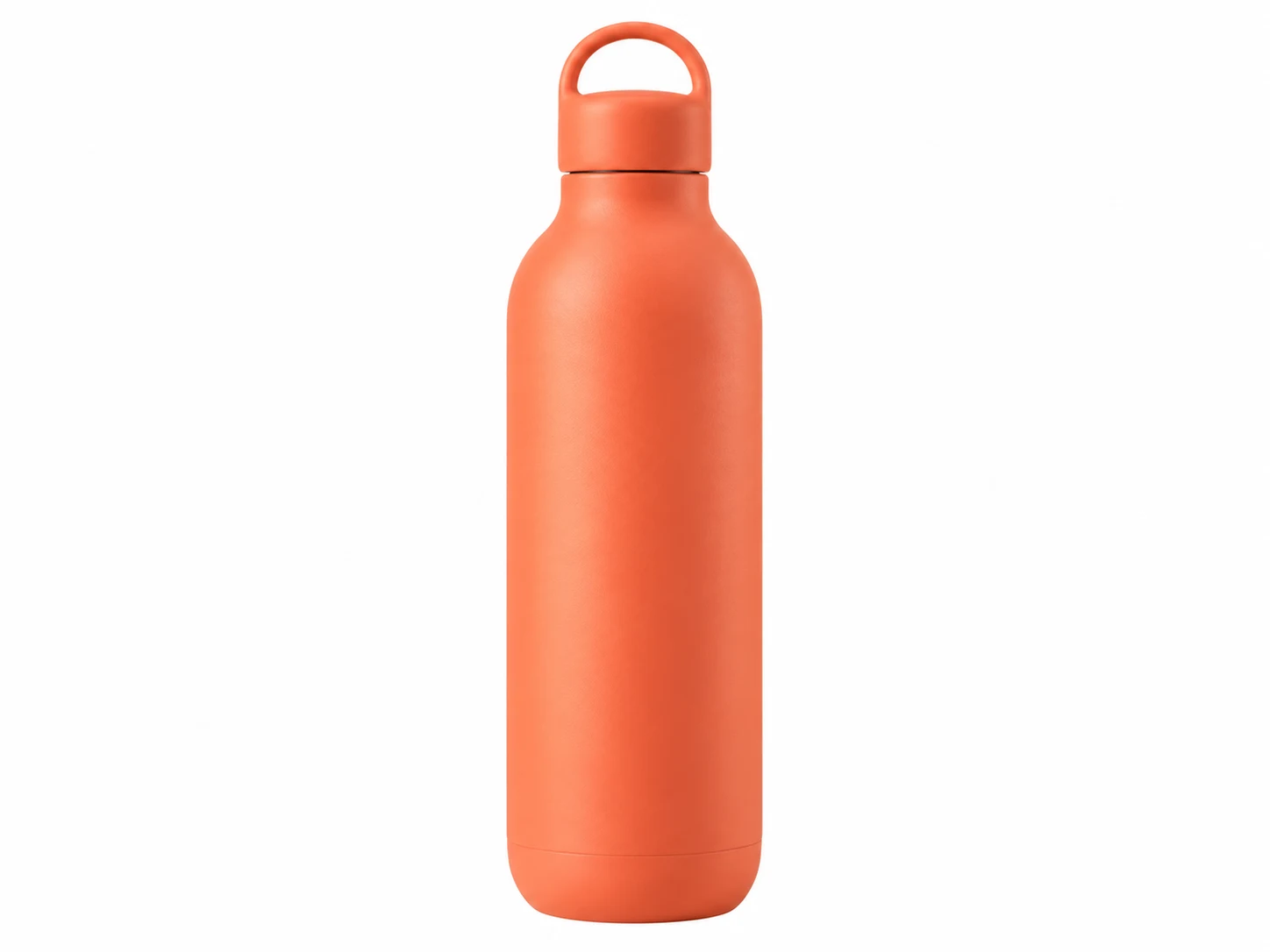
Accurately separates glossy screens, metallic bezels, charging cables, and retail boxes from messy tabletop backgrounds without jagged outlines or stray halos.
Clean edge separation around headphones, cables, and glossy tech hardware.
Prepares clean product cutouts suited for both Best Buy US vendor catalogs and Best Buy Canada Marketplace listings from any browser.
Export pure white primary images or transparent PNGs for secondary slides.
Process single hero shots immediately here, or jump to our browser batch tool to clean up to 20 catalog images and export one ZIP.
Move larger SKU drops into our 20-image browser batch tool anytime.
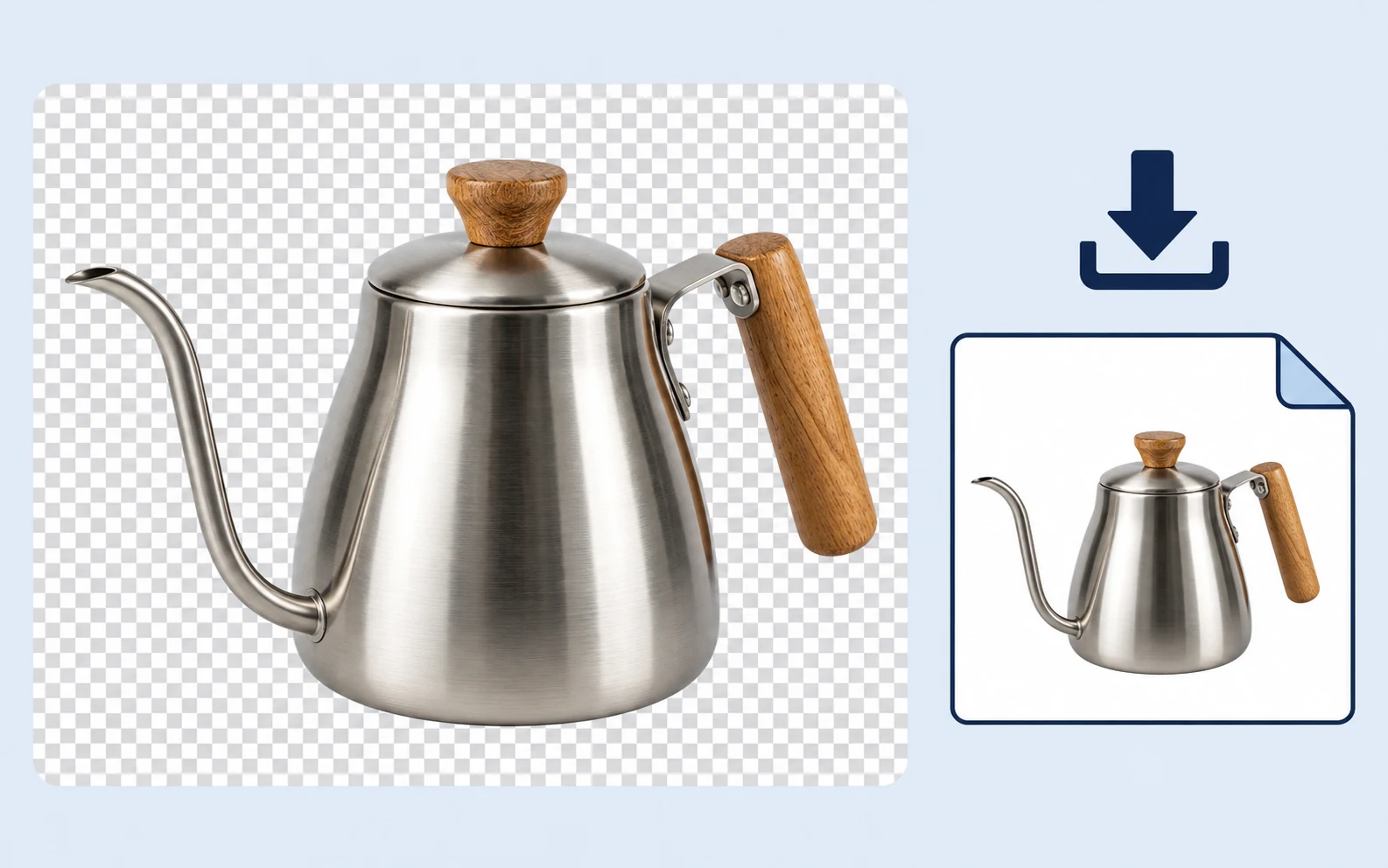
Download crisp, high-resolution product images completely free with zero watermarks, helping your Best Buy main photos stay clean and compliant.
High-resolution, watermark-free exports ready for Best Buy main images.
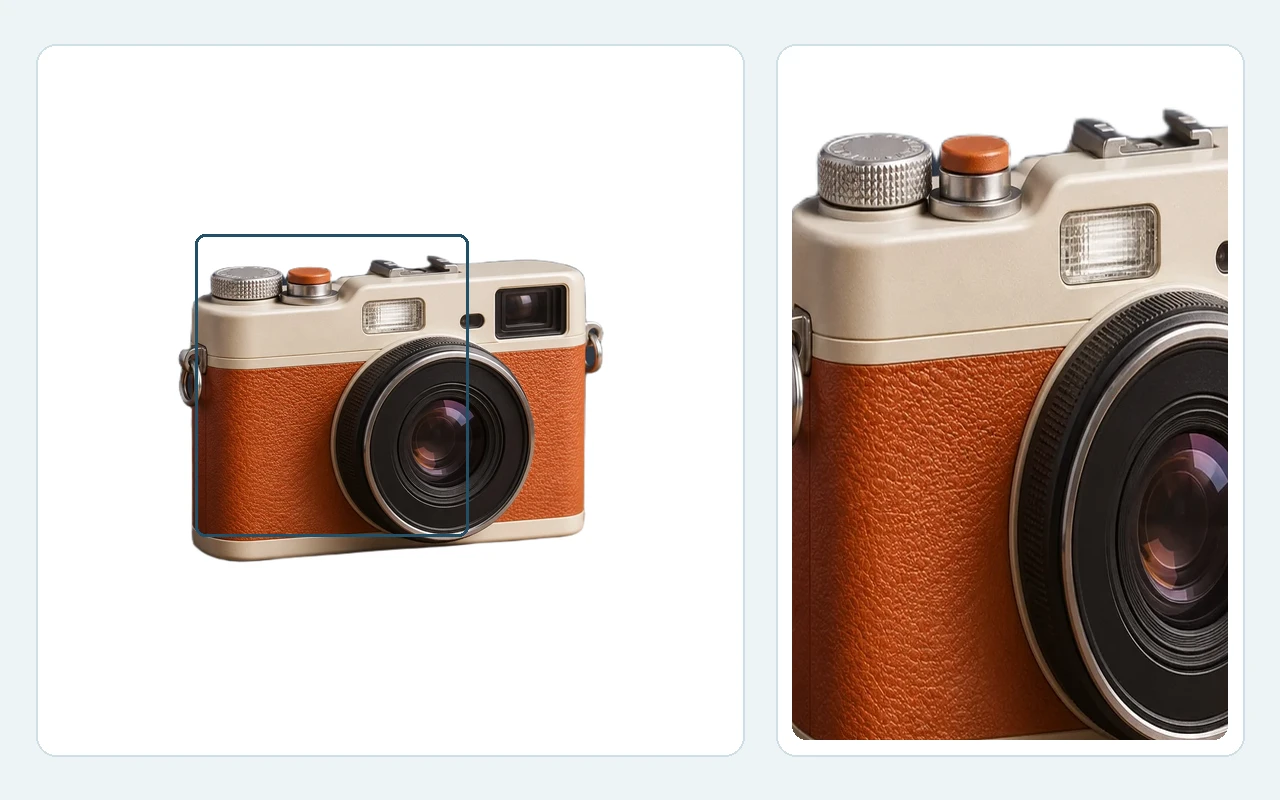
Skip buying desktop editing software or creating accounts. Upload a product photo from desktop or mobile and download results in seconds.
Preserve sharp product detail directly in any desktop or mobile browser.
Tailored for sellers and retail teams preparing clean, high-converting Best Buy product imagery.
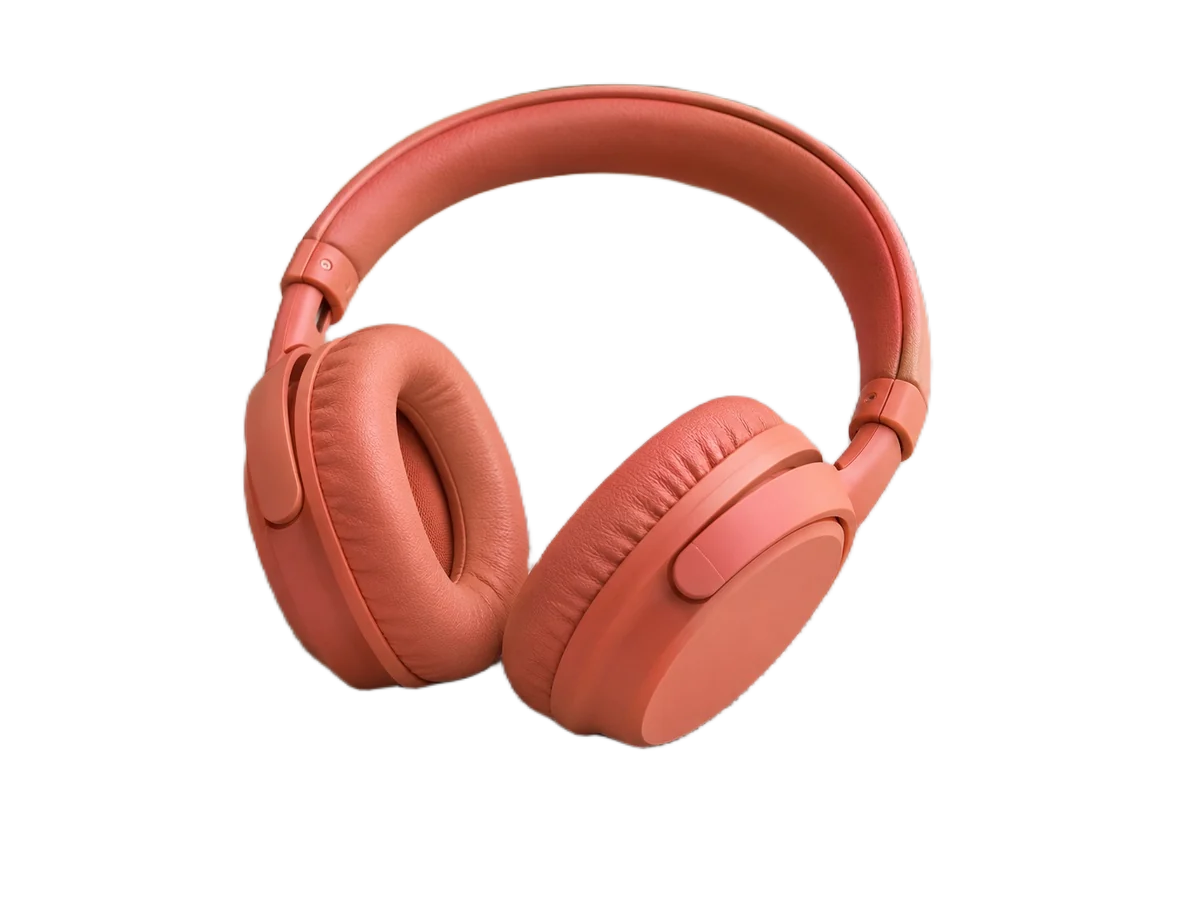
Third-party sellers cleaning smartphone or warehouse shots skip manual Photoshop masking and export crisp, white-background listing photos ready for Best Buy Marketplace.
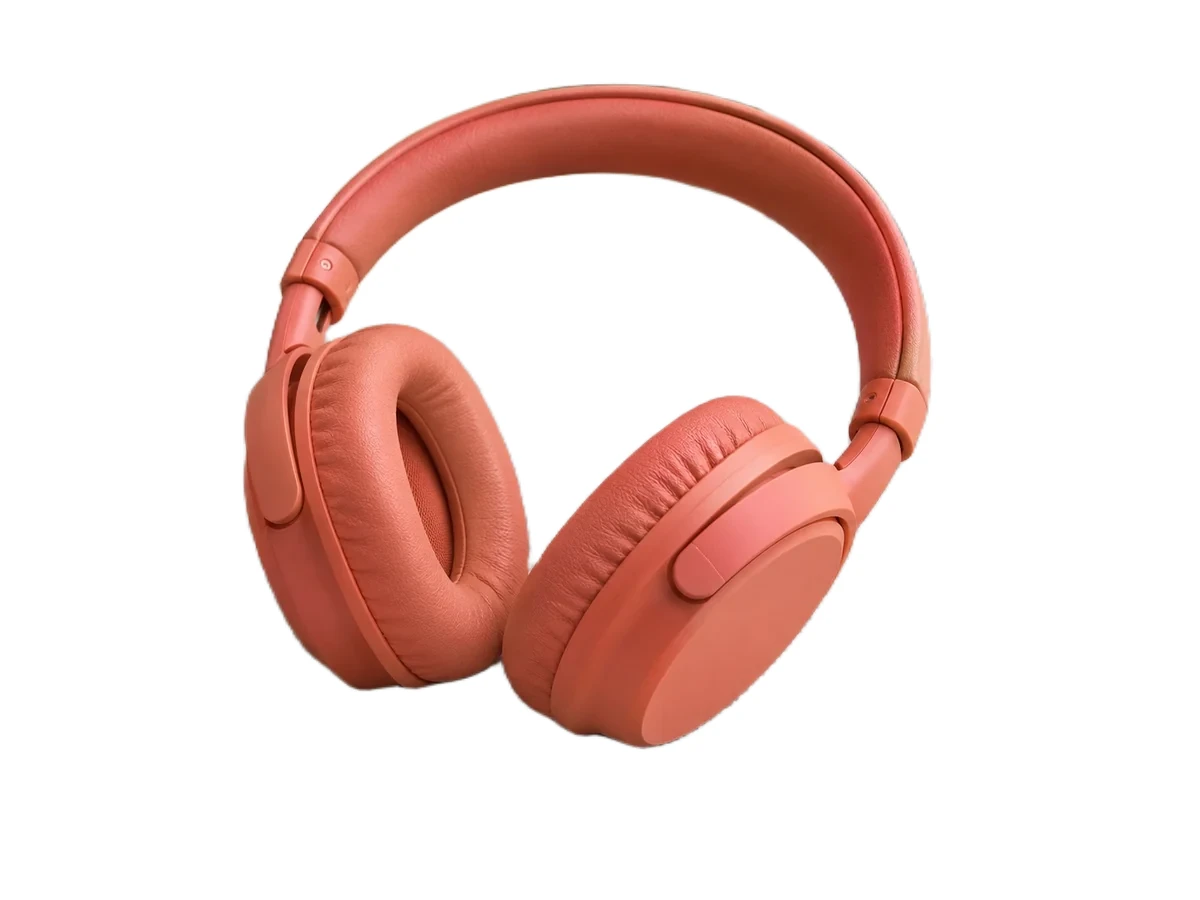
Electronics brands photographing headphones, routers, and glossy devices avoid jagged cable cutouts and get sharp transparent PNGs ready for product pages and banners.
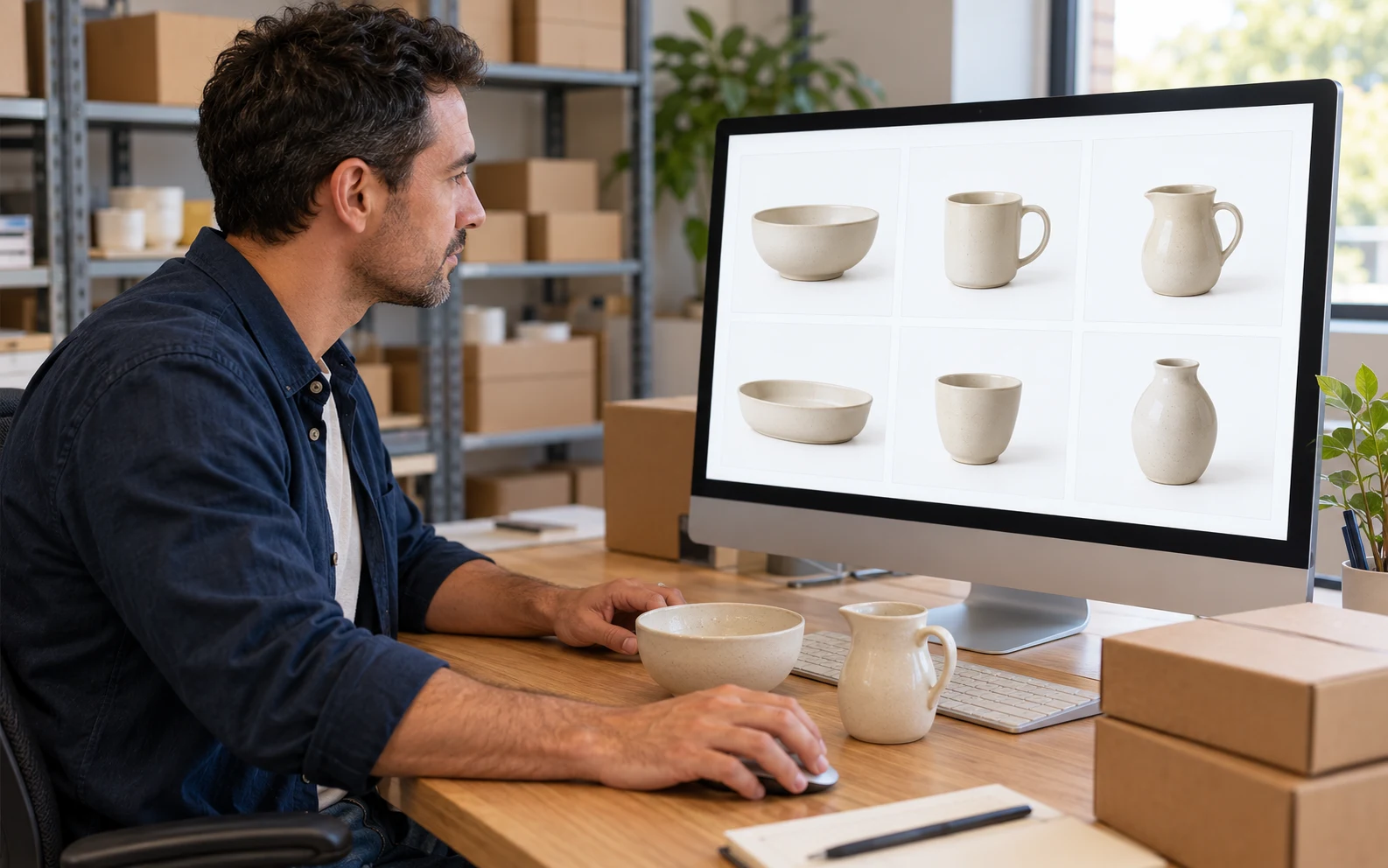
Vendor catalog managers handling mixed supplier photography unify inconsistent backgrounds fast, delivering clean isolated subjects ready for Best Buy digital asset reviews.
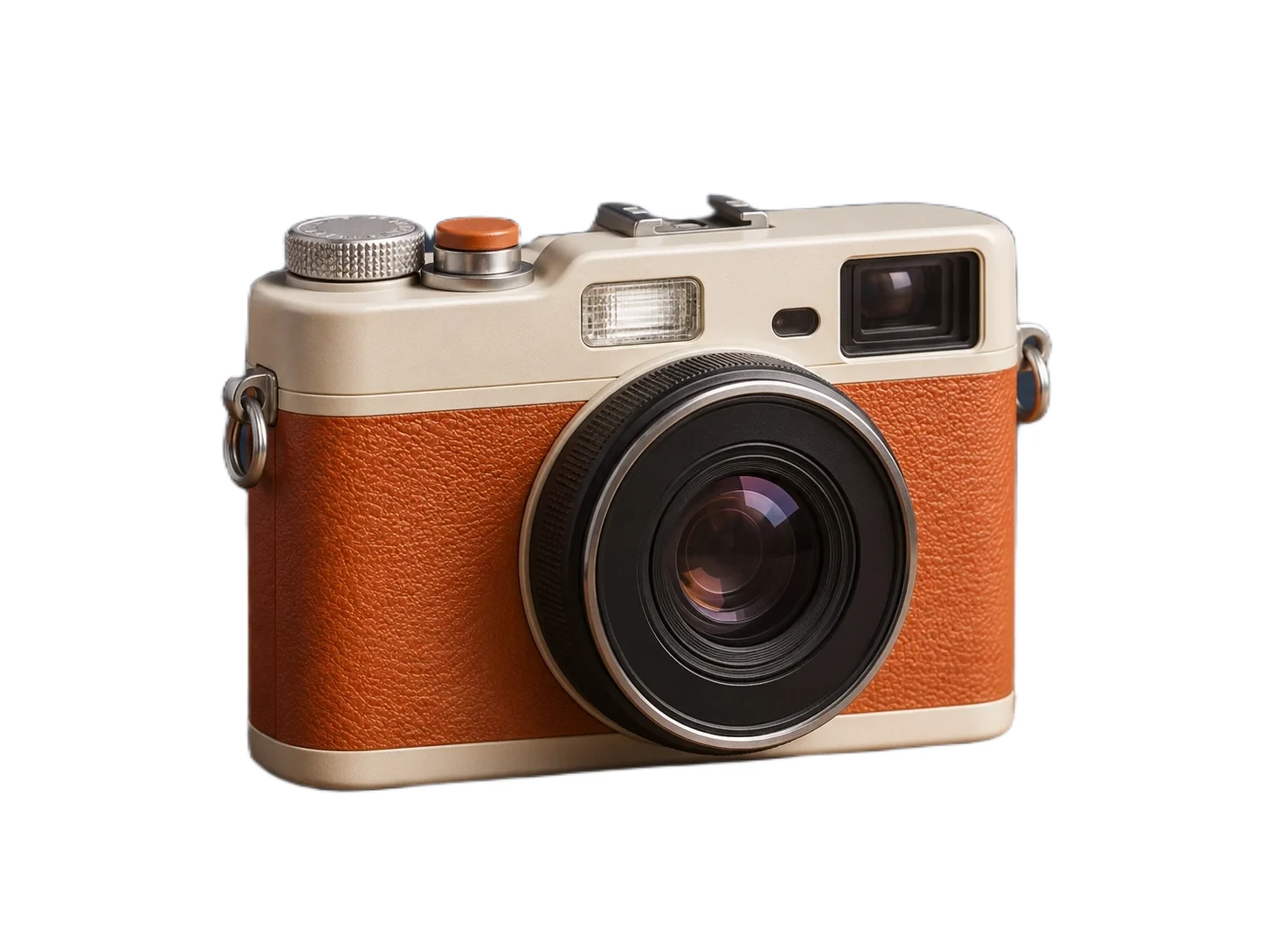
Open-box and refurbished device sellers photographing individual units eliminate messy workbench backdrops in seconds so every listing looks trustworthy and consistent.
Best Buy vendor and marketplace guidelines require a clean, pure white background (RGB 255, 255, 255) for primary product images, free of clutter, text overlays, or watermarks. Free BGRemover removes messy backdrops automatically and lets you switch to a clean white background right away.
Yes, you can upload a product photo taken on a desk or warehouse table and remove the background automatically in seconds. After removal, apply a clean white backdrop—or open our make background white tool—to prep a compliant listing image without Photoshop.
Yes, the AI model is trained to separate complex product contours, including reflective screens, dark electronics casings, and thin cords. You get a clean isolated subject without rough jagged edges, making your Best Buy tech listings look sharper.
Yes, while this page is optimized for fast single-image editing, you can switch to our batch background remover whenever you have a larger catalog. It processes up to 20 product photos per browser batch with per-image review and one-click ZIP download.
Choose a transparent PNG if you plan to reuse the product cutout in ads, comparison graphics, or resize templates later. Choose a clean white background when you want a finished primary image ready to upload directly to your Best Buy seller portal.
Free BGRemover is a free web-based AI tool for editing your Best Buy product photos—not desktop software or a physical green screen sold in Best Buy stores. Everything runs directly in your browser with no installation or purchase required.
Yes, Free BGRemover lets you strip messy backdrops from Best Buy product shots and download high-resolution results for free with no watermarks. Because Best Buy prohibits watermarks on main listing images, clean exports keep your catalog ready for review.
You can upload JPG, PNG, and WebP files up to 15 MB from any desktop or mobile browser with no signup required. Free BGRemover outputs high-resolution PNG files, so your cutouts stay crisp for zoomable Best Buy product pages.
Clear answers on Best Buy photo background rules, supported formats, and free high-resolution exports.
Upload a listing photo now to strip distracting backgrounds and export a crisp transparent PNG or clean white backdrop for free.
Clean Your Best Buy Photo Now