Remove backgrounds for ASOS Marketplace images

Erase messy backdrops in seconds for crisp ASOS clothing and model cutouts. Keep fine straps and hair intact for boutique listings on desktop or phone.

Start with your ASOS clothing or model photo

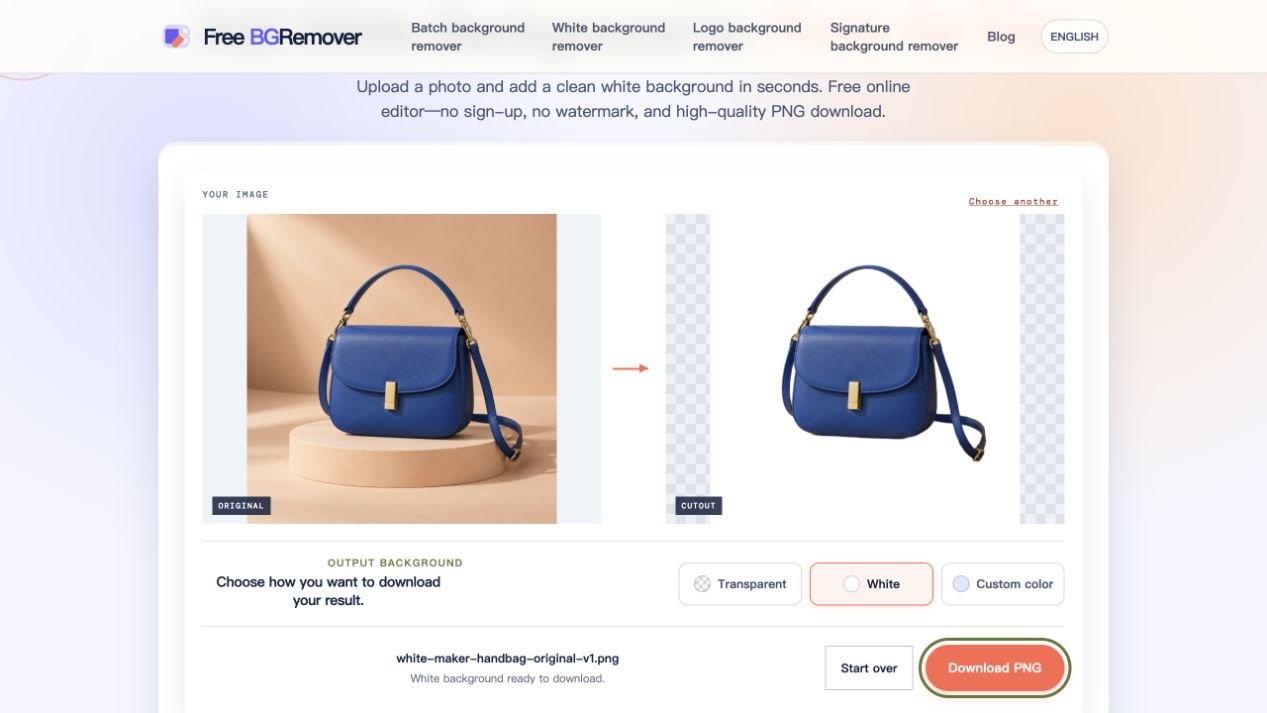
Upload a photo. Export white, light gray, or transparent PNG.

JPG, PNG, or WebP · Up to 15 MB

Privacy details

Why Clean ASOS Photos Build Instant Buyer Trust

Messy bedrooms, uneven daylight, and cluttered studio floors distract fashion shoppers browsing ASOS Marketplace. Free BGRemover automatically isolates dresses, outerwear, and accessories from busy rooms while preserving true colors and fabric drape. Clean, distraction-free ASOS listings meet editorial presentation standards and earn buyer confidence on the first scroll.

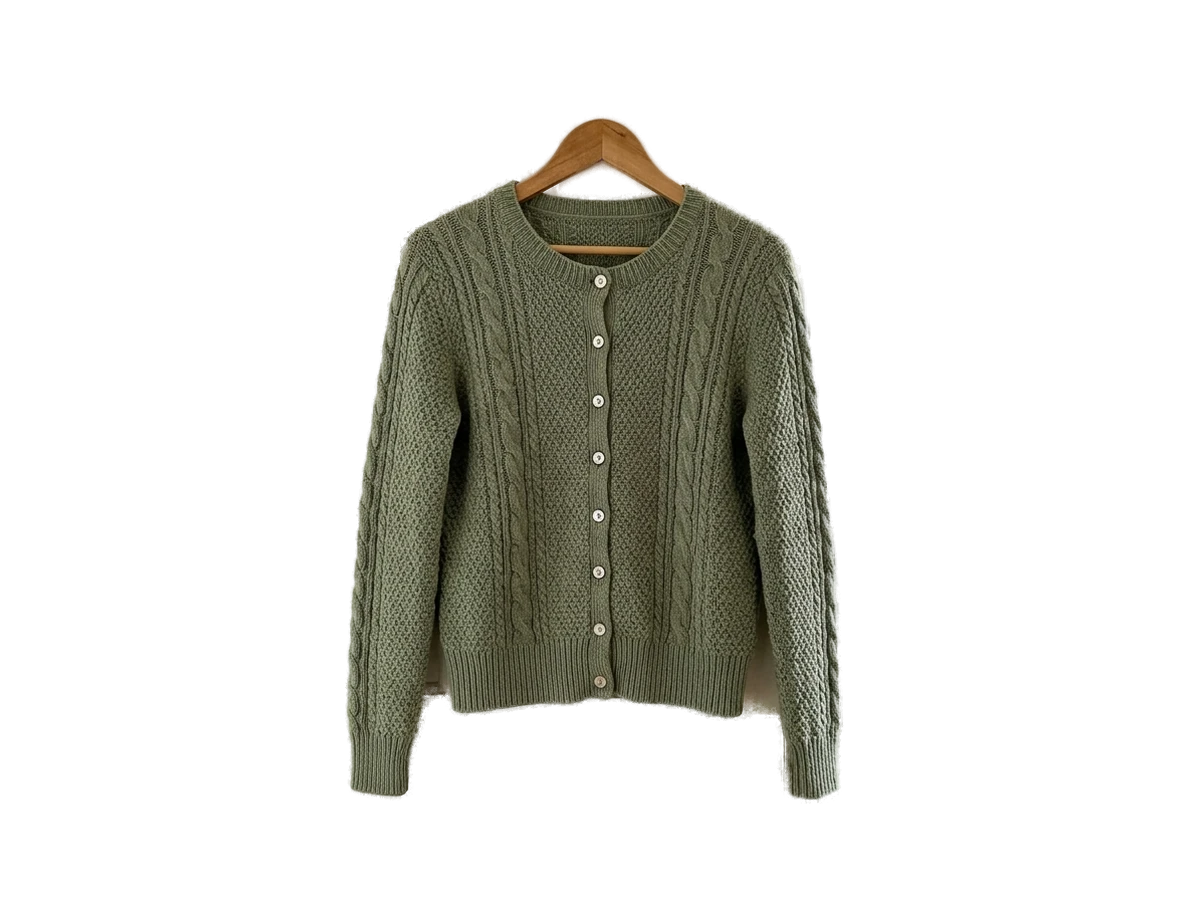
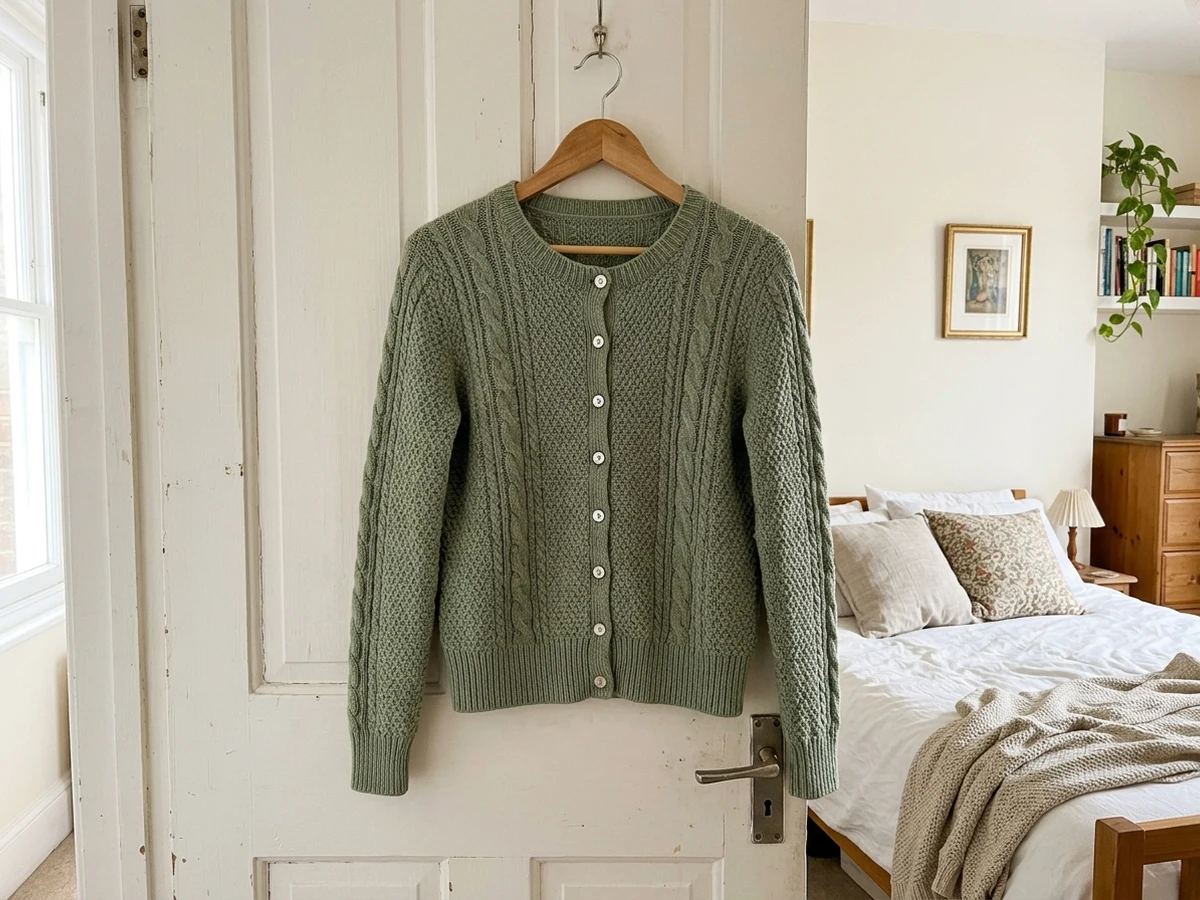
Sage-green knit cardigan sweater hanging on a wooden hanger against a cluttered bedroom door and bed corner before removing the background for an ASOS Marketplace listing

Example of removing a cluttered bedroom background behind a hanging knit cardigan for ASOS Marketplace. Actual results vary by photo.

Help Your ASOS Clothing Listings Stand Out Faster

When dozens of boutique and vintage pieces compete in the same feed, dim snapshots quickly lose clicks. Upload on-model shots or flat lays straight from your phone or laptop browser to remove backgrounds cleanly around thin straps, knitwear, and loose hair. Sharp, focused ASOS product photos draw more clicks so inventory sells faster.

Model wearing a teal knit sweater photographed in a softly lit apartment room before removing the background for an ASOS fashion listing

Compare an apartment on-model garment shot against a clean white studio finish suited to ASOS feeds. Actual results vary by photo.

Related Tools

Switch Between Transparent, White, and Light Gray Backdrops

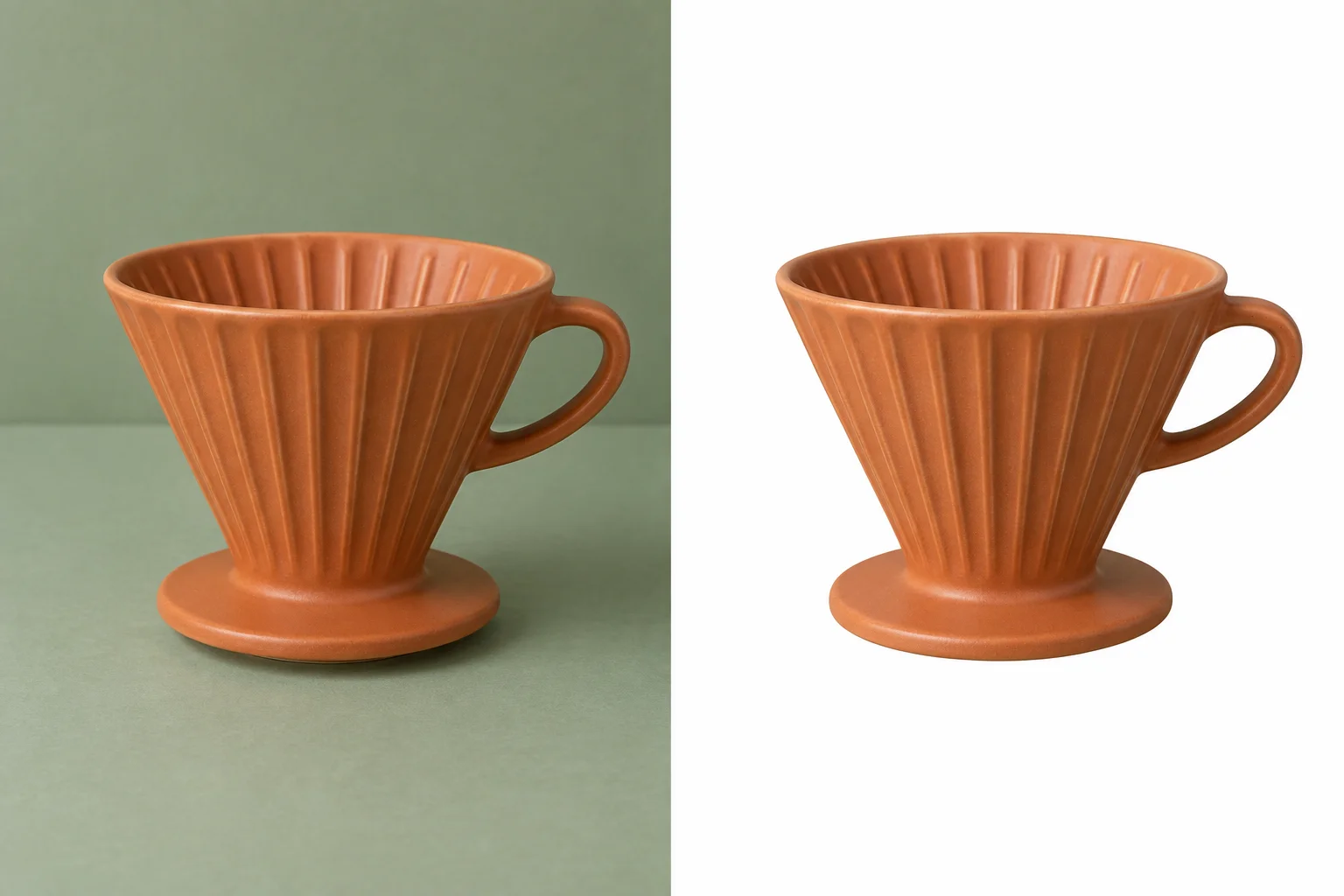
One clean cutout should adapt to every channel you sell or style on. Export a transparent PNG for lookbooks and collages, pick pure white with our white background tool, or choose a neutral studio tone via our gray background tool. Flexible backdrop options match ASOS catalog aesthetics without reshooting a single garment.

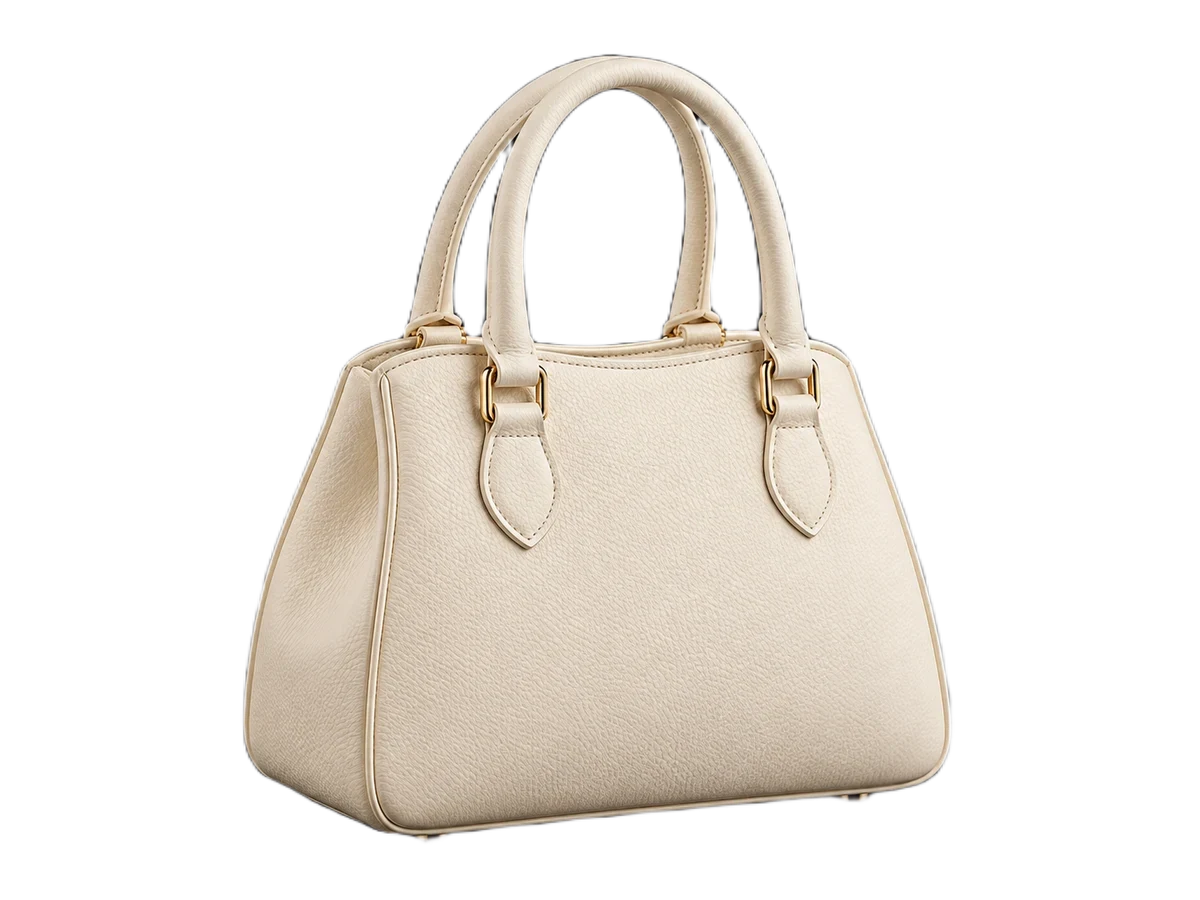
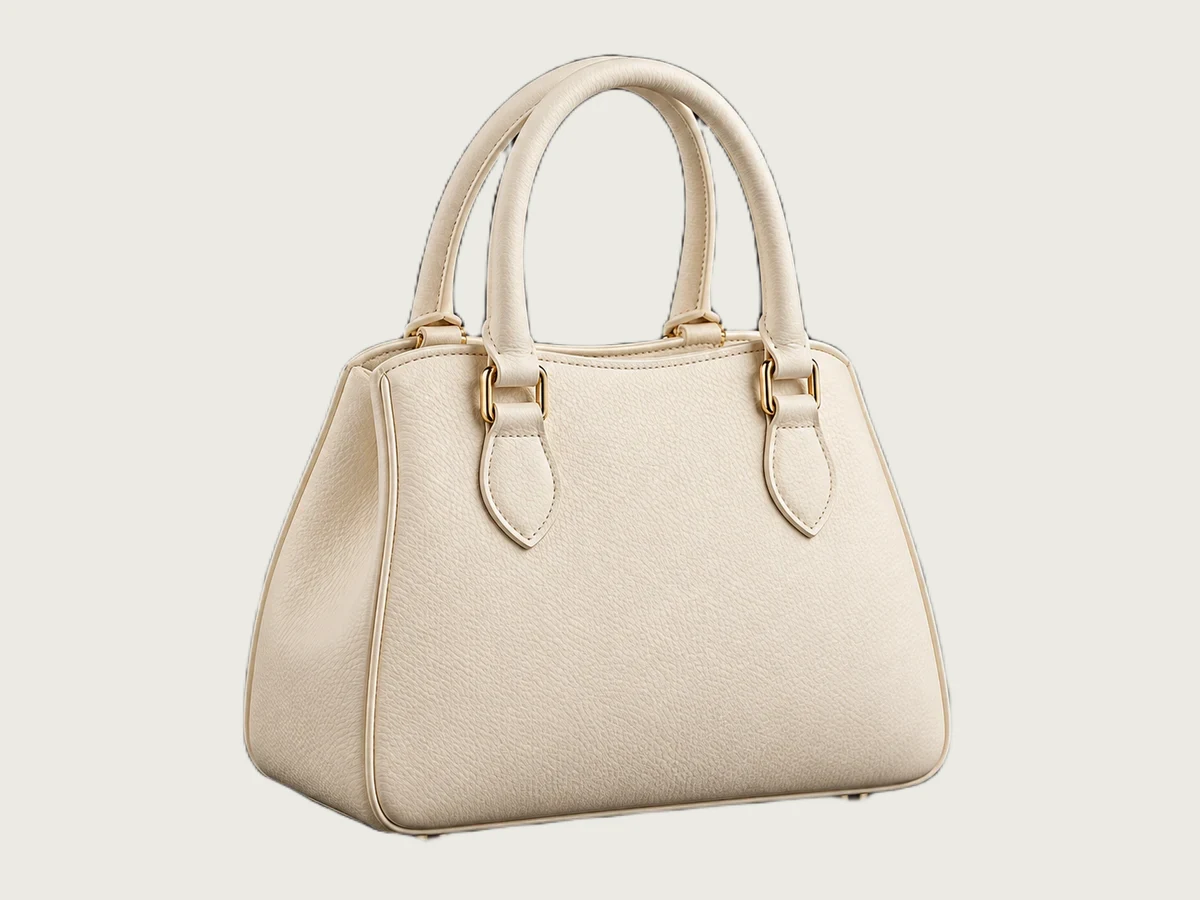
Ivory pebbled leather handbag displayed on a soft neutral light gray studio backdrop matched to ASOS catalog aesthetics

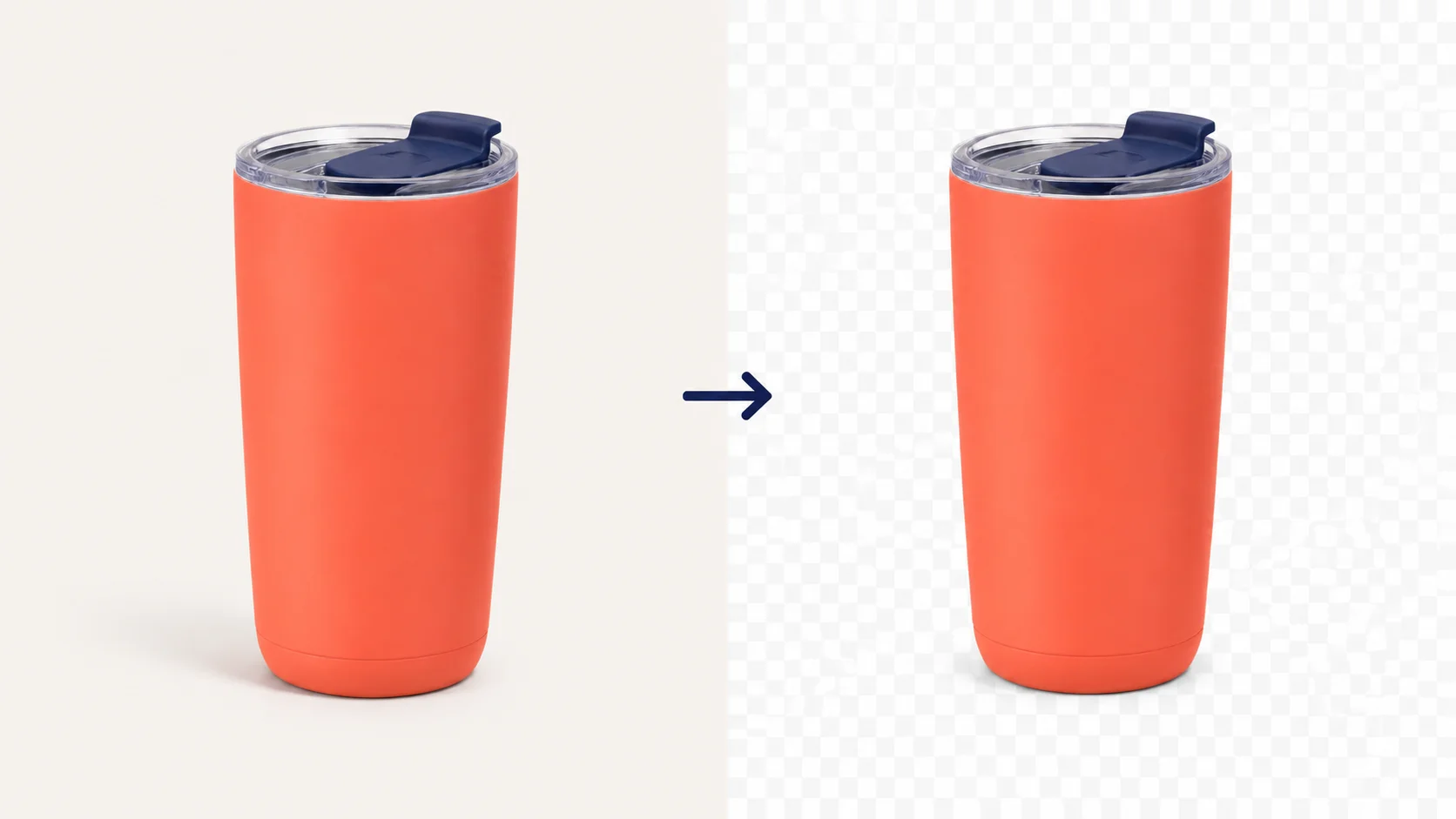
Compare a soft neutral light-gray backdrop against a transparent PNG cutout of the same fashion accessory.

Keep Your ASOS Boutique Feed Consistent Without Software

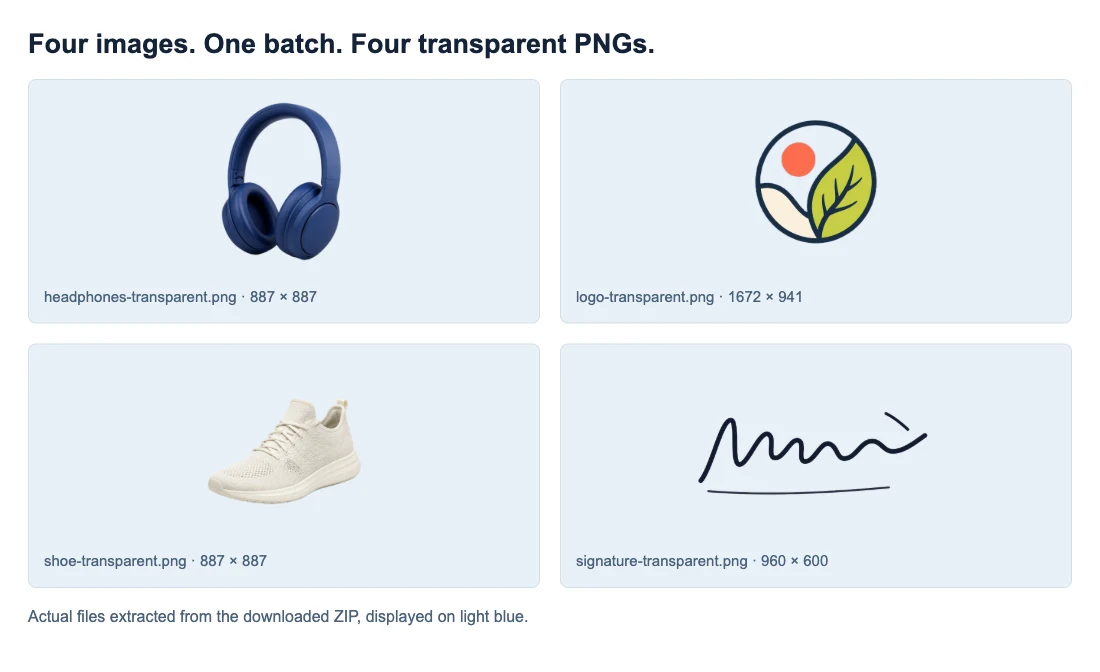
Whether you run an independent vintage boutique or prep weekly drops across multiple fashion apps, manual masking slows every launch down. Edit single hero shots directly in your browser with zero software, or clear up to 20 lookbook frames together in our batch background remover. Consistent studio-clean photos turn scattered uploads into a cohesive ASOS storefront.

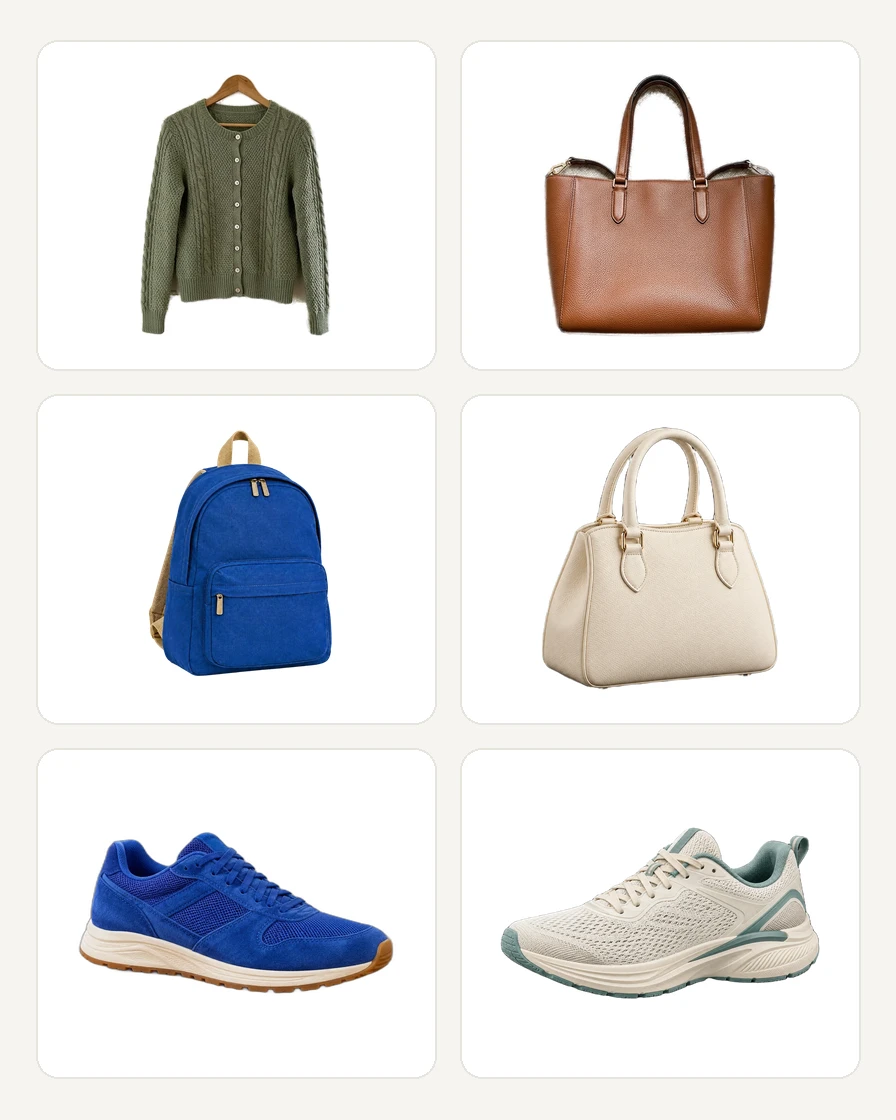
A cohesive 2x3 fashion boutique grid featuring six curated women's clothing, boot, handbag, and accessory items isolated on uniform clean white backgrounds

Turn mixed home and studio snapshots into a cohesive, boutique-ready ASOS storefront grid.

How to Remove Backgrounds From ASOS Marketplace Images

Clean clothing, model, and flat-lay photos in 3 simple steps—fast in your browser with no signup.

  1. 01

    Upload your ASOS photo

    Select or drag a JPG, PNG, or WebP garment, model, or flat-lay photo up to 15 MB directly in your browser—no account or desktop software required.

  2. 02

    Let AI clear the clutter

    Free BGRemover automatically detects your subject and erases cluttered rooms or harsh backgrounds while keeping hair, thin straps, lace hems, and knit textures intact.

  3. 03

    Download your finished PNG

    Inspect the cutout preview, keep a true transparent PNG or select pure white or light gray, then save your watermark-free image ready for ASOS listings.

Why Choose Free BGRemover for ASOS Photos

Built for clothing textures, live models, and clean studio finishes without manual Photoshop masking.

Close-up studio portrait with loose hair and collar edges cleanly isolated on a crisp white background

Sharp Hair & Strap Edges

Isolate full-length model shots and delicate camisole straps without jagged clipping around loose hair, sheer sleeves, or textured knitwear.

Clean edge separation around hair strands, collars, and fine garment contours. Actual results vary by photo.

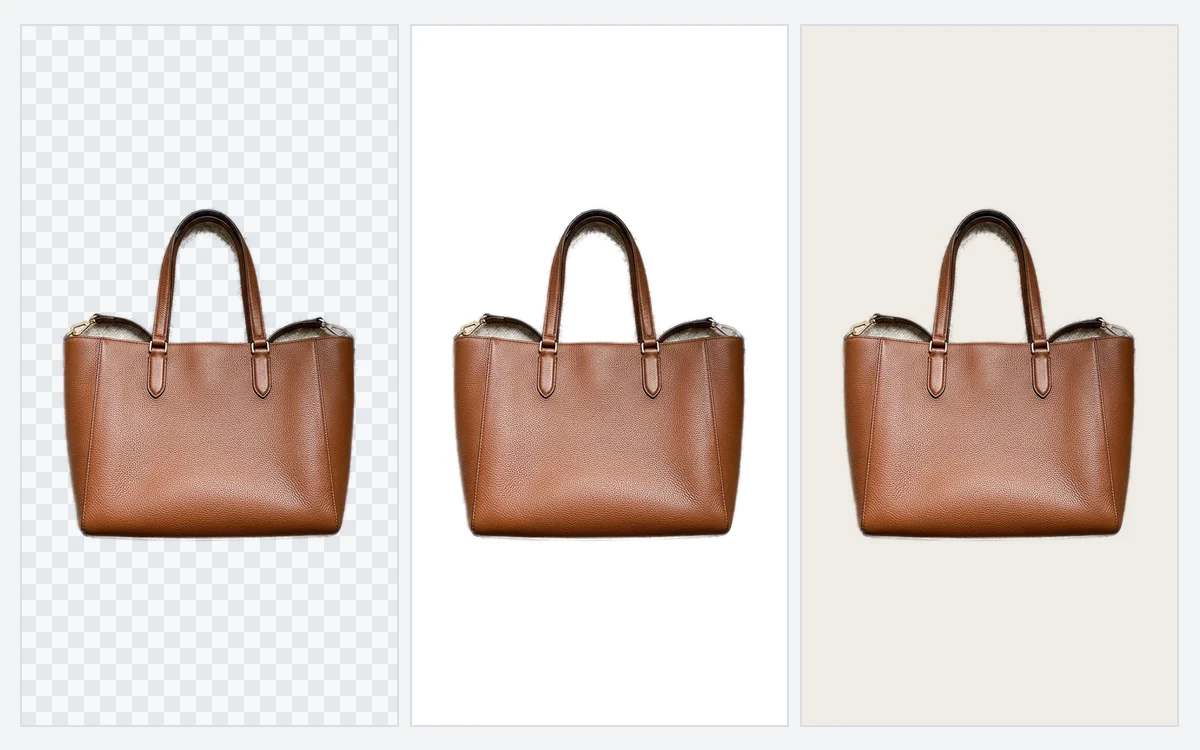
Three-panel backdrop comparison showing a cognac leather tote handbag on transparent checkerboard, pure white, and soft neutral light gray

White & Light Gray Ready

Switch effortlessly between transparent PNGs, pure white (#FFFFFF), and soft light gray studio tones like RGB 240,240,240 used in fashion catalogs.

Preview transparent, pure white, and soft light-gray finishes in one workspace.

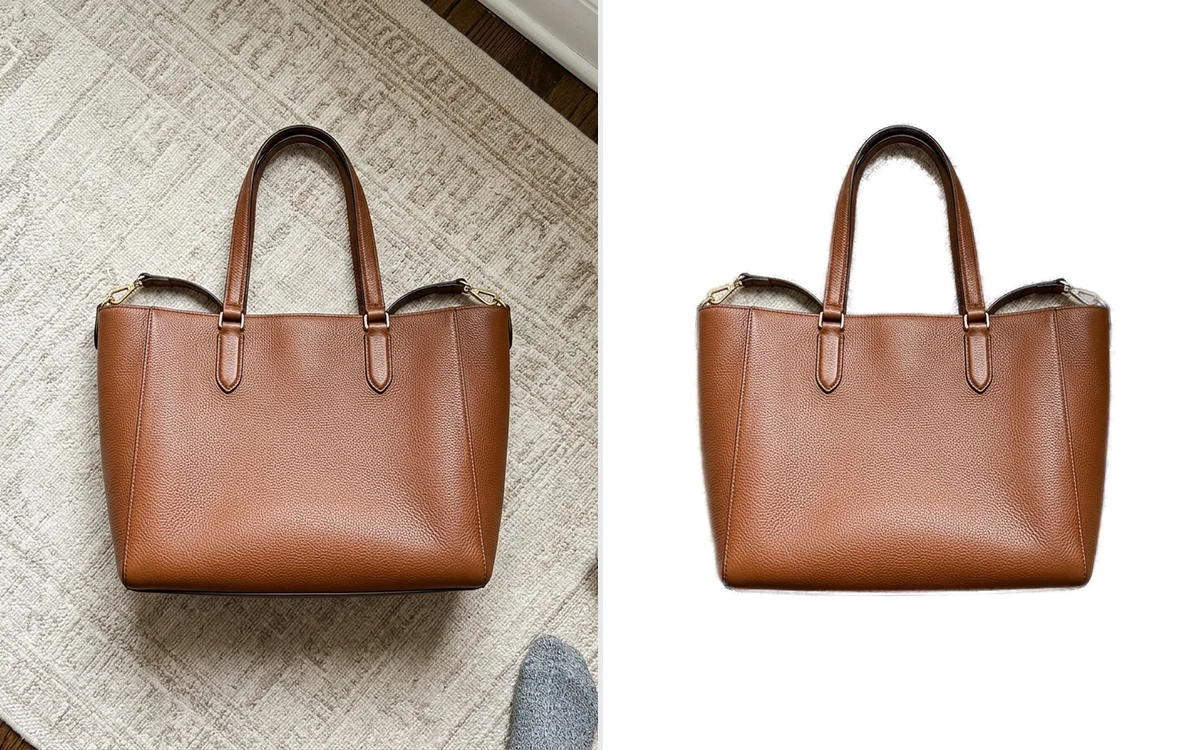
Cognac leather tote handbag photographed flat on a patterned bedroom rug paired next to its crisp white-background cutout

Model & Flat-Lay Friendly

Cleanly separate live on-model apparel, folded flat lays, and accessory shots from messy bedrooms, patterned rugs, or uneven daylight walls.

Clear messy room floors and walls while preserving crisp garment outlines.

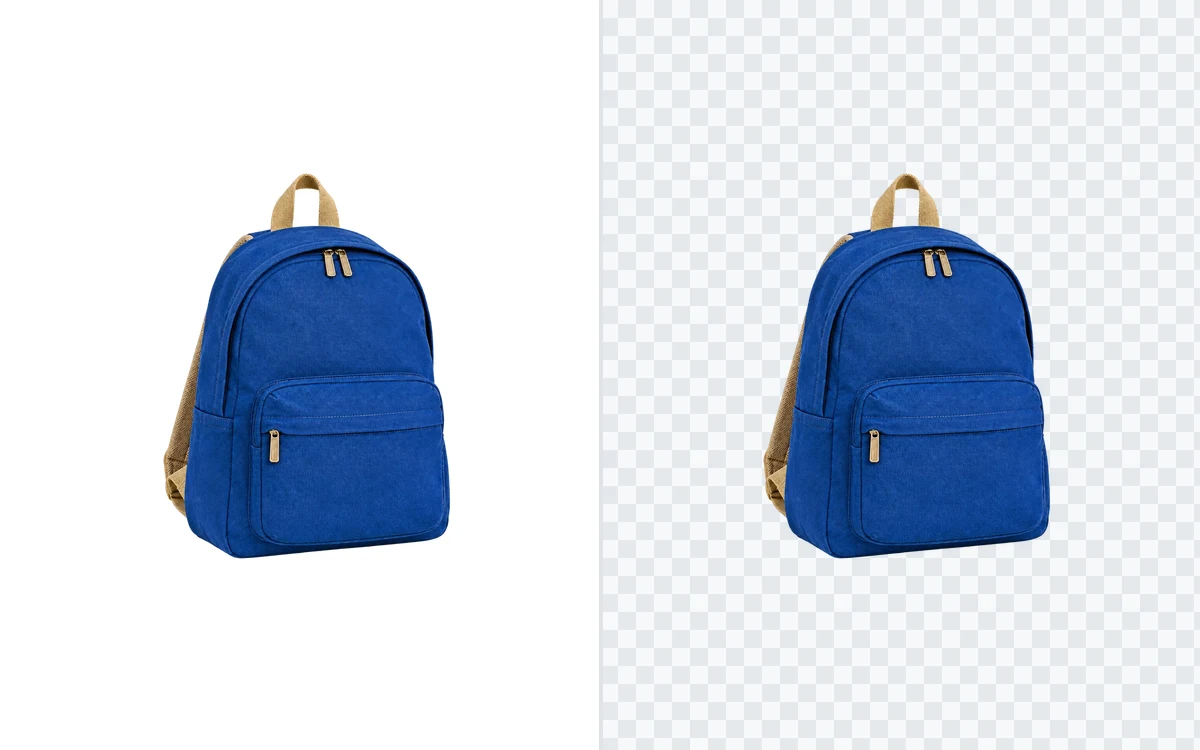
Clean white-background canvas backpack preview beside a crisp transparent PNG export with zero watermarks

Zero Watermarks for Listings

ASOS Marketplace forbids logos and overlays on listing photos. Export completely clean, watermark-free PNGs that keep full attention on your garment.

Watermark-free PNG and solid-backdrop exports ready for ASOS listings.

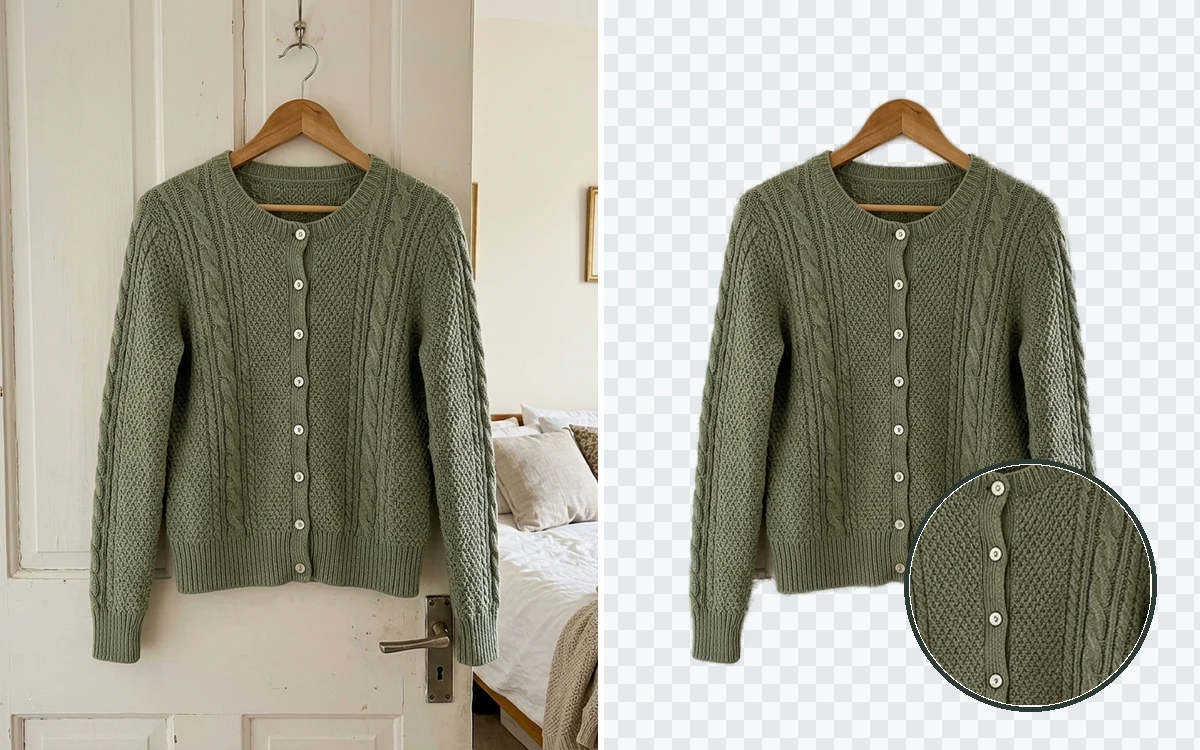
Side-by-side preview showing a sage-green knit cardigan isolated cleanly from a bedroom background with magnified knit button and ribbed texture detail

Original Resolution Preserved

Keep your uploaded pixel dimensions intact instead of forcing blurry previews, so shoppers can inspect stitching, fabric weave, and tailoring details clearly.

Retain original upload resolution so buyers can inspect knit weave and stitching.

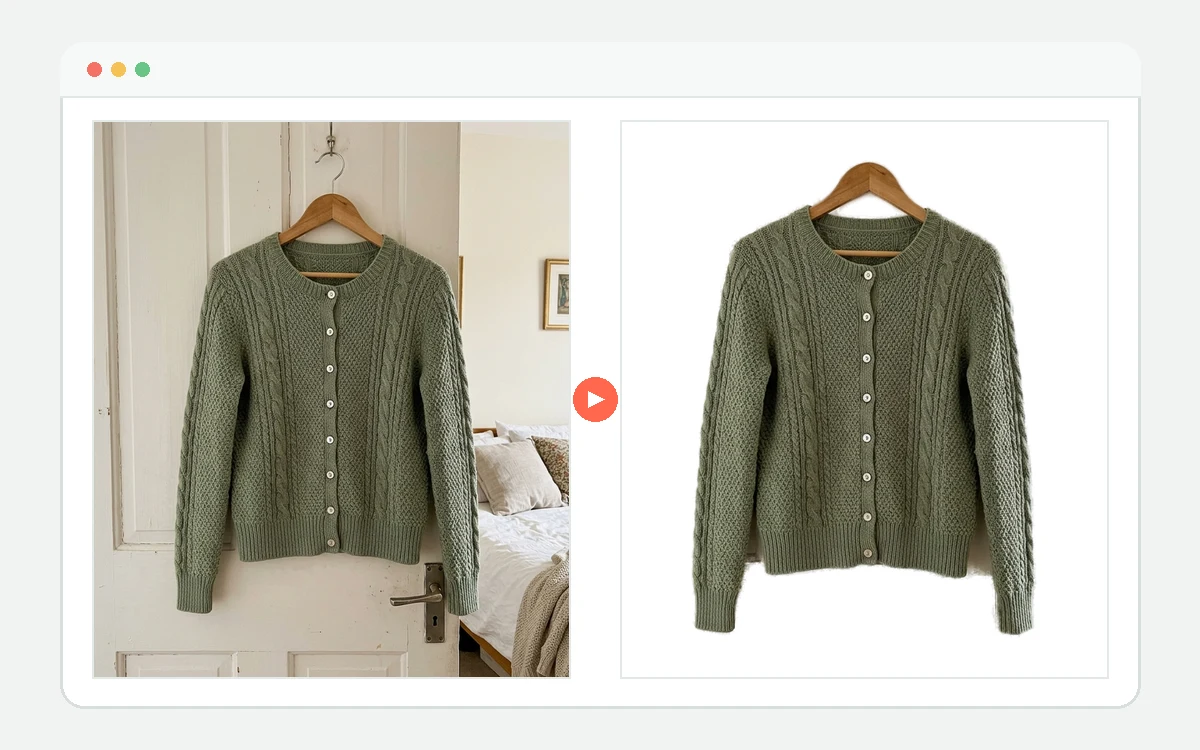
Before-and-after browser preview showing a sage-green knit cardigan isolated cleanly from a bedroom door onto a crisp white canvas

Private Browser Processing

Process unreleased seasonal samples right inside your desktop or mobile browser with no signup and no long-term cloud image storage.

Local browser background removal with no account friction.

Who Uses Free BGRemover for ASOS Photos

See how fashion boutiques, vintage curators, and style creators produce cleaner ASOS cutouts in less time.

Model wearing a teal sweater photographed in a softly lit apartment room before background removal for an ASOS Marketplace boutiqueThe same model portrait cleanly isolated on a uniform studio white background ready for an ASOS boutique listing

Boutique Catalog Listings

Photographing new apparel drops in small studios or apartments? Strip away cluttered walls in seconds and publish uniform white or light-gray model shots that match boutique standards.

  • Clear studio and apartment clutter fast
  • Keep model shots uniform across seasonal drops
  • Export watermark-free boutique listings
Clean Boutique Listing Photos
What background works best for ASOS Marketplace product photos?

Clean, minimal, and neutral backgrounds work best for ASOS Marketplace listings. Pure white (#FFFFFF) and soft light gray (around RGB 240,240,240) keep focus on fabric, cut, and fit while avoiding cluttered domestic rooms that can trigger boutique rejections. Choose a solid color for direct uploads or transparent PNG for graphic layouts.

Will background removal clip hair, thin straps, or lace edges?

No, our AI model is designed to preserve fine contours around loose hair, spaghetti straps, lace trims, and knitwear textures. For the cleanest cutout on ASOS model or flat-lay shots, shoot in bright, even daylight with clear visual contrast between the garment and the wall behind it.

How can I give an ASOS photo a light gray or white background?

Upload your clothing photo, let Free BGRemover strip the original backdrop automatically, and pick White or a custom light-gray hex value like #F0F0F0 right inside the preview panel. You can also start directly from our white background tool or gray background tool for preset solid finishes.

Can I cut out clothing from ASOS screenshots for outfit collages?

Yes, you can upload ASOS web or mobile screenshots in JPG, PNG, or WebP format to isolate single garments in seconds. Leave the background set to transparent and download a clean PNG cutout ready to drop into Canva, Apple Freeform, Shuffles, or digital wardrobe apps.

Can this tool remove mannequins or watermarks from ASOS photos?

No, Free BGRemover focuses strictly on separating the whole foreground subject from its background rather than reconstructing hidden collars or erasing overlays. Because ASOS Marketplace restricts mannequins and bans watermarks, shoot garments on live models or clean flat lays before removing the room backdrop.

How do I remove backgrounds from multiple ASOS listing photos at once?

This page handles fast single-photo edits so you can inspect every garment edge closely. When prepping a full seasonal drop, switch to our batch background remover to process up to 20 JPG, PNG, or WebP photos in one browser session and download them together in a ZIP file.

Is this ASOS background remover free with no watermark or signup?

Yes, you can upload photos, remove backgrounds, switch to transparent, white, or custom solid backdrops, and download watermark-free PNG files directly in your browser without creating an account. Having zero watermarks ensures your finished clothing photos stay clean for fashion marketplace review.

What file formats work, and are my unreleased fashion photos private?

Upload JPG, PNG, or WebP images up to 15 MB on modern desktop or mobile browsers, and download clean PNG outputs. Background removal runs locally in your browser rather than storing your lookbook files on remote servers; if a partner portal specifically requires JPEG, save the solid-background PNG as JPEG in your device viewer.

Frequently Asked Questions About ASOS Background Removal

Clear answers on ASOS photo background standards, garment edge accuracy, batch edits, and free browser downloads.
Ready to Clean Up Your ASOS Photos?

Remove cluttered backgrounds from model shots, flat lays, and clothing cutouts in seconds—free in your browser.

Remove ASOS Photo Backgrounds Free