Free AliExpress Background Remover

Turn messy AliExpress photos into crisp white or transparent cutouts in seconds. Export listing-ready images for AliExpress or Shopify right in your browser.

Start with your AliExpress product or supplier photo

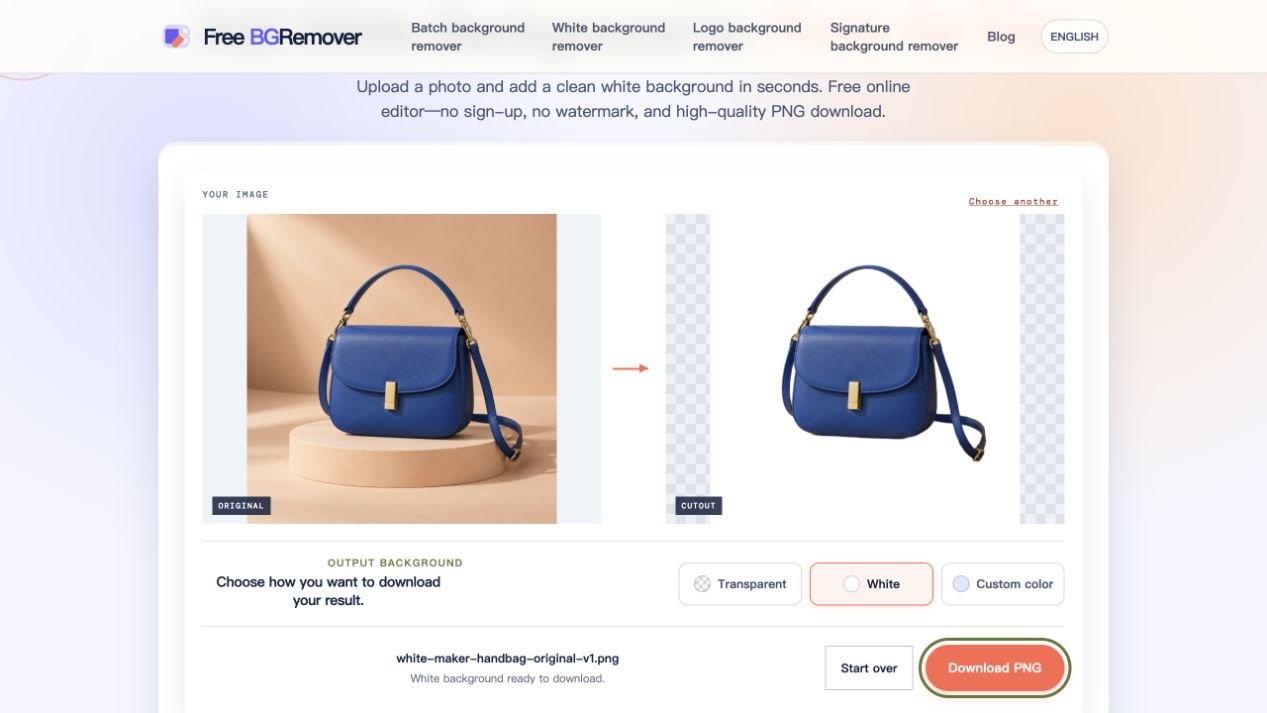
Upload a photo. Export pure white or transparent PNG.

JPG, PNG, or WebP · Up to 15 MB

Privacy details

Meet Clean AliExpress Product Photo Background Standards

Cluttered supplier backdrops, harsh lighting, and uneven surfaces make shoppers scroll past your listings in seconds. Free BGRemover isolates every item automatically so your primary photos align with clean white-background marketplace expectations. Give every AliExpress product photo a crisp, distraction-free look that earns instant buyer trust without booking a photo studio.

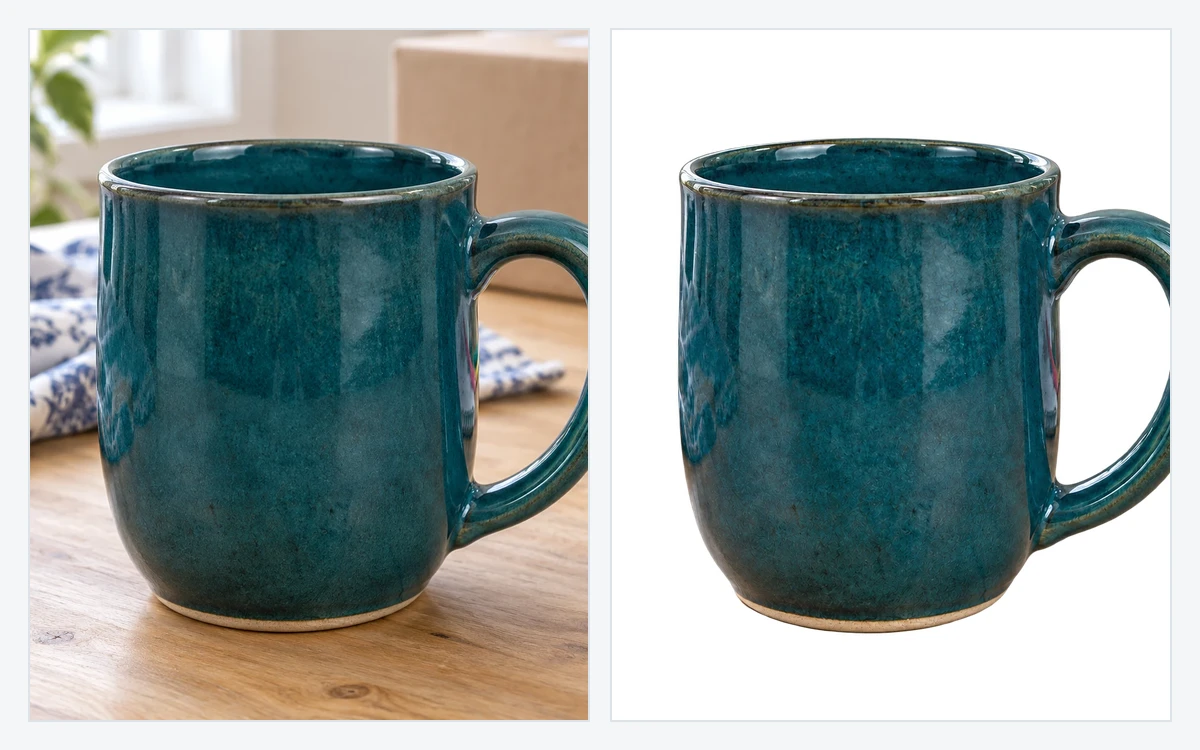
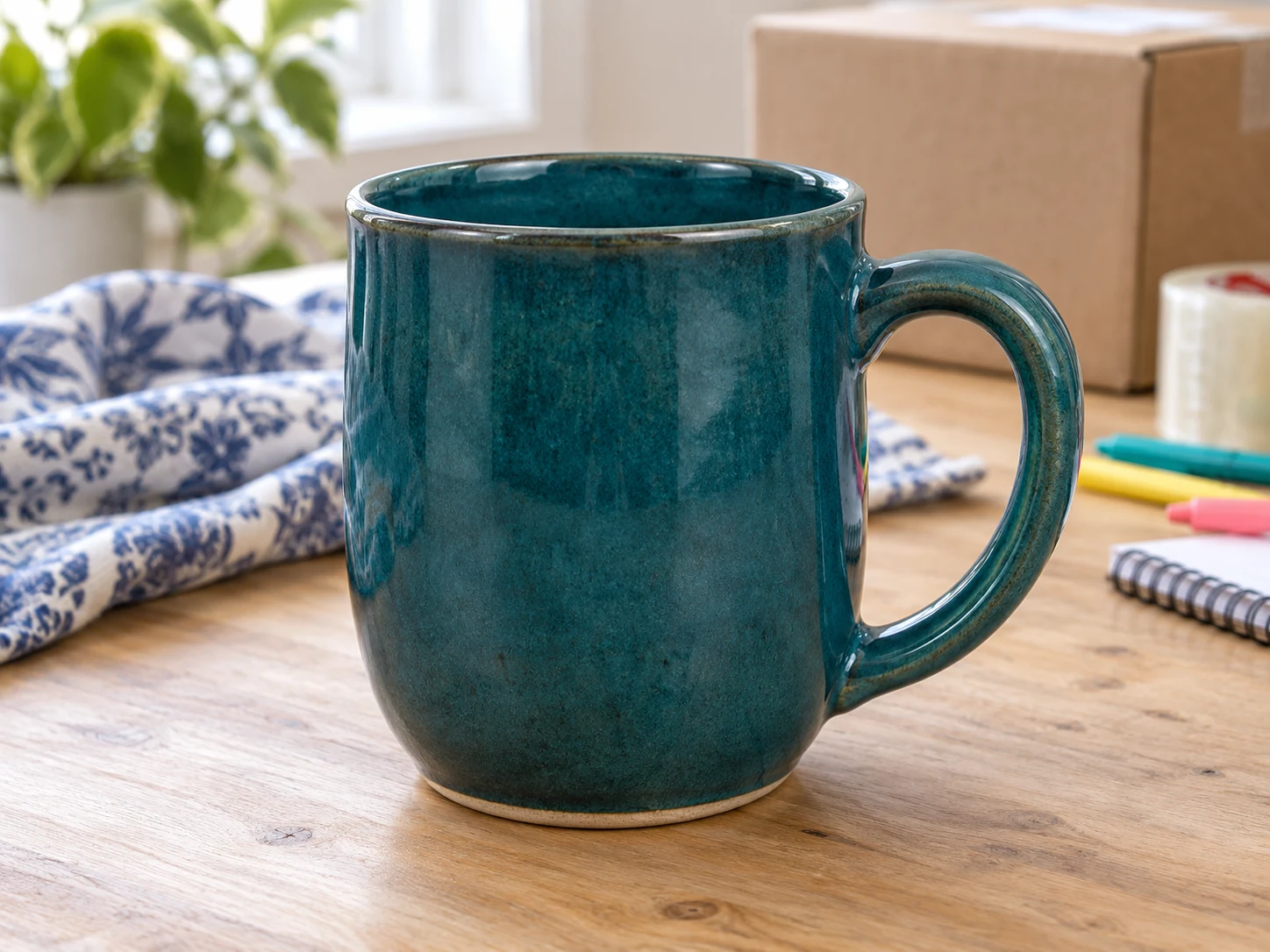
Glazed teal ceramic mug sitting on a cluttered packing desk beside a shipping box, fabric, tape, and markers before background removal for AliExpress

Example of removing a cluttered supplier-table backdrop behind a ceramic mug for an AliExpress listing. Actual results vary by photo.

Help Your AliExpress Listing Photos Win More Clicks

When dozens of sellers use the same raw factory pictures, busy room backgrounds blur together in crowded search grids. Upload item shots from your phone or laptop and strip out messy backdrops in one click while keeping fine edges sharp. Clean, high-contrast AliExpress cutouts stand out immediately in search results and drive stronger store conversions.

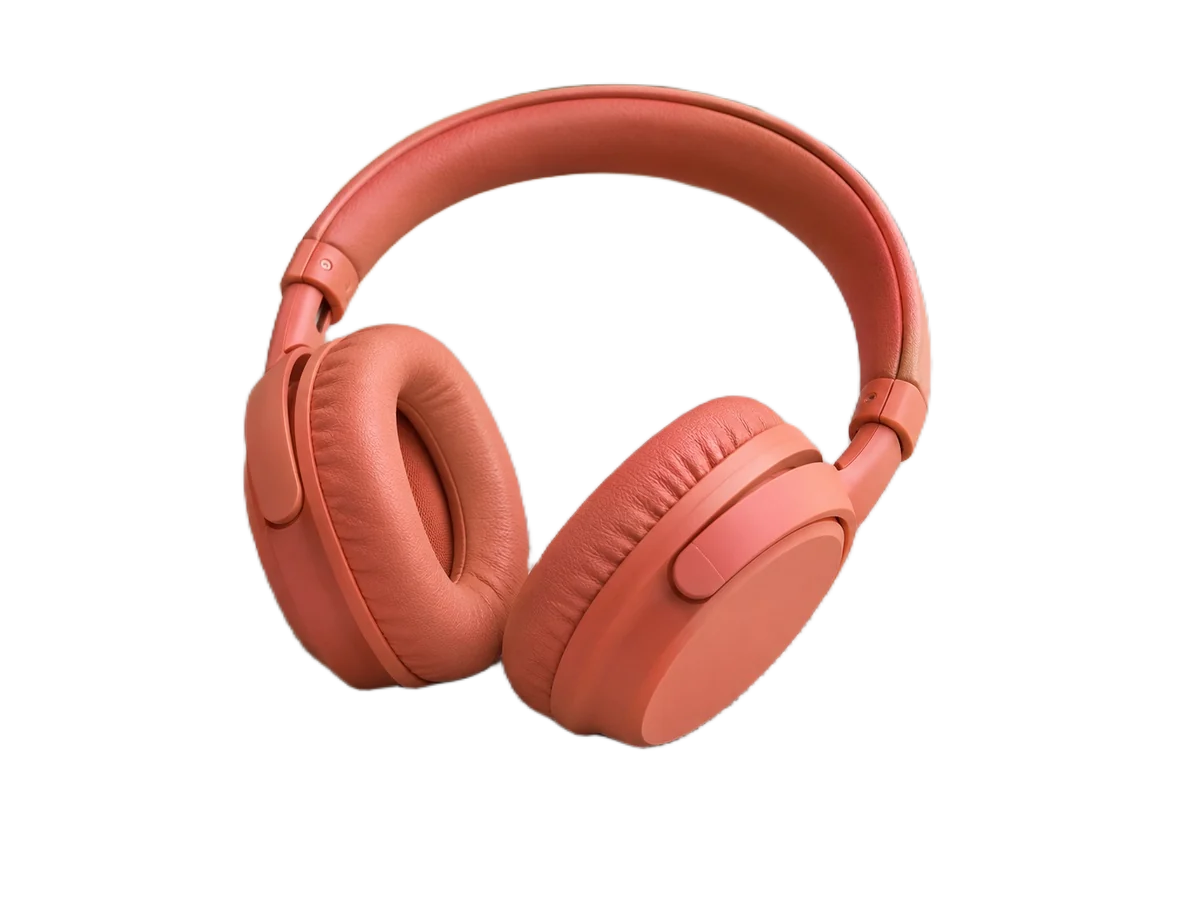
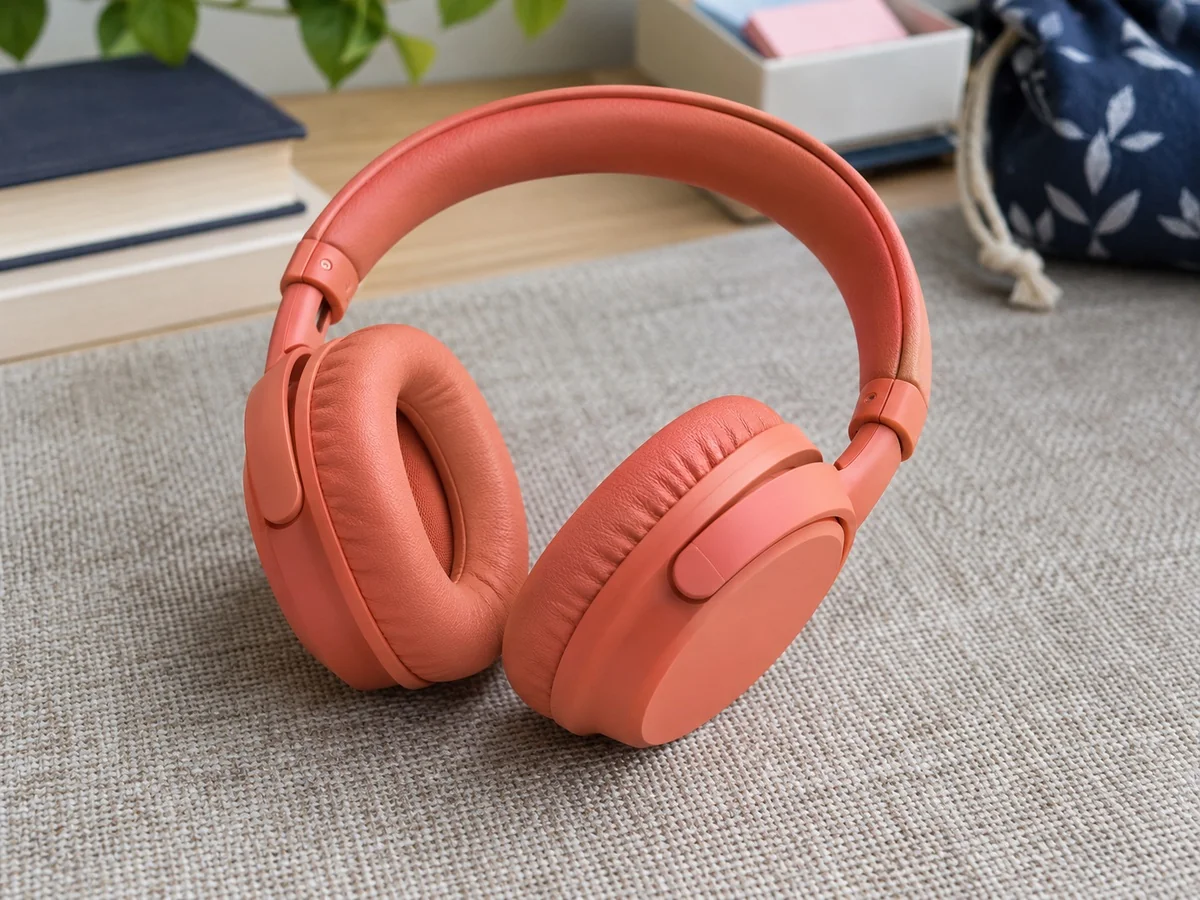
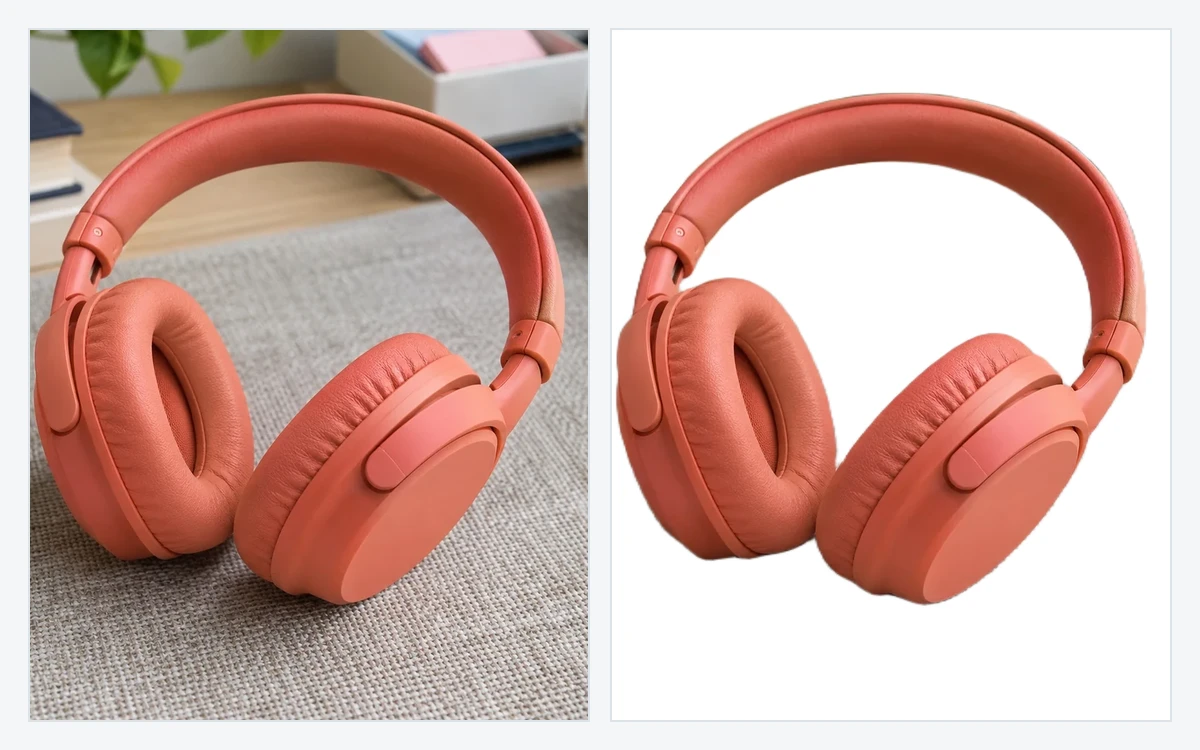
Coral matte wireless over-ear headphones resting on a woven desk mat beside books and boxes before background removal for an AliExpress product photo

Compare a cluttered indoor snapshot of wireless headphones with its clean transparent cutout. Actual results vary by photo.

Related Tools

Export AliExpress Transparent PNG or Pure White Backgrounds

Different store placements require different backdrop formats. Export a true transparent PNG for promotional banners, comparison charts, and social ads, or switch to a solid pure white background (#FFFFFF) or brand-matched color before saving. One clean cutout adapts seamlessly from primary AliExpress listings to multi-channel marketing graphics without redoing edits.

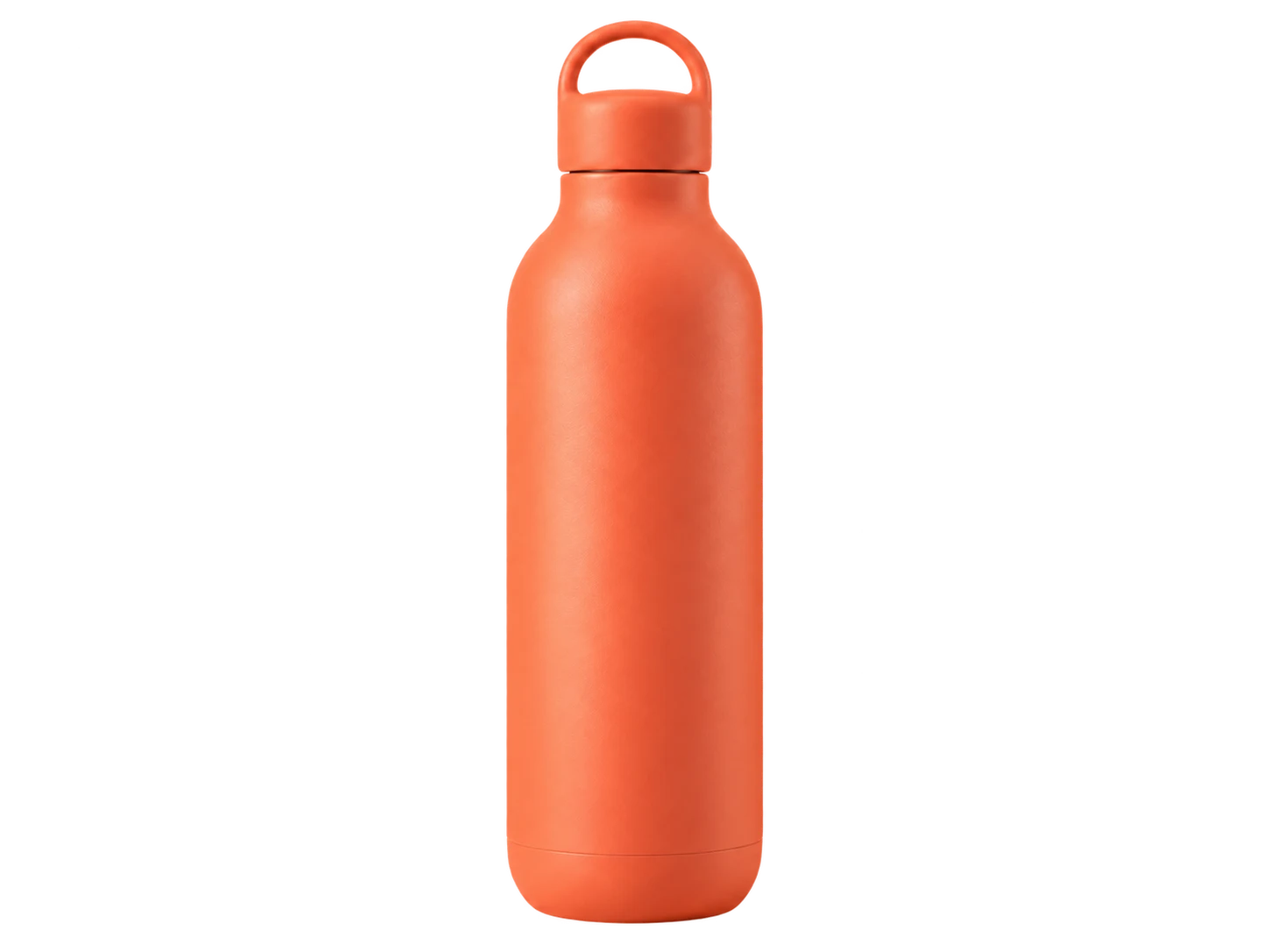
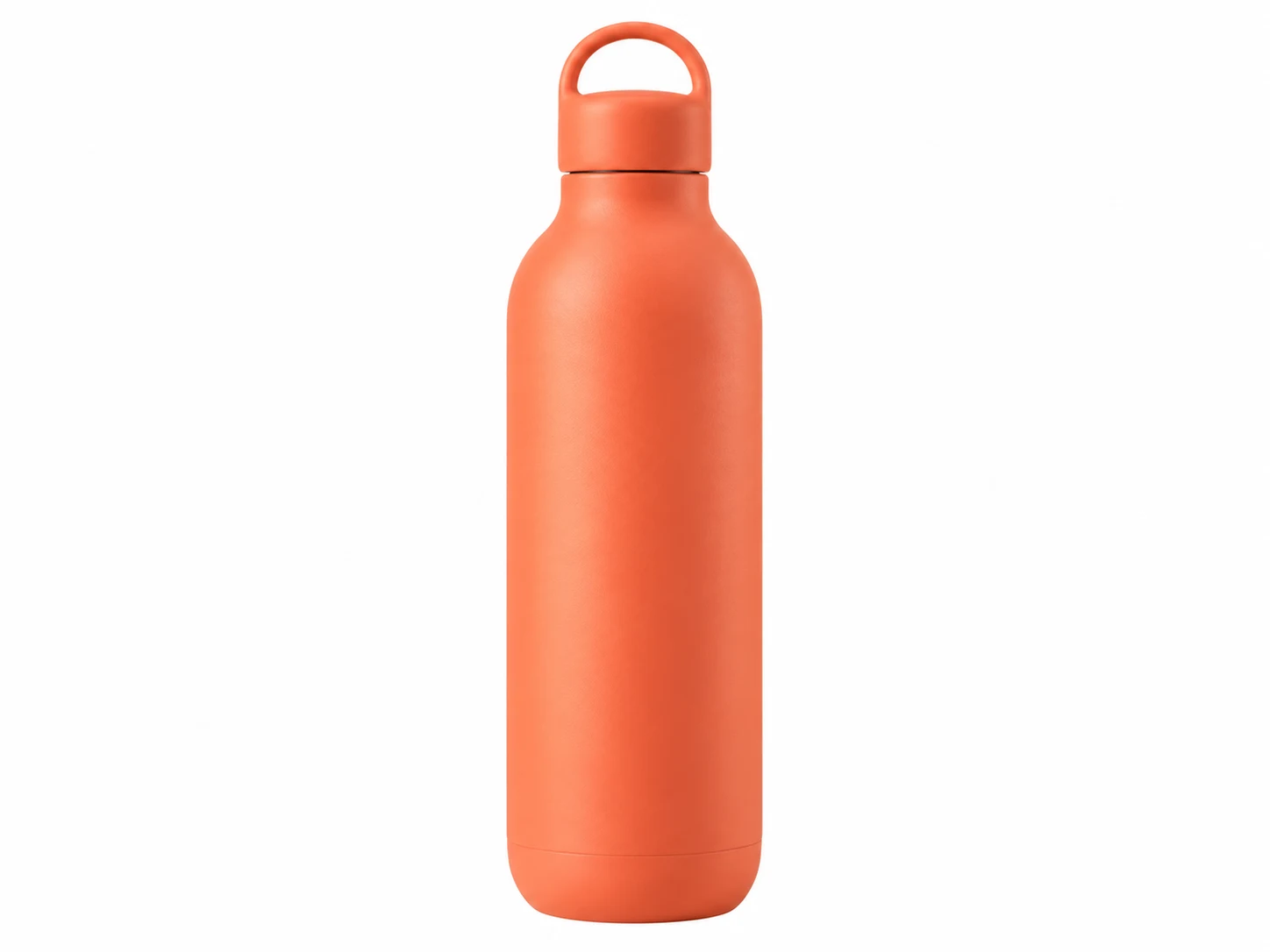
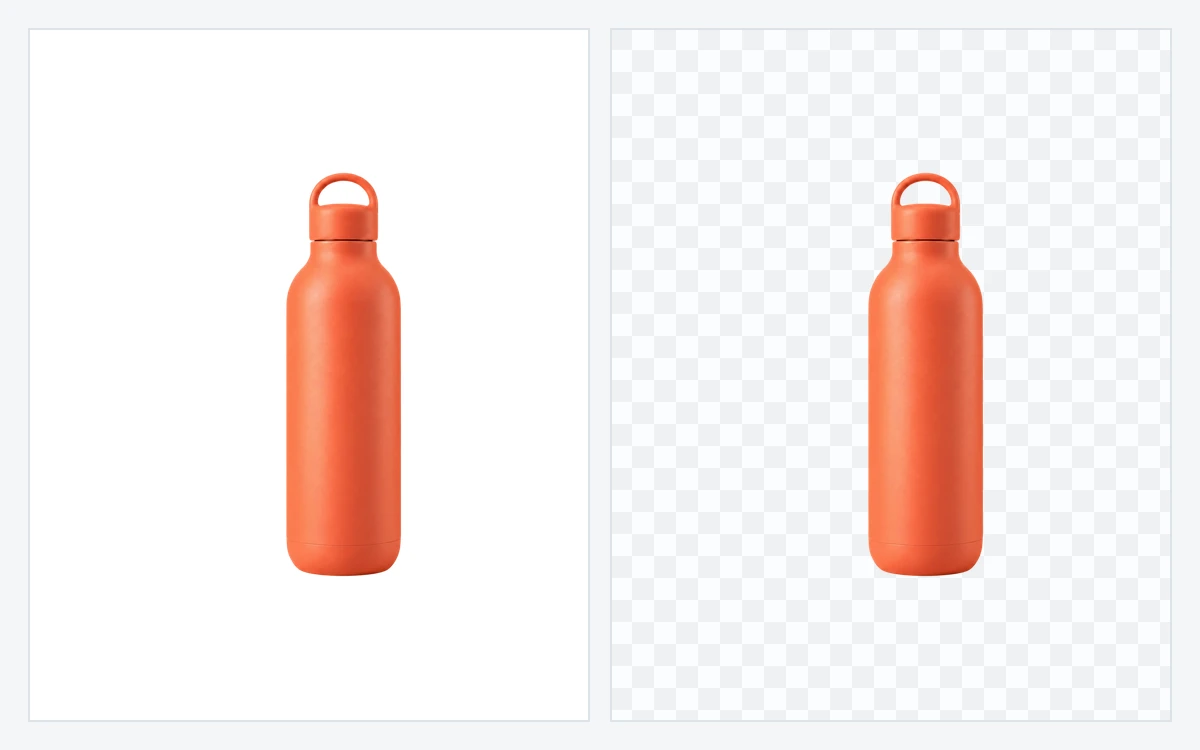
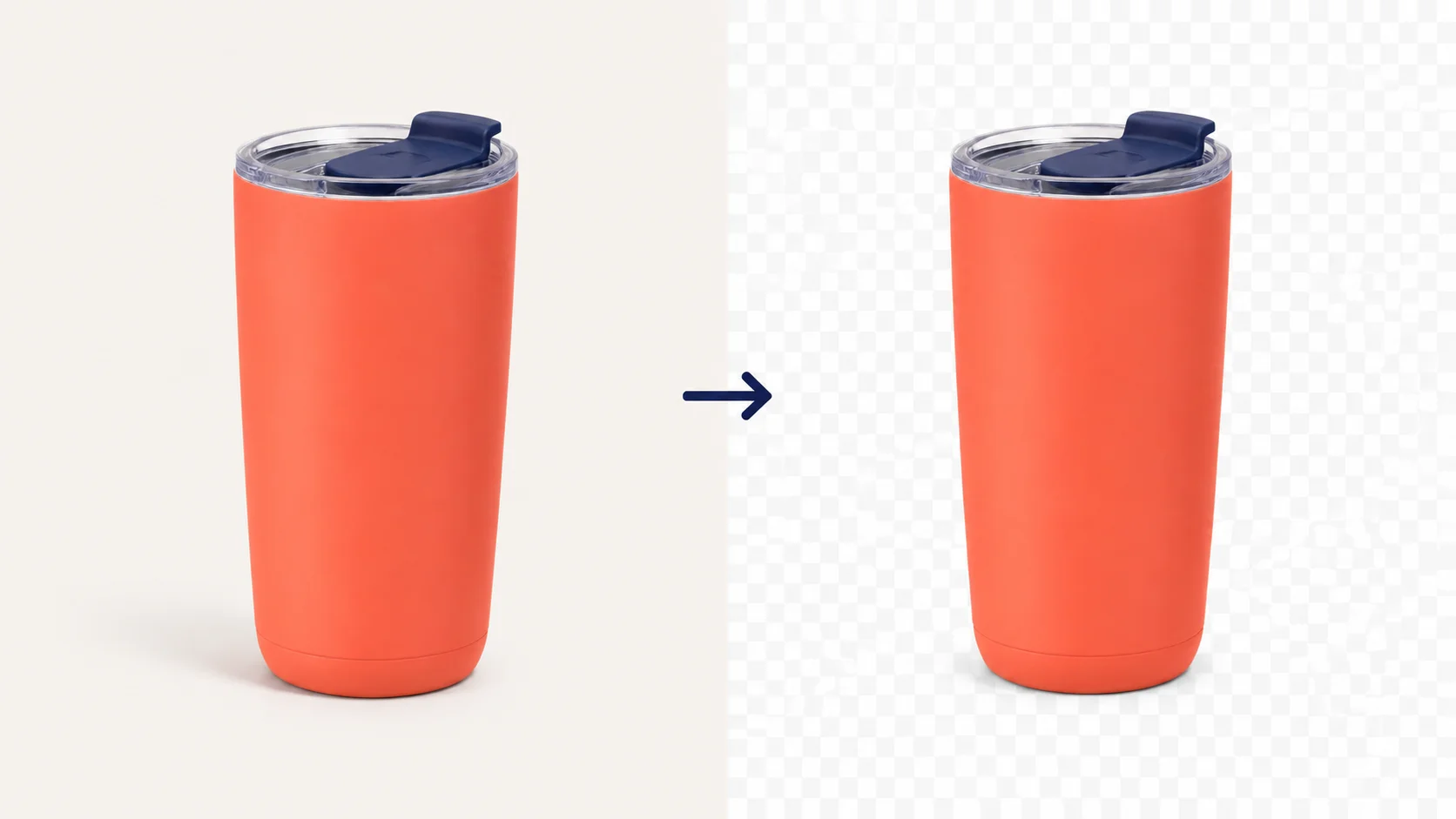
Matte coral insulated stainless-steel water bottle shown on a crisp pure white AliExpress main-image background

Compare a pure white (#FFFFFF) primary listing background against a transparent PNG cutout of the same insulated water bottle.

Streamline Daily AliExpress Dropshipping and Catalog Uploads

Whether you're importing supplier photos for a Shopify dropshipping store or updating dozens of AliExpress SKUs, manual clipping slows every launch. Free BGRemover runs directly in your browser with zero software setup, and larger drops move smoothly into our batch background remover. Keep every category visually uniform so your entire storefront feels cohesive and trustworthy.

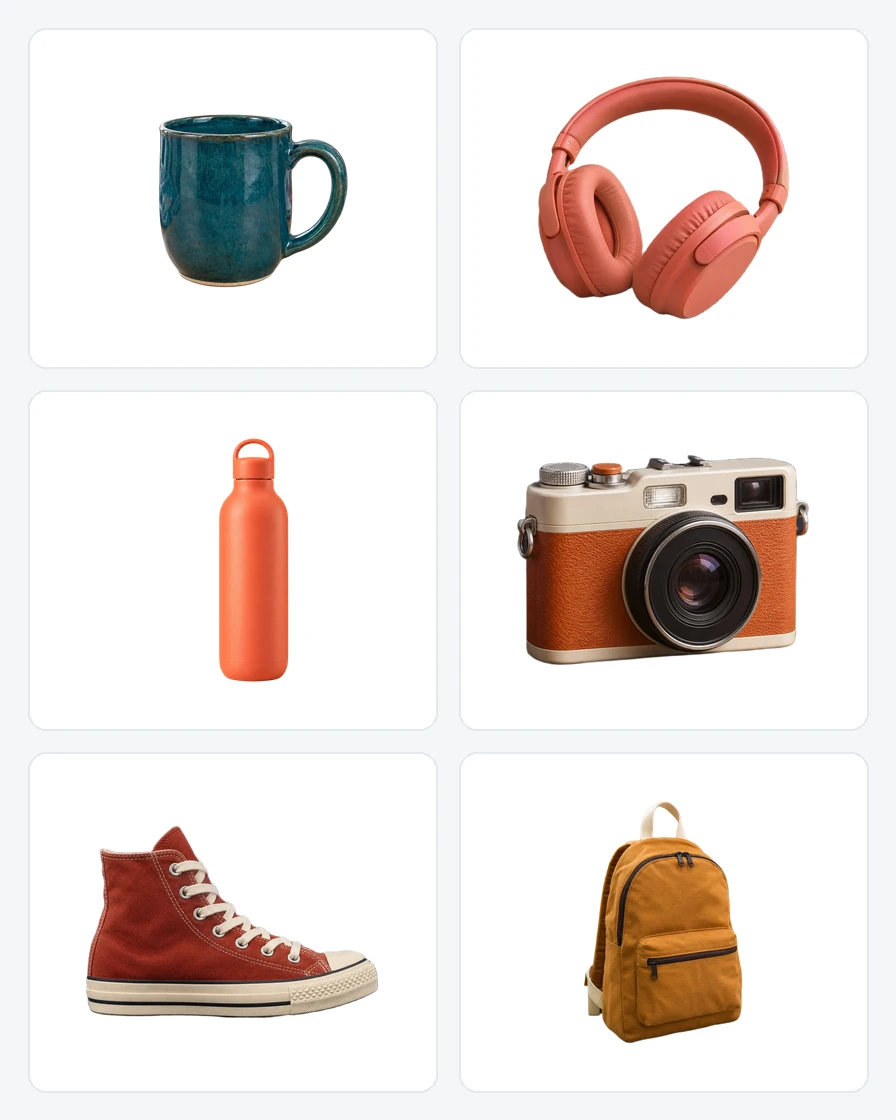
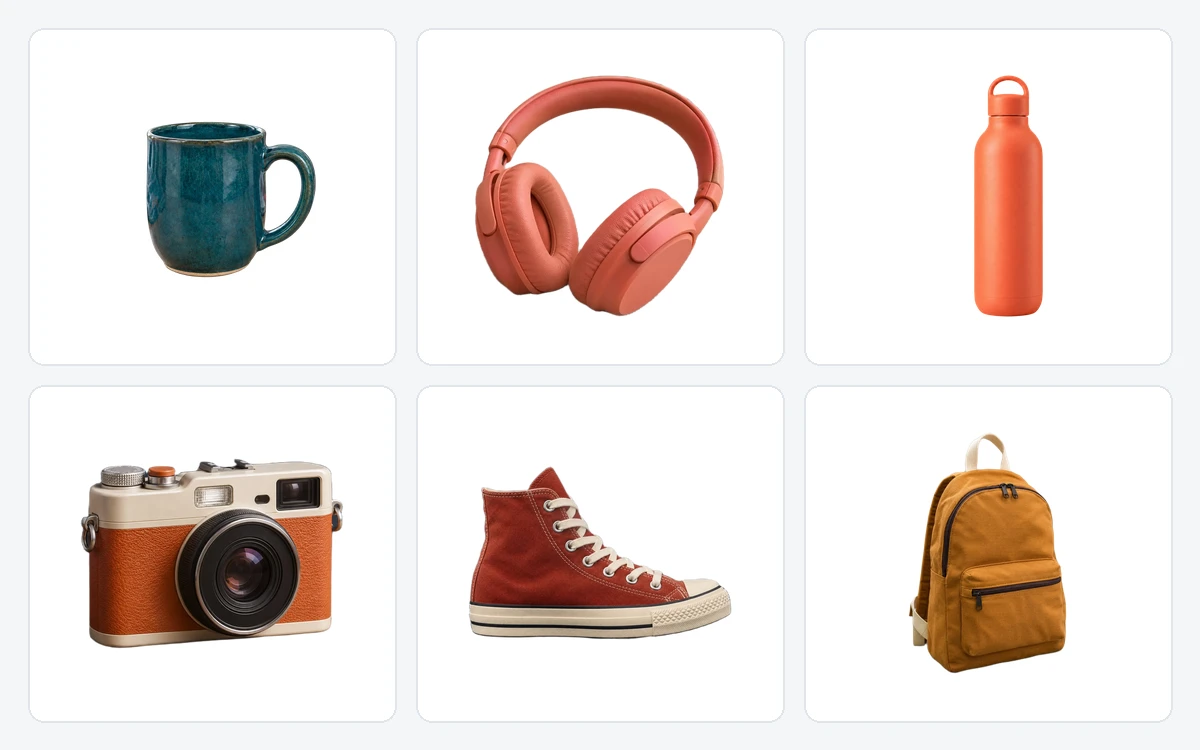
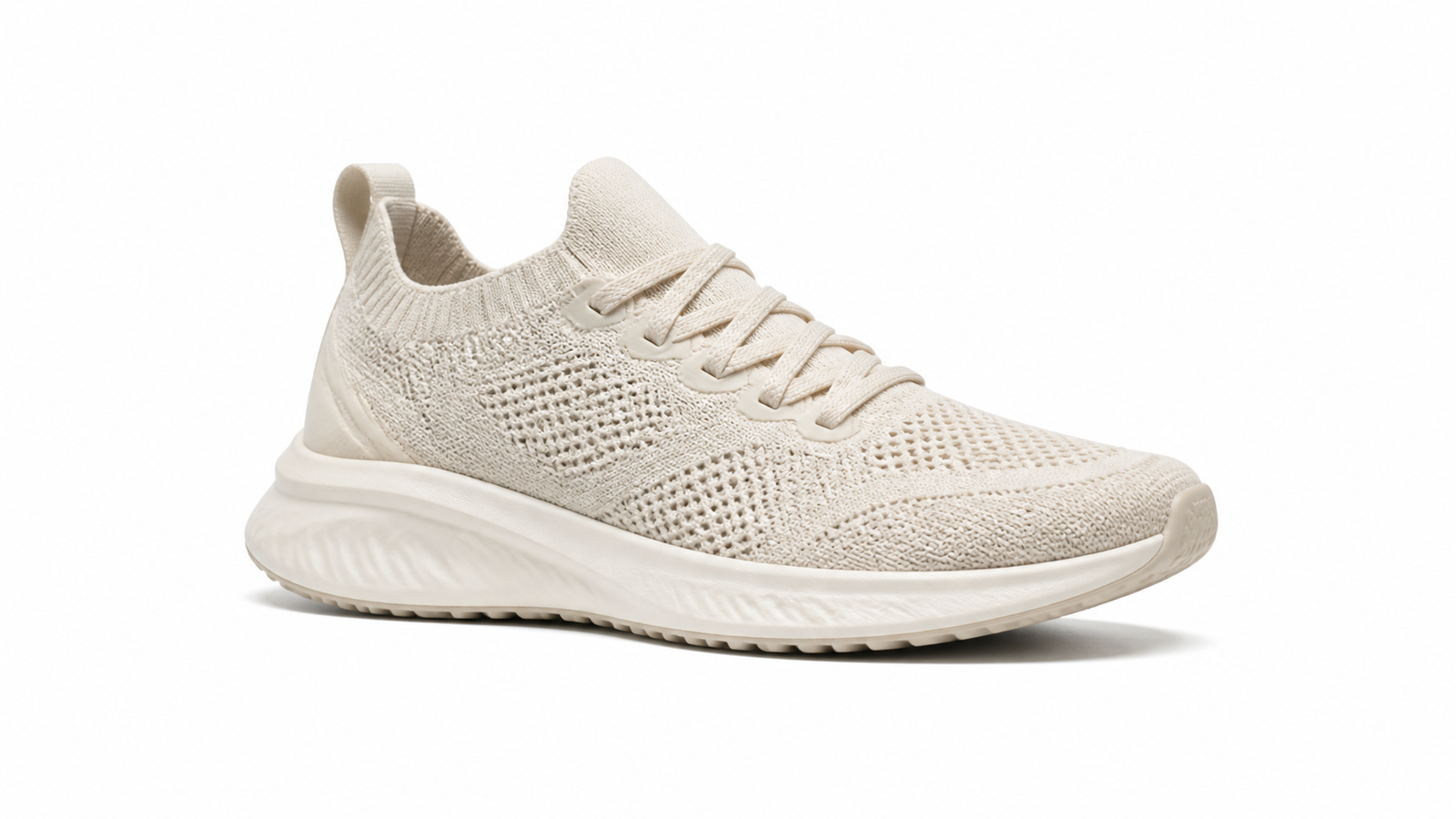
A cohesive 2x3 e-commerce product catalog grid featuring a teal mug, wireless headphones, coral water bottle, compact camera, canvas sneaker, and tan backpack isolated on pure white backgrounds

Turn mixed supplier and desk snapshots into a cohesive, pure-white AliExpress and dropshipping catalog grid.

How to Remove Backgrounds from AliExpress Product Photos

Clean up AliExpress supplier photos in 3 simple steps—right in your browser with no signup.

  1. 01

    Upload your AliExpress photo

    Drag and drop or select a saved AliExpress product image in JPG, PNG, or WebP format up to 15 MB. Start immediately on desktop or mobile with no account required.

  2. 02

    Remove the background automatically

    Free BGRemover detects your product edges automatically and clears cluttered supplier surfaces, keeping fine details around packaging, clothing, electronics, and accessories crisp. Preview transparent, white, or solid colors instantly.

  3. 03

    Download your listing-ready image

    Export a high-resolution, watermark-free transparent PNG or pure white background image in one click. Upload the finished photo directly to AliExpress listings, Shopify product pages, or promotional store banners.

Why Choose Free BGRemover for AliExpress Photos

Built around AliExpress listing rules and dropshipping workflows so sellers publish cleaner catalogs faster.

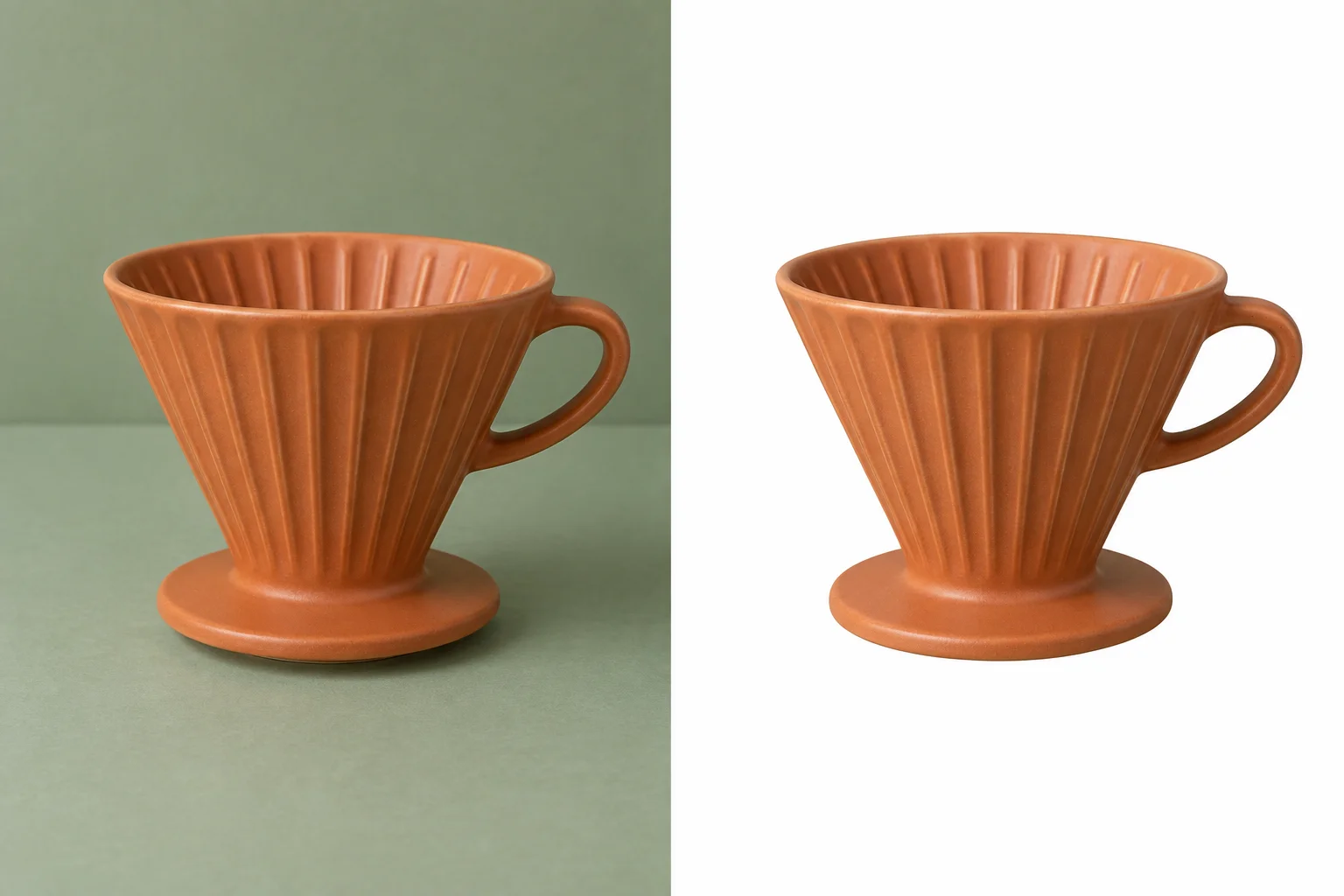
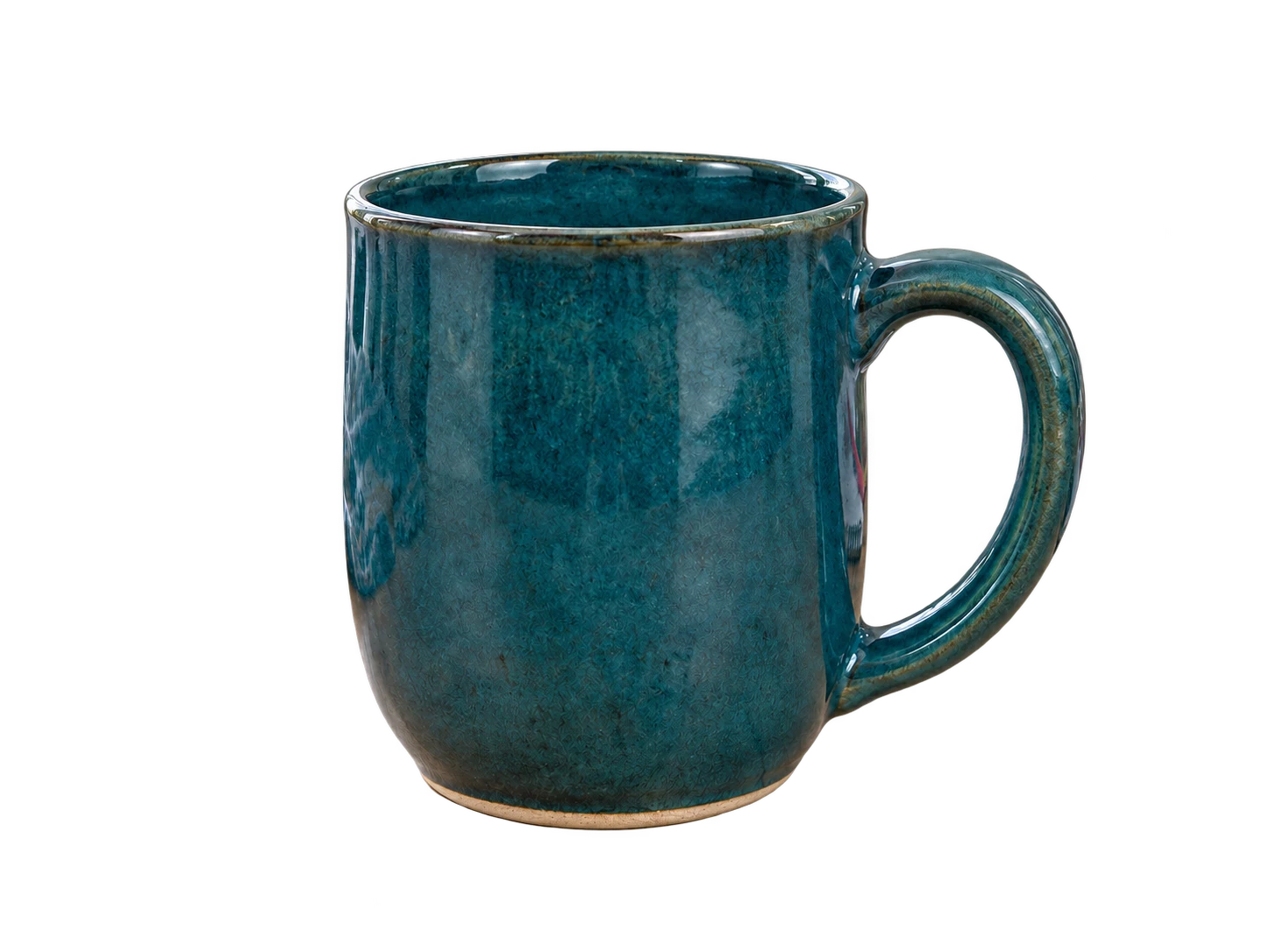
Before-and-after comparison of a glazed teal ceramic mug isolated from a cluttered packing table onto a seamless pure white background

Pure White Main-Image Ready

Replace cluttered supplier rooms with a clean pure white (#FFFFFF) canvas so your AliExpress hero images look consistent and follow marketplace guidelines.

Switch from cluttered supplier or warehouse backdrops to pure white (#FFFFFF).

Side-by-side cutout preview of coral wireless headphones separated cleanly from desk clutter onto a pure white backdrop with sharp edges

Clean Edges on Supplier Photos

Preserve crisp outlines around fine jewelry chains, fabric edges, bottles, and boxed gadgets without jagged borders or leftover tabletop clutter around your item.

Clean product edge detection that preserves fine straps, handles, and contours.

Split comparison showing a coral insulated water bottle on a pure white primary canvas beside a true transparent PNG checkerboard cutout

Transparent PNG for Store Banners

Export true transparent PNG cutouts alongside white-background options so you can build comparison charts, storefront banners, and social ads from one upload.

Export pure white for main slots and transparent PNG for promotional graphics.

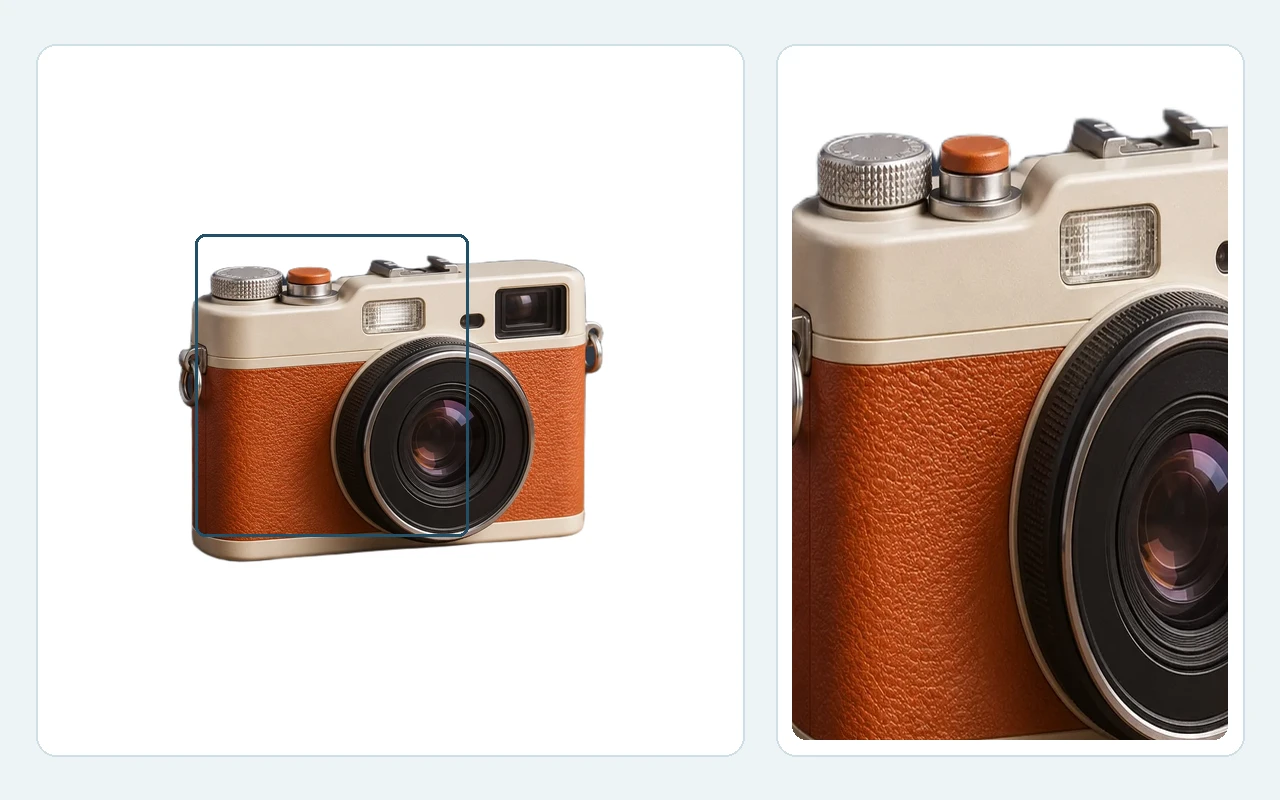
Clean white-background compact camera preview paired with a magnified detail crop highlighting textured grip, dials, and crisp edge quality

Sharp Detail for Buyer Zoom

Retain sharp original product details after removing the background so shoppers inspecting textures and labels on AliExpress zoom previews see crisp imagery.

Retain crisp details from high-pixel source photos for smooth buyer zoom.

Cohesive 3x2 multi-SKU product catalog grid displaying six retail items on matching pure white backgrounds for fast bulk catalog prep

Browser Batch Tool for SKUs

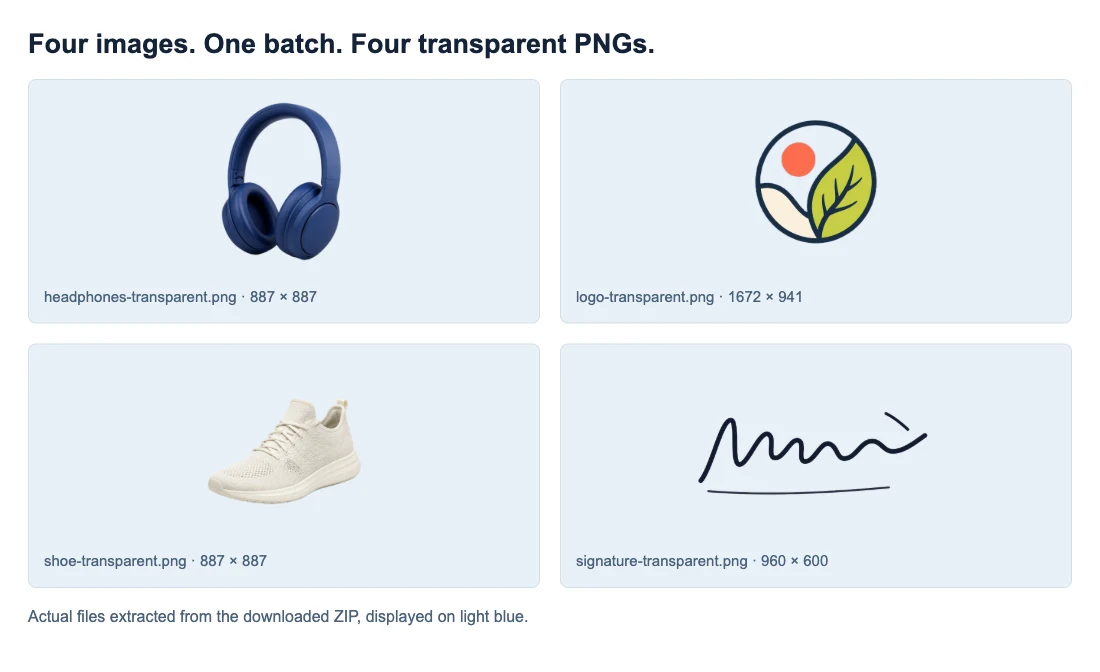
Clean single hero shots on this page, or switch to our browser batch background remover to process up to 20 SKU photos together in one ZIP.

Process single hero shots here or move up to 20 SKU photos to batch cleanup.

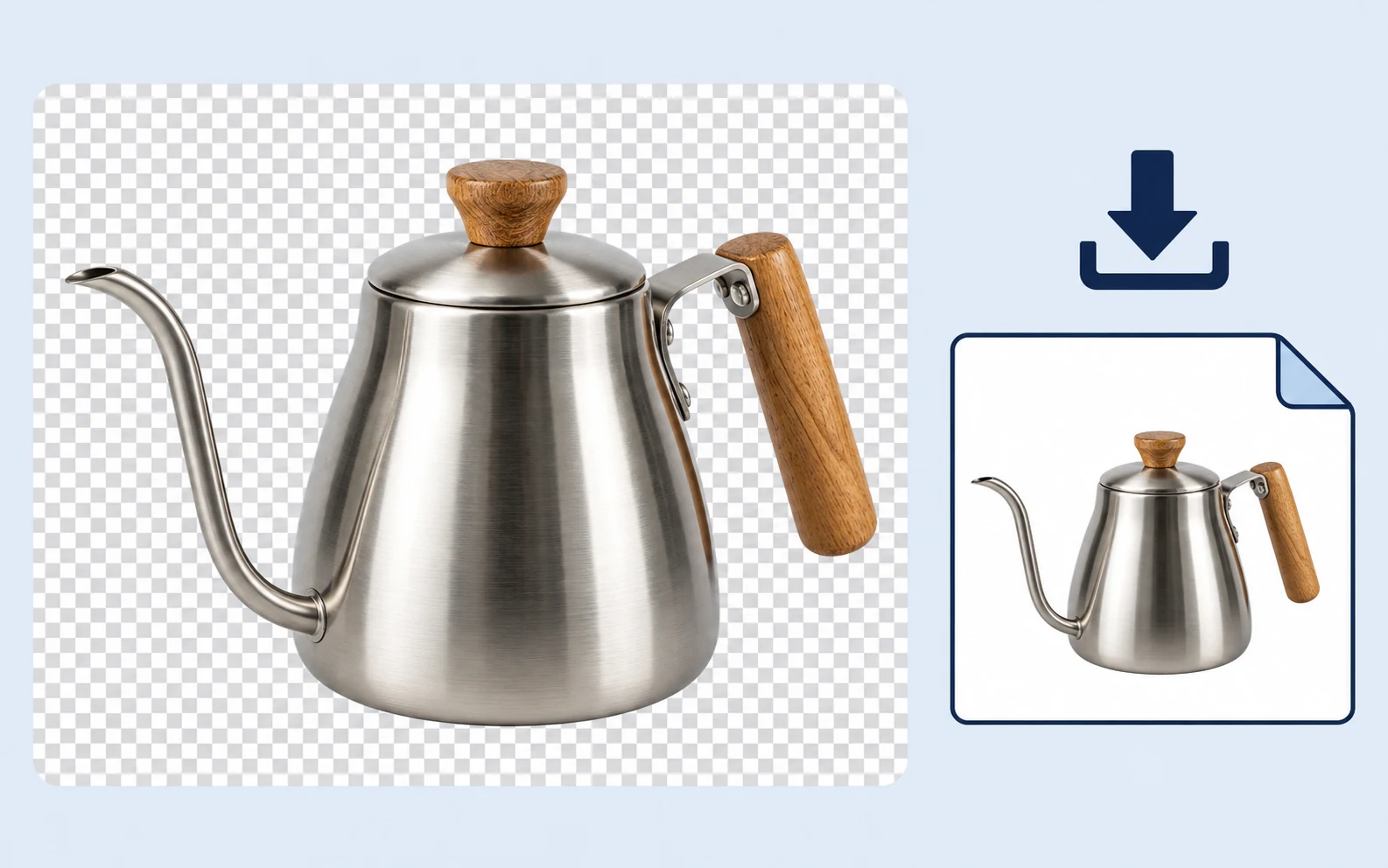
Stainless-steel pour-over kettle with wooden handle shown on a transparent checkerboard next to a clean white-background download preview with zero watermarks

Free, Watermark-Free Listing Exports

AliExpress prohibits watermarks and promotional clutter on main photos. Download clean, watermark-free product cutouts online completely free with no account signup required.

Zero watermarks and zero account friction—ready for AliExpress or Shopify.

Who Uses Free BGRemover for AliExpress Product Photos

From solo dropshippers to multi-SKU AliExpress stores, sellers use clean cutouts to ship listings faster.

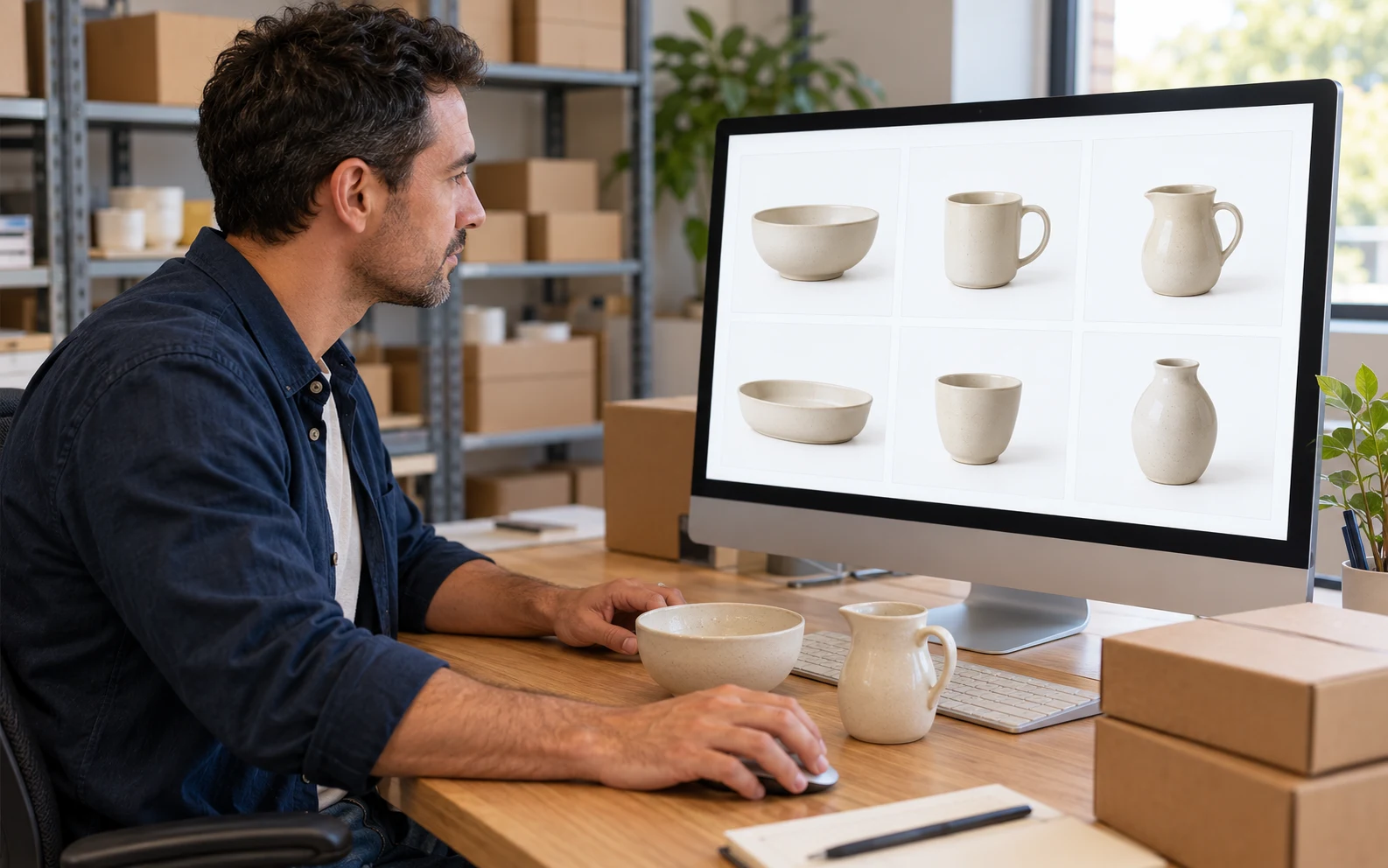
Online dropshipper preparing product listings at a wooden packing desk beside boxes and a laptop showing a clean white-background item photo

Supplier Photo Cleanup

Strip mismatched factory backdrops from AliExpress supplier photos before importing to Shopify or WooCommerce. Turn raw catalog shots into uniform white or brand-matched listings in seconds.

  • Remove mixed supplier room backdrops before store import
  • Unify imported items on pure white (#FFFFFF) or brand-matched colors
  • Process photos directly in your browser without paid store apps
Clean Supplier Photos Free
What background does AliExpress recommend for main product images?

AliExpress recommends a clean, solid white background (RGB 255, 255, 255 or #FFFFFF) for main product images, free of borders, collages, watermarks, or promotional text. Use Free BGRemover to strip out cluttered backdrops first, then apply a pure white background so your primary thumbnail stays sharp and uncluttered.

Should I export a transparent PNG or white background for AliExpress?

Choose a pure white background for your primary AliExpress listing image so thumbnails look uniform in search grids. Export a transparent PNG when creating secondary gallery graphics, comparison banners, or social media ads where you need to layer the isolated product over custom layouts or colored themes.

Can I use this to clean AliExpress supplier photos for dropshipping?

Yes, you can remove distracting supplier backgrounds from saved AliExpress photos before uploading them to Shopify, Amazon, or WooCommerce. Replacing mixed factory backdrops with pure white or a consistent solid color helps imported products look cohesive and trustworthy across your storefront—or explore our Shopify background remover workflow.

Can this tool remove Chinese text or watermarks on AliExpress photos?

It removes any text, graphics, or logos sitting in the background area outside your product, because the entire backdrop is cleared away. However, if supplier watermarks or Chinese labels overlap directly on top of the product itself, you will need a dedicated object or text eraser before uploading the image here.

Does removing the background reduce my AliExpress product image resolution?

No, Free BGRemover preserves sharp product detail rather than shrinking your cutout into a blurry thumbnail. Because AliExpress requires at least 800x800 pixels and recommends 1600x1600 pixels for smooth buyer zoom, always save and upload the highest-resolution source photo available for the cleanest final cutout.

How do I remove backgrounds from multiple AliExpress SKU photos together?

Single product photos process right on this page, while larger SKU catalogs are handled in bulk through our batch background remover. Upload up to 20 saved AliExpress listing photos per browser batch, inspect every cutout, and download them together in one ZIP file.

Is this AliExpress background remover really free with no watermarks?

Yes, Free BGRemover is free to use online with no signup required and zero watermarks added to your finished cutouts. That is especially helpful for AliExpress sellers, since marketplace guidelines prohibit watermarks, store badges, or promotional overlays on main product listing images.

Can I paste an AliExpress URL or upload saved image files?

You need to save the AliExpress product image to your computer or phone first, then upload it directly into the tool. Free BGRemover supports JPG, PNG, and WebP files up to 15 MB in any modern desktop or mobile browser without installing software.

Frequently Asked Questions About AliExpress Background Removal

Straight answers on AliExpress photo background rules, white or transparent PNG exports, and browser processing.
Ready to Clean Up Your AliExpress Product Photos?

Turn cluttered supplier shots into crisp white or transparent cutouts in seconds—free online with no signup.

Remove AliExpress Background Free Now