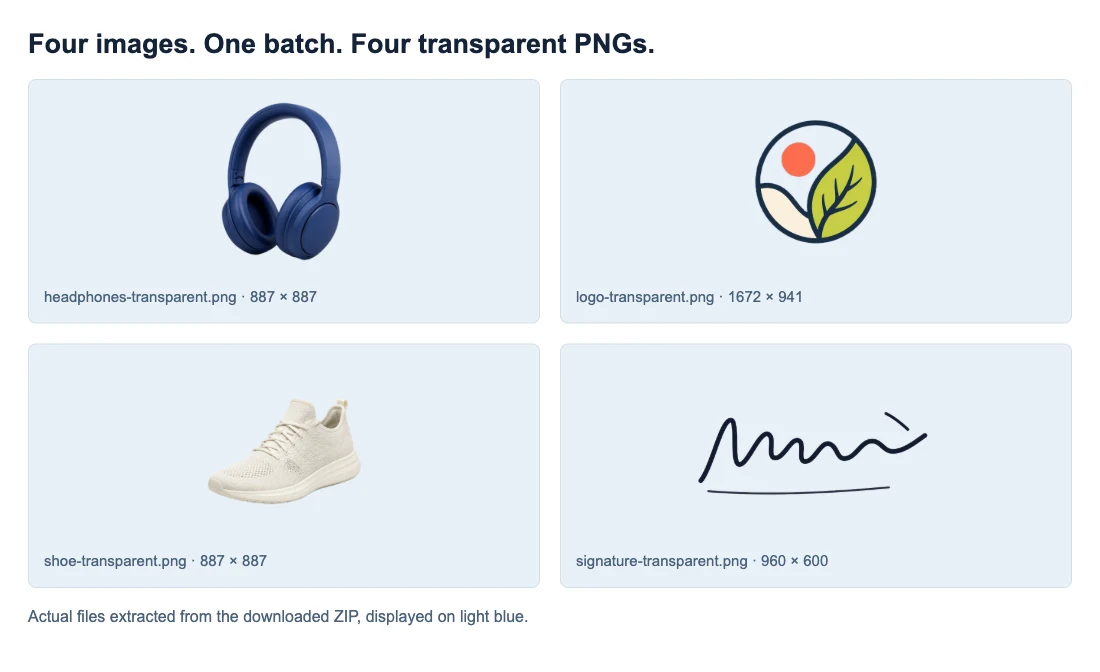
Free Alibaba Background Remover

Erase messy backdrops in seconds for crisp Alibaba product photos. Export pure white or transparent cutouts ready for B2B listings and catalogs in any browser.

Start with your Alibaba product photo

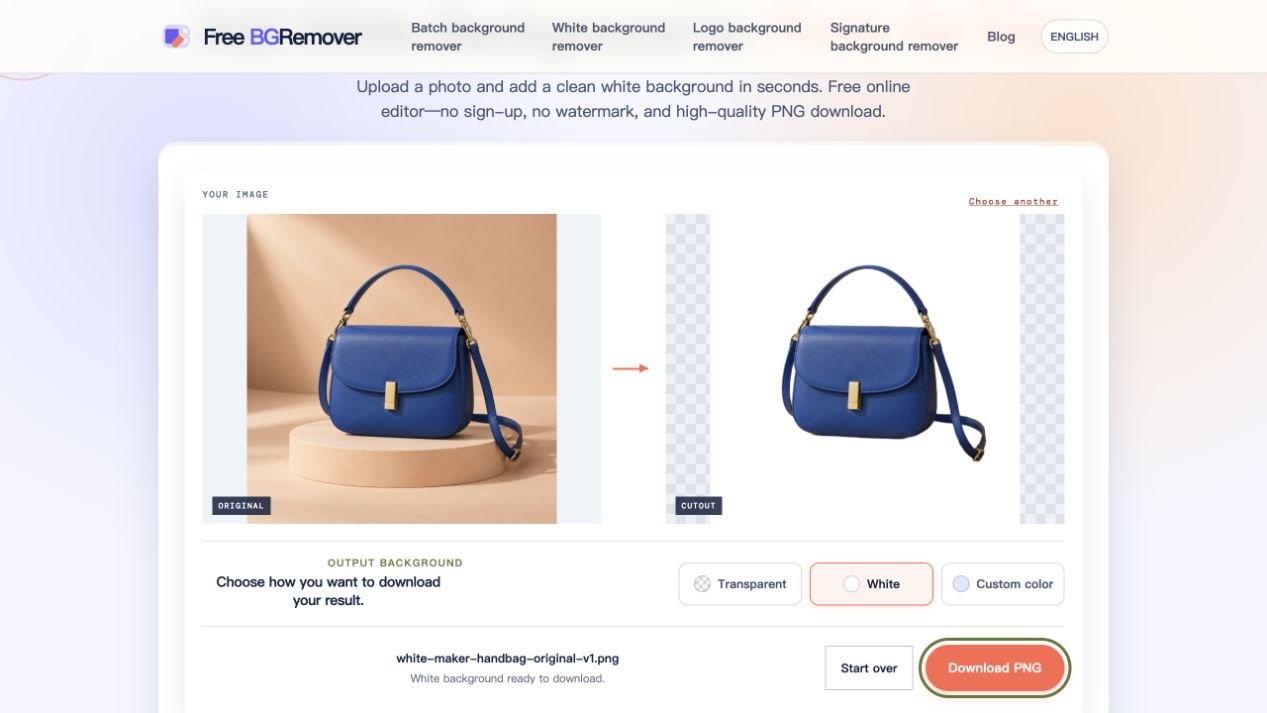
Upload a photo. Export pure white or transparent PNG.

JPG, PNG, or WebP · Up to 15 MB

Privacy details

Meet Alibaba Product Photo Background Standards Faster

Factory floors, packing tables, and harsh showroom shadows quickly turn wholesale buyers away while scrolling Alibaba search results. Free BGRemover automatically isolates machinery, apparel, and packaging from busy surroundings to match clean single-color listing standards. Give every Alibaba product photo a trustworthy, distraction-free look that earns B2B buyer confidence at first glance.

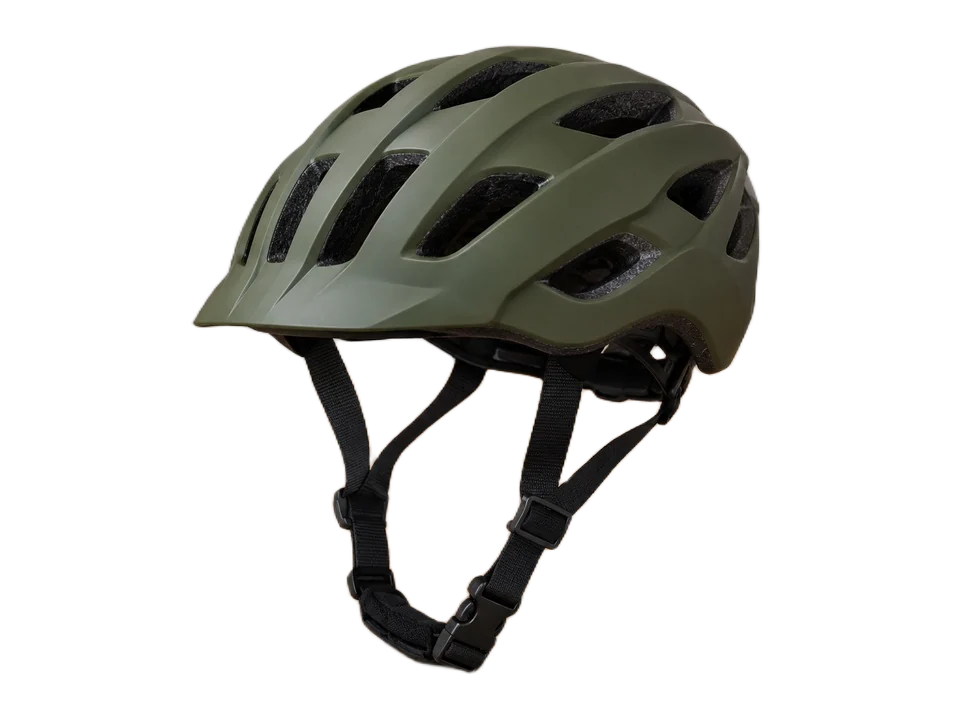
Olive-green safety helmet with chin straps photographed on a busy wooden workshop bench beside tools before removing the background for Alibaba.com

Example of removing a busy workshop bench background behind a product sample for Alibaba.com. Actual results vary by photo.

Make Your Alibaba Listing Photos Stand Out

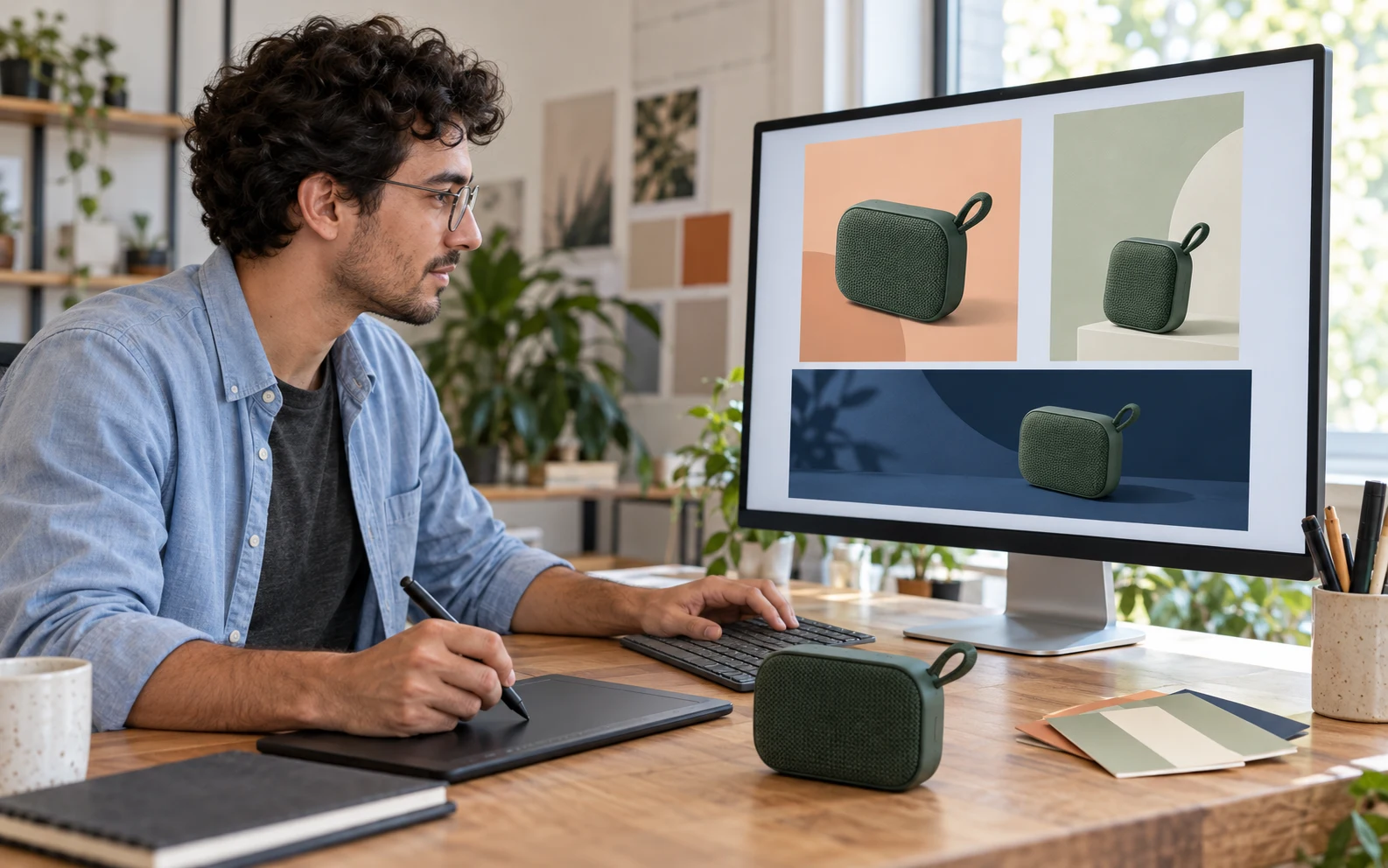
When wholesale buyers compare dozens of similar suppliers side by side, dim warehouse snapshots blend into the grid. Upload JPG, PNG, or WebP shots from your phone or desktop to remove background for Alibaba with sharp edges around handles, hardware, and labels. Crisp, focused product thumbnails attract more clicks and drive higher-quality buyer inquiries.

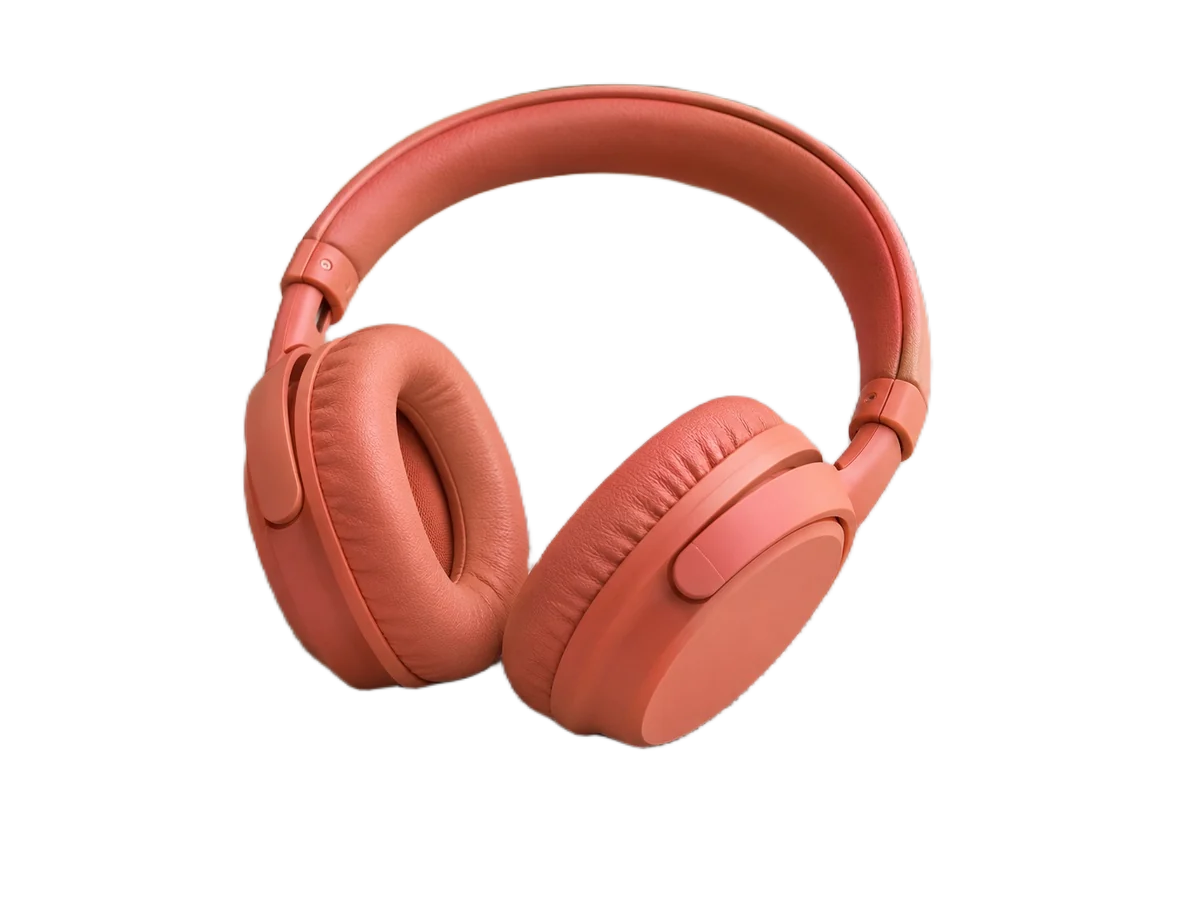
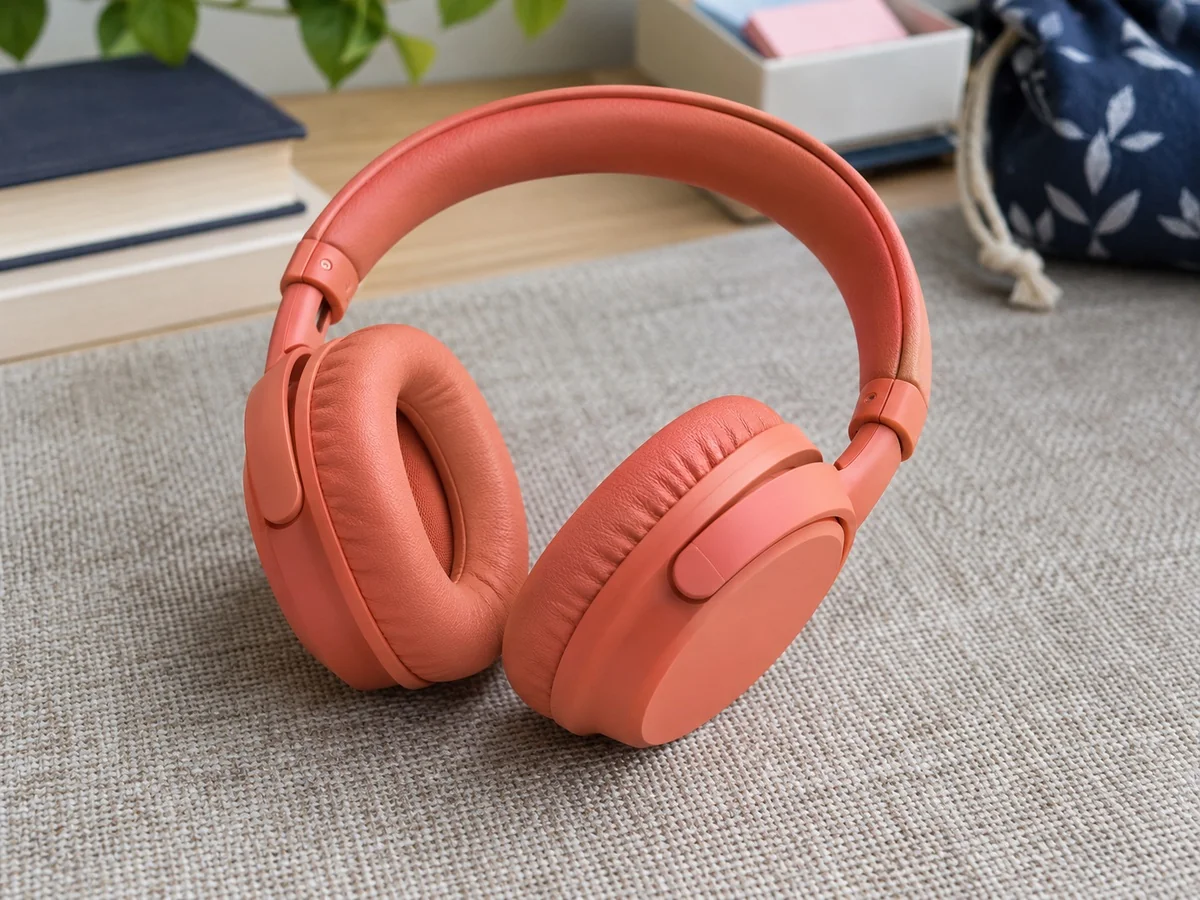
Coral wireless over-ear headphones resting on a cluttered desk beside books and packaging supplies before background removal for an Alibaba listing

Compare the original desk snapshot of wireless headphones with its clean cutout for Alibaba search grids. Actual results vary by photo.

Related Tools

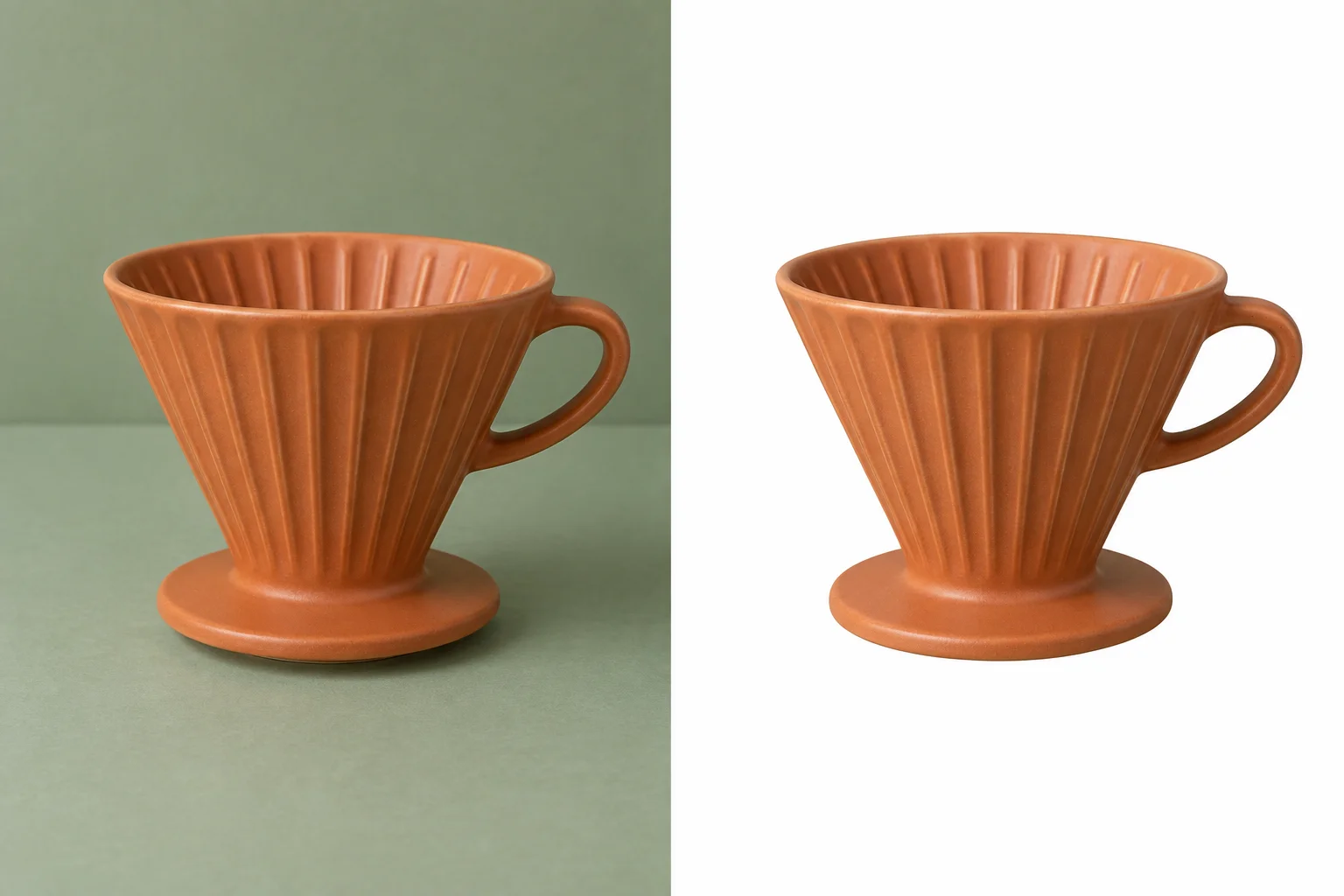
Export Pure White or Transparent Alibaba Cutouts

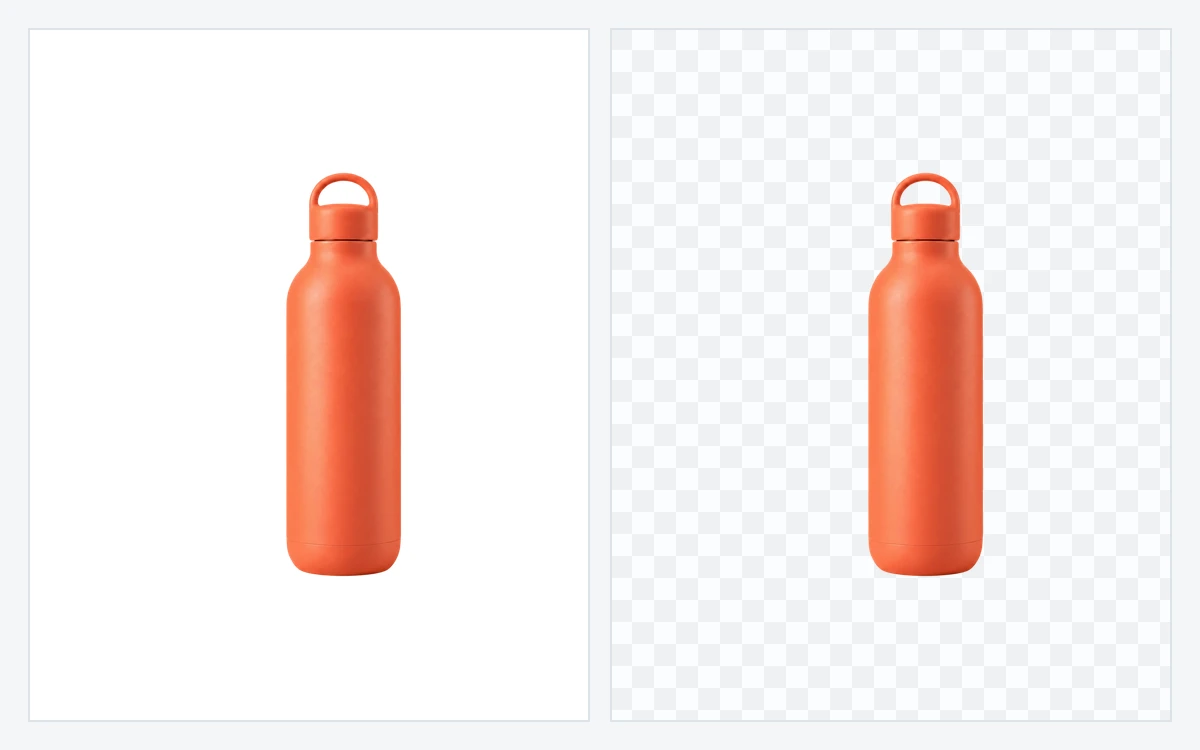
Clean cutouts work across every stage of your B2B sales workflow. Download a transparent PNG to layer products onto PDF quote sheets and spec decks, or switch to a crisp #FFFFFF backdrop in one click—or use our dedicated white background maker. One sharp Alibaba cutout adapts effortlessly to main gallery slots, catalogs, and wholesale promos.

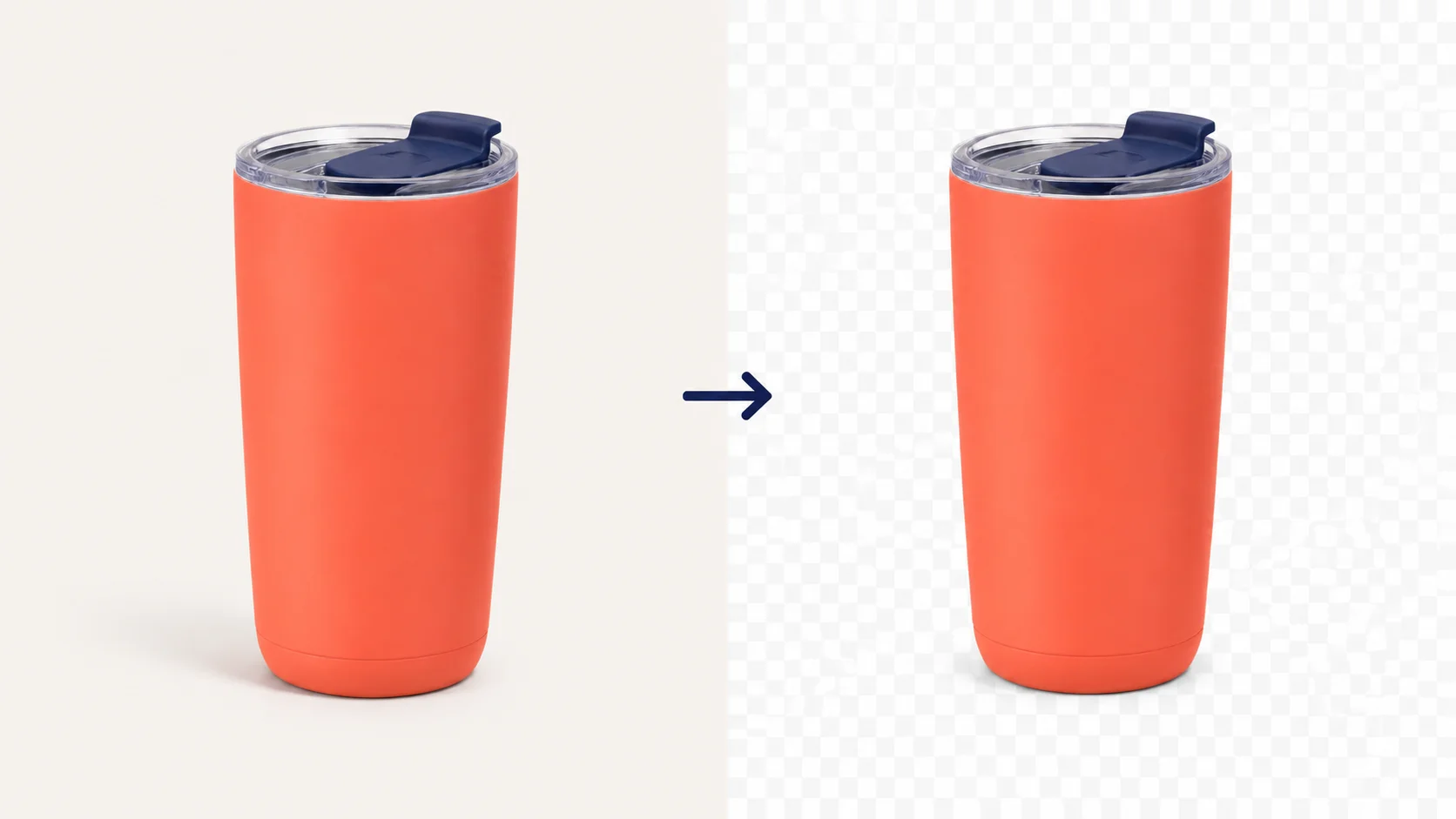
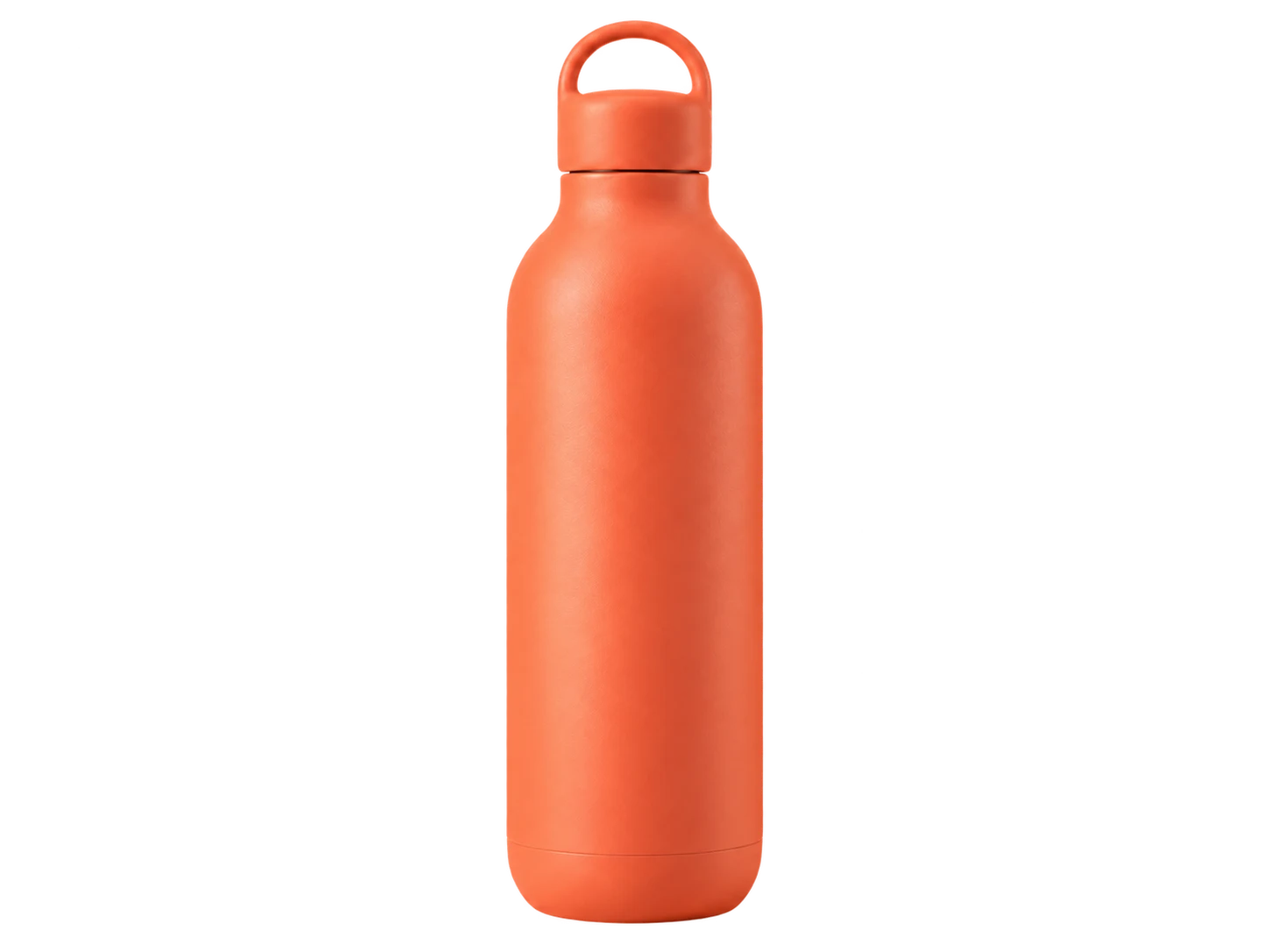
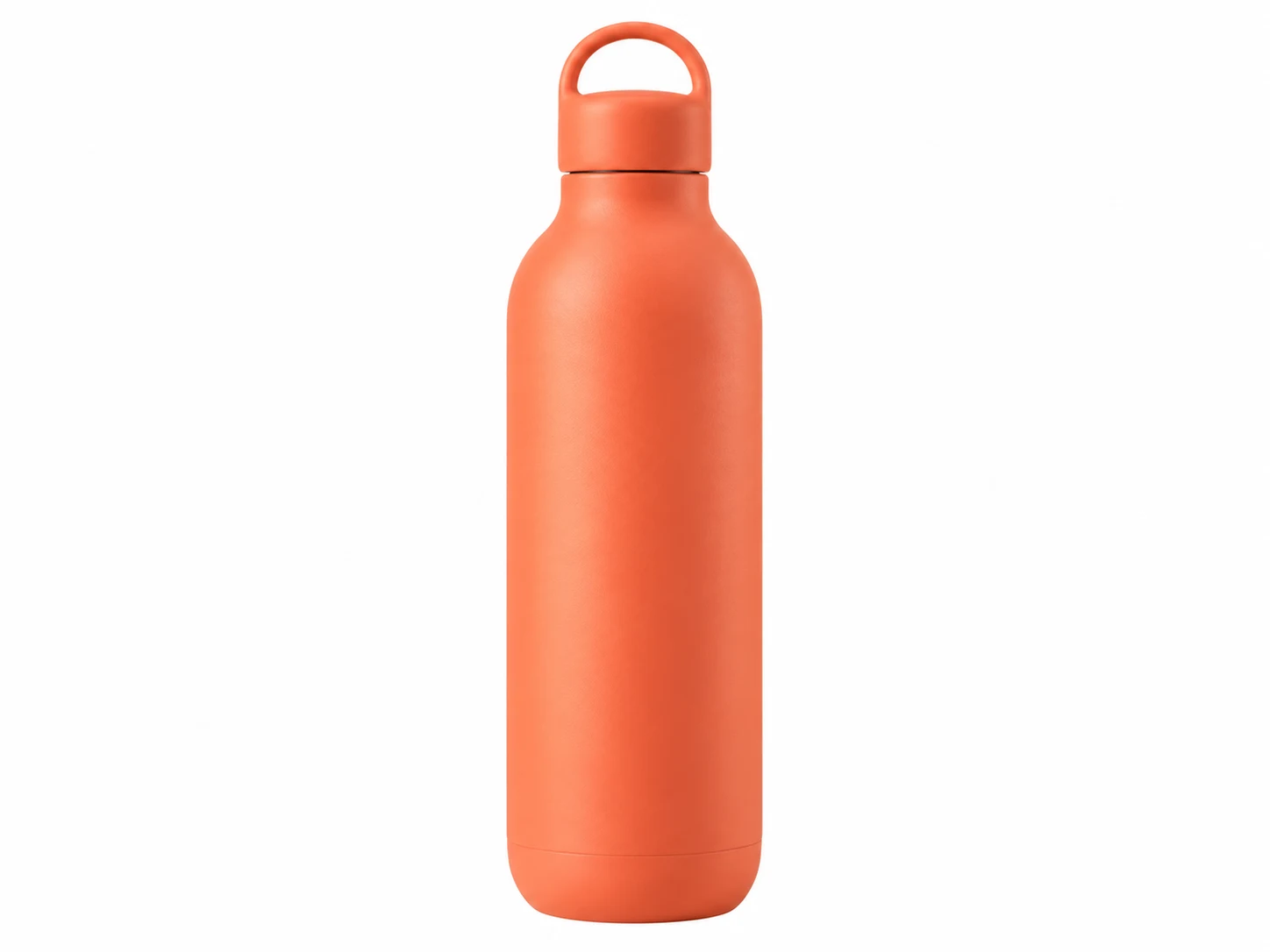
Matte coral insulated stainless-steel water bottle shown on a crisp pure white Alibaba main-image background

Compare a pure white (#FFFFFF) primary Alibaba listing backdrop against a transparent PNG cutout of the same insulated bottle.

Streamline Daily Alibaba Catalog Prep Without Software

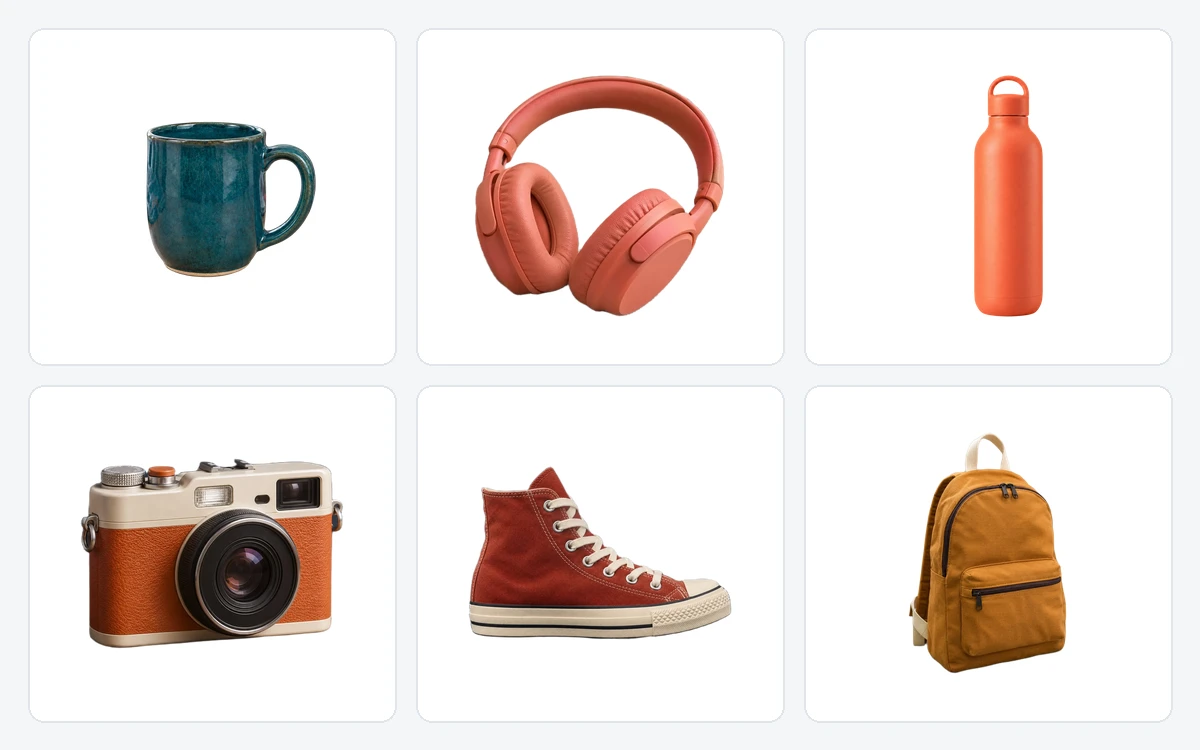
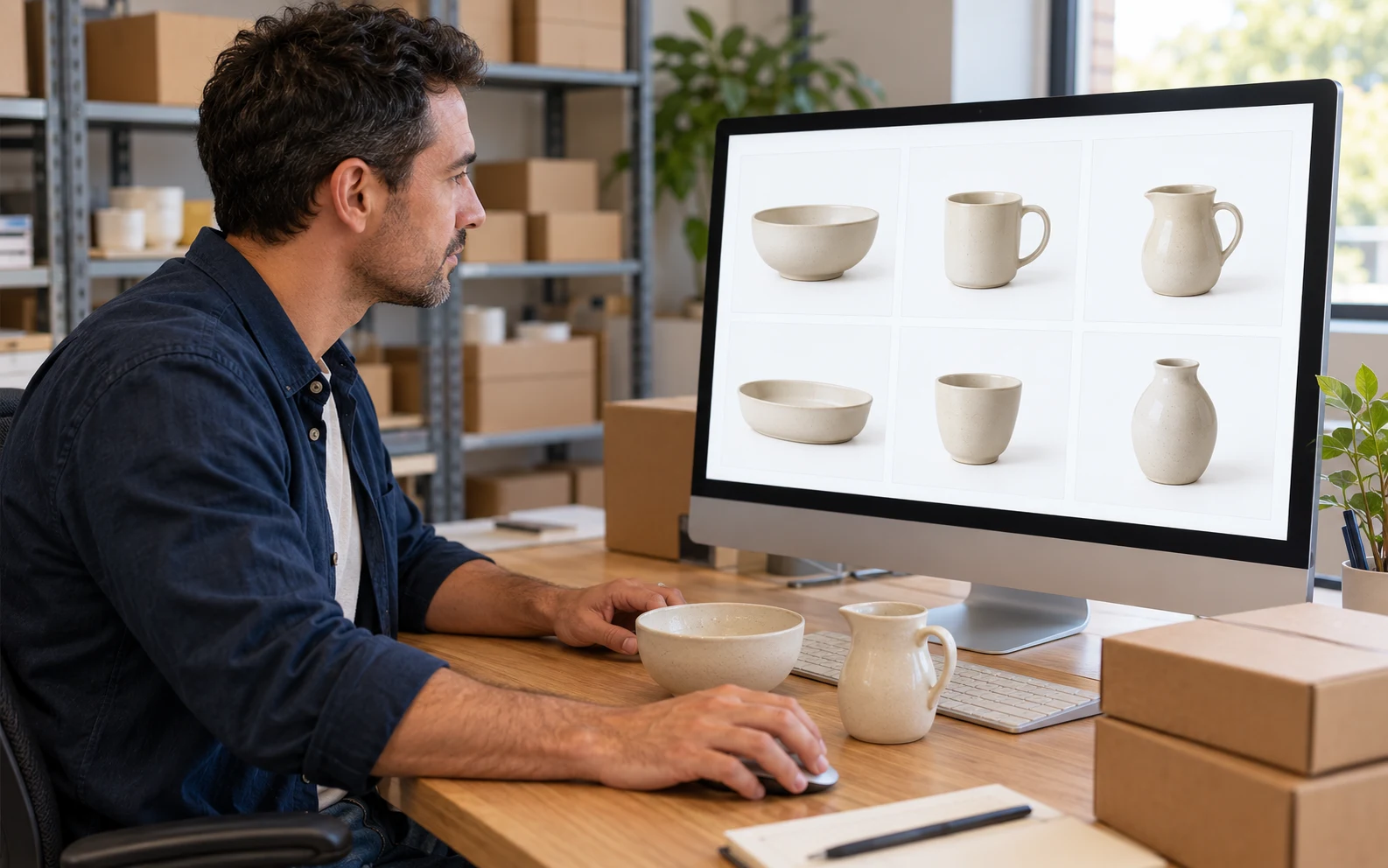
Whether you manage hundreds of factory SKUs or clean Alibaba supplier photos before listing them on your Shopify store, manual editing slows every launch down. Process single hero shots right in your browser with no software, or clear up to 20 images together in our batch background remover. Keep your entire Alibaba catalog visually consistent across every product line.

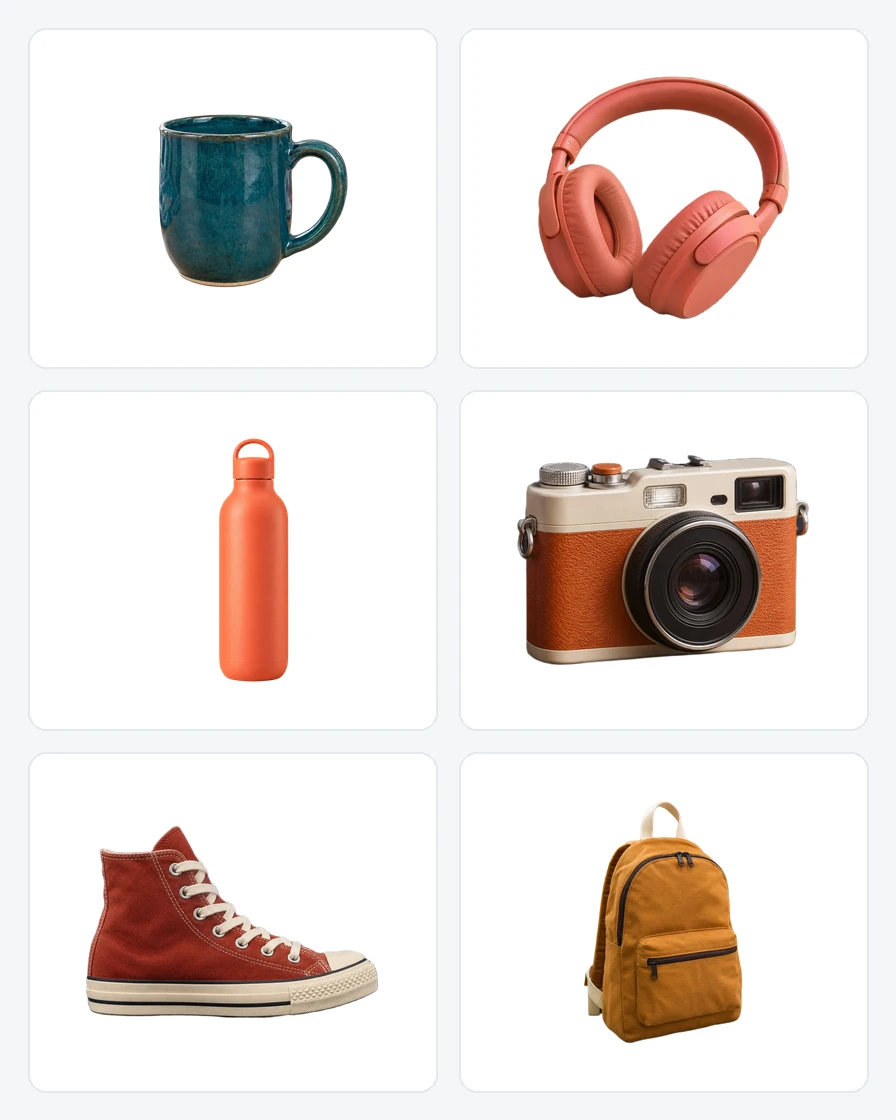
A cohesive 2x3 B2B wholesale product catalog grid featuring a ceramic mug, wireless headphones, insulated bottle, compact camera, canvas sneaker, and backpack isolated on pure white backgrounds

Turn mixed factory and supplier snapshots into a cohesive, pure-white Alibaba catalog grid.

How to Remove Backgrounds for Alibaba Product Photos

Clean messy supplier and factory photos in 3 simple steps—fast online with no signup required.

  1. 01

    Upload your Alibaba product photo

    Drag and drop or select your Alibaba listing or supplier photo in JPG, PNG, or WebP format up to 15 MB. Start directly in any desktop or mobile browser with no signup.

  2. 02

    Let AI remove the background

    Free BGRemover automatically detects product contours and clears cluttered warehouse floors, packing desks, or uneven lighting. Edges around packaging, metal hardware, and fabric stay sharp without manual tracing.

  3. 03

    Download white or transparent PNG

    Keep a true transparent PNG for PDF line sheets or switch to a pure white (#FFFFFF) background. Download your high-resolution, watermark-free file ready for Alibaba.com listings or cross-border stores.

Why Choose Free BGRemover for Alibaba Listings

Built around Alibaba.com image standards so B2B suppliers and buyers prepare compliant product photos faster.

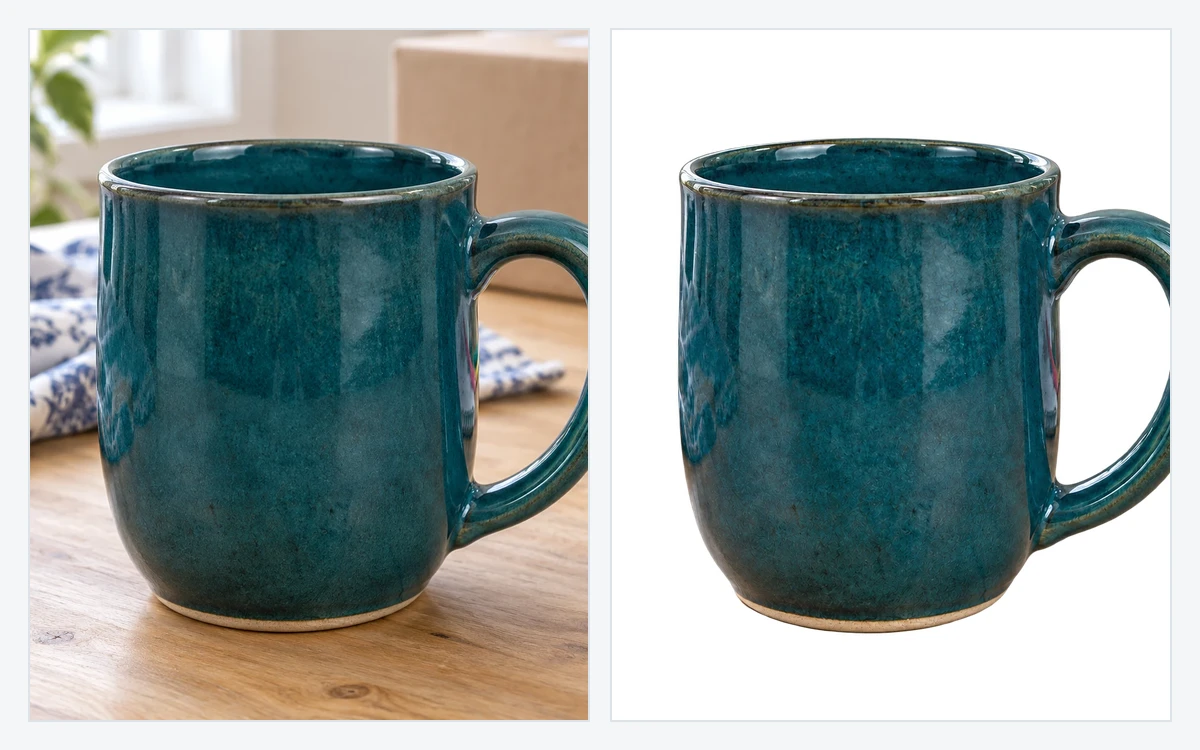
Before-and-after comparison of a glazed teal ceramic mug isolated from a cluttered packing table onto a seamless pure white Alibaba background

Alibaba White-BG Ready

Switch cluttered factory backdrops to a clean pure white (#FFFFFF) canvas that matches Alibaba.com main gallery guidelines and builds immediate trust with global B2B buyers.

Switch cluttered workshop or warehouse backdrops to pure white (#FFFFFF).
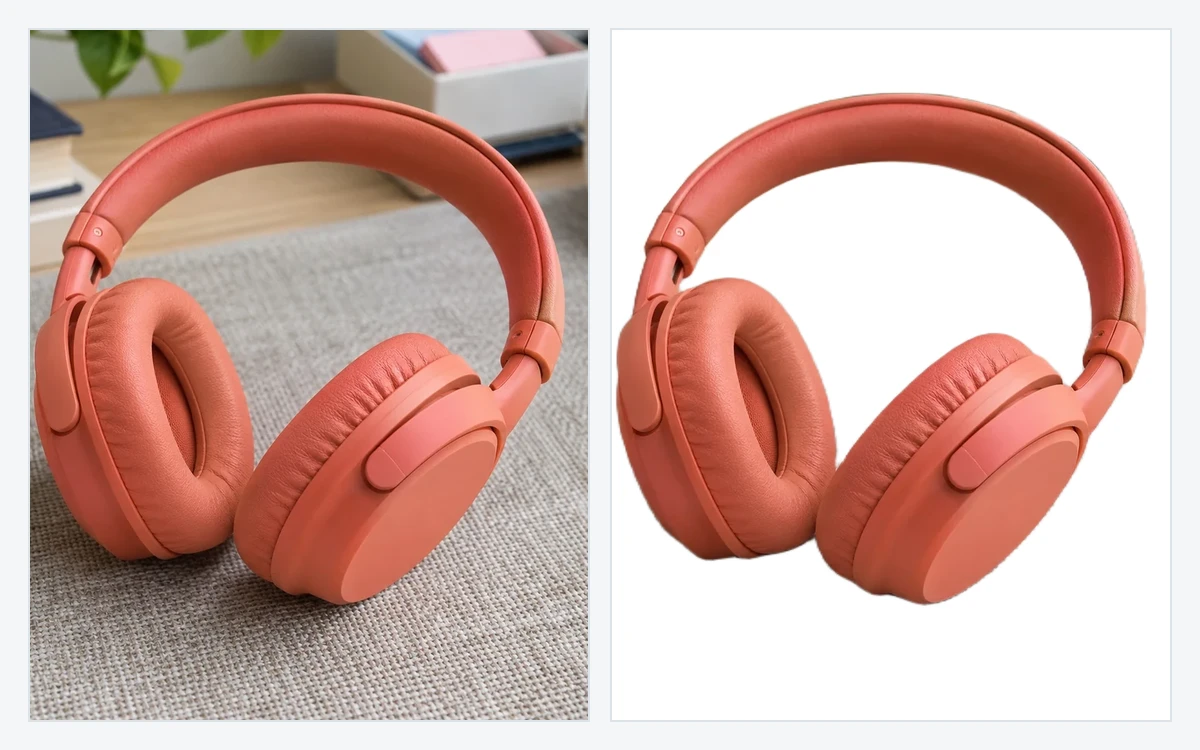
Side-by-side cutout preview of coral wireless headphones cleanly separated from desk clutter onto a pure white backdrop with sharp headband and earcup edges

Clean Complex Hardware Edges

Preserve crisp outlines around metallic machinery, glossy packaging, electronics, and apparel without jagged borders or leftover tabletop shadows on your wholesale product photos.

Clean product edge detection that preserves hardware, handles, and curves.

Split comparison showing a coral insulated water bottle on a pure white primary canvas beside a true transparent PNG checkerboard cutout

Transparent PNG for Line Sheets

Export true transparent PNG cutouts alongside pure white options so sales teams can drop products straight into PDF quote sheets, spec decks, and catalogs.

Export pure white for main gallery slots and transparent PNG for quote sheets.

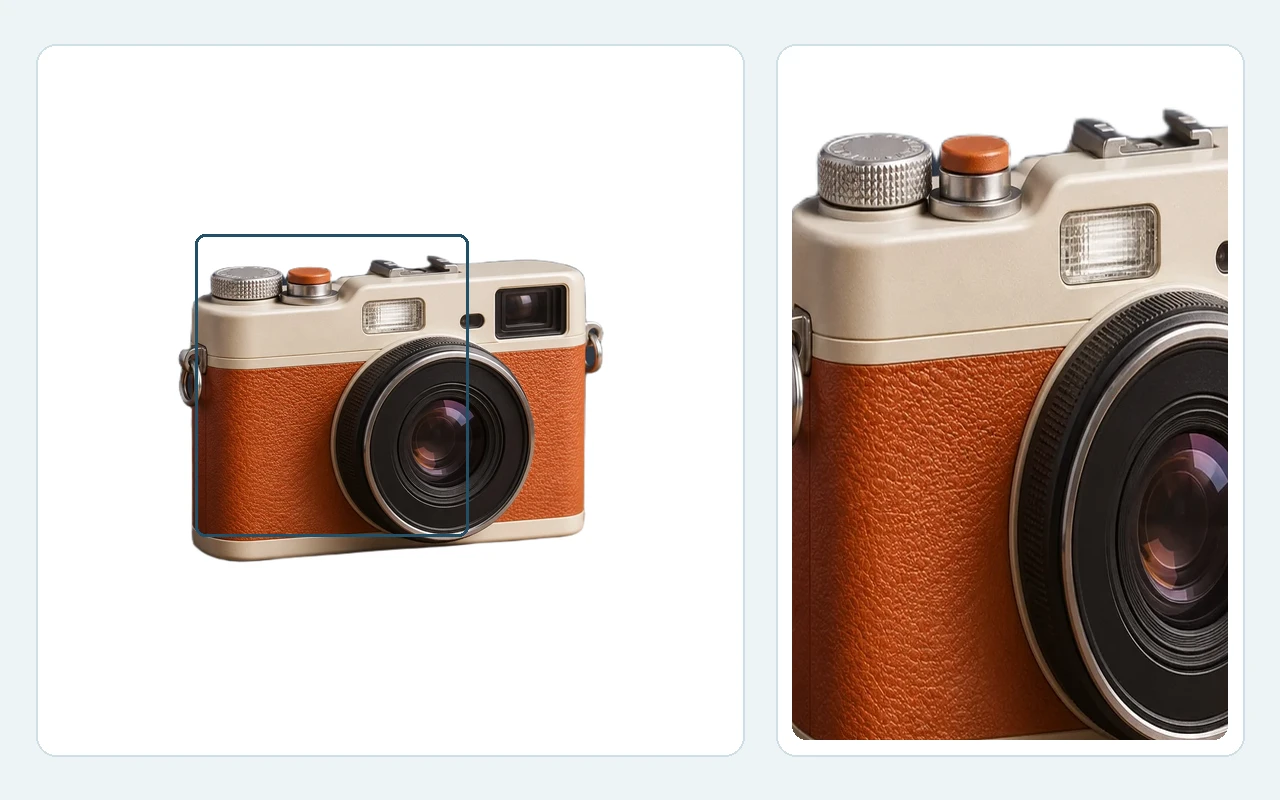
Clean white-background compact camera preview paired with a magnified detail crop highlighting textured grip, dials, and crisp edge quality

Original Resolution for Buyer Zoom

Keep your original image dimensions intact instead of shrinking outputs into blurry previews, helping Alibaba buyers inspect stitching, labels, and materials clearly on zoom.

Retain original pixel resolution so wholesale buyers can zoom cleanly.

Cohesive 3x2 multi-SKU wholesale product catalog grid displaying six items isolated on matching pure white backgrounds for fast bulk catalog prep

Batch Cleanup for Multi-SKU Drops

Prepping an entire wholesale catalog or supplier folder? Pair single hero edits here with our browser batch tool to clean up to 20 photos into one ZIP.

Process single hero shots here or switch to batch cleanup for up to 20 SKUs.

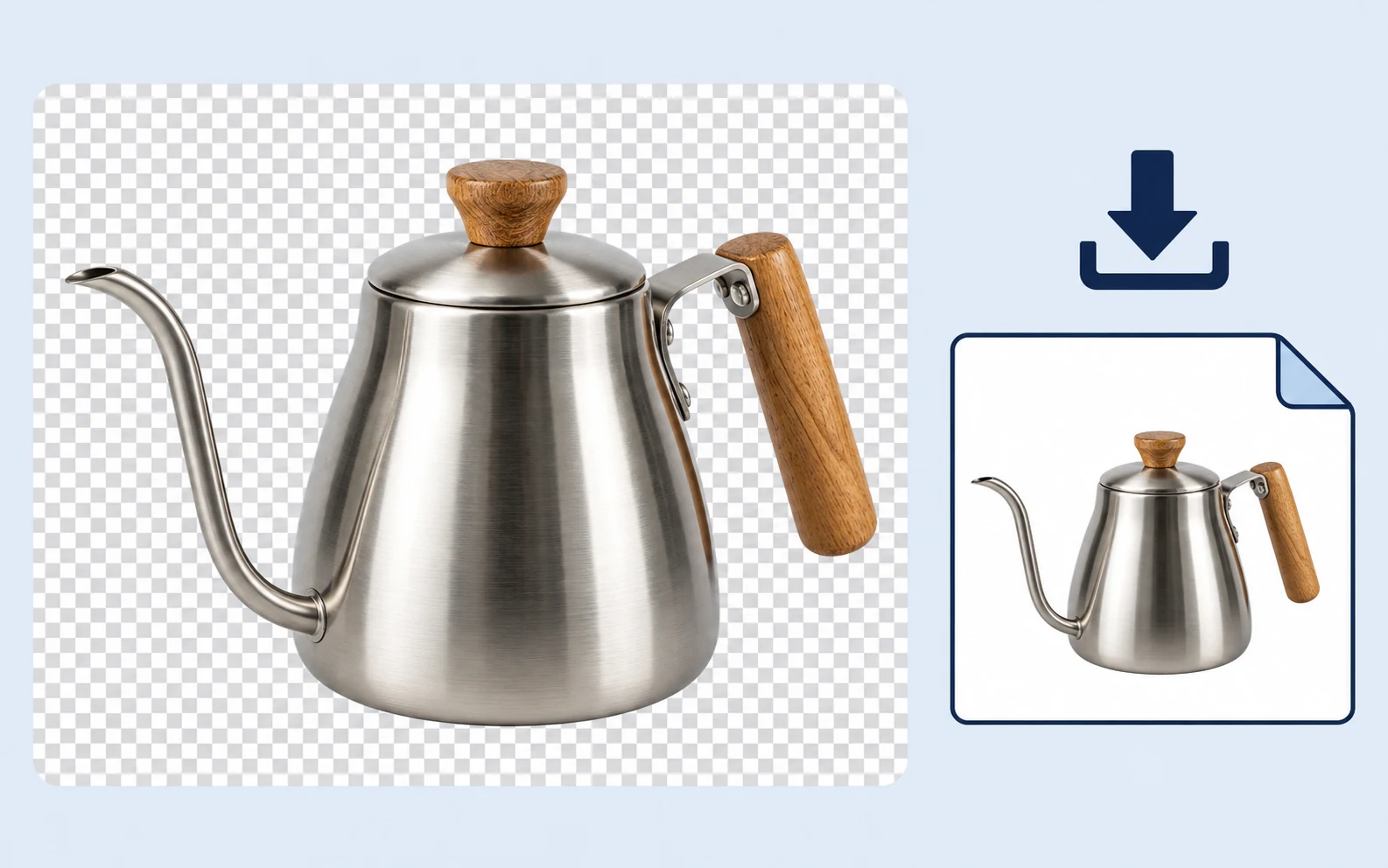
Stainless-steel pour-over kettle shown on a transparent checkerboard next to a clean white-background download preview with zero watermarks

Free, No Signup & Watermark-Free

Alibaba listing rules discourage distracting overlays on main photos. Export clean, watermark-free product cutouts free online right in your browser with zero account friction.

Zero watermarks and zero account friction—ready for Alibaba Seller Center.

Who Uses Free BGRemover for Alibaba Photos

See how B2B factories, trading companies, and cross-border buyers prepare cleaner Alibaba product visuals faster.

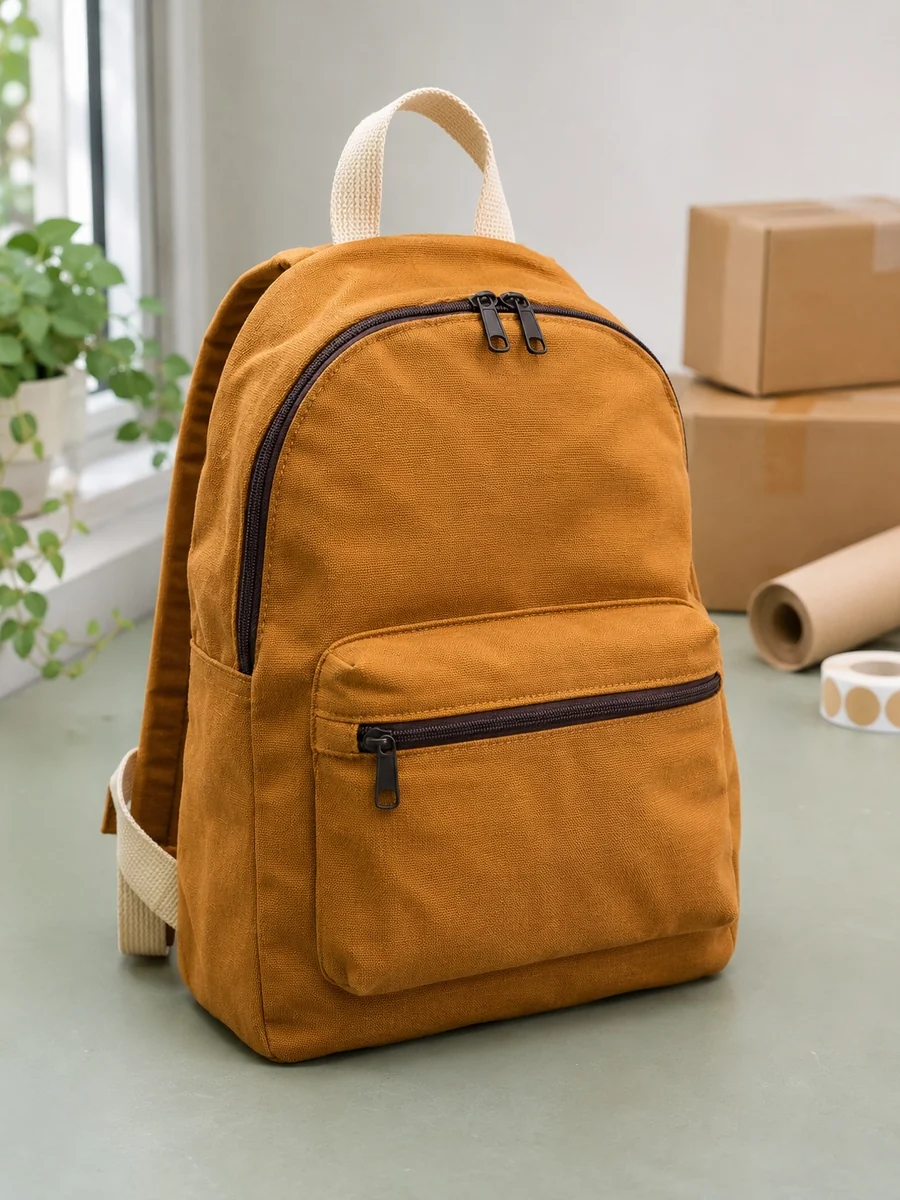
Tan canvas backpack photographed on a cluttered studio surface before removing the background for an Alibaba factory listingThe same tan canvas backpack cleanly isolated on a crisp transparent cutout ready for an Alibaba main gallery

Main Gallery Listings

Photographing raw samples on workshop benches or warehouse floors? Strip distracting backgrounds in seconds to publish crisp, white-background main gallery photos that earn serious wholesale inquiries.

  • Isolate factory samples from workshop benches and packing rooms in seconds
  • Prepare clean pure white (#FFFFFF) primary gallery shots with zero watermarks
  • Keep hardware, stitching, and packaging details sharp for B2B inspection
Clean Factory Sample Photos
What background does Alibaba.com recommend for main product listing photos?

Alibaba.com recommends a clean, solid mono-color backdrop—ideally pure white (#FFFFFF)—for primary listing photos, free from unrelated props or distracting shadows. Keep files under 3 MB in JPG, PNG, or GIF format with a 1:1 to 1:1.3 aspect ratio and at least 800×800 to 1000×1000 pixels for sharp buyer zoom.

Should I upload a pure white or transparent PNG to Alibaba?

Use a solid pure white (#FFFFFF) background for your primary Alibaba gallery slot so products appear uniform across search grids. Choose a transparent PNG when layering products onto custom detail banners, PDF quote sheets, or comparison charts. Free BGRemover lets you export either option from one upload.

Can I remove backgrounds from Alibaba supplier photos for my own store?

Yes, you can upload supplier product photos in JPG, PNG, or WebP format and erase cluttered factory backdrops in seconds. Many cross-border sellers clean raw sourcing photos here before uploading them to a Shopify storefront or Amazon catalog. Always verify you have permission to reuse supplier imagery.

Does removing the background resize or compress my Alibaba product photos?

No, Free BGRemover preserves your uploaded image dimensions instead of shrinking cutouts into blurry thumbnails. Keeping original resolution helps buyers zoom clearly on Alibaba, though it does not upscale low-res shots or automatically crop photos into a 1:1 square—start with a sharp, well-framed source image.

Can I remove backgrounds in bulk for multiple Alibaba SKU listings?

Yes, single hero shots can be cleaned right on this page, and larger SKU catalogs are supported too. Switch to our batch background remover to process up to 20 JPG, PNG, or WebP product photos per browser batch and download one organized ZIP file.

Can this tool remove Chinese text or watermarks from Alibaba photos?

No, this tool is designed to isolate your product and erase the outer background rather than inpaint text or watermarks placed directly over the item. If text sits on the surrounding background, removing the background clears it automatically; for overlays across the product, use a dedicated object-erasure workflow.

Is this Alibaba background remover really free with no watermarks?

Yes, Free BGRemover lets you remove backgrounds from Alibaba product photos free online with no account signup and zero tool watermarks added to your downloads. That helps your primary gallery photos stay clean, professional, and compliant with Alibaba.com visual guidelines.

What file formats and devices work with Free BGRemover for Alibaba?

You can upload JPG, PNG, and WebP photos up to 15 MB directly from any desktop, iPhone, or Android browser without installing software. After automatic background removal, download your high-resolution transparent PNG or pure white product image ready for Alibaba Seller Center.

Frequently Asked Questions About Alibaba Background Removal

Direct answers on Alibaba.com photo rules, white vs. transparent exports, supplier photo cleanup, and free browser processing.

Ready to Clean Up Your Alibaba Product Photos?

Remove distracting factory and desk backdrops in seconds and export crisp pure white or transparent cutouts—free online in any browser.

Remove Alibaba Photo Background Free