
Remove backgrounds for Allegro product photos

Erase cluttered backdrops in seconds for crisp, pure-white Allegro thumbnails. Export white or transparent listing photos directly from desktop or phone.

Start with your Allegro product photo

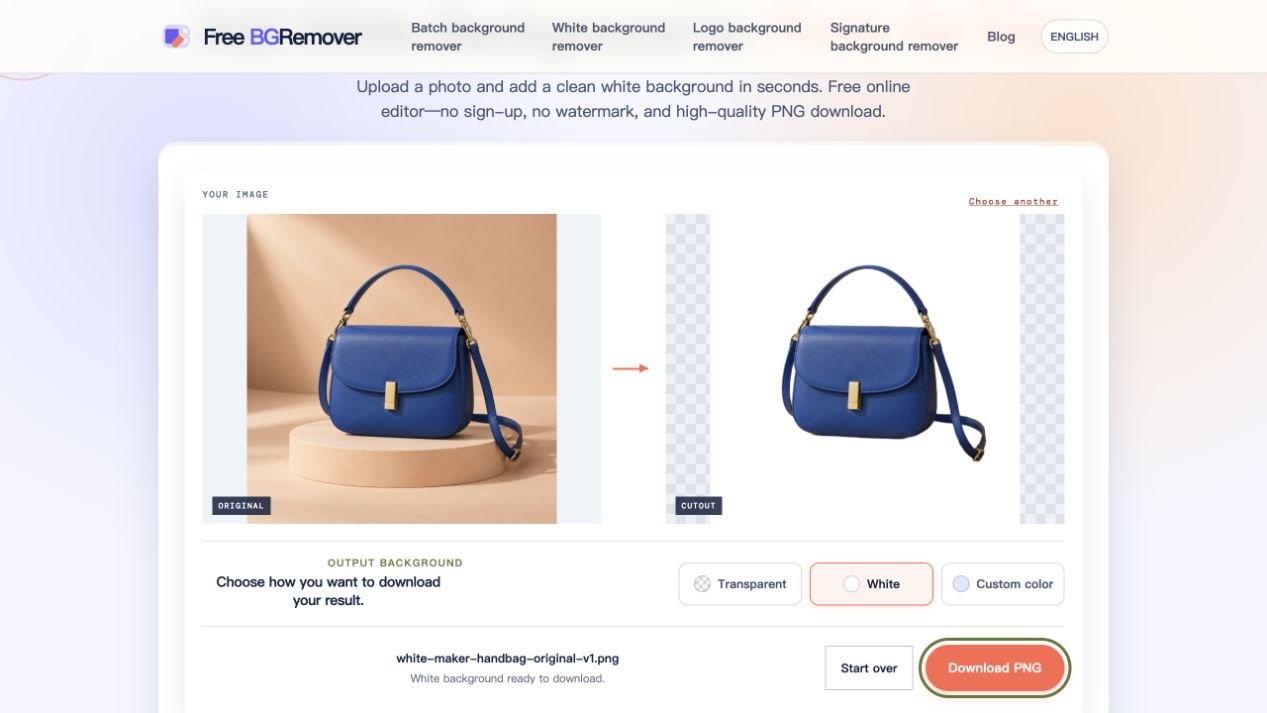
Upload a photo. Export pure white or transparent PNG.

JPG, PNG, or WebP · Up to 15 MB

Privacy details

Meet Allegro Thumbnail White Background Standards Faster

Messy tables, uneven shadows, and text clutter get primary Allegro thumbnails rejected or ignored by cautious shoppers. Free BGRemover automatically removes distracting backgrounds and sets a clean pure-white (#FFFFFF) backdrop that meets strict RGB 255, 255, 255 thumbnail rules. Publish compliant Allegro product photos that earn buyer trust from the very first impression.

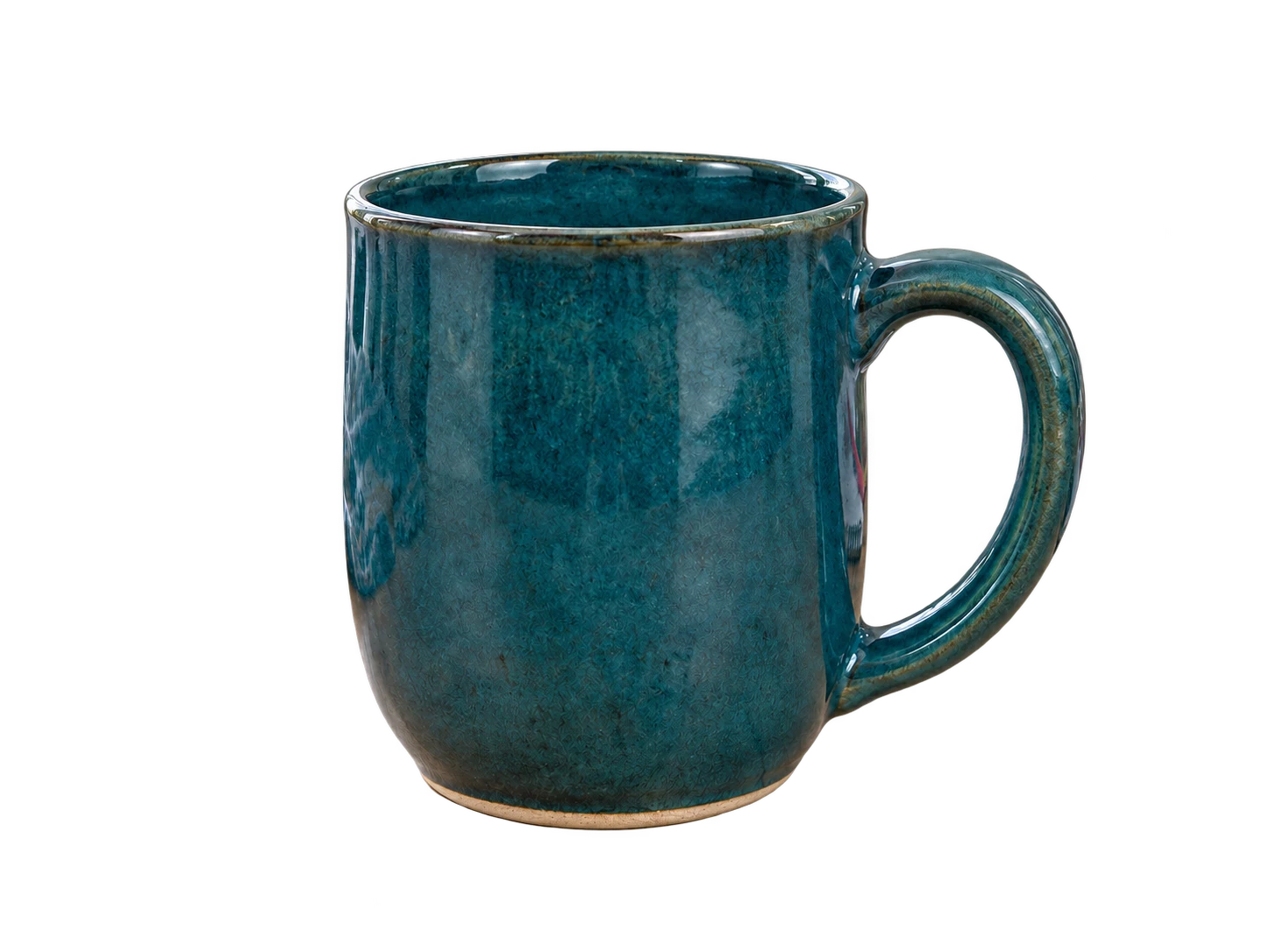
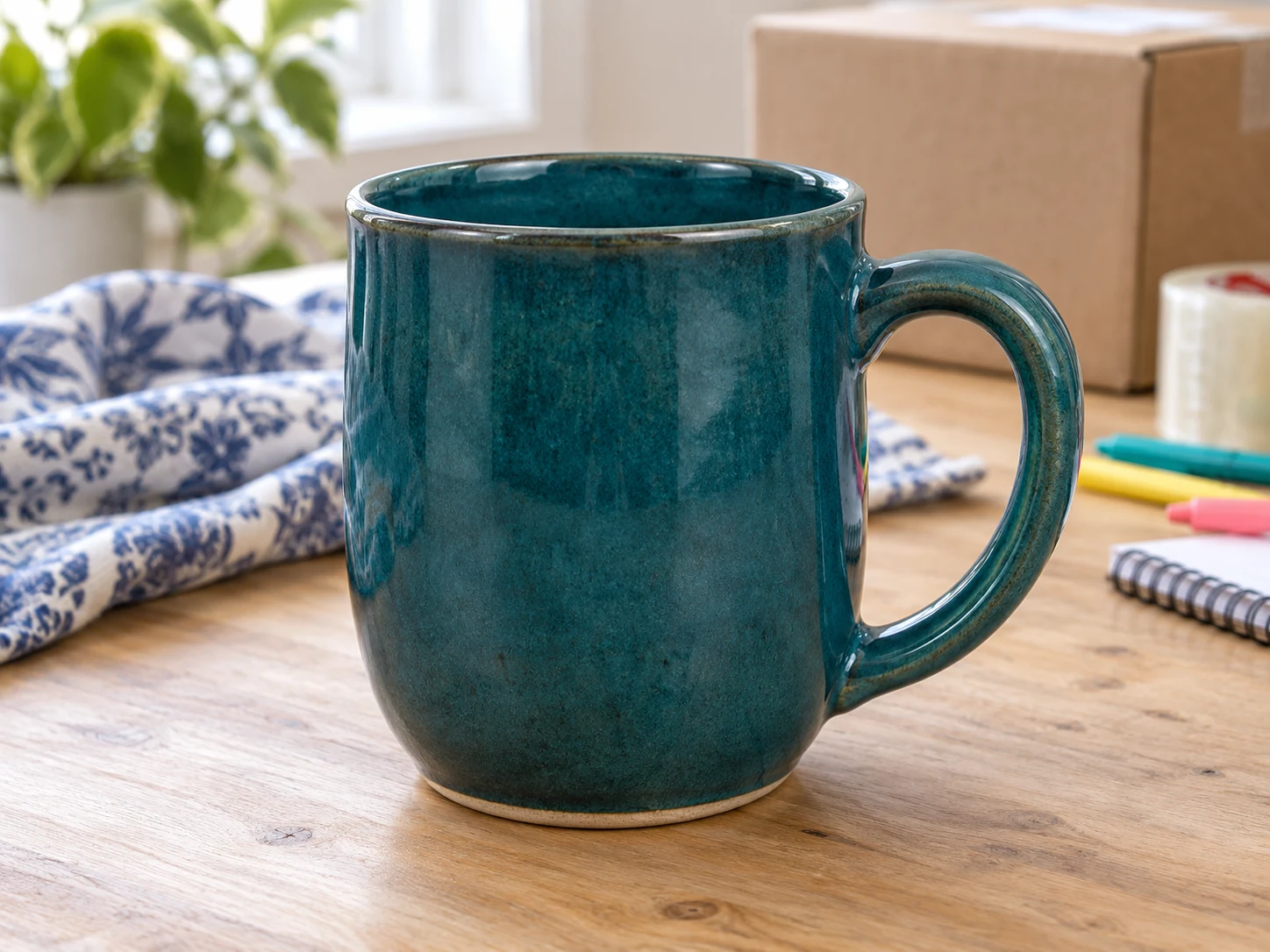
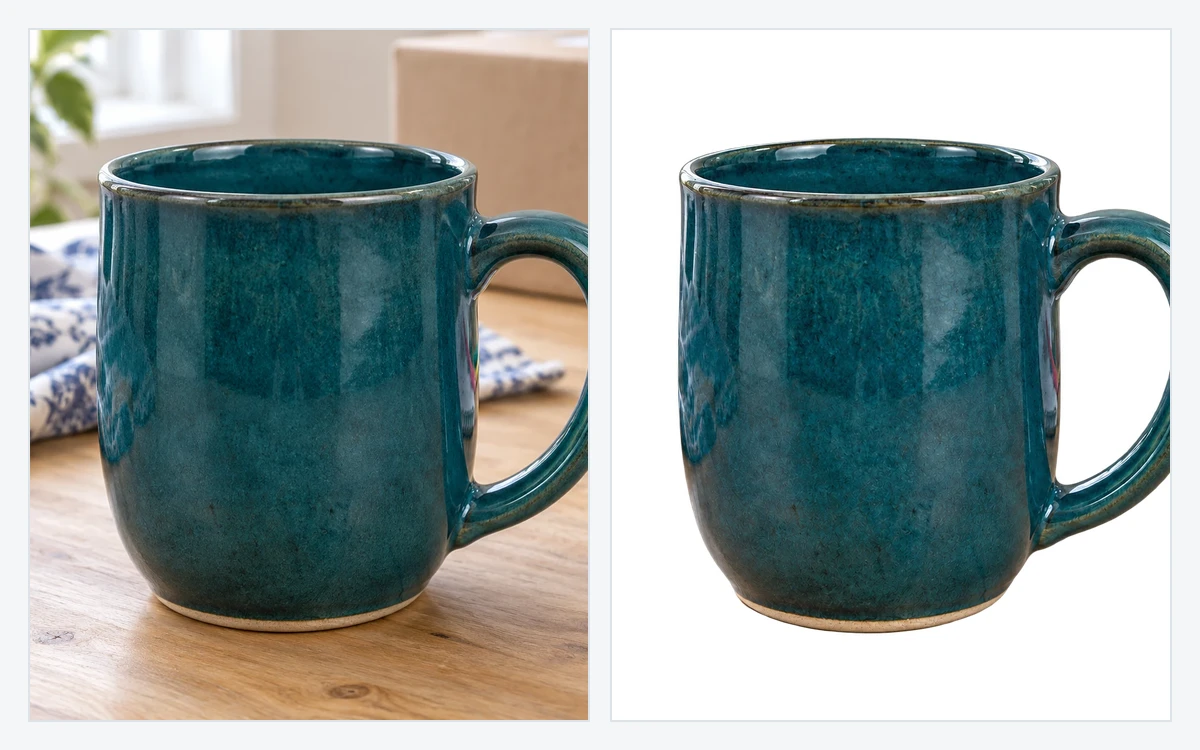
Glazed teal ceramic mug sitting on a cluttered wooden table beside packaging boxes and desk items before removing the background for an Allegro thumbnail

Example of removing a cluttered table background behind a ceramic mug for an Allegro listing. Actual results vary by photo.

Help Your Allegro Listing Images Win Clicks

When buyers compare dozens of similar offers across crowded Allegro search results, dim desk snapshots vanish into the grid. Upload JPG, PNG, or WebP shots from your phone or computer to remove background for Allegro with sharp edges around packaging, apparel, and accessories. Clean, high-contrast product cutouts stand out immediately and turn more search views into orders.

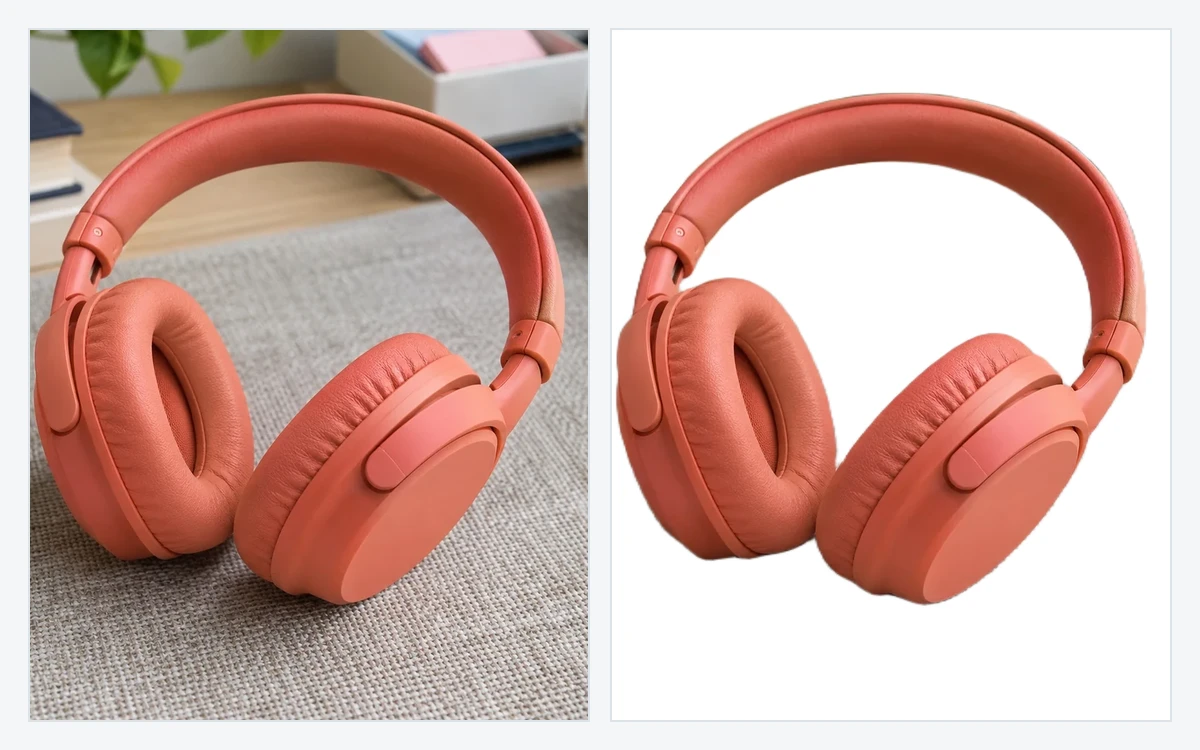
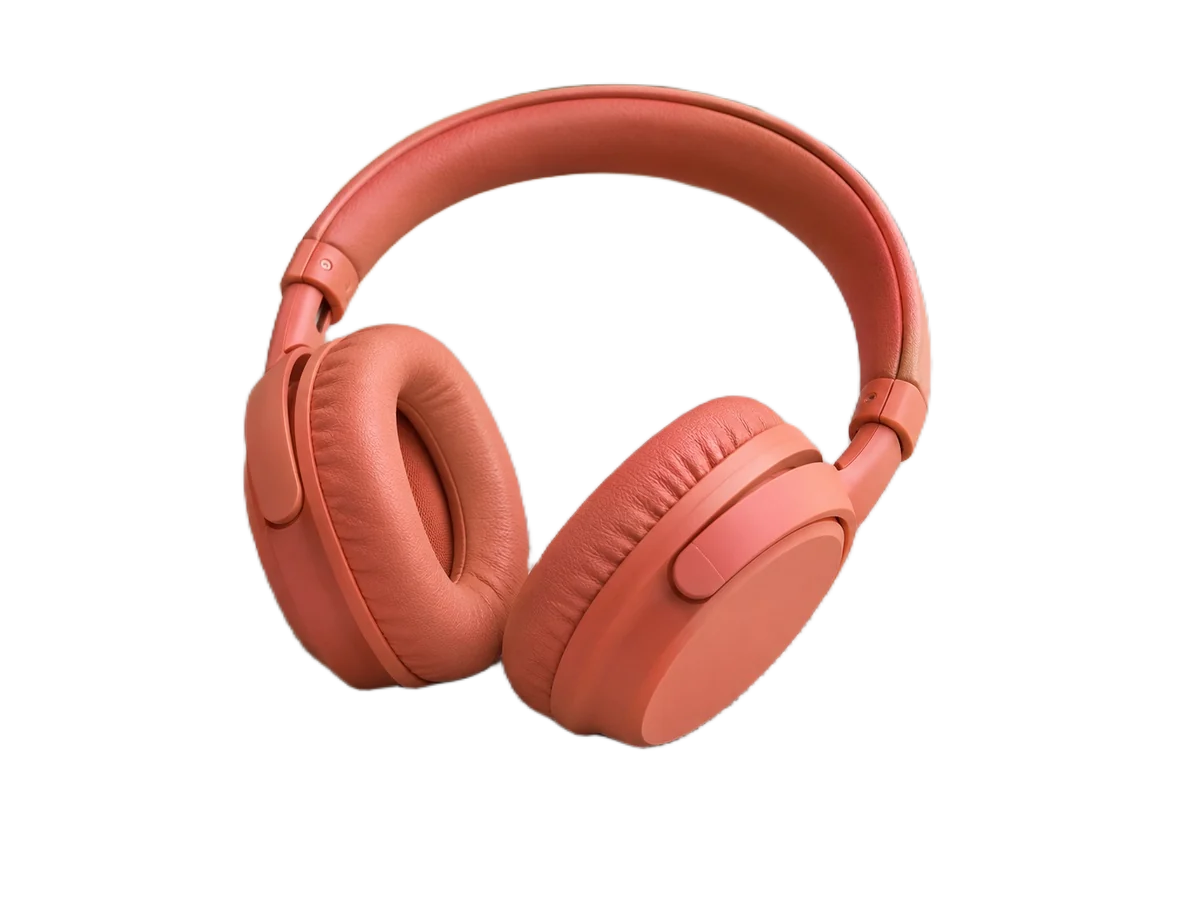
Coral wireless over-ear headphones resting on a cluttered desk beside books and boxes before background removal for an Allegro listing image

Compare the original desk snapshot of wireless headphones with its clean cutout for Allegro search grids. Actual results vary by photo.

Related Tools

Switch Between Pure White and Transparent Cutouts

One clean cutout covers both your main Allegro thumbnail and secondary gallery graphics. Switch to a solid pure white backdrop—or explore our dedicated white background maker—for primary offers, apply light gray for eligible fashion items, or export transparent PNGs for comparison slides. Adapt every Allegro packshot across listings and promos without editing the photo twice.

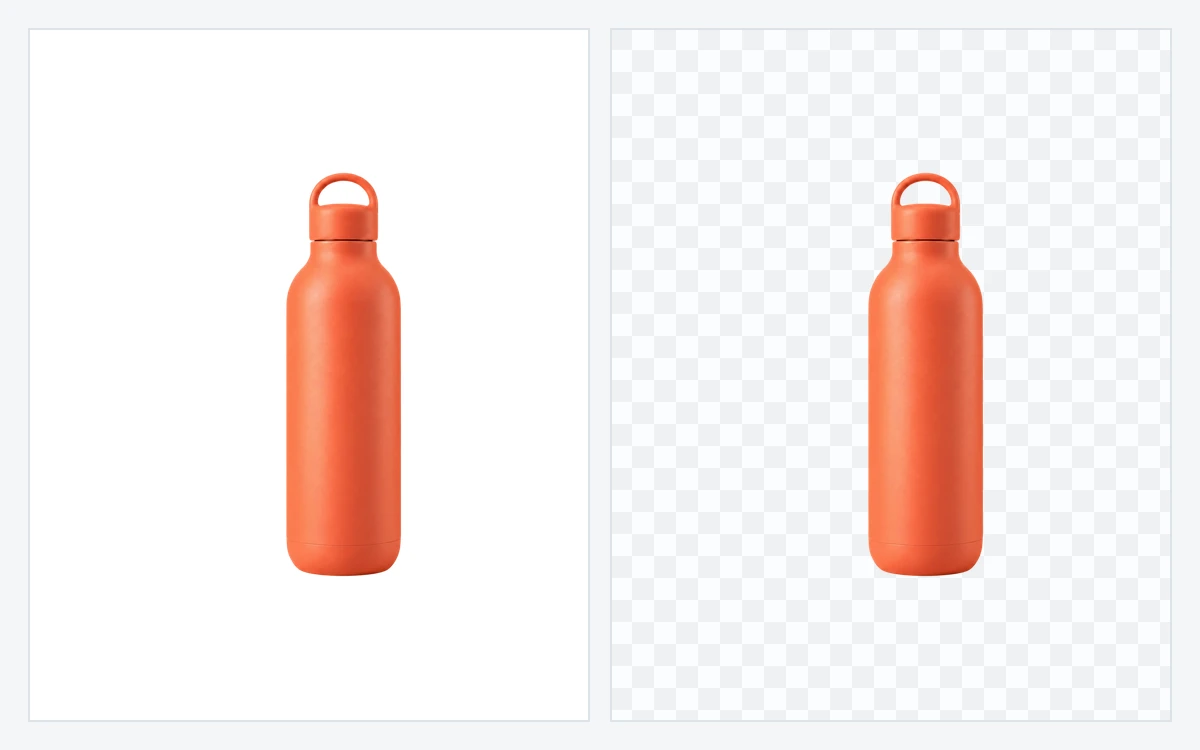
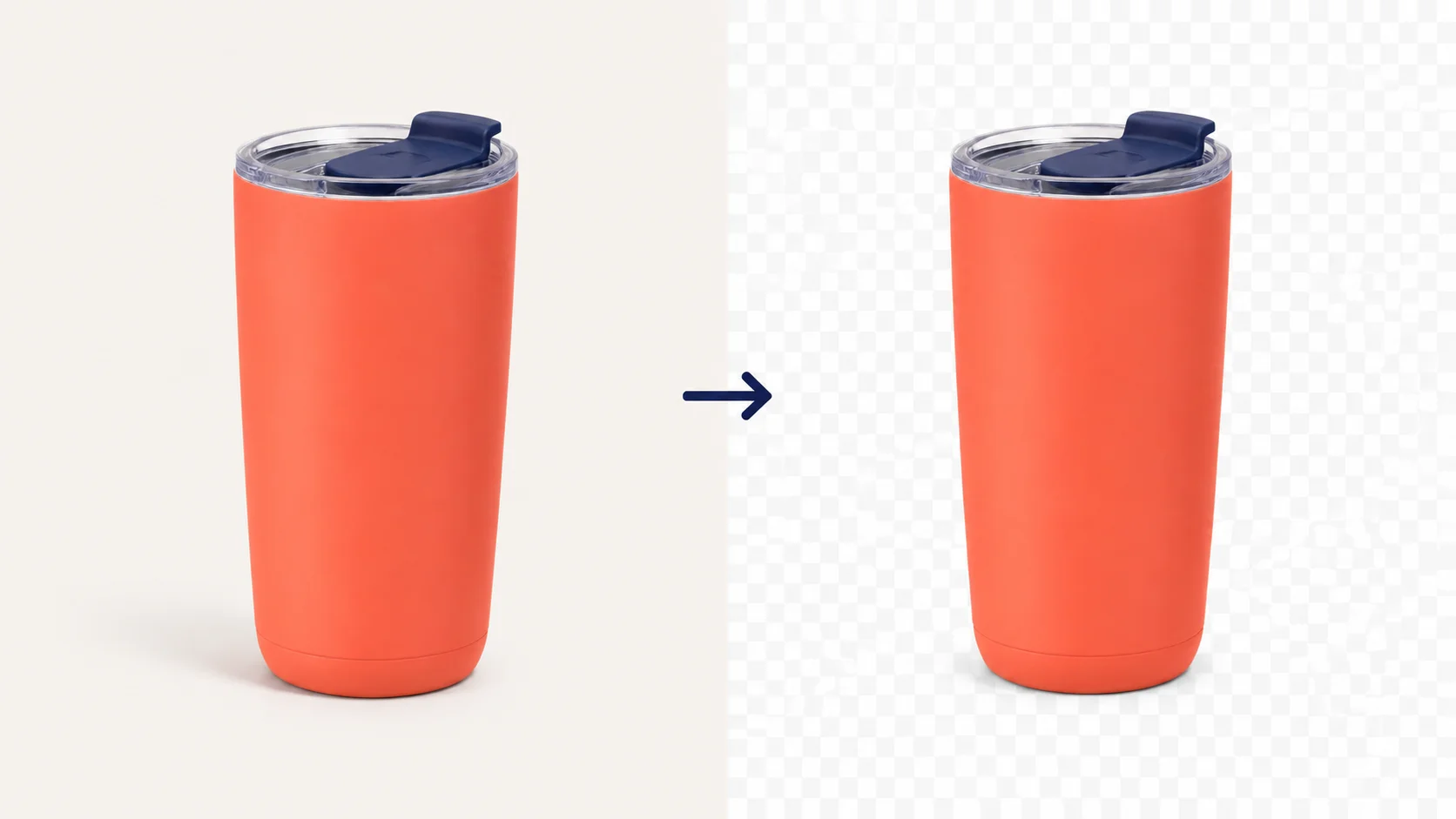
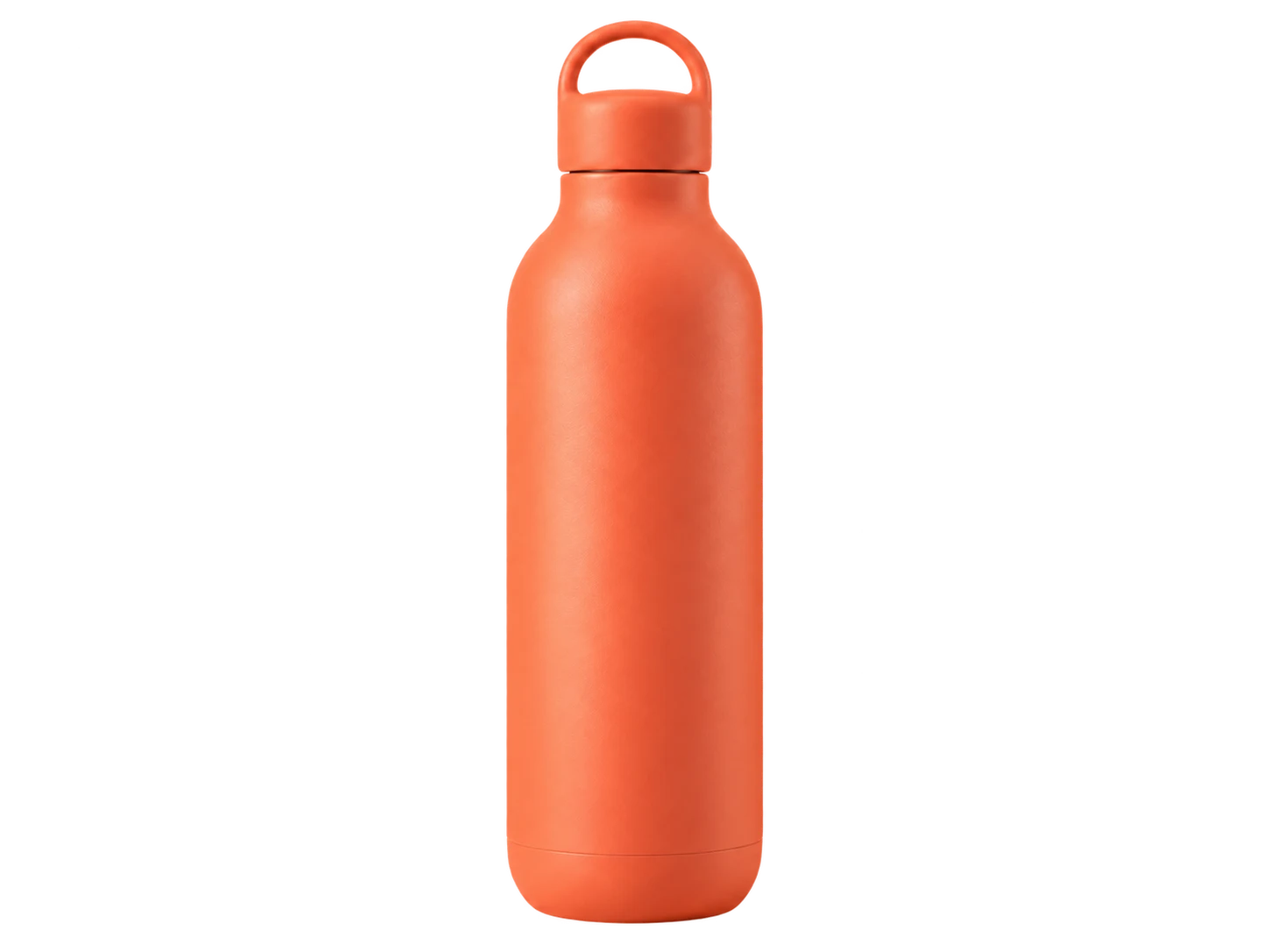
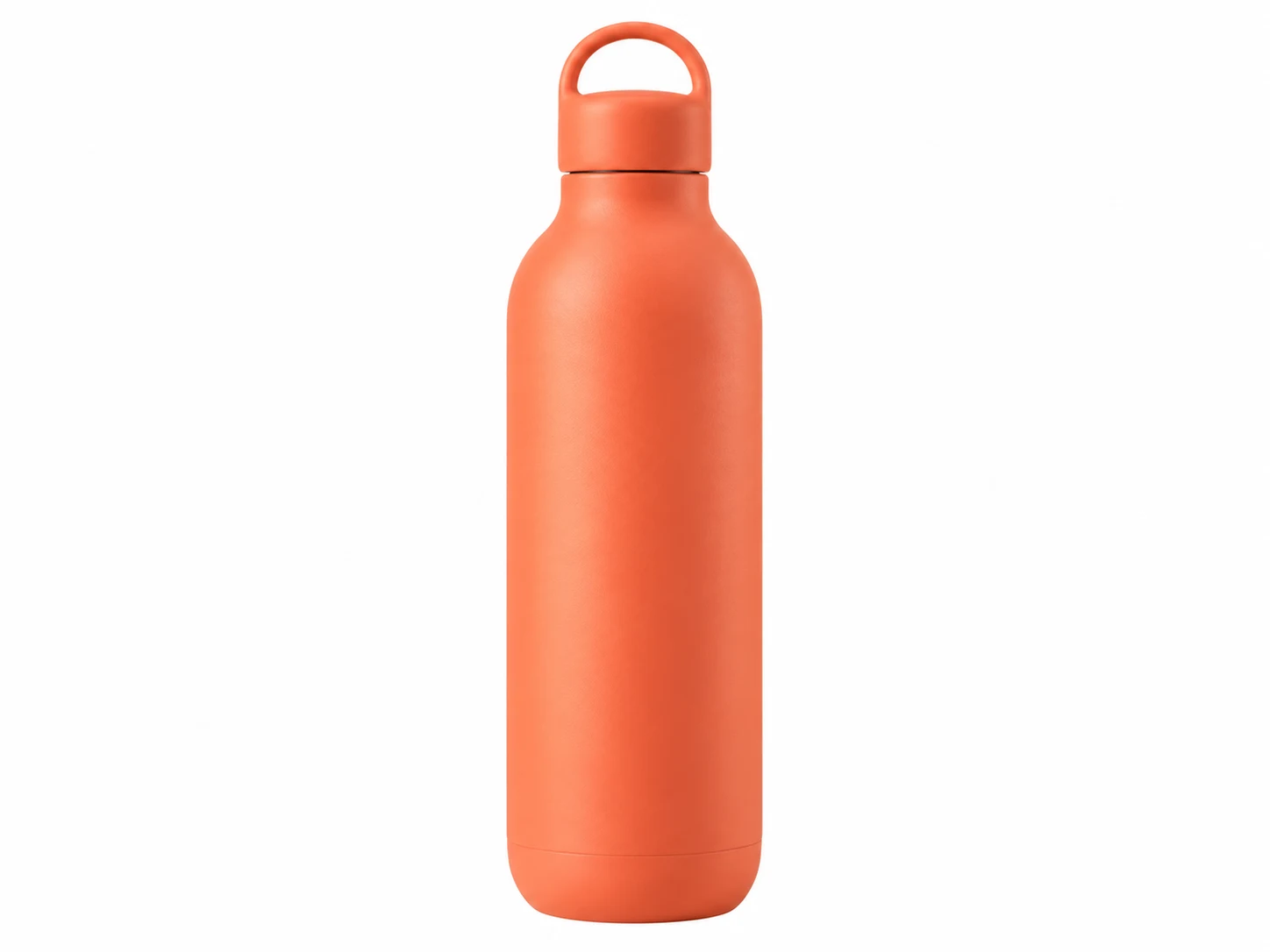
Matte coral insulated stainless-steel water bottle shown on a crisp pure white Allegro thumbnail background

Compare a pure white (#FFFFFF) Allegro main thumbnail backdrop against a transparent PNG cutout of the same insulated bottle.

Streamline Daily Allegro Catalog Prep Without Software

Whether you're listing a few weekend items or managing hundreds of store SKUs, manual clipping turns every upload into a bottleneck. Process single hero photos directly in your browser with no heavy software, and move larger drops into our batch background remover for up to 20 images at once. Keep your entire Allegro storefront visually consistent across every category.

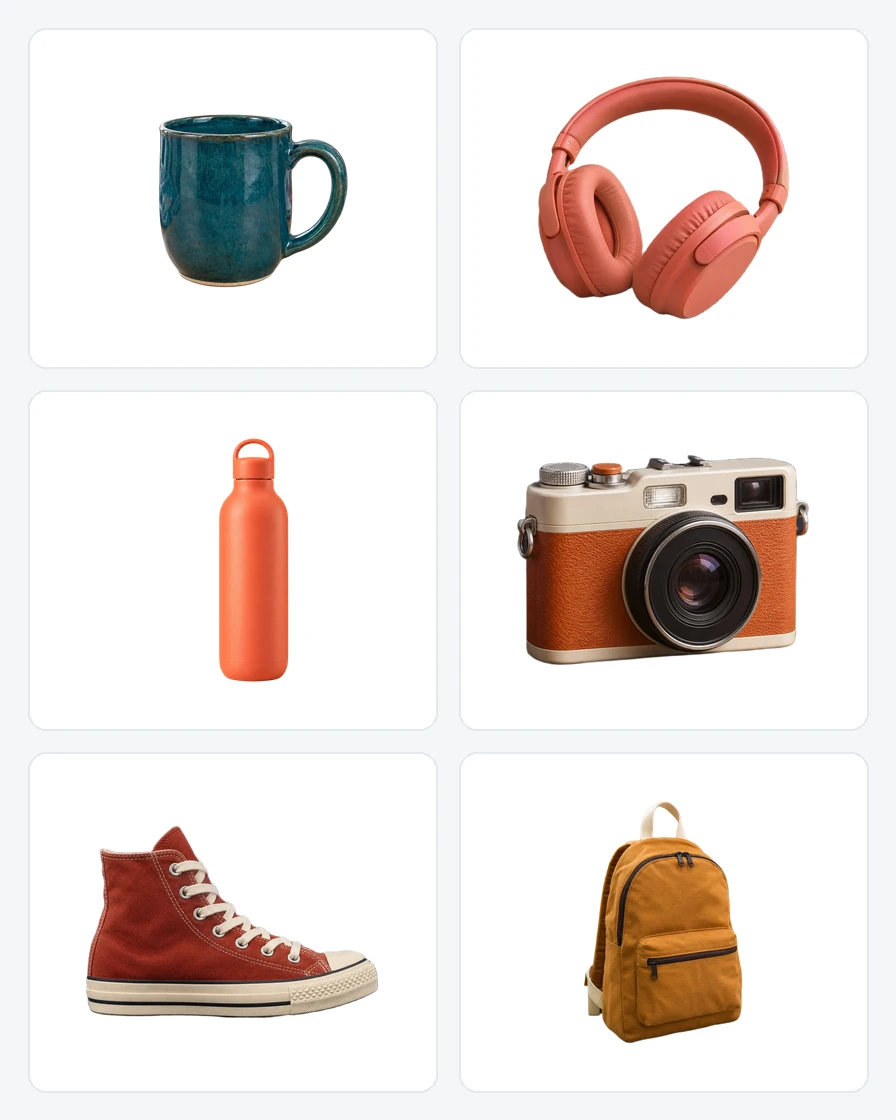
A cohesive 2x3 e-commerce product catalog grid featuring a ceramic mug, wireless headphones, insulated bottle, compact camera, canvas sneaker, and backpack isolated on pure white backgrounds for Allegro

Turn mixed desk and warehouse snapshots into a cohesive, pure-white Allegro catalog grid.

How to remove backgrounds for Allegro product photos

Create compliant white or transparent Allegro listing photos in 3 simple steps with no signup.

  1. 01

    Upload your Allegro photo

    Drag and drop or select your Allegro product photo in JPG, PNG, or WebP format up to 15 MB. Start right in any desktop or mobile browser with no signup.

  2. 02

    Let AI erase the background

    Free BGRemover automatically isolates your item from cluttered tables, rooms, or uneven lighting, preserving sharp edges around packaging, fabrics, and accessories. Preview transparent, pure white, or light gray instantly.

  3. 03

    Download your listing-ready image

    Export a crisp, watermark-free pure white (#FFFFFF) thumbnail or transparent PNG in one click. Upload the finished image straight to Allegro main listings, secondary gallery slots, or store promo graphics.

Why choose Free BGRemover for Allegro product photos

Built around Allegro thumbnail standards so Polish and cross-border sellers publish compliant listings faster.

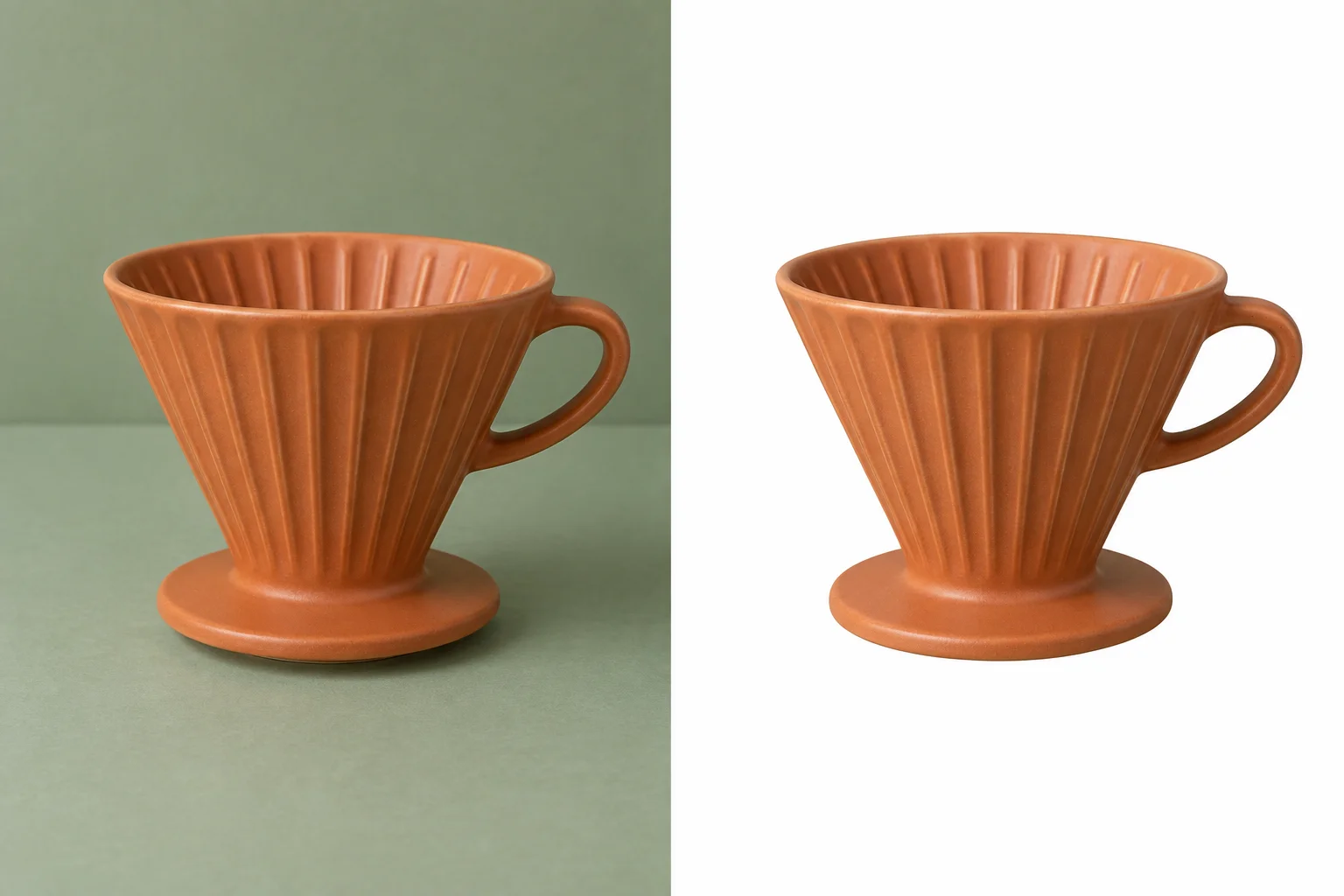
Before-and-after comparison of a glazed teal ceramic mug isolated from a cluttered table onto a seamless pure white Allegro thumbnail background

Allegro Pure-White Thumbnail Ready

Switch cluttered backdrops to a strict pure white (#FFFFFF / RGB 255, 255, 255) canvas that satisfies Allegro main thumbnail rules and builds immediate shopper confidence.

Switch cluttered tabletop backdrops to pure white (#FFFFFF / RGB 255, 255, 255).
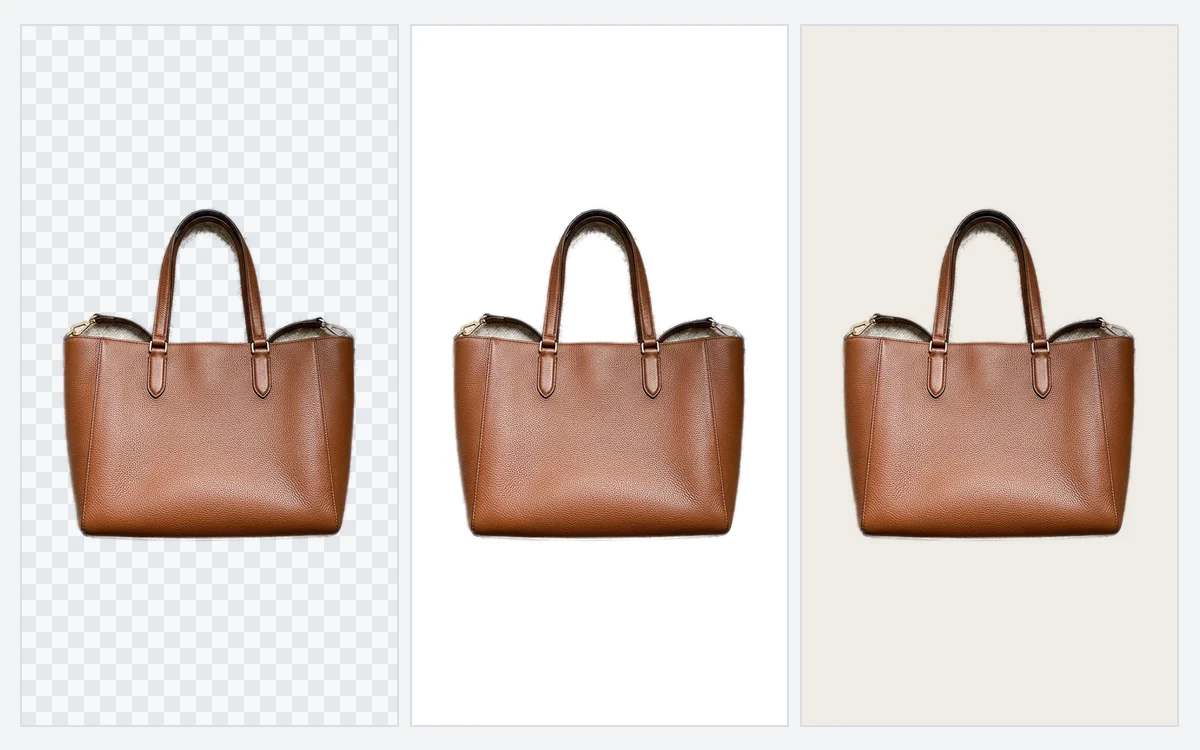
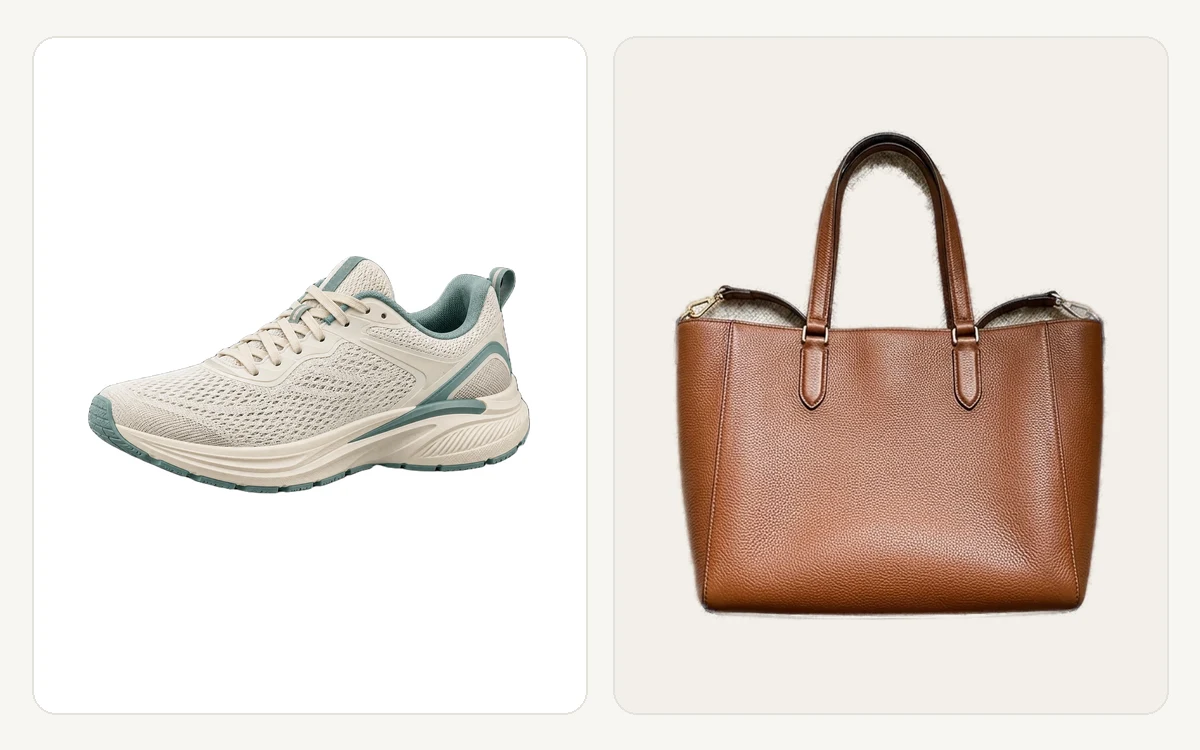
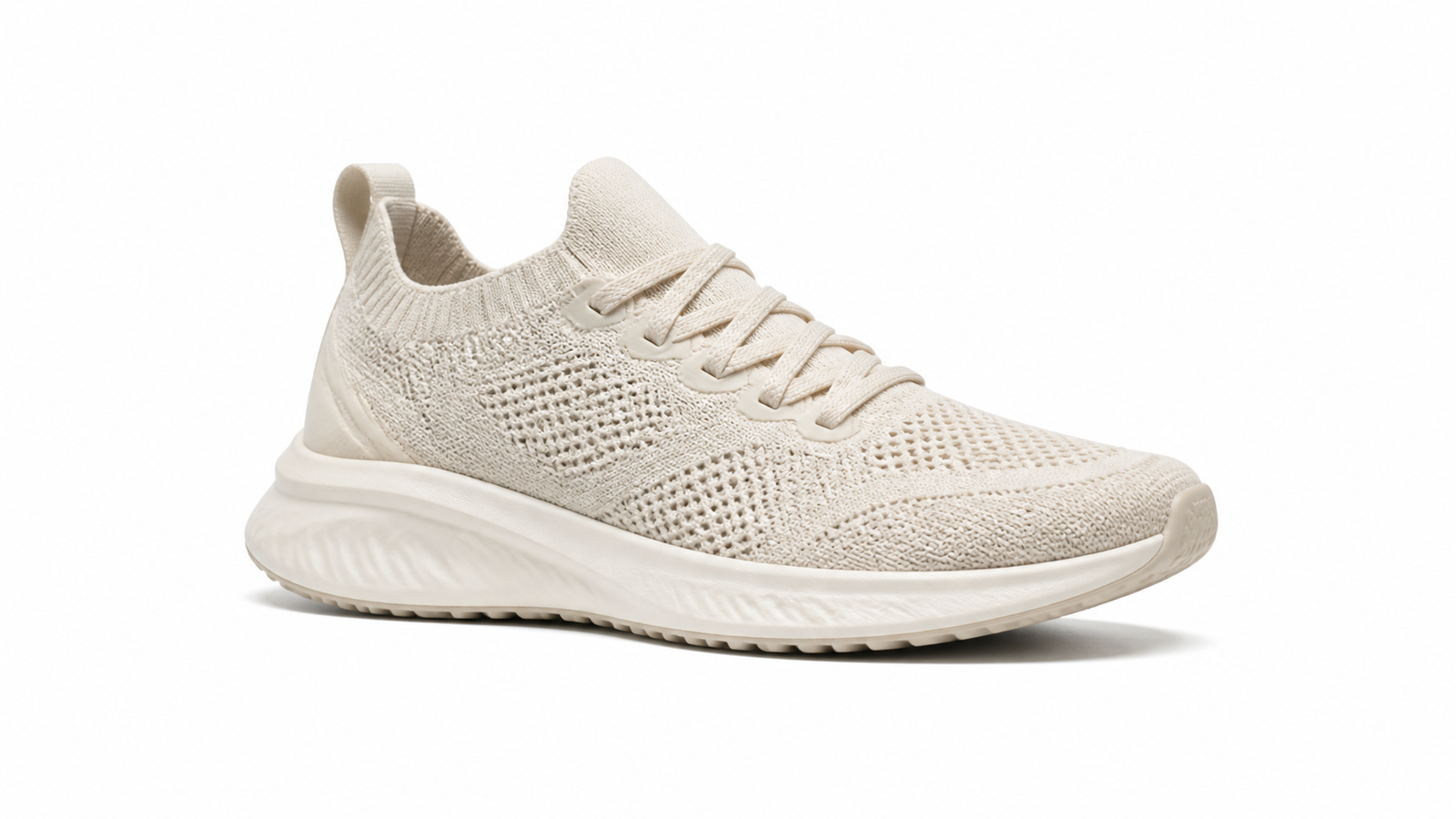
Comparison showing a fashion product cleanly isolated onto pure white, uniform light neutral gray, and transparent backgrounds for Allegro Fashion listings

Light Gray for Fashion Categories

Selling apparel or kids' footwear on Allegro? Pick a clean uniform light gray background alongside pure white so fashion thumbnails stay compliant and natural.

Switch between pure white, uniform light gray, and transparent outputs.

Side-by-side cutout preview of coral wireless headphones cleanly separated from desk clutter onto a pure white backdrop with sharp edges

Crisp Packshot Edge Precision

Preserve clean outlines around electronics, boxed goods, footwear, and glossy cosmetics without jagged edges or leftover tabletop shadows on your Allegro packshots.

Clean product edge detection that preserves straps, contours, and packaging.

Split comparison showing a coral insulated water bottle on a pure white primary canvas beside a true transparent PNG checkerboard cutout

Transparent PNG for Gallery Slides

Download true transparent PNG cutouts alongside pure white files so you can build Allegro secondary gallery graphics, feature callouts, and promo banners from one upload.

Export pure white for main thumbnails and transparent PNG for gallery slides.

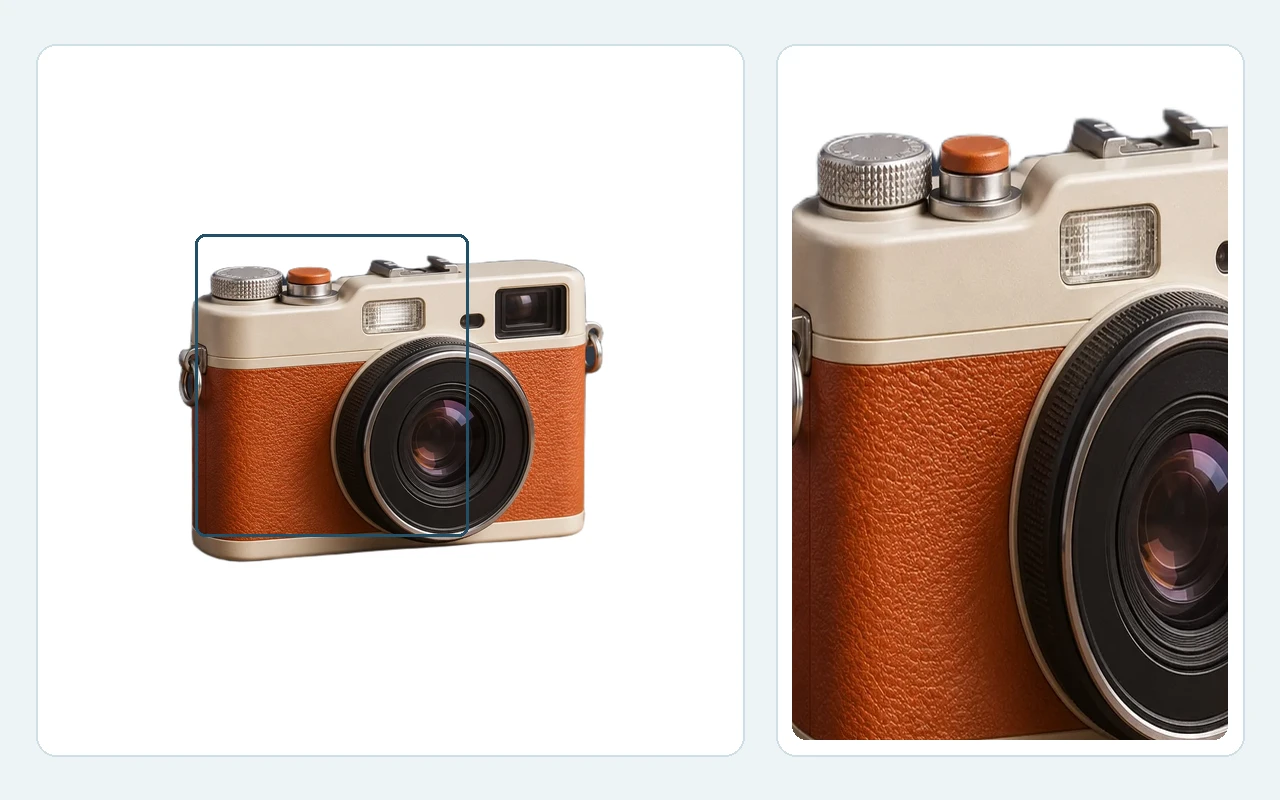
Clean white-background compact camera preview paired with a magnified detail crop highlighting textured grip, dials, and crisp edge quality

Original Resolution for Buyer Zoom

Retain your uploaded pixel resolution instead of shrinking outputs into blurry thumbnails, helping Allegro shoppers inspect labels and textures clearly on high-res zoom previews.

Retain original pixel resolution so Allegro shoppers can zoom cleanly.

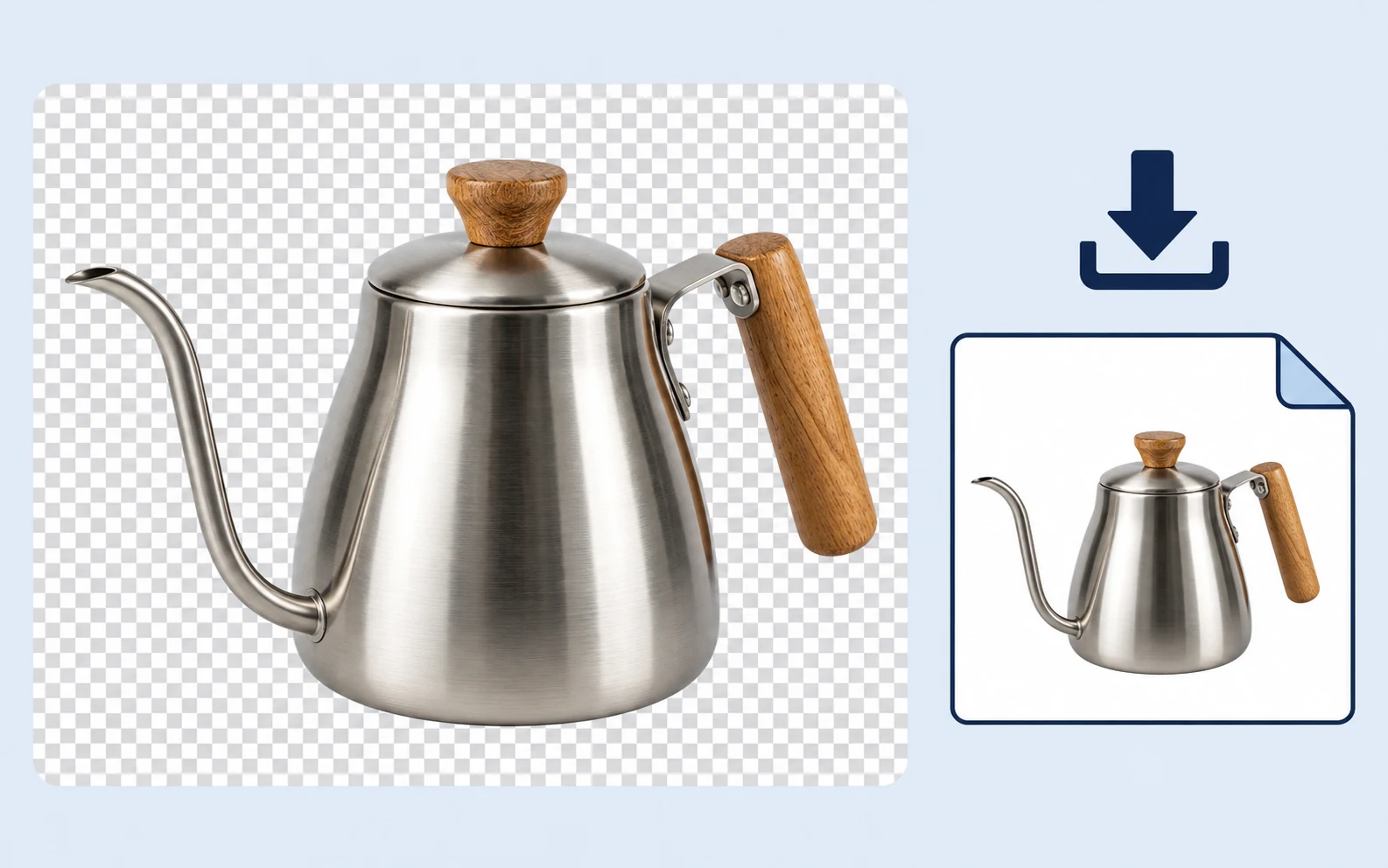
Stainless-steel pour-over kettle shown on a transparent checkerboard next to a clean white-background download preview with zero watermarks

Free, Watermark-Free Allegro Exports

Allegro forbids watermarks and promotional logos on main thumbnails. Export clean, watermark-free product cutouts free online in your browser with no account signup required.

Zero watermarks and zero account friction—ready for Allegro Seller Center.

Who uses Free BGRemover for Allegro product photos

See how independent sellers, fashion brands, and multi-SKU Allegro merchants prep compliant listings faster.

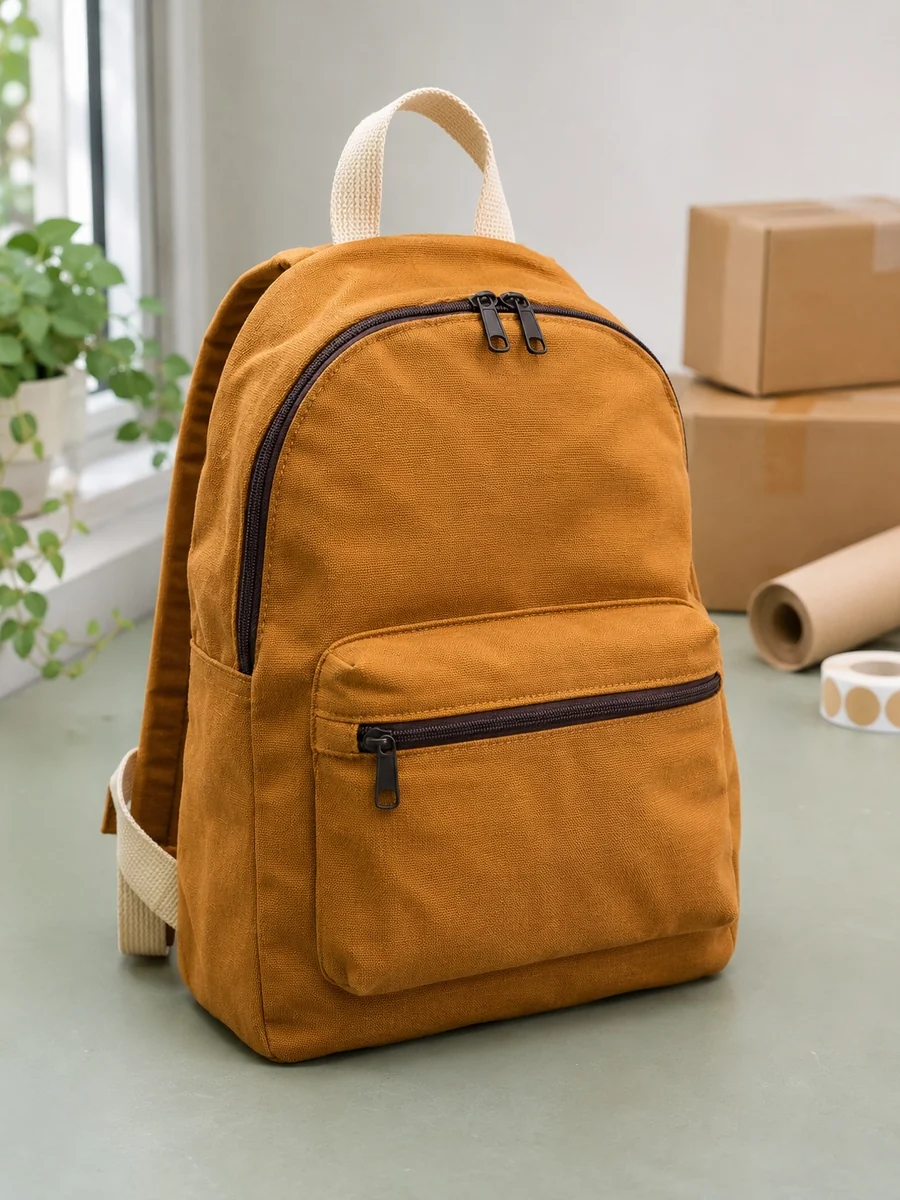
Tan canvas backpack photographed on a cluttered studio surface before removing the background for an Allegro merchant listingThe same tan canvas backpack cleanly isolated on a crisp transparent cutout ready for an Allegro thumbnail

Pure-White Main Thumbnails

Snap new inventory on a warehouse desk or packing table, skip manual masking, and export crisp RGB white thumbnails that pass Allegro main-photo checks immediately.

  • Isolate new inventory from warehouse desks and packing tables in seconds
  • Export pure white (#FFFFFF / RGB 255, 255, 255) primary thumbnails with zero watermarks
  • Keep packaging, labels, and fine edges sharp for Allegro buyer zoom
Prep Allegro Main Thumbnails
What background does Allegro require for main thumbnail photos?

Allegro requires a pure white background (RGB 255, 255, 255 or #FFFFFF) for the first thumbnail photo, with zero text, watermarks, logos, or dimension labels. Only fashion and kids' clothing categories allow a uniform light gray backdrop. Secondary gallery photos (2–16) can use colored or lifestyle scenes.

Can I turn a phone product photo into an Allegro white background?

Yes, upload any sharp phone snapshot in JPG, PNG, or WebP format and Free BGRemover strips away cluttered tables or room backgrounds in seconds. You can then apply a solid pure white (#FFFFFF) canvas—or use our white background maker—to export a clean Allegro thumbnail.

Should I export a white background or transparent PNG for Allegro?

Use a solid pure white background for your primary Allegro thumbnail so your offer complies with search-grid rules. Export a transparent PNG when designing secondary gallery slides, comparison charts, or promotional store graphics where you need to layer the isolated packshot over custom layouts.

Does removing the background resize photos to 2560×2560 for Allegro?

No, Free BGRemover preserves your original uploaded pixel dimensions rather than auto-cropping or upscaling low-resolution files. Because Allegro recommends images up to 2560×2560 pixels (and requires at least 400–500 pixels on the longer side), start with a sharp, well-framed high-resolution photo before removing the background.

Can I remove backgrounds in bulk for multiple Allegro SKU listings?

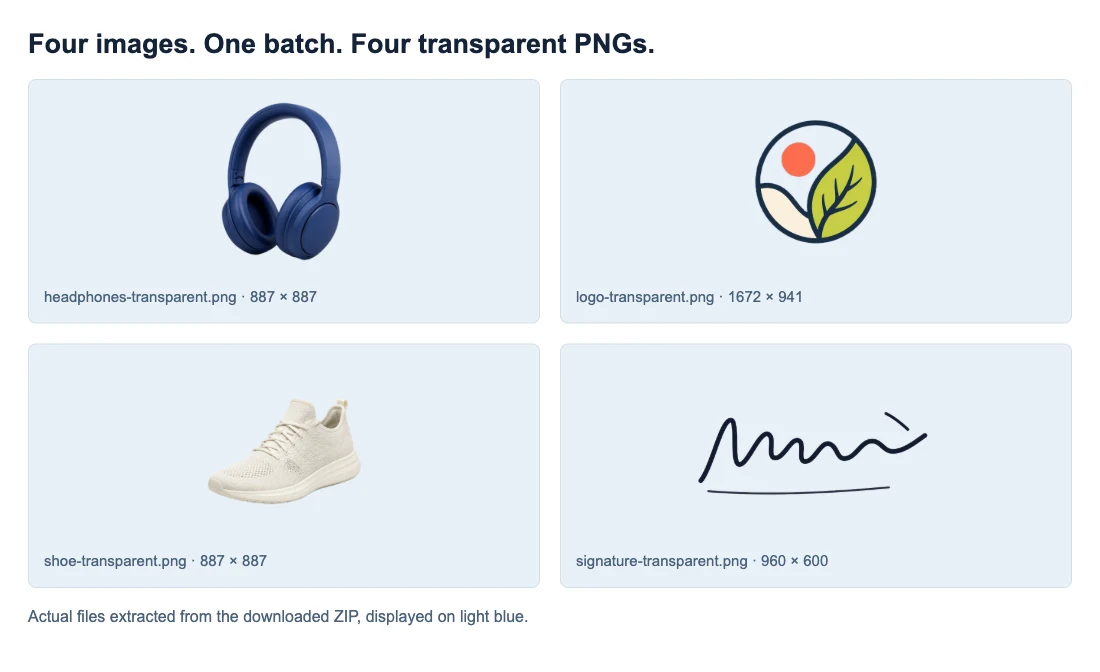
Yes, single hero photos process right on this page, while larger SKU updates are supported in bulk. Switch to our batch background remover to process up to 20 Allegro product photos per browser batch and download every cutout together in one organized ZIP file.

Can this tool remove watermarks or text from Allegro product photos?

It automatically removes any text, stickers, or clutter sitting in the outer background area when that background is cleared. However, if a watermark, store logo, or dimension text overlaps directly on top of the product itself, you will need a dedicated object or watermark eraser before uploading.

Is this Allegro background remover really free with no watermarks?

Yes, Free BGRemover is completely free to use online with no account signup and zero watermarks added to your downloads. That keeps your main Allegro thumbnails clean, professional, and compliant with Allegro's strict ban on watermarks, promotional badges, and overlays on primary photos.

What file formats and devices work for Allegro background removal?

Upload saved JPG, PNG, or WebP product photos up to 15 MB directly from any desktop, iPhone, or Android browser—no software install required. After automatic background removal, download your high-resolution pure white or transparent PNG cutout ready to upload straight into Allegro Seller Center.

Frequently asked questions about Allegro background removal

Direct answers on Allegro thumbnail white-background rules, fashion exceptions, file formats, and free browser processing.

Ready to clean up your Allegro product photos?

Erase cluttered backdrops in seconds and export pure-white thumbnails or transparent PNGs—free online in any browser.

Remove Allegro Background Free Now