


Remove backgrounds for BigBasket product photos

Erase messy backdrops in seconds for crisp, pure-white BigBasket product photos. Export white or transparent cutouts ready for listings from desktop or phone.

Start with your BigBasket product photo

Upload a photo. Export pure white or transparent PNG.

JPG, PNG, or WebP · Up to 15 MB

Privacy details

Meet BigBasket Pure White Image Standards Faster

Cluttered tables, dim lighting, and stray shadows can slow down vendor approvals on BigBasket. Free BGRemover strips distracting surroundings from grocery packs and fresh items, placing them on a clean pure-white (#FFFFFF) backdrop that fits strict catalog rules. Publish compliant BigBasket product photos that earn shopper trust on the first scroll.

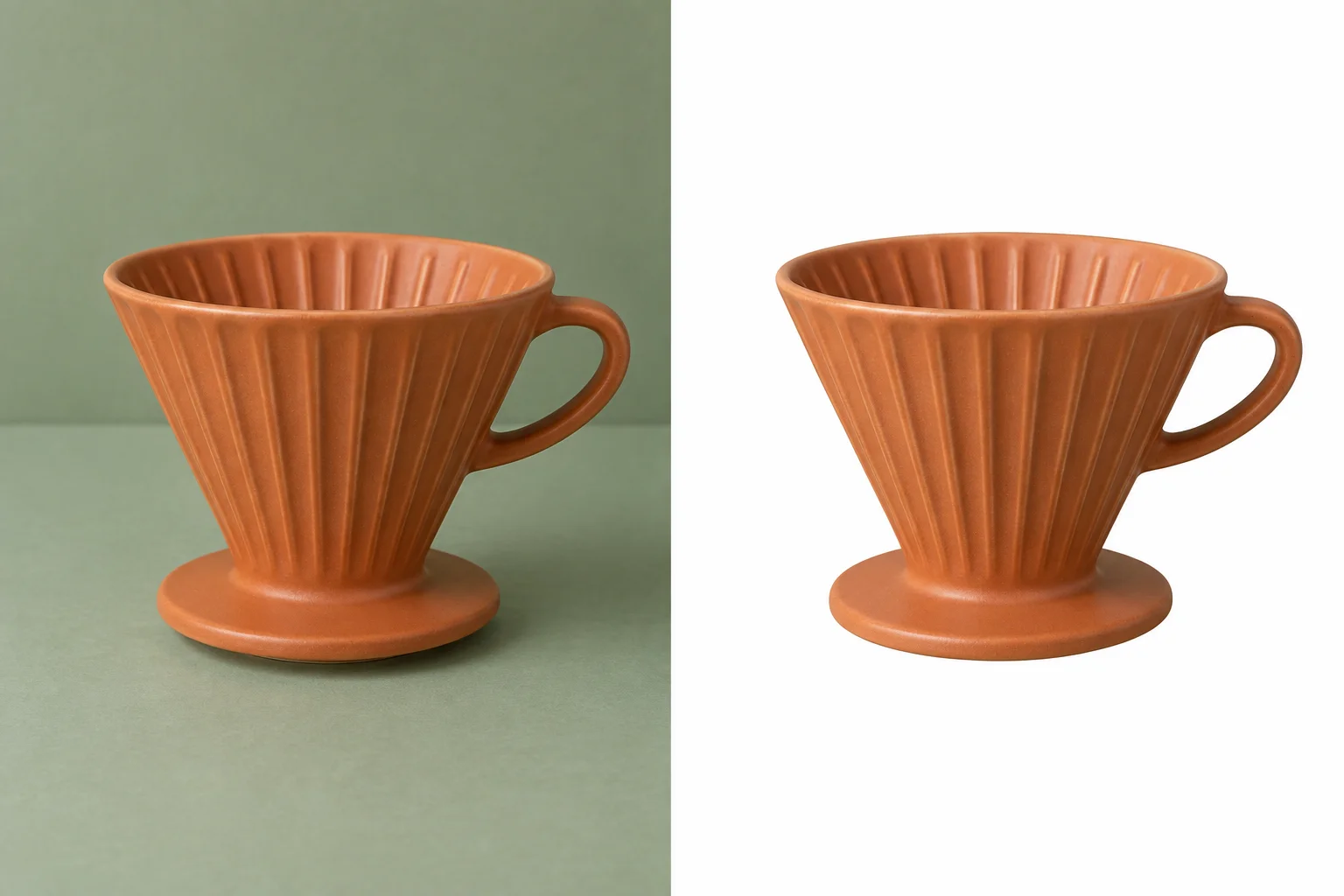
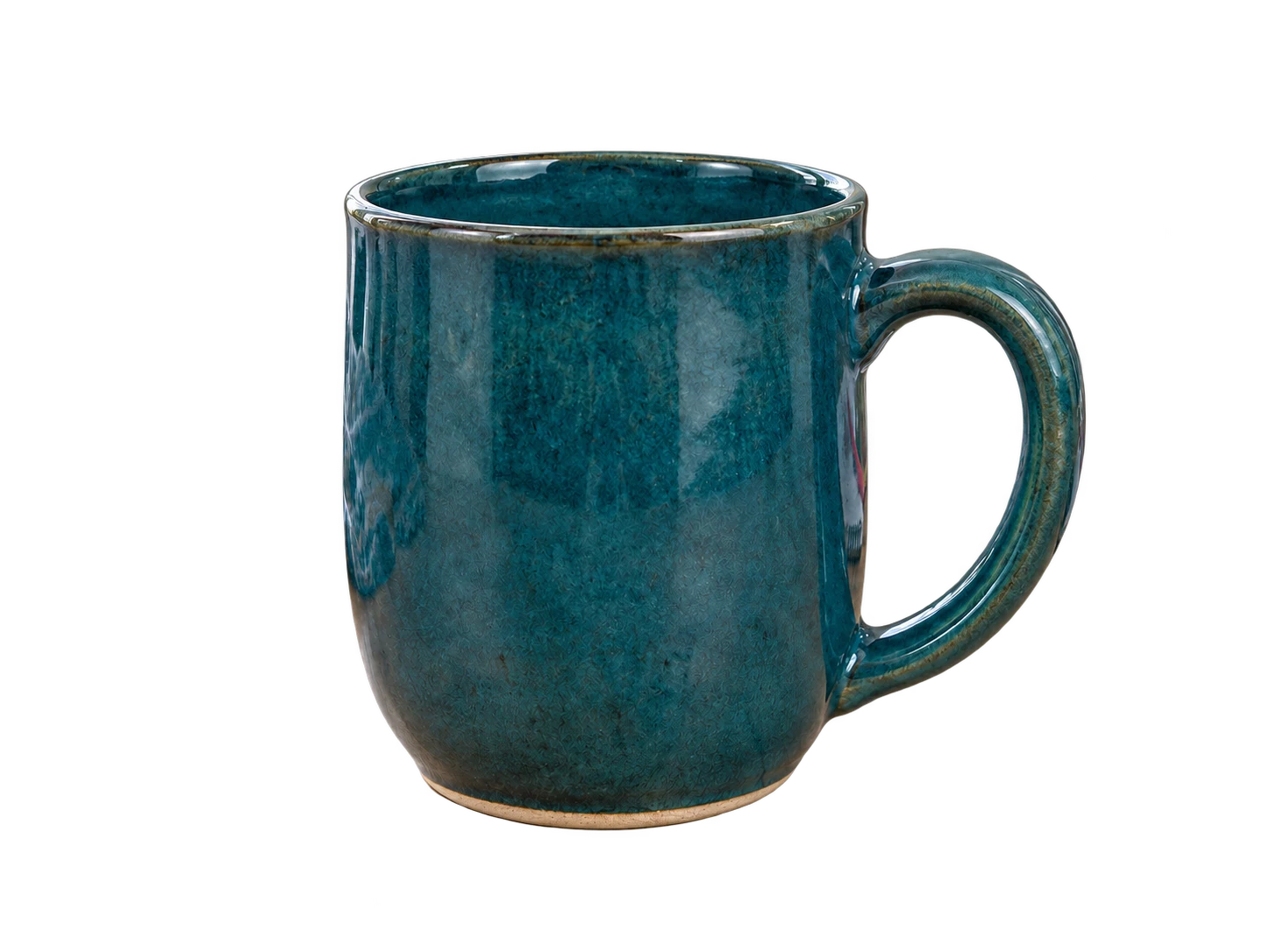
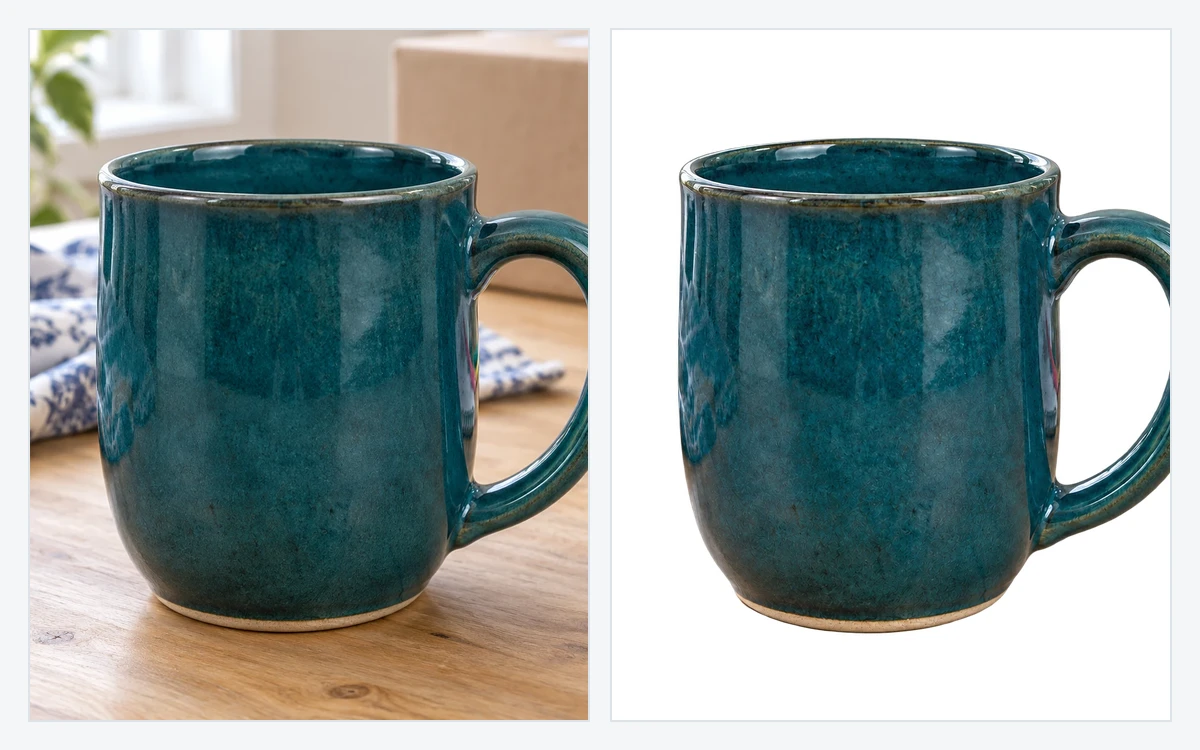
Glazed teal ceramic mug sitting on a cluttered wooden table beside packaging boxes and household items before removing the background for a BigBasket product listing

Example of removing a cluttered tabletop background behind a kitchen mug for a BigBasket listing. Actual results vary by photo.

Make Your BigBasket Grocery Listings Stand Out

When grocery shoppers compare dozens of packaged foods and household essentials in a mobile grid, dull counter snapshots get overlooked. Upload JPG, PNG, or WebP shots from your phone or laptop to isolate edges sharply around pouches, jars, and fresh produce. Sharp, high-contrast cutouts capture attention in busy search results and turn views into cart adds.

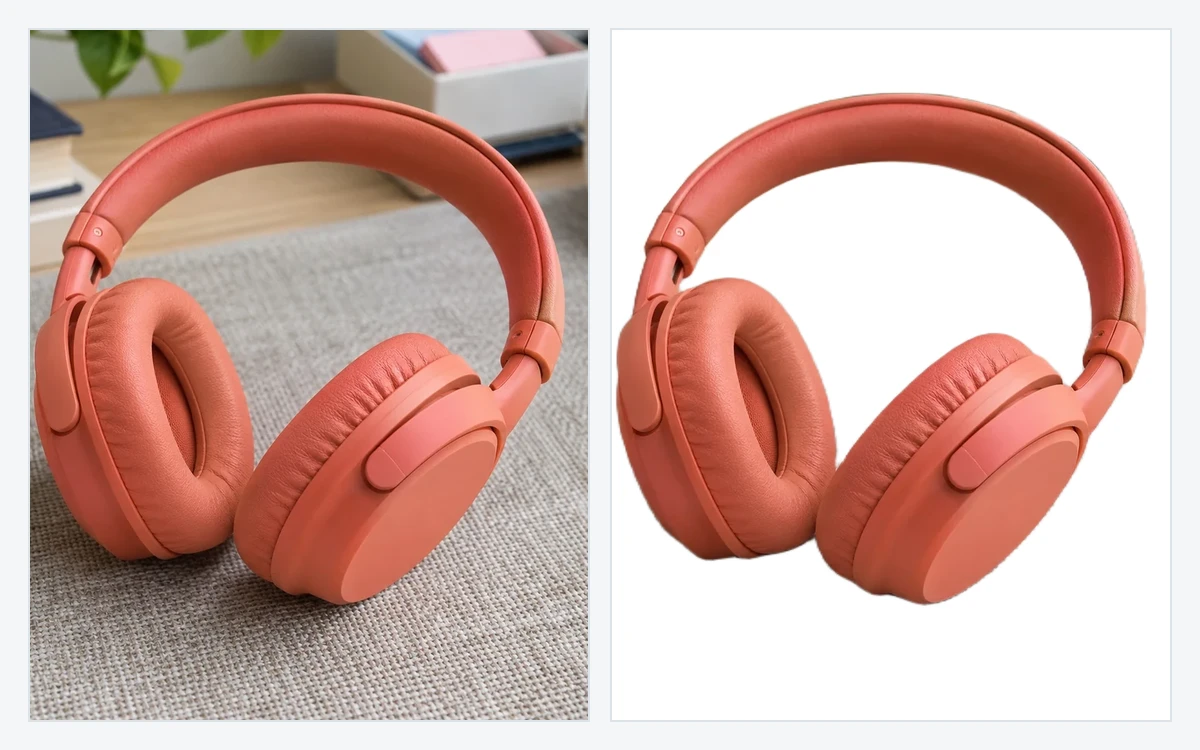
Coral wireless over-ear headphones resting on a cluttered surface beside boxes and desk items before background removal for a BigBasket catalog photo

Compare an everyday cluttered product snapshot against its clean cutout for BigBasket search grids. Actual results vary by photo.

Related Tools

Switch Between White Backdrops and Transparent PNGs

One clean cutout handles every slot in your BigBasket catalog. Apply a solid pure-white backdrop—or open our dedicated white background maker—for primary front-of-pack hero photos, or keep a true transparent PNG for nutritional callouts and store banners. Prepare compliant listing images and promotional graphics from a single upload without editing twice.

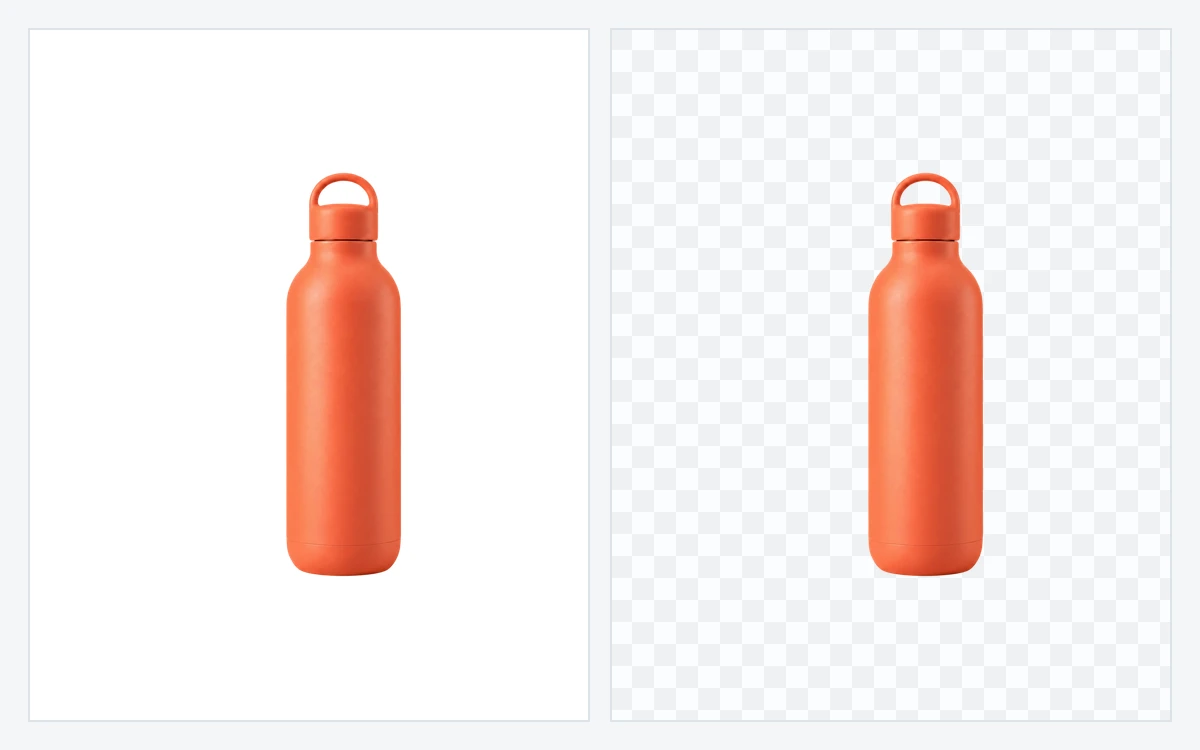
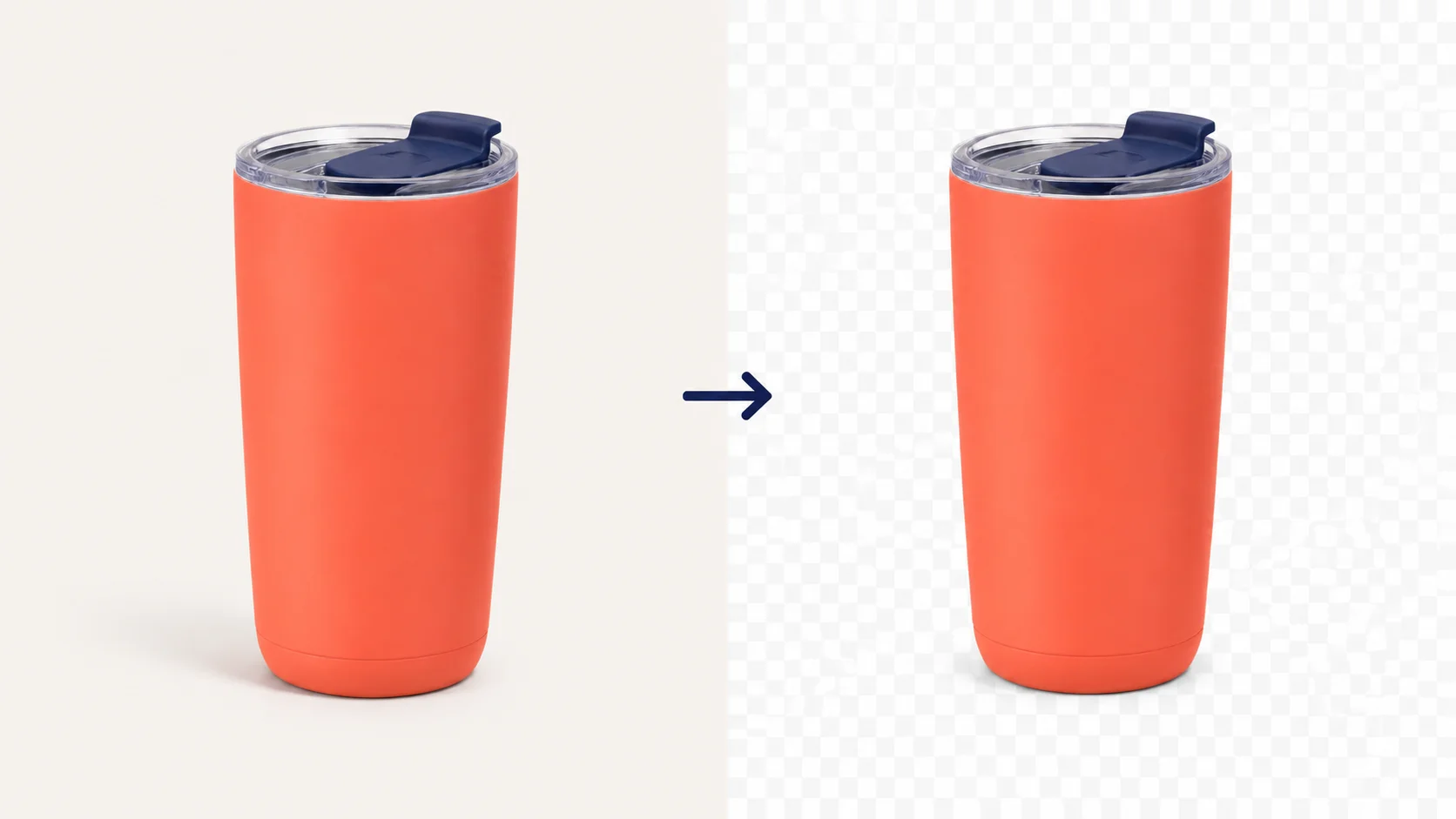
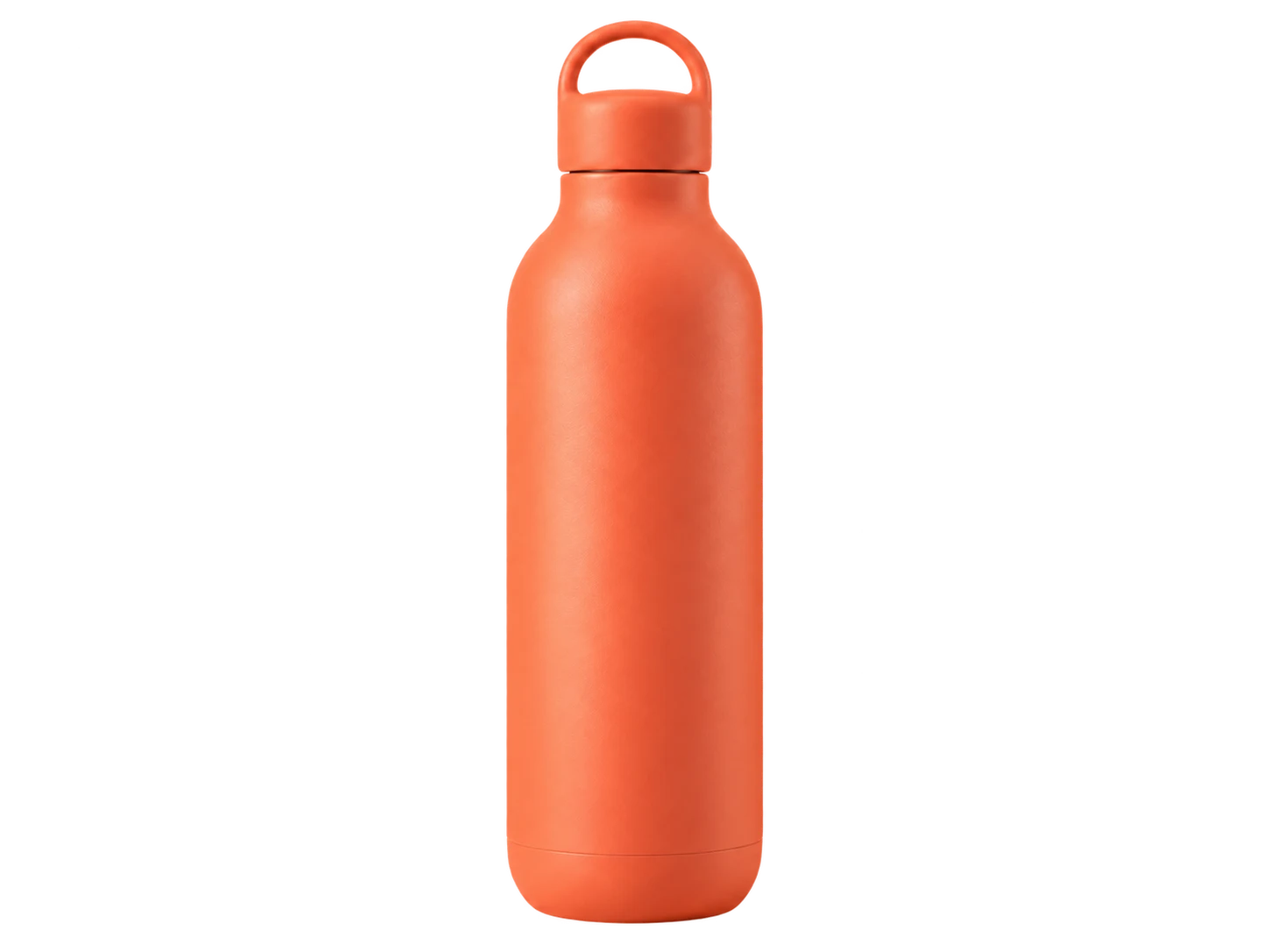
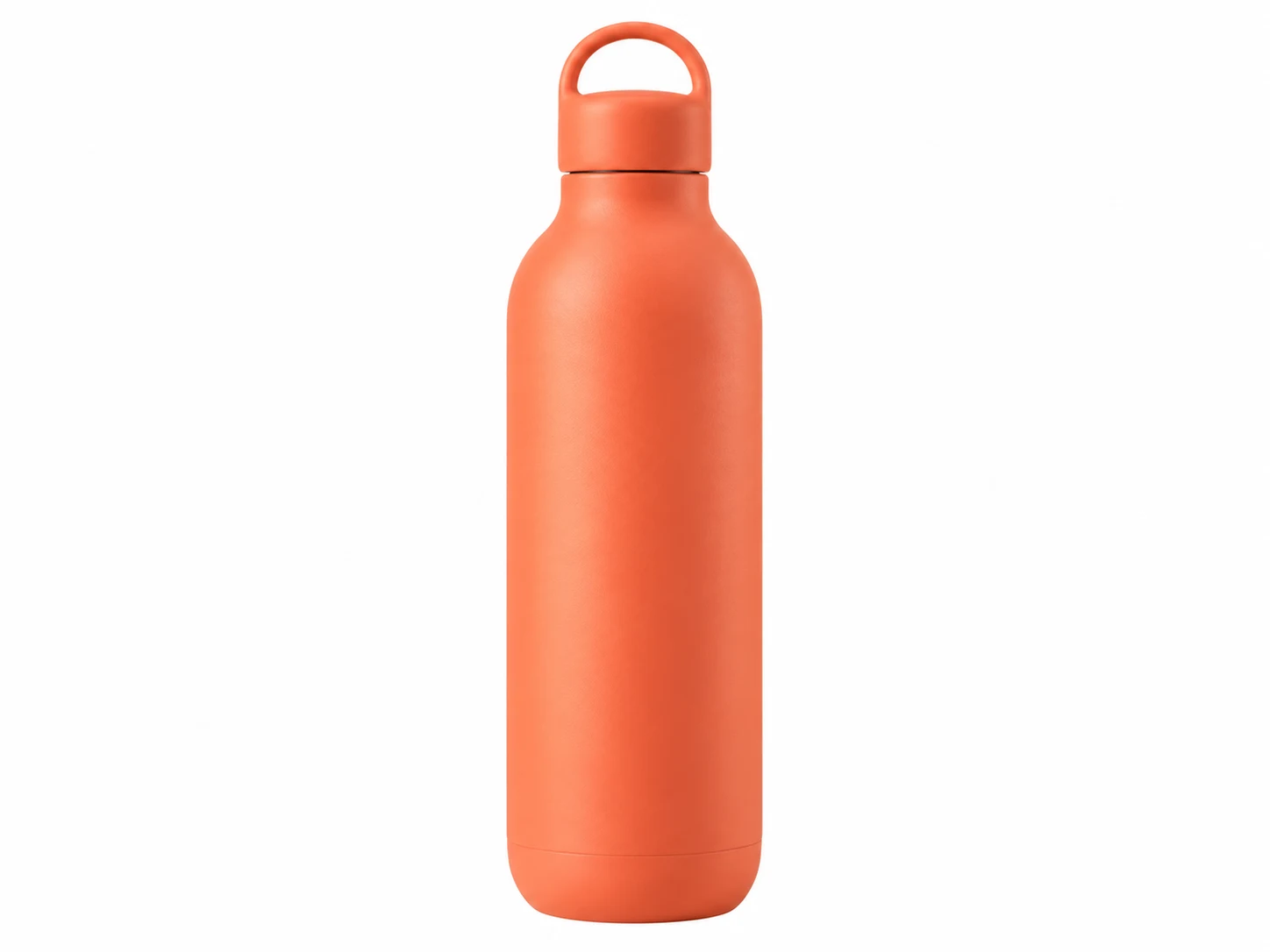
Matte coral insulated stainless-steel water bottle shown on a crisp pure white BigBasket primary product photo background

Compare a pure white (#FFFFFF) BigBasket main catalog backdrop against a transparent PNG cutout of the same insulated bottle.

Speed Up Daily BigBasket Catalog Prep Without Software

Whether you're onboarding ten regional snacks or updating hundreds of FMCG SKUs, manual clipping turns catalog prep into a slow chore. Clear single hero shots right in your browser with zero software setup, and process up to 20 items at once in our batch background remover. Keep your entire BigBasket store looking cohesive across every aisle.

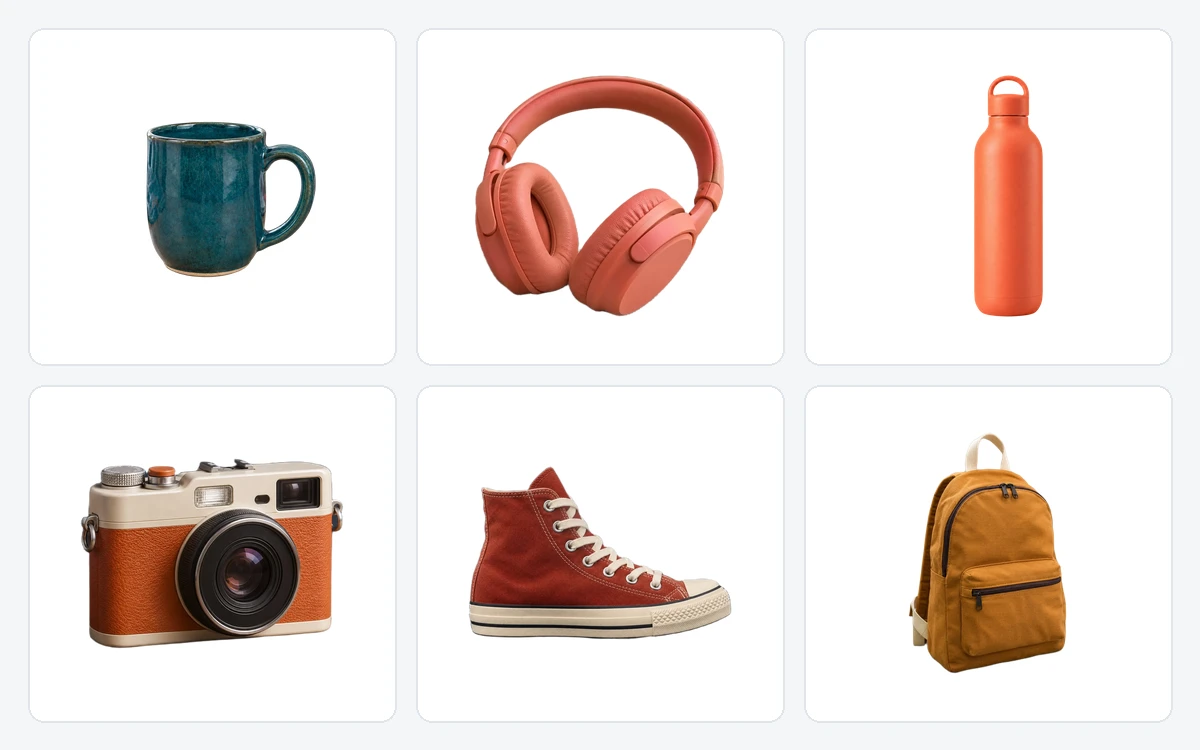
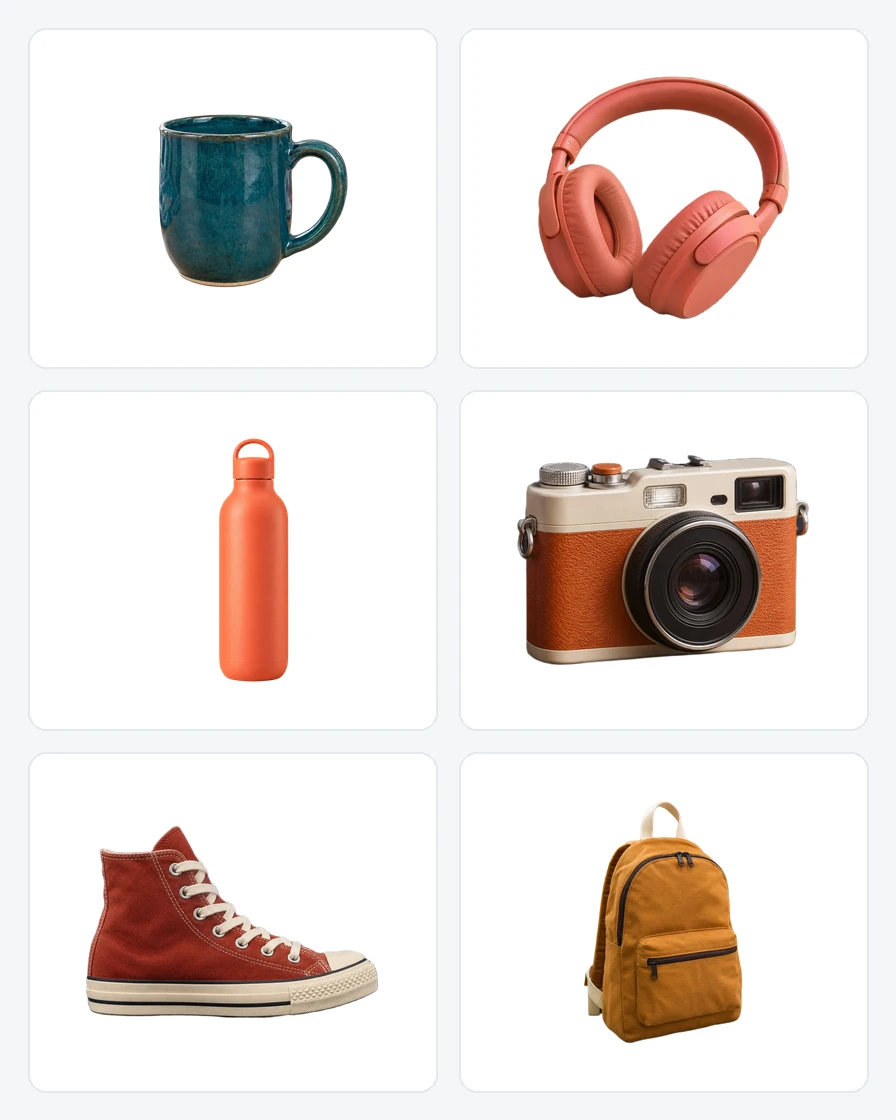
A cohesive 2x3 e-commerce product catalog grid featuring a ceramic mug, wireless headphones, insulated bottle, compact camera, canvas sneaker, and backpack isolated on pure white backgrounds for BigBasket

Turn mixed tabletop and warehouse snapshots into a cohesive, pure-white BigBasket catalog grid.

How to remove backgrounds for BigBasket listings

Create clean white or transparent BigBasket product photos in 3 simple steps with no signup.

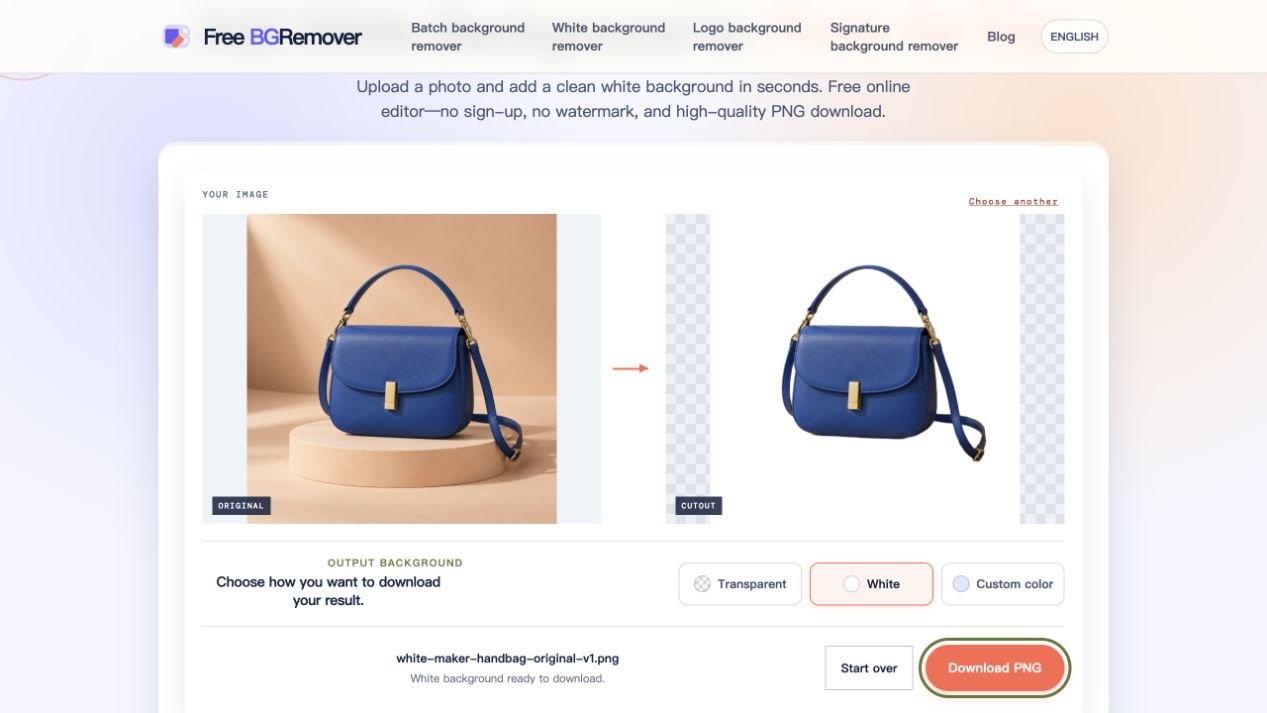
  1. 01

    Upload your BigBasket photo

    Drag and drop or select your grocery, packaged food, or household item photo in JPG, PNG, or WebP up to 15 MB directly in any browser.

  2. 02

    Let AI remove the background

    Free BGRemover automatically clears kitchen counters, warehouse shelves, and shadows while keeping pouches, bottles, and label text crisp. Switch between transparent and pure-white previews immediately.

  3. 03

    Download your clean PNG

    Save a high-resolution, watermark-free pure-white (#FFFFFF) or transparent PNG in one click, ready for BigBasket catalog submissions, back-of-pack panels, or promotional banners.

Why choose Free BGRemover for BigBasket product photos

Purpose-built for grocery and FMCG sellers who need fast, compliant catalog photos without studio retouching.

Before-and-after comparison of a glazed teal ceramic mug isolated from a cluttered table onto a seamless pure white BigBasket product background

Pure-White Catalog Backdrop Ready

Replace cluttered kitchen or warehouse backdrops with a solid pure-white (#FFFFFF) canvas tailored for primary BigBasket front-of-pack listings and clean visual approval.

Switch cluttered tabletop backdrops to pure white (#FFFFFF) for primary listings.
Side-by-side cutout preview of a retail product cleanly separated from tabletop clutter onto a pure white backdrop with sharp, halo-free edges

Crisp Grocery Packaging Edges

Keep crisp outlines around glossy snack pouches, spice jars, cartons, and fresh produce without jagged clipping or distracting gray halos along packaging borders.

Clean product edge detection that preserves packaging outlines and fine details.

Multiple retail items presented consistently on uniform pure-white catalog tiles for clean multi-SKU BigBasket listings

Multi-Panel SKU Consistency

Clean up front packs, nutrition tables, ingredient panels, and legal metrology shots on the same pure-white backdrop so every SKU image set stays uniform.

Keep every product angle and catalog tile uniform on one pure-white standard.

Split comparison showing an insulated coral water bottle on a pure white primary canvas beside a true transparent PNG checkerboard cutout

True Transparent PNG Cutouts

Export clean Alpha-transparent PNGs alongside pure-white files to build BigBasket category banners, combo-pack visuals, and comparison graphics without re-cutting products.

Export pure white for main catalog slots and transparent PNG for store banners.

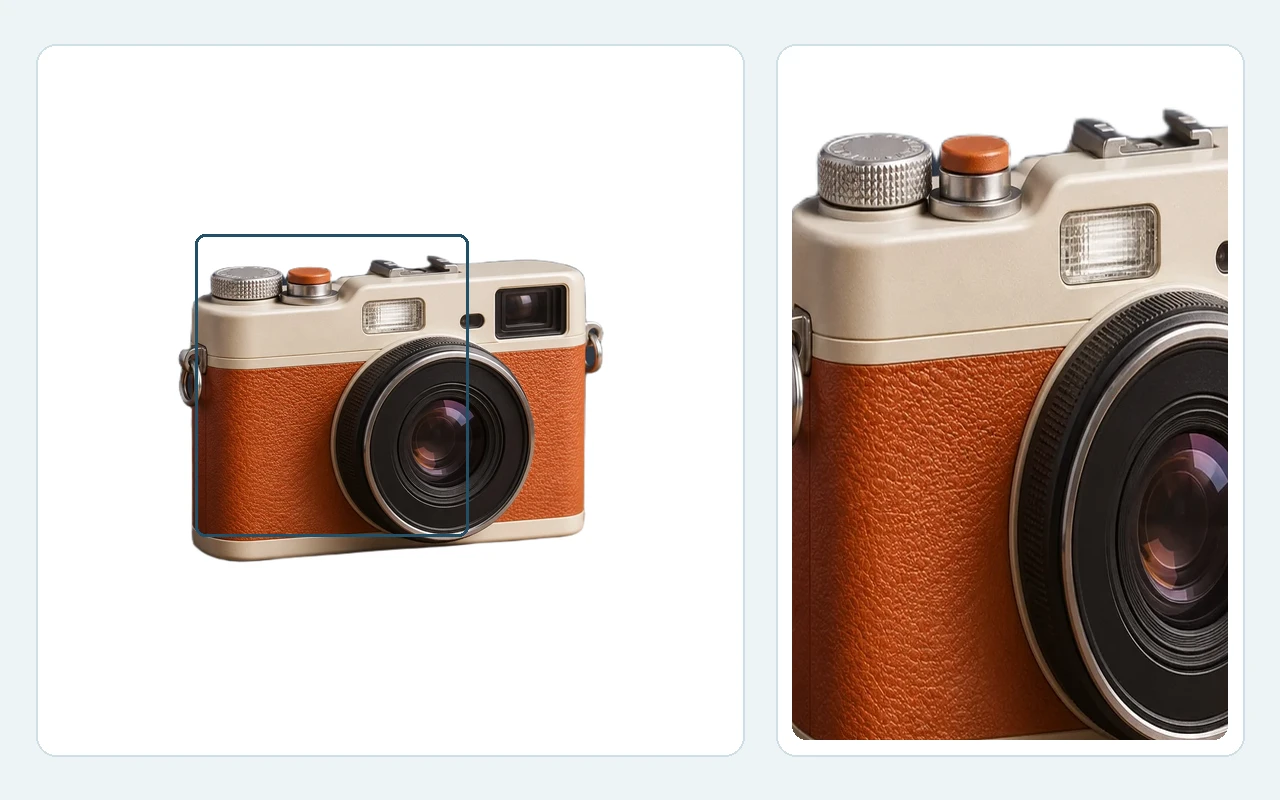
Clean white-background product preview paired with a magnified detail crop highlighting crisp surface textures and fine readable details

Original Resolution Label Clarity

Preserve your uploaded pixel resolution instead of shrinking outputs, keeping fine nutrition facts, ingredients, and MRP declarations sharp when grocery buyers zoom in.

Retain original uploaded resolution so label text stays sharp on zoom.

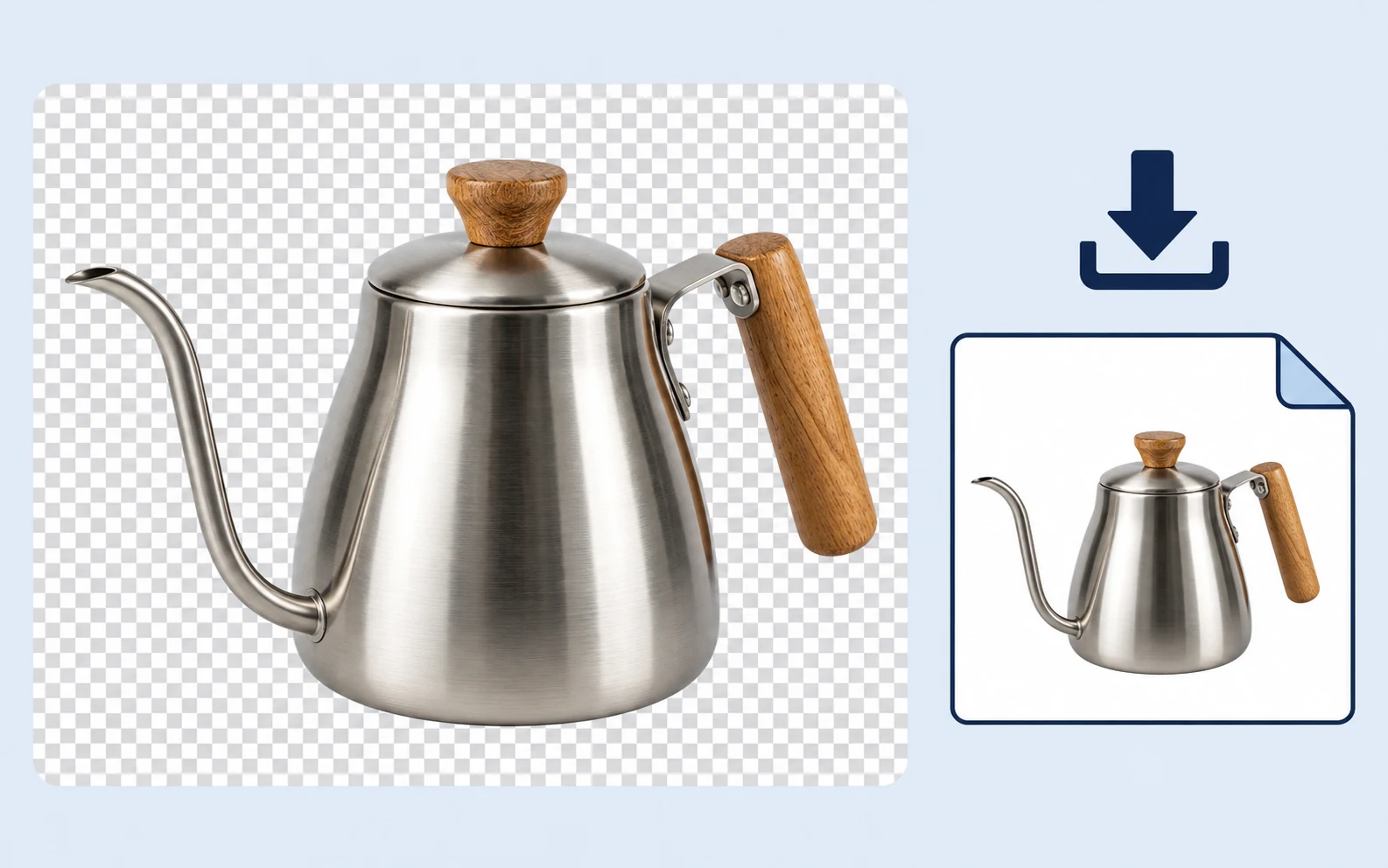
Stainless-steel pour-over kettle shown on a transparent checkerboard next to a clean white-background download preview with zero watermarks

Free, Watermark-Free Seller Exports

BigBasket rejects watermarked catalog images. Export crisp, watermark-free product cutouts free in your browser on desktop or mobile with zero account signup required.

Zero watermarks and zero account friction—ready for BigBasket catalog prep.

Who uses Free BGRemover for BigBasket product photos

See how food brands, fresh vendors, and catalog teams prep compliant BigBasket listings faster.

Brand catalog manager reviewing a uniform pure-white product grid on a desktop monitor beside physical product samples

Multi-Panel Pack Shots

Prepare front full-pack images, nutrition panels, and ingredient shots from sample photos without hiring retouchers, getting consistent pure-white catalog assets ready for BigBasket vendor approval.

  • Clean front-of-pack, nutrition, and ingredient panel photos in seconds
  • Keep glossy snack pouches, boxes, and jar outlines crisp on pure white (#FFFFFF)
  • Preserve original resolution so shoppers read fine label text cleanly
Prep Packaged Food Photos
What background does BigBasket require for product photos?

BigBasket requires a clean, solid pure-white background for primary product images, with no shadows, props, text overlays, or watermarks. Packaged grocery SKUs also typically require clear front-of-pack, nutrition facts, ingredients, and manufacturer detail shots so listings pass vendor catalog checks smoothly.

Can I turn a phone grocery photo into a BigBasket white background?

Yes, upload any sharp smartphone photo in JPG, PNG, or WebP format and Free BGRemover strips cluttered counters, shelves, or shadows in seconds. You can immediately switch the backdrop to pure white (#FFFFFF)—or use our white background maker—to export a listing-ready cutout.

Should I upload a pure-white or transparent PNG to BigBasket?

Use a solid pure-white background for primary BigBasket product listings so your item blends cleanly into catalog grids without rendering artifacts. Export a transparent PNG when building secondary graphics, combo-pack layouts, or promotional store banners where you need to layer the isolated product.

How do I get JPG files if BigBasket requires JPEG?

Free BGRemover exports clean PNG files in both transparent and pure-white (#FFFFFF) modes. Because BigBasket vendor portals commonly request .jpg or .jpeg uploads, simply select pure white before downloading and save the white-background PNG as a JPG so edges stay spotless without turning black.

Does removing the background resize photos to 500x500 or 1000x1000 pixels?

No, Free BGRemover preserves your original uploaded pixel dimensions rather than auto-cropping, upscaling, or altering DPI metadata. Because BigBasket typically requires at least 500x500 pixels and crisp clarity for zoom, start with a sharp, well-centered high-resolution photo before clearing the background.

Can I clean backgrounds for multiple BigBasket SKU listings in bulk?

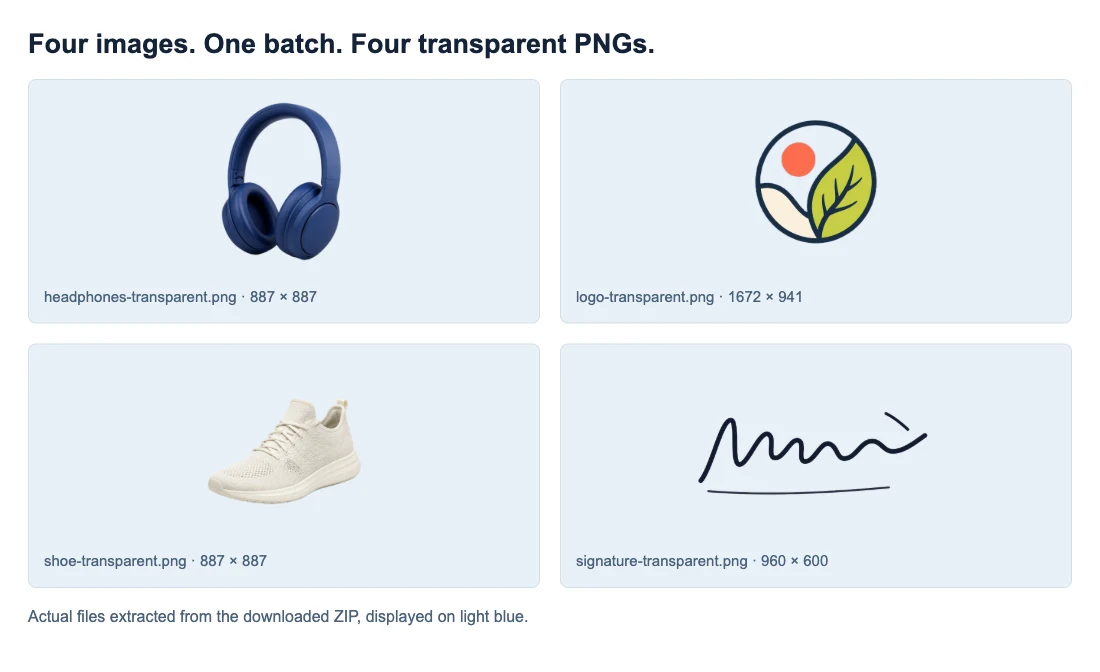
Yes, process single hero product shots directly on this page, and move larger catalog updates to our batch background remover. It handles up to 20 BigBasket product images per browser batch and packages every clean cutout into one convenient ZIP download.

Is this BigBasket background remover really free without watermarks?

Yes, Free BGRemover is completely free to use online with no account signup and zero watermarks added to your downloaded cutouts. That keeps every packaged food, grocery, and household photo compliant with BigBasket's strict catalog rules against watermarks and promotional logos.

What file formats and devices work for BigBasket background removal?

Upload saved JPG, PNG, or WebP product photos up to 15 MB from any desktop, iPhone, or Android browser with no software installation required. After automatic background removal, download your full-resolution pure-white or transparent PNG immediately for catalog prep.

Frequently asked questions about BigBasket background removal

Direct answers on BigBasket white-background standards, packaging panels, image formats, and free browser processing.

Ready to clean up your BigBasket product photos?

Erase cluttered backdrops in seconds and export pure-white or transparent PNG cutouts—free online in any browser.

Remove BigBasket Background Free Now